

A blank edit can make a simple ad feel like a big job. These video ad examples give you 15 starting points, grouped by the goal each one serves, so you can pick a format and shape it for your audience.
We analyzed 35 comments and questions from YouTube and Quora about video ad examples and found that 17% mentioned excessively long ads.
Product Demo Video Ad Examples for Social Media
A product demo should show the thing doing its job. For social, make the first shot clear on a small screen, then show one useful action instead of rattling off every feature.
1. The one-action product reveal
Open on a close view of the product, then show one motion that makes its use easy to understand. A mug could be set beneath a coffee maker as steam rises. A bag could open to show how much it holds. Keep the camera move simple and leave room for a short caption.
For a small business with product photos but no shoot setup, Veo Studio is an independent browser-based video tool powered by Google's Veo 3.1 models. You can upload a reference image and describe the action, camera move, and light. First and last frame control can help guide how a clip begins and ends.
Veo Studio supports vertical and landscape output, so you can plan the shot for a short-form feed or a wider placement. Its product video ad formats and creative guide can help you match the concept to the campaign goal.
2. The feature in a real routine
Show the product where someone would actually use it. A lunch container goes into a work bag. A desk lamp turns on as the room gets dim. This format helps people picture the product in their own day, without needing a long voiceover.
3. The close-up detail test
Pick one detail buyers may want to inspect, such as a clasp, texture, or moving part. Hold the frame steady while the detail is shown, then add a short line that names what the viewer is seeing. Don’t imply a test proves more than it does. For generated scenes, use a reference image and check the result against the actual item before publishing.
UGC-Style Testimonial and Creator Video Ad Examples
Creator-style ads borrow the look of a personal post: a person speaks to camera, shows an item, or answers a question. The style can feel casual, but the claim still needs to be true. A creator’s opinion is not proof that every customer will get the same result.
4. The honest first reaction
Start at the moment someone opens or tries the product. Let the person say what they noticed in their own words, then show the item while they explain. Don’t script a fake surprise or call the speaker a customer unless they really bought or used it. Keep the opening short enough that the actual reaction arrives quickly.
5. The comment reply demo
Use a real question buyers ask, then answer it with a visible demonstration. For example, if someone asks whether a case fits in a small bag, show the case beside the bag. Keep the question accurate and get permission before using a customer’s comment or post in a paid ad.
Veo Studio can generate clips with synchronized sound and dialogue. You can describe a character and add a short spoken line in quotes, then use reference images to guide character consistency. That can help when a creator-style concept needs a repeatable on-screen speaker, though you should check every result before treating it as a real testimonial.
6. The founder’s reason for making it
Have a founder explain the problem that led to the product, then show a few moments that support the story: a workbench, a packing table, or the product being made. The point is not to claim a dramatic origin story. It’s to give viewers a clear reason the product exists and what makes its approach distinct.
A useful brief separates facts from personal views. Mark which lines describe product details, which are the speaker’s own experience, and what action the viewer should take. The UGC ad formats and testimonial ideas offer more structures for creator-led clips.
Problem-Solution Video Ad Examples That Show the Payoff
Problem-solution ads work when the problem is easy to recognize and the product’s role is clear. Show the starting point, the action, then the result you can support. A dramatic before-and-after isn’t needed. A small change can tell the story.
7. The after-first reveal
Open with the finished result, then rewind to show how it started. A tidy drawer appears first, followed by the cluttered drawer and the organizer being used. This gives the viewer a reason to keep watching. Keep the camera angle and lighting similar so the change looks fair, not staged.
8. The daily snag and quick fix
Show one familiar hassle, such as a tangled charging cable or a hard-to-read screen outdoors. Then show the product addressing that exact issue. Add a short caption that names the situation. Avoid broad promises about saving time or solving every problem when the video only demonstrates one use.
9. The myth check
Turn a common buyer question into a simple test. Ask whether a storage bin fits under a bed, then show the measurement or the bin sliding into place. Keep the conditions visible. If the result is mixed, say so in the voiceover instead of cutting around the part that complicates the claim.
Veo Studio, an independent browser-based tool powered by Google's Veo 3.1 models, can help storyboard a problem scene when filming it would take extra setup. Describe one action and a clear camera direction, or guide the opening and ending with first and last frames. Scene extension can add seven seconds at a time to eligible clips, which may help when a short reveal needs more room to land.
Story-Driven Video Ad Examples for Brands and Products
A short brand story gives the product a role in a human moment. Keep the story focused: one person, one small conflict, and a clear change. The product can help move the scene forward without taking over every frame.
10. The small win in an ordinary day
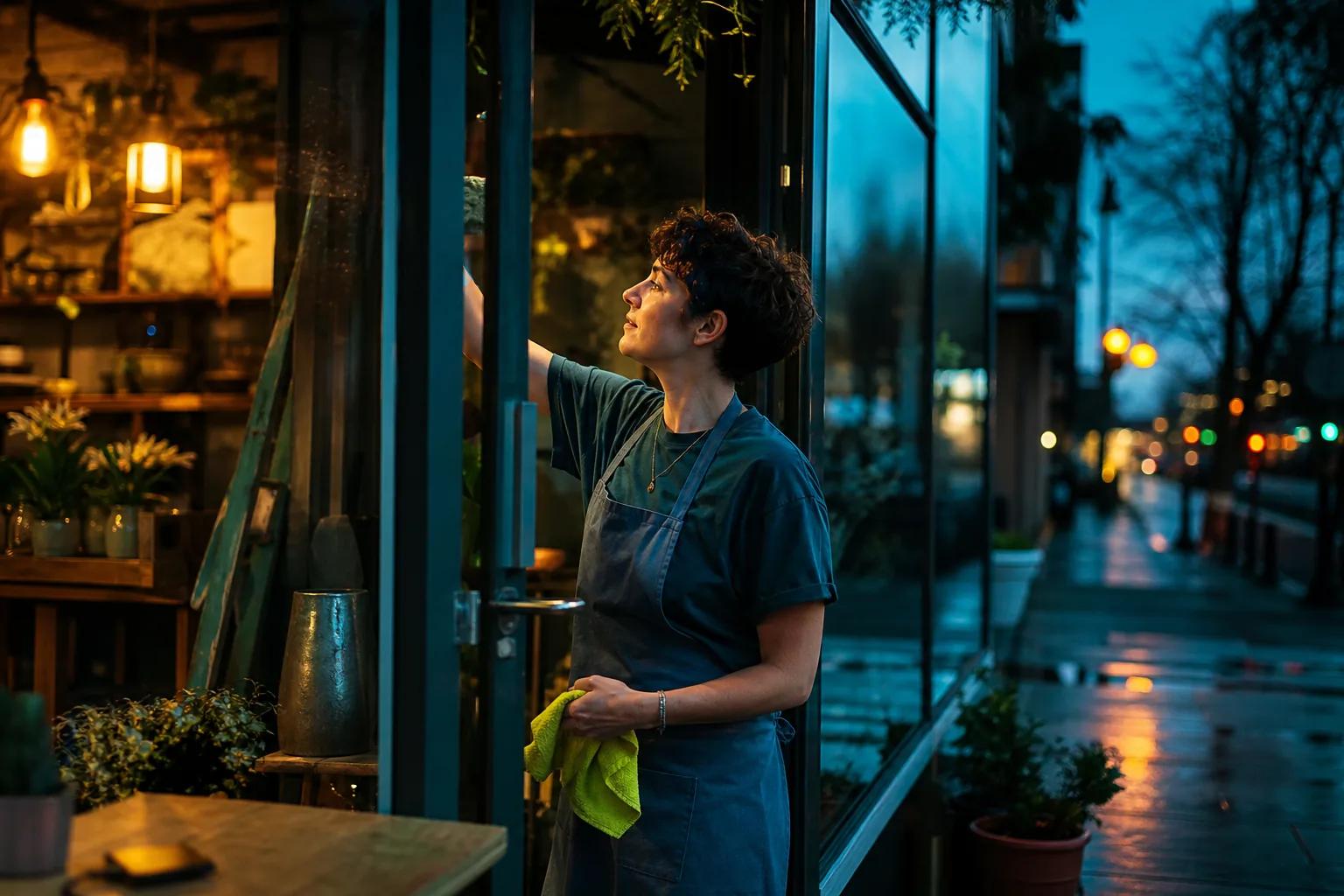
Show a familiar moment that turns out better than expected: a parent gets out the door on time, or a maker finishes a task before the shop closes. Let the product appear as part of the action, not as a separate feature list. End with a brand line or one next step.
11. The founder’s turning point
Build a compact story around the choice that shaped the business. Show the initial frustration, a moment of decision, then the work that followed. Keep the voice grounded in what the founder knows firsthand. The ad should explain why the product was made, not claim that its story guarantees a buyer’s outcome.
12. The character-led mini scene
Create a simple scene with one character and one line of dialogue. A tired commuter looks at a late train, then says, “I needed a better plan.” The product can enter as a natural next beat. Veo Studio supports synchronized dialogue and sound, and reference images can help maintain a character’s look within a clip.
For a campaign built around the same on-screen person, keep the character description and reference images consistent across the assets, then review each shot for changes in face, clothes, or setting.
Launch, Offer, and Seasonal Video Ad Examples
Promotional creative needs a clean offer and a clear end point. Put the key detail on screen long enough to read. If there’s a deadline or seasonal tie-in, make sure it matches the real offer and the campaign dates.
13. The new-arrival countdown
Build interest with three quick views of what’s changing: a detail, a use case, and the full reveal. End with the launch date or the action you want viewers to take. This can work for a new service or product line. Don’t add a countdown unless the launch date is firm.
14. The limited-time offer in plain view
Say what the offer is, who can use it, and when it ends. Then show the product or service that the offer applies to. A simple voiceover can carry the details while captions repeat the terms. Keep the CTA direct, such as “Shop the offer” or “See the menu,” rather than asking for several actions.
15. The seasonal ritual
Choose one seasonal moment your audience already knows: setting a table, packing for a trip, or getting a shop ready for a busy weekend. Let the product fit into that moment. Start production early enough to review claims and dates, but avoid adding holiday details that don’t fit the audience or the offer.
For these concepts, Veo Studio can turn a prompt or reference image into a video with generated sound. Its paid plans start at $14 per month, and a free plan includes a couple of 720p videos each month with no card required.
FAQ: Video Ad Examples
What makes a video ad effective?
An effective video ad makes its point quickly and gives the viewer one clear next step. Start with a hook that fits the audience, show the product or story in a way that supports the claim, then use a direct CTA. Check the result against the campaign goal, such as clicks or purchases, rather than judging by views alone.
How long should a social video ad be?
Use the shortest cut that explains the idea and fits the placement. A quick product action may need only a few beats, while a story may need more time. Check the platform’s current placement rules before export, and make sure the opening still works if viewers see only the first seconds.
Should video ads have captions?
Yes, captions help viewers follow spoken information when their sound is off or hard to hear. Keep captions readable on a phone and away from interface buttons. Also review dialogue for accuracy. When sound carries an important scene detail, consider whether the visuals or a short description can communicate that detail too.
How can I test different video ad ideas?
Change one major element at a time, such as the opening hook, while keeping the audience, offer, and rest of the edit steady. Then compare the metric tied to your goal, like click-through rate for traffic or purchases for sales. A small test can help you decide what to make next, but don’t treat one result as a promise of future performance.
Conclusion
Choose one concept that answers a real buyer question, then write a simple shot list before you film or generate anything. If you’re planning a product campaign, the AI video ad generator guide can help you shape the next draft.


