A free AI video generator for ads can help you test a product idea without booking a shoot. But free access doesn’t always mean you can make a finished ad: limits on video volume, editing, or clean exports can shape the whole job. Here are six named options and what each can do for your workflow.
We analyzed 41 YouTube comments about free AI video generators for ads and found that 20% mentioned regional access and age verification problems.
1. Veo Studio
Veo Studio is an independent, browser-based AI video creation tool powered by Google’s Veo 3.1 models. It turns a text prompt or reference images into video with synchronized sound and dialogue, character consistency, frame control, and scene extension.
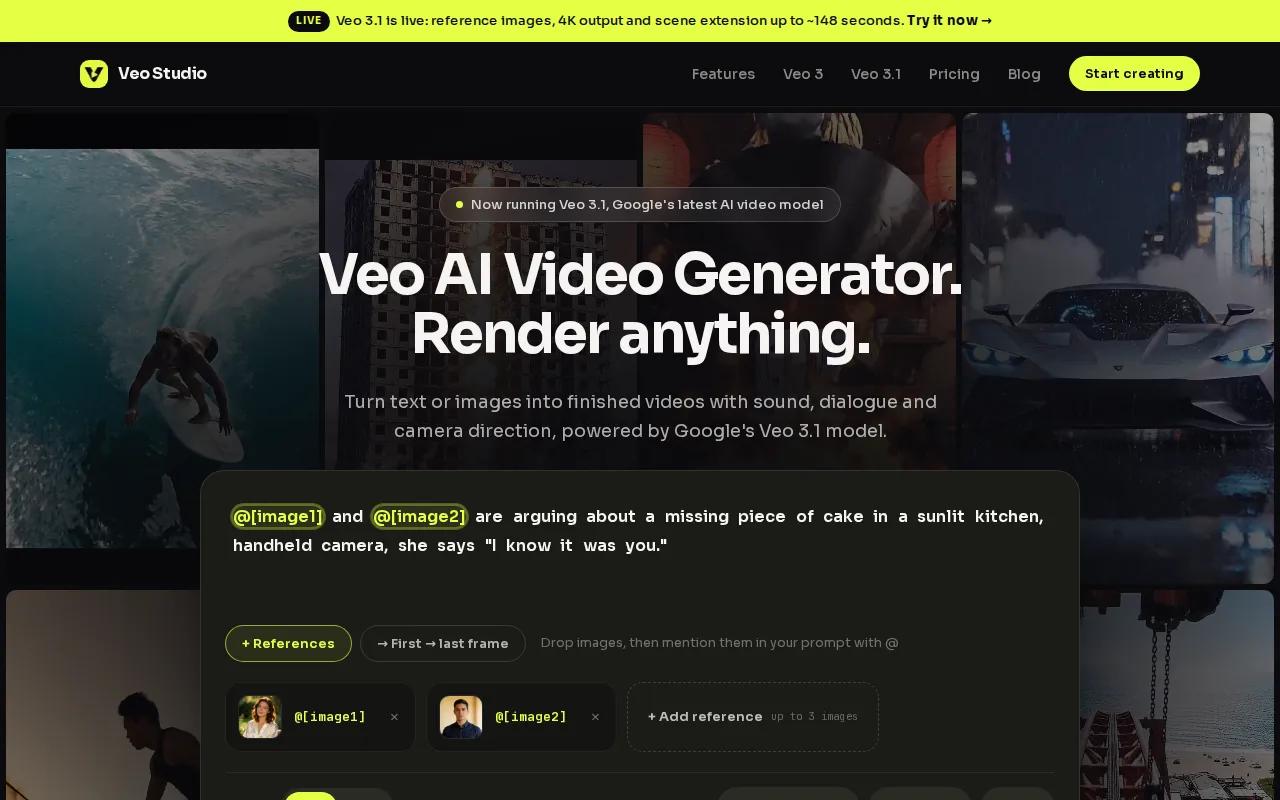
The free plan includes a couple of 720p videos each month, with no card required. It’s a useful way to test a product scene or social clip before paying. The plan is capped, so treat it as a way to try a concept rather than as a standing supply of ad versions.
Reference images help when the product or character needs to stay recognizable within a clip. You can also set first and last frames to guide the opening and ending, then use scene extension to add to a finished clip. The model generates speech with matching lip movement when you include dialogue in the prompt. That can save a separate voice track for a short scene.
For a vertical social ad, describe the action, camera move, and spoken line in one prompt. If the offer needs to appear as exact on-screen text, add that text during a separate edit and proofread it before publishing. Veo Studio supports up to 4K output on paid plans; free output is 720p. Its videos have no visible watermark.
Try one short draft first. The free AI video ad tools comparison can help you weigh this prompt-led workflow against other kinds of free access.
2. CapCut
CapCut is a free video editor with AI video tools and a timeline for shaping short social clips. It’s a fit when you want to make a draft from a script or image, then edit captions and music before export.
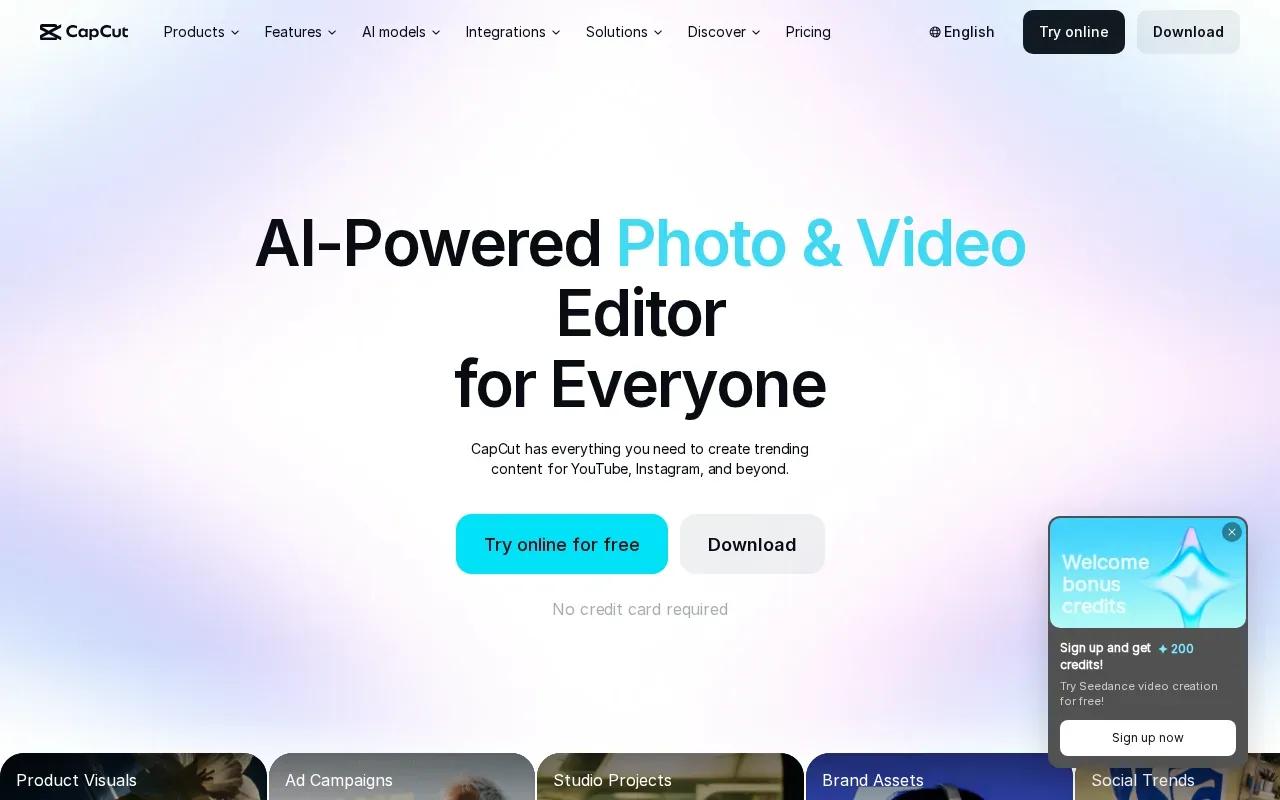
CapCut’s free plan starts with basic editing and templates. Its free plan has no export limit or watermark. That makes it useful for cutting a short version for TikTok, Reels, or Shorts without paying just to export. CapCut also describes its tools as a way to make content for YouTube, Instagram, and other platforms.
Keep the project’s parts in mind. CapCut’s AI features can use credits, and its AI video path may involve separate free-plan access, trials, or daily credits. The free plan, a trial, and credits aren’t the same thing. Check the balance and export screen in your account before planning a recurring series.
Watermark behavior can depend on the assets and features in your edit. Templates may add an ending logo clip, and some assets can have their own restrictions. For an ad, inspect the full export and check the terms for any music or other included material.
Choose CapCut when you already have footage or want to polish a generated draft with timeline edits. If your first need is a new scene made from a prompt, check that the AI allowance available to your account covers the test you have in mind.
3. Canva
Canva is a design and video workspace with a free tier, suited to marketers who want to assemble a branded ad from templates and existing assets. It’s especially handy if your team already uses Canva for social graphics.
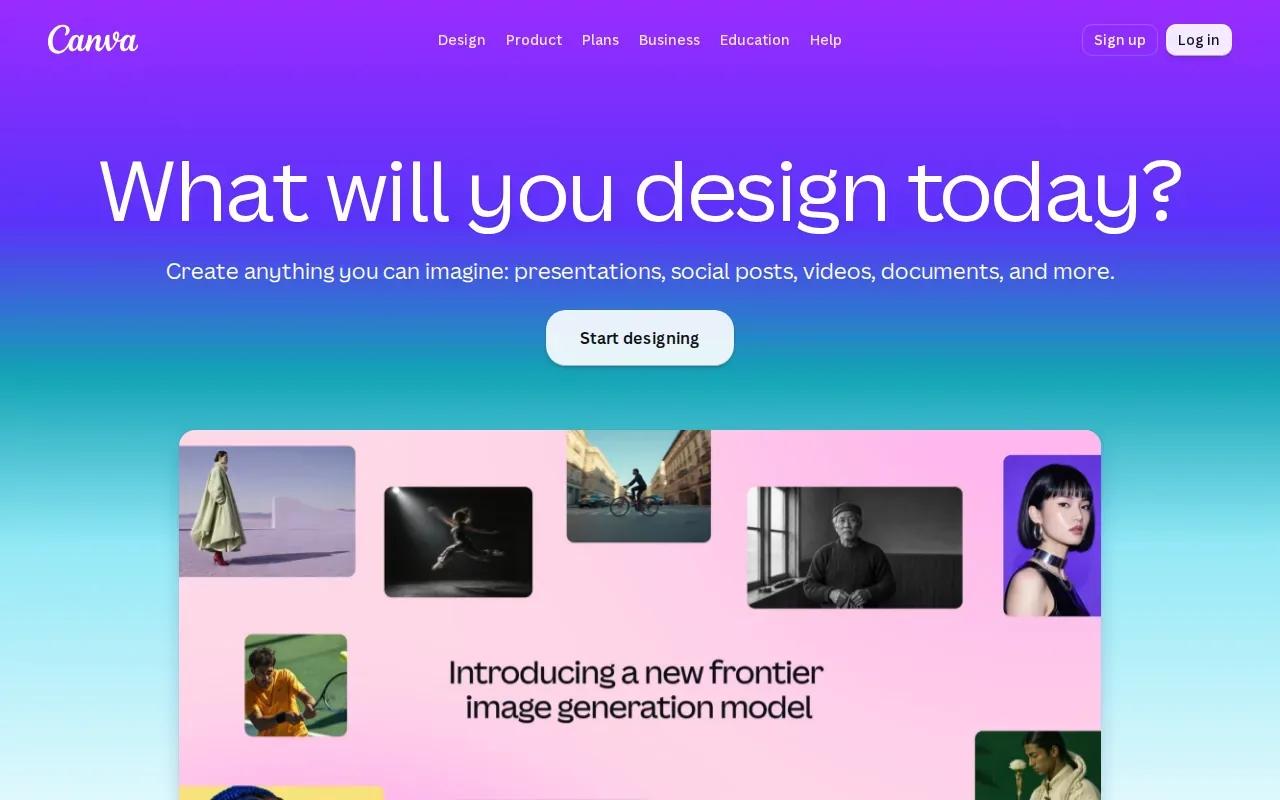
For a sale announcement, you might combine a product photo, a short clip, a headline, and a call to action in one designed layout. Canva’s templates can give that edit a ready-made structure.
Keep the distinction between designing a video and generating original footage clear. Canva’s AI video generation is part of a broader design workflow. Free exports may also depend on using free or owned assets. Check each item in the design before you export so a paid element doesn’t interrupt the handoff.
Canva fits ads built around clear brand visuals: a product still, a few short clips, and a message that needs to stay legible on a phone screen. It’s less suited to a brief that depends on a specific generated action or a presenter speaking directly to camera. For those jobs, use a tool built around generated scenes or avatars, then bring the result into your design workflow if needed.
If you’re weighing template-led work against prompt-based generation, the AI video generator options for ads offer another way to frame the choice.
4. Predis AI
Predis AI is a free-tier option for creating social media videos, ads, and branded content. It suits a small team that needs ad ideas and social posts to share a common look.
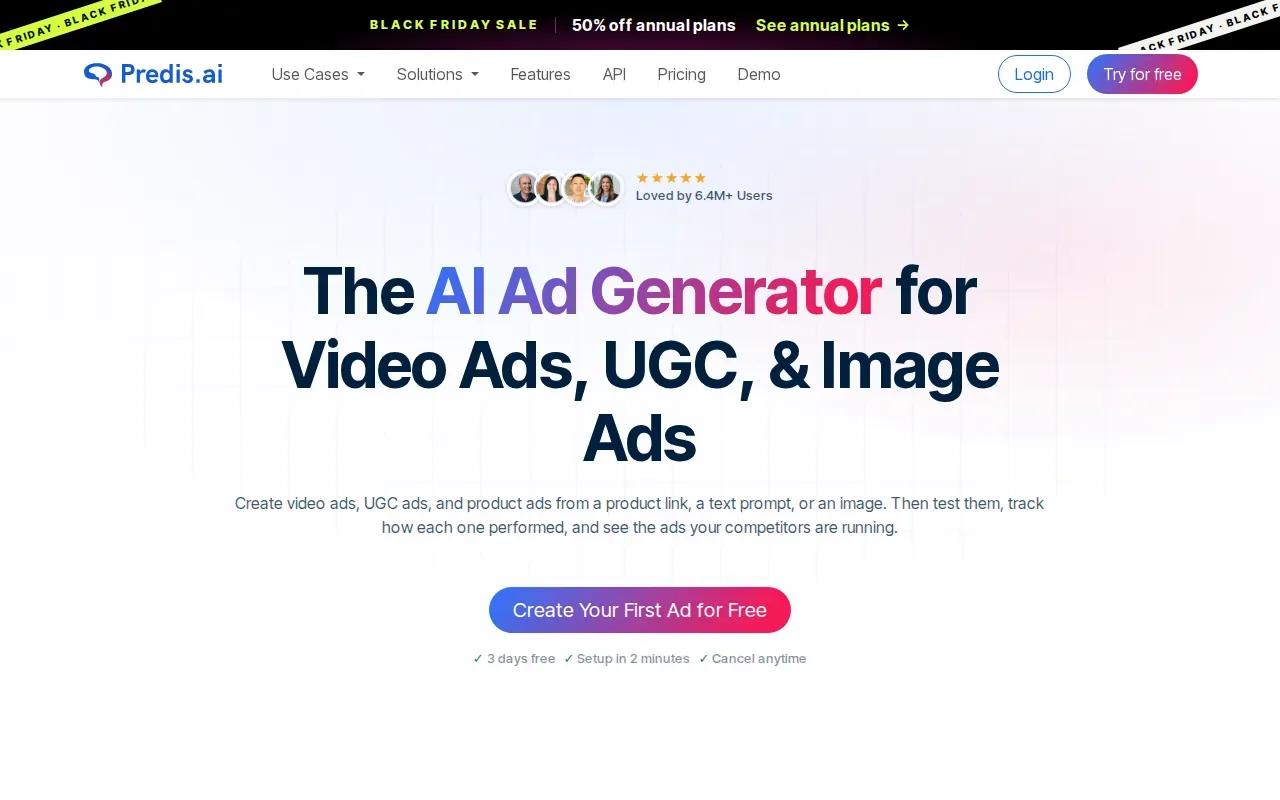
It can build ad visuals and copy together, then let you edit parts such as the hook or messaging. Brand settings can carry colors, tone, and a logo into generated work. That gives you a way to begin with a product or campaign brief rather than a blank canvas.
Predis AI also describes platform-sized ad creative for services such as Meta, TikTok, and Pinterest. It supports more than 19 languages for ad creatives, which may help when you need to prepare versions for different audiences. Treat every version as a draft: check the offer, product details, and wording before it goes into a paid campaign.
For a product launch, you could use the product link or an image as a starting point, then adjust the copy and visual direction to match the campaign. The free tier makes it possible to try that workflow. Before planning a production calendar, confirm Predis AI’s current free allowance in your account.
Predis AI is worth considering when you want branded social content and ad creative in one workflow. If the ad depends on a precise camera move or a spoken line synced to a character, compare that need with a video model that generates sound and dialogue in the same pass.
5. HeyGen
HeyGen is an AI video tool for presenter-led clips. Its free plan is permanent rather than a trial, but it’s capped at three videos per month. That makes it a clear option to test a short message delivered by an on-screen presenter.
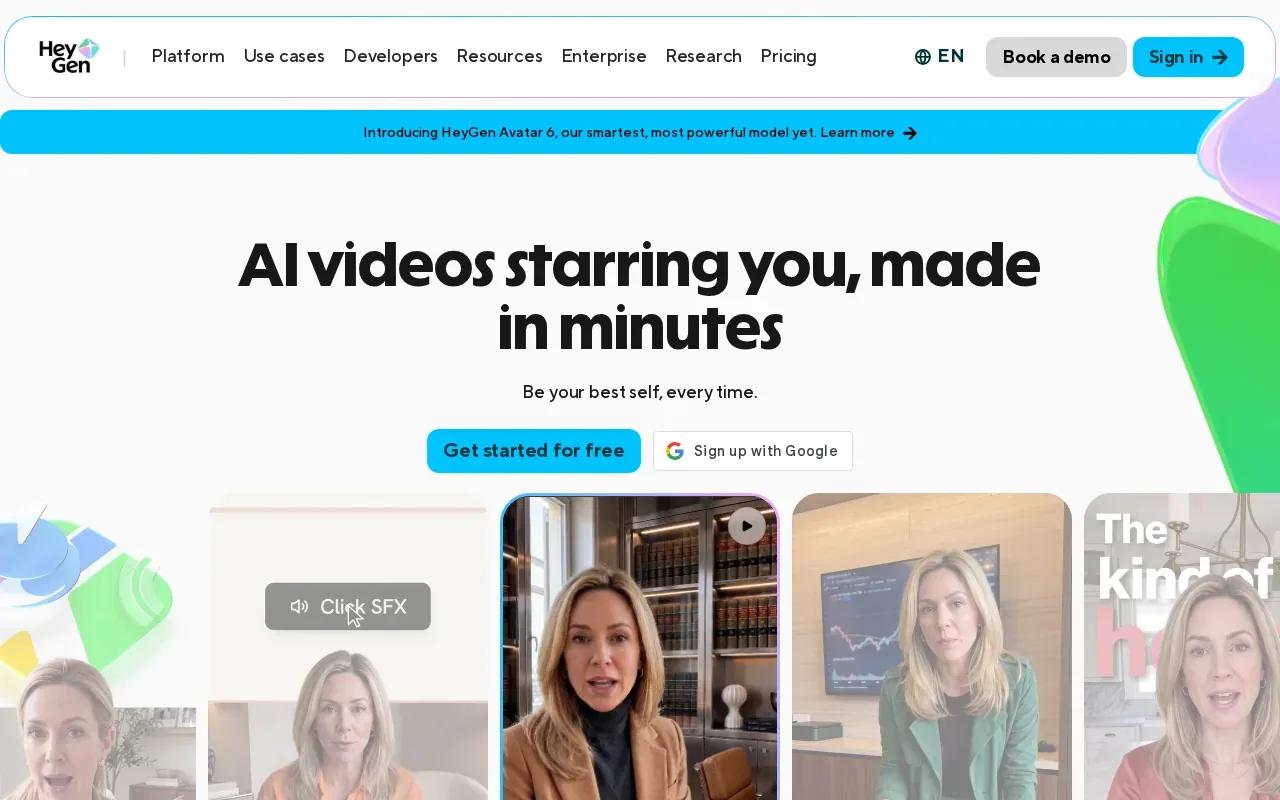
A presenter format can work for an explainer-style ad, a quick product overview, or a message where a person needs to speak to camera. Write the script before generating the video. Keep the first version focused on one audience and one offer, then review the spoken wording and timing before using the clip in an ad.
The free-plan cap is the key planning detail: three videos per month. That may be enough to test a few different messages, but it’s a tight allowance if each ad needs several rounds of revisions. HeyGen’s free exports carry a watermark. Check the export before you decide whether the result is suitable for a public post or only for an internal review.
Pick HeyGen when a presenter is central to the message. If the ad needs a product scene with a recurring character, reference images, or a sound-led action, a prompt-to-video tool may fit better. For a presenter draft, keep the script short and review the final clip as a viewer would see it on a phone.
6. InVideo AI
InVideo AI turns a prompt or video idea into a draft with a script, visuals, voiceover, subtitles, and music. Its free plan resets weekly, which gives you a recurring allowance rather than a single monthly reset.
This workflow can suit an explainer ad or a service promotion where the message needs several scenes. Start with a short brief that names the product, audience, offer, and tone. Then review the script before you generate the full draft. A prompt-to-video tool may choose visuals that need replacing, so check that each shot actually matches the product and claim.
The free-plan allowance is limited. Check the export before you plan to use it as a finished paid ad.
The table below matches common ad tasks to the workflow described for InVideo AI. It’s a planning aid, not a promise that each task fits within the free allowance.
| Ad task | InVideo AI fit | What to review |
|---|---|---|
| Turn a brief into a first draft | Prompt-to-video with script and scene assembly | Check that each scene supports the offer |
| Prepare a narrated explainer | Draft can include voiceover and subtitles | Proofread the spoken copy and captions |
| Make changes after generation | Review the generated draft | Review the hook, call to action, and export |
| Plan repeated free use | Allowance resets weekly | Confirm the current account limit before scheduling work |
InVideo AI is a reasonable place to test a script-led ad. The AI video ad generator tools for social campaigns can also help if you’re deciding whether you need a complete draft or a few custom-generated scenes.
FAQ
Can I make a video ad with AI for free?
Yes, several tools in this list have free plans or tiers. Their limits differ: Veo Studio includes a couple of 720p videos per month, while HeyGen allows three videos per month. CapCut and Canva can help with editing or template-led work. Check the free allowance and export rules before building a campaign around any one tool.
Which free AI video generator exports without a watermark?
CapCut’s free plan has no export limit or watermark. Veo Studio’s videos have no visible watermark. Still, inspect the exported file to confirm it matches your needs.
Can I use a free AI video in a paid ad?
Sometimes, but a free account alone doesn’t prove that commercial use is allowed. Check the licence for the tool, the plan, and any music or visual assets in your edit. Veo Studio’s paid plans include a commercial licence. For other tools, confirm the terms that apply to your output before you launch.
What’s the difference between text-to-video and image-to-video?
Text-to-video starts with a written prompt and generates a scene from that description. Image-to-video starts with a still image and adds motion. For an ad, a prompt can describe a new lifestyle scene, while a reference image can help guide a product-focused clip. Review the result carefully so the product and message match your brief.
How do I choose a free tool for a social ad?
Start with the kind of video you need. Choose a prompt-led generator for a new scene, a presenter tool for a spoken message, or an editor when you already have footage. Then check the free allowance, export quality, watermark behavior, and commercial terms. Make one test for the platform you plan to use before committing to a repeat workflow.
Conclusion
For a prompt-led ad that needs synchronized sound, dialogue, or a consistent subject, start with Veo Studio’s free plan and test one short draft. If your ad is mainly an edit of existing footage, try CapCut or Canva instead. Before publishing, review the export and confirm that the licence covers your ad use.