
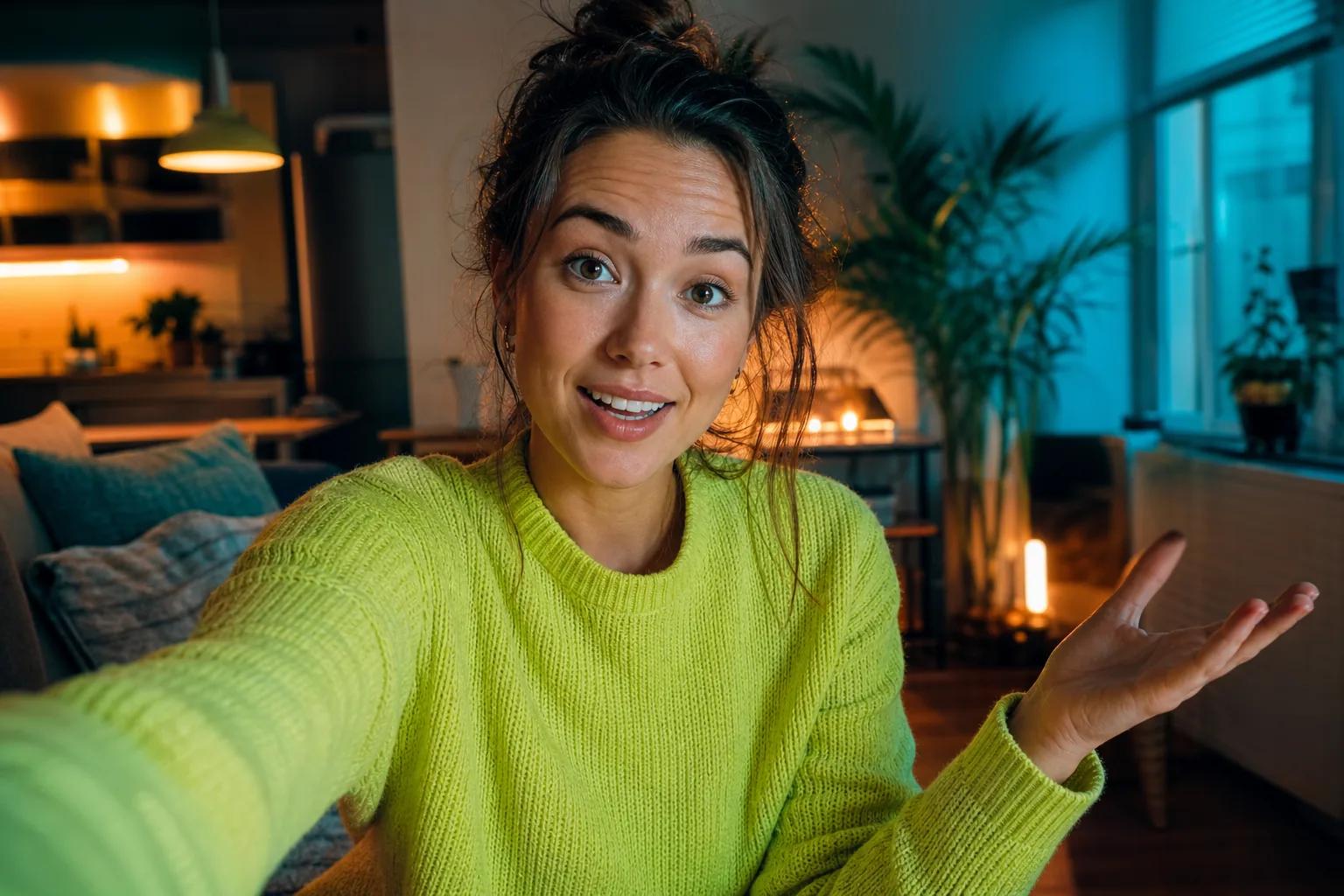
A phone-shot video can feel more persuasive than a polished commercial when it shows a clear, believable moment. These UGC ad examples break that feeling into ten repeatable formats, with hooks and simple story beats you can adapt for your own campaign.
We analyzed 47 comments from YouTube and Reddit about user generated content ads and found that 13% mentioned methods for creating effective UGC ads.
UGC Ad Examples Built Around Testimonials and Reactions
UGC, or user-generated content, is content made by customers or creators. A UGC-style ad uses that personal, feed-native feel for a paid message. The strongest testimonial doesn’t sound like a slogan. It gives a viewer one clear reason to believe the person on screen.
1. The honest testimonial
Start with a real reaction, then explain the specific experience behind it. A creator might open with, “I almost returned this,” then say what changed their mind. Ask for a truthful account, not a glowing review. If the person hasn’t used the product, don’t frame their words as a customer testimonial.
2. The review reaction
Use a genuine customer comment as the starting point. The creator reads or responds to it, then adds context or shows the feature it mentions. For example, a comment asks whether a kitchen tool is easy to clean. The creator answers by showing the cleanup. Get permission before using a customer’s words or post.
3. The objection answer
Choose one concern buyers raise, such as fit, setup time, or whether a feature works as described. Open with the question, then answer it on camera. Keep the proof visible. A quick demo is more useful than a broad claim like “It’s super easy.”
For paid endorsements, make the relationship clear to viewers.
Use reactions to answer a real question, not to stage surprise. A creator can respond to a comment with a short test, or tell a small story about what they expected versus what happened. Keep the original comment accurate and get permission when needed.
Unboxing and Product-Demo UGC Ad Examples
4. The first-impression unboxing
Begin with the package already in hand, then get to the reveal quickly. Show what arrives and what the person notices first. This format fits products where packaging, setup, or the first touch helps a buyer picture the experience. Skip a long intro. The viewer wants to see the moment, not watch someone find scissors.
A useful hook might be, “I didn’t expect this to feel so solid.” That line only works if it reflects the creator’s real reaction. For a paid ad, make the product clear early and end with one simple next step.
5. The quick tutorial
Show one task from start to finish. A creator might explain how to set up a small desk light, or demonstrate one way to use a cooking tool. Put the outcome in the opening line, then show the action in order. If there are several steps, use short on-screen cues so the viewer can follow with the sound off.
For software, show the screen action that solves a common snag. Don’t narrate every click. Keep the demo focused on the one feature the ad promises, and make sure the screen is readable on a phone.
6. The comparison test
Compare two ways to handle the same task, such as doing it by hand versus using a product. Set up the comparison fairly. Keep the conditions alike and show the result without hiding an inconvenient detail. The point is to help someone judge the difference, not to claim every alternative fails.
When the concept depends on a visual shift or a spoken line, Veo Studio can help draft creator-style scenes from a prompt or reference image. It’s an independent, browser-based video creation tool, with synchronized sound and dialogue, character consistency, and up to 4K output. Treat generated creative as a draft: check the script, the product details, and any claims before use.
A focused AI UGC video generator workflow can help turn one concept into variations with different opening lines. Keep the demo body steady while testing hooks, so you can tell which change earned attention.
Problem-Solution and Before-and-After UGC Ad Examples
7. The problem, then the fix
Name a problem the audience recognizes, then show how the product helps with that exact problem. “My bag is always a mess” is easier to picture than “I need a better lifestyle.” Show the old workaround first, bring in the product, and close with a supported result or a clear next step.
Keep the problem narrow. A video about a tangled charging cable can show the tangle, the fix, and the tidier result. It doesn’t need to claim the product will change someone’s whole day.
8. The matched before-and-after
Show two states with the same framing and similar light. A cluttered shelf followed by the organized shelf tells the story in a glance. Add a clear time marker if the change takes days or weeks. Don’t imply a result happened faster than it did.
This format needs extra care when a visual result could be read as a health or performance claim. Use a real outcome that the advertiser can support. Don’t change lighting, angle, or editing to make the “after” look more dramatic than it was.
9. The myth check
Pick one common claim or question, then test it in a way viewers can see. A creator could ask, “Does this actually fit in a small drawer?” and show the answer. Keep the test honest, even if the result is more nuanced than a yes or no.
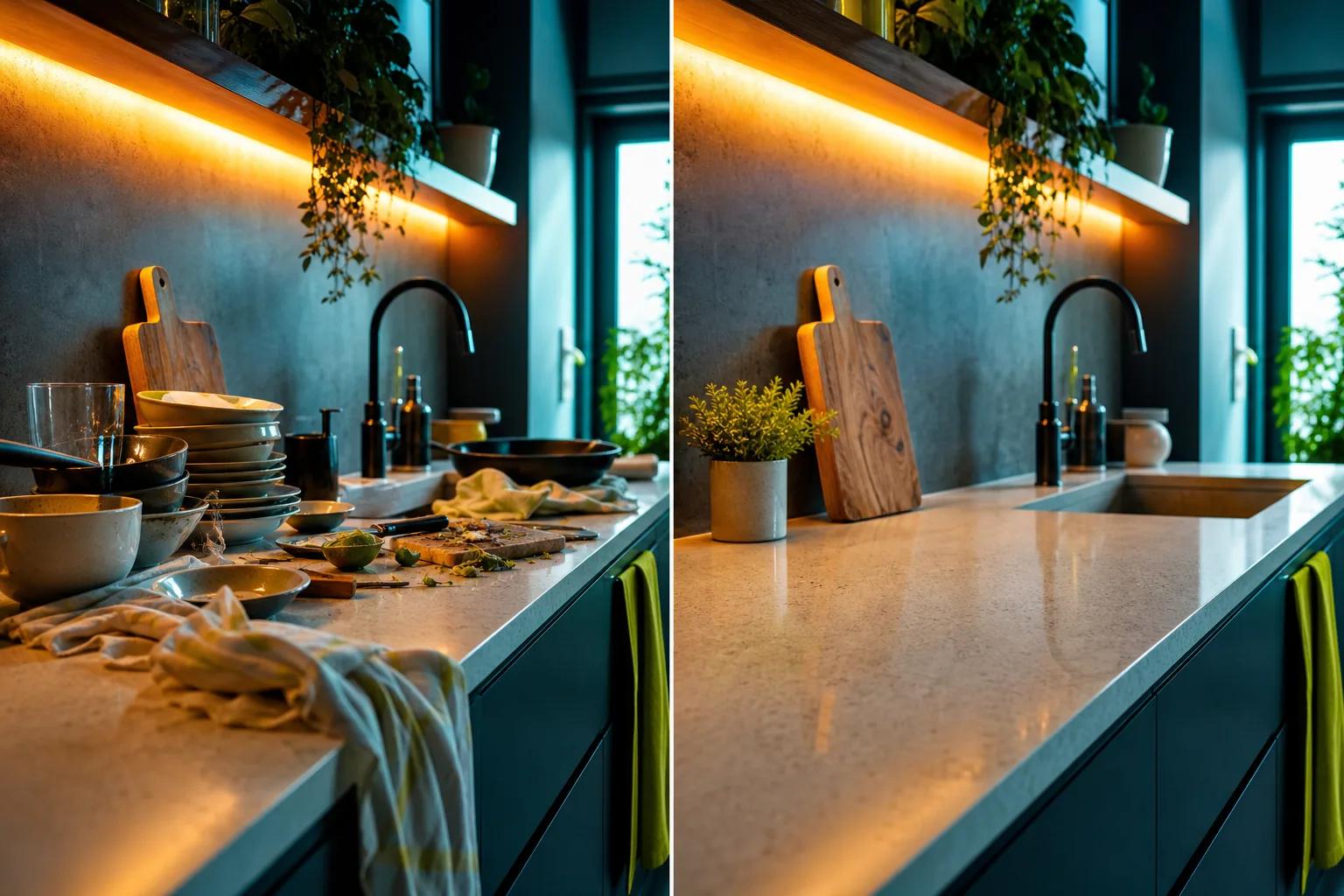
For a simple story, use this order: show the issue, show the change, then explain what caused it. Veo Studio supports first- and last-frame control, so a creator can set two visual endpoints and generate the transition. Scene extension can add time to a 720p clip, which may help when a short scene needs another beat.
Routine, Lifestyle, and Creator-Story UGC Ad Examples
10. The routine or day-in-the-life story
Follow a real routine and place the product where it naturally belongs. A creator might pack for a workday, make breakfast, or get ready for a class. The product should have a clear role in the story, but it doesn’t need to appear in every shot. This format often feels more like a personal post than a direct pitch.
For a short ad, choose a few moments that lead to one point. Start with the routine’s setting, show the product in use, then close with why it earns a place there. Keep the spoken line and the visual aligned. If the creator says the item fits in a small bag, show it next to the bag.
Creator story and educational clip
A creator story can explain why someone chose a product or what they learned while using it. An educational version answers one common question. Both work best when the speaker has a real basis for what they say. A founder can talk about the problem behind a product, while an employee can show how a service works behind the scenes.
Collect ideas from customer questions, product reviews, support chats, and comments. Ask permission before turning a customer’s words or image into an ad. If people submit clips, give them a clear brief: the topic, the length, the claims to avoid, and where the content may run. Put usage rights and any payment terms in writing before launch.
For a creator-led concept that needs a consistent character across shots, Veo Studio can use reference images to guide the character. It can also generate synchronized dialogue and sound. Those features can help with a mock scene or a visual draft, but an AI-generated scene isn’t a real customer endorsement. Don’t present a made-up experience as a genuine review.
Creators who want to turn ideas into video drafts can look at the AI video ad generator guide for prompt and production approaches. Keep the same discipline you’d use on a live shoot: review each line and frame before publishing.
Match UGC Ad Examples to Your Platform, Goal, and Production Approach
The format should fit the job. A testimonial can ease doubts for someone considering a purchase. A tutorial can explain a product that takes a few steps to use. A routine can introduce a product in a familiar setting. Start with the audience’s question, then choose the format that answers it most clearly.
| Channel or goal | Format to try | Creative choice |
|---|---|---|
| TikTok discovery | Problem-solution or comment reply | Open on the question or visual problem. Keep the product visible during the answer. |
| Vertical short-form video | Routine, unboxing, or before-and-after | Use a vertical frame and make the main visual easy to read without sound. |
| YouTube Shorts | Quick demo or tutorial | Show the result early, then explain only the steps needed to understand it. |
| LinkedIn education | Founder or employee explanation | Lead with a work problem or useful lesson, then show the service or process. |
| Retargeting or product-page visitors | Testimonial or objection answer | Address one specific concern with a real experience or visible proof. |
Production can be a phone, a creator, or an AI-assisted draft. A phone shoot takes coordination and permission; a generated scene needs careful review for visual and factual fit. Veo Studio is an independent browser-based video creation tool that makes short videos from prompts or reference images. Its first/last-frame controls and scene extension support particular shot needs, while its free plan includes a couple of 720p videos a month without a card. Paid plans start at $14 per month, and plan details can change, so check the current terms before budgeting.
Write a brief in the customer’s language. Pull a real question from a review or support message, then build the hook around that wording. Ask for one claim, one proof point, and one call to action. For a batch, hold the proof and ending steady while you test a few opening lines. That keeps the comparison useful.
Use a small production checklist before launch:
- Confirm the speaker’s experience and permission to use the footage.
- Check product details and support for each claim.
- Show any paid relationship clearly.
- Review the crop, captions, sound, and call to action on a phone.
- Track hold rate, click-through rate, conversion rate, and cost per acquisition against the campaign goal.
To encourage customer content, ask after a useful moment, such as delivery or setup, and make participation optional. You can also invite employees to share work tips, as long as they speak from their own experience and disclose their role when relevant. Reply to comments with helpful follow-up clips; a good question can become the next creative test.
Measure the ad against its purpose. A discovery video needs attention and qualified visits; a retargeting testimonial should help move an interested viewer toward action. Compare creative versions using the same campaign goal and a clear time window. Don’t call a format a winner based on views alone if the campaign needs purchases.
FAQ
What are UGC ads?
UGC ads are paid ads made to look and sound like content from a customer or creator. Some use genuine customer footage; others use a creator-style format with a script or generated visuals. Be clear about what is real, get permission for customer content, and don’t frame an invented experience as a real endorsement.
What UGC ad format should I try first?
Start with the format that answers your audience’s biggest question. Use a quick demo if people need to see how something works. Try a testimonial if buyers need reassurance, or a problem-solution video when the need is easy to show. Test more than one hook before changing the whole story.
How do I get customers to make UGC?
Ask customers directly after they’ve had a chance to use the product. Make the request simple, explain where the content could appear, and don’t require a positive review. Get written permission before using their image, words, or video in paid ads. If you offer payment or a gift, disclose that relationship.
Can AI make UGC-style ads?
Yes, AI tools can help make creator-style scenes or video drafts from prompts and images. Veo Studio is an independent browser-based video creation tool with synchronized sound and dialogue, reference-image support, and scene extension. Review each output carefully, and never describe a generated person’s story as a genuine customer experience.
Conclusion
Pick one format that answers a real buyer question, then test a few opening lines while keeping the proof honest. If you’re planning a product video next, use the video marketing examples and ideas to shape your first brief.


