One product image can become a short ad for TikTok, Reels, or YouTube. The right AI video ad generator helps you shape the hook, build the shots, and export a version that fits each feed.
We analyzed 42 comments and questions from YouTube, Reddit and Quora about AI Video ad generators and found that 29% mentioned extensive post-generation cleanup.
Here are seven named tools, starting with Veo Studio, an independent browser-based tool powered by Google's Veo 3.1 models. Each one suits a different ad workflow.
1. Veo Studio — Prompt- and image-led ads with synchronized sound
Veo Studio is an independent, browser-based AI video creation tool powered by Google's Veo 3.1 models. You can start with a text prompt or upload reference images, then direct the camera, set a scene, or describe how a product should move. It suits social creators and small-business advertisers who want more control over the finished clip.
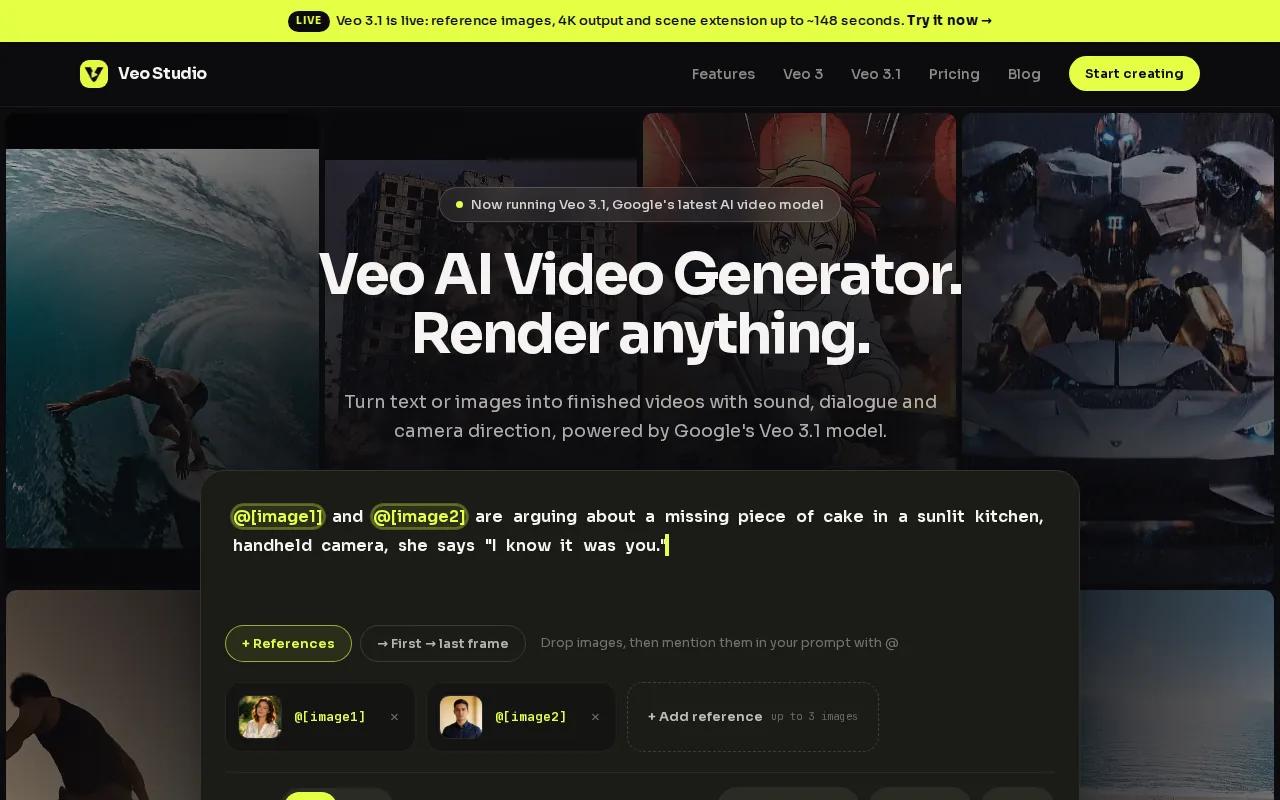
For a product ad, attach a photo and describe the shot: a slow turn toward the label, warm window light, then a close-up. Reference images can help keep a product or character consistent. Veo Studio also supports synchronized sound and dialogue, first- and last-frame control, scene extension, and output up to 4K. That gives you room to plan an opening frame and guide the ending instead of accepting an unrelated final shot.
Its free plan includes a couple of 720p videos per month, with no card required. Paid plans start at $14 per month and include higher resolutions and a commercial license. The tool is designed for short generated clips, so longer ads may need several shots joined into a larger edit. Its underlying Veo model is also available through other platforms.
See how the shot-led process fits into the wider AI video generator options for creators if you're weighing social clips against other formats.
For an ad with spoken words, put the exact line in your prompt and review the mouth movement and sound before publishing. For a product-only spot, focus the prompt on the first second: show the item, name its use, then make the next scene earn its place.
2. Creatify: A free-credit option for testing ad concepts
Creatify is an ad-focused video tool with a free plan that includes 10 monthly credits, roughly enough for two videos. It suits e-commerce teams who want to try ad concepts without committing to a paid plan right away.
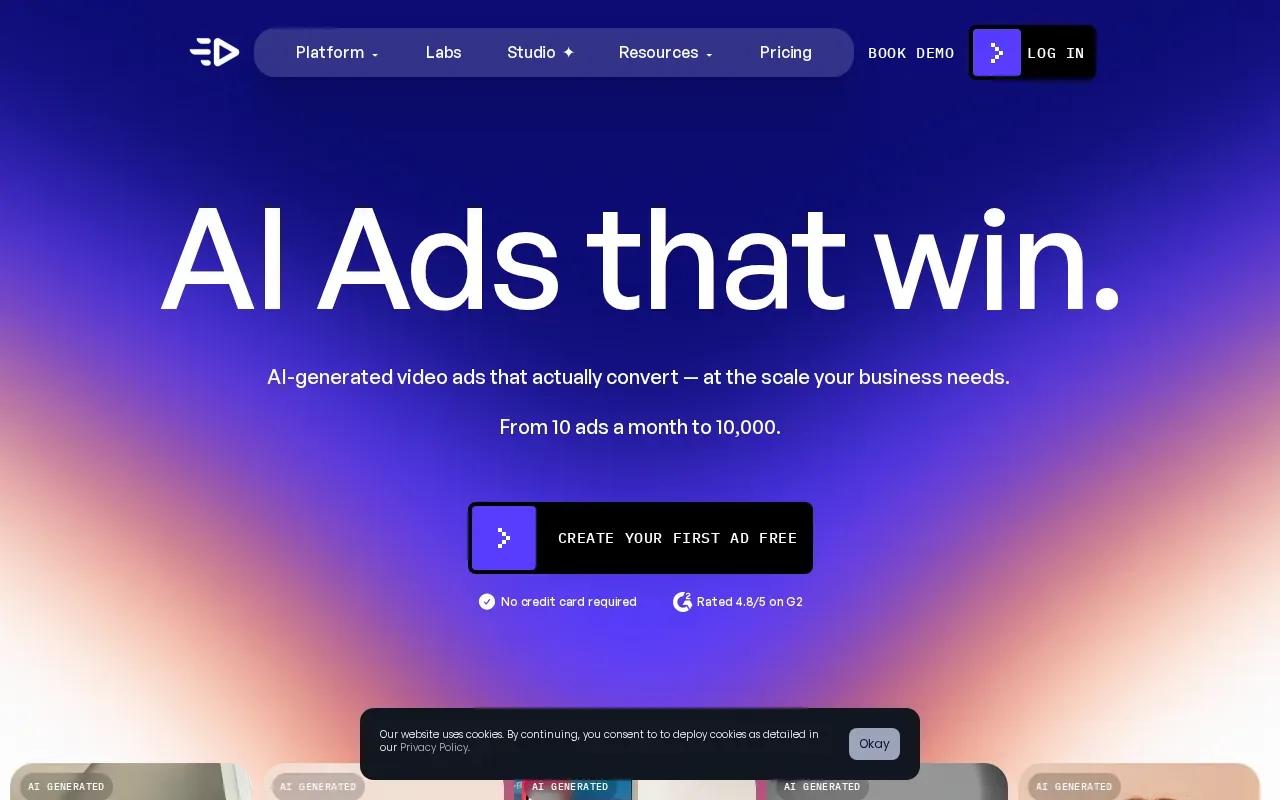
The free output is watermarked. If you plan to publish a test, check whether the watermark is acceptable for that placement before spending credits. Creatify's listed paid plans include Starter at $39 per month and Business at $99 per month. That gives you a simple way to compare a small test budget with a larger monthly workflow.
A useful test is to hold the offer and product constant while changing the opening idea. One version can show the product in use. Another can start with the problem it solves. Keep the audience and call to action steady, then compare the creative itself. The tool can help you produce ad concepts, but don't treat a generated script as proof that an offer will convert. Check claims and product details against your own approved copy.
Creatify is worth considering when the ad structure matters as much as the moving image. If your main need is to animate a single reference photo or build a carefully framed scene, Veo Studio's frame control and scene extension may fit that specific production task better.
3. HeyGen: Avatar-led ads and talking-head delivery
HeyGen is an avatar video tool for ads that need a person speaking to camera. Its free plan allows three videos per month, and the Creator plan is $24 per month when billed annually. The stated maximum resolution is 1080p.
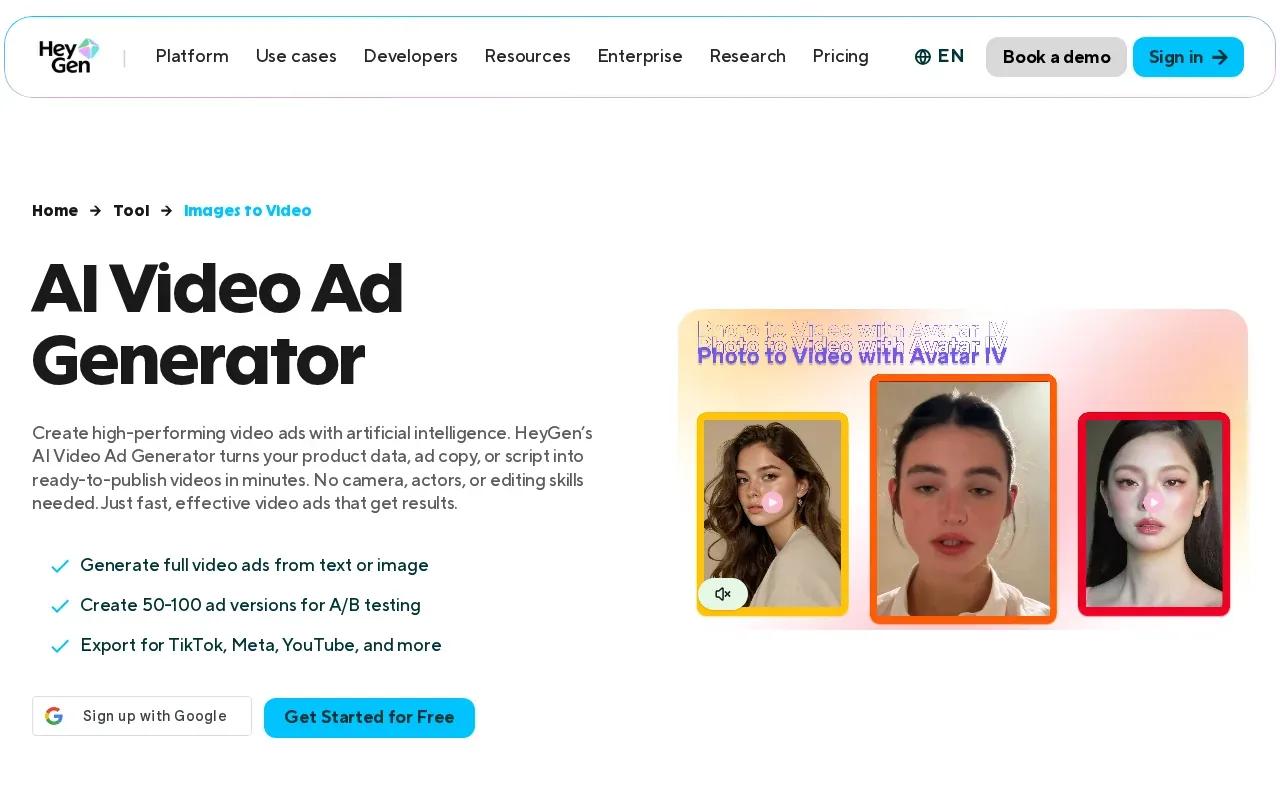
This format can work for a short product explanation, an app walkthrough, or a creator-style message that leads with a spoken hook. HeyGen supports text-to-video and AI-generated avatars, with synchronized speech and lip movement. You can write a short script, generate a presenter clip, then review the pacing before you export.
Avatar-led video is a different approach from a cinematic product shot. It puts the message in the speaker's delivery, so keep the script plain and specific. A restaurant might introduce a new lunch offer; an app team might show one task the product makes easier. Those are examples of ad formats, not a promise about results.
If you need filmed UGC rather than a generated presenter, a guide to UGC content agencies can help you consider a separate production route. Keep the choice tied to your brief: an avatar gives you scripted delivery, while human-shot content starts with a real recording.
Choose HeyGen when a clear spoken explanation is central to the ad. For product motion, sound-led scenes, or a specific start and end frame, consider a tool built around generated shots instead.
4. InVideo AI: Script-to-video creation with voice cloning
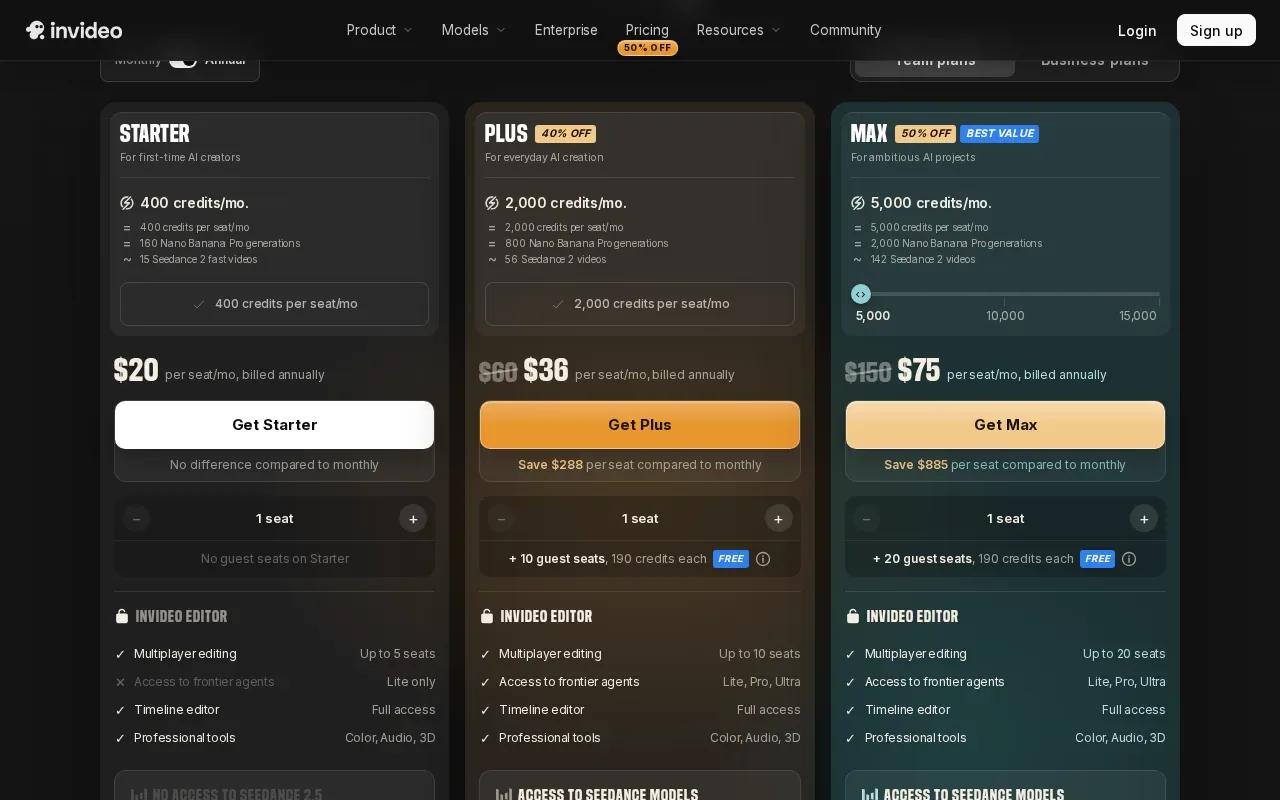
InVideo AI turns a script or prompt into a video and includes voice cloning. Its free plan allows three minutes of video per month. Its paid options include Starter at $18 per month and Creator at $69 per month.
This workflow suits a small business that already knows what it wants to say. Draft a short script, generate a first cut, then check whether the visuals match each line. A home listing could use narration to describe the layout, while a restaurant might build a quick menu feature around one dish. Keep footage and claims accurate to the business.
Voice cloning can help keep narration consistent when you make several clips. Still, listen closely to names, prices, and product terms. A generated voice can make a wrong detail sound polished, which is still wrong. The free tier is limited by minutes, so use it to test the script and visual pacing before planning a larger batch.
For your edit, mark any scene that misses the point and revise the script or prompt before generating again. That is often more useful than asking the tool to redo the whole ad without changing the direction.
5. AdCreate: Veo 3.1 generation with a timeline editor
AdCreate combines Google Veo 3.1 with native audio and a timeline editor. It has a free tier and suits people who want generated video alongside timeline-based control.
The timeline lets you select a start frame, which can help when the opening image needs to show a specific product or scene. Native audio gives you sound within the generated clip. For an ad, you might guide the opening with a product image, then use the timeline to review how the clip starts before carrying it into the final edit.
That start-frame control has a different job from writing a general prompt. It gives the opening shot a visual point of departure, while the prompt describes movement and scene direction. If you have strict brand rules, inspect the output for product shape, logo placement, and any small visual changes before publishing.
AdCreate and Veo Studio both connect to Veo 3.1, but the reported workflows differ. Veo Studio supports first- and last-frame guidance plus scene extension, while AdCreate's supplied feature details point to start-frame selection through its timeline. Pick based on the controls your edit needs.
6. CapCut: Social-first editing and high-resolution exports
CapCut is a social video editor with AI features for turning text or reference images into video. Its free desktop tier exports without a watermark, and its stated maximum output is 8K. It suits creators who want to generate or assemble a clip, then make a hands-on edit for social.
You can use text-to-speech for narration and add subtitles to help viewers follow a video with sound off. Editing tools also let you cut, trim, add transitions, and resize content for platforms such as TikTok, Instagram, and YouTube. For a vertical ad, start with the hook in the first shot, then check that captions and the product stay inside the visible area.
The free desktop watermark detail matters if you're preparing a client or brand export. Confirm the export setting in your own workflow before delivery, especially if you're moving between desktop and online editing. CapCut Pro costs $9.99 per month.
CapCut's strength in this shortlist is the edit and export side. If the ad needs a consistent character across multiple generated scenes or a controlled ending frame, compare those production controls before choosing it. For broader social-format choices, this AI Reels generator comparison covers workflows geared toward short-form posts.
7. Fliki: Narrated ads with text-to-speech and lip sync
Fliki turns a prompt or script into a narrated video with visuals, music, and captions. It has a free plan, with paid plans starting at $21 per month. It suits teams that need a voice-led ad or want to turn existing copy into a short social video.
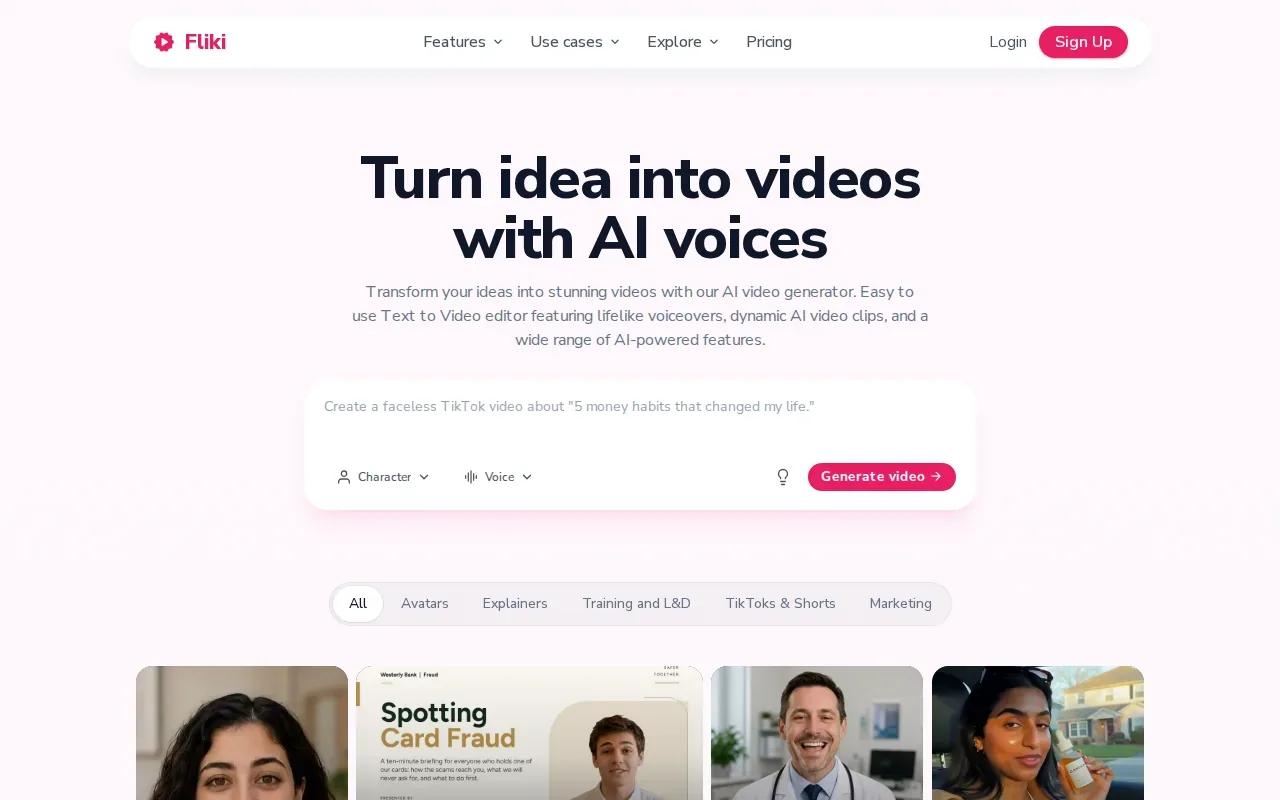
Start with a product message or a one-line idea. Fliki can build the script, voiceover, visuals, music, and captions from that prompt. Its tools also support text-to-speech and lip sync, which can help when the ad needs a speaking avatar rather than voiceover over product footage.
Fliki's all-in-one approach can make a first draft quickly, but review every scene for fit. A stock-style visual may not show the actual product or setting you sell. Replace mismatched visuals, check the voice and caption timing, and make sure the call to action matches the destination page.
One video can be adapted for vertical, square, or widescreen placements. That makes it useful when the same message needs a few versions. For a campaign, change the opening line or the product benefit between versions, then keep track of which file is meant for each channel.
FAQ
What is an AI video ad generator?
An AI video ad generator makes video content from prompts, images, or scripts. Depending on the tool, it may produce scenes, narration, captions, or an avatar presenter. You still need to review the result, check product details, and make sure the format fits the placement before you publish the ad.
Which tool is suited to ads with spoken dialogue?
Veo Studio, HeyGen, and Fliki support dialogue or lip-synced speech in different workflows. Veo Studio can generate synchronized sound and dialogue in a scene. HeyGen focuses on avatar-led delivery, while Fliki can pair narration or an avatar with generated visuals. Choose based on whether your ad needs a generated scene, a presenter, or voice-led storytelling.
Can I make social ads for free?
Yes, several tools in this shortlist have free plans or tiers. Their limits vary: Veo Studio includes a couple of 720p videos a month, Creatify includes 10 monthly credits, and HeyGen allows three videos per month. Check the resolution, watermark, and usage terms for your chosen plan before using an export in a paid campaign.
How do I adapt one video for TikTok, Instagram, and YouTube?
Plan a vertical cut for short-form feeds and a horizontal version for standard YouTube placements. Keep the core offer, then adjust the opening shot, caption placement, and pacing to suit each format. Export and review each file separately. Resizing alone may crop a product or speaker, so check the frame before publishing.
Can AI video tools help test ad concepts?
They can help you make different creative versions without starting every edit from scratch. Try changing one element at a time, such as the opening hook or the first product shot, while keeping the offer steady. Track the versions clearly and judge them with your campaign data. A generated video does not guarantee better ad performance.
Conclusion
For product ads that need synchronized dialogue, reference-image guidance, frame control, or scene extension, start with Veo Studio. Open Veo Studio and start a video from a prompt or product image.