
TikTok video ad specs can feel inconsistent: a TopView file may reach 500 MB, while a Branded Effect icon must stay under 60 KB. The format you choose sets the rules, so match your video to its placement before you export.
We analyzed 30 comments and questions from Reddit, Quora and YouTube about TikTok video ad specifications and found that 23% asked about ad dimensions and safe zones.
Here are the core In-Feed limits, the differences between major ad types, and a checklist for keeping key details clear on a phone screen.
TikTok In-Feed Video Ad Specs at a Glance
For In-Feed ads, TikTok recommends a vertical 9:16 video at 540 × 960 pixels or larger. Horizontal and square files are accepted too, but vertical is the natural fit for a full-screen feed. For a sharper working file, aim for at least 720p.
The chart below covers auction In-Feed ads, including Spark Ads and ads using uploaded creative. Treat the 500 MB ceiling as an upload limit, not a creative goal. A smaller file can be easier to review and move through your workflow.
| What to check | In-Feed requirement | What to do before export |
|---|---|---|
| Vertical video | 9:16, at least 540 × 960 px | Build a portrait frame. Keep text and the subject away from interface edges. |
| Other accepted sizes | 16:9 at 960 × 540 px or larger; 1:1 at 640 × 640 px or larger | Use these only when the idea calls for a landscape or square frame. |
| File type | MP4, MOV, MPEG, 3GP, or AVI | Export a compatible file and check that it plays with sound. |
| Length | Up to 10 minutes for auction In-Feed ads | Use only the time the message needs. The maximum is not a target. |
| File size and bitrate | Up to 500 MB; at least 516 kbps | Check the export details before uploading. |
There’s a separate square profile image requirement for ads using uploaded creative: 98 × 98 pixels, under 50 KB. Keep its main image inside the centered 66 × 66 pixel safe area so it’s less likely to crop.
For product-focused campaign ideas that need a clear shot plan, these product video ad formats and creative notes can help you shape the message before editing.
Video Ad Specs by TikTok Format and Placement
Not every TikTok ad is a standard In-Feed upload. Placement changes how the viewer first sees the video, and some formats use separate asset rules. Make the placement choice first, then build the creative around it.
TopView appears when a person opens TikTok. It starts with a three-second full-screen takeover, then shifts into an In-Feed experience. TikTok says TopView is sound-on and can run as a Spark or an ad using uploaded creative. The placement is limited to qualified customers, so confirm access before planning a launch around it.
Plan the transition from the opening takeover into the feed. TopView video assets use a 9:16 layout, a 500 MB maximum file size, and a minimum bitrate of 2,500 kbps. Those media limits are far above the In-Feed bitrate floor. For reference, see TikTok’s ad format and functionality policy.
Brand Takeover is another opening-screen placement, but don’t assume its asset rules match TopView. Check the current Ads Manager requirements for the booked format. A placement’s name and screen position don’t tell you its full export spec.
Spark Ads promote an existing TikTok post. The original account identity, caption, and sound stay tied to that post, while an ad using uploaded creative has its own assets. Spark Ads can also appear in TopView where the campaign supports that combination. Review the source post before promotion, because its caption and profile image are part of what viewers see.
Branded Hashtag Challenge campaigns send people to a challenge page and invite them to create related posts. TikTok gives 60 seconds as the maximum video length, while 21 to 34 seconds is the recommended performance range. Keep the prompt easy to understand and show the action early, so people know what to make.
Branded Effects need their own assets, not just a video export. The icon canvas is 162 × 162 pixels, with a 144 × 144 pixel safe area; the file must be 60 KB or smaller. The effect name has a 30-character limit, with under 18 characters recommended. Skip emojis and hashtags in the name.
Image ads and other placements can have distinct asset rules. For a quick look at how format changes the viewer’s experience, browse these TikTok ad format examples before choosing your shot and opening line.
File Type, Duration, Resolution, and Audio Requirements
Choose an export that meets the upload requirements shown in Ads Manager. File size alone won’t make a weak opening more useful.
Resolution depends on aspect ratio. Use vertical 9:16 creative at 720p or above as a general creative practice.
Length also depends on placement. Auction In-Feed ads can run up to 10 minutes. Confirm the limit shown for your specific ad setup in Ads Manager.
Audio matters. Keep sound clear rather than muffled. If you use music, confirm that you have the rights to use it in a paid ad. Choose music from a source that offers tracks cleared for commercial use.
Keep the landing page aligned with the ad. The product shown, the claims in the video, and the destination page should agree. TikTok may reject an ad or reduce its delivery when the creative or landing page fails its format and functionality rules.
A product clip often needs a tighter cut than a full product story. These video ad templates for product and social campaigns can help map a short hook, one product action, and a clear next step without cramming every feature into one video.
Before you upload, play the exported file on a phone with sound on. Check the first frame, then listen for speech that gets buried under music.
Safe Zones, Captions, and a Pre-Publish Creative Checklist
Safe zones change with the video’s aspect ratio, caption length, and any added placement features. TikTok provides downloadable safe-zone files for In-Feed ads. Use the file for your region, and choose the version that matches whether your ad has an anchor.
Keep the face, product, and key words away from the screen edges. The right side can hold interaction icons, while captions and calls to action can sit near the lower part of the screen. Preview the final ad in Ads Manager, but remember that the preview may look slightly different from the live ad on a device.
Ad captions have their own limits. TikTok says up to four lines can show, including emojis. In-Feed ad captions appear in a fixed white font; they don’t support clickable links, @ symbols, or hashtags. Put a web address or campaign hashtag in the video only if it remains easy to read and follows the ad rules.
On-screen text can make the point clear when someone watches without sound. TikTok recommends five to ten words per second for text overlays, but that’s a ceiling for pace, not a reason to fill every frame. Use strong contrast, short phrases, and enough screen time to read each line.
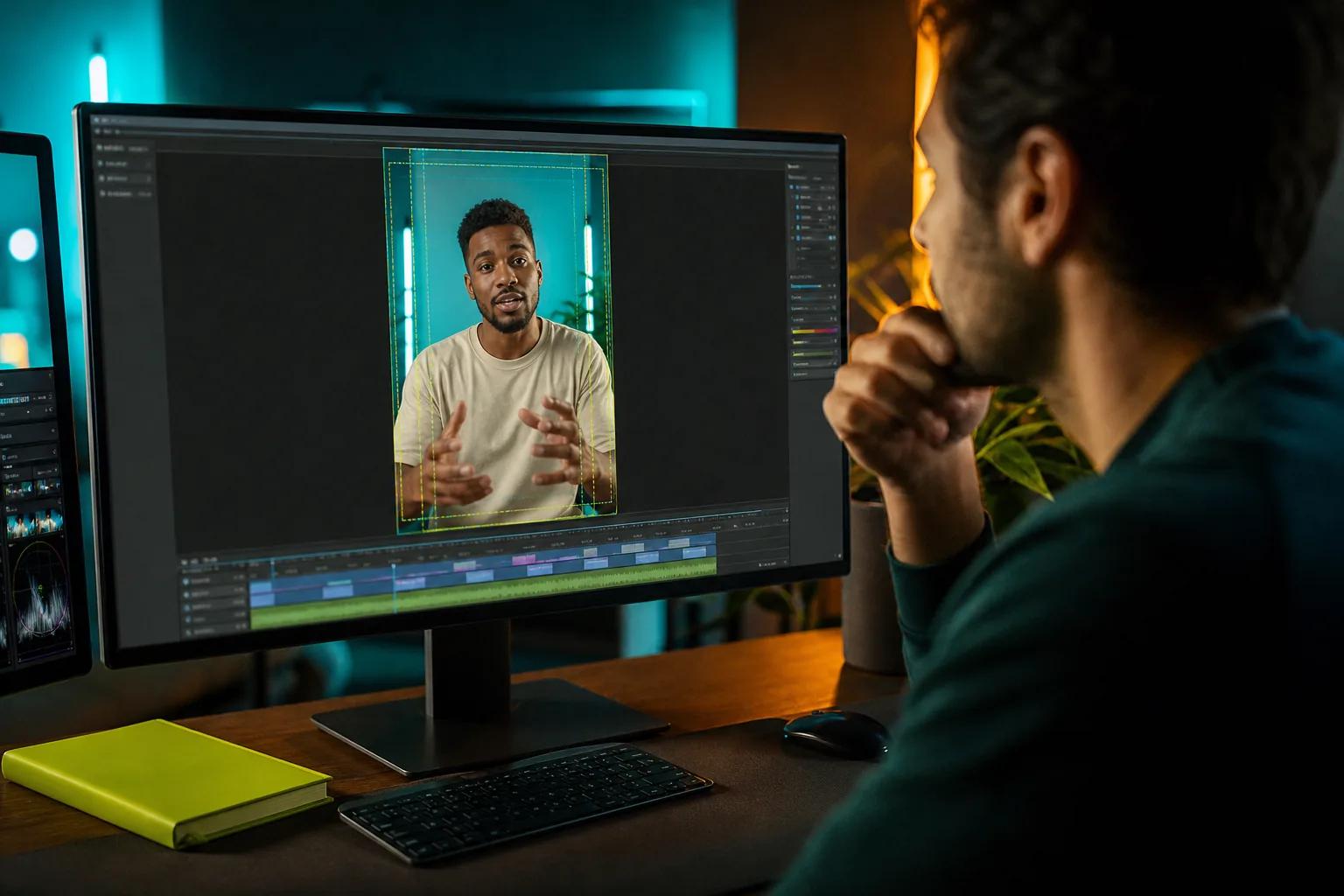
Use a clear opening and introduce the core proposition early. Frame vertically and keep content within the interface safe zone.
Run this short review before you submit:
- Does the opening shot make sense in the first few seconds?
- Are the main subject and text clear of interface controls?
- Can viewers read each caption on a phone screen?
- Does the sound stay clear at a normal listening level?
- Do the ad and landing page show the same product and claims?
- Does the exported file match the placement’s current limits?
Creating TikTok-Ready Videos with Veo Studio
Veo Studio is an independent, browser-based AI video creation tool powered by Google’s Veo 3.1 models. It can turn a prompt or reference images into video with synchronized sound and dialogue. Choose a 9:16 frame when you want a vertical starting point for TikTok.
Veo Studio generates clips in four, six, or eight seconds. That’s shorter than the maximum length for an In-Feed ad, so think of each generation as a shot or scene. Build a longer edit from separate moments when the idea needs a setup, product action, and closing message.
For a product scene, upload a reference image and describe what should happen. You can attach up to three reference images to guide the look of a product or character. First- and last-frame control can help set the start and end image, while a camera direction such as “slow push in” gives the shot a clear move.
Sound is generated with the video. Describe music or a sound effect, or put a spoken line in quotation marks when you want lip-synced dialogue. Listen to the result before using it in an ad, and confirm that any music or other audio is cleared for paid use.
Veo Studio supports 720p and 1080p output, with up to 4K on supported settings. The free plan includes a couple of 720p videos per month with no card required. Paid plans start at $14 per month and include higher resolutions and a commercial licence.
Scene extension can add seven seconds at a time to supported 720p clips, up to roughly 148 seconds. That’s useful when a short generation needs more room, but the extended file still needs an edit for pacing, captions, and the final call to action.
Keep one review pass for the creative and another for the platform specs. A well-framed generated clip still needs the right file type, clear audio, readable captions, and a safe-zone check before it goes live.
FAQ
What size should a TikTok video ad be?
Use a vertical 9:16 video at 540 × 960 pixels or larger for an In-Feed ad. TikTok recommends 9:16 and at least 720p for creative quality. Square video at 640 × 640 pixels or larger and horizontal video at 960 × 540 pixels or larger are also accepted for auction In-Feed ads.
What is the maximum file size for a TikTok In-Feed ad?
The maximum file size for an auction In-Feed ad is 500 MB. The file must also meet the minimum bitrate of 516 kbps. TopView has a higher stated minimum bitrate of 2,500 kbps, so check the rules for that placement separately before exporting.
How long can a TikTok video ad be?
Auction In-Feed ads can be up to 10 minutes long, but ad rules and format limits can vary. Check the limit shown in Ads Manager for your chosen placement before you build the final cut.
Can I use Spark Ads with an existing TikTok video?
Yes. Spark Ads promote an existing TikTok post, so the original account identity, caption, and sound remain connected to the creative. Review the post as viewers will see it, including its text and profile image. An ad made with an uploaded video uses that creative instead.
Where should captions sit in a TikTok ad?
Place captions away from the lower interface area and from controls near the screen edges. The exact safe area depends on the aspect ratio, caption length, and added ad features. Use TikTok’s downloadable safe-zone file for the placement, then check the preview on a phone-sized screen.
Conclusion
Build for the placement first, then export to its exact limits. For a standard In-Feed ad, start with vertical 9:16 at 720p or higher, keep text inside the safe zone, and check the file in Ads Manager before launch. If you’re creating a new concept, try a short Veo Studio clip and review its framing and sound before assembling the final ad.


