
A TikTok ad can feel like a post someone made for fun, then quietly prove why a product is useful. These five TikTok ad examples show how to build that kind of creative, choose a format, and give viewers a clear next step.
1. UGC-Style Problem-and-Solution Ads
Start with a familiar problem, then show the fix. That simple arc gives viewers a reason to keep watching without making the ad feel like a pitch. A creator can speak to camera, show only their hands, or use voiceover on top of a quick demo.
For example, imagine an ad for a leak-proof lunch container. Open with, “My bag used to smell like spilled soup.” Show the mess for a beat, then fill the container, snap the lid shut, and turn it upside down. The proof is the action, not a long list of claims.
Keep the first line specific. “Tired of messy lunches?” could fit almost anything. “Soup leaked in my work bag again” gives the viewer a clear scene. Add a few words of on-screen text so the point still lands with sound off. End with one direct action, such as viewing the sizes or checking the product page.
When you make several versions, keep the demo and offer steady while changing one opening line. That makes it easier to see whether the hook changed watch time or clicks. The AI video generator for TikTok guide can help you plan image-led or prompt-led versions when you need a new visual without filming every take.
Veo Studio is an independent browser-based tool powered by Google's Veo 3.1 models. It can turn a prompt or reference image into a video with synchronized sound and dialogue, useful when a concept needs a spoken line or a specific visual beat.
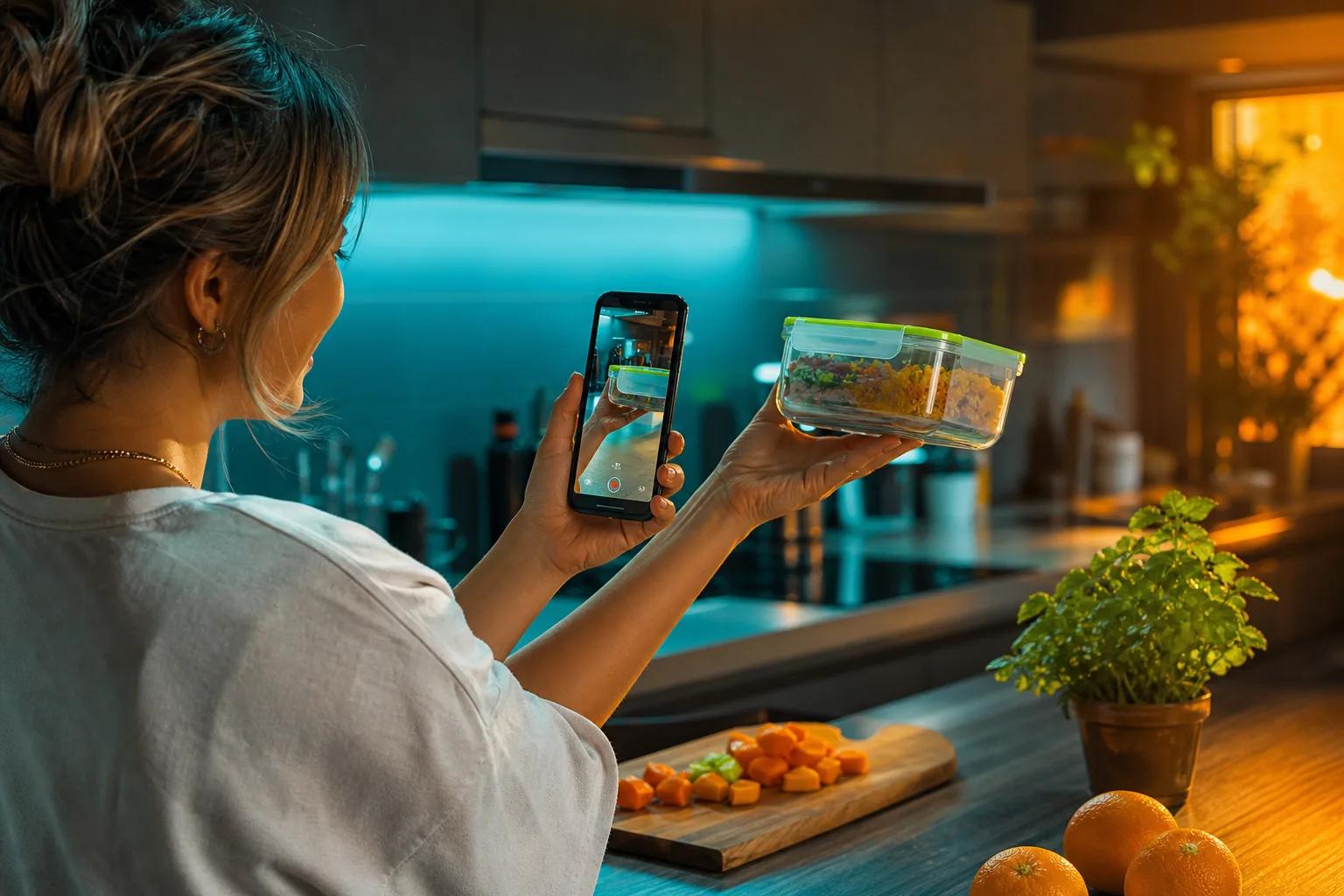
Keep the proof honest. If the ad makes a performance claim, show what supports it or leave the claim out.
2. Product-Demo Ads That Show the Payoff Fast
A product demo earns attention by showing the thing in use before explaining every detail. Begin with movement: pour, fold, click, apply, open, or switch on. Then make each shot answer a viewer’s likely question. What does it do? How does it work? What changes after I use it?
Picture a compact desk lamp. The opening shot shows a dim work surface. A hand turns on the lamp, and the next close-up shows the light on a book or keyboard. A short voiceover can add the benefit, while captions carry the key point for people watching without sound.
Sound can help make an action clear: a lid’s click or a tool’s hum may explain it better than extra narration. Voiceover, music, and natural product sounds are all creative choices. Product demonstrations can also show features in use.
Use a simple shot list before filming:
- Show the product or the result in the opening beat.
- Capture one key action in a close shot.
- Finish with the benefit and one clear next step.
A demo can run as an In-Feed Ad, where it appears in the For You feed, or as a product-linked ad. For a major launch, TopView is a full-screen placement shown when someone opens TikTok. The format changes where the video appears, not the need to explain the payoff quickly.
If you’re working from product photos, Veo Studio can animate reference images into short clips. Its first- and last-frame controls can guide a transition, while up to 4K output is available on supported paid plans. Review any generated labels or fine product details before publishing.
3. Before-and-After and Transformation Ads
A transformation ad puts the change on screen. It can show a room before and after a tidy-up, a hairstyle changing, or a plain outfit becoming event-ready. The viewer sees the starting point, the process, and the result. Keep the edit clear enough that the change feels earned rather than like a magic trick.
One useful structure is a quick “before” shot, a few process moments, then a held “after” frame. Add a caption naming what changed. If the result depends on a product, show it in the process instead of dropping it into the final frame as an afterthought.
Spark Ads can promote existing creator posts while keeping engagement linked to the original post.
For a beauty or home brand, a transformation might start as an organic post. If viewers respond to it, the brand can ask for permission to promote it as a Spark Ad. That keeps the creator’s post at the center instead of rebuilding the idea as a standard commercial.
Veo Studio’s reference images can help keep a character or visual style consistent within a clip. Its scene extension can add to a 720p video in seven-second steps, up to roughly 148 seconds. That can help when the transformation needs more time than one short generation allows.
Be careful with before-and-after claims in areas such as health or beauty. Show what the creative can support, and avoid implying that one person’s result is typical unless you can substantiate that claim.
4. Story-Driven Ads and Short Skits
A short skit gives the product a role in a small story. The hook might be a familiar mix-up, a comment from a friend, or a problem that interrupts someone’s day. The product enters as part of the scene, not as a sudden sales speech.
For example, a meal-planning service could open with a character staring into a nearly empty fridge before a busy evening. A second character asks what’s for dinner. The service appears as the useful next move, then the ad closes with a clear direction to learn more. Keep the joke or tension easy to understand on a phone screen.
Story can also work through creator partnerships, where creators develop content around a campaign.
For a broader participation idea, Branded Hashtag Challenges invite creators or users to make content around a campaign brief. That takes more than one polished skit: the prompt needs to be easy to understand and simple for people to adapt. Use it when participation itself is part of the campaign, not just because a hashtag looks lively.
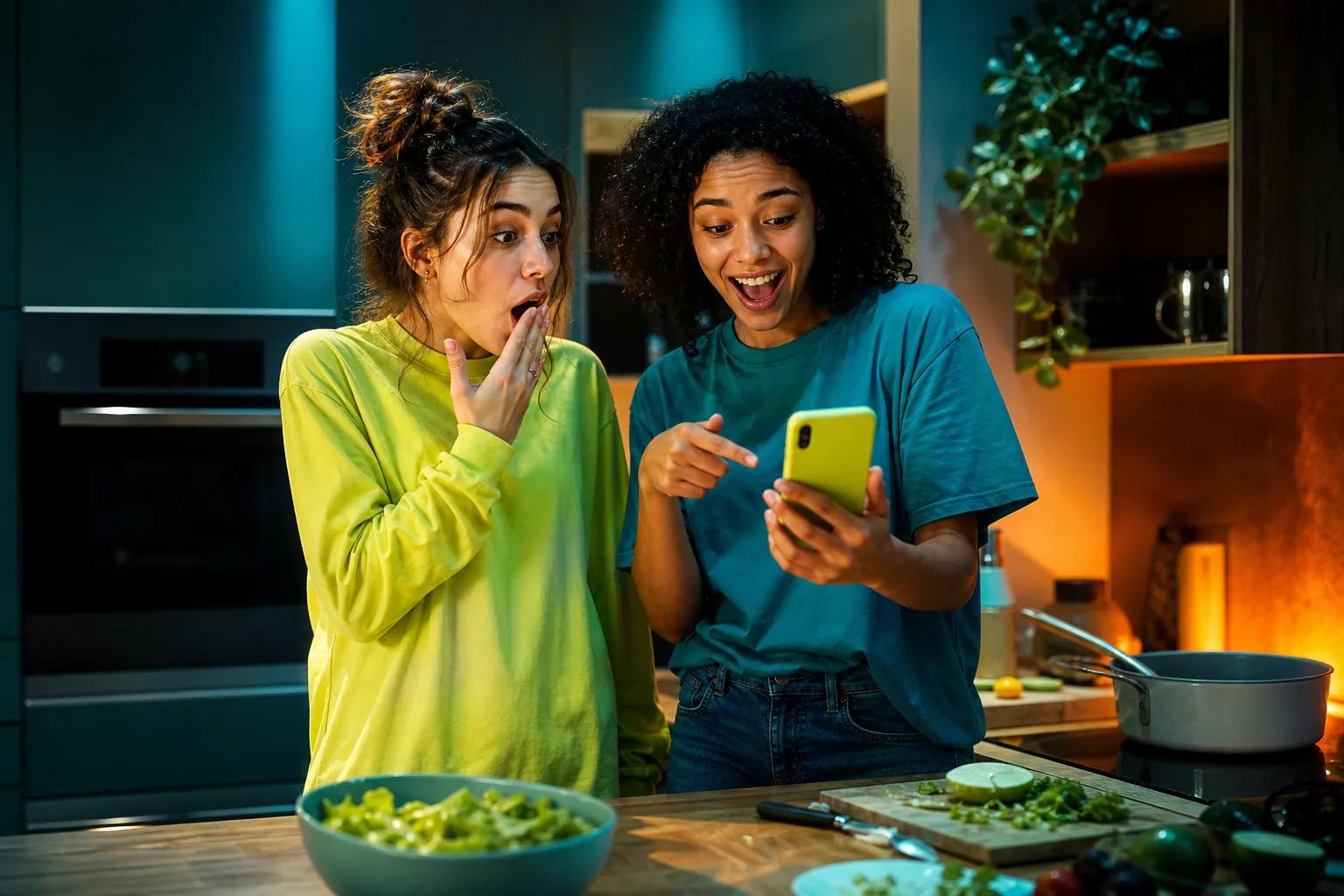
Use Veo Studio when a story needs generated dialogue or a consistent character across shots. Its synchronized sound and dialogue can support a spoken line, while reference images can guide the character’s look. Check the finished clip closely before using it as an ad.
5. Offer-Led Ads and Creator-Style Recommendations
An offer-led ad puts the deal near the start, then shows why it’s worth considering. Say what the offer is in plain language. Pair it with a quick product shot or creator recommendation, and make the next step match the offer. If there’s a deadline or terms, show them clearly.
A creator-style recommendation can begin with a question from a comment, a use case, or a specific preference. The creator explains how the product fits that moment, then shows it in use. Avoid lines that sound like a universal promise. A personal recommendation should stay personal.
For example, a shop could make two edits for the same promotion. One opens with the deal and a close-up of the item. The other begins with a creator showing how they use it, then reveals the offer. Keep the landing page and audience consistent while testing the two openings, so you can tell whether the creative changed results.
| Format | Best use | Creative cue | What to watch |
|---|---|---|---|
| In-Feed Ad | Product awareness or direct action | Native-feeling hook, then a demo | Watch time and click-through rate |
| Spark Ad | Promoting an existing post | Creator voice and post context | Engagement and conversion action |
| TopView | High-visibility launch moment | Immediate brand or offer message | Views and follow-on actions |
Don’t judge an offer only by views. Track the metric that matches the goal, such as click-through rate for traffic or cost per acquisition for sales. Review watch time, engagement, click-through, and conversion measures when assessing results.
Veo Studio, an independent browser-based tool, can help draft a product-led clip from a reference image, with synchronized sound and dialogue for testing a spoken offer. Try one opening with a spoken offer and another with a silent action and captions. Keep the actual discount and terms accurate in the final edit.
FAQ
What makes a TikTok ad example worth adapting?
A useful example has a clear opening, a visual or story that supports the message, and one next step. Adapt the structure rather than copying the exact script. Your product, audience, and offer should shape the details. Track a goal that fits the campaign, such as watch time, clicks, or purchases.
Which TikTok ad format should I use?
Choose the format based on where the viewer should see the ad and what they should do next. In-Feed Ads suit video in the For You feed, while Spark Ads promote an existing TikTok post. TopView gives a full-screen opening placement.
How long should a TikTok ad be?
Make it only as long as the idea needs. A quick product action may work in a short clip, while a skit needs room for the setup and payoff. Ad length depends on placements and creative goals, so check the current ad specs and keep the key message near the start.
How do I know if my TikTok ad is working?
Start with the campaign goal, then read the matching metric. Watch time can show whether the opening holds attention. Click-through rate can show whether viewers act on the message, while conversion data can help assess sales or sign-ups. Compare versions that change one main creative element at a time.
Conclusion
Pick one format that suits your message, then make a small test with a clear hook and one action. If you’re planning short-form assets for more than one feed, explore AI creation for Reels, TikTok, and Shorts for ideas on adapting your next set of clips.


