
A clear structure can turn a blank screen into an ad people understand. These video ad templates give you a starting point for product demos, testimonials, offers, problem-solution ads, and launches.
Veo Studio is an independent, browser-based AI video creation tool powered by Google’s Veo 3.1 models. Use the structures below to plan your message, then choose whether to film, edit a template, or generate a draft.
We analyzed 5 currently ranking video ad template pages for guidance on 5 specific tactics and found that none of the 5 addressed testimonial authenticity or offer deadline wording. Only 1 of the 5 covered sound-off captioning or problem-solution structure.
Product Demo Video Ad Template: Show the Product in Action
A product demo should show what the item does before it tells viewers what to think. For a short social ad, plan one visual beat for the hook, one for use, and one for the result. A storyboard helps you decide what each shot needs to prove before you edit.
For a 15-second ad, a useful board might have four to six panels. Each panel can note the shot, camera move, on-screen words, audio, and rough duration. Give the product a clear close-up, then show it in use. End with one benefit and a readable call to action.
If you’re making several versions, keep the body of the ad steady and test a different opening. For a prompt-led draft, start with a storyboard to keep the message and shot order in view.
Try this template: “Still dealing with [problem]? Watch [product] [action]. See [visible result]. [One proof point]. [Call to action].” Replace each bracket with a fact you can support. If the result can’t be shown on screen, use a clear demonstration rather than a broad claim.
Veo Studio can turn a prompt or reference image into a short video. Its first- and last-frame controls can guide the opening and final shot, while reference images help keep a product’s look consistent within supported generations. That can help when you want the ad to open on a clean view and finish on a specific end frame.
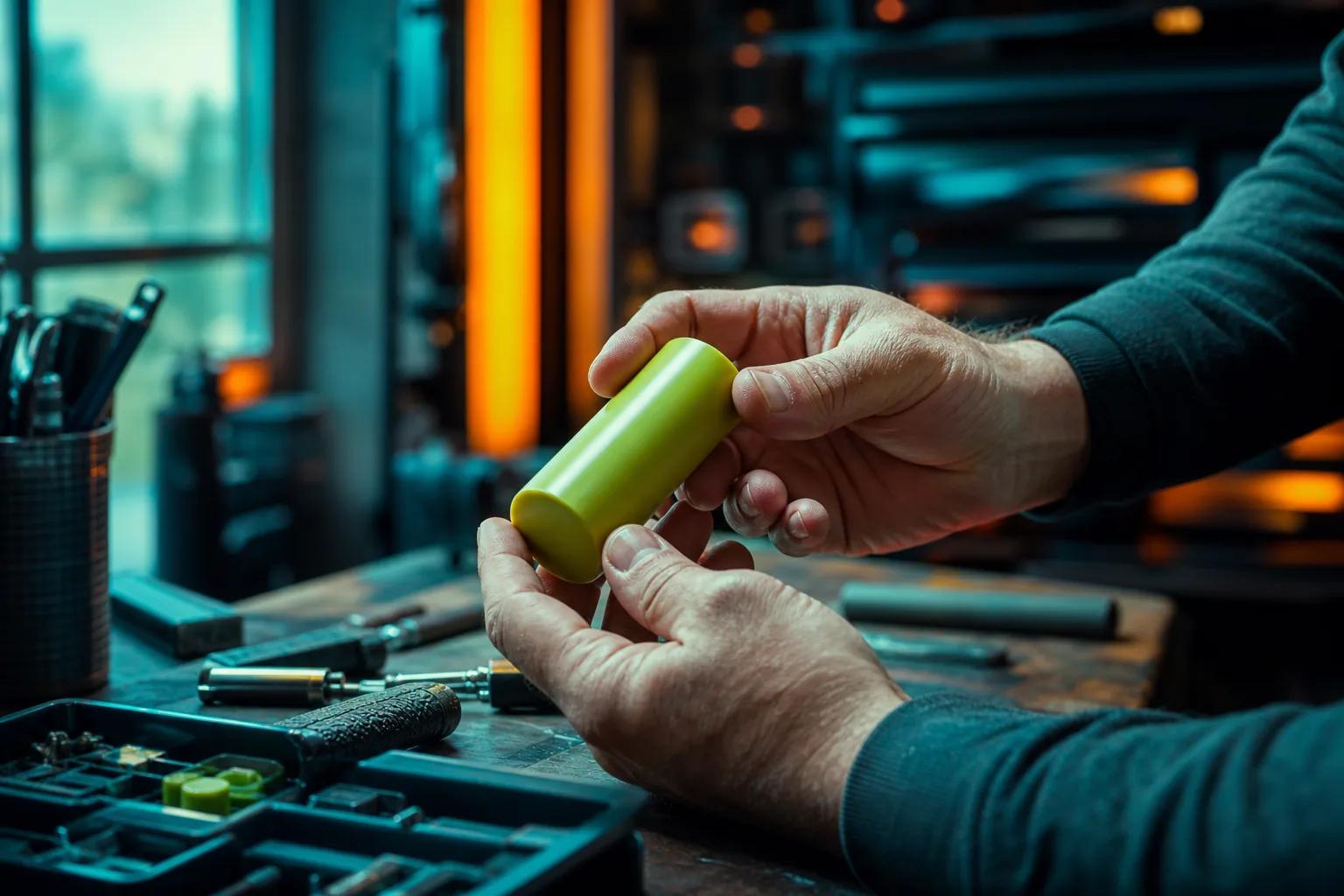
Use this shot map to plan the edit. Change the aspect ratio and framing for the placement instead of relying on one crop everywhere.
| Beat | What the viewer sees | What to check |
|---|---|---|
| Hook | A familiar need or the product’s result | Can the idea be read at a glance? |
| Demo | The product in use, shown close enough to follow | Does the action prove the benefit? |
| Proof | A real detail, comparison, or useful feature | Can you support the claim? |
| CTA | The product with one clear next step | Is the text easy to read? |
For TikTok, Reels, or Shorts, plan a vertical frame and keep key details away from interface edges. For a widescreen YouTube ad, allow more room around the subject. Check the placement’s current specs before export.
Customer Testimonial Video Ad Template: Lead With a Real-Sounding Story
A testimonial ad works when a customer explains a specific experience in their own words. Don’t hand them a polished script full of claims. Give them a few prompts, then edit their real answer for pace while keeping its meaning intact.
Use this structure: “I was trying to [need]. I chose [product] because [reason]. I used it for [specific task]. What changed was [honest result]. If you’re looking for [need], [call to action].” Ask the speaker to name what they did, not just say they loved the product.
For a short clip, open with the most useful line. Follow it with a quick shot of the product or service in context. Add captions so the story still makes sense with the sound off, and keep each caption short enough to read on a phone.
Use only quotes and outcomes you have permission to share. If you don’t have a customer recording, don’t invent one or present an actor’s words as a customer review. You can make a product demo or founder explanation instead, with claims tied to facts you can verify.
Veo Studio’s synchronized sound and dialogue can help when you’re building a dialogue-led scene or a draft with a spoken line. It’s an independent browser-based tool, not a Google-owned service. For a real testimonial, though, record the customer’s actual words and treat any generated scene as supporting creative, not evidence of their experience.
Keep the close simple: one customer point, one visual that supports it, and one next step. If the clip needs more context, a longer case-study format may fit better than a fast social cut.
Limited-Time Offer Video Ad Template: Make the Offer Clear Fast
An offer ad should make the deal clear in its first few seconds. Put the offer in plain words, show what it applies to, then state a real deadline if one exists. Urgency only helps when the terms are true.
Use this six-second structure: “[Offer] on [item], through [real deadline]. [One reason to care]. [Call to action].” For a longer cut, show what’s included before repeating the deadline. Leave out extra benefits that make the deal hard to understand.
For a 15-second version, try this sequence: open with the offer, show the item, clarify the terms, then close with the action. Keep the main offer on screen long enough to read. If the campaign has a code or a condition, make it visible rather than hiding it in fast voiceover.
To make alternate cuts, change one element at a time. You might test a direct offer opening against a product-use opening while keeping the offer and final call to action the same. That makes the creative difference easier to judge.
Veo Studio, an independent browser-based tool powered by Google's Veo 3.1 models, can help draft a short visual around a prompt or reference image, with synchronized sound and dialogue, character consistency, first/last-frame control, scene extension, and up to 4K output. Its generated sound can add atmosphere, but don’t rely on audio alone to communicate the deal.
Use a clear visual hierarchy: offer first, supporting detail second, action last. Keep the CTA tied to what the viewer can actually do on that platform.
Problem-Solution Video Ad Template: Connect a Pain Point to a Benefit
This format starts with a problem your audience recognizes, then shows a credible way to address it. It’s a strong fit when the problem is visible or easy to explain. Skip the drama if it makes the issue feel bigger than it is.
Copy this structure: “Still [specific frustration]? [Show the problem]. Try [product or approach]. Here’s how it helps: [visible proof]. [Call to action].” Make the opening about the viewer’s situation, not a long introduction to your brand.
For example, a home-care ad could show a small, everyday mess, then demonstrate the cleanup method and its result. A software ad could show a repeated task, then reveal the step that reduces the work. The visual should match the spoken line, so the benefit doesn’t feel like a claim floating over unrelated footage.
Make the story work without sound. Use captions for key words and show the action clearly. Check text size and contrast on a phone, where small labels and pale colors can disappear against the footage.

For a sequence with the same person across multiple shots, Veo Studio supports character consistency. Scene extension can add time to supported clips, while up to 4K output is available on supported plans and model settings. Those controls are useful when a concept needs a continuous action or a character who appears in more than one beat.
Keep your proof honest. Show the result you can demonstrate, and avoid implying a guaranteed outcome when results depend on the person or situation.
Product Launch and Brand Story Video Ad Template: Build a Short Narrative
A launch ad needs a beginning, a reveal, and a next step. Keep the story tied to one useful idea: what’s new, who it helps, or why the launch is happening now. A brief narrative can carry more meaning than a list of features.
Try this template: “[A familiar moment or need]. We made [product] to [purpose]. Here’s what it does: [one demonstration]. Now available [where or when]. [Call to action].” Use the first shot to set the scene, the middle to show the product, and the last frame for the action.
For a brand story, replace the launch detail with a real reason behind the work. A founder can explain the problem that led to the product, then show how the product addresses it. Keep the story grounded in events you can confirm. Avoid invented customer reactions or dramatic claims that the footage can’t support.
Build the visual plan before you choose an editor. A storyboard can be a panel grid or a simple shot list. Once the sequence is clear, you can assemble it in a template editor or a video editing app. In a template editor, you can choose a template, change text and colors, then download or share the finished design.
Free and paid template options vary by editor and license. Check whether the template permits paid advertising use, and review the terms for any stock footage, graphics, or music you add.
Veo Studio, an independent browser-based tool powered by Google's Veo 3.1 models, can draft a launch scene from a prompt or reference image, with synchronized sound and dialogue. You can guide a transition with first- and last-frame control, then edit the result to fit your campaign. For a short vertical ad, create a 9:16 version with the message framed for a phone instead of cropping a widescreen cut at the end.
FAQ
What should a video ad template include?
A video ad template should include a hook, a clear message, a visual plan, and one call to action. For a product demo, add a shot that proves the benefit. For an offer, include the terms and a real deadline. Captions and a sound plan help the ad stay clear across viewing settings.
Where can I find free video ad templates?
You can find free options in online design editors and template libraries. Check the template’s license before using it in a paid campaign, and review the terms for any included music, footage, or graphics. You can also start with a storyboard outline and build the visual style yourself.
How long should a social video ad be?
Choose a length that gives the idea enough room without delaying the point. A short offer may need only a few seconds, while a product demo or customer story may need more time. Write the beats first, then cut anything that doesn’t help viewers understand the message or next step.
Can AI make a video ad from a product photo?
Yes. Some AI video tools can use a reference image to draft a moving scene. Veo Studio can turn prompts or reference images into video, with synchronized sound and dialogue. Review the result closely to make sure the product’s appearance and the action fit your actual offer.
How do I make a video ad work without sound?
Show the main action clearly and add captions for key spoken points. Keep text brief, use readable contrast, and make the offer or benefit visible on screen. Sound can add mood or detail, but the core message should still make sense when a viewer watches on mute.
Conclusion
Start with the template that matches your goal, then write one clear message and plan the shots that support it. For another starting point, visit the AI video ad generator guide and adapt one structure for your next campaign.


