
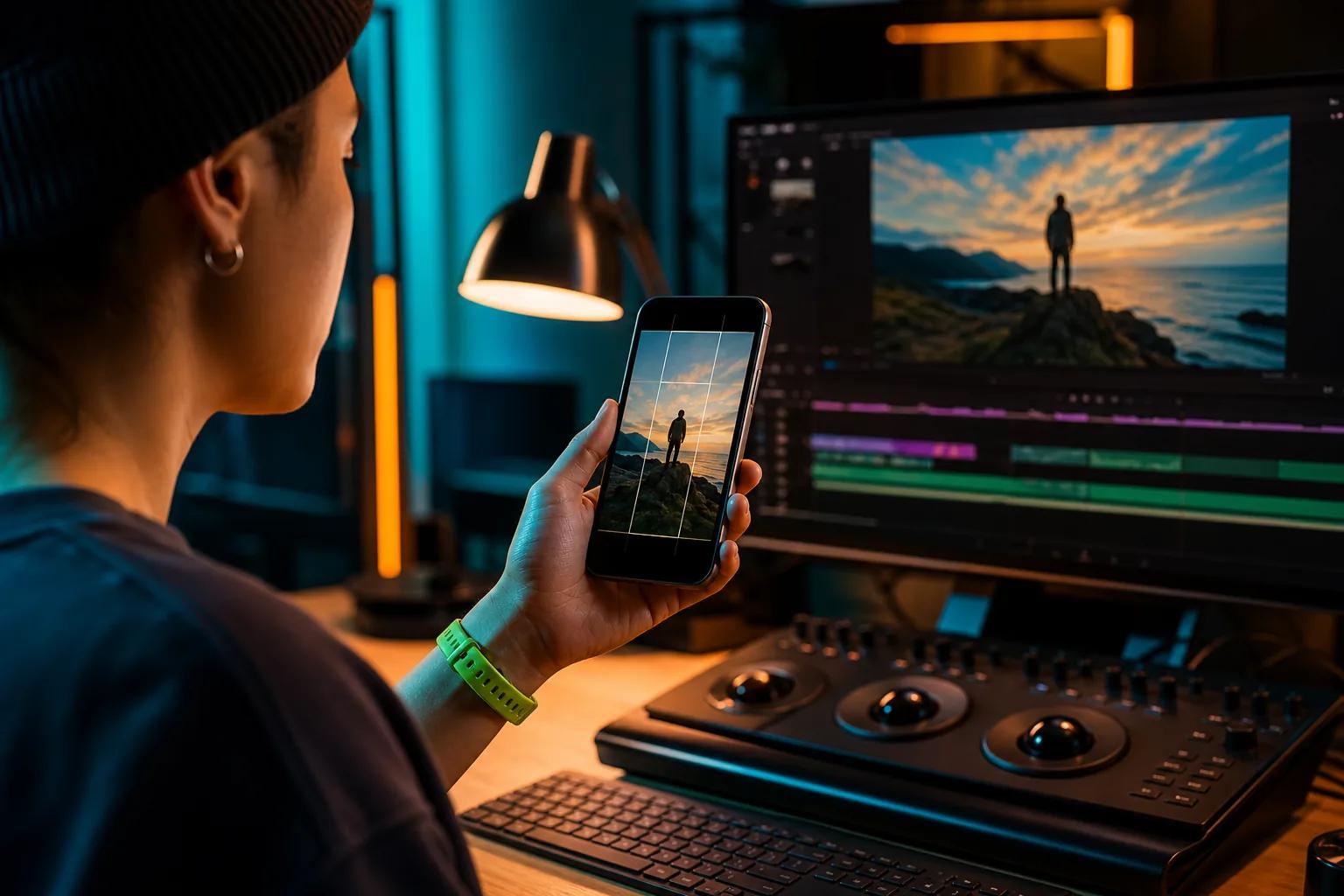
A vertical clip can fit TikTok and Reels, but the length limit and on-screen controls still differ by platform. These social media video sizes give you a clear starting point: match the frame to the placement, then check the crop and captions before you post.
We analyzed 35 comments and questions from YouTube and Quora about SOCIAL media video sizes and found that 29% mentioned methods to resize videos across platforms.
Vertical Video Sizes for TikTok, Reels, Stories, and Shorts
For short-form video, start with a 9:16 portrait frame at 1080 × 1920 pixels. It’s the shared format for TikTok, Instagram Reels and Stories, YouTube Shorts, Facebook Reels, Snapchat Spotlight, and Pinterest video Pins.
The format is a useful common starting point, not a promise that every platform has the same rules. Duration limits vary, and the app’s buttons or caption area may cover different parts of your frame. Use the table as a quick check, then preview the finished clip in each app.
| Placement | Frame and export size | Maximum duration | Framing note |
|---|---|---|---|
| TikTok | 9:16, 1080 × 1920 | 10 minutes | Keep text clear of the right-side buttons and bottom caption area. |
| Instagram Reels | 9:16, 1080 × 1920 | 3 minutes | Leave room around the bottom controls and caption area. |
| Instagram Stories | 9:16, 1080 × 1920 | 60 seconds per card | Keep key details away from the top and bottom interface. |
| YouTube Shorts | 9:16, 1080 × 1920 | 3 minutes | The title can overlap the lower part of the video. |
| Facebook Reels | 9:16, 1080 × 1920 | Check the current limit in the app | Allow space for on-screen interface elements. |
| Snapchat Spotlight | 9:16, 1080 × 1920 | Check the current limit in the app | Keep captions near the center, away from the edges. |
| Pinterest video Pin | 9:16, 1080 × 1920 | Check the current limit in the app | Leave clear space near the top for the title. |
MP4 with H.264 video and AAC audio is a common export choice for these placements. Check the current upload settings if you’re exporting a large file or posting through a scheduler, since platform limits can depend on the upload route.
Veo Studio is an independent, browser-based video creation tool powered by Google’s Veo 3.1 models. It supports 9:16 output, plus synchronized sound and dialogue, so it can help you make a vertical scene before you prepare the final post. For product-led short ads, see these AI video ad generator options.
Feed Video Dimensions: Portrait and Square Formats
Feed posts often work better in a shape that feels less tall than a full-screen Reel. A 4:5 frame at 1080 × 1350 pixels takes up more vertical space than a square while keeping the whole scene in view. A 1:1 square at 1080 × 1080 pixels is a flexible choice when the same post needs to fit several feeds.
| Placement | Useful frame | Export size | Maximum duration | Use it when |
|---|---|---|---|---|
| Instagram Feed | 4:5 portrait | 1080 × 1350 | 60 minutes | You want a taller feed post that isn’t full-screen vertical. |
| Instagram Feed | 1:1 square | 1080 × 1080 | 60 minutes | You need a square version for a mixed image and video feed. |
| Facebook Feed | 4:5 portrait | 1080 × 1350 | 240 minutes | You want a portrait crop for mobile feed viewing. |
| 1:1 square | 1080 × 1080 | 10 minutes | You want a square video that uses feed space on mobile. | |
| X | 1:1 square | 1080 × 1080 | 2 minutes 20 seconds | You need a square post; 16:9 is another common choice. |
Instagram also accepts 1:1 for feed video, while Facebook supports 1:1 and 16:9 as well as 4:5. That flexibility doesn’t mean one crop will suit every shot. A person standing at the edge of a widescreen frame may disappear when you turn it into a square.
Think about the focal point before you choose the crop. For a product close-up, a square may keep the item clear. For a person speaking to camera, 4:5 can leave more vertical room for the face and hands. A product video creator workflow can start from a product image or concept, but review the final frame at phone size before posting.
When you need both a square and a portrait export, make separate versions from the source file. Don’t stretch one frame into another shape. That distorts faces and products, and it doesn’t fix a crop that cuts off the point of the shot.
Landscape Video Sizes for YouTube
For a standard YouTube upload, use a 16:9 landscape frame. The common Full HD size is 1920 × 1080 pixels, and the platform accepts uploads up to 4K. YouTube Shorts use the vertical 9:16 format instead, so a regular landscape video and a Short need different exports.
For the landscape file, MP4 with H.264 video and AAC audio is a familiar choice. Upload the best-quality source you have, then watch the processed version on a phone and a larger screen. Look for soft detail, blocky motion, or text that becomes hard to read after compression.
A 16:9 master gives you room to frame a scene for longer viewing. But don’t assume that cropping it into 9:16 will always work. The vertical cut removes much of the left and right side. If the action moves across the full width, plan a separate portrait shot or keep the main subject near the center while filming.
Veo Studio supports both 16:9 and 9:16 video generation, with output up to 4K on supported settings. It’s an independent browser-based tool powered by Google’s Veo 3.1 models, not a Google-owned service. That can help when you need to make a distinct landscape scene and a vertical social cut, rather than forcing one composition into both shapes.
Social Video Safe Zones and On-Screen Text
A safe zone is the part of the frame where text and key details are less likely to sit under app controls or get cropped. On a 1080 × 1920 vertical video, keep essential words and faces away from the extreme top, bottom, and sides. The exact overlay can change by placement, so treat any fixed margin as a guide and check the post in its app.
Some useful placement-specific checks:
- Instagram Reels: The bottom area, roughly 250 pixels, may be covered by captions and buttons.
- Instagram Stories: Leave room near both the top and bottom for interface elements.
- TikTok: Keep words clear of the right-side action rail and the caption bar.
- YouTube Shorts: Don’t put a key line of text in the lower third, where the title can overlap.
- Pinterest video Pins: Keep the top area clear so the title has room.
Use captions for spoken content, then check them on a small screen. Keep the text large enough to read and give it enough contrast against the image. If you add captions in the edit, check that they don’t cover a face, product detail, or action. A viewer should still understand the main point when the sound is off.
Also leave breathing room around a logo or call to action. A logo pressed against an edge can be covered or clipped. And a button-style prompt may look like an app control, so use clear wording and place it inside the frame rather than at the bottom edge.
Create and Adapt Videos for Multiple Social Placements
One video idea can lead to several exports, but it rarely works as one untouched file everywhere. Pick the main placement first. Then plan a frame that keeps the subject visible in that format, with enough room to make other crops later.
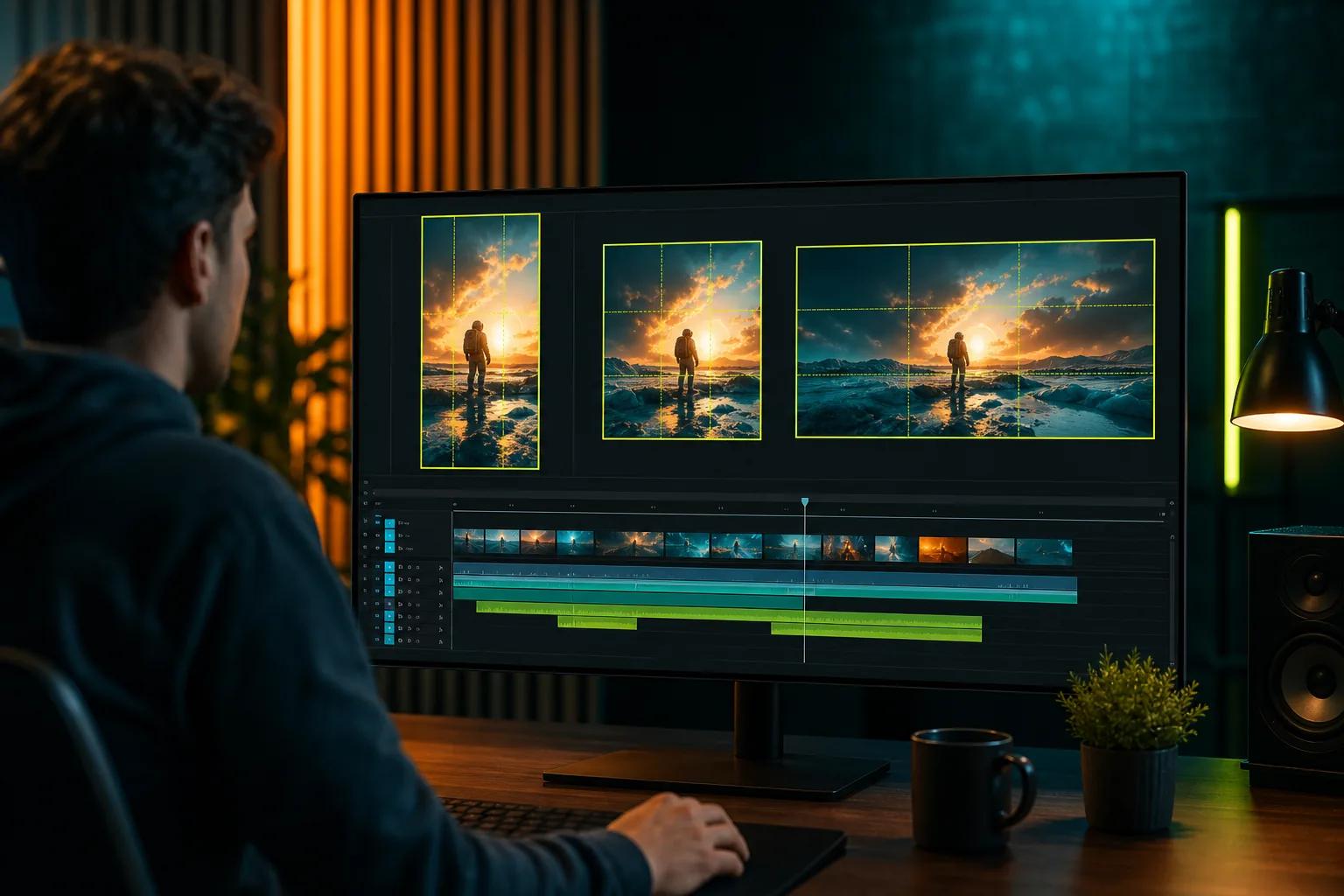
- Choose the primary frame. Use 9:16 for full-screen short-form video, 16:9 for standard YouTube, or 4:5 and 1:1 for feed posts.
- Frame for the crop. Keep the main person or product near the center if you plan to make more than one aspect ratio.
- Export each version separately. Set the correct frame size, then check that the crop fills the screen without stretching.
- Review text and sound. Keep captions within the safe area, and make sure dialogue or music still fits the new edit.
- Swap the call to action. Remove platform-specific lines, such as asking viewers to subscribe, when the new post has a different goal.
When you film live action, shoot with enough space around the subject to allow for a later crop. If a scene needs to fill the full vertical frame, make a portrait version instead of relying on a narrow crop from widescreen. That choice is especially useful when the subject moves from side to side.
Veo Studio can generate clips from a prompt or reference images in 16:9 or 9:16. Its supported features include character consistency, first- and last-frame control, scene extension, and synchronized sound and dialogue. For creators comparing tools for a wider social workflow, this social media video maker comparison covers different production needs.
Keep a clear file name for each export, such as a version marked vertical or feed-square. Before scheduling, play each file from start to finish. Check the first frame, caption position, final call to action, and audio sync. That final review catches simple issues before the post goes live.
FAQ: Social Media Video Sizes
What size should a vertical social media video be?
A common vertical size is 1080 × 1920 pixels at a 9:16 aspect ratio. It’s used for TikTok, Reels, Stories, and YouTube Shorts. Keep text and key visuals away from app controls, then check the actual crop in the platform before posting.
What aspect ratio should I use for Instagram Reels?
Use 9:16 for a full-screen Reel, commonly exported at 1080 × 1920 pixels. Keep the main subject near the middle and leave space around the edges for controls and captions. If the video also appears in a profile grid or feed view, review that crop separately.
What size should a YouTube video be?
Use 1920 × 1080 pixels for a standard 16:9 landscape upload. YouTube also accepts higher-resolution uploads up to 4K. For Shorts, switch to a 9:16 vertical frame, commonly 1080 × 1920 pixels, and check that the lower part of the video remains clear.
Can I use the same video on every social platform?
You can reuse the same source footage, but you’ll often need separate edits. Portrait, square, and landscape frames show different parts of the scene. Make an export for each placement, then check duration, captions, crop, and any platform-specific call to action.
Where should captions go on a vertical video?
Place captions in the middle area of the frame, clear of the top and bottom interface and the right-side controls. Keep the lines short enough to read on a phone. Preview the clip in its target app because each placement can cover a different part of the image.
Conclusion
Start with the aspect ratio that fits the main placement, then make and review separate exports for the other channels. Before you publish, check the duration, safe zones, and captions in the target app. If you’re creating a new scene, Veo Studio supports vertical and landscape generation, with synchronized sound and dialogue on supported clips.


