

A short-form video generator can turn a prompt, script, image, or recorded clip into a video draft. The tools below take different routes: Veo Studio makes directed scenes with synced sound, while other picks focus on editing, stock footage, or presenters.
1. Veo Studio
Veo Studio is an independent, browser-based AI video creation tool powered by Google's Veo 3.1 models. It turns text prompts or reference images into short video scenes, with synchronized sound and dialogue, character consistency, first- and last-frame control, scene extension, and output up to 4K on supported settings.
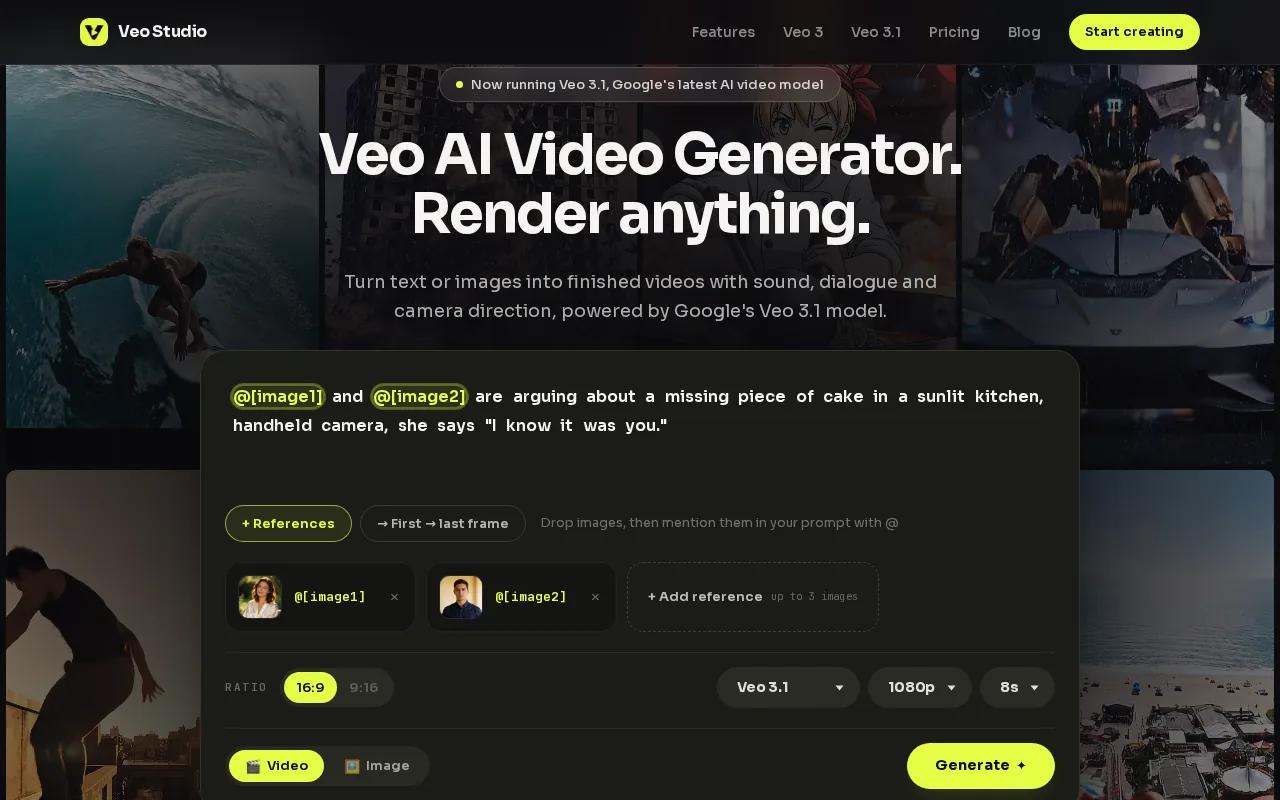
It suits creators who want to direct a scene instead of assembling a video from stock clips. For a product Reel, upload a reference photo and describe the action, setting, and camera move. Add dialogue in the prompt when the scene needs a spoken line. Reference images can help keep a character or product consistent across a clip.
The model can generate an initial clip at 4, 6, or 8 seconds. At 720p, scene extension adds seven seconds at a time to supported clips. That gives you room to continue a moment instead of stitching together unrelated shots. A vertical 9:16 frame fits common social feeds.
Veo Studio has a free plan with a couple of 720p videos per month and no card required. Paid plans start at $14 a month and include higher limits, higher resolutions, and a commercial licence. The free plan is a useful way to test the prompt and reference-image workflow before paying.
Creators working on YouTube can also compare workflows in this look at YouTube Shorts AI generators, especially if they need to choose between generating a new scene and editing footage they already have.
2. CapCut
CapCut is a mobile-first video editor with a free plan. It suits creators who have footage on their phone and want to shape it into a social clip without starting in a desktop editing suite.
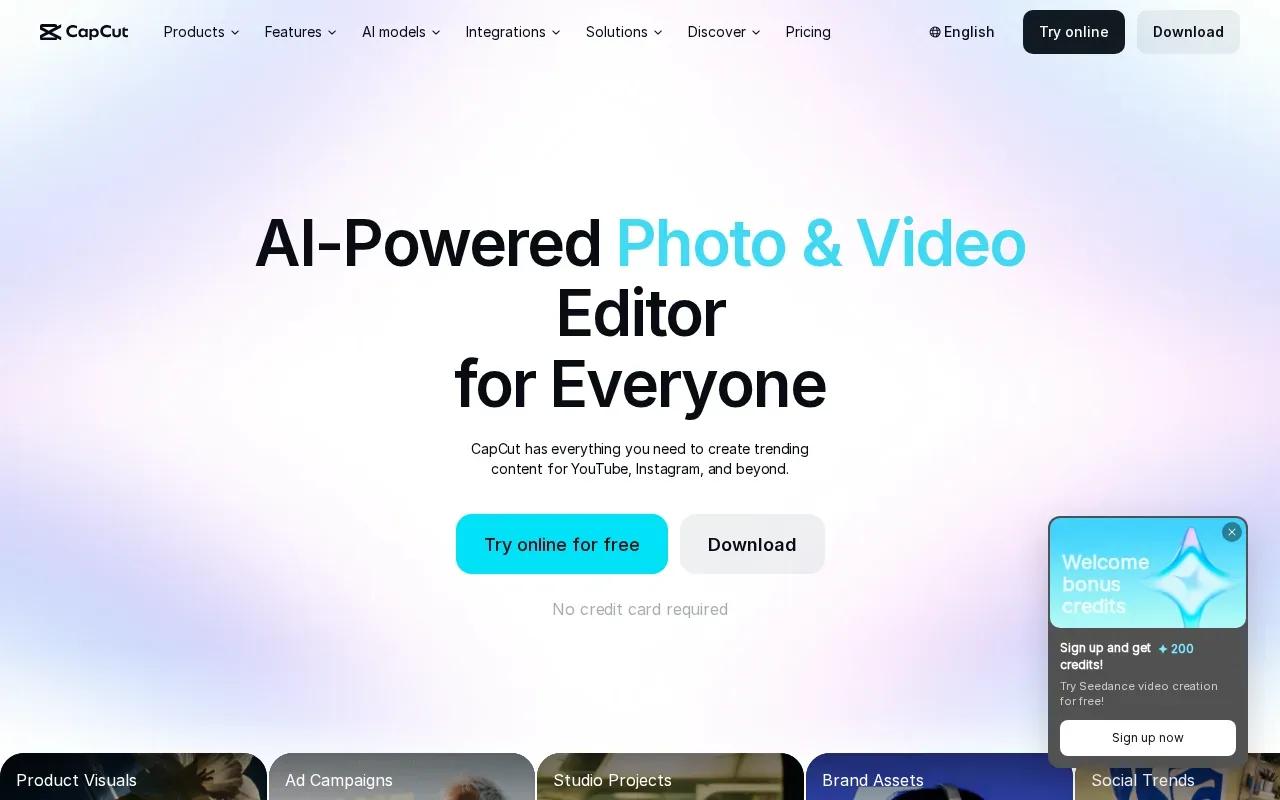
Its short-video workflow centers on editing. You can trim or split clips, set a vertical canvas, and add templates, effects, transitions, text, stickers, or music. Preset templates help when you need a quick starting structure. Captions and visual effects can also help make a clip easier to follow on a phone screen.
That makes CapCut a sensible fit for a shop owner who filmed a product demo, or a creator who has several takes to cut into one post. Upload the footage, remove pauses, then adjust the frame for the feed where you plan to publish. You still decide which moments to keep and whether the finished edit matches your brand.
CapCut's free plan makes it easier to test the editing flow before spending money. The key distinction is the starting point: CapCut is useful when you already have footage to work with, while prompt-led generators make new scenes from a written idea or image.
If your main task is to make a fresh scene rather than trim existing footage, compare it with a TikTok-focused AI video workflow before settling on an editing-first setup.
3. InVideo AI
InVideo AI turns a plain-language prompt into a scripted, voiced video with stock footage, then lets you refine the draft conversationally. It suits marketers and small businesses that have a brief but no finished video clips to use.
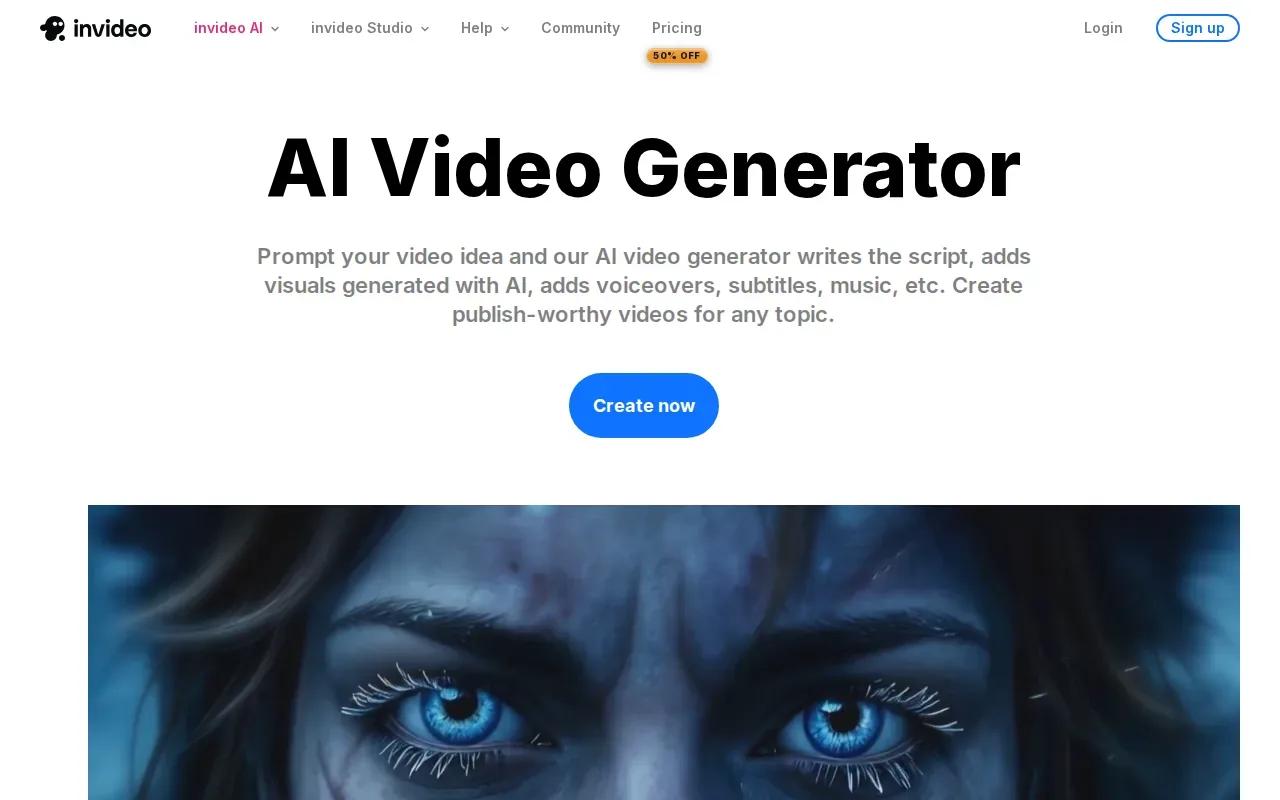
For a simple promo, describe the business, the offer, and the audience. The tool builds a script and finds stock visuals to match. In its documented commercial workflow, it can produce versions at 15, 60, and 120 seconds, each with a voiceover, music, and a call to action. You can swap shots after the first cut.
This approach can save setup time when the message matters more than a custom visual scene. A local business could start with a short offer and review the generated script before checking each shot against the spoken line. The stock footage is licensed for use in the video under that workflow's terms, but you should still review the asset and licensing details that apply to your project.
Expect to review the draft. Stock footage may not show the exact product or place you have in mind, and the spoken script must use facts you supplied. If you want a generator to invent a distinct scene with generated sound, that is a different job than assembling a narrated stock-footage promo.
For a quick decision, ask whether your starting point is a written marketing brief or a scene you want to direct. The AI YouTube Shorts maker comparison covers that difference across prompt-led and script-led workflows.
4. HeyGen
HeyGen makes photorealistic AI presenters that speak a script, with lip sync and translation among its strengths. It suits founders, product explainers, and paid-social ads that need a person addressing the viewer without a camera shoot.
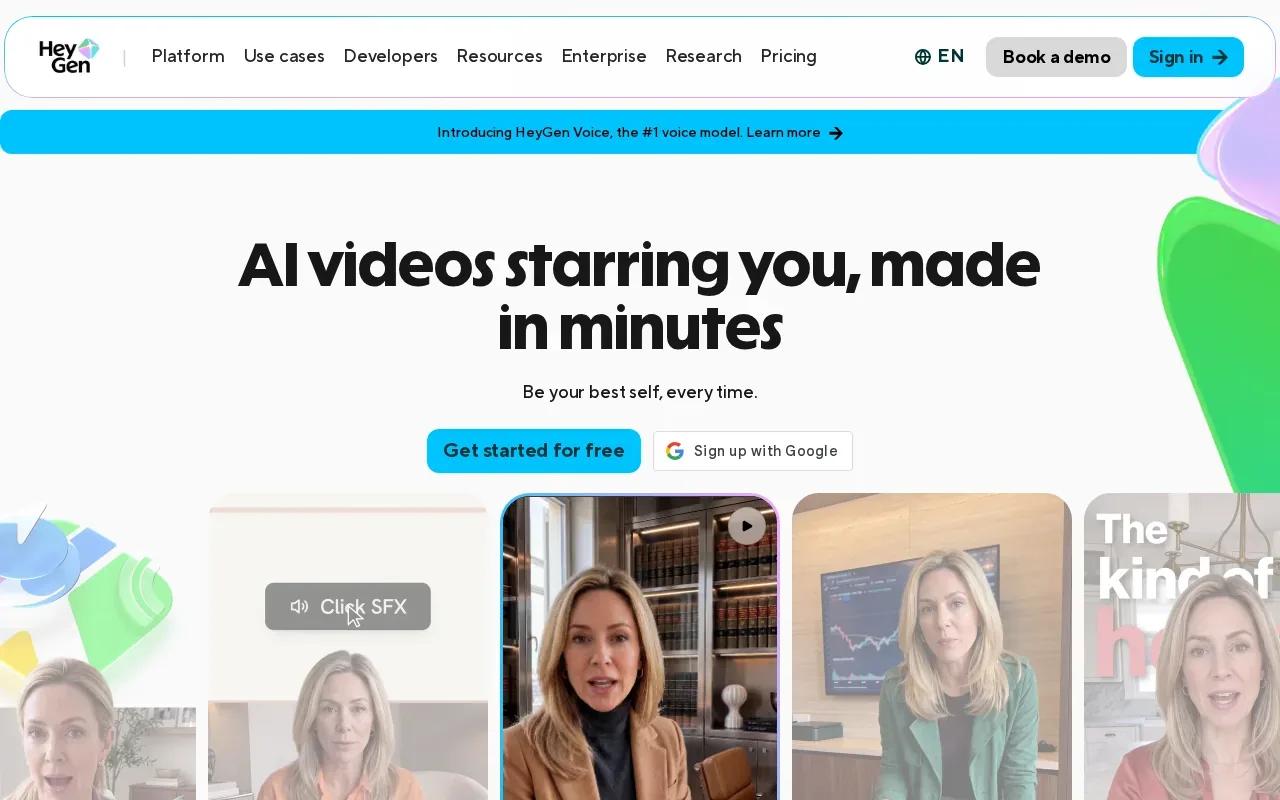
For a short product explanation, write the lines the presenter should say and review how the voice matches the mouth movements. A presenter can make a direct message feel more personal than a sequence of stock shots. It also gives a small team a way to prepare a talking-head draft without filming its founder for every version.
HeyGen's Reel workflow can start with an idea, script, link, image, or audio track. It can prepare a vertical video with captions and on-screen text, then lets you refine scenes and caption styling. Translation can help adapt a presenter video for another language, but review the wording and pronunciation before publishing.
Keep the brief focused. A presenter-led clip works well when the viewer needs an explanation or a clear message. If the idea depends on a character acting in a scene, rather than speaking to camera, a scene generator may be a better match.
5. Higgsfield AI
Higgsfield AI supports short video creation from prompts or references, including viral-style shorts. It suits creators who want to build a new short, turn a long video into a clip, or make a standalone visual shot.
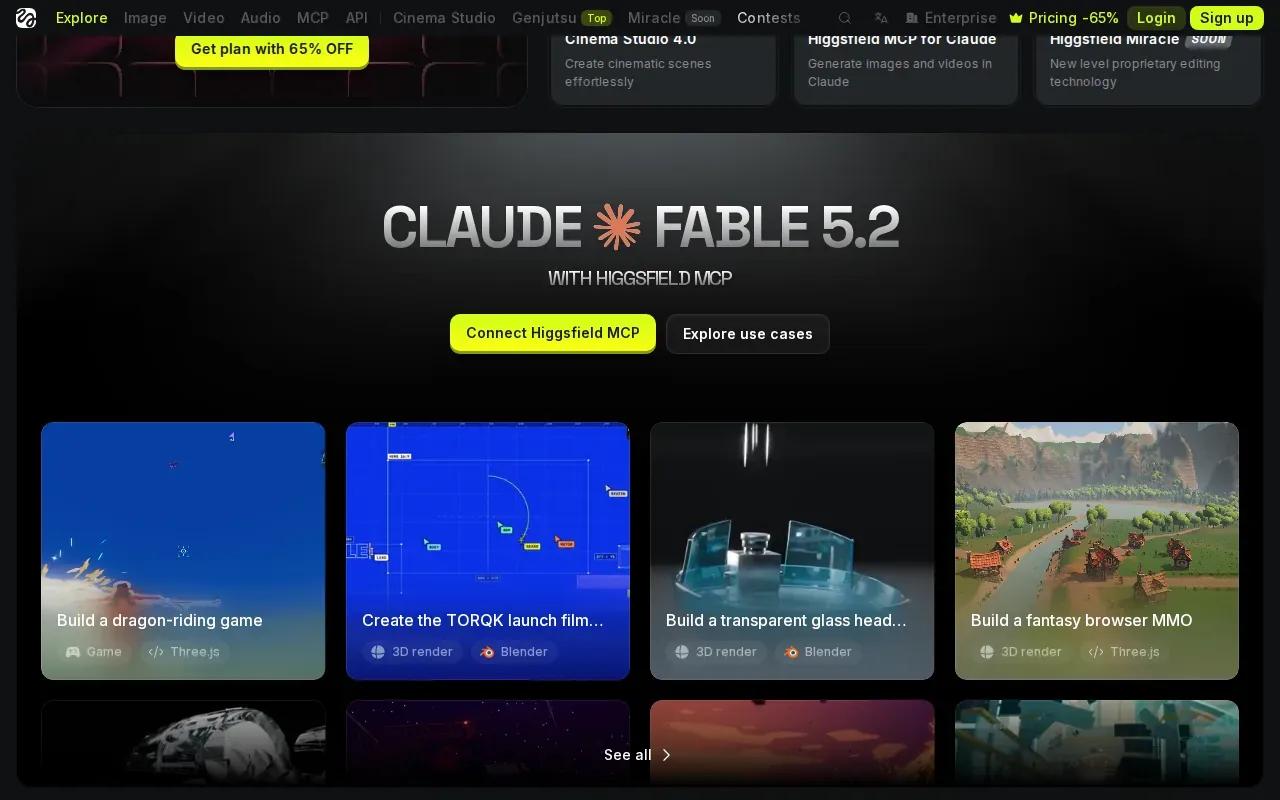
Its short-video workflow includes a clipping skill that finds a strong moment in a YouTube video. Other workflows can build an explainer around a hook, with scenes, voice, and subtitles. For an individual generated shot, the available clip length depends on the model, and the output can be framed vertically, square, or horizontal.
That range matters when your weekly work changes. You might cut a memorable moment from an existing upload one day, then make a short explainer from a new idea the next. You can ask the agent for changes and download the result to post. Higgsfield also supports upscaling to 4K.
Some video models generate sound with the clip, so check the model selected for a project that depends on audio. Veo Studio offers synchronized sound and dialogue, plus character consistency. A strong visual hook is useful, but it still needs a clear message and a clean edit.
6. Fliki
Fliki turns a script into a talking-head video with a lifelike AI avatar. You can also make a digital twin that keeps the same face and voice across scenes. It suits TikTok and Reels creators who want a presenter-led format without recording each take.
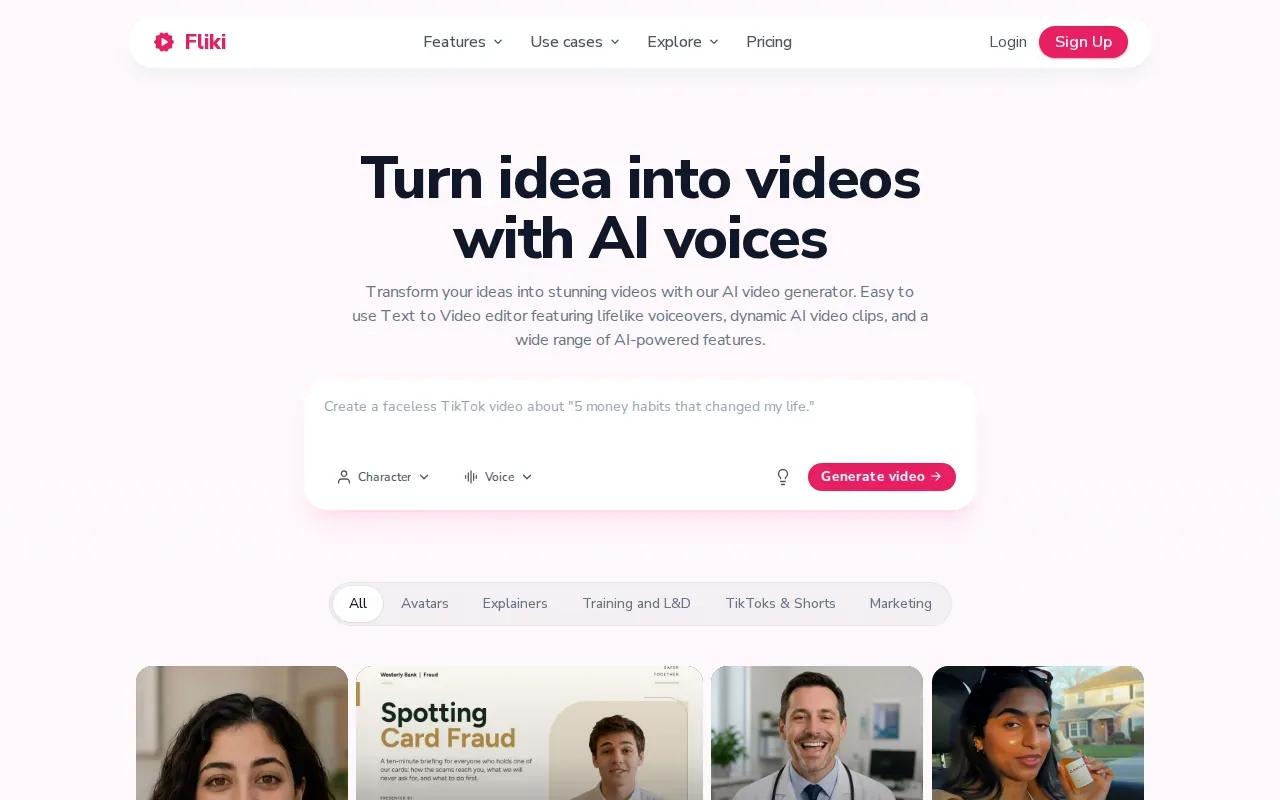
Start with a script and choose an avatar, or upload a photo for a talking-photo video. Fliki's talking-avatar workflow includes lip sync and voice options in more than 80 languages. That can help when you want the same presenter to deliver a short message in several languages without arranging a new shoot for each version.
For a regular content series, keeping the face and voice consistent across scenes gives the posts a familiar presenter. The script still needs a human edit. Read it aloud before generating, then check names, claims, and phrasing in the finished clip. A lifelike voice does not make an inaccurate line safe to publish.
Fliki's workflow centers on a script and an avatar, while Veo Studio is geared toward directed scenes with generated sound and dialogue. Pick based on the video you need: a person delivering a prepared message, or a scene built from a prompt or reference image.
Short Form Video Generator Comparison Table
Use the starting point and the type of audio or visual control you need to narrow the list. A tool that edits existing footage solves a different problem than one that generates a scene or presenter.
| Tool | Good fit | Starting point | Sound and continuity |
|---|---|---|---|
| Veo Studio | Directed scenes and short stories | Prompt or reference image | Synced sound and dialogue; character consistency; scene extension; up to 4K |
| CapCut | Mobile-first social edits | Footage and templates | Editing tools for music and effects; no synchronized dialogue or character consistency |
| InVideo AI | Promos made from a brief | Plain-language prompt | Script, voiceover, and stock footage |
| HeyGen | Presenter-led explainers and ads | Script, idea, image, link, or audio | AI presenter with lip sync and translation |
| Higgsfield AI | Viral-style shorts and clips | Prompt, reference, or existing YouTube video | Sound depends on the selected video model |
| Fliki | Talking-avatar videos for social feeds | Script or photo | Lip-synced avatar; same face and voice across scenes |
For any short-form video generator, review the finished clip before you post. Check the spoken words, captions, framing, and any product details. If you use a real person's likeness or supplied media, make sure you have permission to use it.
FAQ: Short Form Video Generators
What is a short-form video generator?
A short-form video generator helps turn a prompt, script, image, or source clip into a brief video for social platforms. Some tools generate new scenes, while others edit footage or assemble stock visuals around narration. The right fit depends on what you have at the start and how much control you need over sound, characters, and the final cut.
Can AI make a video from a script?
Yes, several tools in this list can start with a script. InVideo AI can build a voiced stock-footage draft, while HeyGen and Fliki can make a presenter or avatar speak prepared lines. Review every spoken line and caption before publishing, especially when the video includes product details or claims.
Which tool can generate synchronized sound and dialogue?
Veo Studio generates synchronized sound and dialogue with a scene. HeyGen and Fliki also support lip-synced speech from an AI presenter or avatar. These workflows are different: Veo Studio builds a scene, while HeyGen and Fliki focus on a person speaking to camera.
Are AI-generated short videos free to make?
Some tools have a free way to start. Veo Studio includes a free plan with a couple of 720p videos per month and no card required. CapCut has a free plan, and Fliki and Higgsfield AI also describe free access. Check the current plan terms before you build a recurring workflow.
How do I choose a tool for TikTok or Reels?
Start with your source material. Choose CapCut when you have footage to edit, InVideo AI for a scripted stock-footage promo, or an avatar tool for a presenter-led post. If you need a new scene with synced dialogue or a consistent character, test Veo Studio with a short prompt and reference image.
Conclusion
For a short that needs generated dialogue, character continuity, or room to extend a scene, start with Veo Studio. Its free plan lets you test a couple of 720p videos without a card. Write one focused prompt, attach a reference image if the subject needs to stay consistent, and review the result before building a larger batch.


