
A TikTok video can start with a sentence, a script, or a still image. An AI video generator for TikTok can turn that starting point into a short clip, but the tools differ in sound, control, and editing workflow.
Here are six named options for different creator needs, starting with Veo Studio, an independent browser-based tool powered by Google's Veo 3.1 models.
1. Veo Studio: Prompt-to-video creation with synced sound
Veo Studio turns a text prompt or reference images into video with synchronized sound and dialogue. It suits creators who want to direct a scene, not only place existing clips into a template.
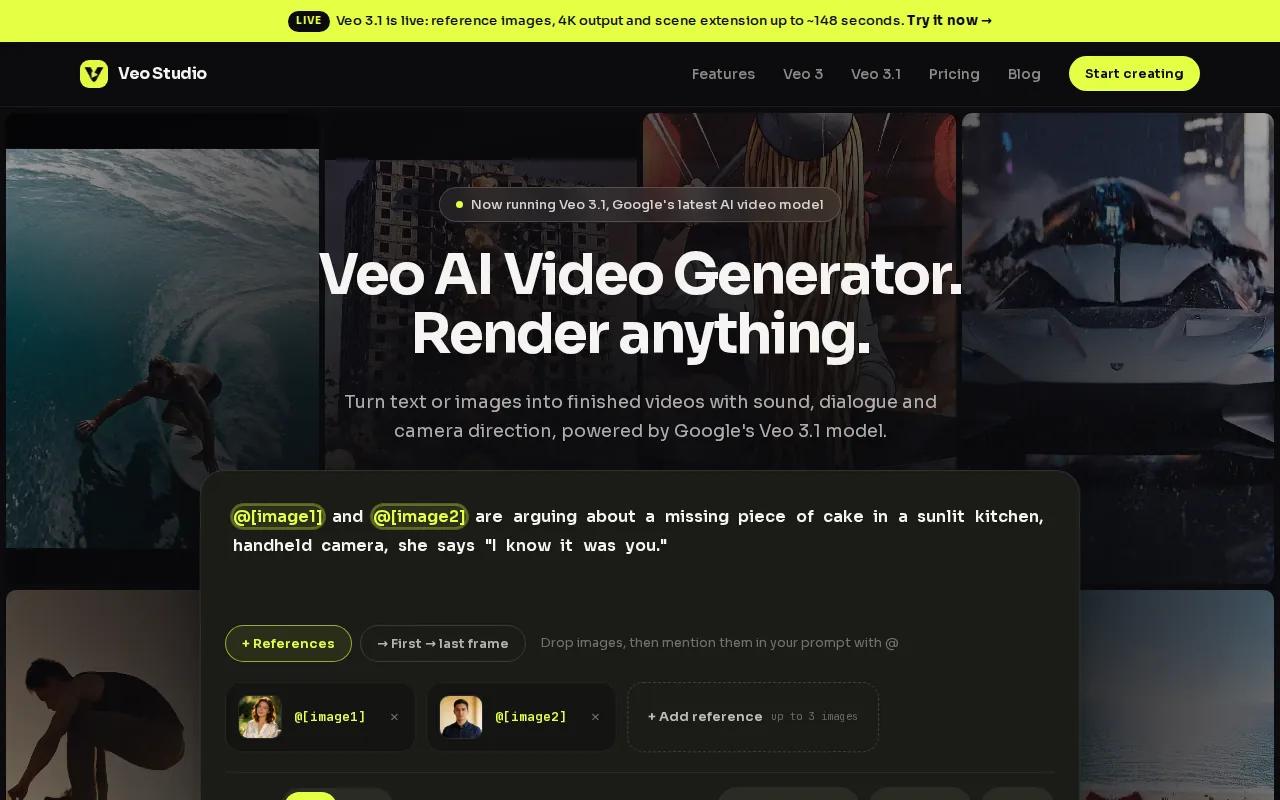
Choose a vertical 9:16 frame for a TikTok shot. Describe the action and camera move in plain language, then add dialogue in quotation marks when you want a character to speak. Veo Studio can generate the picture and sound together, including lip-synced dialogue.
For continuity, attach up to three reference images or set a first and last frame. Scene extension can add to a finished clip in seven-second steps, up to roughly 148 seconds for supported 720p clips. The tool also supports output up to 4K, while the free plan gives you a couple of 720p videos a month with no card required. Paid plans start at $14 a month.
That makes Veo Studio useful for a product shot that needs a spoken line, or a short story that should keep the same character across frames. You can try Veo Studio's browser-based video creation before choosing a paid plan.
One detail to plan for: individual generated clips are four, six, or eight seconds before any scene extension. Build a shot list if your TikTok needs several distinct beats.
2. HeyGen: Fast generation and consistent avatars
HeyGen makes videos with AI avatars, and it’s a fit for creators who publish presenter-led clips in batches. HeyGen offers fast generation and consistent avatars across batches.
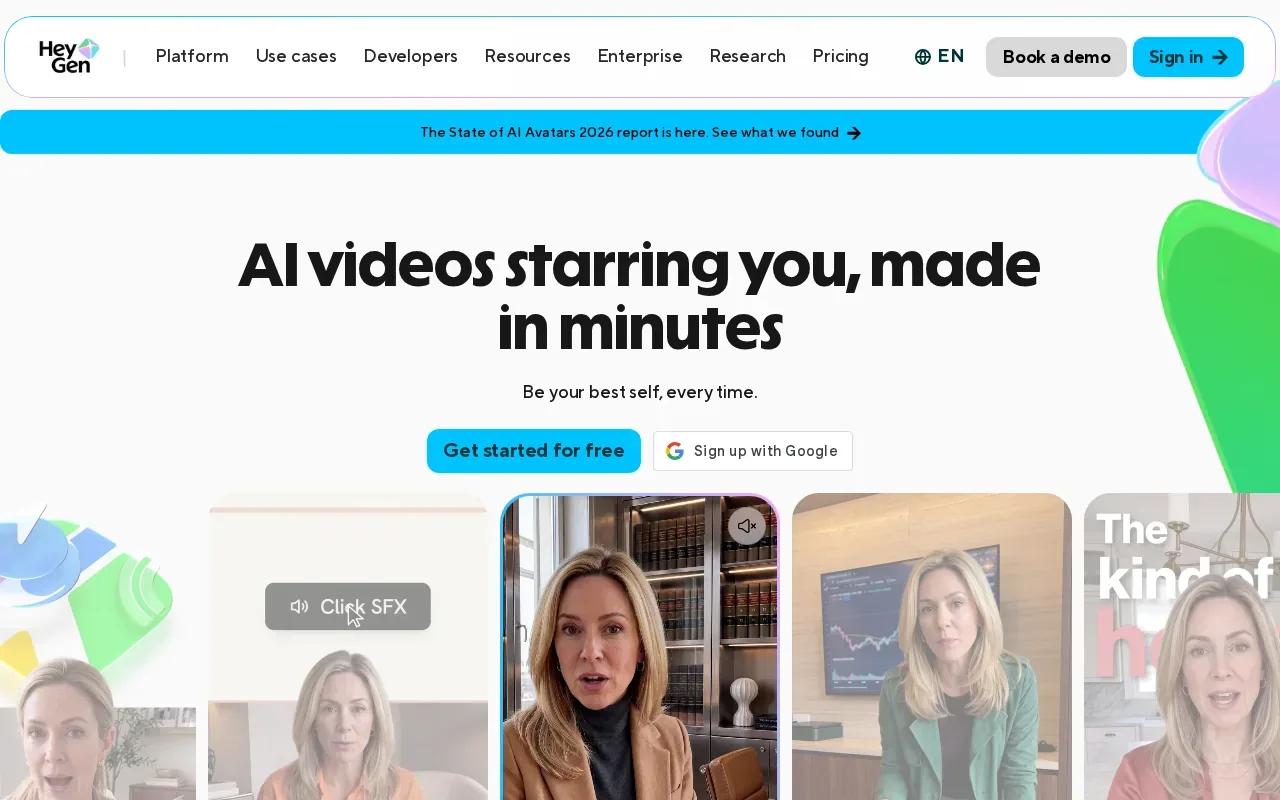
That workflow can suit a recurring format, such as a short product explainer where the same presenter introduces a new feature each week. You can keep the on-screen speaker consistent while changing the script. It’s a different job from generating a cinematic scene or animating a product photo.
The Creator plan is $29 per month. Consider HeyGen when a familiar avatar and repeatable presenter format matter more than open-ended scene direction.
3. Runway: Cinematic B-roll and coherent motion
Runway is suited to creators who need cinematic B-roll and more control over movement. Runway offers motion coherence over roughly 10 to 15 seconds, along with controls such as keyframes, motion brush, and camera moves.
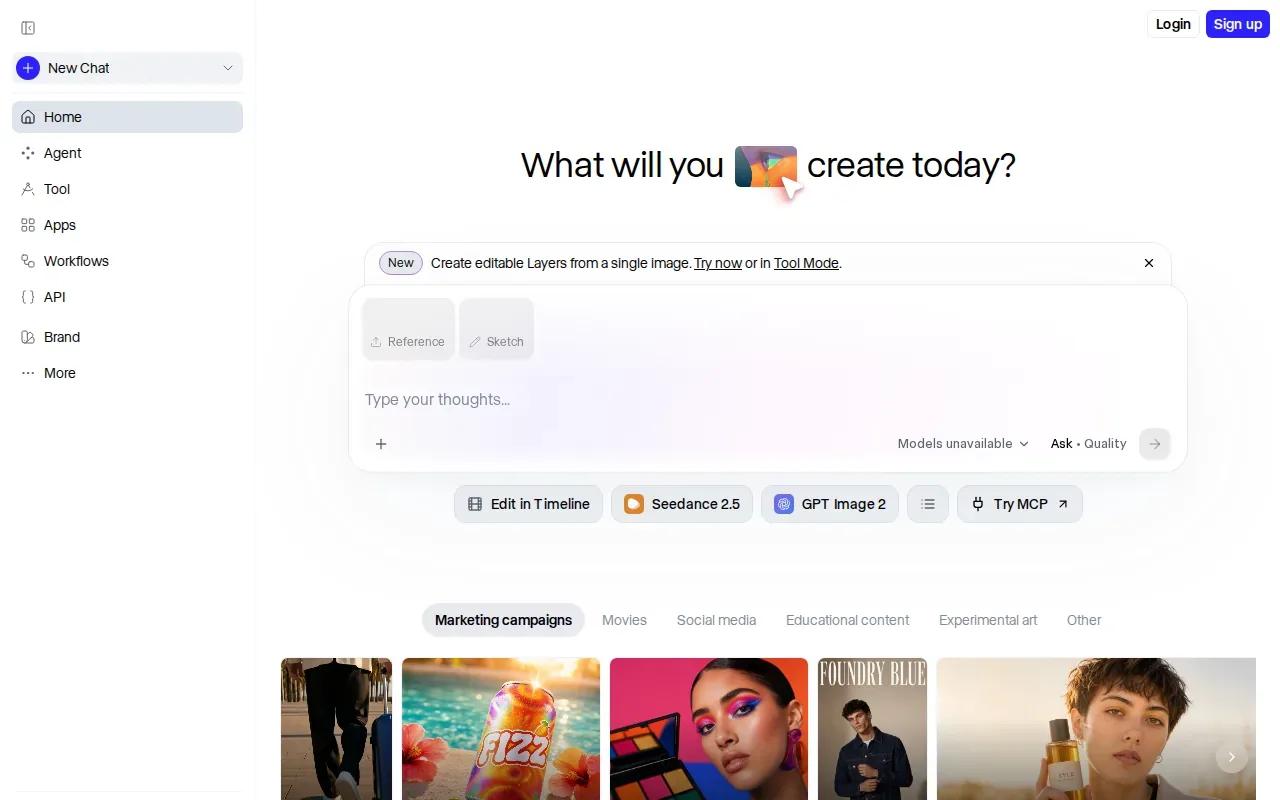
That can help when you need a moving background for a product explainer, or a short visual sequence that should feel directed rather than assembled from stills. Keyframes and the motion brush can guide how an element moves. Runway can also extend scenes through keyframes and motion brush.
For TikTok, the choice is about fit. A polished B-roll clip may work well in a product demo or story, while a casual creator post may call for a looser look. Check the motion and pacing in the exported clip before you build a full series around one style.
Runway is a sensible option when camera control and moving visuals are central to the idea. If your brief depends on dialogue generated in sync with the scene, compare that need against Veo Studio’s supported synchronized sound and dialogue.
Ready to make short videos with synced sound?
4. InVideo AI: TikTok ad templates and UGC-style formats
InVideo AI turns a script into a complete video, with a template range suited to TikTok ad formats and UGC-style content. It’s a fit for marketers who want a structured draft from a written brief.
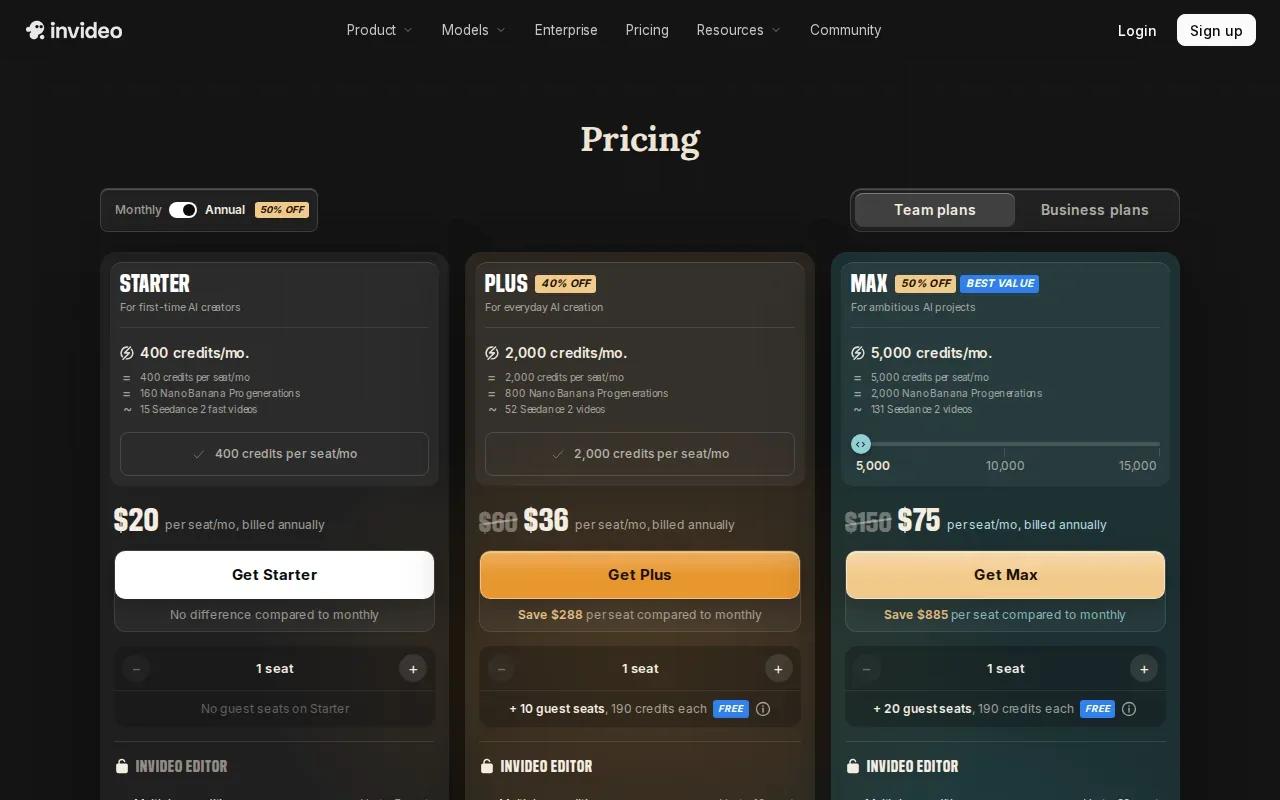
In a reported test, InVideo AI turned a script into a complete TikTok video in about six minutes. Its workflow can assemble visuals, voiceover, captions, music, and transitions from a prompt. That can give an ad team a draft to review before they refine the hook or adjust the scene order.
InVideo AI’s maximum resolution is 720p. Keep that limit in mind when your workflow depends on higher-resolution exports. For a campaign built around templates and a quick script-led first cut, the format variety may matter more than fine-grained camera control.
Use a clear brief: state the first line, the product or idea viewers should remember, and the action you want them to take. For more product-focused short-form workflows, see AI video ad generator tools and workflows.
Review the generated captions and timing before posting. A fast first draft still needs a human check for names, claims, and the opening seconds.
5. CapCut: A capable free editor with 1080p export
CapCut is a video editor for creators who already have footage or generated clips to shape. CapCut offers a free option at $0, with the full editor and 1080p export.
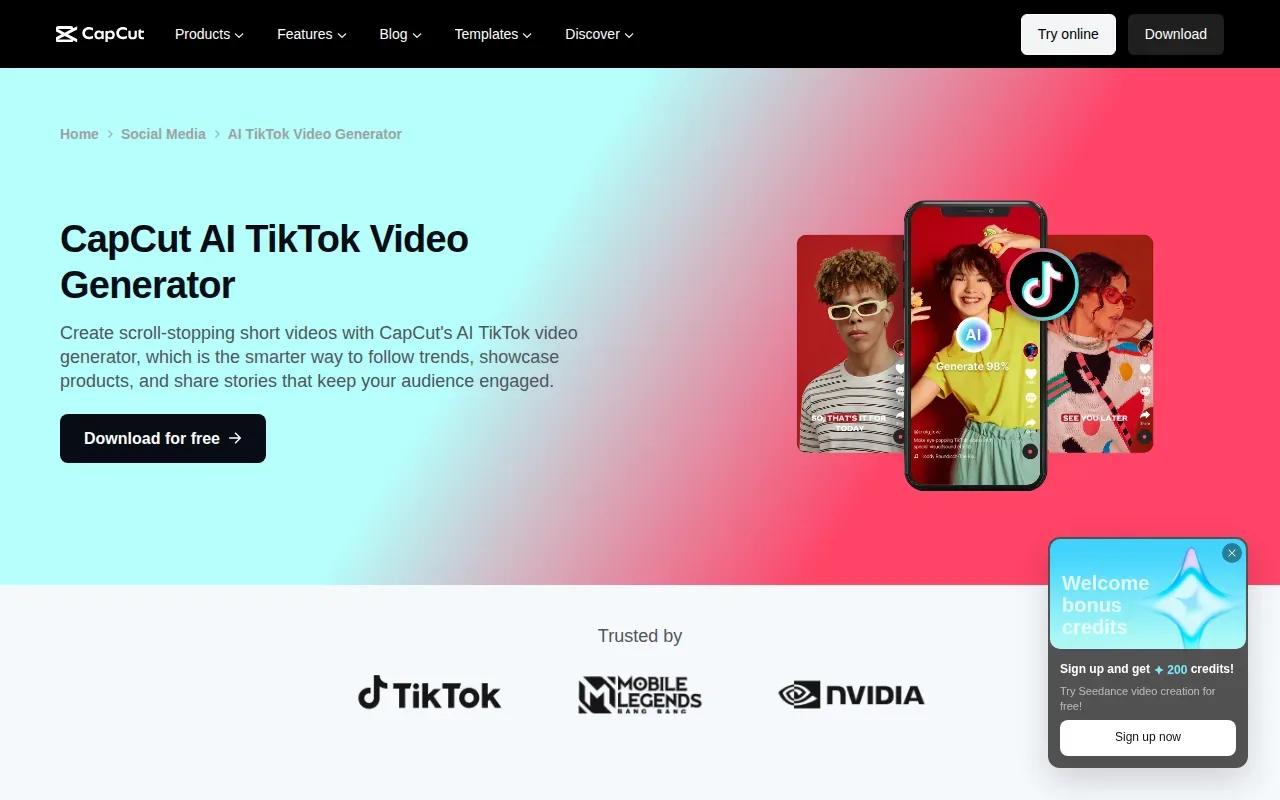
Its TikTok editing workflow includes templates, text effects, filters, music, auto captions, and text-to-speech. You can bring in clips, place captions or titles, then adjust the look with effects and transitions. CapCut also supports a one-click share from the editor to TikTok.
That makes CapCut useful for the finishing pass: trim an AI-generated clip, adjust on-screen text, or fit a sequence to a template. Its maximum resolution is 4K on the Pro tier. CapCut does not support scene extension.
CapCut is an editor, so match it to the job you need done. If you want a prompt to generate a new scene, look at a generation-focused tool. If you already have footage and need a TikTok-ready edit, the free editor may cover the work. Creators working across short-form feeds can also compare AI Reels generator tools and workflows.
6. Fliki: Text-to-video with a large voice library
Fliki turns a prompt, script, or other text into a narrated video. It fits faceless accounts and creators who want voiceover and visuals assembled around written content.
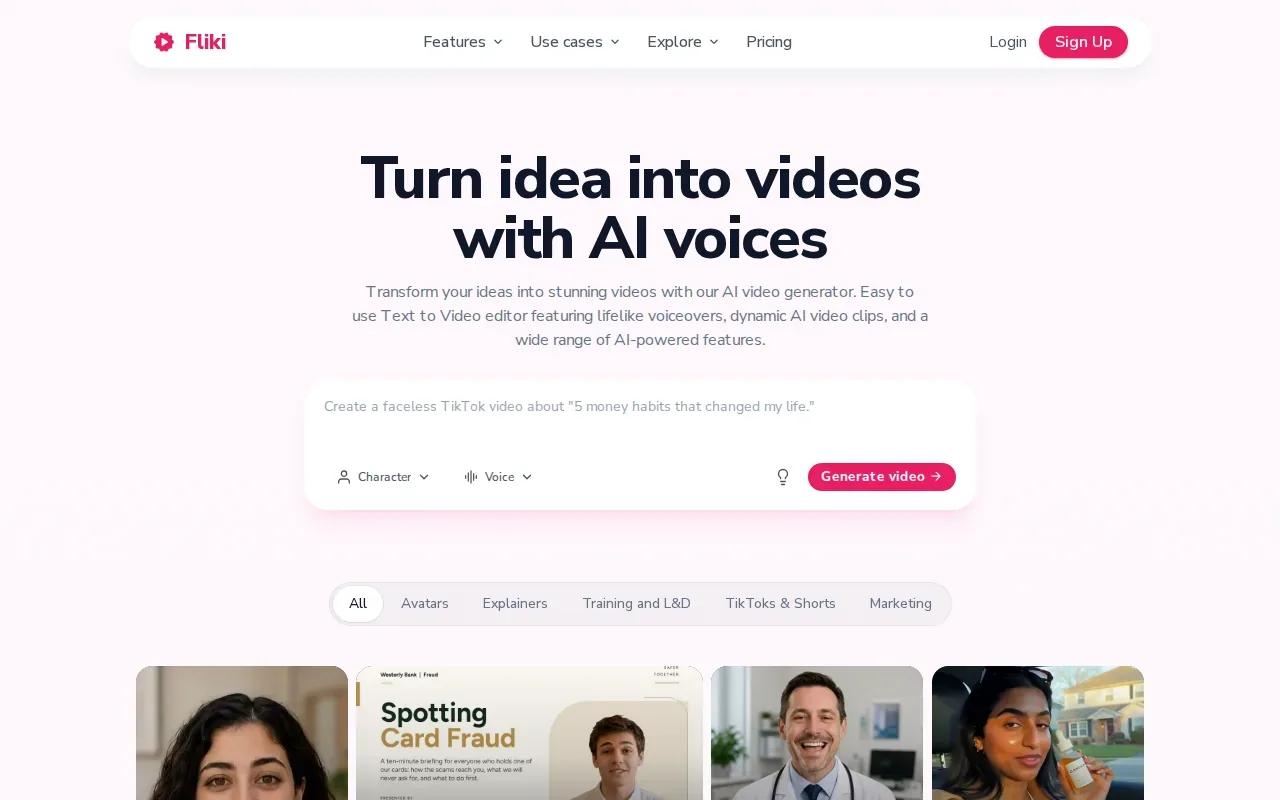
Fliki offers more than 2,000 voices across more than 80 languages. Fliki can build a video from a single prompt with a script, visuals, voiceover, music, and captions. Its voice library makes it worth considering when narration is the main feature of your clip.
Here’s how different starting points can shape a Fliki project:
| Starting point | What Fliki can build | Useful for |
|---|---|---|
| One-line prompt | Script, visuals, voiceover, music, and captions | Testing a quick video concept |
| Written script | Narrated video with visuals and captions | Turning a prepared message into a short clip |
| Blog post or URL | Narrated video with matching visuals and subtitles | Repurposing written content for social feeds |
When you review the result, check that the selected visual supports the spoken line. Then listen for pronunciation and make sure the captions match the voiceover. That review matters for product names or lines where exact wording is important.
Fliki is a text-led choice. If your priority is a consistent character across a scene or frame-by-frame control, compare its workflow with Veo Studio instead.
How to choose a tool for your TikTok workflow
Pick based on the part of production that takes you longest. A generator can help with the first draft, while an editor handles the final cut. You may use one tool for both jobs, but don’t assume every tool creates footage, adds captions, and exports in the same way.
- For generated scenes with synced sound: Veo Studio supports synchronized sound and dialogue, reference images, frame control, scene extension, and up to 4K output.
- For avatar-led batches: HeyGen focuses on fast generation and consistent avatars.
- For directed B-roll: Runway provides motion and camera controls.
- For a script-led ad draft: InVideo AI offers TikTok ad and UGC-style templates.
- For editing existing clips: CapCut includes a free editor with 1080p export.
- For narrated text-based videos: Fliki builds videos around scripts and a large voice library.
Before posting, watch the export on a phone. Check that the first line is clear, captions are readable, and the main subject stays visible. Add or adjust music only after you’ve checked how the voice and image work together.
Frequently asked questions
What does an AI video generator for TikTok do?
An AI video generator for TikTok turns text, a script, images, or other source material into some part of a short video. Depending on the tool, it may generate scenes, voiceover, captions, or an avatar presenter. You’ll still want to review the hook, pacing, captions, and final framing before you post.
Can I make TikTok videos with AI for free?
Yes, some options in this shortlist have free access. Veo Studio’s free plan includes a couple of 720p videos per month with no card required. CapCut’s free editor costs $0 and includes 1080p export. Check the plan details that apply to your workflow before you rely on a free tier for ongoing production.
Which tool should I use to add captions and music?
CapCut includes auto captions and music in its TikTok editing workflow. Fliki can generate captions and music as part of a text-to-video project, while InVideo AI can assemble captions and music with a script-led video. Choose based on whether you’re editing existing footage or generating a draft from text.
Can one AI video work on TikTok, Reels, and Shorts?
Often, yes, if the video is framed and exported in a format those feeds accept. Veo Studio supports vertical 9:16 output, and HeyGen supports exports for TikTok, Instagram, and YouTube. Review each version before posting, since captions and key visuals may need a different position or crop.
Conclusion
If your clips need generated visuals with synchronized dialogue, reference-image continuity, or scene extension, start with Veo Studio. Create a free account and test one short vertical prompt before building it into your regular TikTok workflow.