A YouTube Shorts AI generator can turn a prompt, script, or existing clip into a short video draft. The right tool depends on what you need most: new scenes, quick edits, narration, captions, or clips cut from longer videos.
We analyzed 38 comments from YouTube and Reddit about youtube shorts AI generators and found that 29% mentioned missing key features.
Here are seven options, starting with Veo Studio, an independent browser-based tool powered by Google’s Veo 3.1 models.
1. Veo Studio
Veo Studio turns text prompts and reference images into short videos with synchronized sound and dialogue. It suits creators who want to direct a scene rather than build every shot from stock footage.
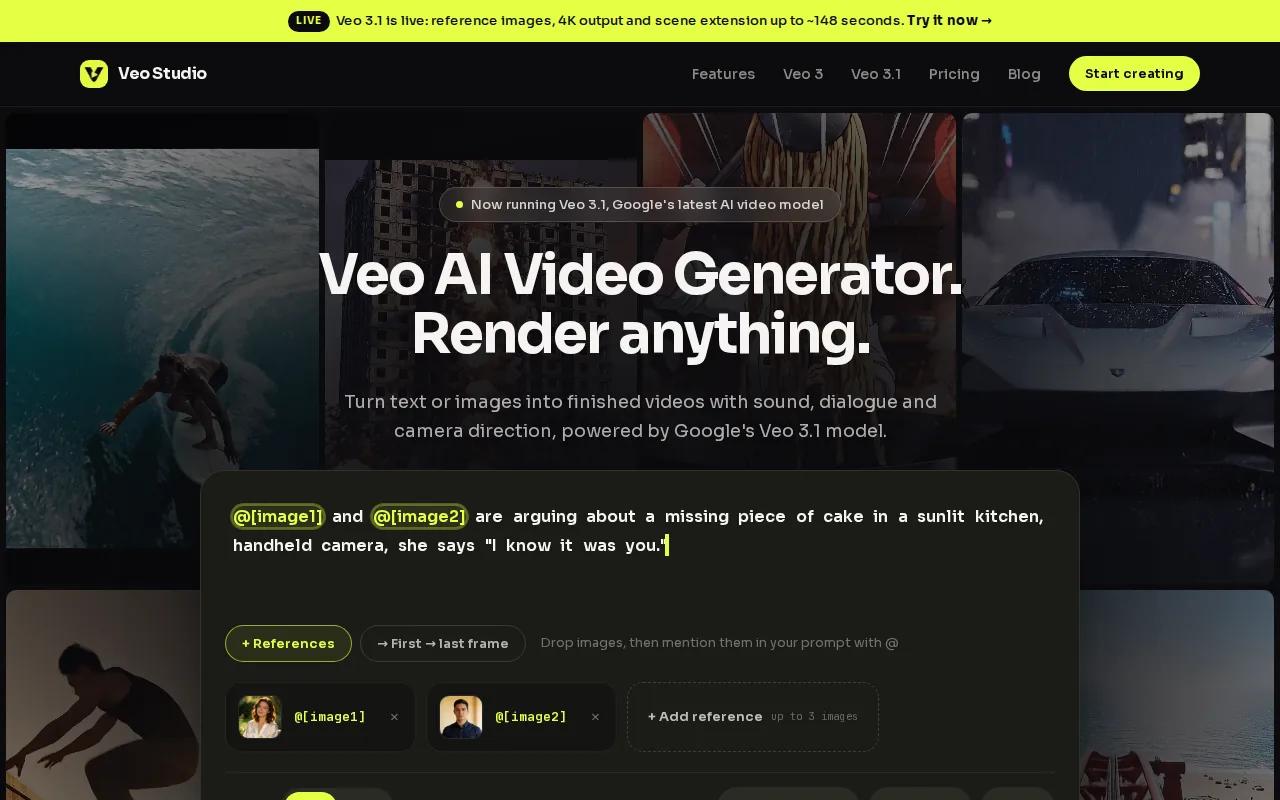
For a product Short, attach a product photo and describe the camera move, lighting, and action. You can use reference images to keep a character or product look consistent. First- and last-frame controls help shape a transition, while scene extension adds seven seconds at a time to supported clips. Output can reach 4K on paid plans.
The free plan includes a couple of 720p videos a month, with no card required. Paid plans start at $14 per month. Veo Studio’s free video generator is a useful place to test a prompt before planning a full batch.
Generated clips are short, so a longer Short may need several shots assembled in an editor. But if synchronized dialogue and control over scene continuity matter, Veo Studio puts those tools in one browser-based workflow.
2. Revid.ai: prompt, script, and URL-based video creation
Revid.ai turns prompts, scripts, URLs, product pages, audio, and PDFs into editable short-form videos. It’s a fit when your starting point is already written or published content, rather than a scene you want to direct from scratch.
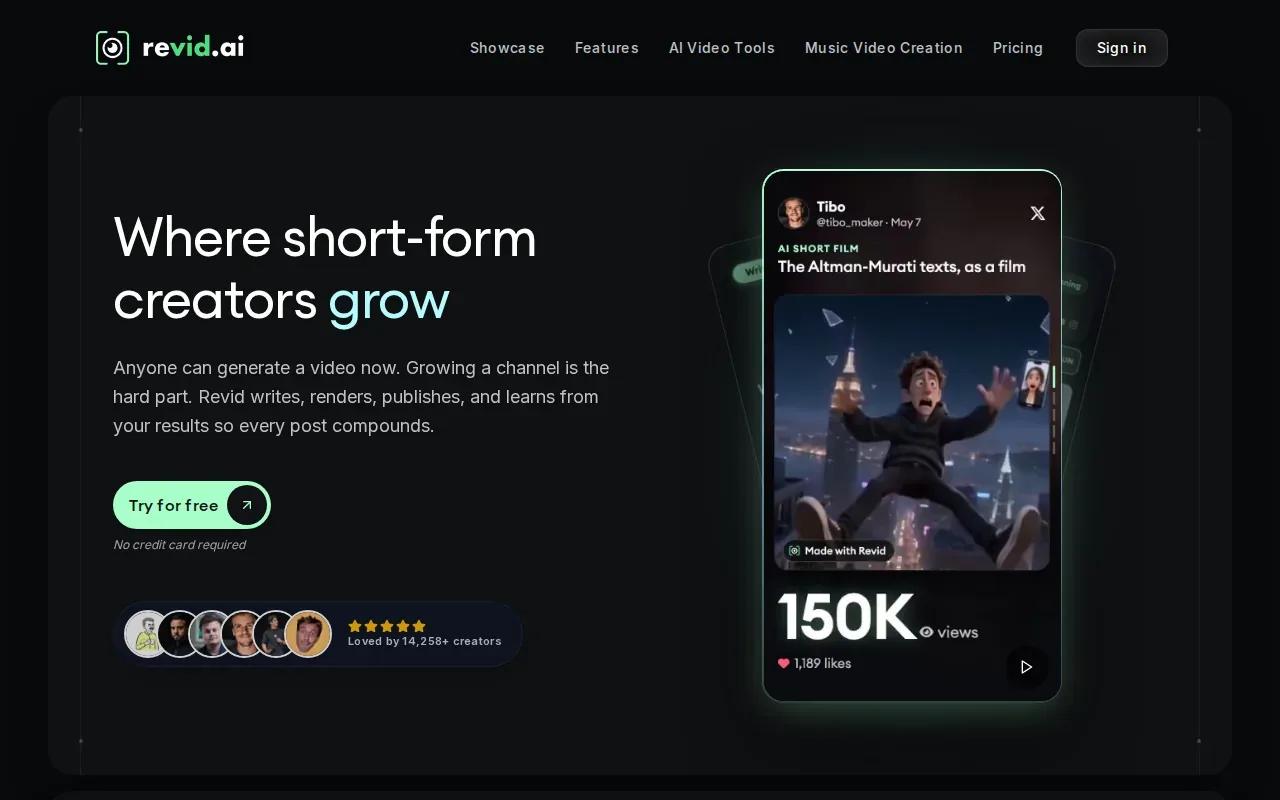
For example, you could start with a script for a quick product explainer, then work with the generated video as an editable draft. Revid.ai was originally built as a viral TikTok generator, and that short-form focus shows in its prompt-led workflow.
A free tier is available. Test a finished draft against your channel’s needs before you commit to a repeat workflow.
Choose Revid.ai when you have source material to adapt and want to move from it toward a video draft.
3. Vozo: one-click conversion of long videos into Shorts
Vozo turns long-form videos into Shorts with a one-click conversion workflow. It’s aimed at creators who already have longer footage and want to find short clips without rebuilding each video from a blank page.
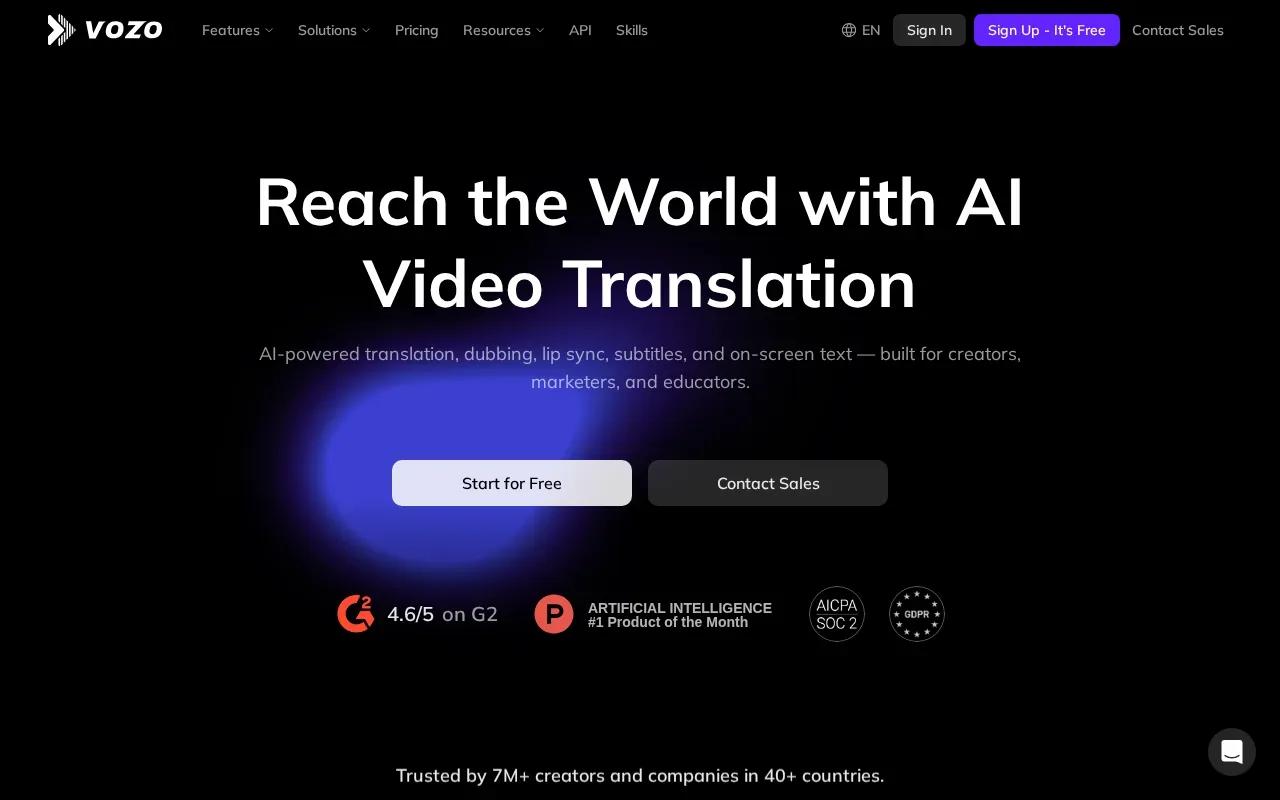
Its speech tools include dubbing, lip sync, and voice cloning. Vozo also says it supports translations in more than 160 languages. That may help a team adapt existing spoken content for viewers in other languages, though translated output still needs a human review for names, tone, and timing.
A free tier is available. Vozo’s core fit is repurposing long videos, not generating every visual from a text prompt. Start with a recording that already has a clear point or moment worth clipping.
4. CapCut: familiar editing tools and a free starting point
CapCut combines AI video tools with an editor for making social videos. It suits creators who want a free place to start and expect to adjust the generated draft, rather than publish the first result unchanged.
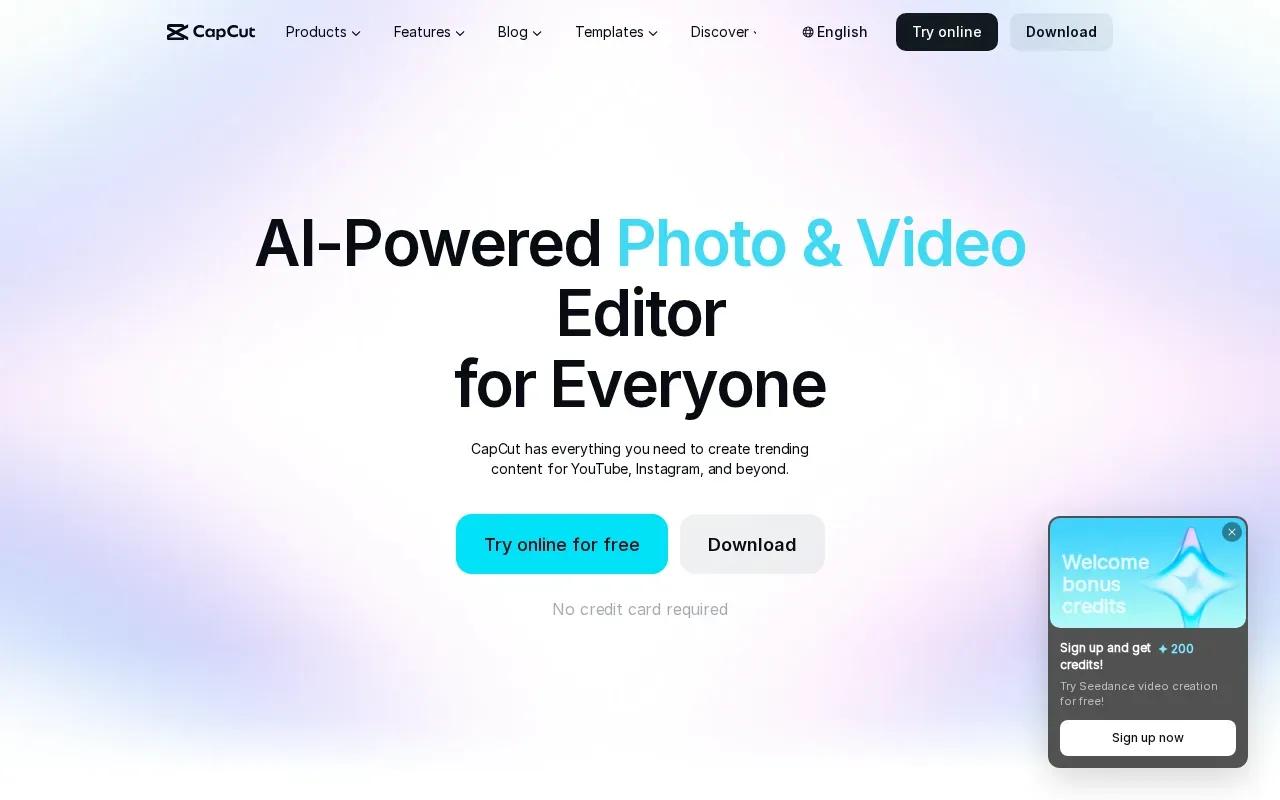
Its YouTube Shorts maker can turn a script into a vertical draft with visuals, transitions, and audio. CapCut also describes ways to make Shorts from longer footage by finding moments and trimming them into vertical clips. Captions and further edits can help when a speaker’s words need to stay clear with the sound off.
A free tier is available, and the verified maximum resolution is HD. For a fuller look at the production flow, see how to make YouTube Shorts with AI. The useful distinction is that CapCut pairs generation with hands-on editing, while Veo Studio focuses on creating new scenes from prompts and reference images.
5. InVideo AI: prompt-generated Shorts with subtitles and voice-overs
InVideo AI creates video drafts from simple text prompts. It’s a match for creators who want a script-led Short assembled with supporting clips, subtitles, music, and voice-over.
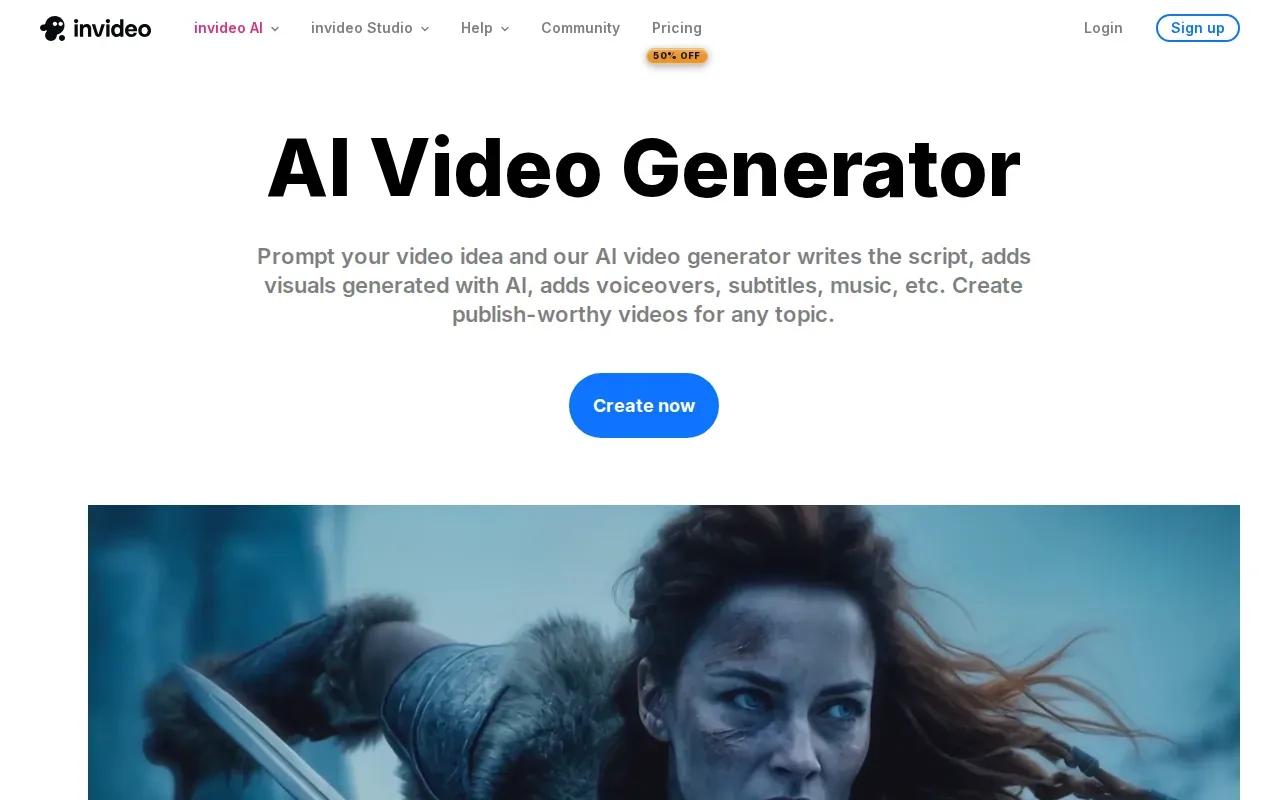
The tool can generate a script, add clips, and place subtitles, music, and transitions into a draft. That can cut down on the blank-timeline work for a simple explainer. You’ll still want to check whether each visual matches the words and whether the voice-over sounds right for your channel.
InVideo AI adds subtitles and voice-overs. Compare current plan terms in the product before building a high-volume publishing plan.
It’s most useful when your prompt already has a clear topic and you want narration to carry the message.
6. Fliki: prompt-to-video with voiceover, music, and captions
Fliki builds a video from one prompt, including a script, visuals, voice-over, music, and captions. It fits faceless Shorts where narration does most of the storytelling.
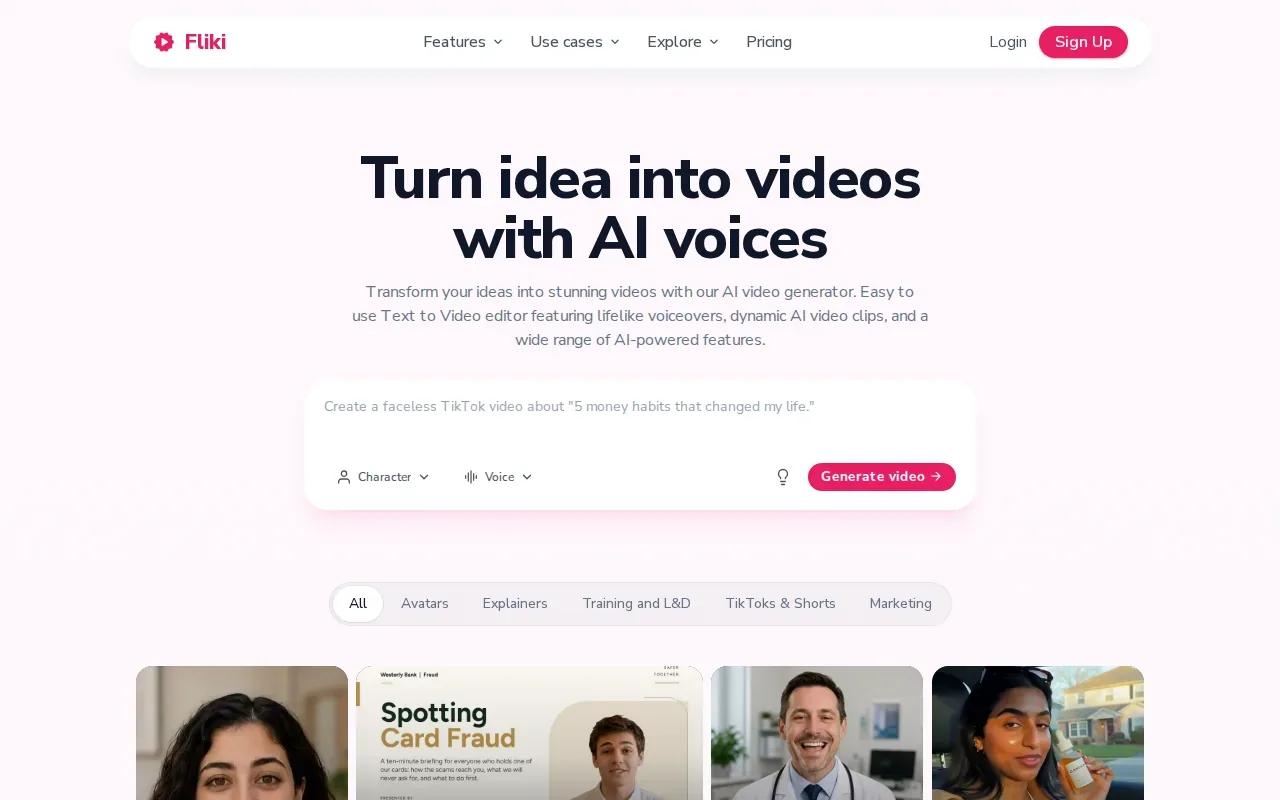
Fliki's AI video generator builds the entire video from a single prompt, including script, visuals, voiceover, music, and captions. In other words, the single prompt is used to build the script, visuals, voiceover, music, and captions that make up the video. These are the components Fliki lists for its prompt-based generator.
The free plan requires no credit card. Fliki also maintains character consistency.
7. VEED: browser-based editing, subtitles, and dubbing
VEED brings video generation and editing into one workflow. It’s built for marketers and solopreneurs who want to work in a browser and make talking-head content.
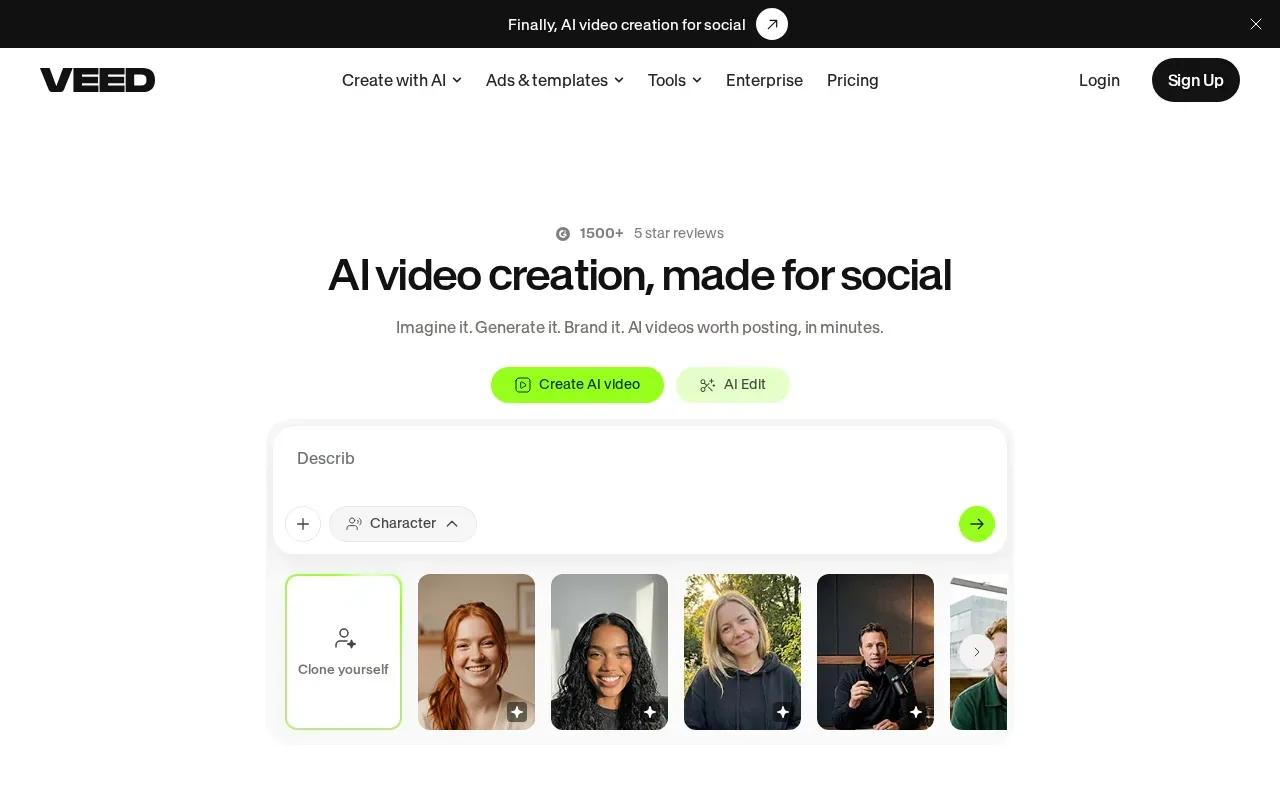
Its workflow includes creating talking heads, editing with AI, dubbing videos, and adding subtitles. That makes it worth considering when an existing speaker or voice track is central to the Short. Subtitles can also give viewers a way to follow along when they watch without sound.
The product details here don’t specify a free plan or output resolution. Before using it for a recurring series, test a short clip and check the subtitle timing, dub, and final vertical framing yourself.
How These YouTube Shorts AI Generators Compare
Pick by the job you need the tool to do. A scene generator, a long-video clipper, and a caption editor solve different parts of production.
| Tool | Good fit for | Voice and captions | Free access noted |
|---|---|---|---|
| Veo Studio | Prompt- and image-led scenes | Synchronized sound and dialogue | Yes, a couple of 720p videos monthly |
| Revid.ai | Turning prompts, scripts, URLs, or files into video drafts | Details vary by workflow | Yes |
| Vozo | Repurposing long-form video | Dubbing, lip sync, voice cloning | Yes |
| CapCut | Generating and editing social video | Captions and audio tools | Yes |
| InVideo AI | Prompt-generated narrated drafts | Subtitles and voice-overs | — |
| Fliki | Faceless, narrated Shorts | Voice-over and animated captions in many languages | Yes, no card required |
| VEED | Browser-based talking-head editing | Subtitles and dubbing | — |
A simple production pass works across these tools: first write one clear idea and opening line, then generate or select the footage. Review the voice and captions next. Finish by exporting a vertical cut and watching it on a phone before you post.
AI tools don’t guarantee reach. Keep titles and descriptions relevant, use a few fitting hashtags, and choose a clear moment for the thumbnail.
Also check rights before posting. Use footage, images, music, and voices you have permission to use. If a tool generates a voice or depicts a real person, avoid presenting synthetic media as that person’s actual words or actions.
Need the next step after choosing a tool? The AI Reels generator comparison can help when you’re adapting short-form content for another feed.
FAQ
What is a YouTube Shorts AI generator?
A YouTube Shorts AI generator is a tool that helps make short vertical videos from prompts, scripts, images, or existing footage. Depending on the product, it may draft scenes, find clips, add narration, or create captions. You still need to review the result, especially the facts, visual choices, and audio, before publishing.
Which AI tool can turn a long video into Shorts?
Vozo converts long-form videos into Shorts with a one-click workflow. Fliki can build a video from a single prompt. If you already have a recording, start by checking whether the tool preserves the moment’s meaning and frames the speaker well in vertical format.
Can AI tools add captions to YouTube Shorts?
Yes, several tools in this list include caption features. InVideo AI adds subtitles, Fliki generates captions, and VEED can add subtitles during editing. Check names, punctuation, and timing by watching the export with sound off. Auto-captions save time, but they can still misread speech.
Can I make YouTube Shorts with AI for free?
Yes, some listed tools have free access. Veo Studio’s free plan includes a couple of 720p videos a month, while CapCut and Revid.ai also have free tiers. Fliki’s free plan needs no card. Check each plan’s current limits before you rely on it for regular posting.
Do AI-generated Shorts get recommended by YouTube?
AI use alone doesn’t promise recommendations or views. Make the Short useful or entertaining, keep its title and description relevant, and review audience response over time. A tool can speed up production, but it can’t replace a clear idea.
What should I check before publishing an AI-made Short?
Check that the video is framed vertically and that its captions match the spoken words. Listen for clear audio, confirm the visuals fit the script, and make sure you have rights to the media you use. If the Short includes a synthetic voice or a real person’s likeness, make the context clear and don’t imply false endorsement.
Conclusion
If you want to generate new scenes with synchronized dialogue, reference images, and scene extension, start with Veo Studio. Create a free account and test one vertical prompt before building your next batch of Shorts.