A good Reel needs more than a vertical frame. You may want to generate a scene, edit footage you already have, or turn one long recording into several short clips. Here are six reels video maker options, led by Veo Studio, with a clear look at what each one does.
We analyzed 38 YouTube comments about reels video maker and found that 34% mentioned missing or limited features.
1. Veo Studio
Veo Studio is an independent, browser-based AI video creation tool. It turns text prompts or reference images into short videos, with synchronized sound and dialogue, character consistency, frame control, scene extension, and output up to 4K on supported settings.
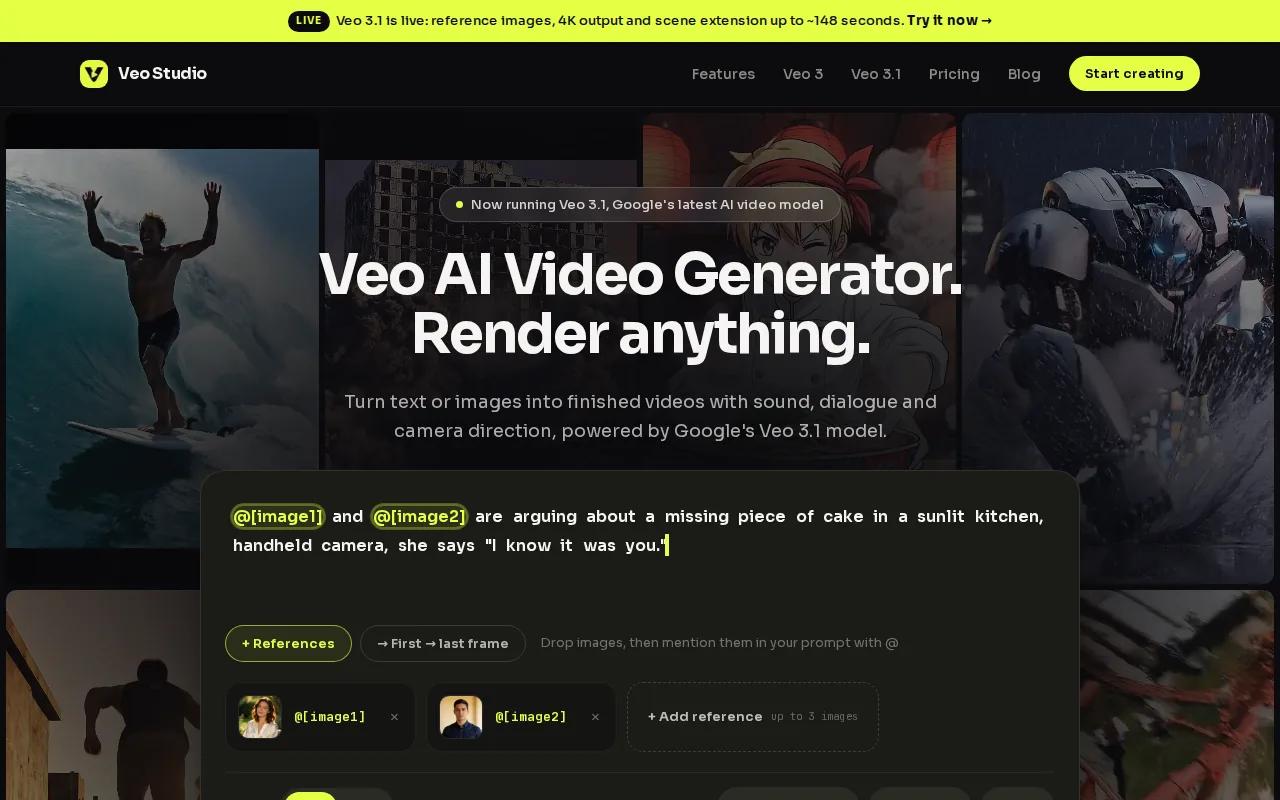
It suits creators who want to shape a scene instead of starting with filmed footage. A small business could attach a product photo, describe a camera move, then generate a vertical clip with a line of dialogue or a sound cue. If the character or product needs to stay visually consistent, reference images can guide the generation. First- and last-frame control can help shape the transition between two stills.
Veo Studio’s free plan includes a couple of 720p videos a month, with no card required. Paid plans start at $14 per month and include more video capacity, higher resolutions, and a commercial licence. The model generates video and sound together, so the first draft can already include spoken dialogue that matches the character’s lip movement.
That workflow is different from making a Reel by trimming clips and adding a song later. Think of Veo Studio when the footage itself still needs to be made, or when a short scene needs dialogue and a consistent character. For more prompt-led ideas, see these Instagram Reels generator tools and workflows.
2. Kapwing: collaborative editing in the browser
Kapwing is an AI-powered short video generator focused on collaboration. It suits creators and teams who already have video files or links and want to edit them in a browser, rather than install desktop software.
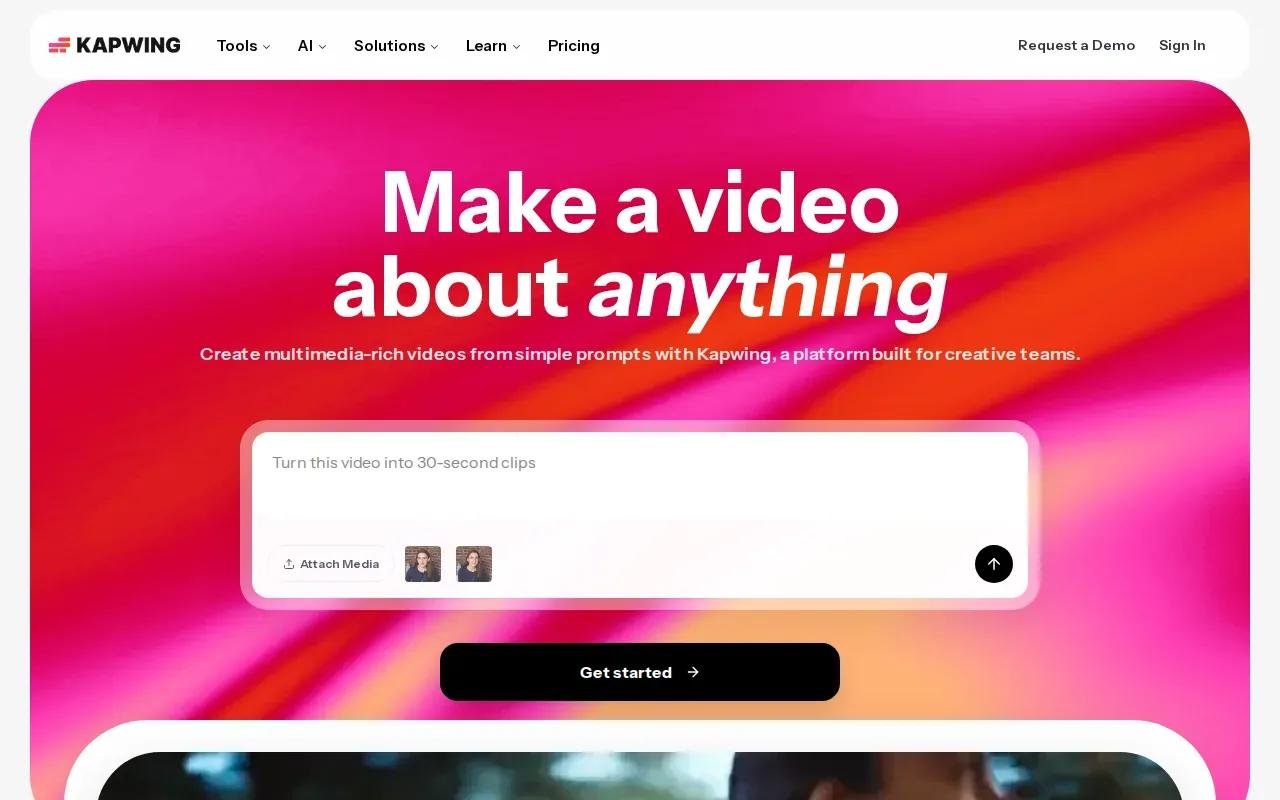
Its browser-based timeline lets you trim, split, and reorder clips. You can upload a video, import from a URL, or record footage. For a Reel, set a vertical frame, check the crop, and keep text away from the edges where the app interface may cover it. Kapwing also supports auto-subtitling and subtitle translation, which can help when the same clip needs captions in more than one language.
Captions are useful when someone watches with the sound off. Review the transcript before export, since a misspelled name or product term can make a polished clip feel careless. You can style the subtitles, then export a video file to share on Instagram or another social platform. Kapwing’s starting price is around $16 per month, and its maximum resolution is 720p.
For a team, browser access can make it easier to review a draft without passing project files between devices. If you’re comparing prompt-based creation with tools that focus on editing, this overview of AI Instagram Reel maker workflows lays out the distinction. Kapwing is a sensible fit when the source video exists and the work is mainly trimming, framing, and captions.
3. Submagic: captions and short-form workflow tools
Submagic isn’t a video generator in the strict sense. It’s an AI captioning tool that grew into a short-form workflow app, so it suits creators who have talking-head footage or a longer recording ready to edit.
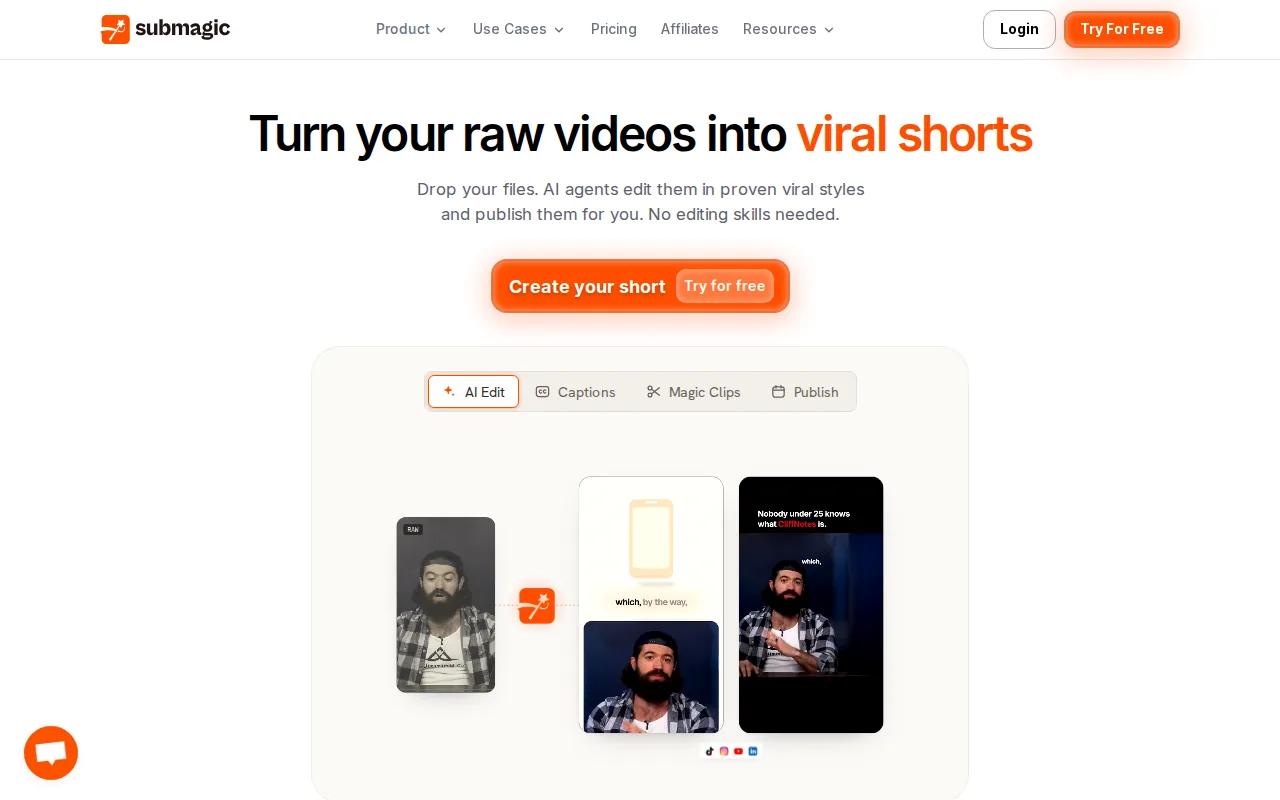
Its workflow starts with an upload. Auto Captions transcribes and styles subtitles, while Auto-Edit can add b-roll and auto-zoom and trim dead air. Magic Clips can turn a longer recording into short vertical clips for Reels and other feeds. That can help a creator reuse one interview or lesson instead of filming a new piece for every post.
There’s a useful distinction here: Submagic helps shape recorded material, while Veo Studio generates a new scene from prompts or reference images. Submagic does not generate synchronized sound and dialogue as part of a video; it requires a manual audio upload. If the spoken track is central to a scene, plan to supply that audio yourself.
For a weekly content routine, upload a recording, check the suggested cuts, and edit captions before exporting each clip. Don’t assume an automated cut picked the strongest opening. A short hook should tell viewers what they’ll get before they scroll away. Submagic is a fit when captions and repeatable clipping matter more than generating a new visual scene.
4. Pictory: turning longer content into narrated videos
Pictory focuses on turning long-form content into narrated explainer videos. It suits marketers and educators who want a script-led video, or teams that need a presenter-style clip without filming an on-camera speaker.
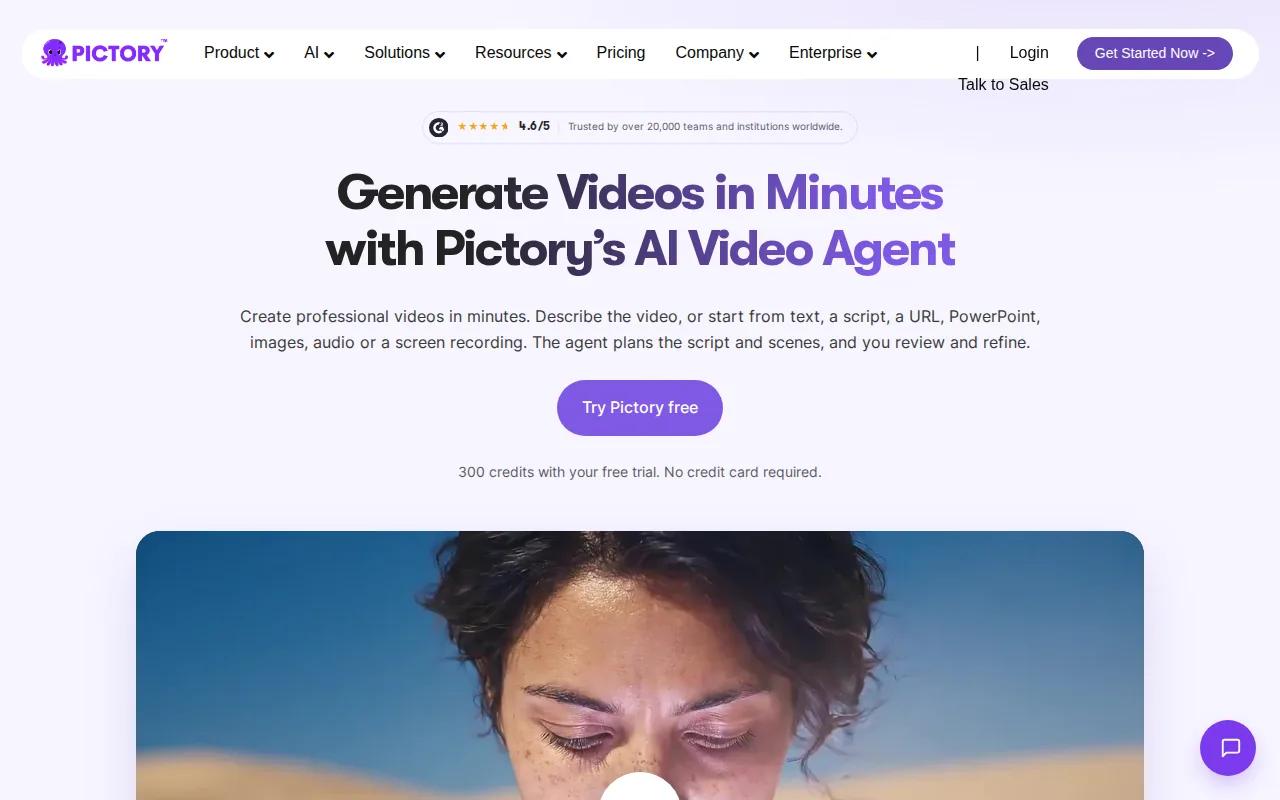
Pictory’s AI short video workflow can repurpose content, while its avatar feature pairs AI voice-over with lip-synced avatar animation. That’s useful when a Reel needs a clear spoken explanation, such as a short product walkthrough or a quick answer to a common customer question.
Pictory’s starting price is around $29 per month. For avatar videos, the voice-over is required, and the avatar lip-syncs to that narration. You can also add background music in the API workflow. Keep the music low enough that it doesn’t compete with the spoken message, then check each scene for natural pacing before you publish.
This is a different route from generating a cinematic scene with native dialogue. Pictory’s strength is repurposing and narration, while Veo Studio generates sound and dialogue with the visuals. Choose Pictory when your starting point is a script or longer piece of content and the Reel needs a presenter-style explanation.
5. OpenArt: prompt-based videos and consistent characters
OpenArt is an AI creation platform for prompt-based video and other creative assets. It suits creators who want to build a product ad, a TikTok Reel, a short film, or a virtual character through prompts and reference images.
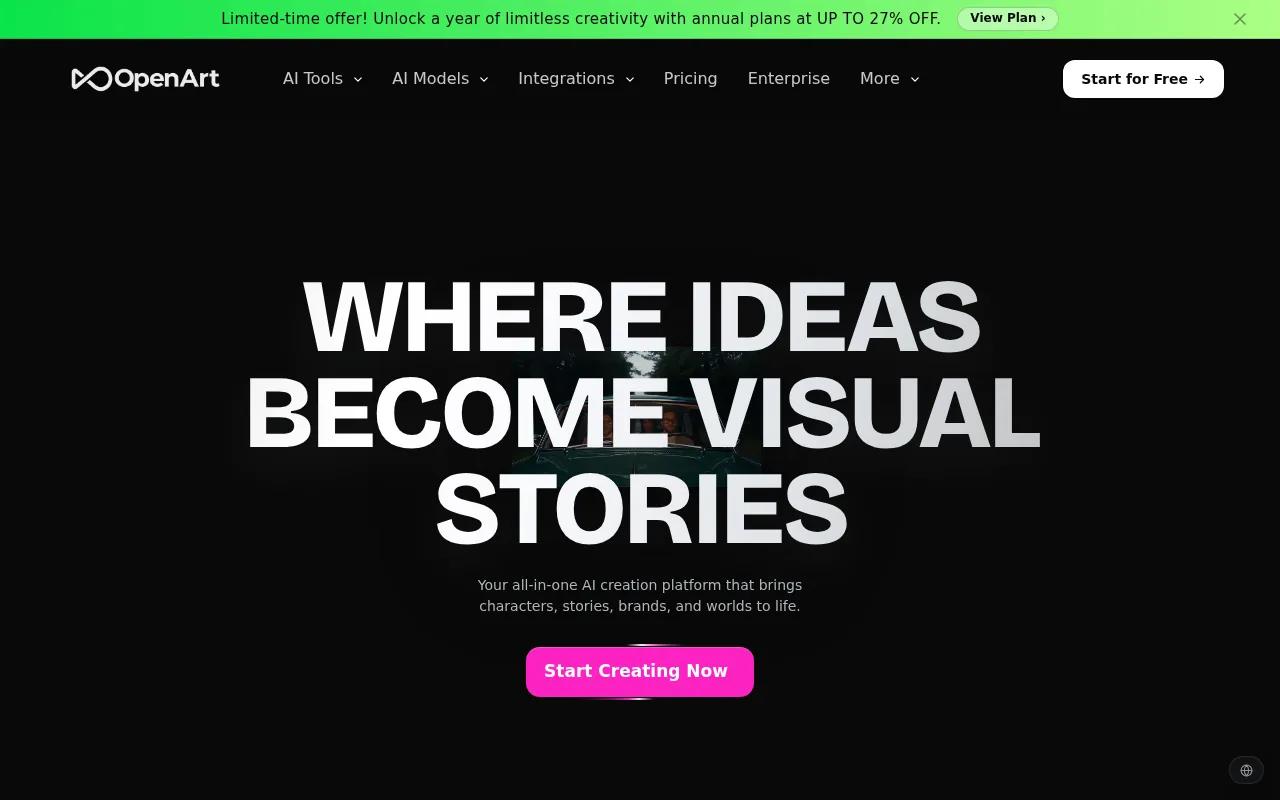
OpenArt’s video generator can make clips up to 15 seconds long and up to 4K resolution. Its Character feature lets you build a character from reference images or a text brief, save it, and reuse it in later generations. That can help if a recurring character needs to keep the same look across several posts.
The platform also supports AI-generated voice-over with lip-sync. You can use that for a character speaking to camera, or to give a short scene a narrated line. OpenArt can also generate music and sound effects, which gives creators more ways to shape a draft before moving to a separate edit.
One workflow is to define the character first, then write a short prompt for a single vertical scene. Keep the action and camera direction clear. For example, describe a character holding a product and turning toward the camera, rather than stacking several unrelated actions into one clip. OpenArt is worth considering when character reuse and prompt-led creative work are part of the plan.
6. Higgsfield AI: viral shorts, character, voice, and style
Higgsfield AI is built for making new short videos or recreating a trend with your character, voice, and style. It suits creators who want to start with a text prompt or a reference, then shape content for social feeds.
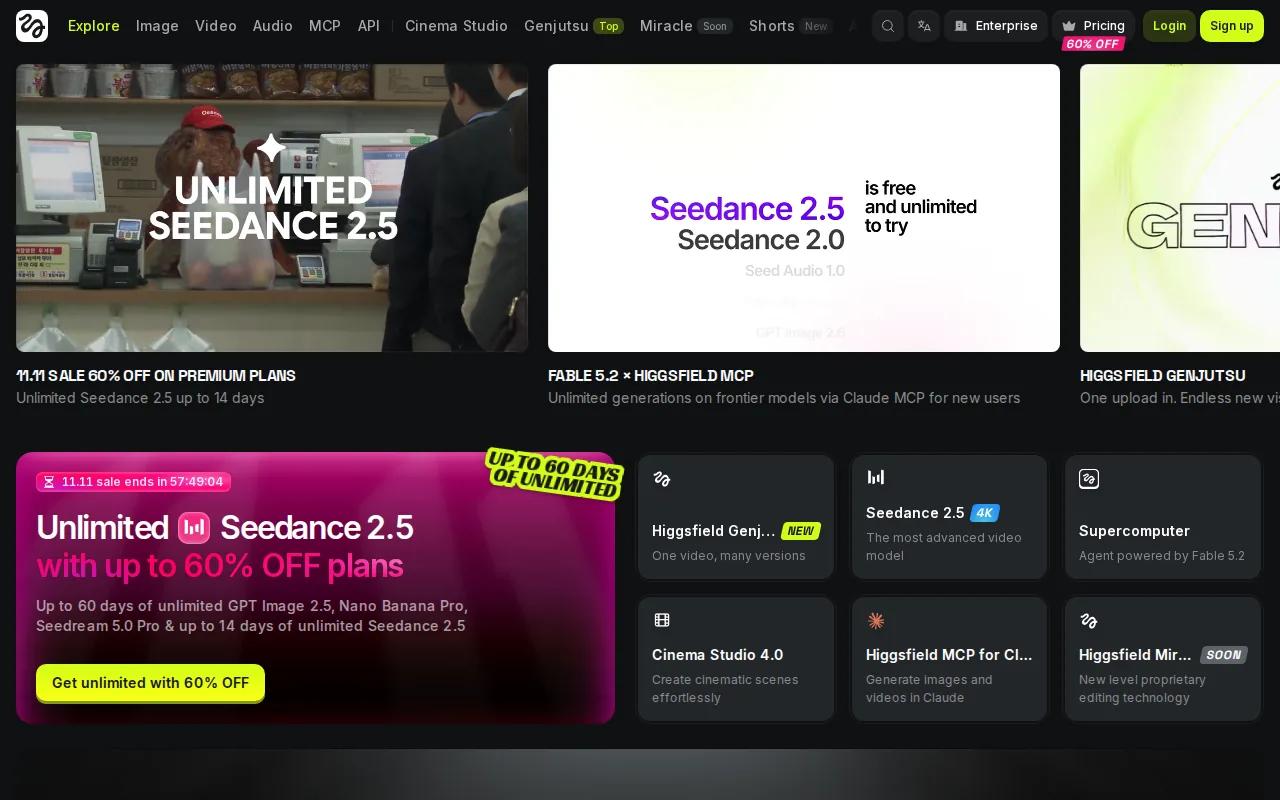
Higgsfield AI can create images, videos, and voice content from prompts or references. It also supports editing and upscaling media, and its AI agent can automate creative workflows. Web and mobile access give you a way to work on content across devices.
Its Shorts Studio centers on creating videos with a chosen character, voice, and style. That makes it a possible fit when you want a repeatable look for a series, or want to adapt a familiar short-video format with your own creative direction. The tool supports output up to 4K.
| Your production need | How Higgsfield AI fits | What to check before export |
|---|---|---|
| Start with a prompt | Generate video content from text prompts or references | Confirm the clip’s framing suits a vertical feed |
| Keep a recurring style | Shorts Studio is framed around your character, voice, and style | Review each new cut for visual consistency |
| Prepare a larger output | Media can be upscaled, with video output up to 4K | Check the final file on a phone-sized screen |
If a trend is the starting point, make the first seconds clear enough to work without context. Then add a direct call to action only if it fits the clip, such as asking viewers to save a tip or watch the next part. Higgsfield AI is a candidate for prompt-led shorts with an established creative style.
FAQ
What is a reels video maker?
A reels video maker is a tool for creating or editing short vertical videos for Instagram Reels. Some tools generate video from prompts or images. Others help you trim existing footage, add captions, or repurpose a longer recording. Choose based on what you have already: an idea, a script, a still image, or a recorded clip.
Can I make a Reel in a browser without downloading software?
Yes, you can use a browser-based editor or creation tool. Veo Studio runs in a browser and generates video from prompts or reference images. Kapwing also provides browser-based timeline editing. A browser workflow can help when you want to work from a computer without installing an editing app.
Which tool can add captions to existing footage?
Kapwing supports auto-subtitling and subtitle translation, while Submagic focuses on captions and short-form editing. Both suit footage you’ve already recorded. Review the transcript and timing before export, especially for names, product terms, and a hook that needs to be easy to read on a phone.
Can an AI video maker add spoken dialogue?
Some can. Veo Studio generates synchronized sound and dialogue with the video, and Pictory’s avatar workflow pairs AI voice-over with lip-synced avatar animation. OpenArt also supports AI-generated voice-over with lip-sync. Check whether the tool generates audio with the visuals or expects you to upload an audio track.
How do I make a Reel easier to watch?
Start with a clear opening that tells people what the clip is about. Keep captions readable and check that important text stays inside the visible frame. Use music only when it supports the message, and make sure you have permission to use the audio. Before sharing, watch the export on a phone to catch small text or awkward crops.
Conclusion
Pick the tool that matches your starting point: Veo Studio for prompt-led scenes with synchronized dialogue, Kapwing or Submagic for editing and captions, and Pictory for narrated repurposing. If you want to make a product-focused campaign, use this overview of AI video ad creator workflows to plan a short concept, then try a draft in Veo Studio.