

An AI video ad creator can turn a prompt, product photo, or script into a draft without a full production shoot. The right fit depends on the ad you need: a directed scene, a product-led social clip, or a presenter speaking to camera. Here are six tools, with Veo Studio first and the others grouped by their strongest workflows.
1. Veo Studio
Veo Studio is an independent, browser-based AI video creation tool powered by Google's Veo 3.1 models. It turns text prompts or reference images into video with synchronized sound and dialogue. It suits social creators, brand marketers, small businesses working from product photos, and filmmakers building dialogue-led scenes.
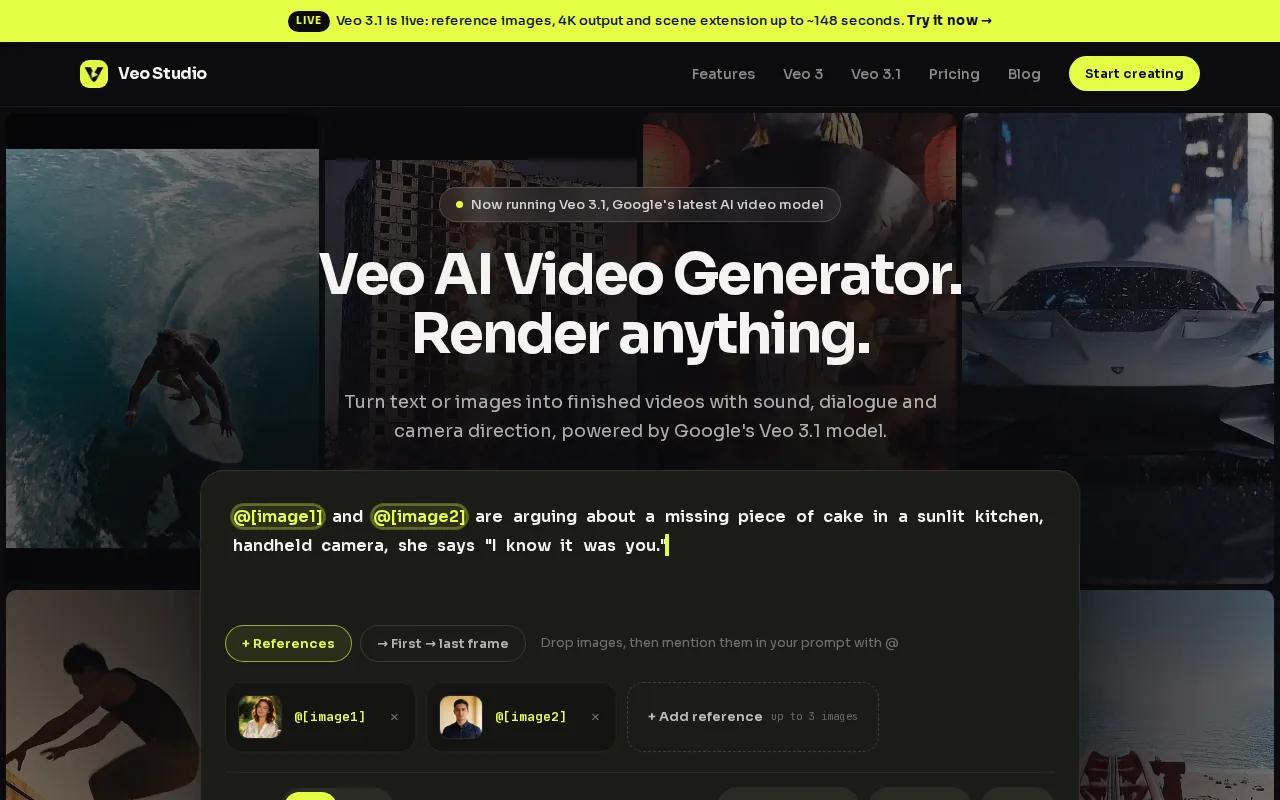
For an ad, attach a product image and describe the action, camera move, and mood. You can add up to three reference images to guide the character, product, or visual style. First- and last-frame control can shape how a shot starts and ends, while scene extension adds time to eligible clips. Supported settings reach 4K output.
Sound comes with the video, so a short line of dialogue can be part of the generated scene. Put the line in quotation marks in your prompt when you want the character to say it. That approach fits a product reveal with a spoken hook better than a separate talking-head presenter template.
The free plan includes a couple of 720p videos each month and doesn't require a card. Paid plans start at $14 per month, with higher resolutions and more video volume. If you want examples of how prompt-led generation fits product campaigns, explore AI-generated product spots and promotional assets.
Veo Studio works well when the shot itself matters: the product's movement, the camera path, or dialogue synced to a character. It is not an avatar roster or a product-page-to-template tool. You direct the scene in a prompt, then review the result before using it in a campaign.
2. Zeely: mobile-first ads for ecommerce products
Zeely is built around mobile-first ecommerce ads and a product-to-UGC workflow. It fits a seller who wants to start from a product listing or photos, then make short-form creative without beginning with a blank video edit.
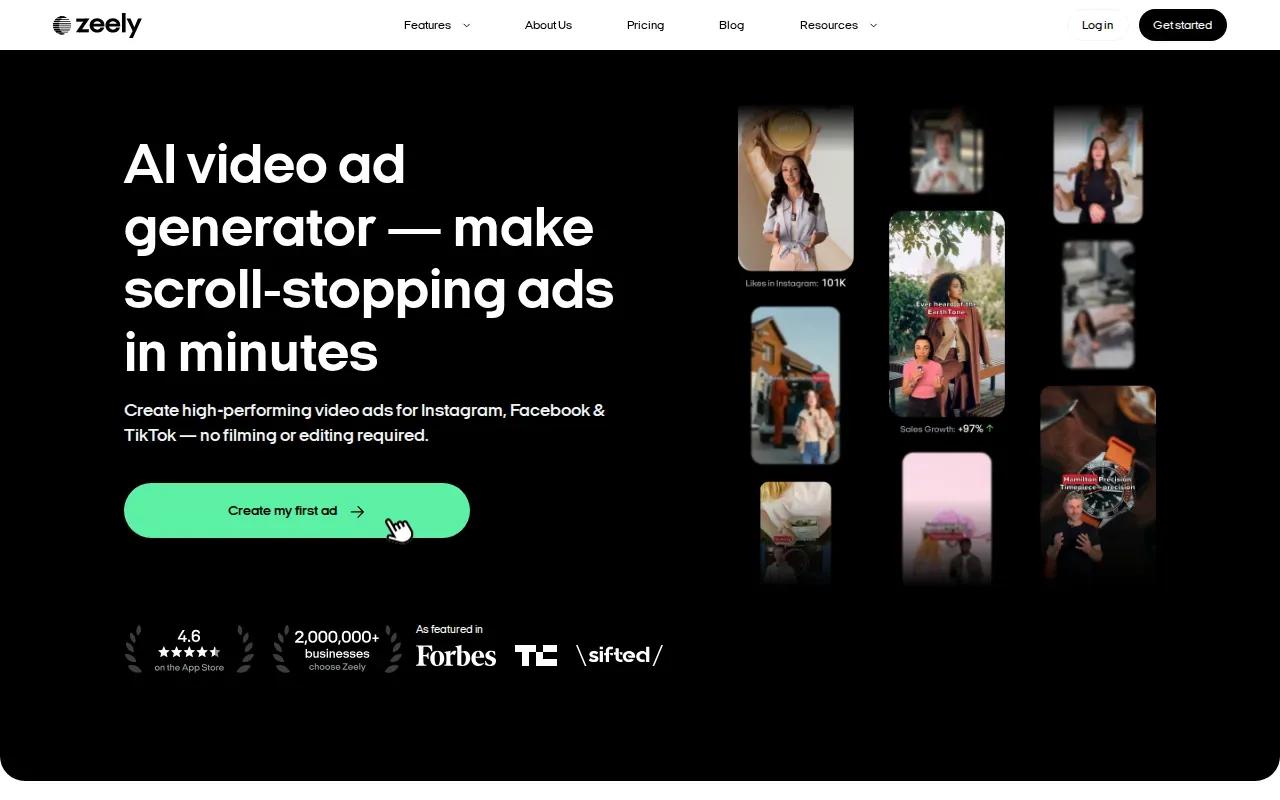
Its product workflow can draw on a product URL, or you can add product details manually. Zeely's templates focus on short ad formats, while its AI can help with scripts and scenes. Zeely's services include product-to-UGC creation and built-in ad performance tracking.
That tracking can help a small team connect creative production to campaign review. Make a product ad, run it, then use performance information to decide what to test next. Paid plans start at $29.95 a month for Starter.
Zeely's workflow is a closer match for ecommerce teams that need repeatable product ads than for creators directing a custom cinematic scene. If a product page is ready and speed matters, starting with the listing can reduce the work of writing a full brief.
3. InVideo AI: script-led videos with voice and music sync
InVideo AI suits teams that have a brief or script and want help shaping it into a multi-scene ad. Its workflow can build a draft around the product, audience, and offer, then leave the edit open for changes on a timeline.
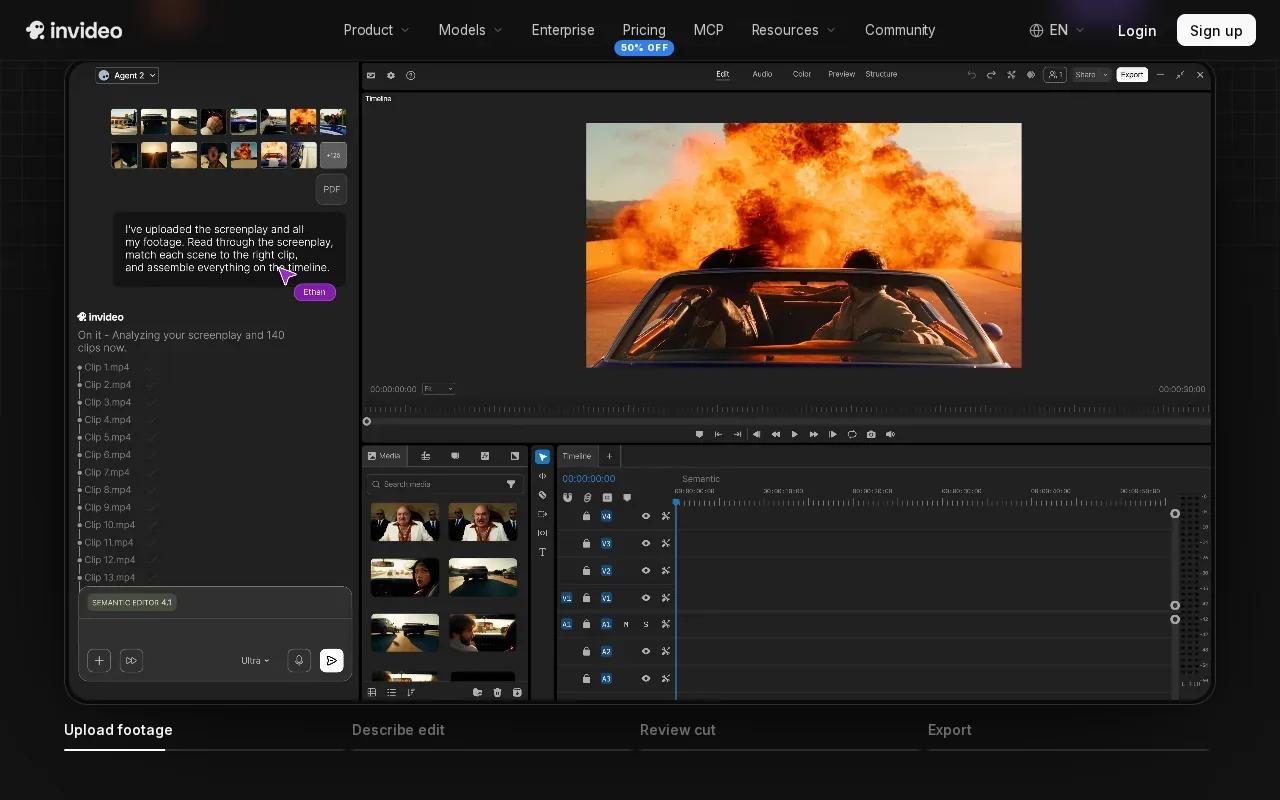
That editability matters when the first render gets the message right but misses a shot. You can revise the scene, adjust the cut, or swap a price and date for a new promotion while keeping the rest of the ad. The service's ad workflow also supports making versions for placements such as Meta, TikTok, Reels, and Shorts.
For teams testing creative, a single brief can lead to more than one hook or offer. Its audio features include voice cloning and music that syncs to the voiceover.
Paid plans start with Starter at $20 a month ($10 a month billed annually), and Plus costs $60 a month ($30 billed annually). Plan details can change, so check the current offer before you build a recurring production budget.
InVideo AI is a sensible fit when you want a structured script-led draft that remains editable. For a single scene that relies on a specific camera move or generated character dialogue, a prompt-first tool may suit the brief better.
4. HeyGen: presenter-led ads from a script
HeyGen turns a script into a presenter-led ad with a digital avatar. It fits brands that want someone on screen to explain a product, deliver a testimonial-style script, or speak directly to a viewer without filming a presenter for each version.
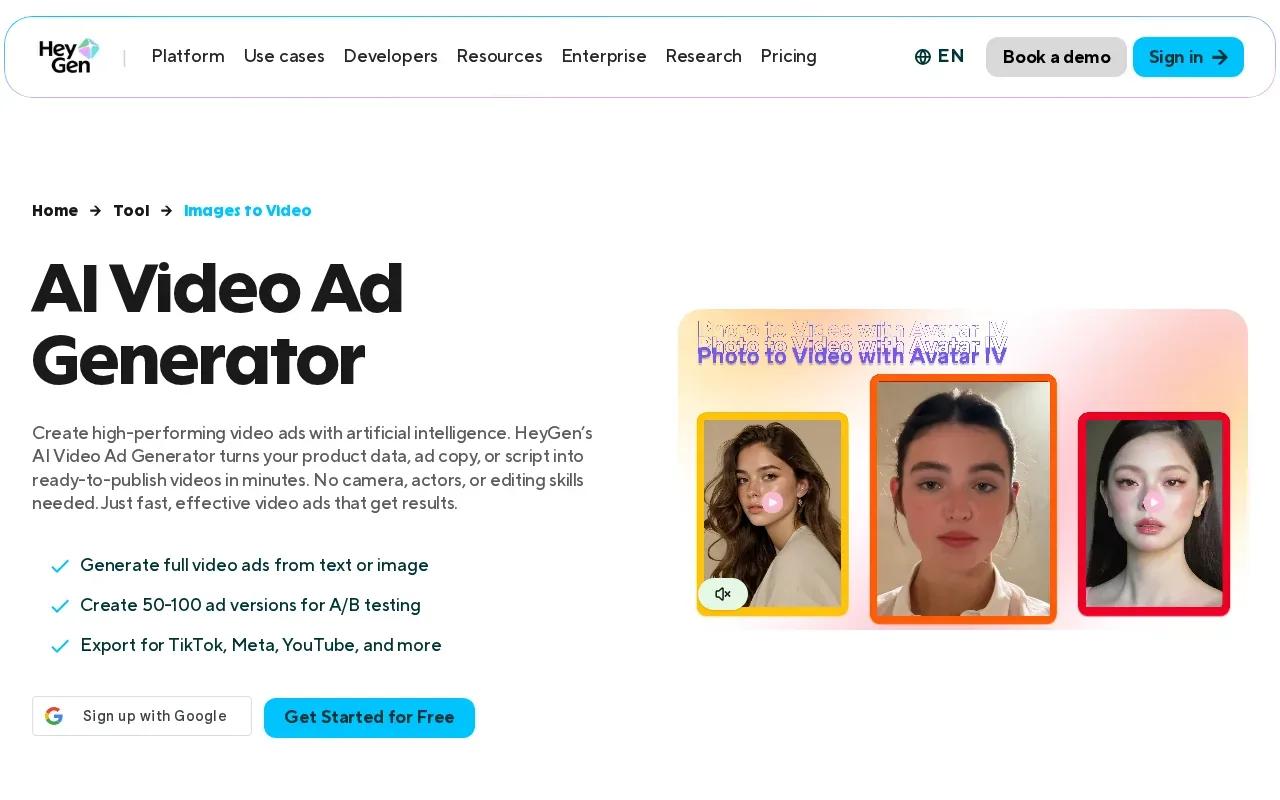
Start with the words the presenter needs to say. Then pick an avatar and generate the video. The central creative choice is the delivery: a short product benefit can feel clear when a person says it to camera, while a visual product demonstration may call for a scene-led format instead.
The free tier allows three videos a month. The Creator plan costs $29 a month and includes 600 credits. Credits cover video and asset creation, so the amount used can vary with the feature, model, and video length.
Pick HeyGen when the person speaking is the main part of the ad. If you need a product or character to move through a directed scene, compare that workflow with Veo Studio's reference images, synchronized dialogue, and scene extension.
5. AdCreate: ad generation with multiple AI video models
AdCreate brings several AI video models and ad tools into one workflow. AdCreate includes Google Veo 3 with native audio, OpenAI Sora 2, and AI talking avatars. It may suit a marketer who wants to choose a generation style or switch between scene-based and avatar-led creative.
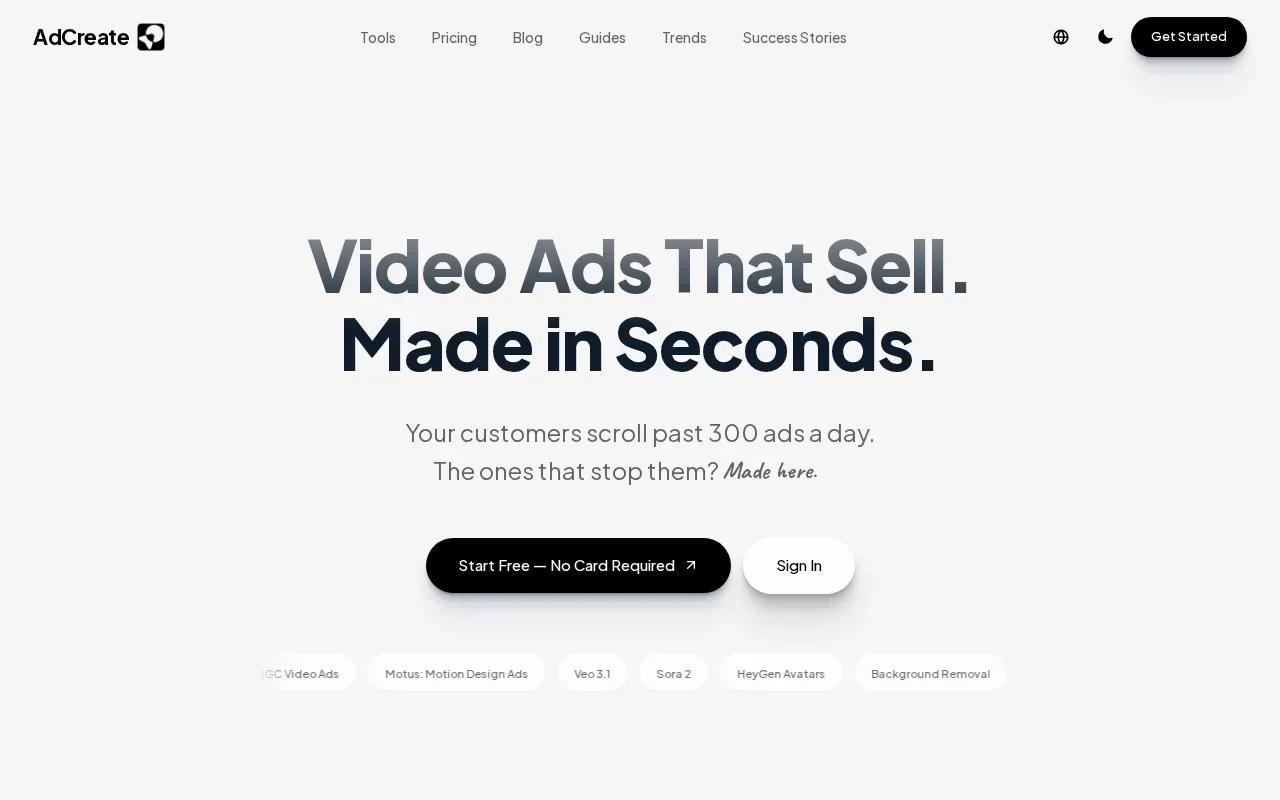
The ad maker starts from a text prompt, product URL, or uploaded image. That range can help when a campaign needs more than one type of asset, though each piece still needs a review for product accuracy and brand fit.
AdCreate also supports creating variations for testing. For a campaign with several hooks, you can make alternate creative and compare the response rather than treating the first render as final. The free tier gives you a way to start, and paid plans start at $23 a month billed annually ($39 billed monthly).
The trade-off is that a collection of tools and models gives you choices to make. Before generating, decide whether the ad needs a spoken avatar, native audio, or a product-focused visual. That keeps model selection tied to the brief rather than turning it into guesswork.
AdCreate is worth considering when model choice and a wider ad-asset workflow matter. If your main need is a single controlled scene with reference images and frame direction, Veo Studio keeps the work centered on that generation task.
6. OpenArt: short AI videos with 4K output
OpenArt makes short AI videos from text or product images, with clips up to 15 seconds and output up to 4K. Its video tools also include support for consistent characters across generations, lip-sync, multilingual voiceovers, and original music scoring.
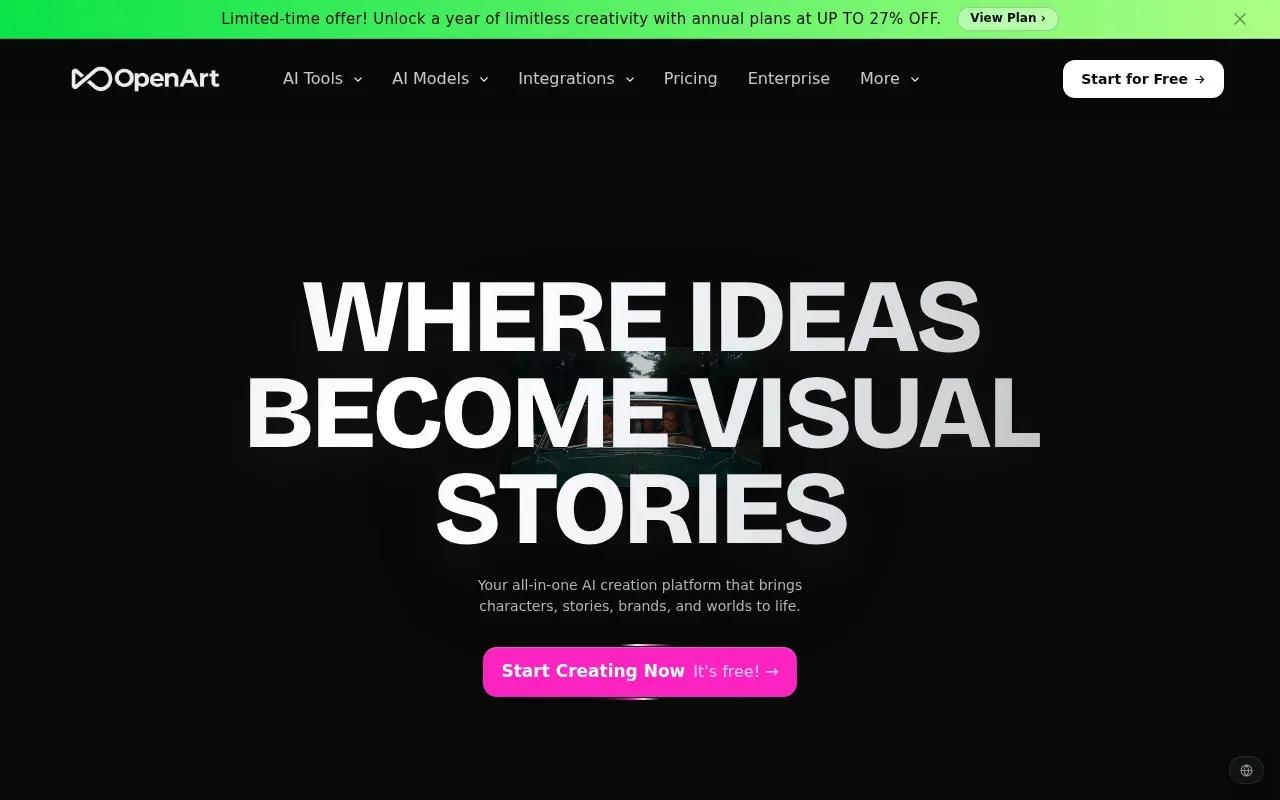
That combination suits marketers who want to test a visual idea in more than one style or build a short promo around a product photo. A reference image gives the generation a visual starting point. Character consistency can help when a campaign uses the same figure again, while lip-sync and voiceover can support a dialogue-led cut.
OpenArt's short maximum clip length makes it a natural fit for a hook, product reveal, or compact social ad. If the brief needs more room for a setup and a final call to action, check whether the available extension workflow fits your planned edit. Don't choose on resolution alone; continuity and clear sound often matter more to the finished ad.
Use OpenArt when a short clip needs high-resolution output and you want audio tools in the same creative workflow. For longer scene continuity, compare its clip limits with a tool that supports scene extension.
AI video ad creator comparison table
Use this table to match the tool to the job, not to treat every feature as interchangeable. A product URL workflow, a presenter script, and a prompt-directed scene each start in a different place.
| Tool | Useful starting point | Strength for ad work | Check before choosing |
|---|---|---|---|
| Veo Studio | Prompt or reference images | Synced sound and dialogue, frame control, scene extension, up to 4K | Free videos are 720p |
| Zeely | Product listing or product details | Mobile-first ecommerce ads with performance tracking | Product-led workflow |
| InVideo AI | Brief or script | Editable timeline with voice and music sync | Plan minutes or credits against output needs |
| HeyGen | Presenter script | Avatar delivery with lip-sync across languages | Best suited to presenter-led ads |
| AdCreate | Prompt, product URL, or image | Multiple video models and ad creative tools | Choose the model to match the brief |
| OpenArt | Prompt or product image | Short clips up to 4K with character and audio tools | Clip length is up to 15 seconds |
For a campaign with many versions, focus on the workflow for changing hooks, formats, and product details. For one hero spot, prioritize control over the scene and the sound.
Frequently asked questions
What is an AI video ad creator?
An AI video ad creator uses prompts, scripts, product images, or other inputs to help make video ads. The workflow varies by tool. Some build a scene from a prompt, while others turn a product listing into an ad or put a digital presenter on screen. You'll still need to check the finished video for accurate product details and brand fit.
Can I make video ads for free?
Yes, several tools in this comparison have a free tier. Veo Studio's free plan includes a couple of 720p videos per month without a card. HeyGen's free plan allows three watermarked videos a month. Check each plan's current limits before planning a campaign around it.
Which tool is suited to presenter-led video ads?
HeyGen is designed for presenter-led ads made from a script and a digital avatar. It may fit when the ad needs a person to explain a product or speak directly to viewers. Veo Studio takes a different approach, generating a scene with synchronized dialogue rather than relying on a presenter-template workflow.
How should I choose a tool for social ad variations?
Choose based on what you need to vary. If you want to test scripts or hooks, look for a workflow that lets you make and edit versions. If the product listing is your main source, consider a product-led tool. For a directed scene, check reference image support, sound, aspect ratio, and whether you can extend the clip.
Conclusion
For a prompt-directed ad scene with synchronized dialogue, reference guidance, and scene extension, start with Veo Studio. See Veo Studio's video creation plans if you need more volume or higher resolution. If you want to shape the full ad message before generating, the video ad creator workflow is a useful next step.


