A convincing UGC-style clip can start with a prompt or product photo, not a shoot day. The right AI UGC video maker depends on whether you need a generated scene, a talking presenter, or an ad you can edit and publish. For examples of formats to test, browse these UGC ad examples.
We analyzed 49 YouTube comments about AI UGC video makers and found that 27% mentioned the choice of AI model.
1. Veo Studio
Veo Studio is an independent, browser-based AI video creation tool powered by Google's Veo 3.1 models. It turns prompts or reference images into video with synchronized sound and dialogue, character consistency, frame control, scene extension, and output up to 4K.
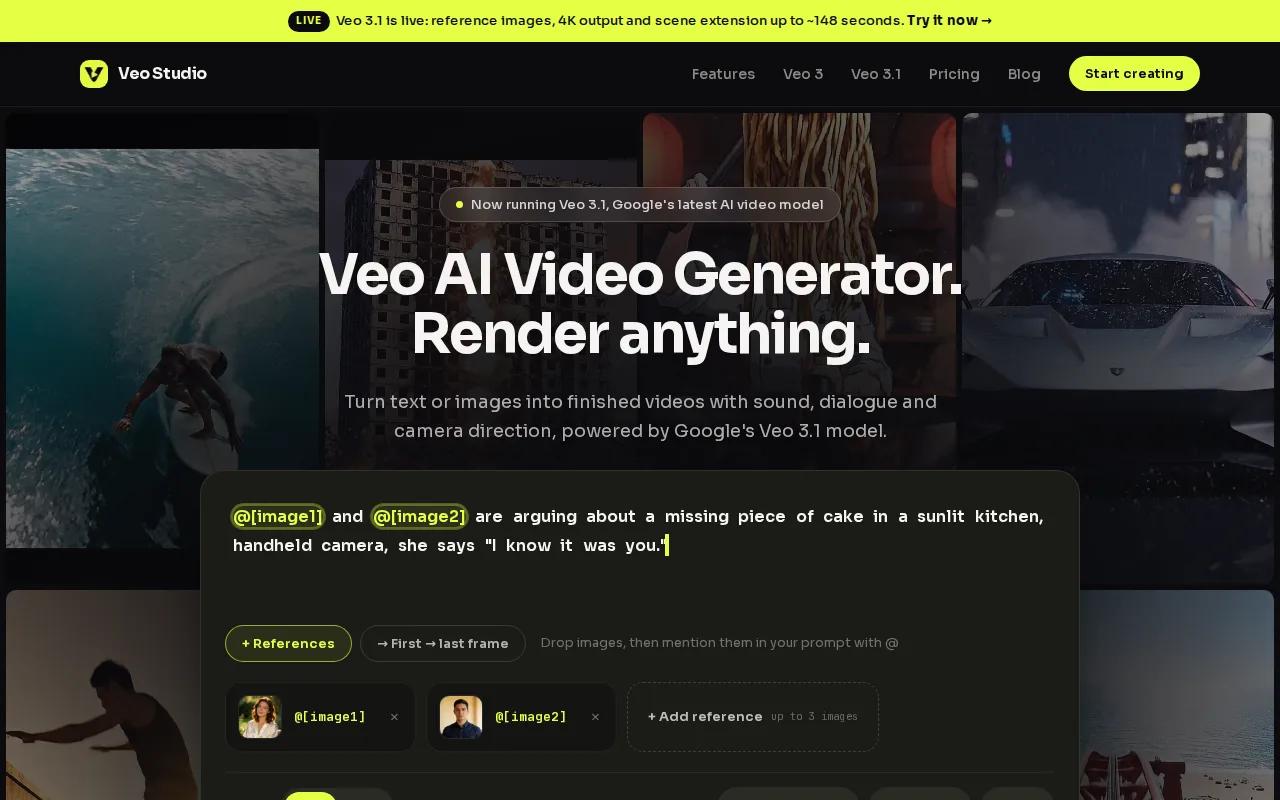
It suits creators who want to direct a scene instead of beginning with a fixed avatar presentation. Describe a vertical product demo for a short-form video platform, attach a reference image to guide the look, then add a camera move or spoken line to the prompt. The model can generate speech with matching lip movement, so dialogue and footage come from the same generation.
Veo Studio’s free plan includes a couple of 720p videos per month, with no card required. Paid plans start at $14 per month. Higher resolutions and a commercial licence come with the paid plans. That gives a small shop room to test a product scene before paying for more monthly video volume.
Veo Studio supports character consistency across changing settings. It also supports first- and last-frame control, useful when you want to guide how a shot begins and ends.
If you want a deeper look at prompt-led creation and reference images, this related AI UGC video generator overview covers other creator workflows too.
2. HeyGen
HeyGen is a presenter-led video tool with a workflow for UGC-style ads. It fits marketers who want an on-camera virtual presenter to deliver a script, especially when the same message needs to reach viewers in more than one language.
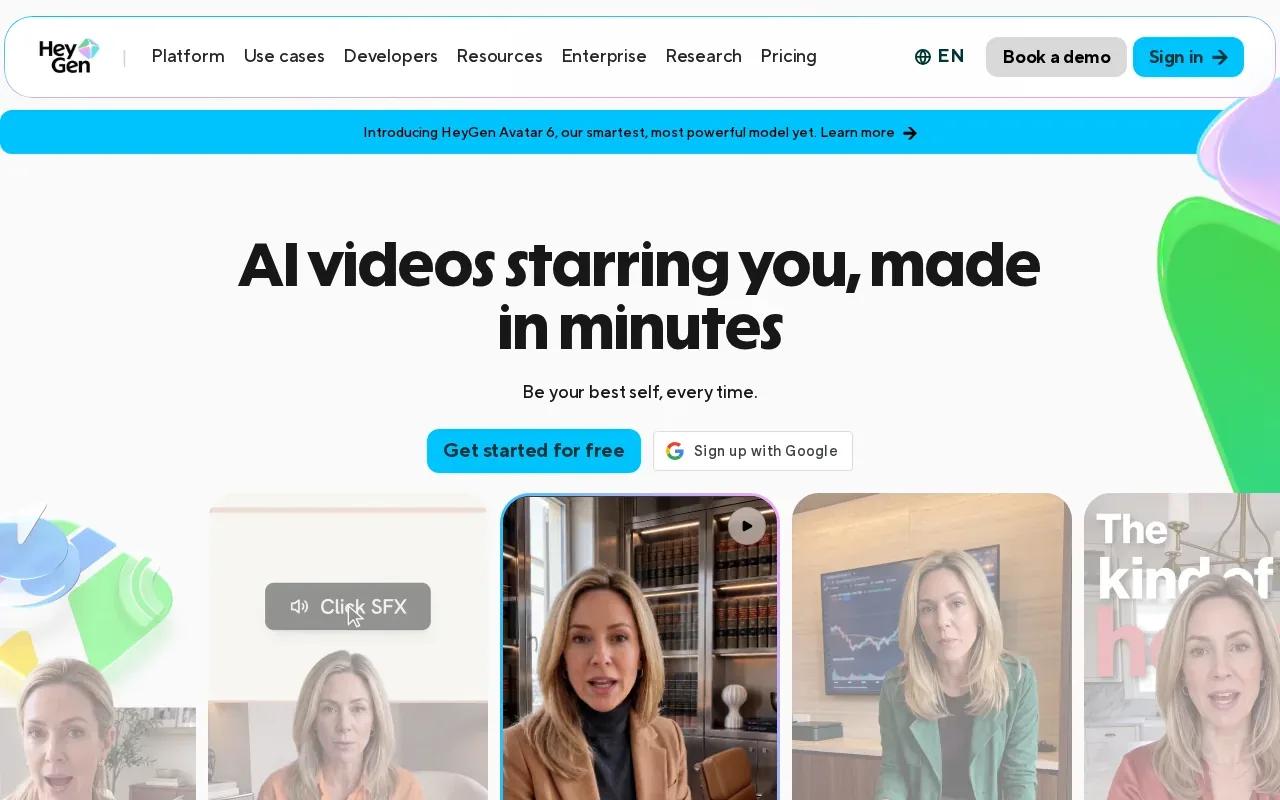
Its UGC workflow starts with a script and a presenter choice. The tool can produce creator-style reviews, product demos, testimonials, and social proof videos without a filmed shoot. For an ad test, you might keep the offer steady while changing the opening hook or presenter, then compare the versions on the platform where you plan to run them.
HeyGen’s translation workflow can re-voice a video and reshape the speaker’s lips to match translated audio. Its maximum output resolution is 4K. That can help when a brand has a presenter-led video that already works in one market and wants localized versions without recording each one again.
HeyGen's paid plans start at $24 per month with yearly billing. Before you build a batch, check the translation settings against the source footage.
For a short social ad, write the spoken copy as a person would actually say it. A stiff script can still feel stiff when an avatar reads it.
3. Runway Gen-4
Runway Gen-4 is an AI video model for creators who need a character to stay visually consistent across scenes. It suits a short campaign with several shots of the same character, such as an opening, a product moment, and a closing reaction.
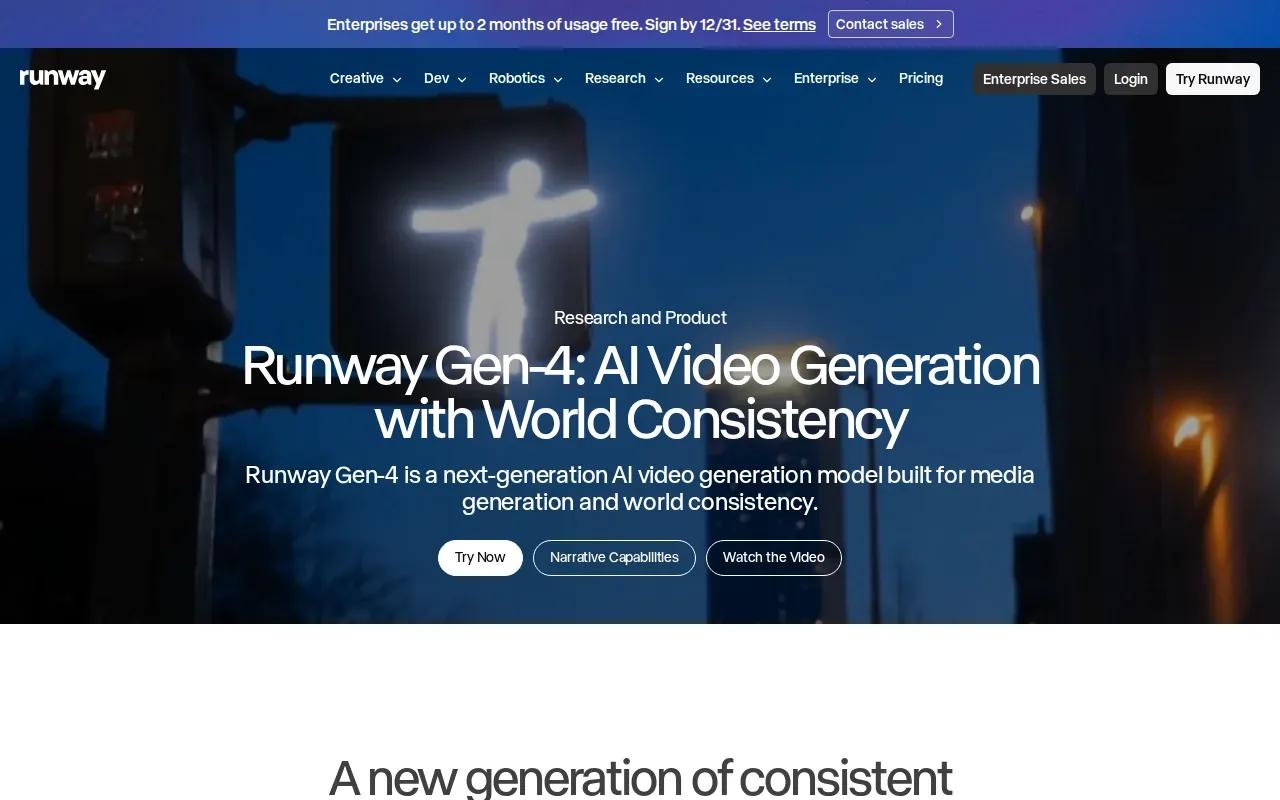
Gen-4 uses a reference image to guide character identity. You can describe a new location or camera angle while keeping the same person as the visual anchor. That can reduce the need to rebuild the character look for every shot in a scene sequence.
Runway Gen-4 can generate consistent AI video characters across any lighting. Runway also offers 4K upscaling. That may matter to a creator who plans to crop or reframe footage, though the actual output should match the destination format and editing plan.
For a product story, settle the character’s appearance first, then write distinct prompts for each scene rather than asking one prompt to handle every beat.
Runway Gen-4 is a fit when the character and scene continuity lead the brief. If the main need is spoken, translated presenter delivery, compare it with a presenter-focused tool instead.
4. AI UGC Video Generator by Topview
AI UGC Video Generator by Topview turns product inputs into creator-style video drafts. It suits ecommerce marketers who want to start from a product link, image, script, or campaign brief rather than plan a shoot.
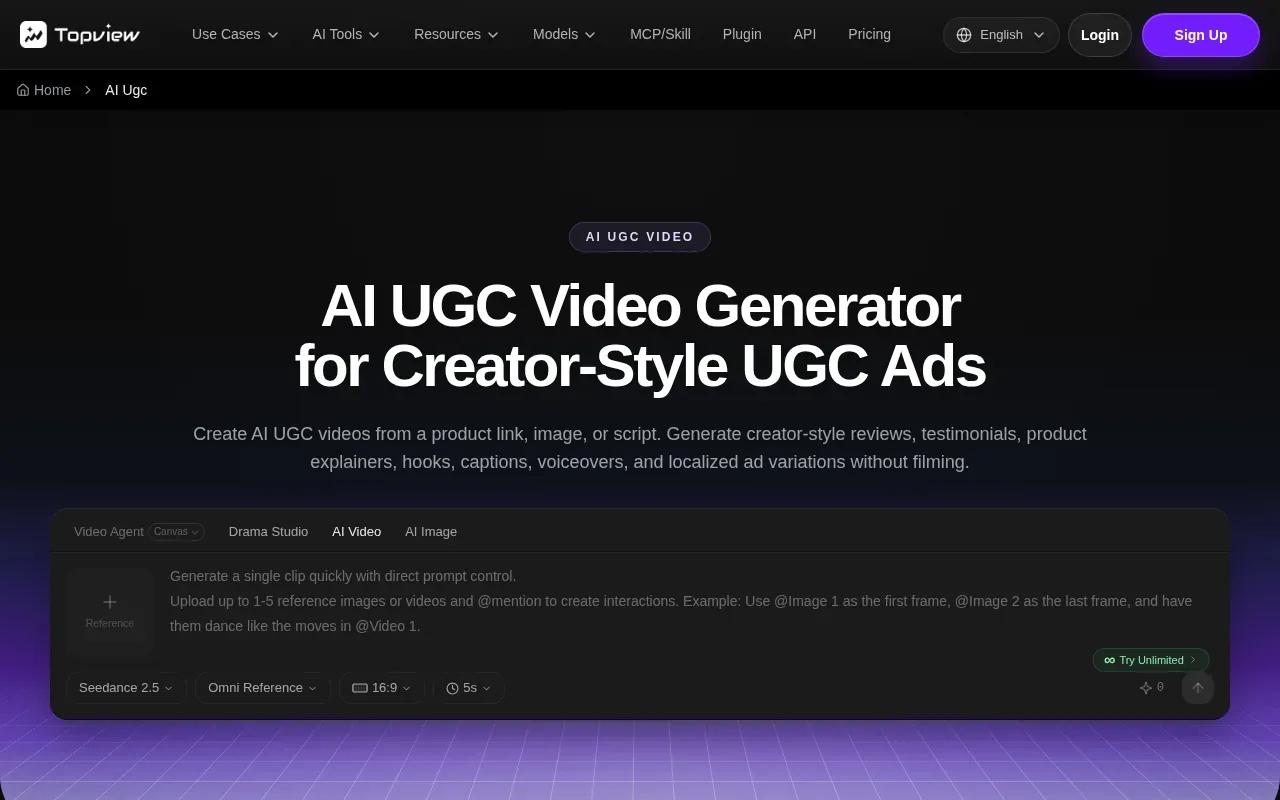
Topview’s workflow can analyze a product link and select a UGC format, then build a video with scenes, talking avatars, subtitles, voiceovers, and calls to action. You can also start with a script or brief. That gives a marketer a direct route from product details to a draft for a product review or explainer.
The tool is built around variations for paid social. You can test different hooks, problem-and-solution angles, presenter styles, languages, and calls to action. For example, keep the product benefit fixed while trying a quick testimonial angle against a step-by-step demo. The comparison is easier to read when you change one part of the message at a time.
Topview also describes AI-generated model images and product placement in scenes, which can help when you need a visual draft but don’t have footage from a shoot. Before publishing AI-generated UGC ads, check usage rights and platform rules. That’s a sensible checkpoint when a video presents a synthetic person as if they were a real customer.
Use this option when the campaign starts with product information and you want the tool to assemble a UGC-style direction for you.
5. AI UGC Ad Maker by Predis.ai
AI UGC Ad Maker by Predis.ai is designed to turn a product URL or image into a creator-style ad. It fits a marketer who wants a script, avatar video, voiceover, captions, and basic edits within one workflow.
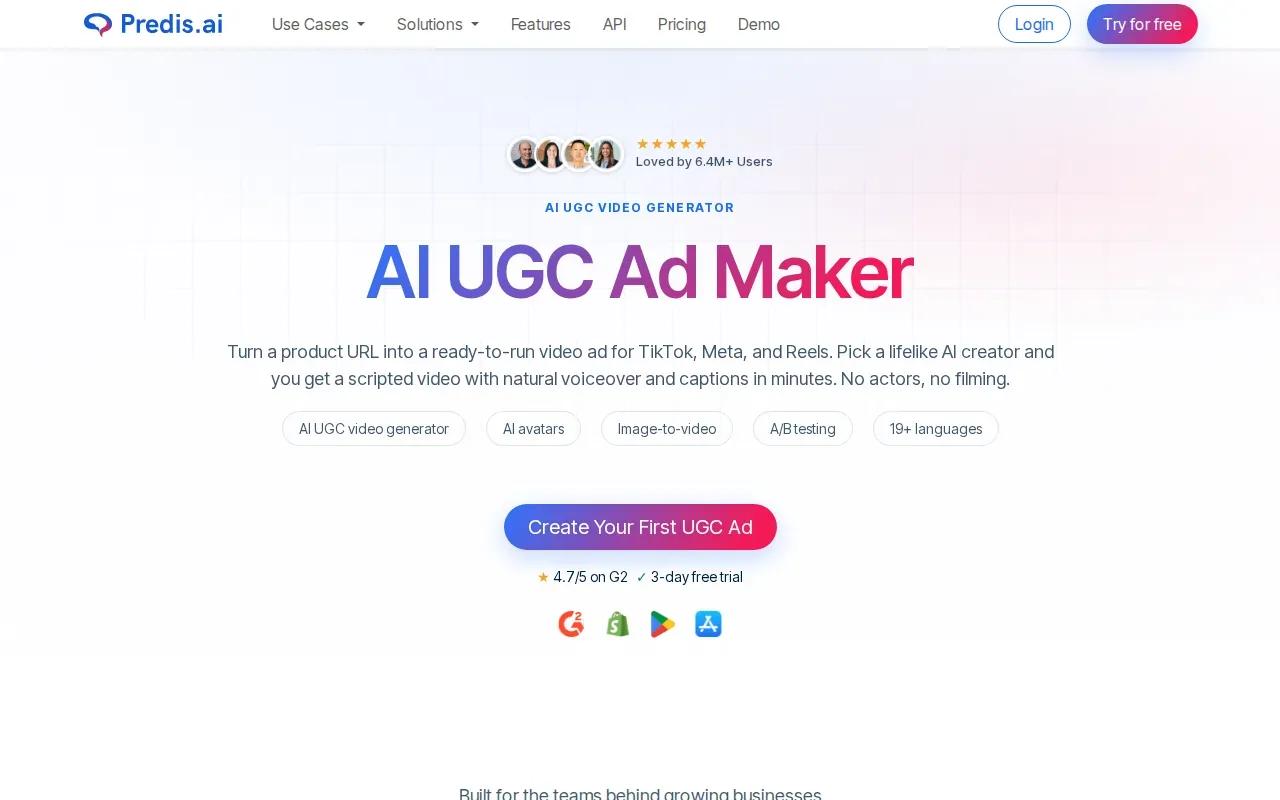
After you add a product link or image, Predis.ai can draft the script and pair it with an AI creator. The editing flow lets you trim clips, change images, and adjust captions, voice, or timing. You can also edit the CTA before exporting, which helps when the offer changes but the rest of the ad still works.
The tool supports vertical ads for TikTok, other short-form video platforms, Facebook, YouTube Shorts, and Stories. It also supports ads in more than 19 languages with voiceovers and lip-sync. If you’re testing creative, start with a small set of distinct hooks instead of changing every part of the ad at once.
Predis.ai’s workflow includes the option to schedule finished content to social accounts. That may suit a small team that wants to move from ad draft to publishing in the same product. For more ways to shape a product-led campaign, see this AI UGC ad creation overview.
Pick Predis.ai when you want an editable ad draft built around a product URL or image, with captions and social placement in mind.
6. AI UGC by VEED
AI UGC by VEED combines avatar video generation with an online video editor. It suits marketers who want to make a presenter-led draft, then add brand assets or product footage before downloading.
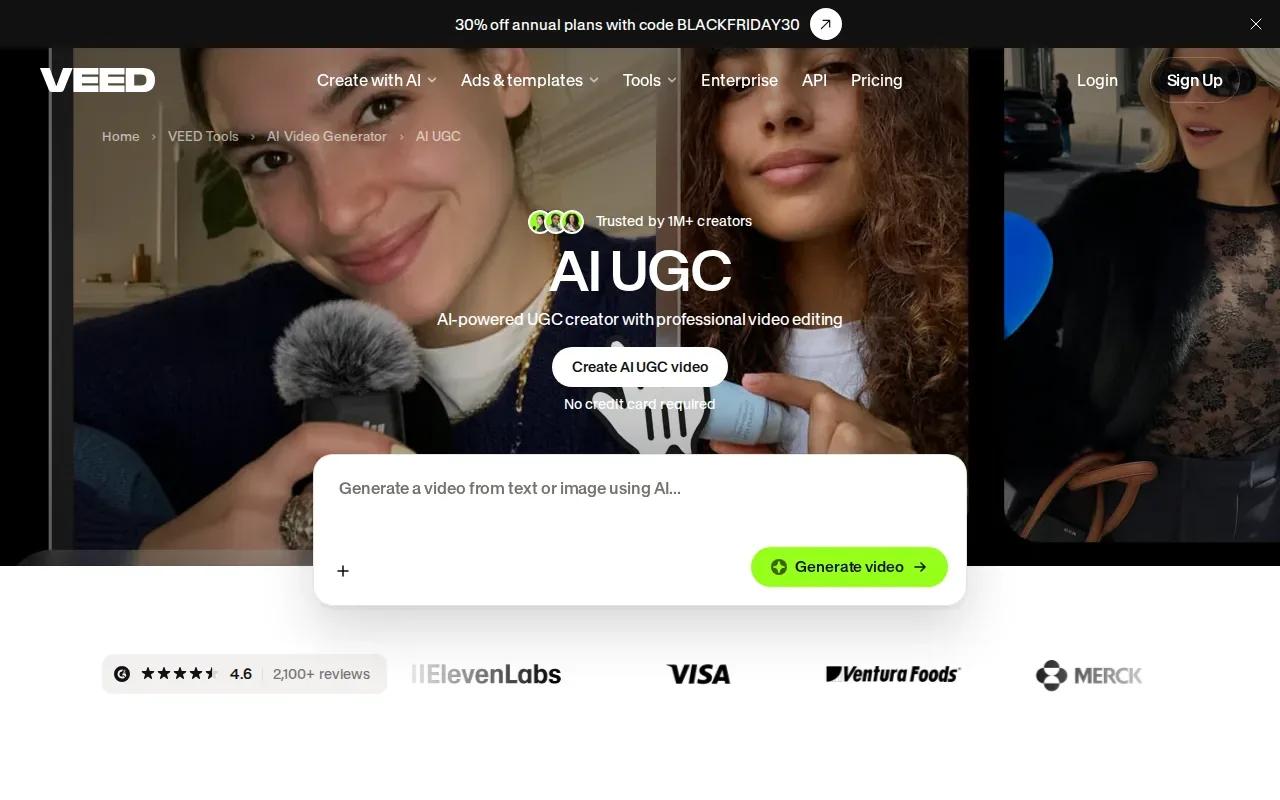
You can write a script, ask the tool to draft one, or paste your own wording for the avatar to deliver. VEED lets you choose an avatar and set language, voice, and caption style. Some avatars also support different camera angles, which can make a talking-head layout less static.
After generation, open the video in VEED’s editor to add product footage, a logo, text overlays, or a CTA. You can blend the avatar with your own B-roll or screen recordings instead of relying on a single generated shot. That hybrid approach is useful for a product demo where the presenter introduces the item, then footage shows how it works.
VEED also describes making custom B-roll with Veo 3 and turning an image into a talking character with its Fabric 1.0 model. Those options give editors more ways to fill gaps in a draft without leaving the wider editing workflow.
Choose VEED when editing after generation is part of the job. If you only need a prompt-driven scene with synchronized dialogue, compare the video-generation workflow in Veo Studio.
7. Synthesia
Synthesia is built for corporate learning, onboarding, and internal communications. It suits teams that need a presenter to explain a policy, walk through a process, or deliver an update that may need revisions later.
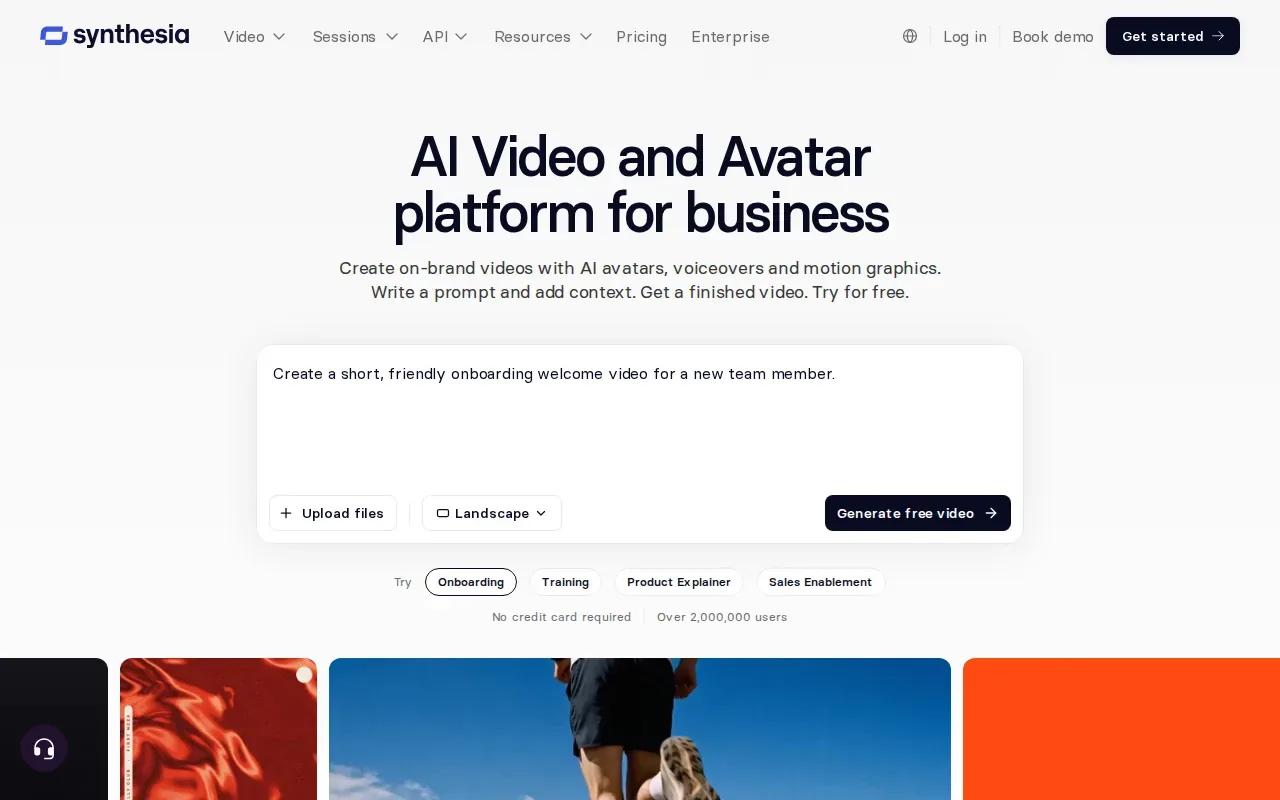
The platform makes videos with AI avatars, voiceovers, and motion graphics.
Synthesia supports translation into more than 140 languages. Lip-synced dubbing is available for avatar slides, and a glossary can help keep names and terms consistent across languages. Starter is $19 per month, or $14 per month when billed annually.
| Work need | How Synthesia fits | Useful check before production |
|---|---|---|
| New-hire onboarding | Presenter-led training videos | Keep the script tied to the current process |
| Internal update | Training video content | Confirm which links or LMS pages use it |
| Multilingual lesson | Translation and glossary controls | Review key names and terms in each language |
Synthesia is a stronger fit for structured business communication than a casual creator-style product review. Choose it when repeatable training content matters more than a social-feed look.
FAQ
What is an AI UGC video maker?
An AI UGC video maker creates videos in the style of creator-made social content using prompts, product assets, scripts, or AI presenters. Some tools generate scenes with sound, while others build a presenter-led ad with captions and editing controls. The right workflow depends on whether your brief needs a generated scene or a person speaking to camera.
Can AI make a UGC-style ad from a product photo?
Yes, some tools can start with a product image and use it in a UGC-style video or product scene. Add a clear description of what the item does and how it should appear. Then review the generated clip closely, especially any label details or product actions, before you publish it.
Can AI UGC videos include lip-synced dialogue?
Yes, some tools generate dialogue with matching mouth movement, and others add lip-sync when dubbing a presenter video. Veo Studio supports synchronized sound and dialogue, while HeyGen offers lip-synced translated audio. Results depend on the format and source footage, so check the final clip before using it in an ad.
How should I make different versions of an AI UGC ad?
Start with one clear product message, then vary a single element such as the hook, presenter, or call to action. That makes it easier to see which change affected the response. Keep a simple record of each version and its placement so you can compare the same creative idea across TikTok, Reels, or other channels.
Conclusion
If your videos need generated scenes with synced dialogue and room to guide the shot, start with Veo Studio.