
Good video ads make the offer clear before a viewer scrolls away. If you're learning how to create video ads, start with one goal and one audience, then build a short story around the next action you want viewers to take.
We analyzed 57 comments and questions from Reddit, YouTube and Quora about creating video ads and found that 30% mentioned step-by-step tutorials.
Step 1: Set Your Video Ad Goal, Audience, and Offer
Write a one-sentence brief before you pick a camera or open an editor. Name the person you want to reach, the offer they should understand, and the action you want them to take.
Choose one campaign goal. A video made to introduce a new service needs a different measure than one meant to drive purchases. For awareness, track whether people watch. For a response campaign, focus on clicks, completed forms, sales, or cost per acquisition (CPA). Don't judge a video only by views if the goal is a sale.
Make sure the offer and the next step line up. If the video says “book a trial,” the page it links to should make booking easy on a phone. Check that the price, availability, service area, and terms shown in the ad are accurate. Claims need proof, even when they appear for only a moment.
For a neighborhood bakery, the brief might name nearby customers, a weekend pastry box, and online preorders as the action. Keep a note of that brief. If you later change the offer or audience, you'll know the creative wasn't the only thing that changed.
A short collection of video ad examples can help you pick a format that fits the message, such as a close-up demo or a character-led scene. Use examples to spark a concept, not to copy claims that don't fit your business.
If a creator or spokesperson has a paid relationship with your brand, make the connection clear to viewers. Check the rules that apply to your ad and the platform where it will run.
Step 2: Write a Short Video Ad Script and Hook
Write the first line before the rest of the script. It should make the intended viewer recognize a need, see a result, or want to know what happens next. Skip a slow logo intro. Put the product, person, or key idea on screen right away.
A simple script has three parts: hook, proof, and call to action. The hook earns a few more seconds. The middle shows how the offer helps or what the viewer gets. The last line tells them what to do next, such as “See the menu” or “Book a demo.”
For example, a reusable tumbler ad could open with a close-up of a drink spilling in a bag. The next shot shows the tumbler sealed before it goes into a tote. Then the speaker names one supported product benefit and points viewers to the product page. The visual should back up the spoken claim.
Keep the script lean. Read it aloud while timing the shots. If a sentence explains a detail that belongs on the landing page, cut it from the ad. Write spoken lines and on-screen text separately so the edit doesn't repeat the same message twice.
Try a few hooks while keeping the rest of the ad steady. One version might start with a question; another could show the product in use. Change one opening at a time so you can see which version holds attention. A video ad template for social or product ads can help map a hook, product moment, and CTA before production begins.
Veo Studio is an independent, browser-based AI video creation tool. You can prompt a scene or add reference images, then include a line of dialogue in quotation marks for generated speech. Keep the line short and review the result for wording and lip sync before using it in an ad.
Step 3: Storyboard the Ad for Its Platform and Format
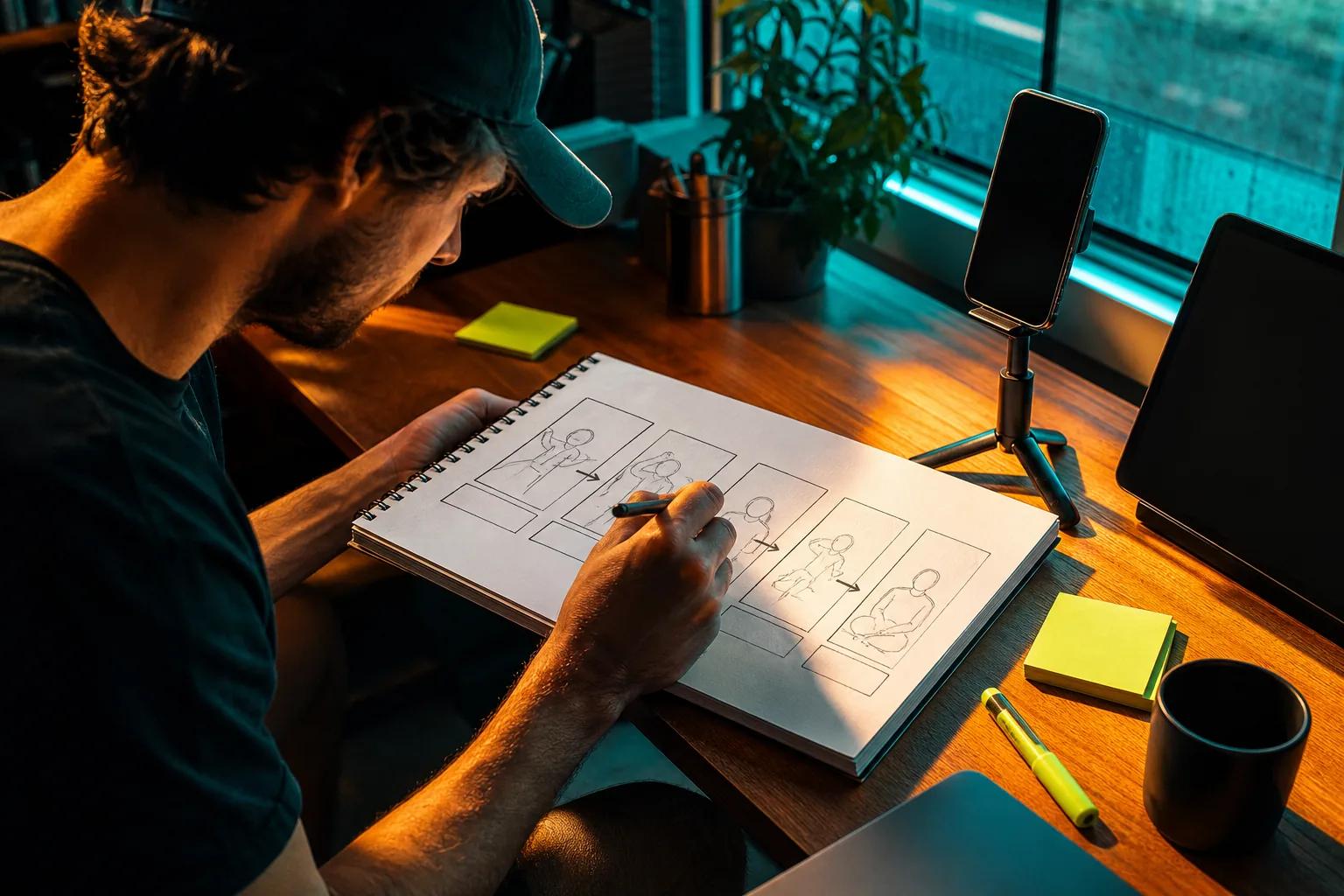
Sketch the ad shot by shot before you film or generate it. A storyboard can be a row of boxes or a plain shot list. For each beat, write what the viewer sees, what they hear, and what they should understand.
Plan the frame for its placement. Vertical 9:16 works for TikTok, Reels, and Shorts. YouTube in-stream ads often use a horizontal 16:9 frame, while a vertical cut can suit Shorts. Confirm the current placement requirements in the ad setup before export, since formats and specs can change.
Design for a phone screen. Keep faces, product details, captions, and the call to action clear of the spots where app controls may sit. Leave space around the subject so you can crop a master shot without cutting off the key detail. If a wide frame won't crop cleanly, shoot a separate vertical take instead.
Plan a sound-off version, too. Put the key offer in readable text, and use captions when someone speaks. Don't rely on music or dialogue alone to explain what the ad is about. A viewer should still get the main point with the sound muted.
For a short social ad, a compact board might have an opening hook, a product demonstration, and a final action. Veo Studio can use reference images to guide a product or character. Its first- and last-frame controls can also help shape how a scene begins and ends. Make the storyboard clear first, then decide if those controls fit the shot.
For a longer YouTube ad, decide what must land in the opening portion and what can wait. Keep the key offer early. If a viewer leaves before the final frame, they should still know what the ad was about.
Step 4: Produce the Video Ad with Footage or AI
Choose production based on what needs to look exact. Film real footage when the ad depends on a precise product detail, a real person, or a specific place. Use generated scenes when you need a visual concept that would be hard to shoot, or when a product photo is the clearest starting point.
For footage you already have, sort clips by the storyboard beat they support. Pick the cleanest take for each beat, then add only the cutaways needed to make the point clear. Keep a clean copy of the original clips. That gives you room to make a new crop or edit later.
For AI video, write prompts like a shot direction. Name the subject, action, setting, lighting, and camera move. For example: “A ceramic mug on a sunlit counter; a hand lifts it; camera slowly pushes toward the rising steam.” Add a reference image when the appearance of a product or character needs guidance.
Veo Studio can generate video from text prompts or reference images, with synchronized sound and dialogue. It supports character consistency, first- and last-frame control, and scene extension. Output can reach 4K on supported plans and settings. These tools can help you make a sequence feel connected, but review each clip against the product and brand before publishing.
Use the controls that serve the shot. If a spoken line matters, write it in quotes and listen to the result. If the scene needs a specific opening and finish, provide the first and last frames. If a short scene needs more time, scene extension adds to an existing clip. Veo Studio's free plan includes a couple of 720p videos per month with no card required; paid plans start at $14 per month and include a commercial licence.
Make a first draft before you spend time polishing. Check the product's shape and color, the spoken words, and the overall action. Generated footage is a draft, not a fact-check. Replace a shot if it changes a key product detail or suggests a claim you can't support.
When the first cut is clear, commercial video maker workflows can help you think through whether to start with a prompt, product image, script, or footage. Match the tool to the material you have, then keep a human review before the ad goes live.
Step 5: Edit, Export, and Test Your Video Ad
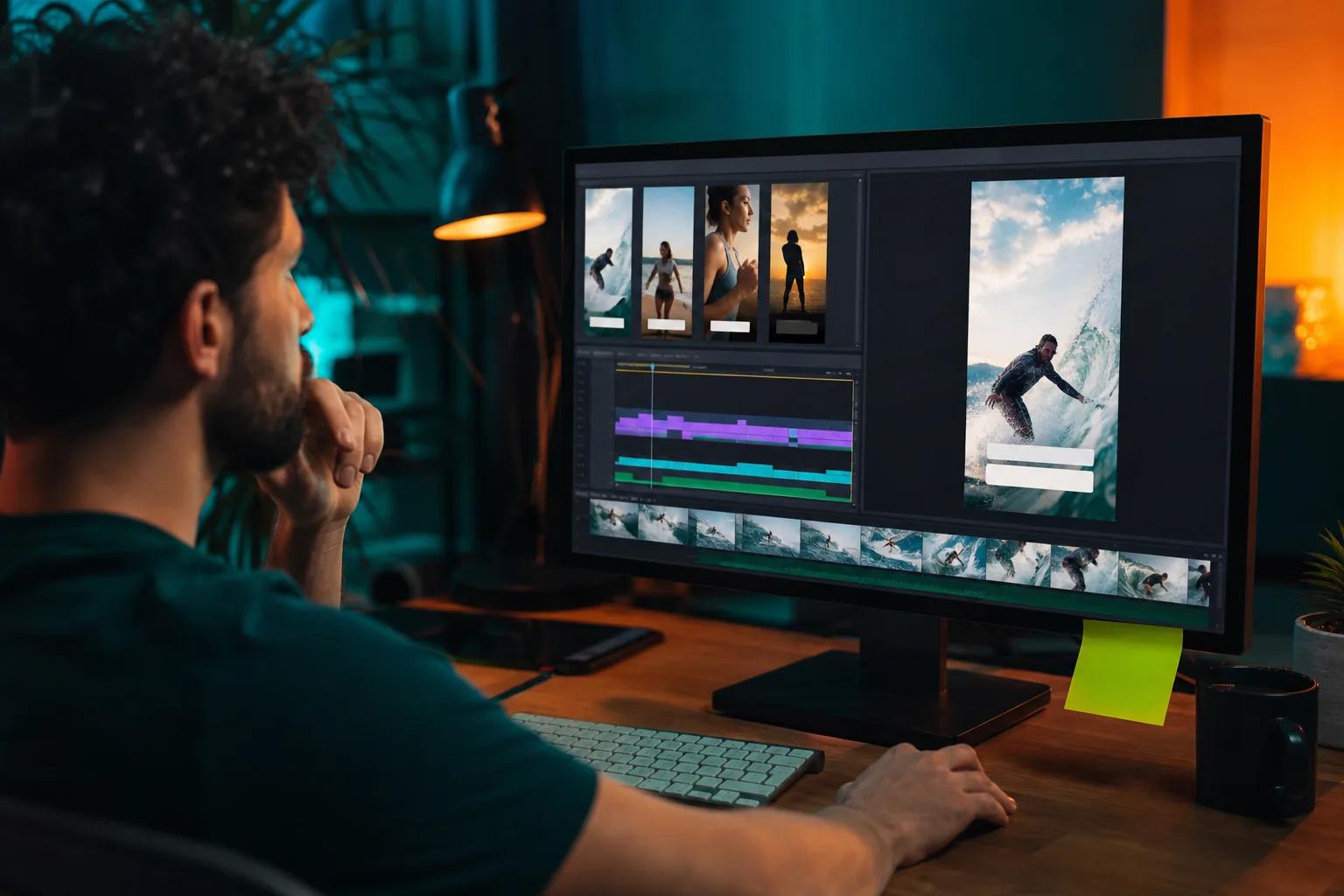
Trim the edit until each shot earns its place. Add captions for spoken words, then check that they don't cover the product or compete with the app's buttons. Use text overlays for a price, offer term, or key point only when the information is accurate and easy to read.
Set the brand elements with a light hand. A logo can help people identify the advertiser, but it doesn't need to lead the video. Keep music below speech, and use tracks you have permission to run in paid ads. Check the platform's current music and ad policies before launch.
Use an editor with a timeline to trim clips, layer text, and adjust sound. A mobile editing app can help assemble a short cut; preview the export on a phone to catch small text or awkward crops.
Export a version for each placement rather than stretching one file everywhere. Check aspect ratio, resolution, captions, and sound. For YouTube Shorts, Google recommends a vertical asset and an ad length under 60 seconds; confirm the current campaign setup guidance before you upload. Keep a clean master file so you can make platform-specific cuts without rebuilding the ad.
Make a small test set. Keep the audience, offer, and main body the same while you change one feature, such as the opening line or first shot. If you change several parts at once, you won't know which one affected the result.
Read the results against the goal you set in Step 1. Click-through rate (CTR) shows how often people click after seeing the ad. View-through rate (VTR) helps you assess viewing behavior under the platform's definition. CPA shows the cost of the action you chose. A high view count doesn't prove the ad is driving purchases, and a low CTR may point to a mismatch between the hook and offer.
Keep the versions that earn the right action, not merely the most attention. Then test a new opening or proof point against the strongest current cut.
Frequently Asked Questions
How long should a video ad be?
Make the ad only as long as the message needs. For a short social placement, focus on one offer and one action. YouTube has more than one ad format, so check the current requirements for the placement you're buying. Put the key point early in case viewers don't watch to the end.
What should the first few seconds of a video ad show?
Show the product, the problem it solves, or a question the intended viewer recognizes. The opening should make the ad's subject clear without a long logo animation. Test different openings against the same body so you can compare them without changing several parts at once.
Can I make video ads from product photos?
Yes. Some AI video tools can use a photo as a visual reference and generate motion around it. Veo Studio supports reference images, synchronized sound and dialogue, and output up to 4K on supported plans and settings. Review the result closely to make sure the product still looks right before publishing.
How do I know if my video ad is working?
Measure the action you chose as the campaign goal. Use views or view-through rate to assess viewing, CTR for clicks, and CPA for a defined conversion. Compare results for similar audiences and offers, and change one creative element at a time. A view is useful only when it helps answer the question your campaign is meant to test.
Conclusion
Start with one audience, one offer, and one measurable action. Make a short draft in the format you plan to run, check it on a phone, then test a focused variation against the same goal. If you want to build a scene from a prompt or product image, try Veo Studio's browser-based workflow and review the output before you publish.


