A commercial video maker can help you turn a clear ad idea into a draft without booking a shoot. The right fit depends on how you want to work: start with a product link, a script, a prompt, or footage you already have. Here are six tools and the kinds of ad work each can support.
We analyzed 40 comments and questions from YouTube, Quora and Reddit about commercial video makers and found that 32% mentioned beginner tutorials for school projects.
1. Veo Studio: AI-generated scenes with synchronized sound
Veo Studio is an independent, browser-based AI video creation tool powered by Google's Veo 3.1 models. You can type a prompt or upload reference images, then generate a scene with synchronized sound and dialogue. It suits brand marketers making product spots, small businesses working from product photos, and social creators who need vertical video.
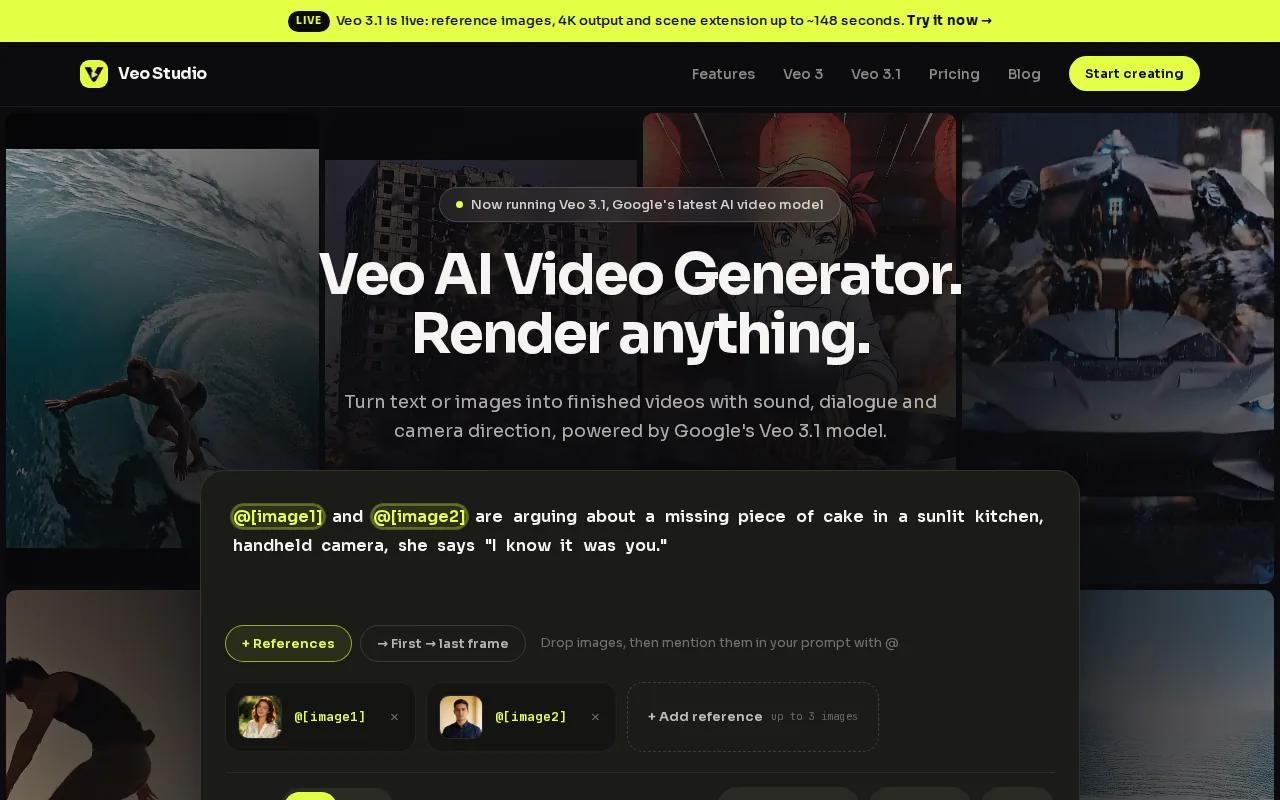
For an ad with a spoken line, put the dialogue in quotation marks in your prompt. Veo Studio can generate lip-synced speech with the scene. Reference images help keep a character or product consistent, while first- and last-frame controls let you guide how the shot begins and ends. You can also extend eligible 720p clips by seven seconds at a time.
Output can reach 4K on supported Veo 3.1 settings. The free plan includes a couple of 720p videos per month without a card; paid plans start at $14 per month and include a commercial license.
That combination of sound, frame control, and scene extension is useful when a short ad needs a specific beginning and finish, not just a moving product shot.
2. Creatify: Product URL-to-video ad creation
Creatify is an AI video ad generator that turns product URLs into short video ads. It fits ecommerce teams that already have product pages and want a route from a product listing to a first ad draft. That starting point can save the work of translating each product detail into a brief from scratch.
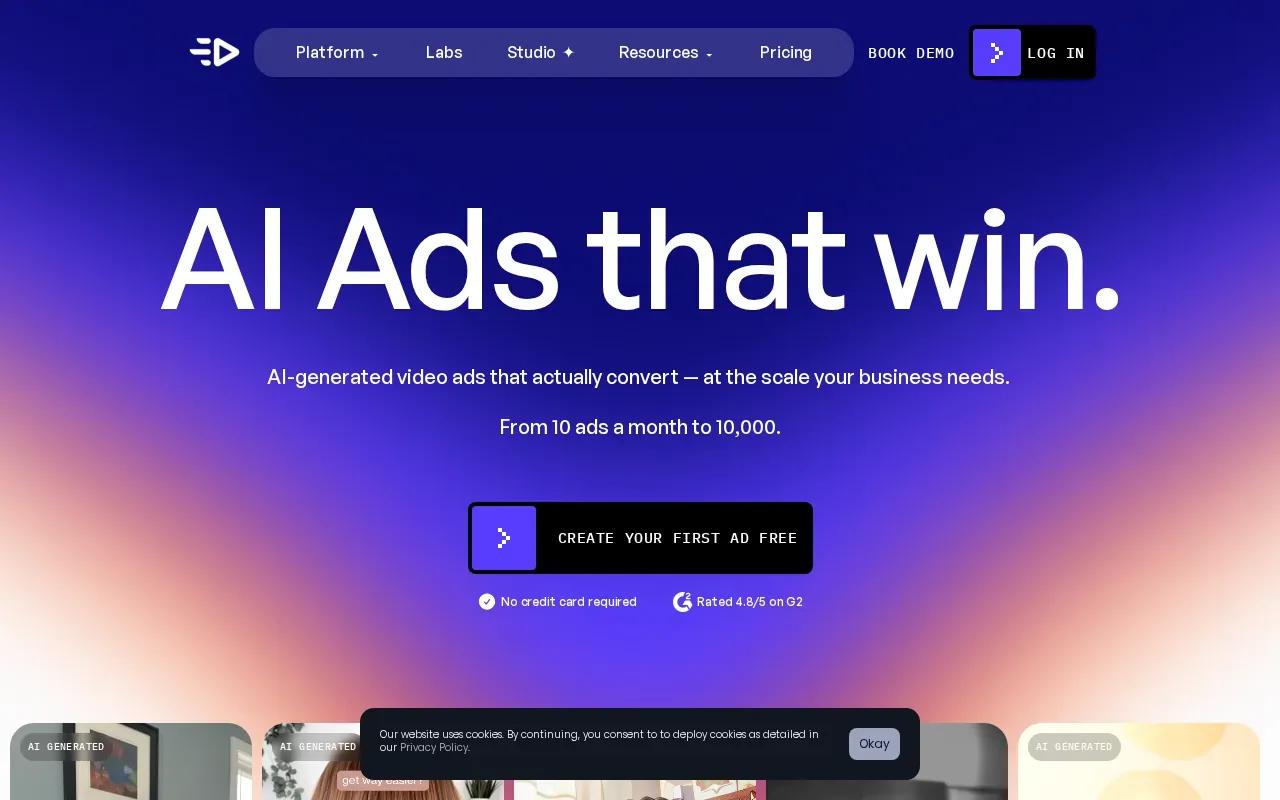
Its workflow is distinct from prompt-led scene generation: the product URL is the input. That makes it worth considering when you want to test ad concepts around a specific item. Creatify's free plan includes 10 monthly credits, so you can try the URL-based approach before deciding how it fits into a repeat campaign workflow.
For a broader look at ad creation approaches, see the AI video ad generator tools comparison. Keep your own product facts and approved claims close at hand when reviewing any generated draft. Check each line and visual before you put paid spend behind it.
3. InVideo: Prompt- or script-led videos with voice-over
InVideo turns a script or a simple prompt into a video with scenes, voice-over, and music. It suits marketers who have a message ready but still need a sequence of visuals around it. A short script can give a product explainer or offer-led ad a clear path from opening hook to final call to action.
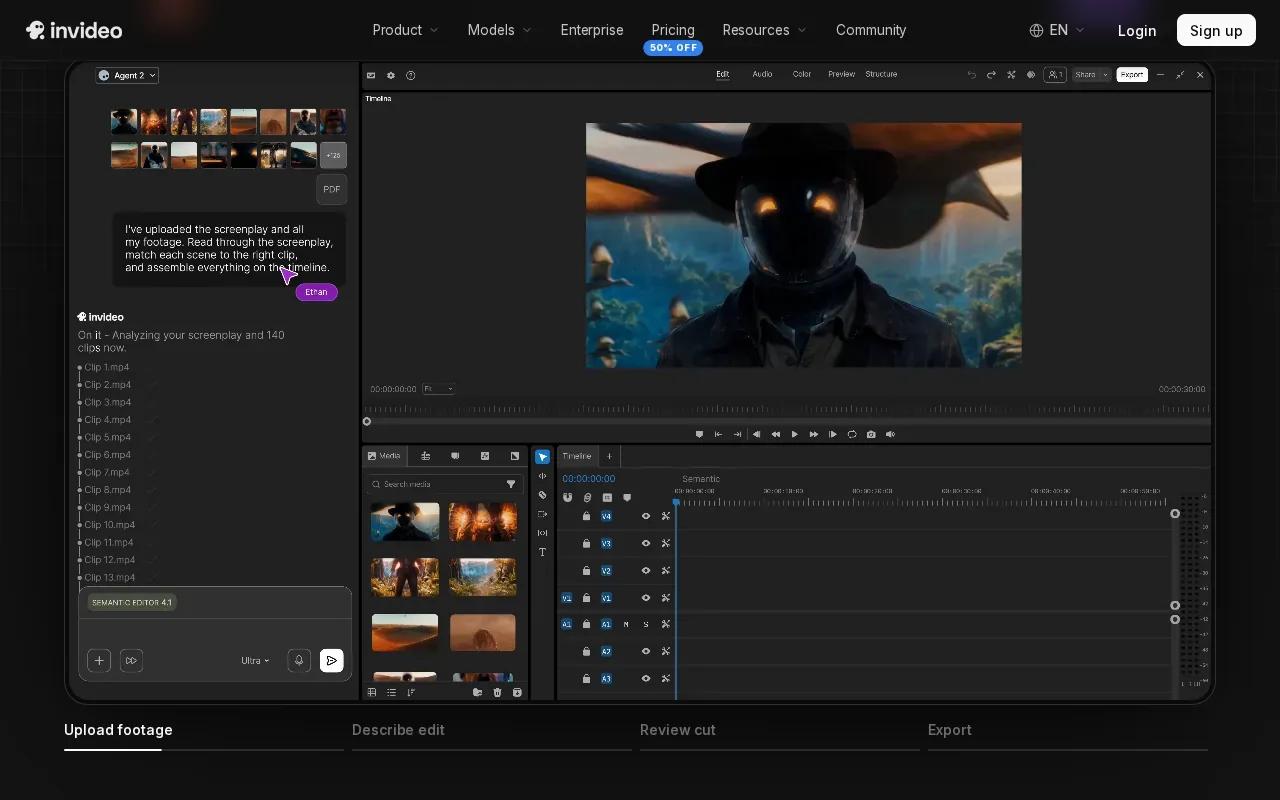
Because it builds a full draft around text, InVideo can be a fit when you want narration to carry the ad. Draft the script first. Then check that the selected scenes support each claim instead of distracting from it. If you are writing several versions, keep the offer and core message steady while changing one hook at a time.
Paid plans start around $25 per month. That may suit teams that expect to use the prompt- or script-led workflow on a regular basis. If your ad depends on one very specific product shot, inspect that scene closely before treating the full draft as ready to publish.
4. AKOOL: Personalized visual marketing experiences
AKOOL is a generative AI platform for personalized visual marketing and advertising. It may suit a team that needs to adapt a campaign for different audiences or create variations around a shared message.
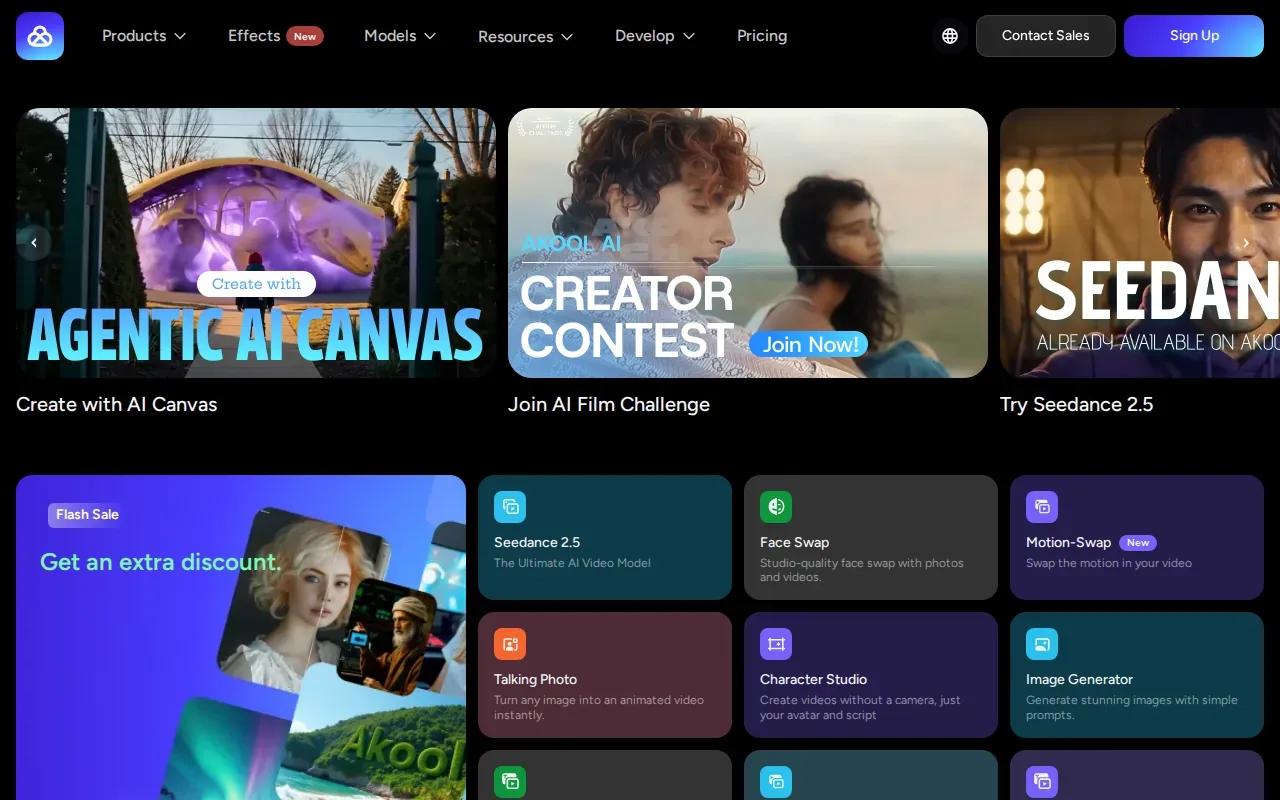
Think through the actual variation you need before using a tool for volume. For example, you might adapt the opening message for two audience groups while keeping the offer unchanged. Then review each version for brand fit and accuracy. More drafts only help if someone can check them before launch.
AKOOL's focus on personalized marketing gives it a different role from a tool that starts with a product URL or script. Consider it when audience-specific creative is part of the brief, and plan time for a human review of every version.
5. Kapwing: Browser-based editing with a free starting point
Kapwing is a browser-based editor with AI generation and editing tools. It can start from a prompt, script, PDF, or existing footage, then help build a first draft. Its workflow also includes editing tools for subtitles, translation, resizing, and voice-over, which can help when one campaign needs several social formats.
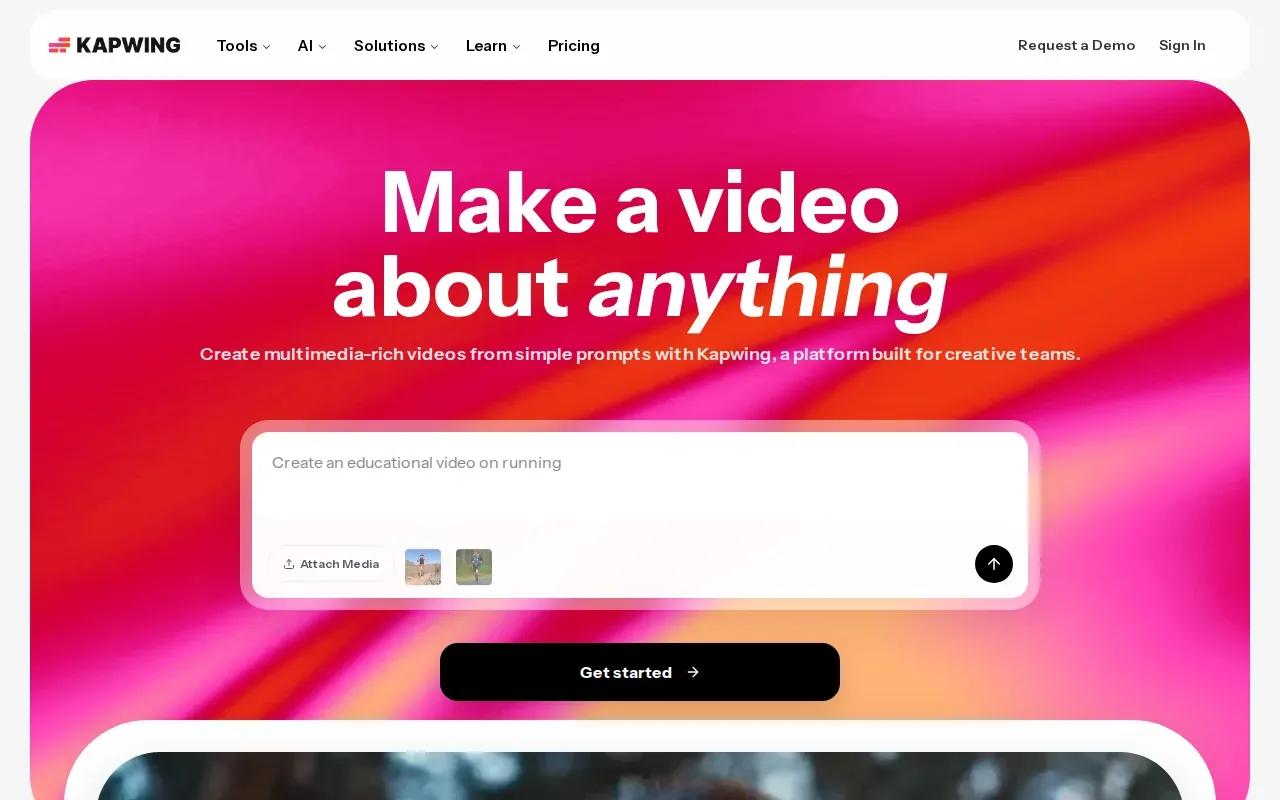
Kapwing's free plan includes unlimited exports with a watermark, videos up to four minutes, and 720p output. Its maximum output resolution is 4K, and synchronized sound dialogue is supported. These details make it useful to test a draft or edit existing footage, while the free export limits matter if you need a clean, high-resolution final ad.
For a product campaign, you could start with existing footage, use AI tools to trim it or add subtitles, then adapt the aspect ratio for a social placement. If your team needs to keep product details exact, review any generated sections frame by frame. Kapwing's wider editing workflow may be a better fit than a generator that only produces a new scene.
6. Renderforest: An all-in-one video creation platform
Renderforest is an all-in-one video creation platform for creators, marketers, and businesses. It fits teams that want a single platform for video work rather than a workflow centered on only a product URL or a text prompt. Its services include Veo 3.1, Kling 3.0, Seedance 2.5, MiniMax H3, Pixverse, and Renderforest's own model.

Renderforest supports output up to 4K. Its Lite plan costs $15 per month, or $9 per month with annual billing. That gives you a clear starting point for weighing its monthly cost against how often you need to make ads and which model or output settings your work calls for.
When choosing a model, start with the shot you need rather than the model name. A simple product reveal may call for a different workflow than a scene with a spoken line. Make one test clip before you settle on a repeatable process, then check the result at the size and aspect ratio you plan to publish.
Compare the commercial video makers at a glance
Use this table to match the tool to your starting material and production task. A commercial video maker is easier to assess when you compare the job it handles, not only its headline price.
| Tool | Good starting point | Useful for | Cost or output detail |
|---|---|---|---|
| Veo Studio | Prompt or reference images | Generated scenes with synced dialogue and frame control | Free plan; paid from $14/month; up to 4K |
| Creatify | Product URL | Short product video ads | Free plan with 10 monthly credits |
| InVideo | Prompt or script | Scene-based videos with voice-over and music | Paid plans start around $25/month |
| AKOOL | Marketing concept | Personalized visual ad variations | — |
| Kapwing | Prompt, script, PDF, or footage | AI editing, subtitles, translation, and resizing | Free plan; max output 4K |
| Renderforest | Video project | All-in-one creation with a choice of models | Lite: $15/month, or $9/month billed annually; up to 4K |
For product footage and ecommerce workflows: AI product video generator comparison. For a campaign launch, write one short brief with the audience, offer, main claim, desired format, and one clear next step. Then make a draft, check its claims, and prepare versions for the placements you plan to test.
Keep the first test small. Compare the same offer with different opening hooks, and track the campaign measures your team already uses, such as clicks or completed views. No tool can promise that a generated ad will perform well; the results depend on the audience, offer, creative, and media setup.
FAQ
What is a commercial video maker?
A commercial video maker is a tool for producing video ads or promotional content. Some tools start from product links, while others use prompts, scripts, or existing footage. They can help you form a first draft, but you should still check product details, claims, music rights, and the final format before publishing an ad.
Which tool can turn a product URL into an ad?
Creatify is the option in this list that turns product URLs into short video ads. It may fit an ecommerce workflow where the product page is already the source of approved details. Review the generated video to confirm the product and its claims are shown accurately before using it in a campaign.
Can AI video tools make ads with dialogue?
Yes. Veo Studio supports synchronized sound and dialogue, including lip-synced speech when you put a line in quotation marks in your prompt. Kapwing also supports synchronized sound dialogue. The best choice depends on whether you need to generate a scene or edit a larger video project in a browser.
Can I make a video ad for free?
Yes, some tools have free ways to start. Veo Studio's free plan includes a couple of 720p videos each month without a card, while Creatify includes 10 monthly credits. Kapwing's free plan allows exports with a watermark and limits them to 720p and four minutes, so check output needs before you commit to a workflow.
How do I choose a tool for YouTube, Facebook, or Instagram ads?
Start with the ad format and material you have. Choose a prompt-led tool for a new scene, a script-led workflow for narrated content, or a browser editor when you already have footage. Make a short draft in the intended aspect ratio, check the message on a phone-sized screen, then test the version against your campaign goal.
Conclusion
For ads that need generated visuals with synchronized dialogue, reference consistency, and frame control, start with Veo Studio, which offers up to 4K output.