
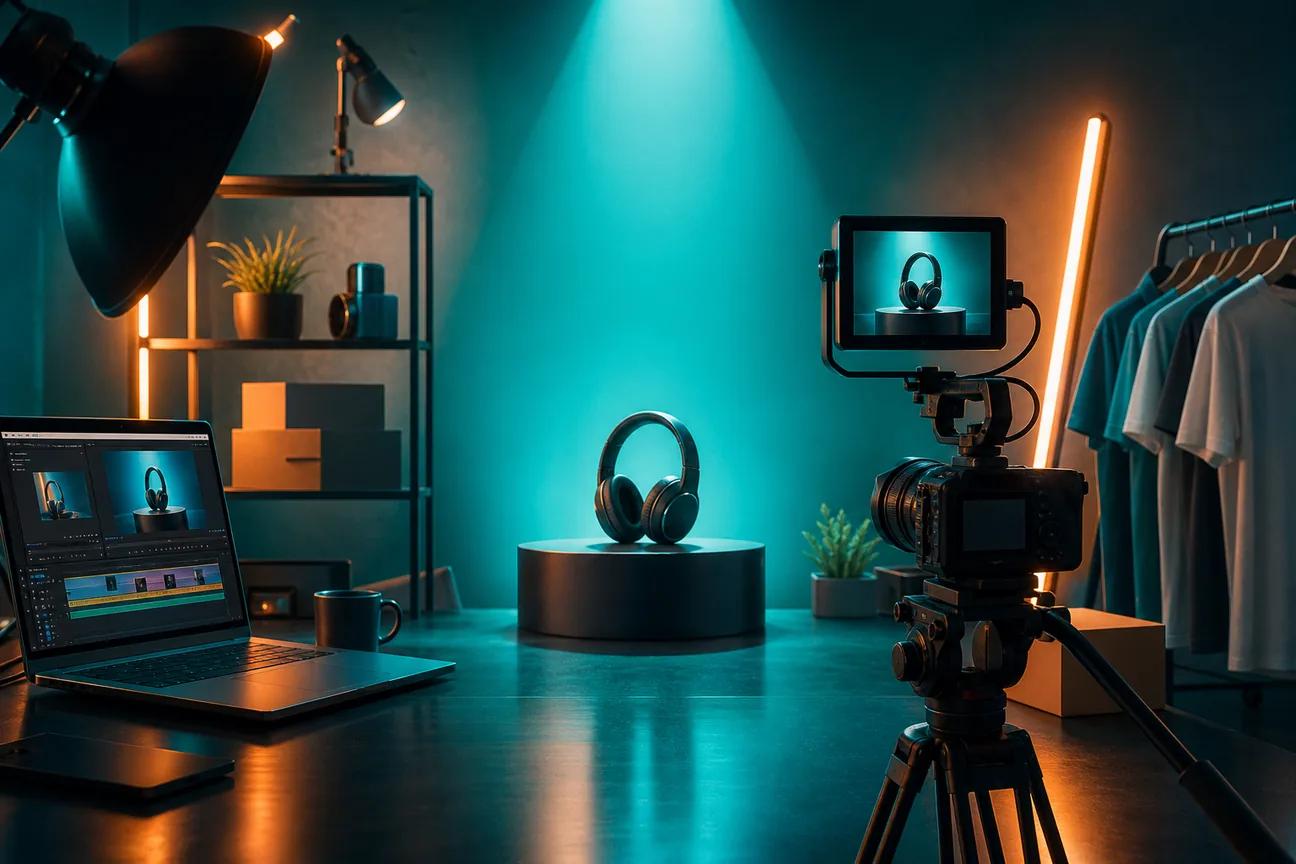
A product video can start with a prompt, a photo, or a link to a shop item. The right ecommerce video creator depends on what you want to make and how much editing you want to do afterward.
Here are five options for product videos, from directed AI scenes to TikTok-ready edits. Veo Studio is first, followed by four tools with distinct workflows.
1. Veo Studio
Veo Studio is an independent, browser-based AI video creation tool powered by Google’s Veo 3.1 models. It turns text prompts or reference images into video, with synchronized sound and dialogue.
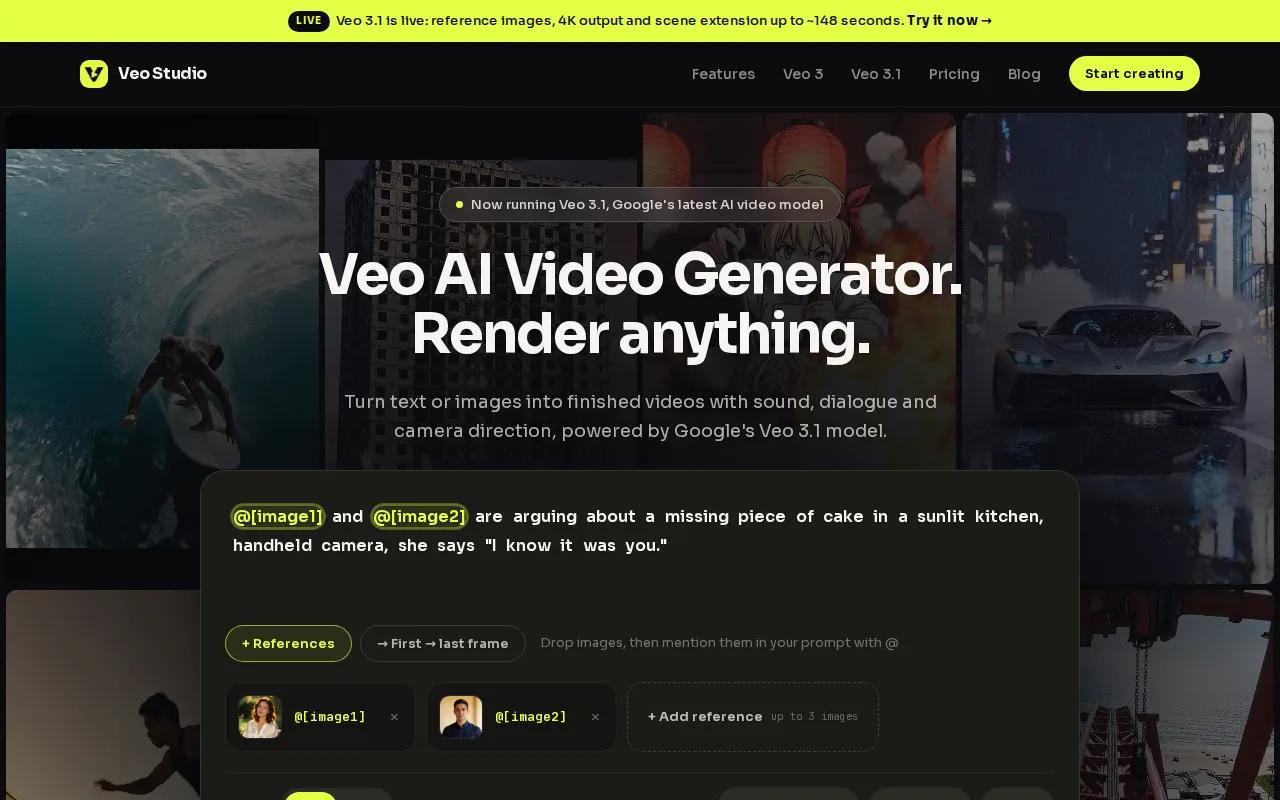
It’s a fit for marketers and small sellers who want to direct a scene rather than start from a fixed ad template. Upload a product reference image, then describe the setting, action, and camera move. For example, you could ask for a close-up in a bright kitchen with a slow camera move and a short spoken line.
Veo Studio supports character consistency, first- and last-frame control, scene extension, and output up to 4K on supported settings. Those controls help when you need the opening and closing frames to match a campaign idea, or want to extend a short clip into a longer sequence. Sound is generated with the video, so a scene can include dialogue or ambient audio without a separate voice recording.
The free plan includes a couple of 720p videos each month, with no card required. Paid plans start at $14 per month and include higher resolutions, with 4K available on supported settings. Read more about AI product video workflows if you’re weighing prompt-led scenes against templates and edits.
For an ecommerce clip, keep the prompt focused on one moment. A short render can show a product in use or set a mood, but it won’t replace a full shoot when you need exact footage of every feature.
2. Pippit: product-link videos with TikTok-native formats
Pippit turns a product link or uploaded media into TikTok-style product videos. It can add avatars, captions, and formats made for the platform.
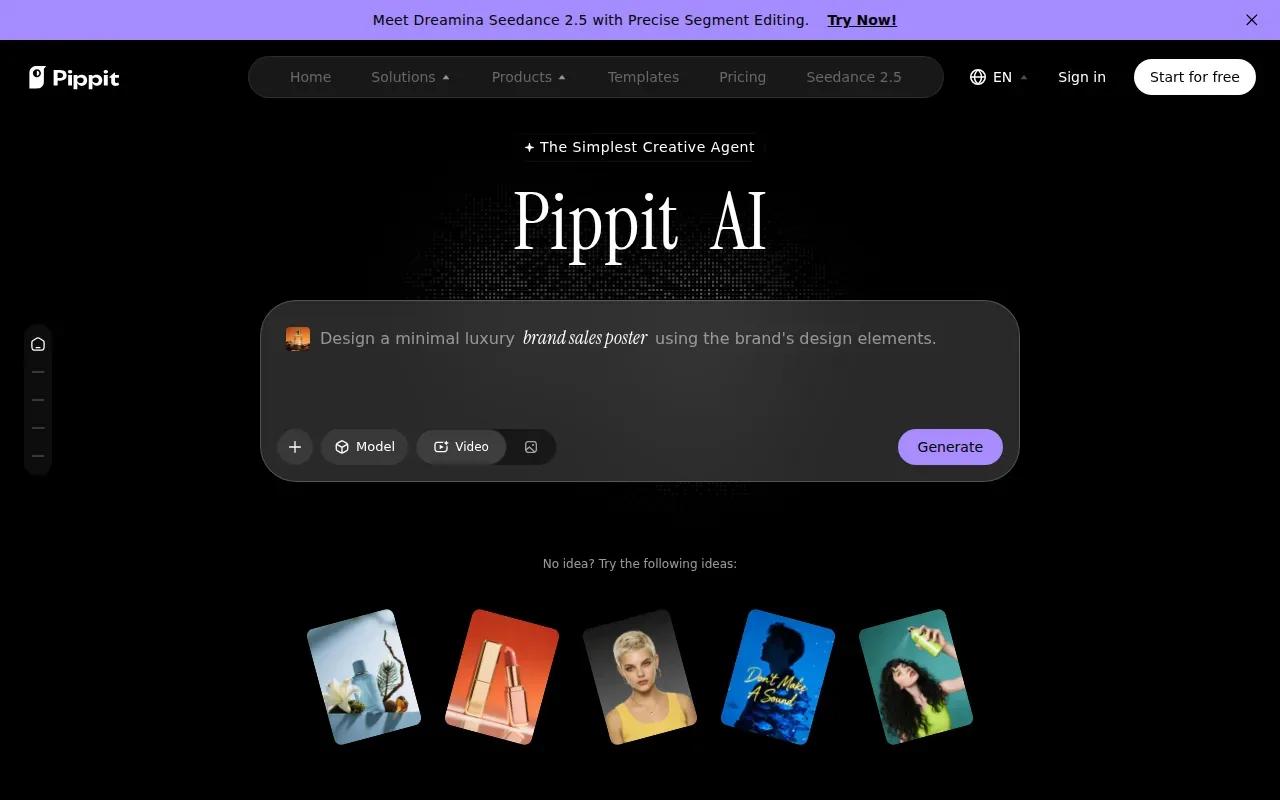
This option suits sellers who already have products in TikTok Shop and want a direct path from product information to a post. Pippit can import product images, video, and feature details from a TikTok Shop link. You can also add a brand name, audience, price details, or logo before generating a draft with a script, captions, and voiceover.
After generation, you can make quick changes to the script, caption style, or avatar. The editor also has controls for effects, transitions, filters, music, and sound effects. Reframing and basic image adjustments let you adapt a clip before export. That’s useful when the same product needs a fresh hook or a different cut for a new post.
Pippit also supports adding a TikTok Shop product link while publishing or scheduling a video. That makes the product path part of the content workflow, rather than a separate task after editing.
Pippit says you can start free. Its Basic plan is $14.90 per month for 1,000 credits, while Starter includes up to 3,200 credits per month. Check that the TikTok Shop connection and product link fit your publishing setup before making a batch of videos. An overview of ecommerce video ad workflows can also help you decide whether a product-link process or a directed scene fits the brief.
Think of Pippit when the selling action happens inside TikTok. If your main need is a custom scene for a product page, a product-link-first workflow may not be the part you need most.
3. Video Ad Maker by Photoroom: ads from existing product photos
Video Ad Maker by Photoroom turns existing product photos into video ads. It’s aimed at sellers who already have product images and want to make new ad concepts without arranging a separate shoot.
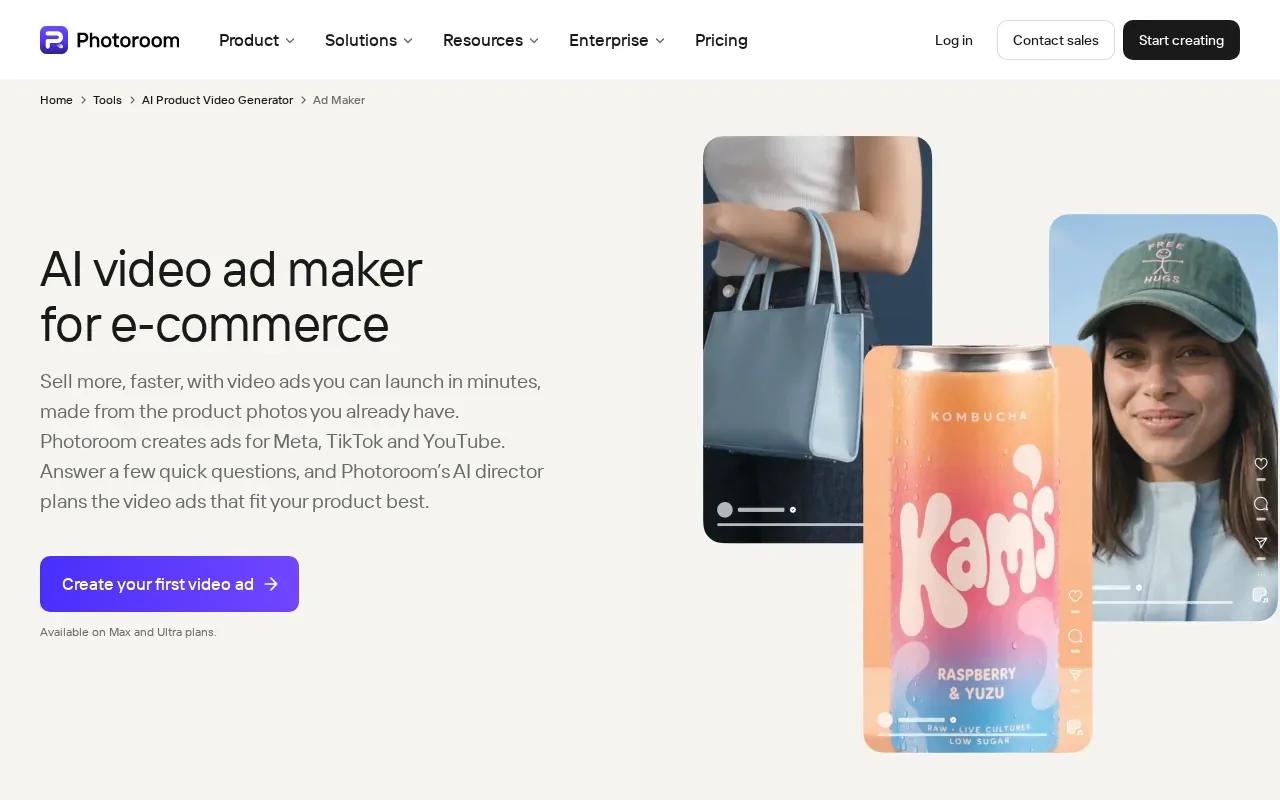
Upload one or more photos, then answer a few questions about the video. Photoroom’s AI director plans creative direction, scenes, and a script for review before generation. You can add a prompt to steer the result. That review step matters: product details and claims should match what you actually sell before a video goes live.
Photoroom describes formats for Meta, TikTok, and YouTube. You can reuse the same photo set to test different hooks or messages, then choose a version for a social ad, listing, or product page. The ad workflow is better suited to planned creative variations than to footage that needs a precise live demonstration.
For a small team, reusing photos can make it easier to produce another campaign concept when a promotion or seasonal offer changes. Still, review every generated scene for color and shape accuracy. A photo-based video is only useful if shoppers can recognize the item they’ll receive.
If you publish a clip on a product page, make sure the video has a clear place on the page, not just a social-media export stored elsewhere.
Video generation is available on Photoroom’s Max and Ultra plans. If you’re comparing options, consider whether your current product photos show the item clearly from the angles your ad needs.
4. CapCut: short-form product video editing and captions
CapCut is an editing platform for captioning, trimming, and templating short-form product videos. It’s a fit when you already have footage or a generated draft and need to shape it for social feeds.
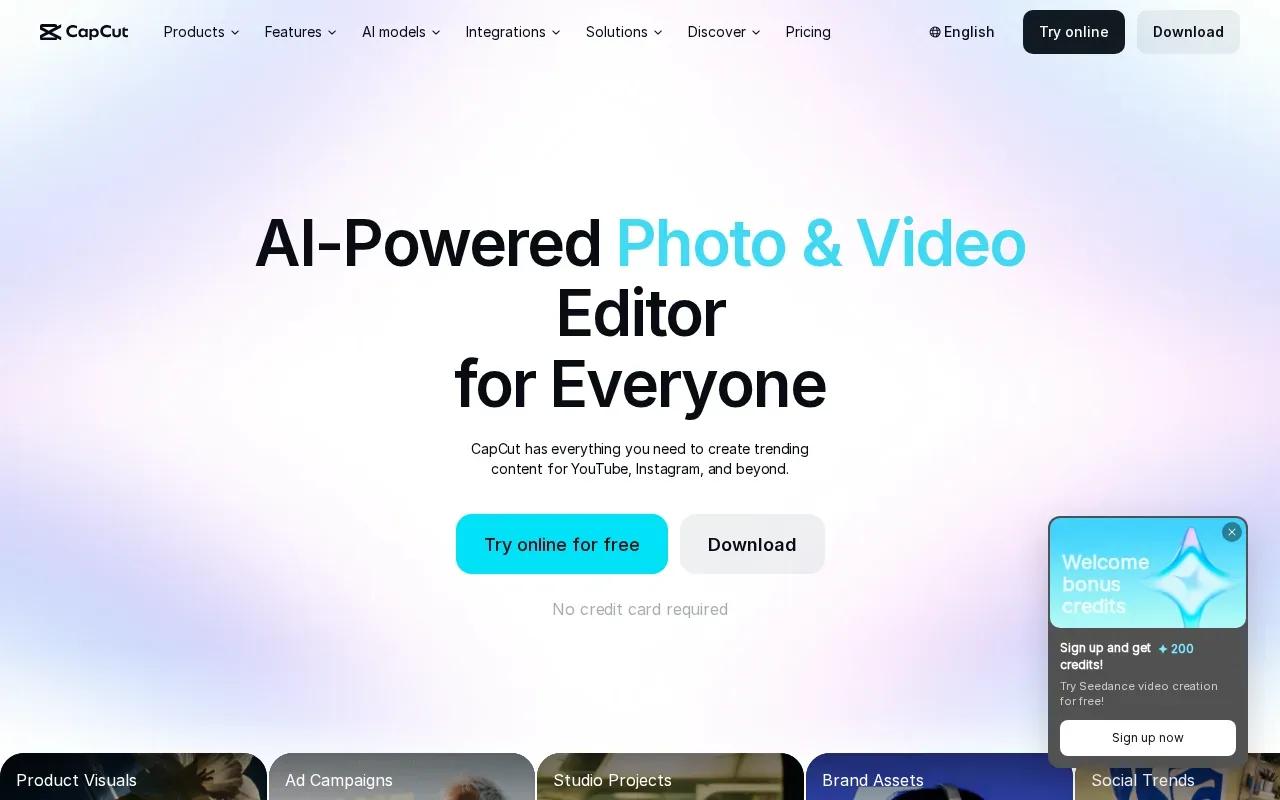
Use it to cut a product demo down to one useful moment, add captions to a spoken explanation, or apply a template to a series of clips. For example, a seller could trim a longer unboxing to the moment the item is revealed, then add captions so the core message remains clear when viewers watch without sound.
That editing role is different from a generator that builds a scene from a prompt. CapCut’s core capability is editing, not video generation. Plan to bring in your footage or draft, then use the timeline to make the pace and framing suit the placement.
CapCut’s standard plan is free and covers basic editing. CapCut Pro is $19.99 per month or $179.99 per year for individuals, with a seven-day free Pro trial. Pick a plan based on the editing tools you need, rather than assuming an editor will produce the original product footage for you.
Captions also help people follow a clip when audio is off; WebVTT is one caption format. Check the finished captions yourself, especially product names and details that automatic speech recognition may mishear.
Before exporting, check the aspect ratio and caption placement on the target platform. Keep text away from controls and overlays so it doesn’t cover the product or the main action.
5. Kapwing: prompt-generated video projects for channel content
Kapwing can generate a video project from a prompt, image, script, article, or PDF, then let you edit the result in a browser-based timeline. It suits creators who want a first draft built around a brief and prefer to refine scenes in the same workspace.
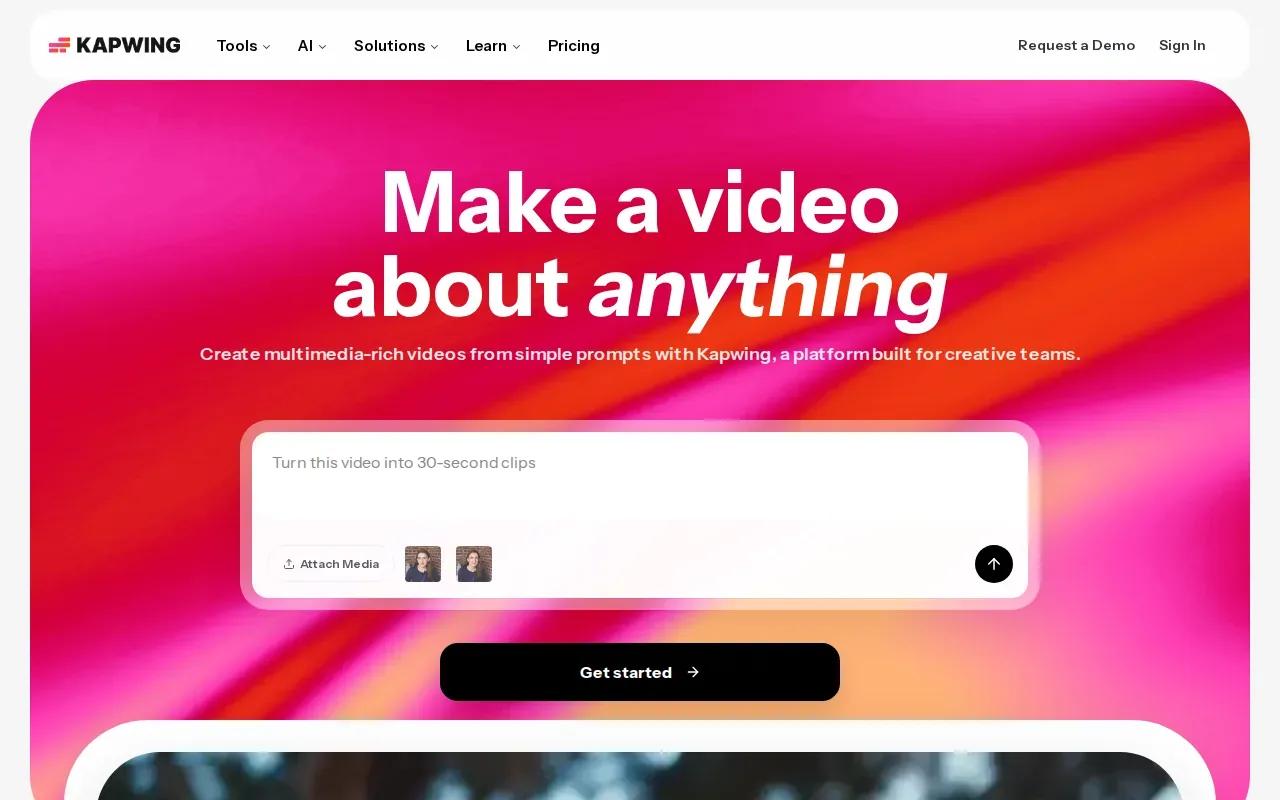
Its AI assistant can help shape a prompt and build a storyboard with scenes, shots, and camera angles. You can review that plan before generation, then refine individual scenes. For an ecommerce explainer, a brief might outline the product problem, a demonstration, and a final call to action. Keep the script tied to claims you can support.
Kapwing supports reference media such as product photos, start and end frames, scripts, and documents. You can choose an aspect ratio before generating, then add subtitles, voiceover, transitions, or brand assets in the timeline. This can work for a longer social post or a multi-scene ad. It also gives you a route to adjust one scene without rebuilding the whole project.
Kapwing says its AI video generator is free to try in a browser, and each generation uses a different number of credits. Review the credit cost for your chosen setup before generating a large set of variations.
Use the table below to match each tool’s starting point to the job you need done. It’s a workflow comparison, not a quality score.
| Tool | Where the workflow starts | Useful production job | Check before you begin |
|---|---|---|---|
| Veo Studio | Prompt or reference image | Directed scene with synchronized sound | Free videos are 720p |
| Pippit | Product link or uploaded media | TikTok-style post with a shoppable link | Connect the TikTok Shop account |
| Video Ad Maker by Photoroom | Existing product photos | Ad concepts from current image assets | Review the planned script and scenes |
| CapCut | Footage or a video draft | Short edits and captions | Check caption accuracy and licensing for assets |
| Kapwing | Prompt, image, script, or document | Multi-scene project with timeline edits | Check credit use for the generation |
If you want to compare a prompt-led clip with other product-video workflows, the product video creator options for brands cover different ways to start a draft.
FAQ
What is an ecommerce video creator?
An ecommerce video creator is a tool for making or editing videos that show, explain, or promote products sold online. Some tools start with a product link or photo, while others use prompts or existing footage. The right fit depends on whether you need a generated scene, a shoppable social post, or a quick edit with captions.
Can I make product videos from photos?
Yes, several tools in this shortlist can start with product photos. Veo Studio uses reference images to guide a generated scene, while Video Ad Maker by Photoroom plans video ads from existing product photos. Use clear images and review the result closely so the product’s shape and color stay recognizable.
Which tool can add a TikTok Shop product link?
Pippit supports adding a TikTok Shop product link while publishing or scheduling a video. Its workflow can start with a product link, then generate a TikTok-style video with a script, captions, and voiceover. You’ll need to connect and authorize your TikTok account to attach the shoppable link.
How do I make a product video easier to watch without sound?
Add captions and check them before publishing. Captions let viewers follow spoken details when their sound is off, but auto-generated text can misread product names or technical terms. Keep the main message brief, place captions where platform controls won’t cover them, and make sure the visuals still explain the product.
Can AI video tools make a full product demo?
They can help make short scenes or multi-scene drafts, but the output still needs review. A generated scene can set a mood or show a product in context. For exact demonstrations, use footage that shows the real item and its features, then edit it into a clear sequence with accurate captions.
Conclusion
Choose the tool that matches your starting asset: Veo Studio for directed AI scenes, Pippit for TikTok Shop posts, Photoroom for photo-based ads, CapCut for edits, or Kapwing for prompt-built projects. Start with one product and one placement, then review the finished clip before making a batch.


