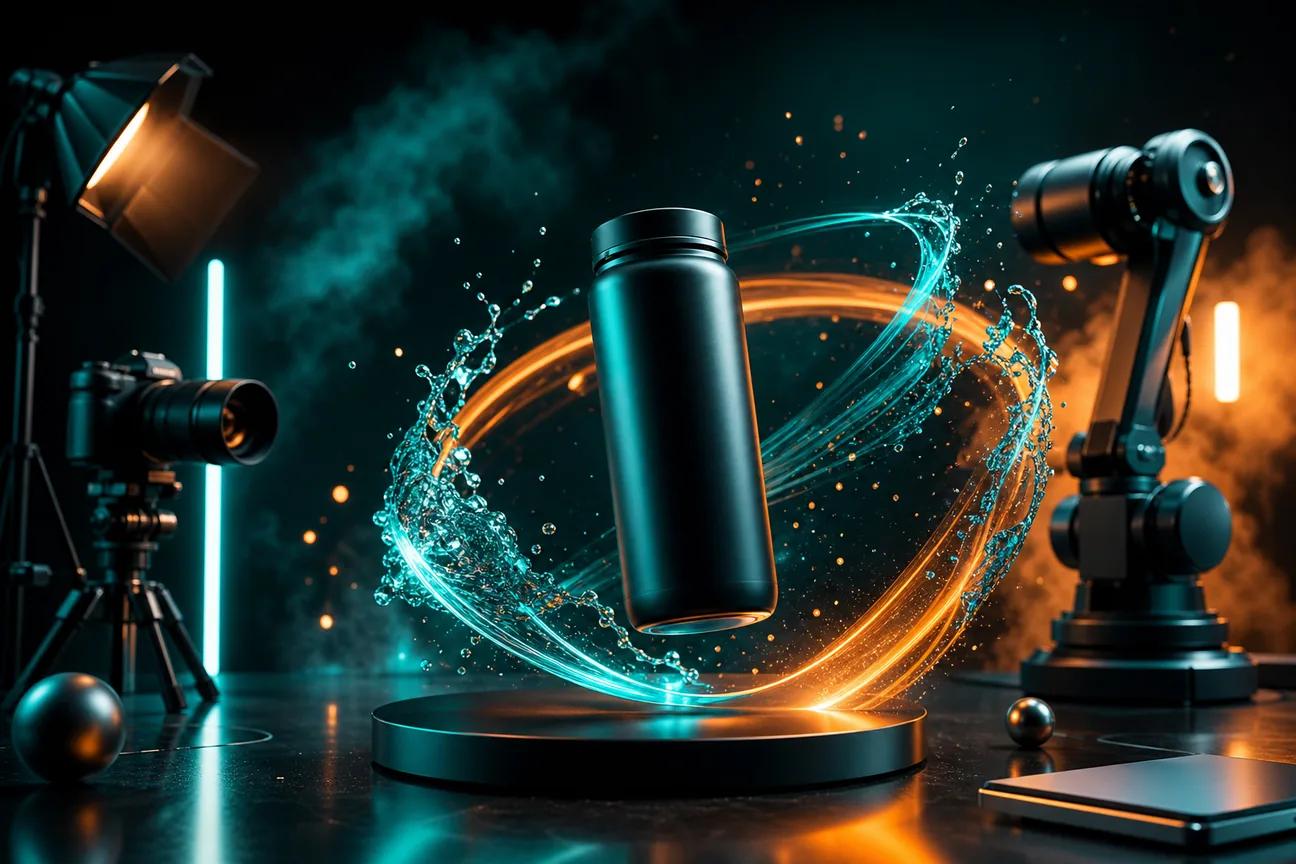
A product photo can become a moving ad, but the right tool depends on what you need the video to do. These ecommerce video ad tools cover prompt-led scenes, quick edits, AI presenters, product links, and videos made from product photos.
We analyzed 42 YouTube comments about ecommerce video ads and found that 40% mentioned short direct ad format.
1. Veo Studio
Veo Studio is an independent, browser-based AI video tool powered by Google’s Veo 3.1 models. It turns prompts or reference images into short videos with synchronized sound and dialogue. It’s a fit when you want to direct a scene around a product instead of starting with a fixed ad template.
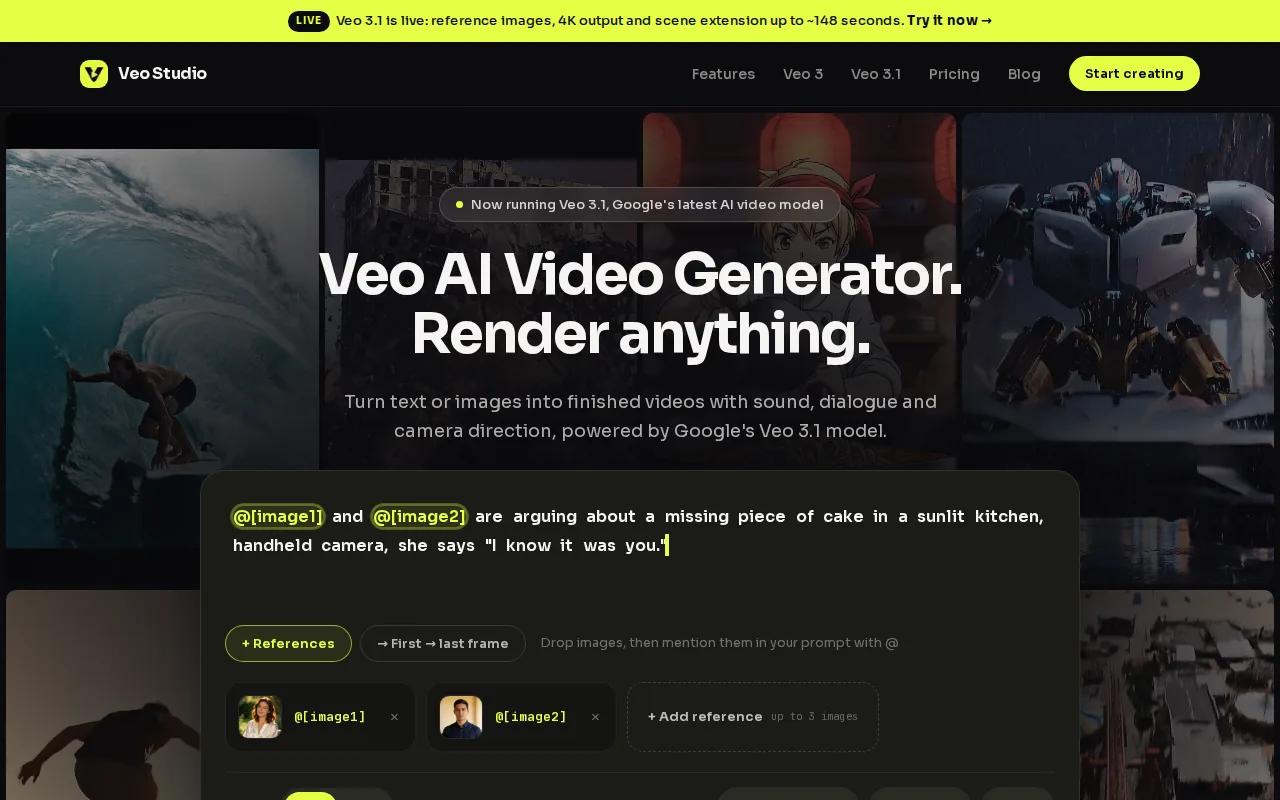
Attach a clear product image, then describe the setting, camera move, and one key action. You can add a short spoken line in quotation marks. The output can include lip-synced dialogue, and reference images help guide a character or product across a clip. First- and last-frame control sets the visual start and finish. Scene extension adds length to a finished clip, while supported output reaches up to 4K.
Veo Studio brings supported features into a browser workflow, including reference-image direction, frame-specific generation, video extension, and synchronized audio. You can focus your prompt on one short shot rather than paste in a full commercial script.
The free plan includes a couple of 720p videos a month, with no card required. Paid plans start at $14 per month and include a commercial licence. For a product with a detail buyers need to see, such as a clasp or control dial, direct the camera toward that feature and check the result before making more versions. This comparison of AI product video generators can help you think through the input and export choices.
2. CapCut: Fast edits for short-form product ads
CapCut is a broad, creator-friendly editor for fast social video edits. It’s useful when you already have product footage or a draft and need to shape it for a short feed placement. The free tier makes it an accessible place to try a basic edit.
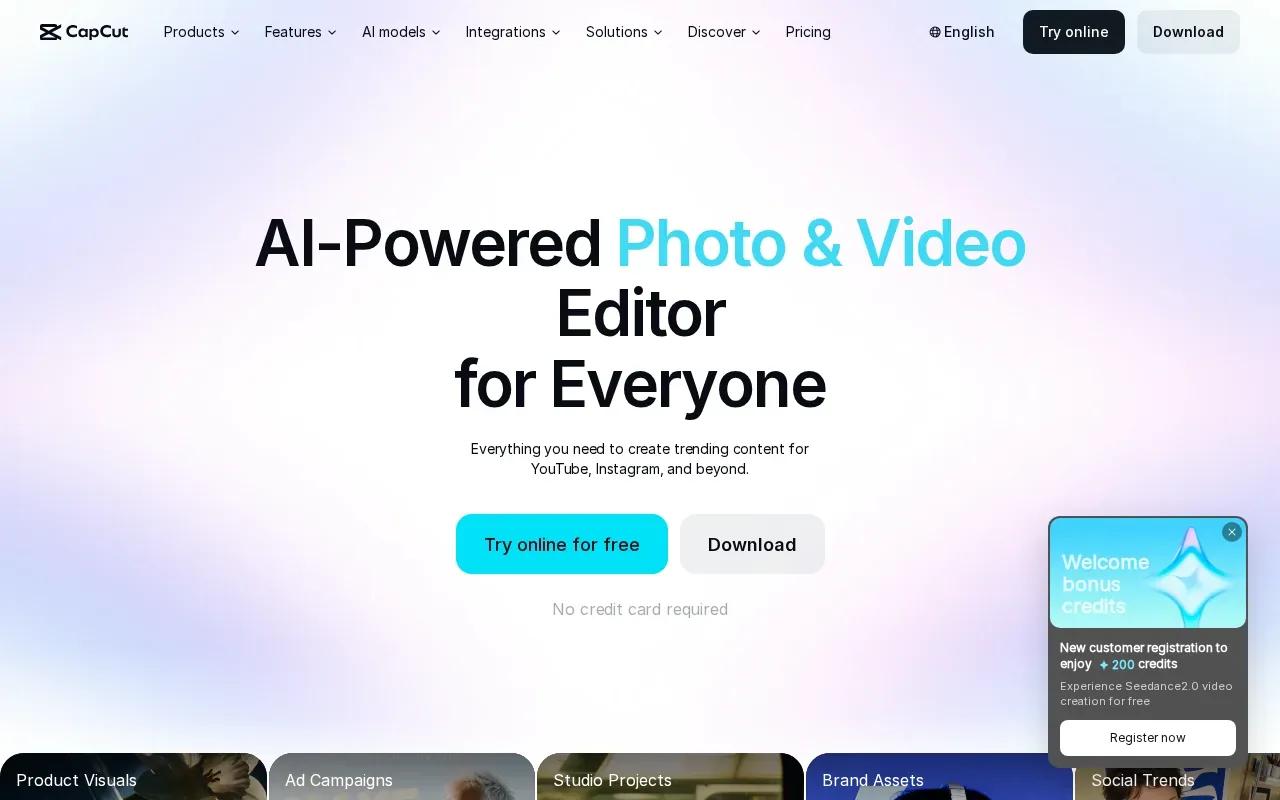
Its main role in this shortlist is finishing work: trim a clip to the useful moment, add captions, and set the pace for a vertical post. That mix can help when a product shot needs clearer pacing or viewers may watch without sound.
Keep the ad focused. Open with a visual hook that shows the item or the problem it solves. Then show one action or feature. End with a single call to action. If the source footage is a close-up of a product, don’t cover the key detail with oversized captions or effects.
CapCut is a better fit for hands-on editing than for directing a consistent character through a generated scene. And before publishing, watch the full export on a phone. Check that the product stays in frame and every caption is easy to read at feed size.
3. Topview: Product URL-to-ad planning on one canvas
Topview takes a product URL, script, or creative idea and plans scenes on an editable canvas. It suits a team that wants to move from a product page toward a structured ad draft, with shots and generated assets grouped in one workspace.
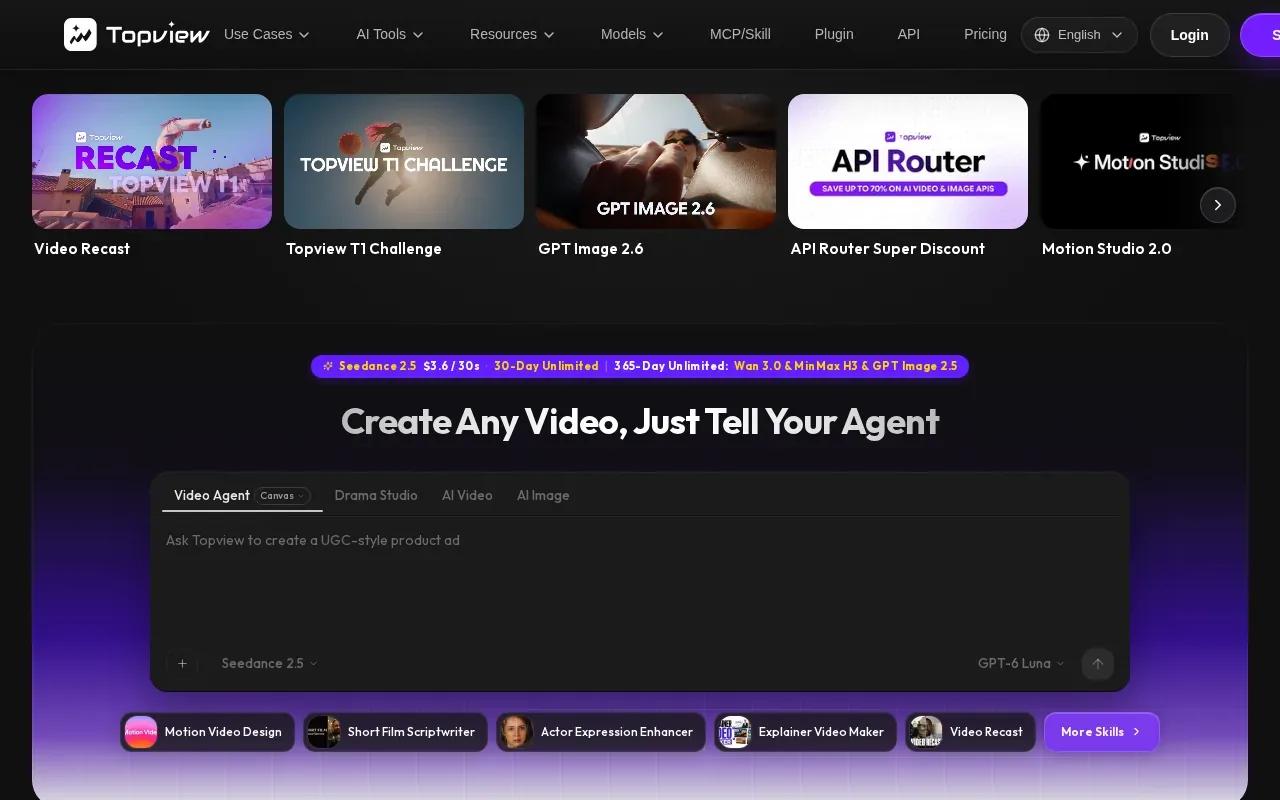
Its AI video agent plans scenes, selects models, and generates assets while keeping each shot editable on the canvas. Topview also describes UGC-style product ads and short-form campaign content for social channels. That workflow can help when you want to try a scene sequence without laying out every shot by hand.
As of November 1, 2026, Topview’s plans start at $36 per month billed annually. Treat the product URL as a starting brief, not a final fact check. Review the script and scenes against the product page, especially any claims about materials, size, or results.
Keep production and placement separate in your planning: Topview is a creation tool, while social platforms may offer separate ad placements.
For the creative itself, set a clear brief first: a hook, one product point, proof shown on screen, and one next step. The product video ad format guide covers ways to match that structure to a demo, explainer, or unboxing.
4. MakeUGC: AI-actor product-in-hand UGC ads
MakeUGC focuses on AI-actor UGC ads, including product-in-hand videos. It fits a brand that wants a presenter-led format and needs several actor choices for a creative test. MakeUGC counts more than 1,000 AI actors in its library.

The workflow starts with choosing an actor and shaping the ad around a product and message. MakeUGC also describes options to clone yourself, choose a video model, and export in HD, 2K, or 4K. A product-in-hand scene can make the item visible while a presenter explains one use or benefit.
Its starting price is $29 per month when billed yearly. Before you generate a batch, keep the script narrow. A short hook followed by one clear product point is easier to compare across different actors than a long pitch with several claims.
AI presenters can help test delivery and framing, but they aren’t customer reviews. Use a real person’s words only when that person actually made the statement. For ad variants, change one part at a time, such as the opening line or the presenter, so you can tell what changed in the results.
5. Pippit: TikTok-native videos from product links
Pippit, from the CapCut family, turns a product link into TikTok-native product videos with avatars. It’s designed for sellers who have a product listing and want a vertical video draft with a script, voice, and captions.
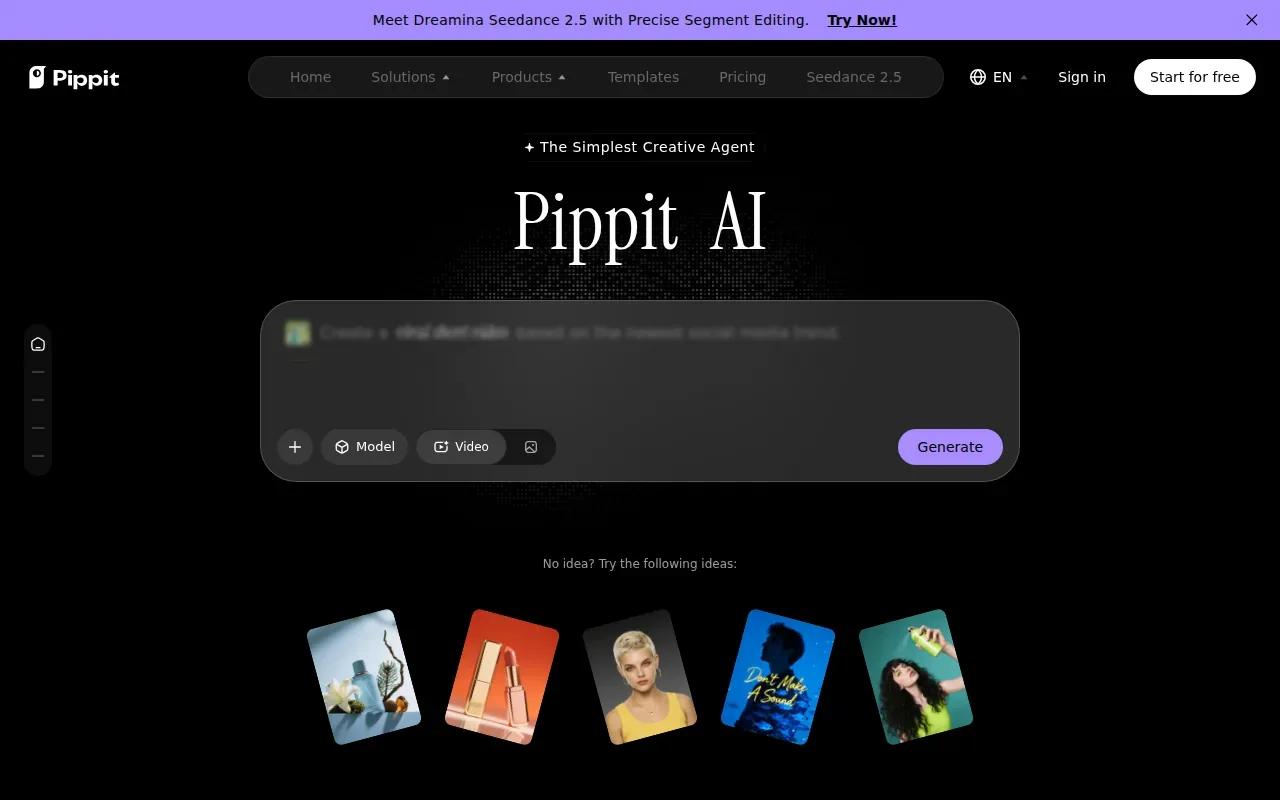
Its product video workflow can start from a link or uploaded product images. Pippit can generate a script and add an avatar, voice, and captions. Pippit's supported aspect ratio is 9:16, which fits a vertical feed. Pippit has a free plan, and its starting price is $14.90 per month.
That speed is useful when you need a first draft for a product listing or a short social ad. Still, review every detail before posting. Check that the script matches the listing, the avatar’s delivery sounds right for your brand, and captions don’t hide the product. Then watch the export on a phone, where viewers will see it.
A product link can supply useful starting material, but it can’t decide your campaign goal for you. Choose whether the video should introduce the item, show a use, or support a specific offer. Keep the call to action clear, and use the same goal when you compare versions.
6. Photoroom: Product-photo videos for listings and ads
Photoroom began as a background-removal and product-photo editor, and it now turns product photos into listing videos and ads. It’s a fit when your store already has product images and you want to build a short video without filming a new scene.
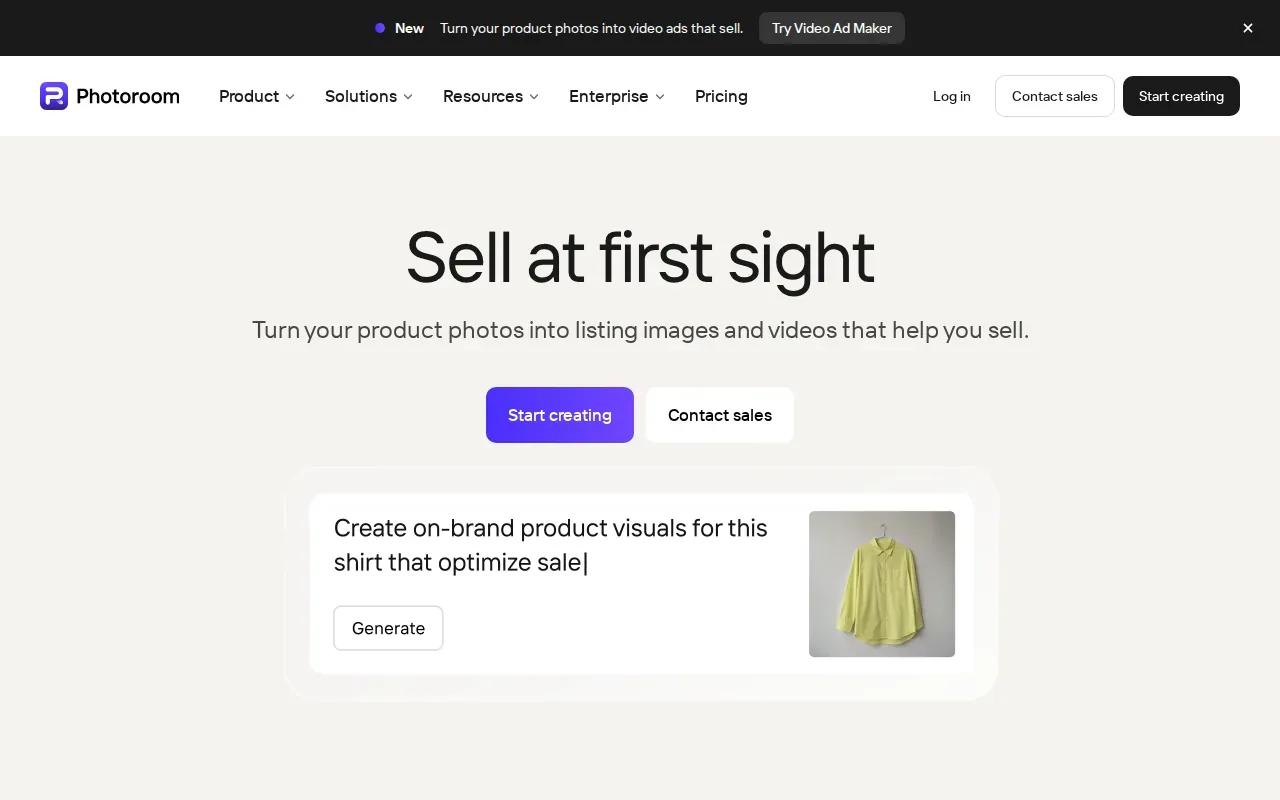
Its Video Ad Maker can start with up to six photos. You can use images from your computer or import them from sources such as a Shopify store or other locations. The tool builds a video plan with shots and a script for review before generation. You can also set preferences such as format, duration, character, audio, and language.
Photoroom’s documented formats include vertical 9:16 for TikTok, Reels, and Stories, plus 16:9 for YouTube and websites. Its starting price is $7.50 per month billed yearly. This option is especially relevant when you want the product itself to stay central, rather than making a talking presenter the main focus.
| Ad job | Why Photoroom may fit | What to review |
|---|---|---|
| Show the item from several angles | Start with up to six product photos | Check the product details and scene plan |
| Make a vertical social cut | Choose 9:16 for supported placements | Keep captions clear on a phone |
| Build a listing video | Turn existing product images into video | Confirm the video answers a buyer question |
Use several sharp images of the same item, ideally from different angles. Then review the plan and script before generating. A clean shot plan can make a listing video easier to scan, but the product details still need a human check. This overview of product video creator tools also explains how different workflows start from photos, prompts, or scripts.
FAQ
What tool is best for making ecommerce video ads?
The right tool depends on your starting material and the kind of ad you need. Veo Studio fits prompt-led scenes with synchronized sound, dialogue, and scene extension. CapCut fits hands-on editing. Topview and Pippit can start from product links, while MakeUGC centers AI actors and Photoroom starts with product photos.
Can I make a product video ad from a photo?
Yes, several tools in this list can use product photos as a starting point. Veo Studio can use reference images to guide a generated scene, while Photoroom turns product photos into listing videos and ads. Use a clear image where the product shape and key details are easy to see, then review the generated result before publishing.
What should a short product video ad include?
A short ad should make one point clear. Start with a hook that earns attention, show the product or its use, and support the claim with something viewers can see. Finish with one direct next step. Keep the script short enough for the chosen clip length, and make sure the call to action matches the offer.
How do I measure whether a video ad is working?
Start with the campaign goal, then use the matching platform metrics. For a traffic goal, review clicks and cost per click. For sales, compare purchases and cost per purchase. Also check whether viewers watch far enough to see the product proof and call to action. Test one creative change at a time so the comparison stays useful.
How can video ads help people find my products?
Use clear product names and accurate descriptions in the surrounding page or post, and add captions that explain what appears on screen. For video hosted on a product page, keep the title and nearby text focused on the item and its use. On social platforms, choose the right placement and aspect ratio, then make the first moments understandable with sound off.
Conclusion
Choose the tool that matches your starting point: a prompt, an edit, a product link, an AI actor, or existing product photos. Veo Studio supports synchronized dialogue and scene extension.