

A product photo can become a moving ad in a few prompts. The harder part is keeping the product clear while the visuals, sound, and message work together. An AI video generator for ads can help you make a first draft quickly. Here are seven tools, each suited to a different way of making campaign videos.
We analyzed 41 comments from Reddit and YouTube about AI video generators for ads and found that 17% mentioned limited support for longer videos.
1. Veo Studio
Veo Studio is an independent, browser-based video tool powered by Google's Veo 3.1 models. It turns prompts or reference images into short videos with synchronized sound and dialogue, character consistency, frame control, and scene extension.
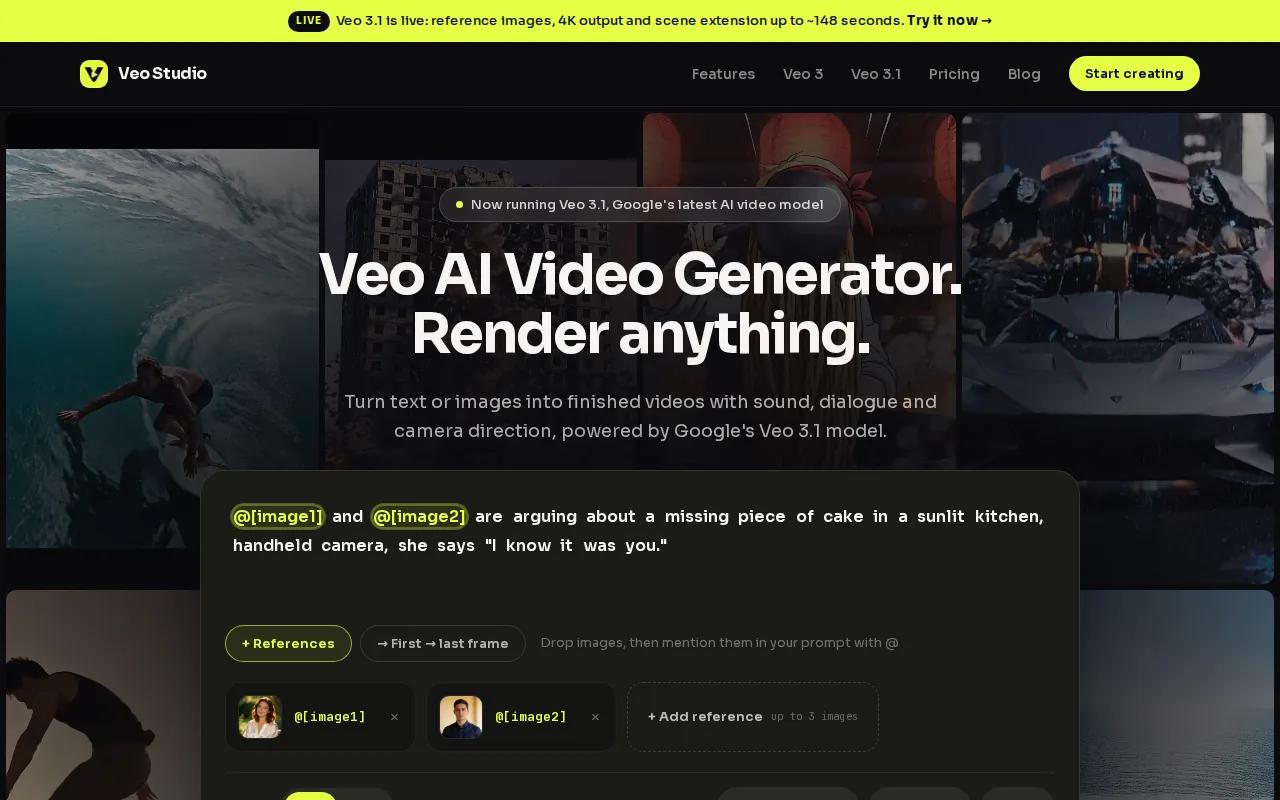
It suits social creators, brand marketers, and small businesses starting with product photos. Attach up to three reference images to guide the product or visual style. You can also provide the first and last frames to shape a transition, then describe the camera move in plain language.
Sound is generated with the video. Add a spoken line in quotation marks when you want lip-synced dialogue, or describe music and sound effects for the scene. Standard clips run four, six, or eight seconds. Supported 720p clips can be extended by seven seconds at a time, up to roughly 148 seconds.
For a short product spot, start with a clean photo and one clear action: a slow camera push toward the item, for example. Set a 9:16 frame for a vertical social placement, then check that the product stays recognizable throughout the clip. Paid plans start at $14 per month, and every plan includes a commercial license. The free plan includes a couple of 720p videos each month with no card required.
For a fuller campaign workflow, product ads and promotional videos are related formats to consider. Veo Studio makes sense when the ad needs a consistent subject plus sound in the same generated clip.
2. HeyGen: presenter-led ads and avatar videos
HeyGen makes videos where an avatar presents a script. It suits advertisers who need a person on screen to explain a product, deliver an offer, or introduce a campaign without filming a presenter for every version.
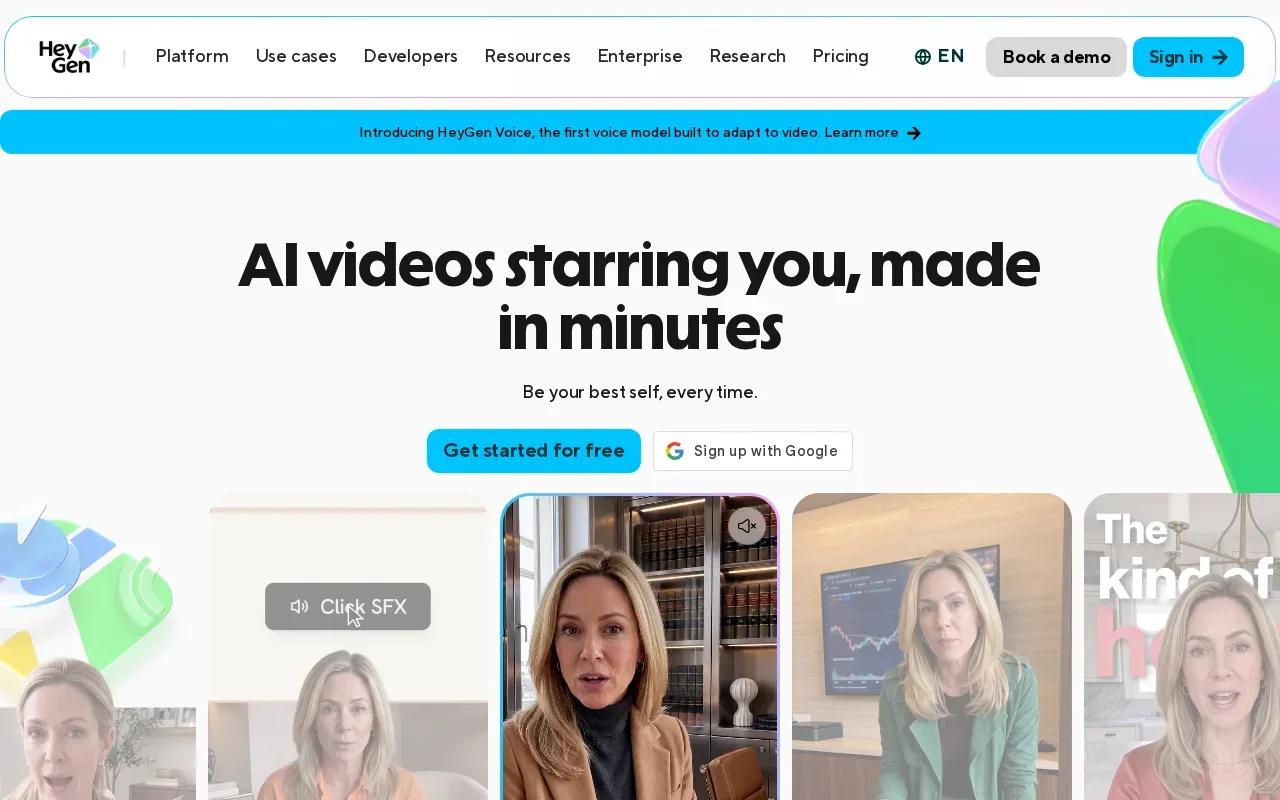
You can start with a script, a prompt, a URL, a photo, or a PDF. Its Video Agent can plan scenes, choose an avatar and voice, set pacing, and add captions. You can review the plan before rendering, which gives you a chance to catch a weak opening or a claim that needs better wording.
HeyGen’s Creator plan is $29 per month and includes 600 credits, videos up to 30 minutes, 1080p export, unlimited photo avatars, and voice cloning. Pro and Business plans export up to 4K. For an ad test, one script can become several presenter-led versions with different delivery or framing.
This format works best when the spoken message is the main selling point. A presenter can explain how a service works, while a product-led spot may need more time on the item itself. Check the generated captions and spoken copy before export, especially when the ad contains a price or offer that may change.
3. Synthesia: scripted ads with a synthetic presenter
Synthesia puts a synthetic presenter on screen to read a script. It’s a natural fit for product explainers and business messages where a clear, steady voice matters more than fast visual effects.
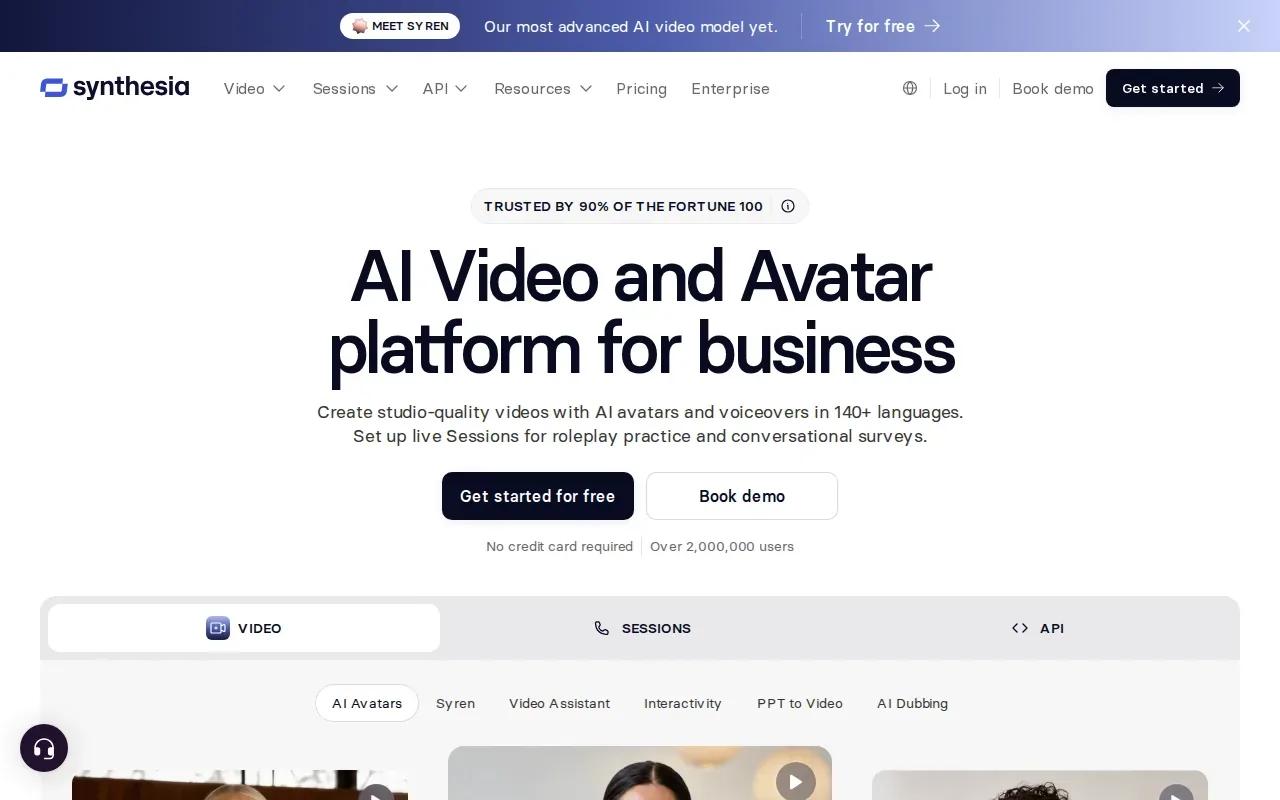
Start with a script or a document, then shape the video around the points a viewer needs to understand. The tool can make versions in more than 140 languages and use a large library of AI voices. That can help a team prepare localized versions without arranging a new voice recording for every market.
For campaign work, keep each version focused on one audience and one message. A short explainer for new customers might show the main benefit first, then answer one common question. Synthesia also supports brand colors, fonts, logos, and presenter choices, so repeated videos can follow a shared look.
Synthesia is less suited to an ad that depends on a product moving through a vivid scene. Its core use is a presenter delivering words to camera. Starter pricing is $18 per month when billed yearly, or $29 month-to-month. If your team already has scripts or slide decks, that format can turn existing material into a video draft with less setup.
4. Pika: short-form social ad experiments
Pika suits social creators who want to test short, visual ideas quickly. Pika’s Starter plan costs $10 per month with 900 credits, and the free plan runs on credit packs. Commercial use starts on the Creator plan at $35 per month, so pick the plan before building a campaign around it.
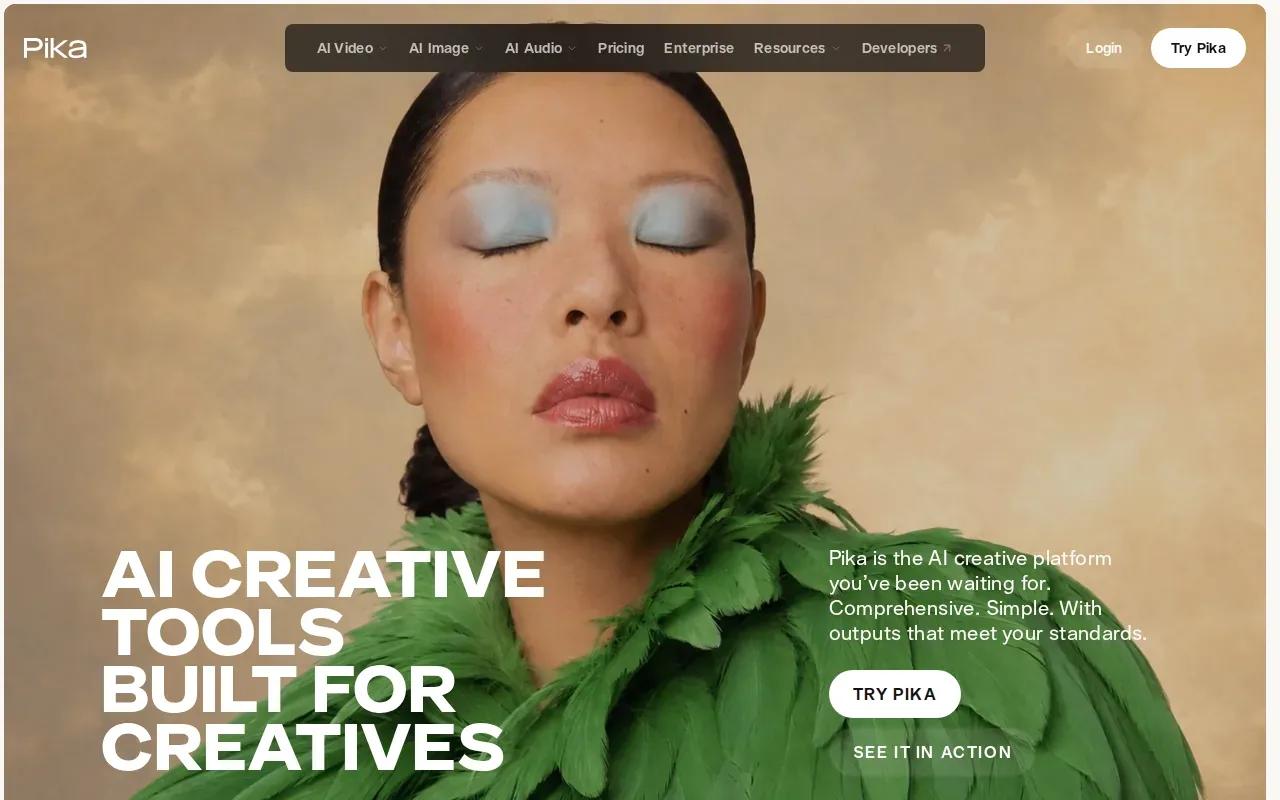
Think of Pika as a way to try a visual hook or a stylized moment. For example, a creator could test whether an unusual transformation makes a product idea easier to notice in a feed. Then they can keep the strongest concept and develop it into a more complete ad elsewhere if the campaign needs additional scenes or spoken explanation.
Short social ads need a clear opening. Put the product or the central visual idea in the first moments, and avoid asking the viewer to decode a busy frame. Keep on-screen copy short enough to read on a phone. These are creative checks, not a promise of performance; compare the results with your campaign’s own view and click data.
Pika’s focus is speed for social creators, rather than studio-grade output. That makes it more useful for early creative experiments than for a polished, high-resolution product spot. Before spending credits, decide whether you’re testing an idea or preparing a final asset.
5. Higgsfield: access to multiple video models
Higgsfield gives users access to several underlying video models through one subscription. It fits social teams that want to try different models without managing separate subscriptions.
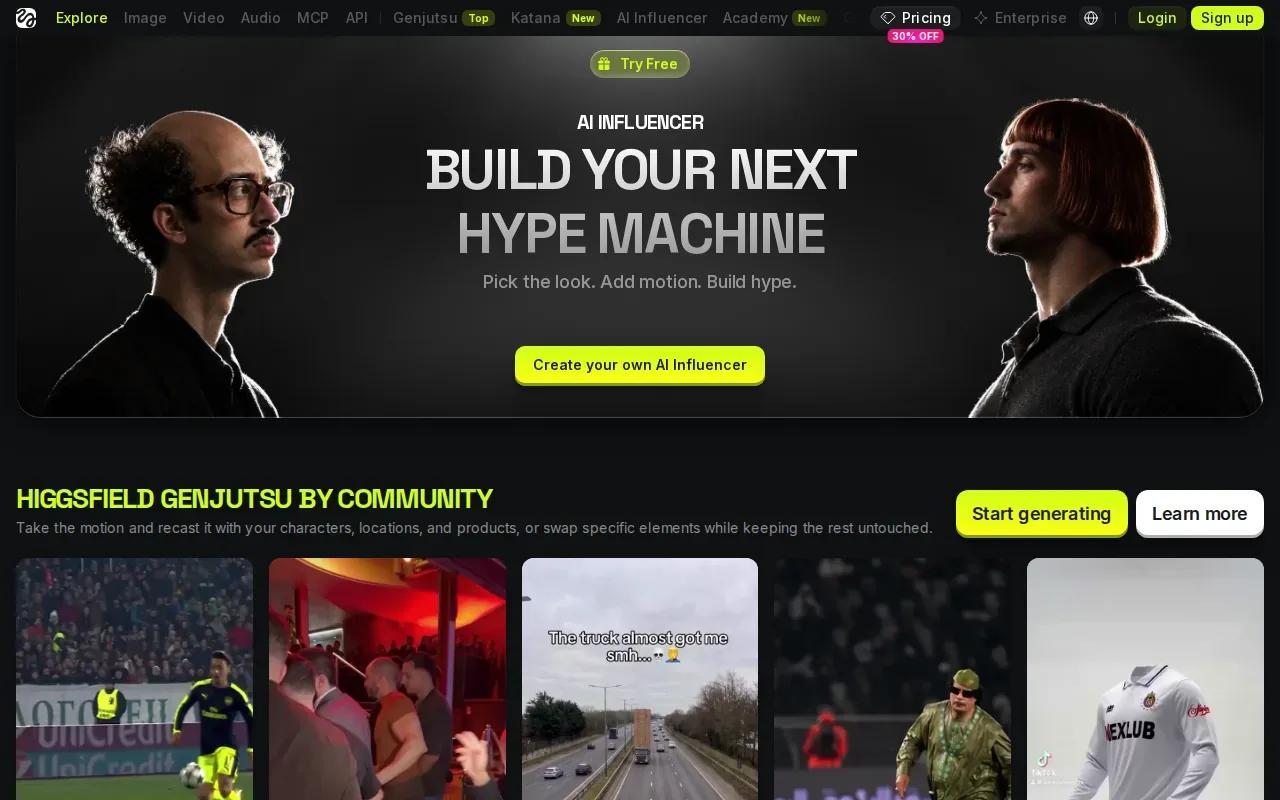
That setup can help when a campaign has several creative directions. A team might try one model for a cinematic product reveal, then another for a different visual treatment. Compare the drafts against the same brief: does the product stay recognizable, does the motion support the message, and can the clip fit the planned placement?
Each generated clip still needs a review before it goes into an ad account.
Use this kind of multi-model workflow when choosing a visual direction is part of the job. It may be less useful if you already know the exact model and format you need. For a small test, keep the prompt and references consistent across versions so you can judge the model output rather than a change in the brief.
6. InVideo AI: prompt-to-ready-to-post social videos
InVideo AI is designed to turn a prompt into a social video draft. It suits advertisers who want help assembling a sequence rather than generating only one standalone shot.
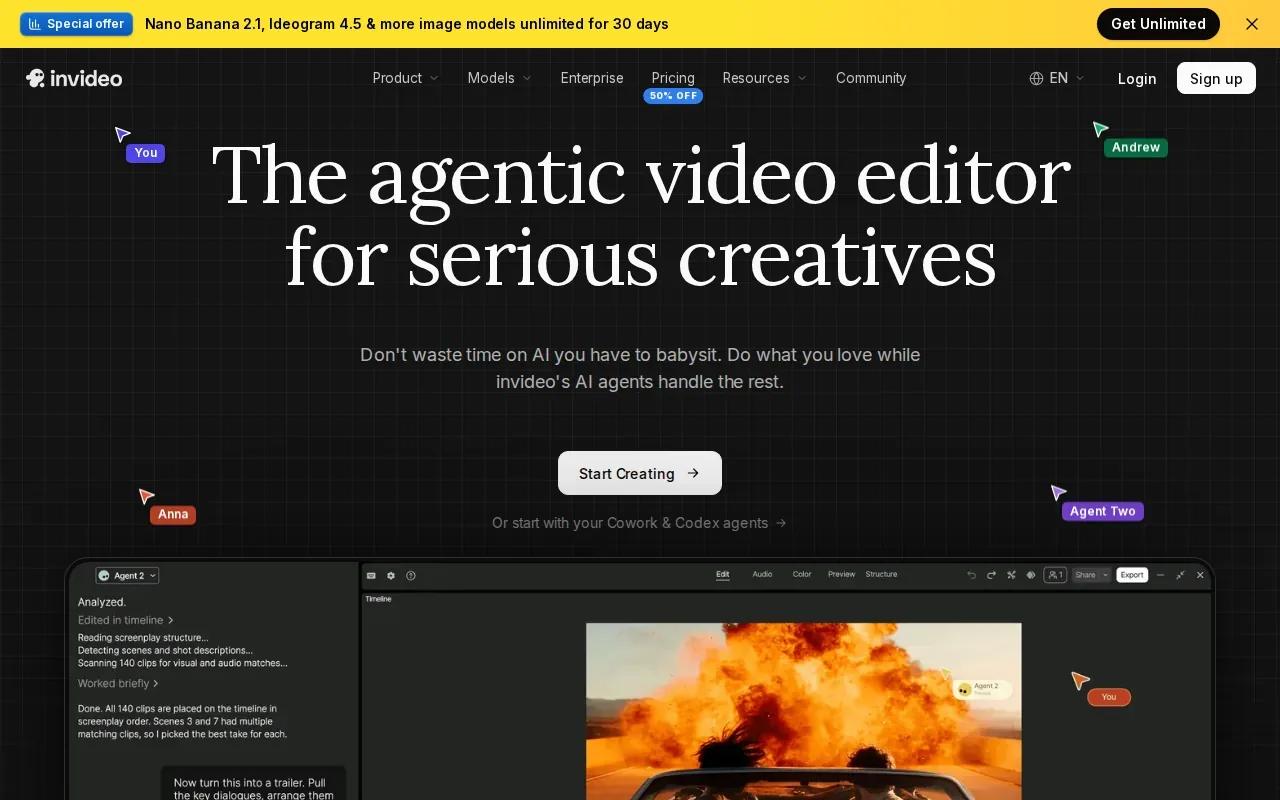
Its ad workflow can begin with text, an image, or a product link. You describe the idea, pick a platform and style, then review the generated scenes. InVideo AI offers ad workflows for YouTube, Meta, LinkedIn, and TikTok, with options such as actors, product visuals, subtitles, background music, and calls to action.
For an online shop, a prompt might describe a product demo with a simple opening, a close-up, and a short benefit statement. Review each scene to make sure the generated visual actually matches the product. A finished-looking draft still needs a human check for brand accuracy and offer details.
Paid plans start at $20 per month, or $10 per month billed annually. InVideo uses credits for video creation and other features, and unused credits don’t roll over to the next month. That makes it worth testing a small brief first, then checking how many revisions your team can fit into its monthly credit use.
7. OpenArt: assembled scenes, characters, and voice lines
OpenArt suits creators and marketing teams who want scenes, characters, and voice lines assembled into a complete video. It supports reusable characters across shots, along with sound, voices, and music generated for scenes.
For paid social, its ad-video workflow supports short formats and multiple variations built from a product photo, script, or prompt. You can plan hooks and durations, generate different cuts, then review the versions before exporting. That gives a performance team a way to test distinct openings while keeping the central product message steady.
OpenArt also lets you choose among video models and refining a storyboard or shot sequence. In practice, keep the creative test narrow: change the opening hook or the visual style, not every part of the ad at once. That makes it easier to see which version earns more attention when you compare campaign data.
For a single product image that needs motion, keep the source photo clean and describe one action at a time. For a related workflow, see this comparison of AI product video generators. OpenArt is a fit when you need a more assembled multi-scene result with recurring characters.
Frequently Asked Questions About AI Video Generators for Ads
What does an AI video generator do for an ad?
An AI video generator makes video drafts from inputs such as prompts, scripts, or images. Depending on the tool, it may also add a presenter, voice, captions, or a sequence of scenes. You still need to review the result for product accuracy, brand fit, and clear claims before using it in a campaign.
Which video format should I make for social ads?
Choose the format based on the placement where the ad will run. A vertical 9:16 clip fits many short-form social placements, while a landscape or square version may suit other placements. Check the ad platform’s current export rules, keep key text away from the edges, and preview the video on a phone.
Can AI-generated videos use my product photo?
Yes, several tools in this shortlist accept product images or reference images as inputs. Use a clear photo that shows the item well, then describe the motion and scene you want. Review the generated clip closely, since a moving draft can alter small product details or make packaging harder to read.
Can I use an AI-generated video in a paid ad?
That depends on the tool’s plan terms and the rights attached to your inputs. Every Veo Studio plan includes a commercial license, while Pika allows commercial use from its Creator plan. Check the current terms for the plan you use, and make sure you have permission for any uploaded images, voices, or music.
How should I test different ad versions?
Change one main element at a time, such as the opening hook or the spoken line. Keep the audience, offer, and placement steady when you compare versions. Then use the campaign metrics you already track, such as views or clicks, to decide which creative deserves another round. A tool can make versions; your ad data helps judge them.
Conclusion
Choose the tool that matches the ad you need: a presenter-led explanation, a quick visual test, or a scene with synced dialogue. For product clips that need reference images, consistent characters, and sound in one generation, start with Veo Studio’s free plan and test a short draft before building the full campaign.


