
A free AI video ad generator can help you test a product idea before you spend time on a full shoot. The right pick depends on your starting point: a prompt, a product photo, or a script. Here are four tools plus Veo Studio, with the free access and workflow details that shape each choice.
We analyzed 34 comments from YouTube and Reddit about free AI video ad generators and found that 24% mentioned inconsistent video quality.
1. Veo Studio
Veo Studio is an independent, browser-based video tool powered by Google's Veo 3.1 models. You can start with a text prompt or reference images, then direct the camera, action, and spoken line in plain language. It suits social creators and small businesses turning a product photo into a short ad.
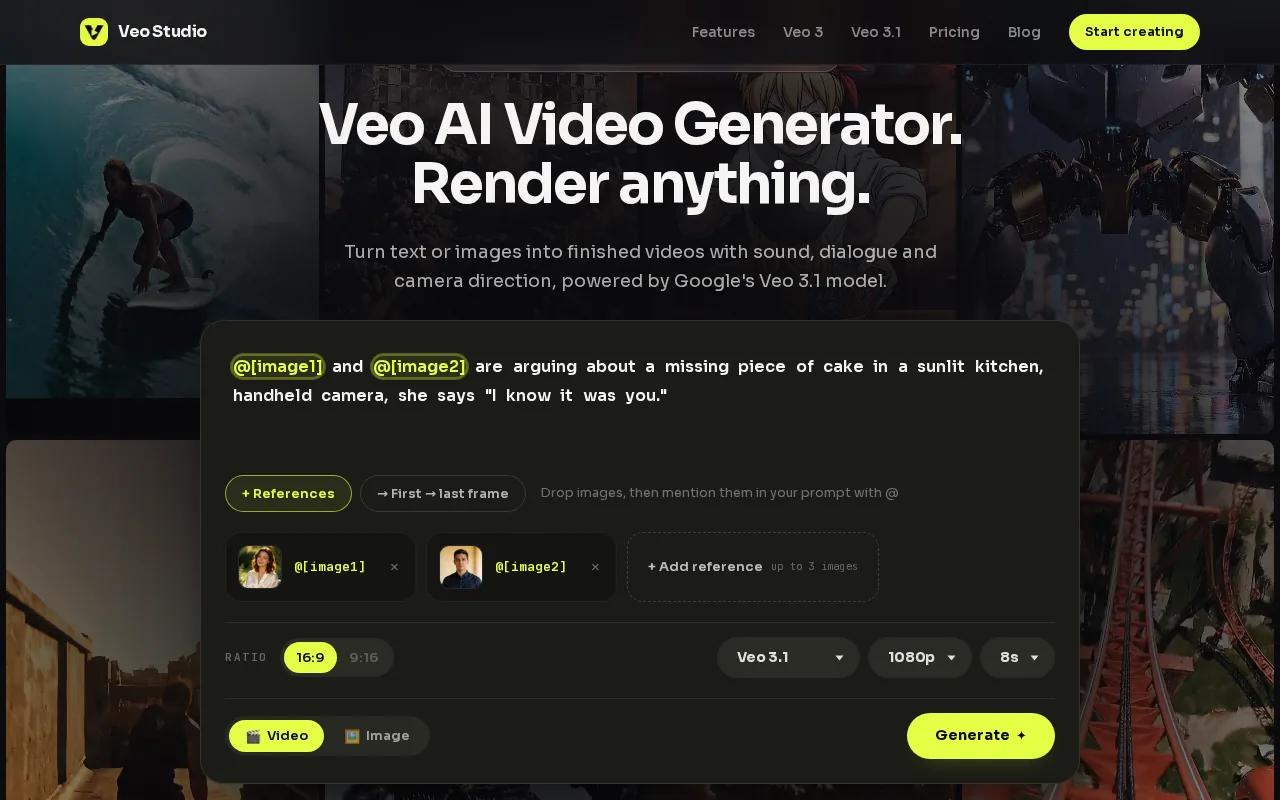
Its free plan includes a couple of 720p videos each month, with no card required. The model can generate synchronized sound and dialogue with the video. Add a quoted line to the prompt when you want a character to speak with matching lip movement.
For an ad built around one item, upload a reference image to guide the product's look. Character consistency can help keep a person or visual style steady across a scene. First- and last-frame controls let you set the opening and ending image, while scene extension adds seven seconds at a time to supported clips.
These controls fit a simple product workflow: attach a clean photo, describe one action, then ask for a camera move and a short line. The AI-generated product spots and promotional assets page has more prompt and ad examples for that kind of brief.
Free output is limited to 720p. Paid plans add higher resolutions, including up to 4K, and start at $14 per month. Every plan includes a commercial licence, which can matter if the finished clip will run in a paid campaign.
Use the free allowance to test the shot and sound before committing to a larger batch. The Veo Studio free plan details explain what you can try without a card.
2. InVideo AI: Prompt-led ad drafts from a written brief
InVideo AI turns a written idea into a video draft, so it suits marketers who want the tool to assemble much of the first cut. Its workflow can build a script-led video with visuals, voiceover, music, and subtitles. That can help when your brief is a few product points rather than a shot list.
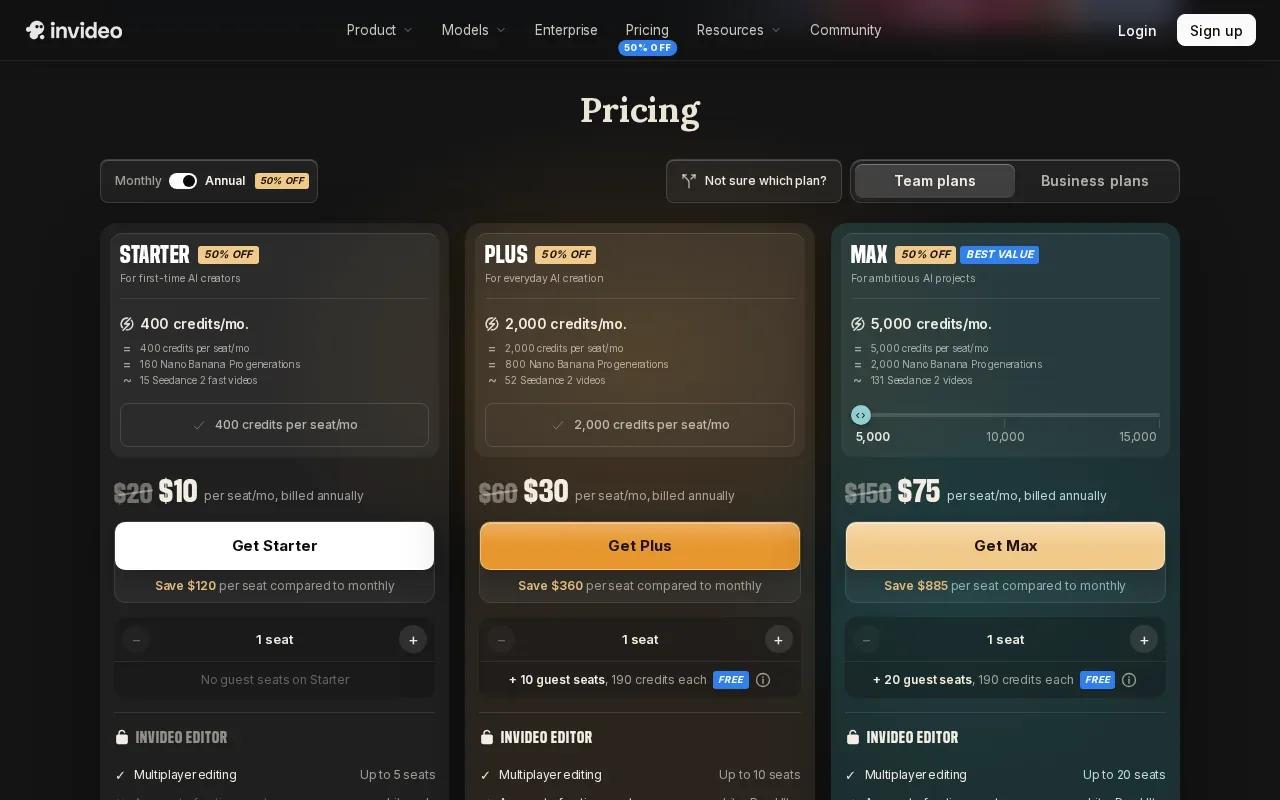
Credits are used based on the generation and settings, so check the displayed cost before you start a render.
For a short ad, give the prompt a clear product, audience, and one key claim. Then review the generated script and visuals before sharing. Automated footage may not match the exact product details or the tone you want, so treat the first output as a draft rather than a finished campaign asset.
InVideo AI’s Starter plan is $20 per month, or $10 per month billed annually. If you need to generate often, compare the credit allowance and billing terms against your expected monthly output before moving a campaign there.
3. Magic Hour: Multiple video tools in one free-to-try workspace
Magic Hour puts video and image tools in one workspace. Its available workflows include text-to-video, photo-to-video, image editing, talking photos, and lip sync. It suits creators who want to try different ways into a short promo, especially when the starting asset changes from project to project.
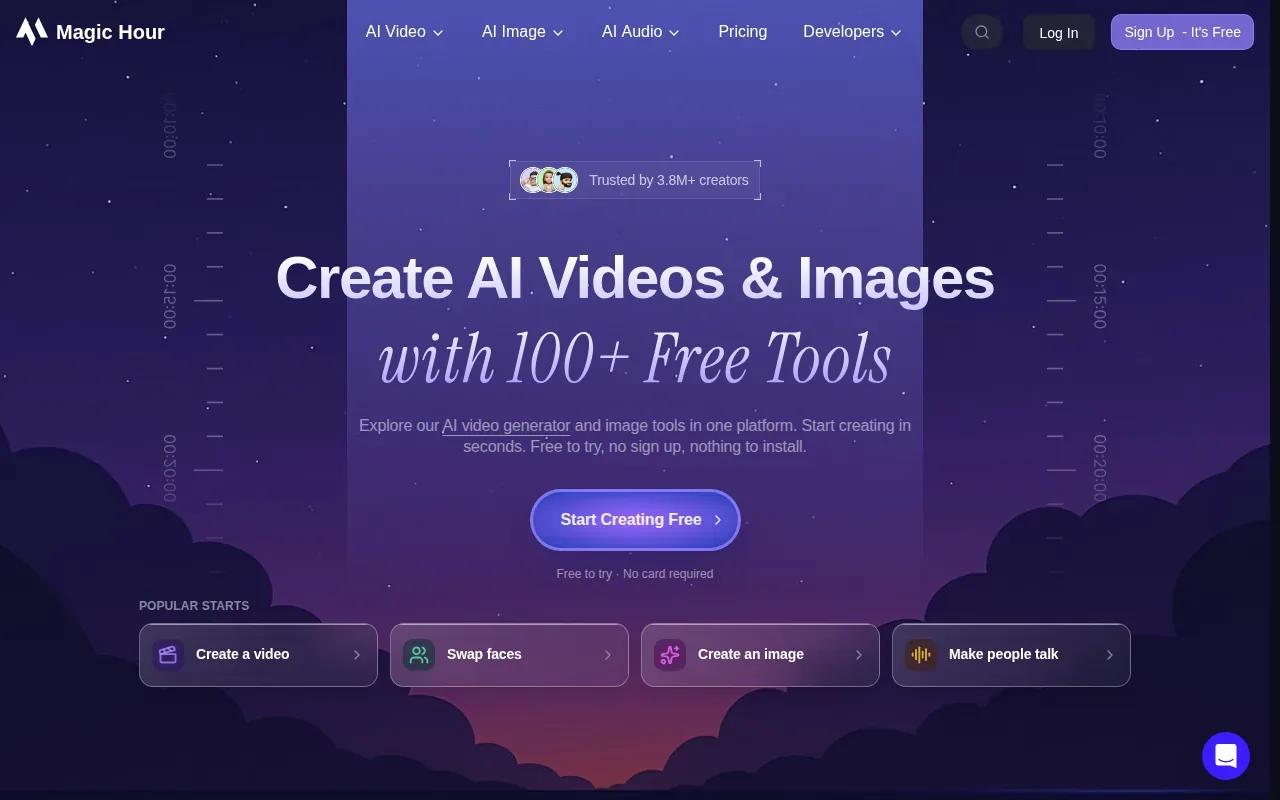
Supported tools can be tried free without a card, and some can be used before you sign up. The free modes vary by tool. So, check the workflow you plan to use rather than assuming every feature has the same free limit.
That distinction matters when you plan an ad with dialogue. A talking-photo or lip-sync workflow is different from generating a new scene from a prompt. Start with the input you already have, then choose the mode that matches it. If you're working from a still product photo, test photo-to-video first.
For a brand campaign, check the commercial-use terms for the plan you use before you publish. Also confirm that you have permission to use any uploaded faces, music, or other third-party material.
4. JXP AI Video Generator: A low-cost starting point for exploring models
JXP AI Video Generator sells one-time credit packs from $10 and offers access to Seedance 2.5, Wan, Kling, MiniMax, and other models in one place. That makes it an option for exploring different models without a subscription.
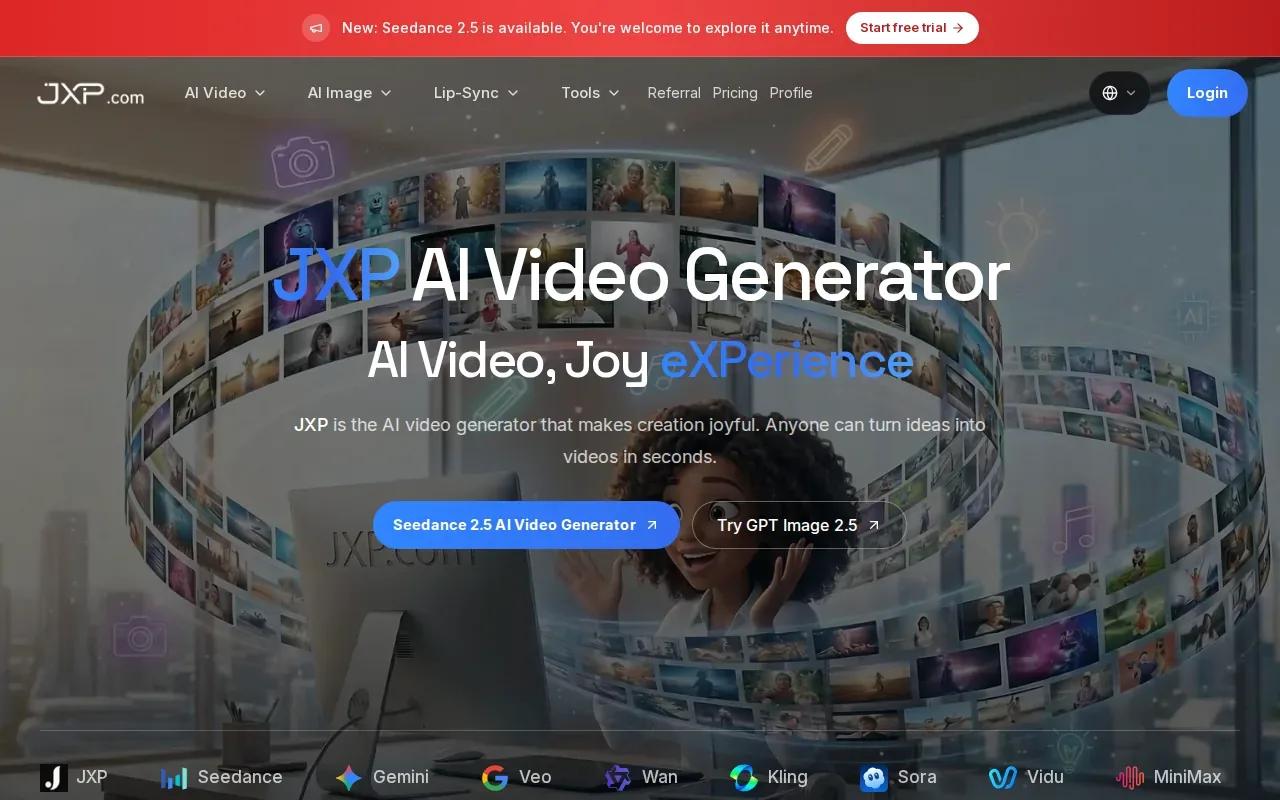
For an ad concept, try a brief with a clear sequence: show the item, show it in use, then close on a simple visual. If you already have a product image, check whether the selected workflow supports using it as a reference. Keep the concept focused so you can assess whether the result suits your intended ad.
Before planning a repeat workflow, review the account and offer terms and try the tool with a small test. For example, start with one product and a concise message, then evaluate the result before developing more variations.
5. Google Veo 3.1
Google Veo 3.1 is Google's video generation model, which you can reach through the Gemini app or Google AI Pro. It suits people who already use those Google services and want to test prompt-led video generation there.
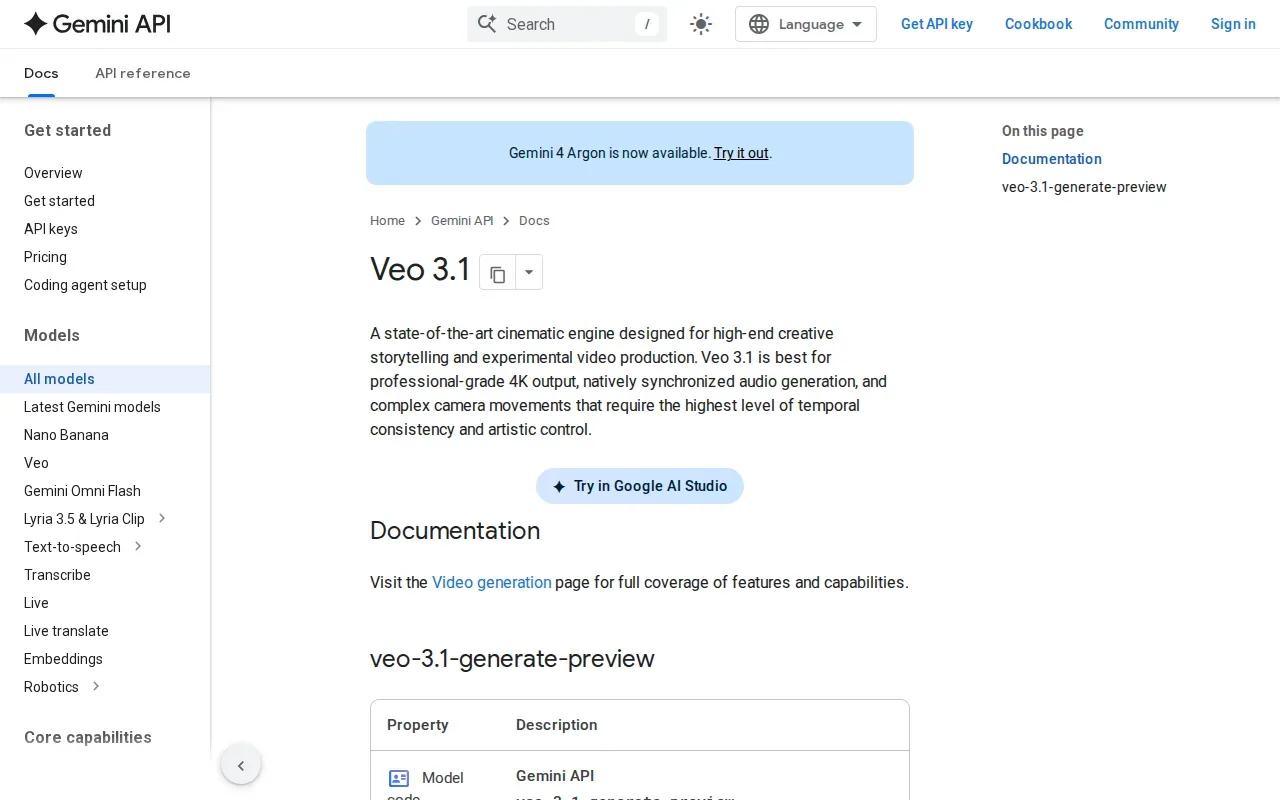
Free access is rate-limited. That means you should treat it as a way to try the workflow, not as a fixed monthly production allowance. Access can depend on the route you use, so check the current terms in the Gemini app or plan before you build a campaign schedule around it.
Keep the distinction between the model and an app that gives you access to it clear. Veo Studio is an independent browser-based tool powered by Google's Veo 3.1 models. Its own free plan includes a couple of 720p videos per month and needs no card. Those are separate access options with separate terms.
When you compare them, focus on the steps you need to complete: where you enter the prompt, how much free use you get, and whether you can finish the clip in that workflow. A tool's model name alone won't tell you how well its access limits fit your ad schedule.
Free AI Video Ad Generators Compared
Use this table to match the tool to your starting asset and free-access needs. Limits are not measured in the same way: some use credits, while other access is rate-limited or varies by feature.
| Tool | Useful starting point | Free access | Fit when you need |
|---|---|---|---|
| Veo Studio | Prompt or reference image | A couple of 720p videos a month, no card | Generated sound, dialogue, frame control, or scene extension |
| InVideo AI | Written prompt | See website | A script-led draft assembled from a brief |
| Magic Hour | Prompt, photo, or portrait workflow | Try free without sign-up | Several video and image workflows in one workspace |
| JXP AI Video Generator | Prompt or supported reference input | Credit packs from $10 | Trying model and shot controls |
| Google Veo 3.1 | Prompt through Gemini access | Rate-limited free access | Trying Google's model through Gemini |
For a product image that needs motion and sound in the same generated clip, Veo Studio is a useful place to start. If the goal is a script-driven draft, test InVideo AI. For any tool, preview the file on the target platform and check its rights before using it in paid promotion.
FAQ
Can I make a video ad with AI for free?
The amount and type of free use differ. Veo Studio includes a couple of 720p videos each month without a card, while other tools use credits or feature-specific free access. Check commercial-use terms before publishing.
Which free AI video ad tool works from a product photo?
Veo Studio supports reference images, and Magic Hour has a photo-to-video workflow. JXP offers AI video and image creation. Start by checking whether the tool accepts your image and whether the free access covers the mode you need. Then review the result for product shape and details before you use it.
Can free AI video tools make ads with spoken dialogue?
Veo Studio supports synchronized sound and dialogue in generated video. Magic Hour includes talking-photo and lip-sync tools, though the available modes vary. These workflows differ: one generates a scene with audio, while another can animate a portrait with audio or text. Preview the timing and speech before treating a clip as finished ad creative.
Can I use a free AI-generated video in a paid ad?
It depends on the tool's terms and the access type you used. Every Veo Studio plan includes a commercial licence. Magic Hour offers free access; check its current terms and confirm you have rights to uploaded material.
How should I test an AI video ad before publishing?
Check the clip against the brief first: product appearance, spoken claims, pacing, and the intended vertical or horizontal format. Then watch it on a phone, where small details can be easy to miss. If the video uses an AI-made spokesperson or suggests a real person's endorsement, check applicable advertising requirements before publication.
Conclusion
For product ads that need synchronized sound, dialogue, and control over the opening or ending frame, start with Veo Studio. Its free plan lets you test a couple of 720p clips each month without a card. Open Veo Studio, try one product image with a focused prompt, and check whether the output fits your campaign.


