

AI can turn a product idea into a creator-style ad without a camera crew. But the tools take different routes: some start with a product page, while others let you direct a scene from a prompt or image. Comparing AI UGC creator tools can help you choose a workflow that fits your production needs.
We analyzed 29 YouTube comments about AI UGC ad generators and found that 34% mentioned tutorials and workflow guidance.
Here are four platforms plus Veo Studio, an independent browser-based tool powered by Google's Veo 3.1 models, with synchronized audio. Each suits a different production workflow.
1. Veo Studio
Veo Studio turns prompts or reference images into video with synchronized sound and dialogue. It suits social creators and marketers who want to direct the scene instead of starting with a fixed talking-head ad.
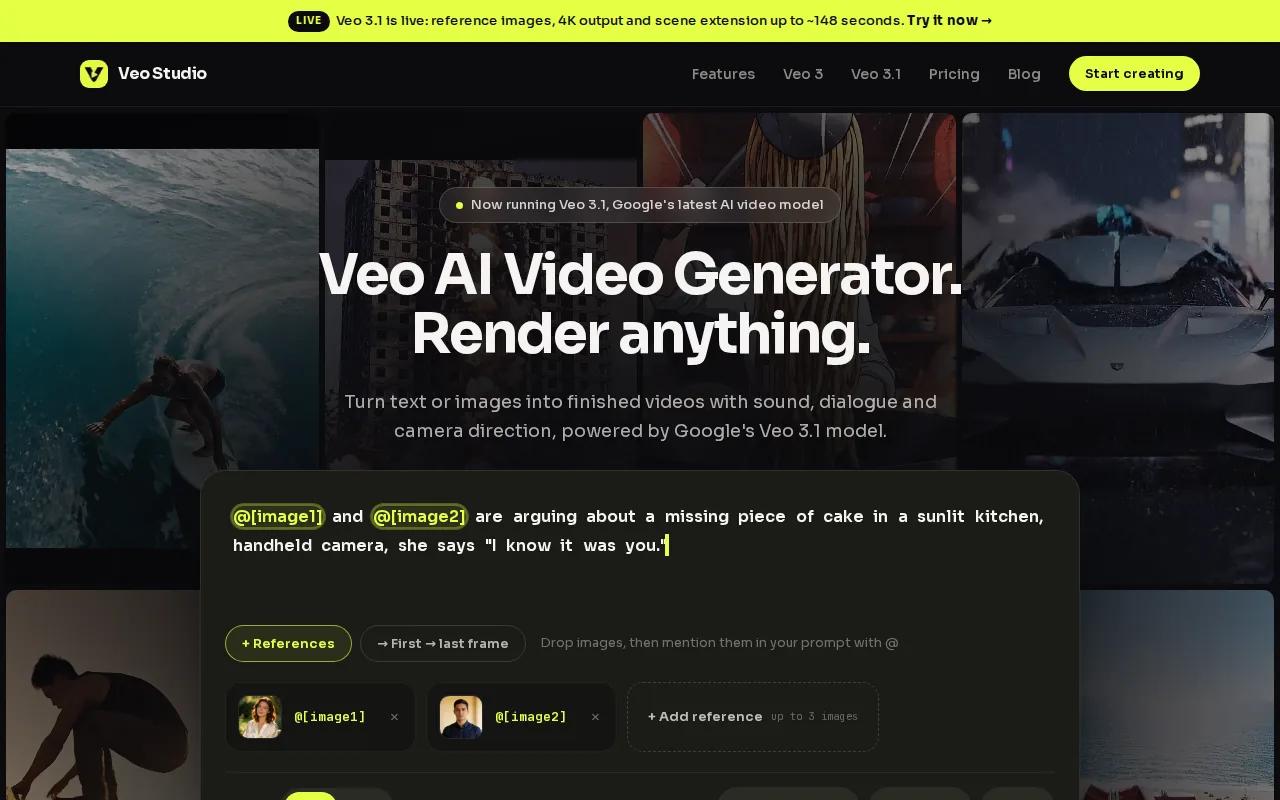
Attach a product image, then describe the shot, action, and camera move. You can also put a spoken line in quotation marks so the character delivers it with lip-synced dialogue. Reference images help keep a character or product consistent within a clip. First- and last-frame controls let you guide the opening and ending image.
Veo Studio supports output up to 4K, and scene extension can add seven seconds at a time to supported clips. That gives you more control over a short scene when a single shot needs to run longer. The independent tool runs in a browser and is not a Google-owned service. Its free plan includes a couple of 720p videos each month without a card; paid plans start at $14 per month.
For a product spot, try a prompt that names the product action and the sound you want. For example, describe a close-up as the product turns toward the light, then add a short spoken line. Read AI product video generator workflows for more ideas on building product scenes from visual references.
Use this option when timing, dialogue, or a consistent character matters as much as the image. Keep the spoken line short so the core message has room to land.
2. UGCad AI: Built for end-to-end UGC ad workflows
UGCad AI is built around the full AI UGC ad workflow, from product details through ad publishing. It fits direct-to-consumer and ecommerce teams that need to turn product pages into social ad drafts.
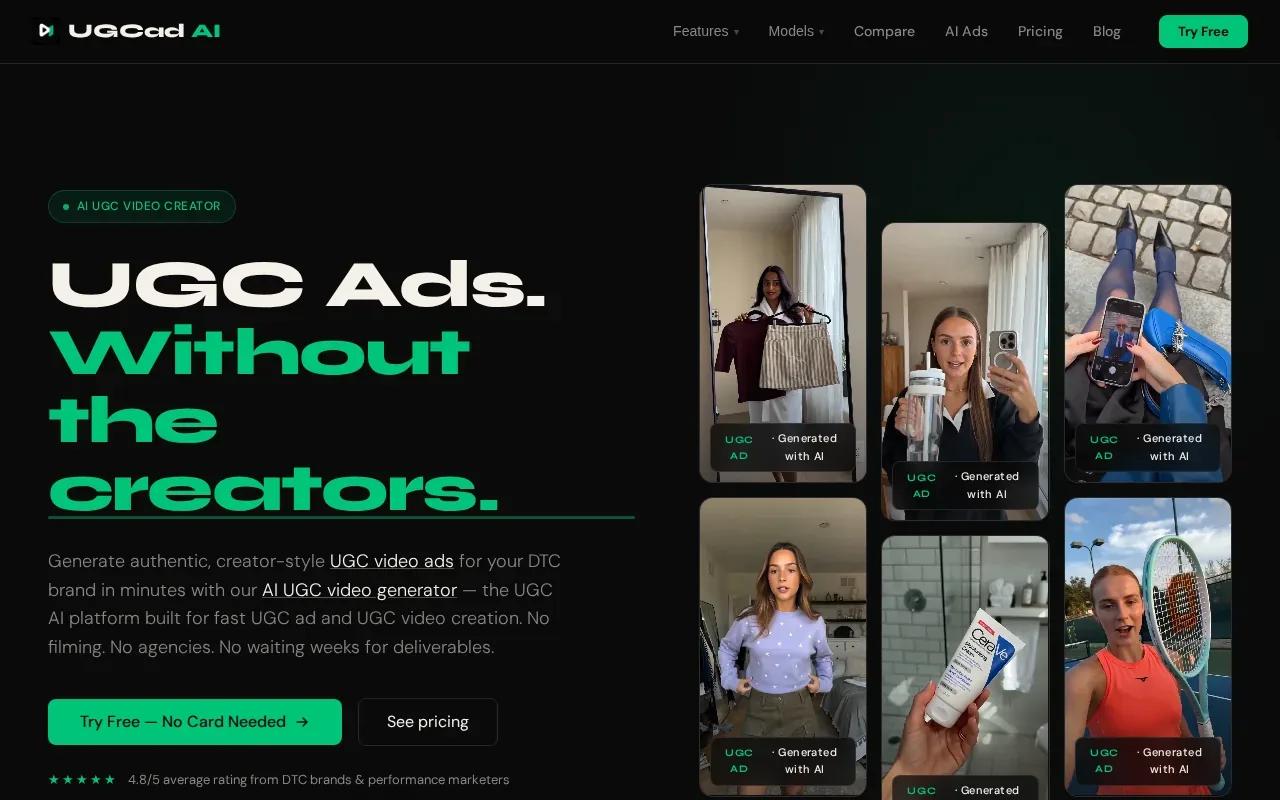
Start by pasting a product URL or adding your own script. The tool can pull product content and visuals, draft the ad script, then pair it with an avatar. You can make a custom AI twin for a consistent on-screen identity across videos.
That repeatability can help when you’re testing several messages for the same product. Keep the avatar and product fixed, then change the opening line or the benefit you explain. UGCad AI also supports language, tone, and gesture settings, plus captions, text overlays, B-roll, and music in its editing workflow.
The workflow extends to launch. UGCad AI says users can publish directly to Meta from its dashboard. UGCad AI also has a free tier, which makes it possible to try the process before committing to a paid tier.
If your team needs a familiar avatar across an ad series, a custom twin is worth testing. If the campaign needs a more directed scene with sound that follows the action, compare that format with Veo Studio’s synchronized sound and dialogue and first/last-frame controls.
3. Nextify: A generous free plan and large avatar library
Nextify turns product links or uploaded images into batches of short ad videos. It suits sellers who want to test several creative angles without filming each version.
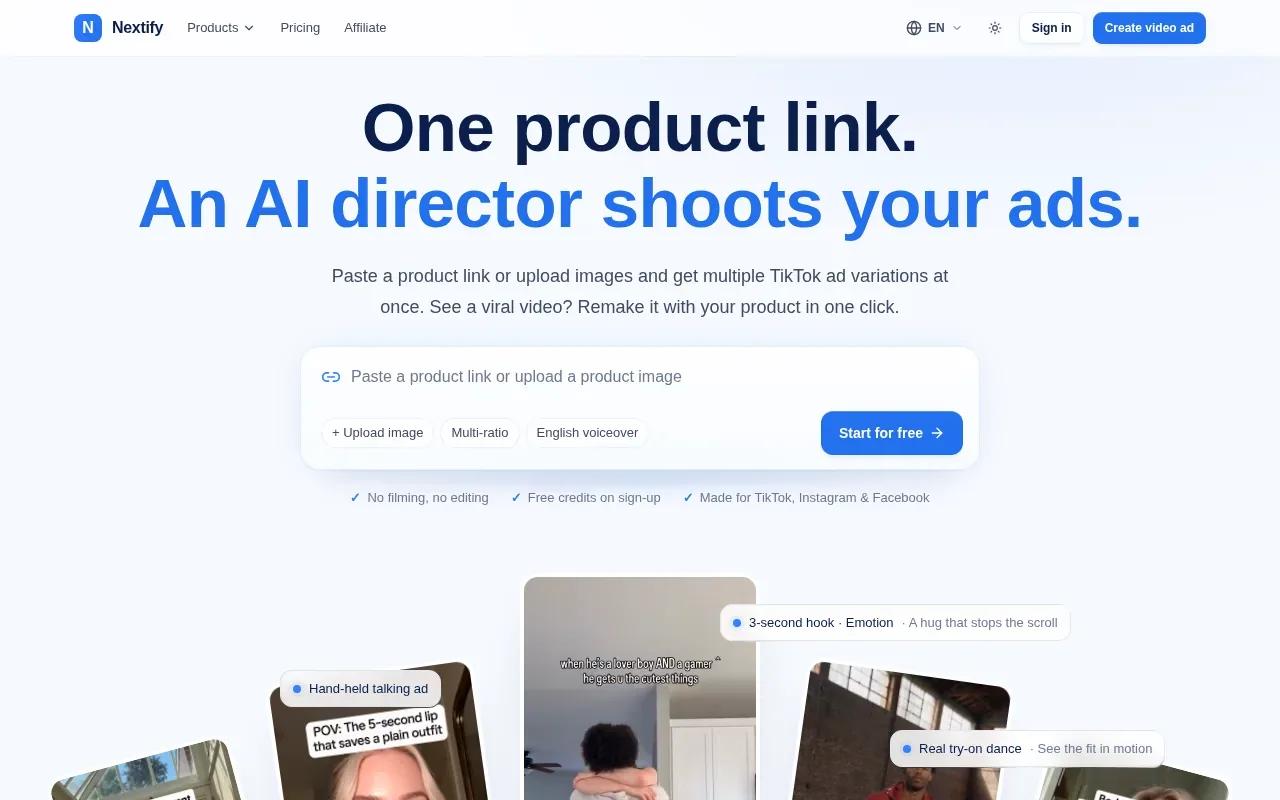
Its AI director first looks at the product and its likely buyer. It then shapes scripts and storyboards around a product’s selling point, audience, and hook. The intent is to give each scene a job in the ad, rather than fill the video with a list of product specs.
Nextify says its avatar library has more than 1,000 options and its free plan provides 50 credits per month. It also describes product videos with lip sync, voiceover, captions, and music. The platform supports 40-plus languages, which can help teams prepare localized drafts from a shared product brief.
One useful feature for testing is the ability to hold a core selling point steady while changing a hook or audience angle. That makes it easier to compare versions without changing every part of the ad at once. You can also upload product images if you don’t want to start with a link.
The free allowance is a good place to test the workflow, but credits still set a limit on how many drafts you can make. Pick a single product and a clear question first, such as whether a demo or a problem-led hook makes the stronger opening.
4. InVideo AI: Prompt-led ad creation with scripts and clips
InVideo AI uses prompts and product context to assemble ad scripts and video clips. It suits teams that want help building a full draft, rather than generating one isolated scene.
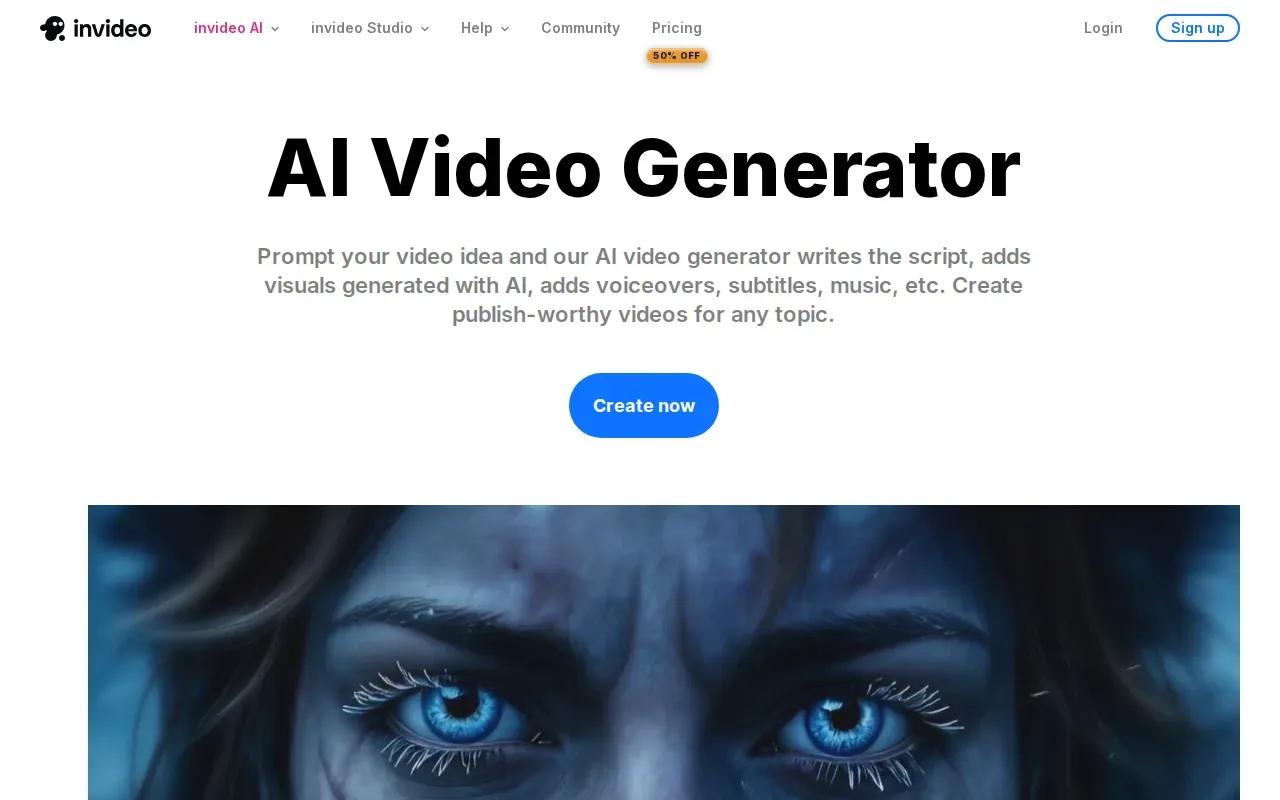
InVideo’s UGC agent can start with a product link, an existing script, or a description of the creator you want on screen. It can draft script options and cast a person from a description, rather than asking you to pick from a fixed avatar library. The actor library can change, so this approach is less about choosing a set avatar and more about describing the person for the current ad.
You can review the plan before the video renders. The agent can show shots as still images for approval, then animate them with a voice and lip sync. It can also add clips, subtitles, music, and transitions. InVideo AI generates videos with simple text prompts, while its UGC workflow supports scripts and creator descriptions.
This can help when you have a rough concept but need the system to map it into a sequence of shots. Give it a clear brief: product, approved benefit, audience, and the action the viewer should take. Then review each scene for product accuracy before you use it in a campaign.
The tradeoff is casting style. Since the agent casts from a description and the library changes, teams looking to reuse one fixed avatar across many campaigns should check whether that matches their continuity needs. For a prompt-led batch of concepts, the workflow can save setup time.
5. Marketing Studio by Higgsfield AI: Product-URL-to-video creation
Marketing Studio by Higgsfield AI turns a pasted product URL into marketing content. It suits ecommerce teams that want to move from a product page to a choice of visual formats.
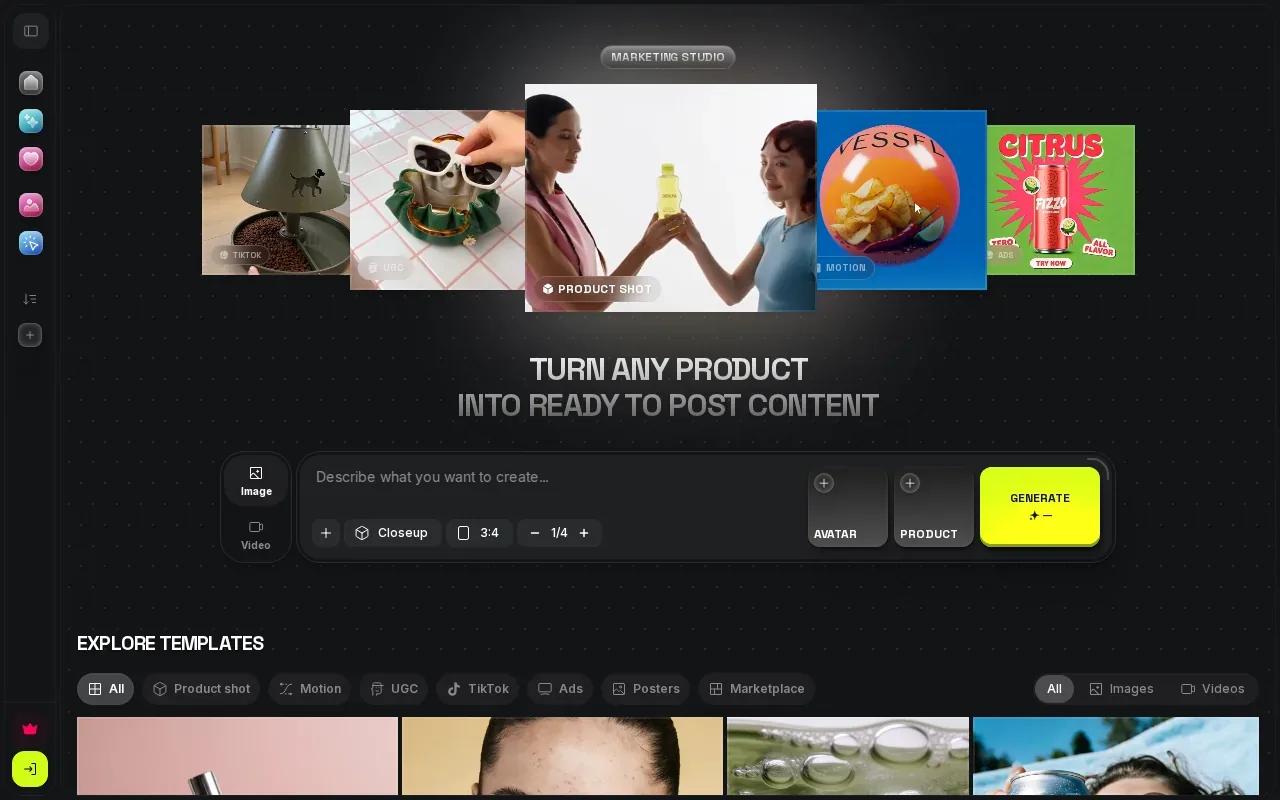
The product page can load from a website or social link. From there, the workflow lets you select a presenter or describe a custom avatar. Its services include more than 100 AI avatars, plus UGC and virtual try-on modes. You can choose how the product is shown, such as a close-up, a full-body scene, or a creator-style setup.
Marketing Studio also includes templates across product shots, UGC videos, ads, marketplace images, posters, and motion graphics. If a style catches your eye, you can swap in your product and change the details before making a new version. That makes it useful when the team wants to explore different looks around one product without starting every asset from scratch.
Use the format that fits the message. A presenter may work for a spoken benefit, while a close-up may make more sense when the product itself needs to carry the scene. Keep the output tied to the approved product details, then check whether the visual action matches what the product can do.
AI UGC Ad Generator Comparison: Which Tool Fits Your Workflow?
These tools don’t all begin with the same input. Some focus on directing scenes, while others turn product pages into scripted avatar ads. Choose based on the work your team needs to repeat.
| Tool | Best starting point | Useful fit | Workflow detail to weigh |
|---|---|---|---|
| Veo Studio | Prompt or reference image | Directed scenes with synchronized sound and dialogue | Frame control, character consistency, scene extension, and up to 4K output |
| UGCad AI | Product URL or script | Ad production with a publishing path to Meta | Custom AI twins can keep an avatar consistent across videos |
| Nextify | Product link or image | Testing multiple product angles | 50 credits per month on the free plan and 1,000-plus avatars |
| InVideo AI | Prompt, product link, or script | Building a multi-shot ad draft | Creator is cast from a description, not chosen from a fixed library |
| Marketing Studio by Higgsfield AI | Product URL | Trying several product-led visual formats | Presenter choices, UGC, and virtual try-on modes |
For paid campaigns, don’t judge a tool only by how quickly it makes a draft. Check whether you can control the opening hook, keep product details right, and revise the parts that need work. Review synthetic spokesperson scripts so they don’t suggest a person used or recommends a product without a proper basis.
Then test a small batch. Keep the offer and product facts stable, and vary one element at a time, such as the first line or the presenter style. That gives you a clearer read on what changed when you review campaign results.
FAQ
What is an AI UGC ad generator?
An AI UGC ad generator makes ads in the style of creator-made social videos using AI-generated scenes or presenters. Depending on the tool, you can begin with a prompt, product page, image, or script. The result may include a spoken message, captions, and product visuals, but you should review claims and scenes before publishing.
Can I make an ad from a product URL?
Yes, several tools in this list accept a product URL as a starting point. UGCad AI and Marketing Studio by Higgsfield AI describe URL-based workflows, while Nextify can start from a product link or uploaded image. Check the drafted script against your approved product details before rendering or launching the ad.
Which tool supports synchronized dialogue?
Veo Studio supports synchronized sound and lip-synced dialogue generated with the video. InVideo AI’s UGC agent also describes voice and lip sync for its creator-led shots. These features suit ads where the spoken line needs to match the person on screen, but you should still listen and watch the final render before using it.
Can AI UGC videos be localized?
Yes, localization is available in some of these workflows. Nextify describes support for more than 40 languages, while UGCad AI includes language settings for its avatar videos. Review translations with someone familiar with the target market, especially if the script includes product claims, prices, or terms that must stay precise.
How should I test AI-generated ad variations?
Start with one product and one campaign question. Keep the offer and core product claim fixed, then change one element, such as the hook or presenter. Make sure each version has the right crop and readable captions for its placement. Review the finished video before launch, then use campaign results to decide what to test next.
Conclusion
If your ad needs a directed scene with synchronized sound, dialogue, and frame control, start with Veo Studio.


