

An AI UGC video generator can turn a prompt, script, or product image into a creator-style video without a full shoot. The hard part is choosing a tool that fits your content, whether you need synced dialogue, product ads, or footage from real creators. Here are six options and the jobs each one suits.
We analyzed 55 comments and questions from Reddit, YouTube and Quora about AI UGC video generators and found that 31% mentioned the batch generation of multiple videos.
1. Veo Studio
Veo Studio is an independent, browser-based tool powered by Google's Veo 3.1 models. It turns prompts or reference images into short video clips with synchronized sound and dialogue, and its feature set suits creators who want more control over the scene.
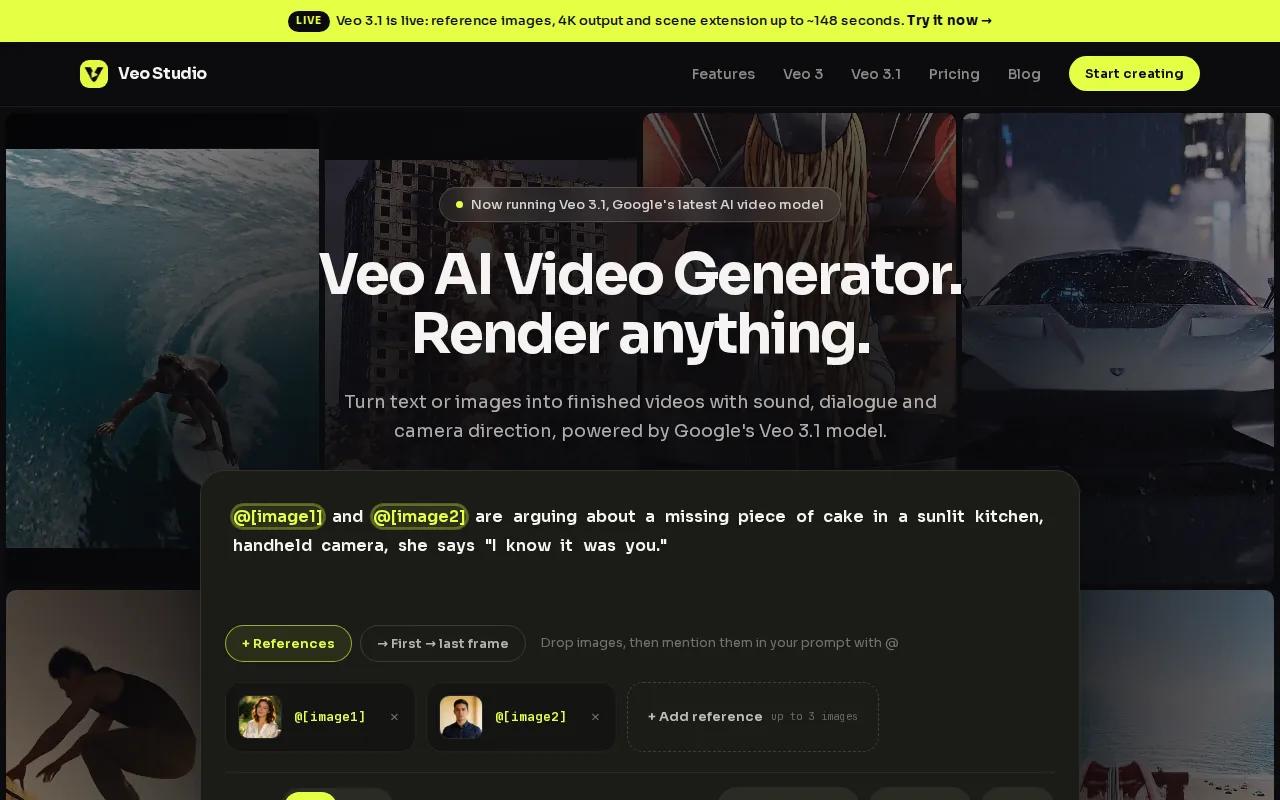
Attach a product photo or character reference, then describe the shot and camera move. Veo Studio supports character consistency, first- and last-frame control, scene extension, and output up to 4K. Those controls can help when you want a product to stay recognizable or need a clip to continue beyond its first few seconds.
The free plan includes a couple of 720p videos each month, with no card required. Paid plans start at $14 per month and include a commercial licence. For a product spot, you could prompt a close-up reveal, add a spoken line in quotes, then extend a supported clip as the action continues. The product video generator comparison can help you weigh that workflow against tools built around ecommerce ads.
Try it when you want one browser-based tool for image-led scenes, dialogue, and shot control, rather than a talking head alone.
2. Arcads: Realistic talking-head UGC ads
Arcads turns plain text scripts into lifelike UGC-style video ads. It’s best suited to teams that want a person speaking directly to camera, with built-in AI voice and lip sync for the dialogue.
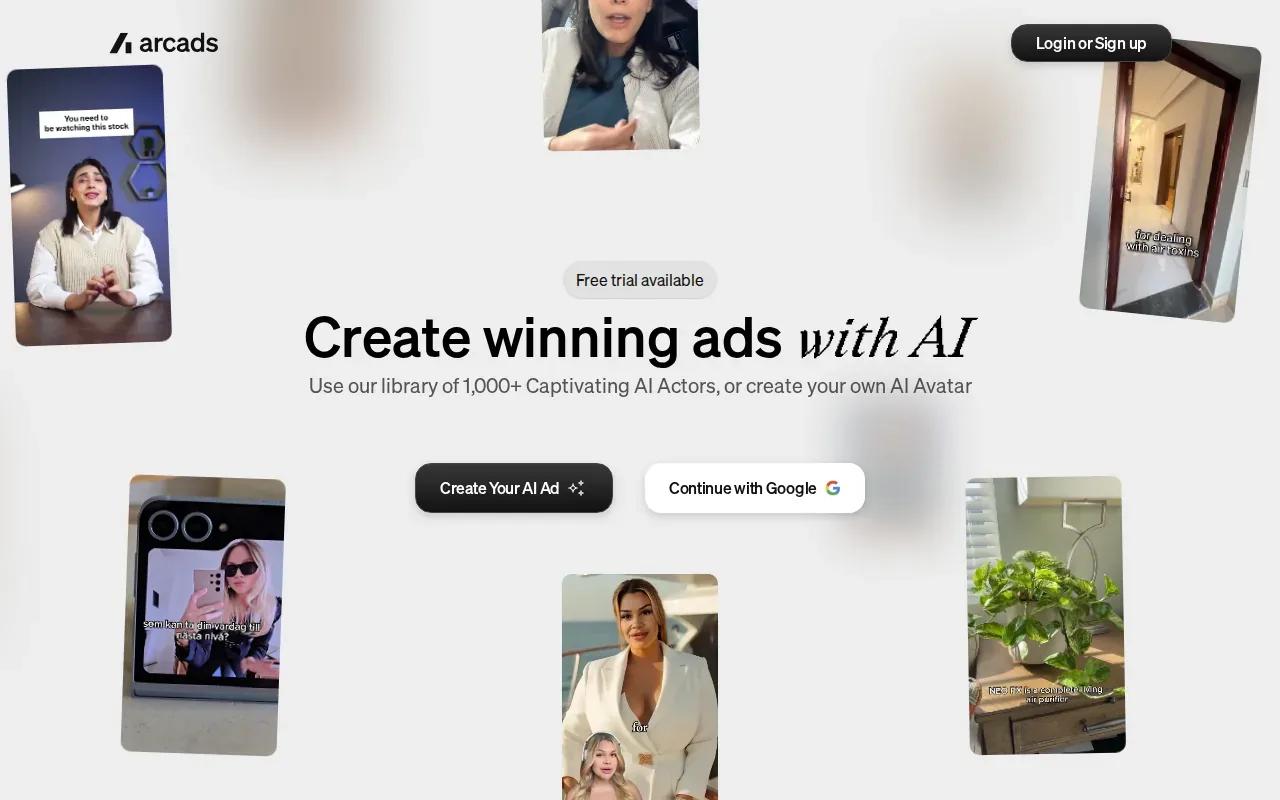
That format fits a short hook or product recommendation. Write the line you want the speaker to deliver, then generate a talking-head ad. Arcads starts at about $110 per month, so it makes more sense when this style is a regular part of your ad work than when you only need one test clip.
A talking-head video still needs a clear script. Keep the opening line focused on one product benefit, and make the next line easy to follow on a phone. If your plan depends on shots of the product in use, decide how those visuals will fit around the presenter before you write a long script. The talking video tool comparison covers other workflows where the speaker and synced dialogue are the main focus.
3. Creatify: URL-to-video for ecommerce products
Creatify is an ecommerce-focused option with URL-to-video generation. It’s a fit for sellers who want to start with a product page instead of writing a full video brief from scratch.
Its starting price is $39 per month. Creatify creates AI image and video ads, then generates multiple advertising variations. That can be useful when you’re testing different openings for the same item and want to build from its product page.
Before you generate, check that the product page has the images and details you want the video to reflect. Then review each variation against the actual item. A generated ad should show the same product and make claims you can support. If the page is thin on useful visuals, add or choose stronger product assets before relying on URL input alone.
This tool’s main distinction is the URL-led start. It’s worth comparing that approach with prompt-and-reference-image workflows when the product’s look must stay tightly controlled.
4. AdStellar AI: UGC-style creative with Meta campaign launch
AdStellar AI generates UGC-style video creatives and can launch campaigns directly to Meta. It’s the option in this list aimed at teams that want creative production tied to campaign launch.
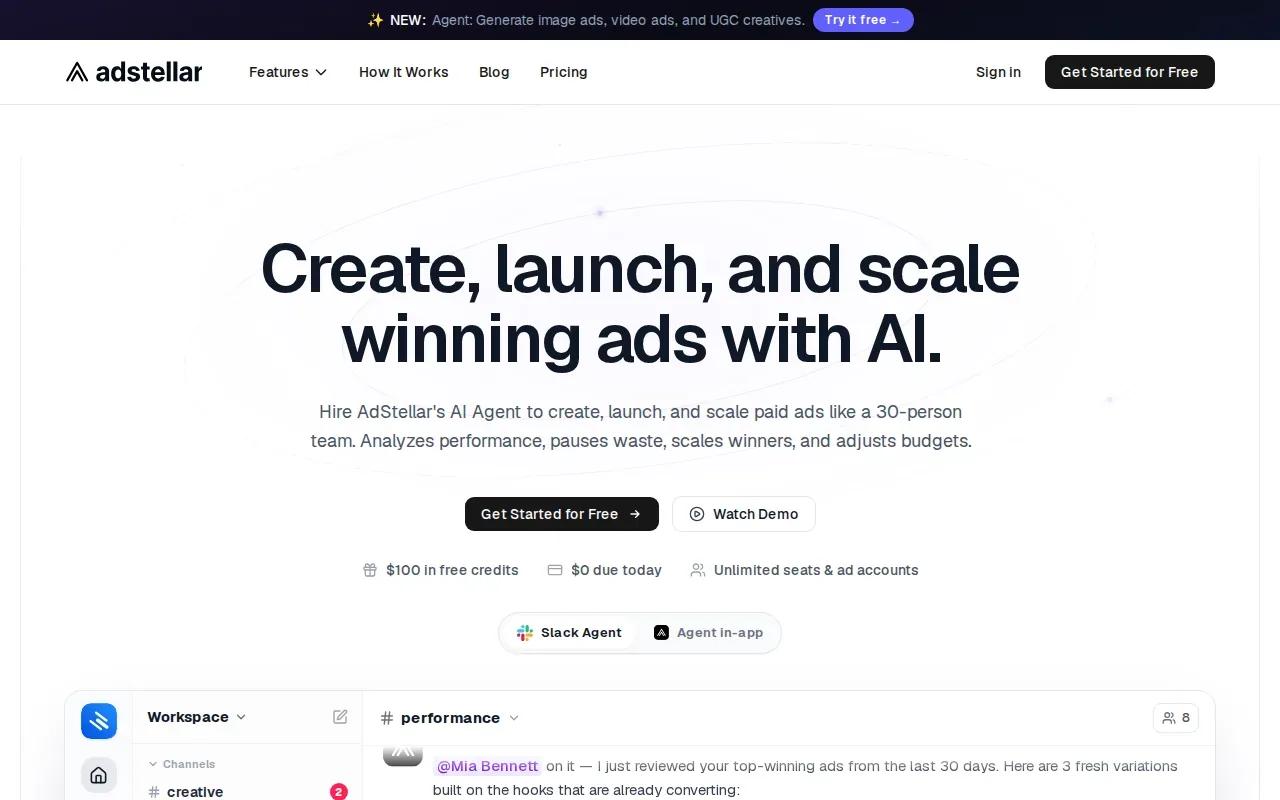
That connection can reduce the handoff between making an ad and setting up its campaign. You can build a UGC-style creative, then move into Meta campaign launch from the same product workflow. Its starting price is custom, so the fit depends on your team’s needs and the quote you receive.
Keep the creative brief and campaign goal aligned. If you’re testing a new hook, name that test clearly and avoid changing several parts of the ad at once. Otherwise, it’s harder to tell which change shaped the result. AdStellar AI is a more natural match for campaign teams than for a creator who only needs an occasional standalone clip.
5. HeyGen: Avatar-led marketing and localization
HeyGen is an avatar-led video tool for marketing, training, and global content teams that need spokesperson videos at scale. Its UGC-style avatars can deliver scripted lines, while its localization tools help teams adapt a video for more than one language.
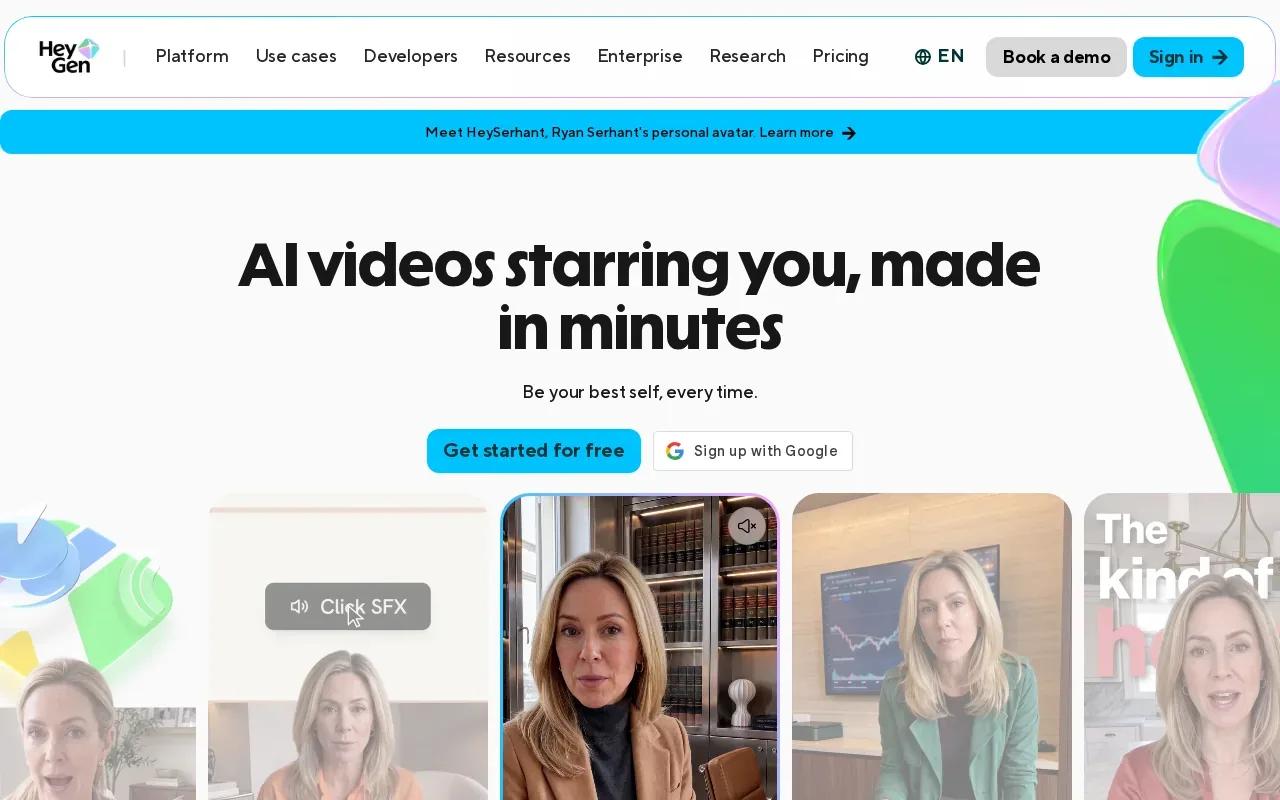
The free tier includes three videos per month, up to one minute each, with a watermark and one digital twin. Paid plans start at $29 per month.
Use it when a presenter needs to explain a product or deliver the same message in several languages. Review translated speech and the finished lip sync before publishing, especially when product names or fine details matter. An avatar can deliver a script, but it isn’t a real customer sharing a personal experience. Keep the format clear so viewers aren’t misled.
6. JAI Portal UGC Video Generator: Free credits for testimonial-style content
JAI Portal UGC Video Generator makes creator-style videos with natural motion. It’s positioned for influencer marketing and testimonials, so it may suit a creator who wants to test a scene concept before planning a larger production.
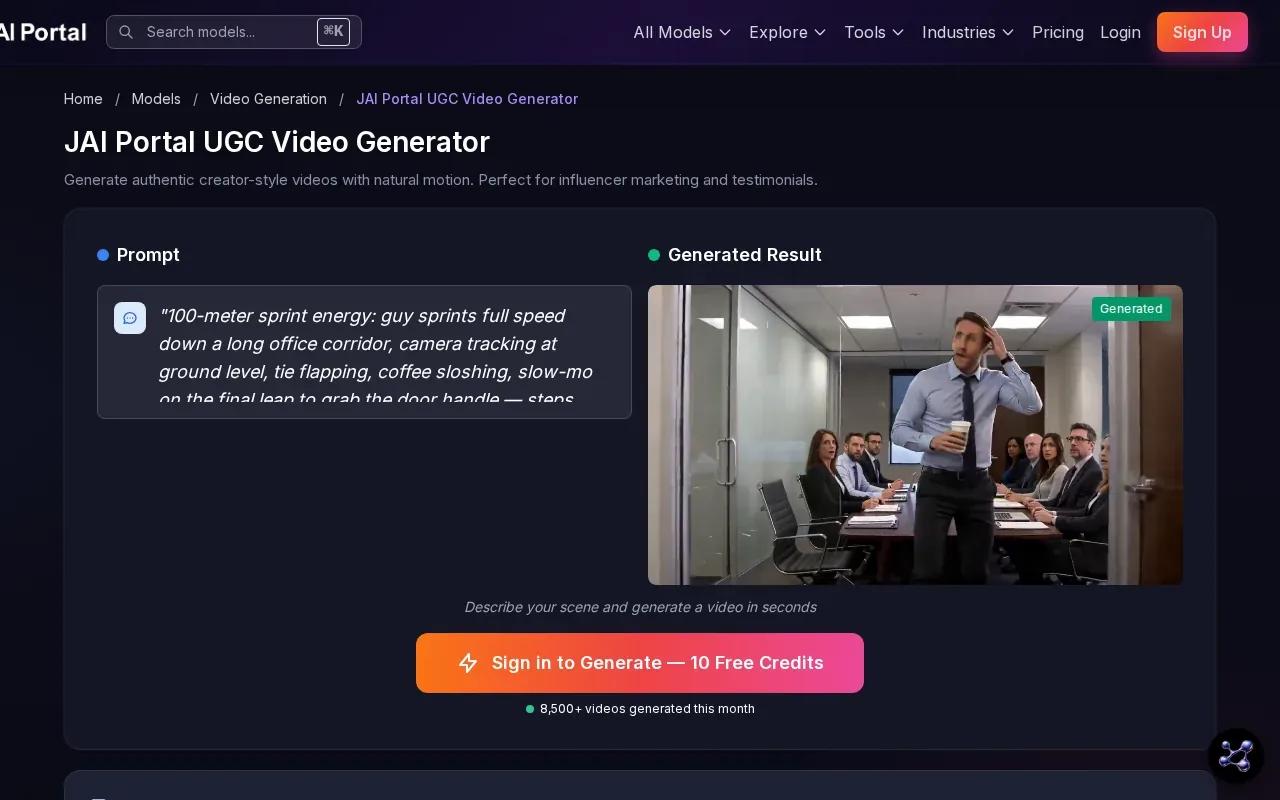
You can describe a scene and generate a video. New users get 10 free credits without a credit card.
For testimonial-style content, write a scene around a real, supportable product point. Don’t present AI-generated speech as a real customer’s account. If you’re aiming for an influencer feel, treat the clip as a creative draft and check that its wording and visuals match your campaign brief before sharing it.
7. Billo: Real creator UGC at scale
Billo connects brands with real creators for UGC videos. It’s the choice here when you want human-made content rather than a synthetic presenter or generated scene. Its pricing is pay-per-video.
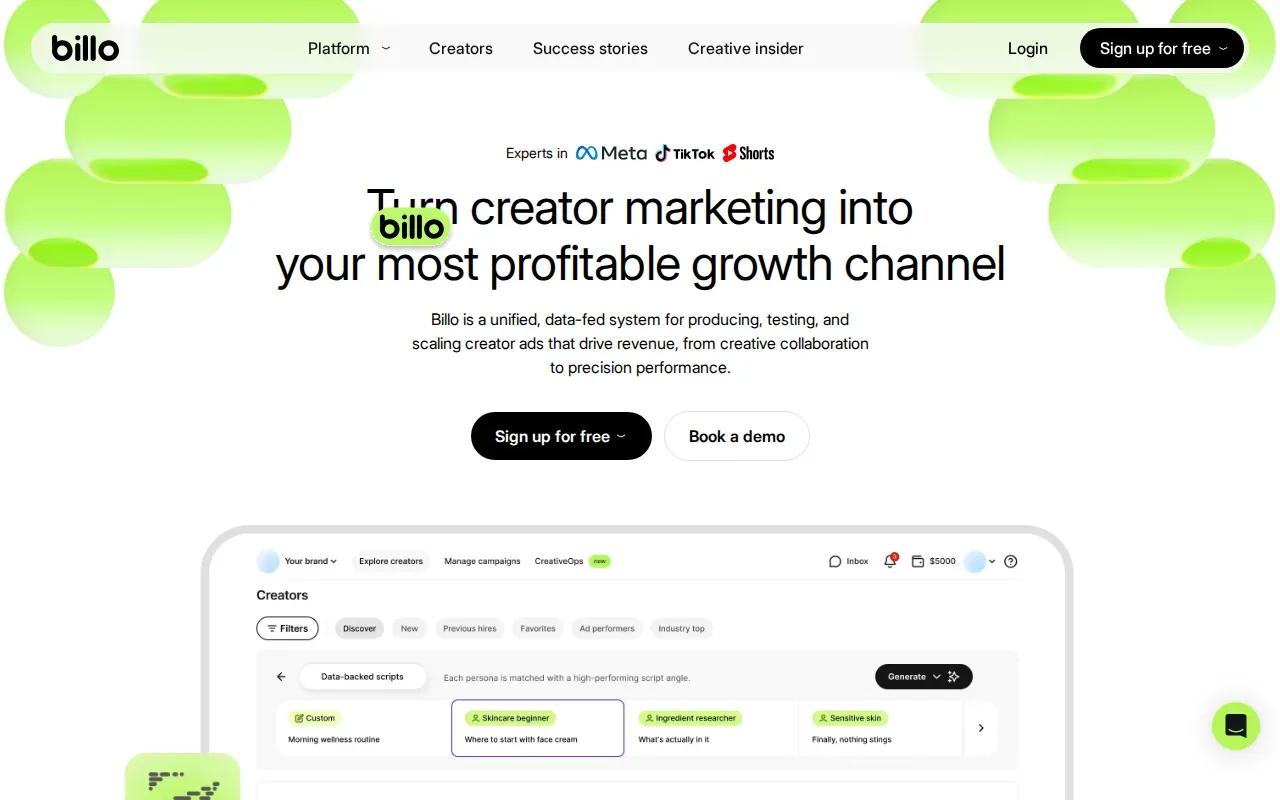
Billo’s system is built on insights from 326k+ video ads. The company also reports more than 200,000 videos created and 22,000 brands served. Those figures describe Billo’s own activity; they don’t predict how a video will perform for your product.
Use the difference in content origin to guide your choice. Generated video can help you shape a scene from a prompt or image. A creator marketplace is a better fit when you need footage made by a person. Check the workflow against your brief before choosing:
| Decision point | Billo | AI-generated options |
|---|---|---|
| Who appears in the video? | Real creators | Generated scenes or avatars, depending on the tool |
| How is it priced? | Pay per video | Plan or credit model varies by tool |
| When it fits | You want creator-made clips | You want to build a scene or script-led variation with AI |
A quick fit check before you make a video
Start with the result you need. A product demo needs clear product views. A talking-head ad needs a short script that sounds natural aloud. A testimonial needs care around who is speaking and what they appear to claim.
- Set the format: Decide if you need a generated scene, an avatar speaking to camera, or video from a real creator.
- Gather the inputs: Have your product image, reference frame, script, or product page ready before you start.
- Make one draft: Review the product details, dialogue, framing, and sound. Fix the biggest issue before you generate more variations.
- Check the final file: Watch it at phone size and confirm that the message is clear before exporting it for your channel.
This keeps a fast draft from turning into a pile of versions that all miss the same point. For product-led clips with synchronized dialogue, character consistency, or frame control, Veo Studio is a useful place to start.
FAQ
What is an AI UGC video generator?
An AI UGC video generator makes user-generated-content-style clips with AI. Depending on the tool, you may start with a script, product URL, prompt, or reference image. The result can look like a creator recommendation or product demo, but generated content isn’t the same as a real customer’s personal experience.
Can I make UGC-style videos for free?
Yes, some tools in this list have free access or starter credits. Veo Studio’s free plan includes a couple of 720p videos per month, while HeyGen includes three watermarked videos per month with a one-minute limit. JAI Portal provides 10 free credits. Check each tool’s current terms before planning a campaign.
Which tool is a fit for a product page video?
Creatify is the fit in this list for starting with an ecommerce URL. Veo Studio can start with a prompt or reference image, which may suit a product scene you want to direct more closely. Choose based on whether you want the product page to drive the initial draft or prefer to describe the shot yourself.
Is AI-generated testimonial content the same as a real customer review?
No. A generated avatar or scene doesn’t make a real customer statement. Keep the source of the content clear, and don’t put words in a person’s mouth or imply they used a product if they didn’t. For customer stories, get permission to use the person’s words and likeness, then review the finished edit before publishing.
Conclusion
Choose by workflow: Veo Studio for prompt-led scenes with synced dialogue and shot controls, HeyGen for avatar-led localization, or Billo for real creator footage. To test a product clip, open Veo Studio’s free plan and start with a prompt or reference image.


