
A still photo can become a moving shot, a talking portrait, or a short scene. The right online AI photo animator depends on what you need the image to do, and whether you also need sound, steady character details, or more control over the clip.
We analyzed 40 YouTube comments about AI photo animation tools and found that 20% mentioned usage limits and watermarks.
Here are five named tools, starting with Veo Studio, plus a quick way to match one to your project.
1. Veo Studio
Veo Studio is an independent, browser-based AI video creation tool powered by Google's Veo 3.1 models. Add a photo as a reference, describe the action and camera move, then generate a clip with synchronized sound and dialogue.
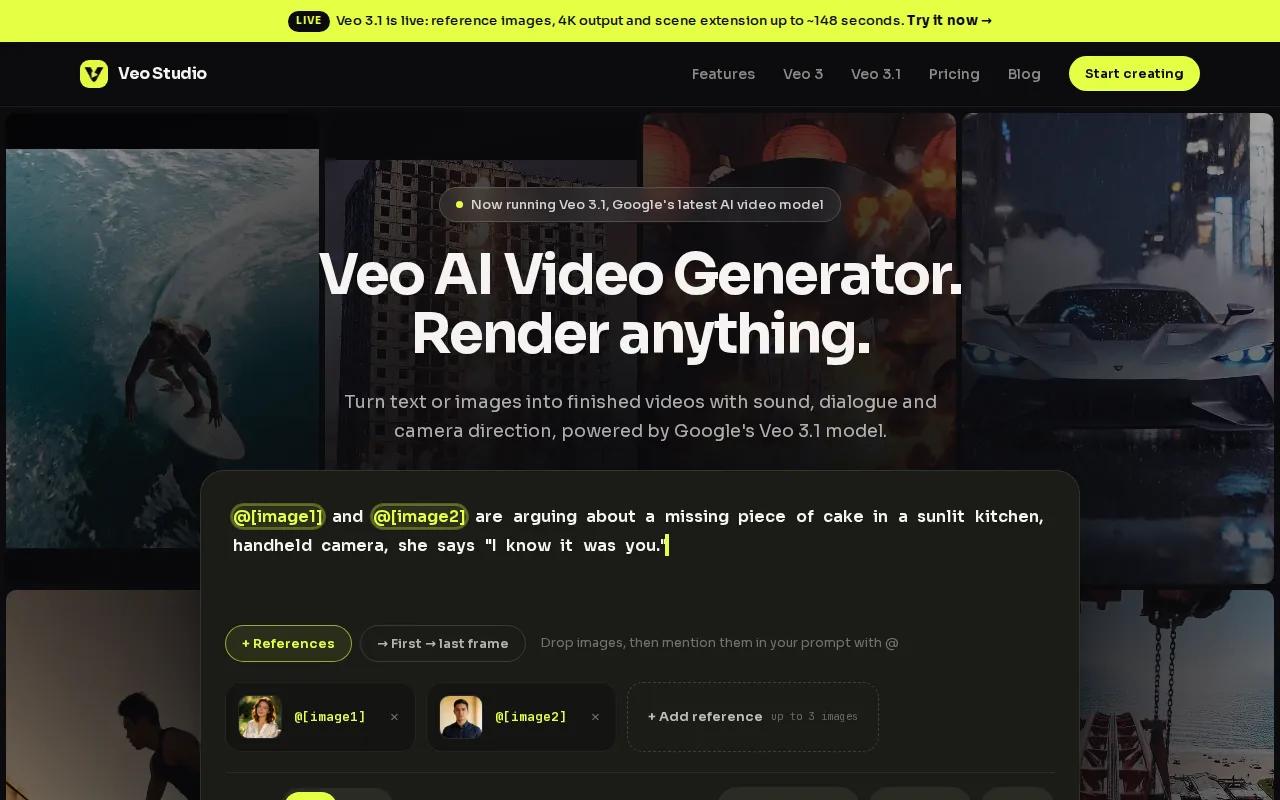
It suits creators who want more than a slow zoom over a still image. A product photo can become a short ad with movement and sound. For a character scene, you can use reference images to guide visual consistency, or set a first and last frame so the model generates the motion between them.
Veo Studio supports scene extension and output up to 4K on supported settings. You can extend supported 720p clips in seven-second steps. The free plan includes a couple of 720p videos each month, with no card required. Paid plans start at $14 per month and include higher resolutions.
If you're weighing different image-led workflows, explore the options in this guide. For a first test, upload a clear photo and ask for one action, such as a person turning toward the window or a camera moving slowly toward a product.
Sound can make a clip feel more complete. It also means you should write dialogue and sound cues as part of the prompt, rather than planning to add every sound later.
2. Kling AI
Kling AI is designed for projects that depend on believable human characters. It suits portraits and character-led clips where the subject's face and overall look should stay stable as the image moves.
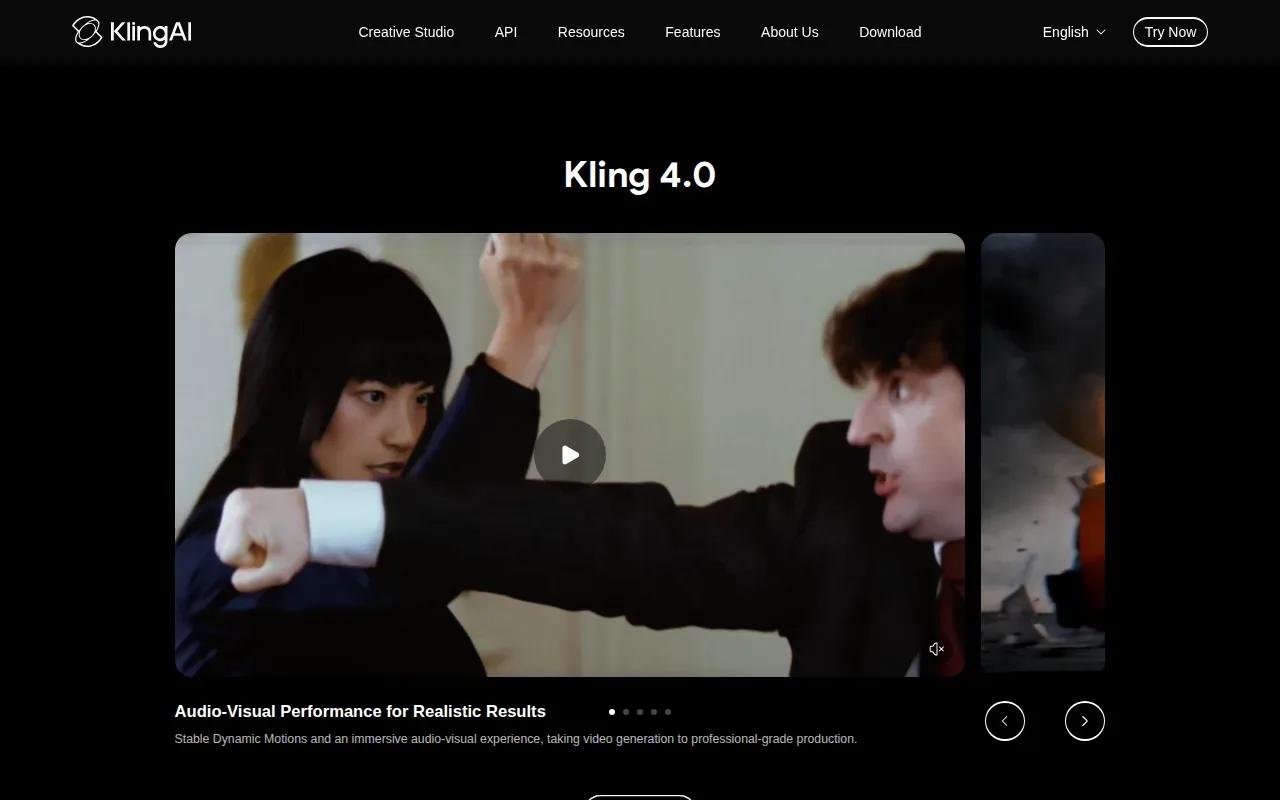
That focus helps when a still photo needs more than a camera pan. Picture a portrait with a small change in expression, or a character whose hair and clothes move as the camera tracks. Kling AI's character-consistency capability is useful when identity matters across the generated frames.
It can also fit stylized work. Kling handles portraits, anime, illustrations, landscapes, and product shots, with the image shaping the look and a prompt guiding the motion. A clear subject gives the model a cleaner starting point. Keep the prompt focused on the movement you want rather than adding a long description of details already visible in the photo.
Kling AI has a free plan. Before using a generated clip in a client job, check the current terms for the service and the specific model you use. And inspect details that matter to your image, such as facial features or a product mark, before sharing the result.
For social clips, a small action often reads better than a complicated one. Try a gentle head turn or a brief camera move first, then adjust the prompt if the subject changes too much.
3. Animate Photo AI
Animate Photo AI turns one still image into a video: upload a photo, describe the motion, and generate a result. It suits quick tests when you want to see a photo move without planning a longer scene.
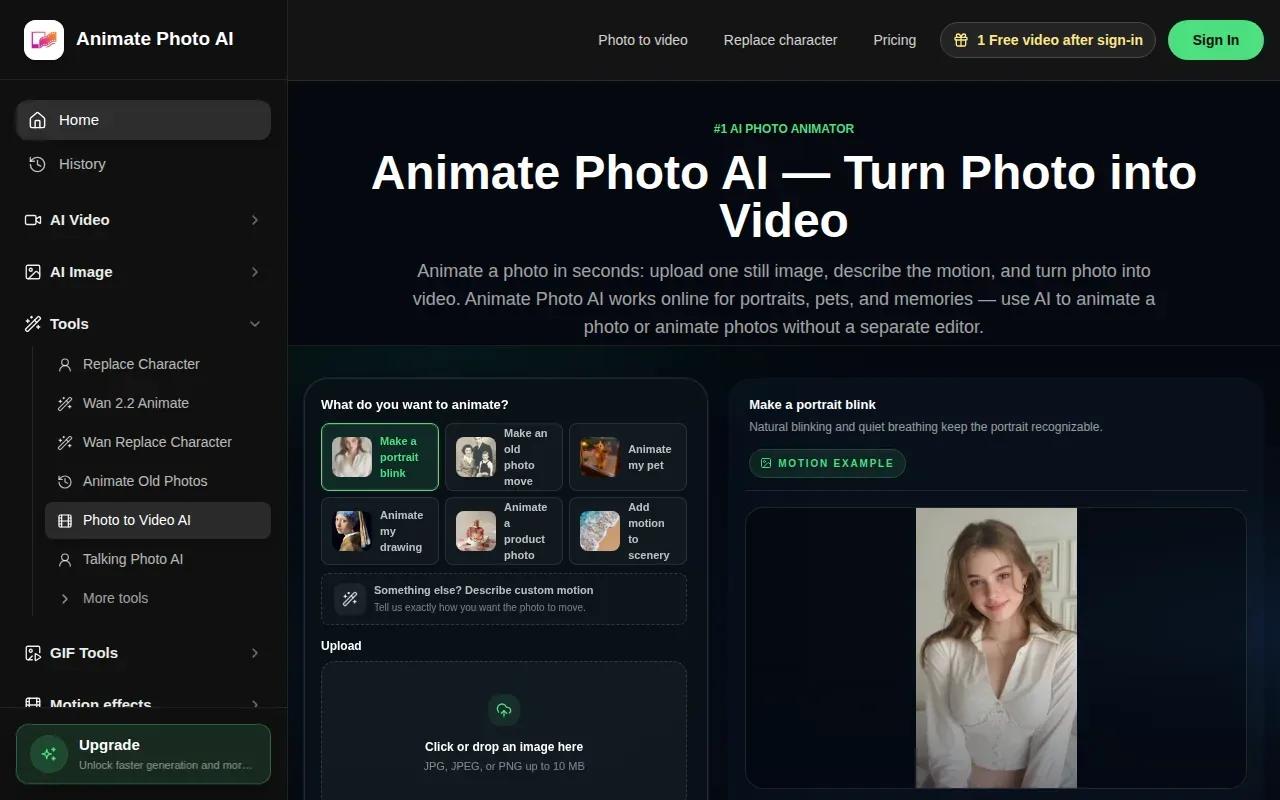
The prompt is the main way to guide the shot. Ask for one clear change, such as a slow camera push or a person lifting their gaze. If the photo shows a pet, you might describe a small head turn. A focused instruction gives the animation one job instead of asking several parts of the image to move at once.
Animate Photo AI has a free starting option. That can help you test an idea before deciding whether the result fits a post, presentation, or personal keepsake. The service describes a browser-based workflow, so you can work with a still image without setting up a separate editing project first.
For more ideas on choosing between a simple motion clip and a directed scene, see these AI photo animator options for creators. Keep your source image sharp and centered on one subject. A busy background or several people in frame can make it harder to judge whether the motion is doing what you asked.
For a fast draft, use a short motion prompt and review the result before spending time on finer edits. The point is to test whether the idea works while it is still easy to change.
4. Runway
Runway lets users animate a photo, extend a clip, and adjust the result. It suits creators who want to keep working on a generated shot instead of stopping after the first motion pass.
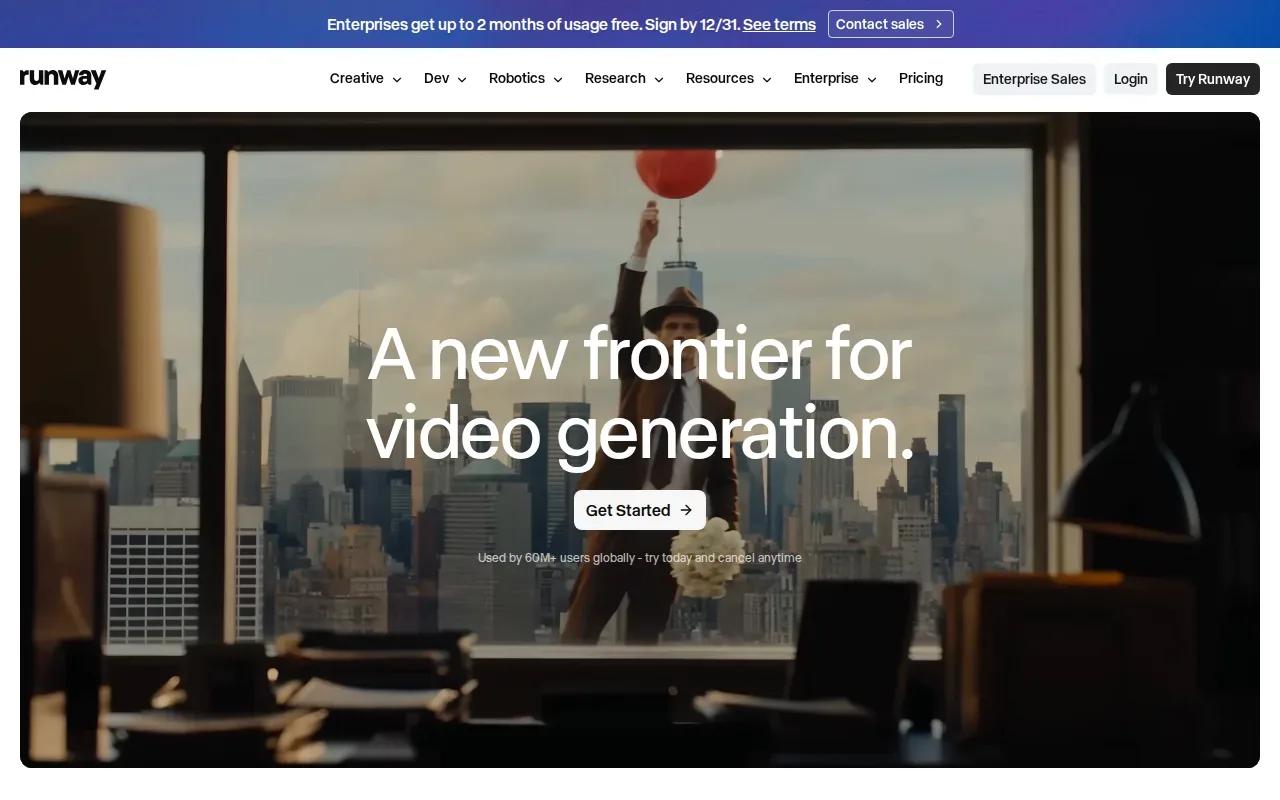
When you start from a photo, let the image establish the subject and setting. Use the prompt to describe what happens next. For example, a product photo might call for a slow push toward the item, followed by a short hold. A landscape could use drifting clouds while the camera stays still.
That distinction helps keep an image-to-video prompt clear. Repeating every visible detail can distract from the action you want. Name the camera move and the key motion first, then add a simple note about light or atmosphere if it affects the shot.
Runway also supports scene extension, so you can continue a clip beyond its initial length. It pairs video generation with native audio, which may help when you want a clip with sound. Those capabilities make it worth considering for a shot that needs more than a quick portrait effect.
Use an early draft to check framing and movement before treating the clip as finished. A motion that looks good in a preview may still need another pass if it changes a face or an important object.
5. OpenArt
OpenArt supports AI video generation up to 4K, with synced lip-movement audio. It suits projects where a photo needs to become a higher-resolution clip with sound tied to speech.
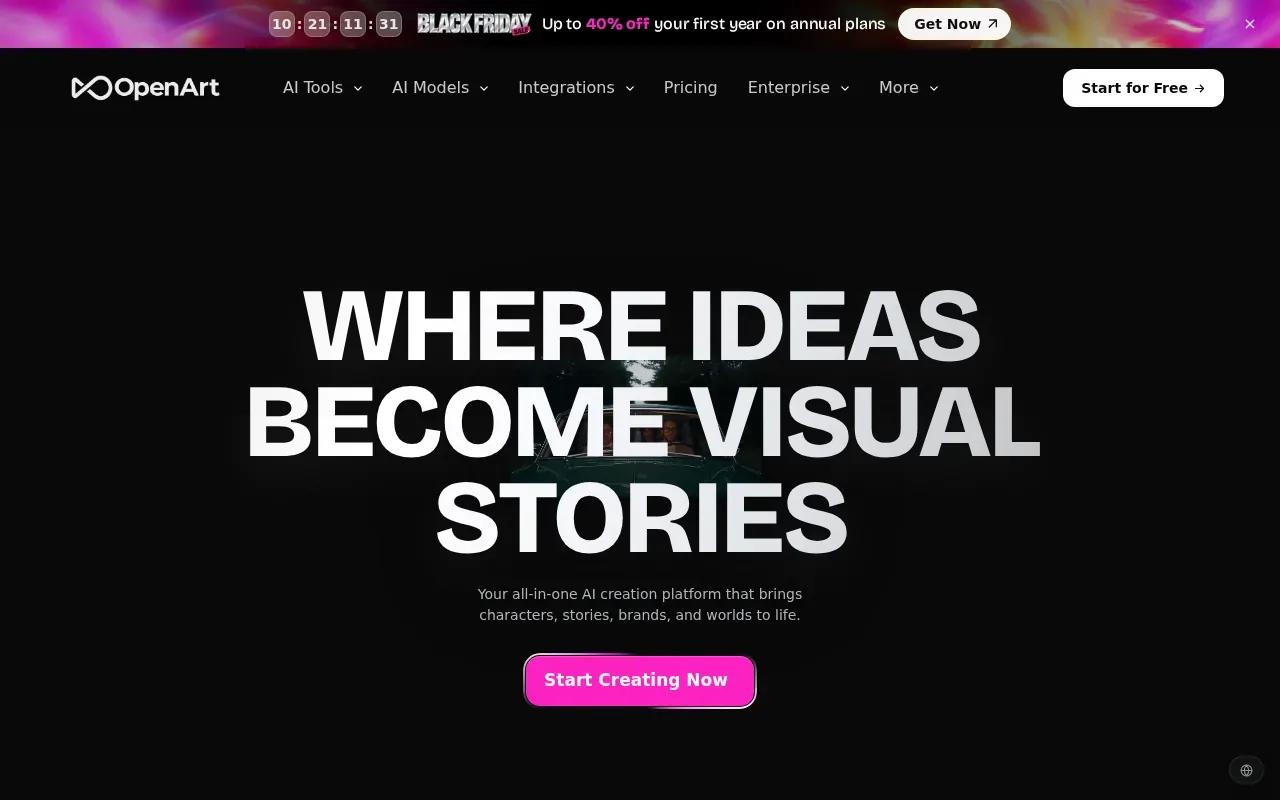
OpenArt also supports character consistency across clips, which can help when the same face or look needs to carry through a set of shots. For a talking portrait, that means you can focus on the line and the scene rather than treating each clip as a fresh character design.
Its audio features include voice-over with lip sync, music, and sound effects. Those are useful when a clip needs more than silent movement. For example, you might plan a short spoken message for a character, then decide whether the scene needs background music or another sound layer.
Before you build a series, test one clip at the resolution and sound setup you expect to use. That lets you check how well the face holds up and whether the lip movement suits the line. For a broader look at image-led projects, see this guide.
Choose OpenArt when synced audio and output resolution are central to the brief. For a single silent camera move, those features may matter less than the motion itself.
Quick Comparison: Which AI Photo Animator Fits Your Project?
Pick based on what must stay true in the final clip. A product shot may need a steady frame and clear movement. A character scene may depend more on identity and speech. The table focuses on those working needs, not on a single score.
| Tool | Useful when you need | What to check in a draft |
|---|---|---|
| Veo Studio | Sound, character consistency, scene extension, or output up to 4K | Prompted action, frame control, and supported output settings |
| Kling AI | A stable human character in a moving shot | Whether facial details stay consistent |
| Animate Photo AI | A quick animation from one still and a motion prompt | Whether the requested motion stays subtle and clear |
| Runway | Animating a photo, then extending or adjusting the clip | Camera move, scene continuity, and sound needs |
| OpenArt | Synced lip movement, character consistency, or 4K video | Face consistency and speech timing |
Veo Studio is a fit when several needs land in one brief, such as a consistent character with dialogue and a longer scene. If the task is simply to add a little movement to one photo, start with a focused prompt and see whether a simpler workflow does the job.
FAQ
Can I animate a photo online for free?
Yes, some online photo animators have free options. Veo Studio's free plan includes a couple of 720p videos each month without a card, while Animate Photo AI also has a free starting option. Free access and output limits can differ, so check the current plan details before you build a project around a set number of clips.
Can AI photo animators make a portrait talk?
Yes, some can generate speech with lip movement. Veo Studio supports synchronized sound and dialogue, and OpenArt supports voice-over with lip sync. Write the line you want the person to say and review the mouth movement in the generated clip. If the spoken line is central to the project, test a short sample first.
What kind of photo works best for animation?
A sharp photo with one clear subject is a good starting point. Keep the subject visible and avoid a prompt that asks for several unrelated actions at once. For portraits, check the face after generation. For product images, inspect key details such as shape and printed marks before using the clip in an ad or listing.
Can I use AI-animated photos for business?
It depends on the tool's terms and the rights tied to the image. Veo Studio says its plans include a commercial licence, but you still need the right to use the source photo and any people or other protected material shown in it. Check the current terms for the tool you choose before publishing paid work.
Conclusion
If your clip needs sound, character consistency, scene extension, or 4K output, start with Veo Studio and test one photo in the browser. For a simpler motion effect, compare a short draft from another tool before settling on a workflow.


