
A still photo can become a moving scene, a speaking portrait, or a short social clip. The right AI photo animator depends on the motion and sound you need, plus how much control you want after the first render.
We analyzed 69 comments and questions from YouTube, Reddit and Quora about AI photo animation and found that 12% mentioned ethical and privacy concerns.
Here are 10 named tools to compare, starting with Veo Studio. Check each tool’s supported workflow before you upload an image or plan a larger batch.
1. Veo Studio
Veo Studio is an independent, browser-based AI video creation tool powered by Google’s Veo 3.1 models. It turns prompts and reference images into video with synchronized sound and dialogue, character consistency, frame control, scene extension, and output up to 4K.
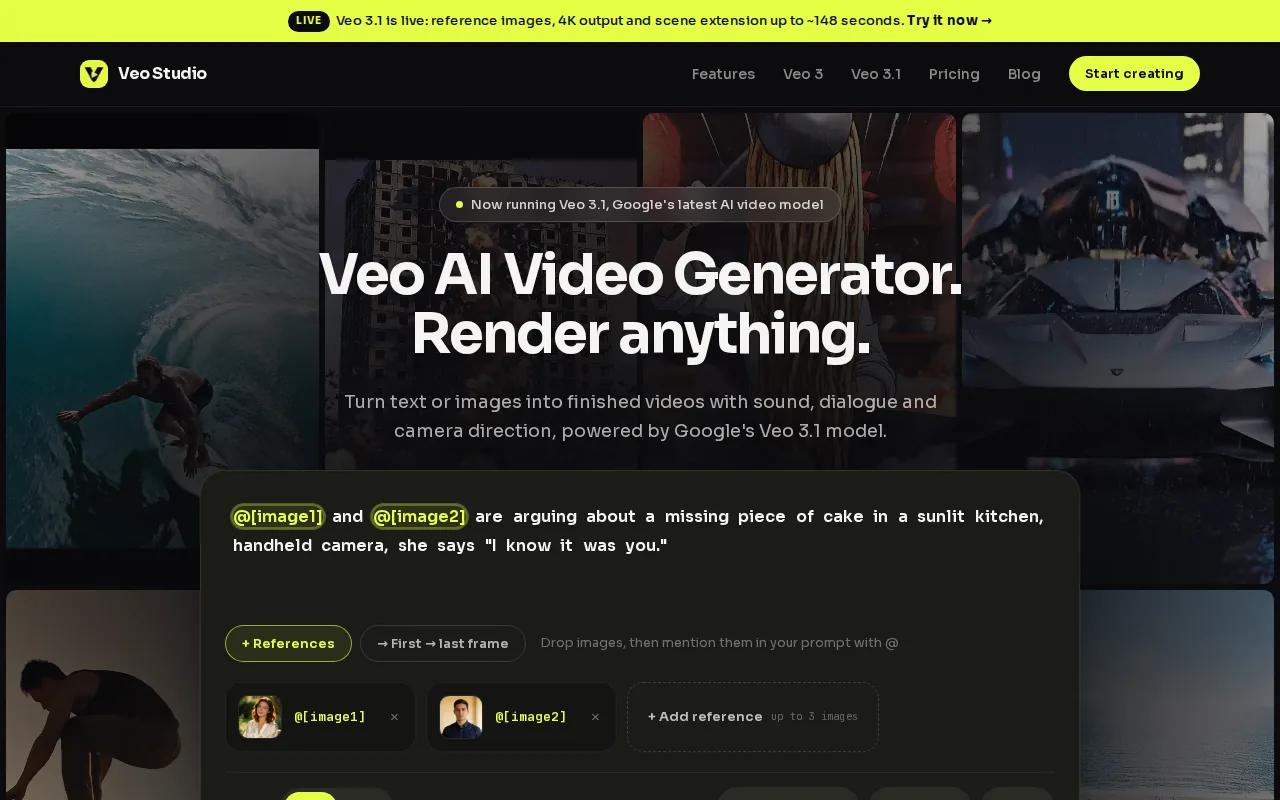
It fits creators who want to direct a whole shot from a still, not only add a simple pan. Upload a reference image, describe the action and camera move, then add dialogue in quotes when you want a character to speak. You can attach up to three reference images for supported generations. First- and last-frame controls can shape the transition between two stills.
Veo Studio does not currently offer a free tier. It supports output up to 4K and scene extension. For a quick walkthrough of the photo workflow, use these steps for turning a photo into a video.
2. DomoAI
DomoAI is a trial-credit option for testing image motion. New users get 15 trial credits, and free output carries a watermark. For motion, its guidance is direct: describe what should move and include the camera direction, such as hair moving in a breeze or a slow push-in on a product.
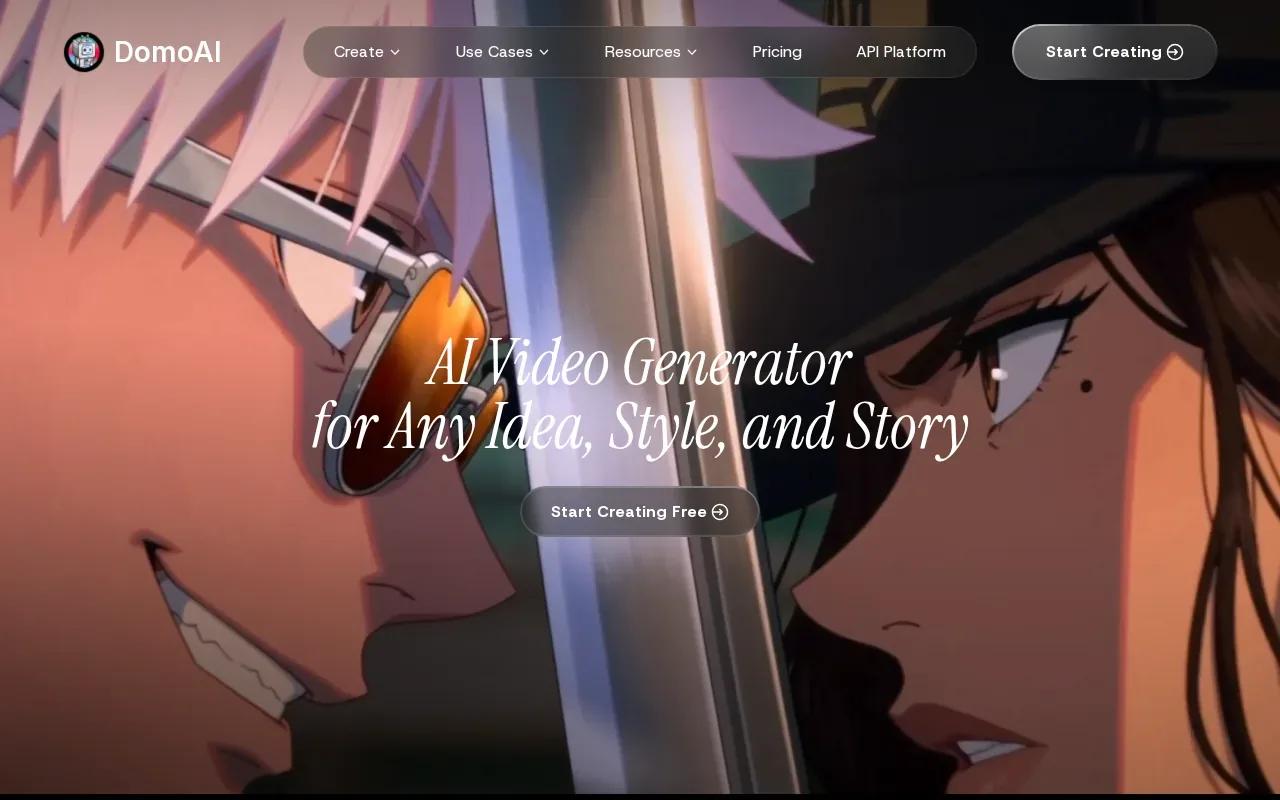
The Animate workflow includes several model choices, with different options for lifelike physics or speed. Native audio can be turned on or off. Clips can run from four to 15 seconds, and six aspect ratios are available. Its free output is watermarked; paid plans include watermark-free output. The listed maximum resolution is 4K through an upscaler, so that is distinct from generating a native 4K clip.
For a product-photo test, try the same image with a slow push-in and a camera orbit. That makes it easier to judge which motion suits the shot before building a batch.
3. Kapwing AI Video Generator
Kapwing AI Video Generator supports video generation with synchronized audio, including lip-synced dialogue. It may suit a creator who wants the photo’s motion to include speech, rather than adding a silent camera move.
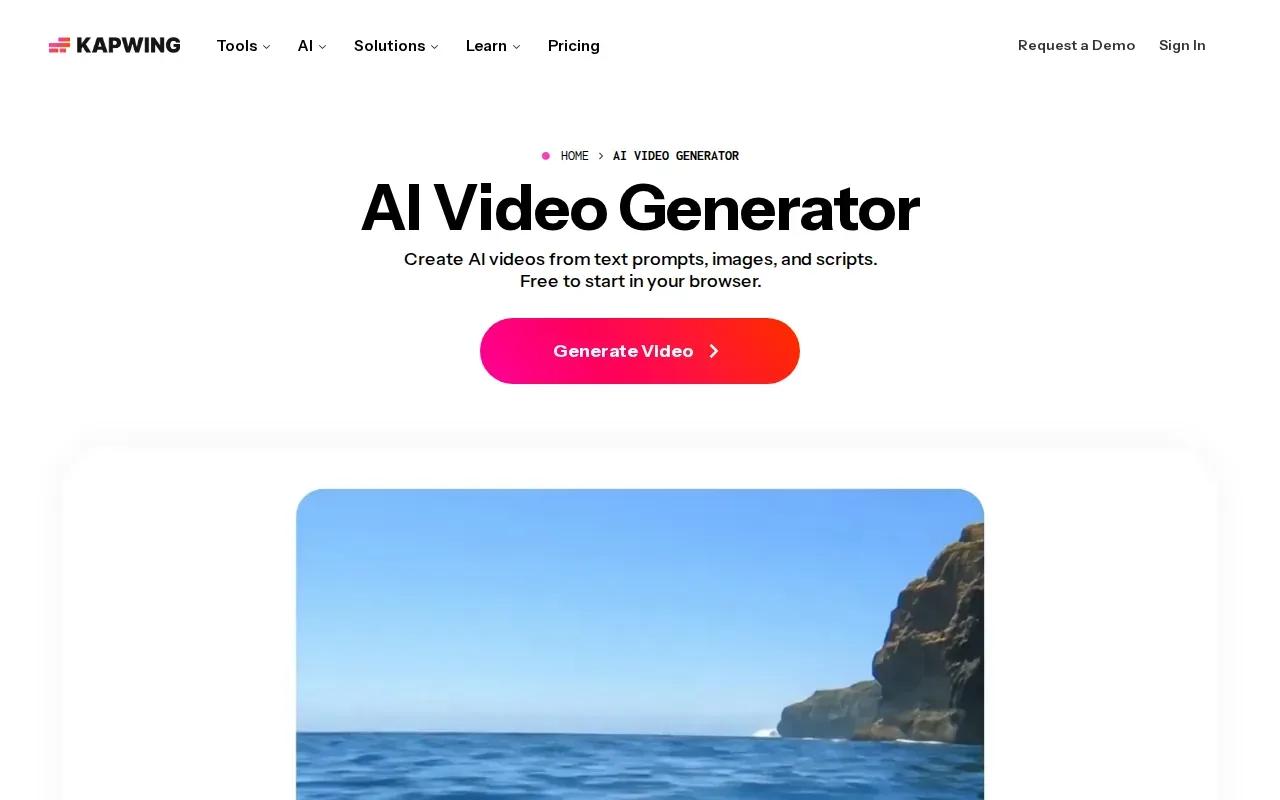
Generation is free to start, but it costs credits, and a Pro account is recommended for full features. The listed maximum resolution is up to 4K. A continuing prompt can expand or refine the same project, which gives you a way to adjust a scene without treating each prompt as an entirely separate idea.
Think through the shot before generating. Describe what the subject does, then specify the framing and the line of dialogue. If you need a longer sequence, use continuing prompts to build on the project and check each new section for visual continuity.
4. CapCut AI Video Editor
CapCut AI Video Editor has a photo-animation workflow built around familiar timeline edits. You can import a still, place it on the timeline, then add movement such as a zoom or pan. Keyframes can help shape that movement, while transitions can join several images into one sequence.
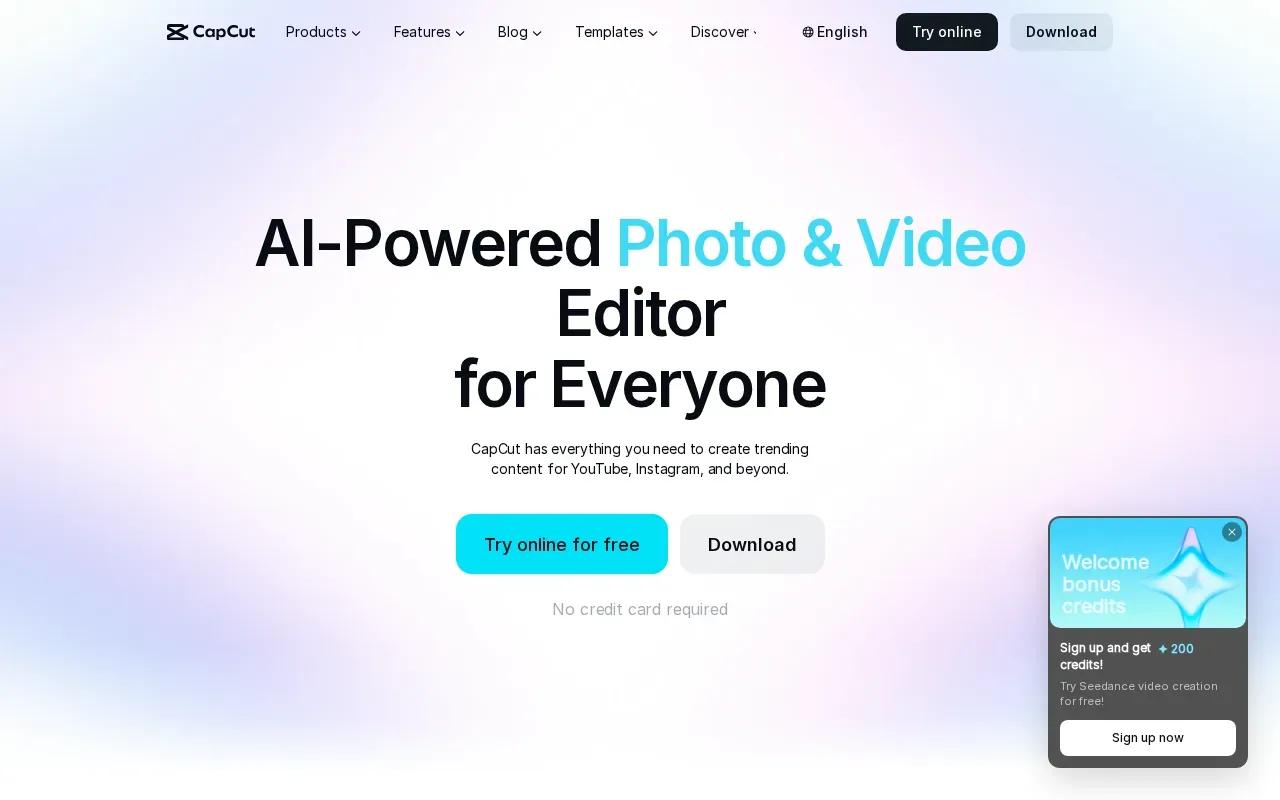
That approach suits a social post or a short photo montage where you want to control timing in the edit. You can preview the sequence before export. CapCut supports export to common video formats and GIF, which can help when the final asset needs to fit a particular posting workflow.
CapCut’s animation guidance also describes looping effects and movement such as flowing water or floating clouds. If your goal is a subtle cinemagraph, keep the movement focused on one part of the frame and let the rest stay still.
5. HeyGen
HeyGen is a talking-photo option for presenter-style content. Its photo workflow uses a reference image and a script to animate facial expression and head movement, with lip-synced speech. That can fit a short lesson, a social clip, or a marketing message that needs a visible speaker.
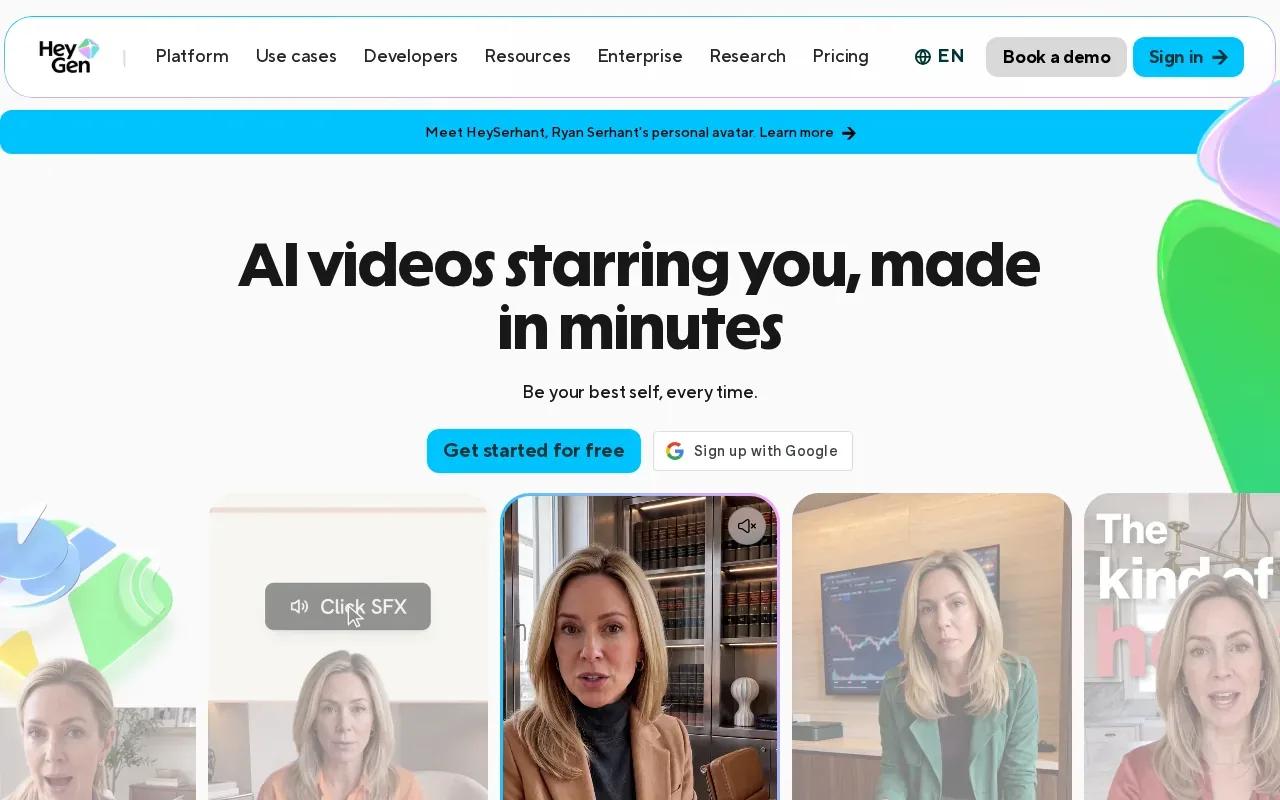
The free plan covers three videos a month, up to one minute each. The listed maximum output is 4K, and character consistency is supported across renders. A clear, front-facing portrait is a useful starting point for a close-up presenter. Before using a real person’s likeness, get permission and be clear when a video is AI-generated.
For a closer look at tools built around speaking portraits, see this comparison of talking-photo AI workflows. It helps separate presenter use from broader image-to-video work, where the image may need camera motion or a longer scene.
6. Fliki
Fliki has a free plan with no credit card required, and its AI image animator is aimed at narrated or talking-photo clips. Fliki offers built-in AI voiceover with a lip-synced avatar from a prompt. That makes it worth assessing when a still image needs spoken words, not only movement.
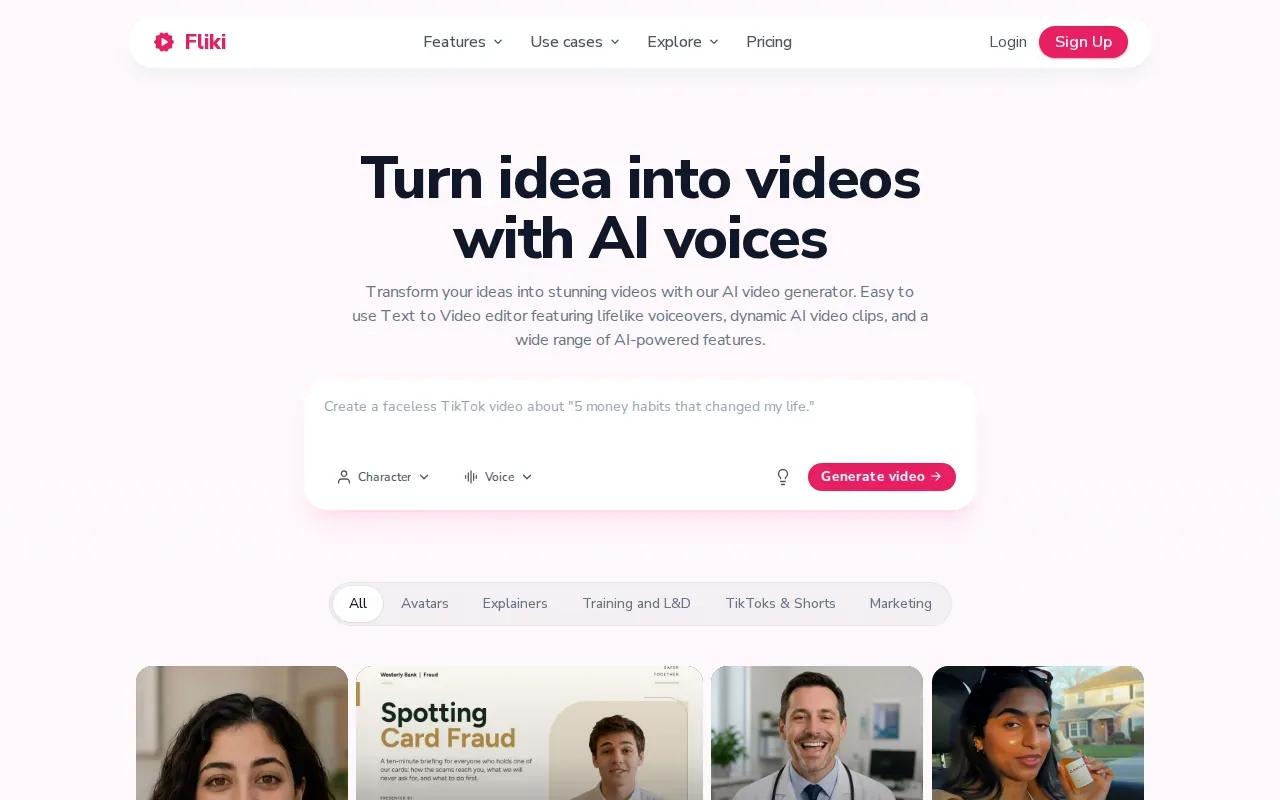
Fliki’s image-animation material describes short motion clips made from photos, illustrations, or AI-generated images. It also describes multiple motion models and a timeline workflow where a clip can sit alongside voiceover, captions, or music. For an example, imagine animating a portrait for a short narrated post, then placing the result in a larger edit.
Check the model and export settings for the specific job you have in mind. A talking portrait and a product reveal ask for different motion, so compare outputs before committing to a repeated content format.
7. Higgsfield AI
Higgsfield AI supports creative workflows across web and mobile. Its described tools cover images, video, and voice content from prompts or references, along with editing and upscaling. It also includes an AI agent for automating creative workflows.
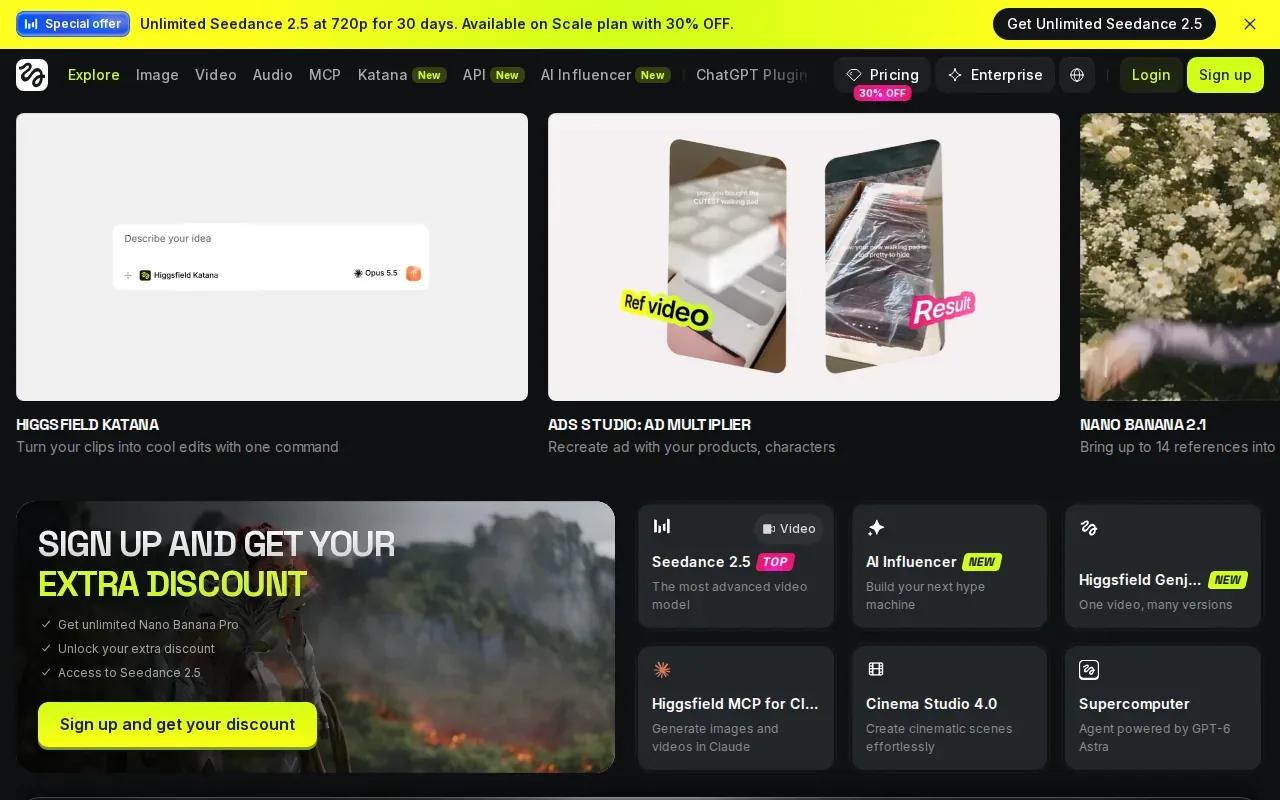
This makes it an option to evaluate if you want to create or edit several kinds of media in one environment. For photo animation, start by checking how a reference image shapes the motion you need. Then see whether the editing and upscale steps fit your handoff, especially if a finished clip needs more work after generation.
Compare current limits and pricing directly in the product before planning recurring use. Base your choice on the actual image workflow you can test.
8. ImagineArt
ImagineArt is a creative suite for generating images, videos, shorts, and voice from text prompts. Its described editing tools include background removal and upscaling, along with custom models. That broad set of tools may suit a creator who expects to make source art as well as animate it.
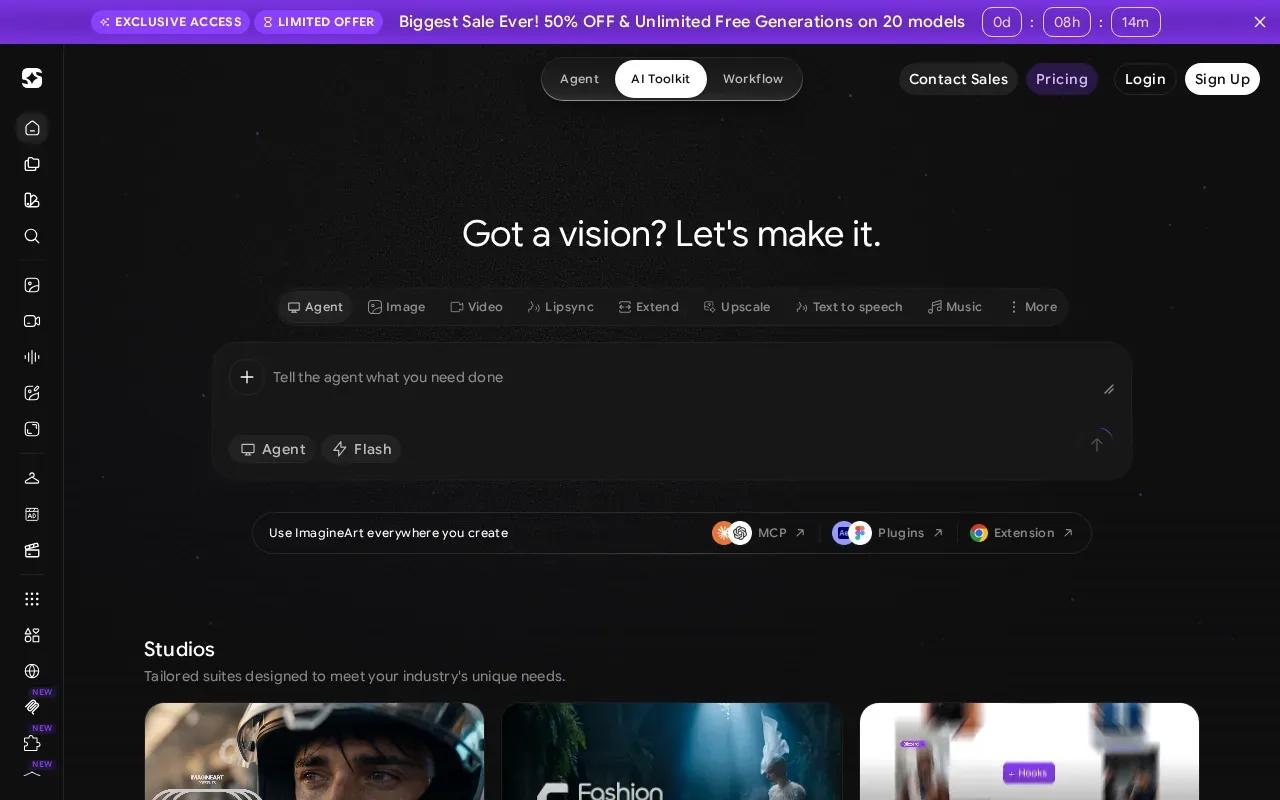
For a photo-animation task, test whether the source image needs cleanup before motion. A background remover may be useful when you need to separate a subject for another edit, while an upscaler is relevant when the image needs more detail. Those are editing tasks; they shouldn’t be confused with the quality or controls of the generated motion itself.
Try a still image that reflects your real project, such as a portrait or a location shot. Then assess the generated video and the editing tools as separate parts of the workflow.
9. AKOOL
AKOOL is a visual-marketing platform described for personalized marketing and advertising. Its talking-photo material focuses on animating facial movement to match pre-recorded audio. The capabilities include lip-syncing, adjustable expressions, and multilingual support.
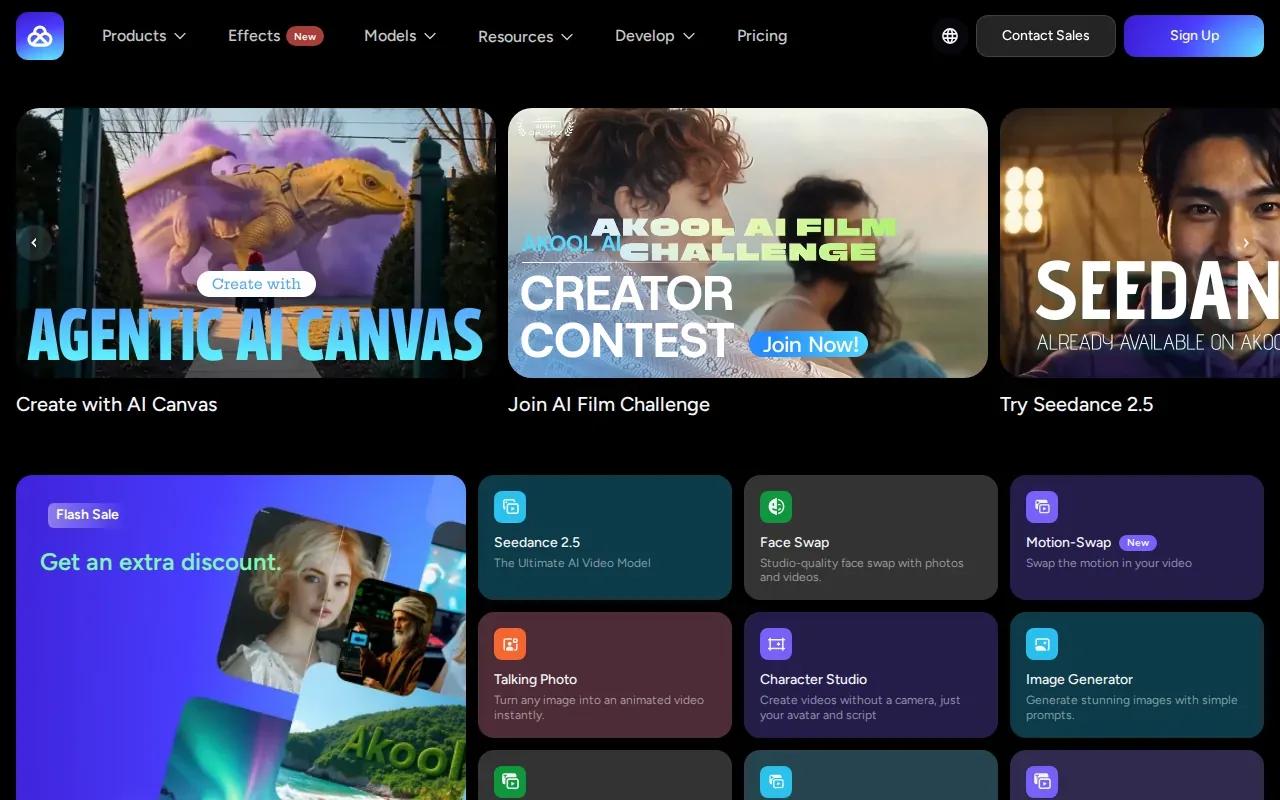
That points to presenter or spokesperson content, where the face needs to deliver a message. A still portrait paired with supplied audio is a different job from animating a landscape or showing a product through a moving camera. Match the tool to the type of source image and the role it has in your ad.
For campaign work, review how a generated face will be presented to viewers. Use likenesses with permission, and avoid making an AI-generated speaker appear to endorse a product or claim something without consent.
10. Veo3 AI
Veo3 AI generates 4K videos from text prompts, with realistic physics and native audio. It may be worth checking when your project needs generated sound and a high-resolution video output.
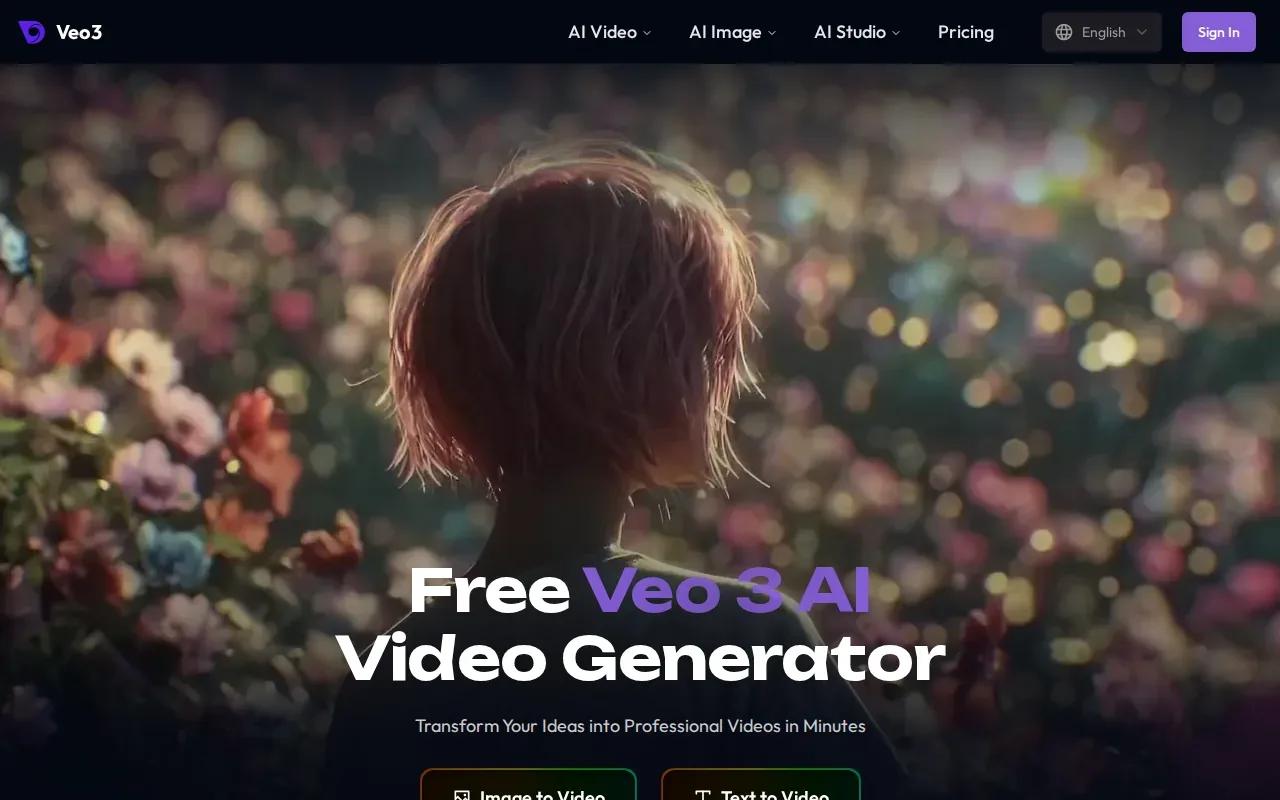
The verified description focuses on text prompts. If you’re choosing a tool specifically to animate an existing photo, confirm that the image-input workflow supports your intended shot before building a production plan around it. A text-to-video feature and a photo-to-video feature are related, but they are not interchangeable.
Use a small test to check whether the output matches your source image and intended motion. For a project built around a portrait, pay close attention to whether the face stays consistent through the clip.
Compare the 10 AI Photo Animators at a Glance
Use this table to match a tool to the job you need done. A dash means the facts here don’t give a detail, not that the product lacks it. Before you pay or build a repeat workflow, verify the current settings for your own account.
| Tool | Useful fit | Known detail to weigh |
|---|---|---|
| Veo Studio | Directed image-to-video scenes | Synced dialogue, frame control, scene extension, up to 4K; no free tier |
| DomoAI | Motion prompt experiments | 15 trial credits; free output has a watermark; 4K via upscaler |
| Kapwing AI Video Generator | Dialogue and scene refinement | Synced audio; credit-based generation; up to 4K |
| CapCut AI Video Editor | Timeline-based photo movement | Zoom, pan, keyframes, transitions, video and GIF export |
| HeyGen | Talking-photo presenters | Three free videos monthly, up to one minute each; up to 4K |
| Fliki | Narrated or talking-photo clips | Free plan; no card required; built-in voiceover and lip-synced avatar |
| Higgsfield AI | Web and mobile creative work | Images, video, voice, editing, and upscaling |
| ImagineArt | Image and video creation with editing | Background removal, upscaling, and custom models |
| AKOOL | Talking-photo marketing content | Pre-recorded audio, lip-sync, adjustable expressions, multilingual support |
| Veo3 AI | Prompt-led video with sound | 4K video and native audio described |
For a first test, use a clear source image and ask for one main action. “A dog turns toward the window as a breeze moves its ears” gives the model a simple subject action; “the camera slowly moves closer” adds a separate camera instruction. If the result jitters or changes the subject’s face, reduce the motion and simplify the prompt. Then compare another model only if the first result misses the shot.
For a step-by-step image-to-video workflow, this photo-to-video walkthrough covers image prep, motion direction, sound, and export. Ready to test a photo with synchronized sound and scene control? Explore Veo Studio’s synchronized sound and scene control.
Frequently Asked Questions
What is an AI photo animator?
An AI photo animator turns a still image into a moving video. Depending on the tool, you may guide camera movement, animate a face to speak, or add motion to a scene. Check whether the tool accepts your image as input, since a text-to-video generator may not support the same workflow.
Can I animate a pet photo or a group picture?
Some tools describe support for portraits, illustrations, or other still images, but the details vary by product. For a group photo, test whether faces stay clear and distinct when the scene moves. For pets, ask for a small action first, such as a head turn or a tail wag, then review the result closely.
How do I get more natural motion from a photo?
Describe one subject action and one camera move in plain words. Keep the first prompt simple, such as a person turning toward the light with a slow camera push-in. If the output jitters or changes the face, reduce the motion request. A clear, well-lit source image also gives you a better starting point.
Which AI photo animator has a free plan?
DomoAI gives new users 15 trial credits, and its free output carries a watermark. HeyGen’s free plan covers three videos per month, up to one minute each. Fliki also describes a free plan with no card required.
Can AI photo animators make a talking portrait?
Yes. HeyGen, Fliki, and AKOOL are described with talking-photo or lip-sync workflows. Veo Studio supports synchronized dialogue in generated video, including speech guided by quoted lines. Compare whether a tool uses supplied audio or built-in voice generation, because that changes how you prepare the clip.
Conclusion
If your still photo needs synchronized dialogue, character consistency, frame control, and a path to 4K output, start with Veo Studio. Upload one reference image, describe a single motion, and review its current pricing before choosing a paid tier.


