
A still image can become a moving clip with a photo and a short prompt. An AI image animation generator can add motion to a portrait, product shot, or illustration, then turn it into video. Here are five named tools, with the details that help you choose one for your next project.
We analyzed 55 comments from Reddit and YouTube about AI image animation generators and found that 22% mentioned prompt engineering tips.
1. Veo Studio
Veo Studio is an independent, browser-based video creation tool powered by Google's Veo 3.1 models. It turns a prompt or reference image into a video with synchronized sound and dialogue, character consistency, first-and-last-frame control, scene extension, and output up to 4K.
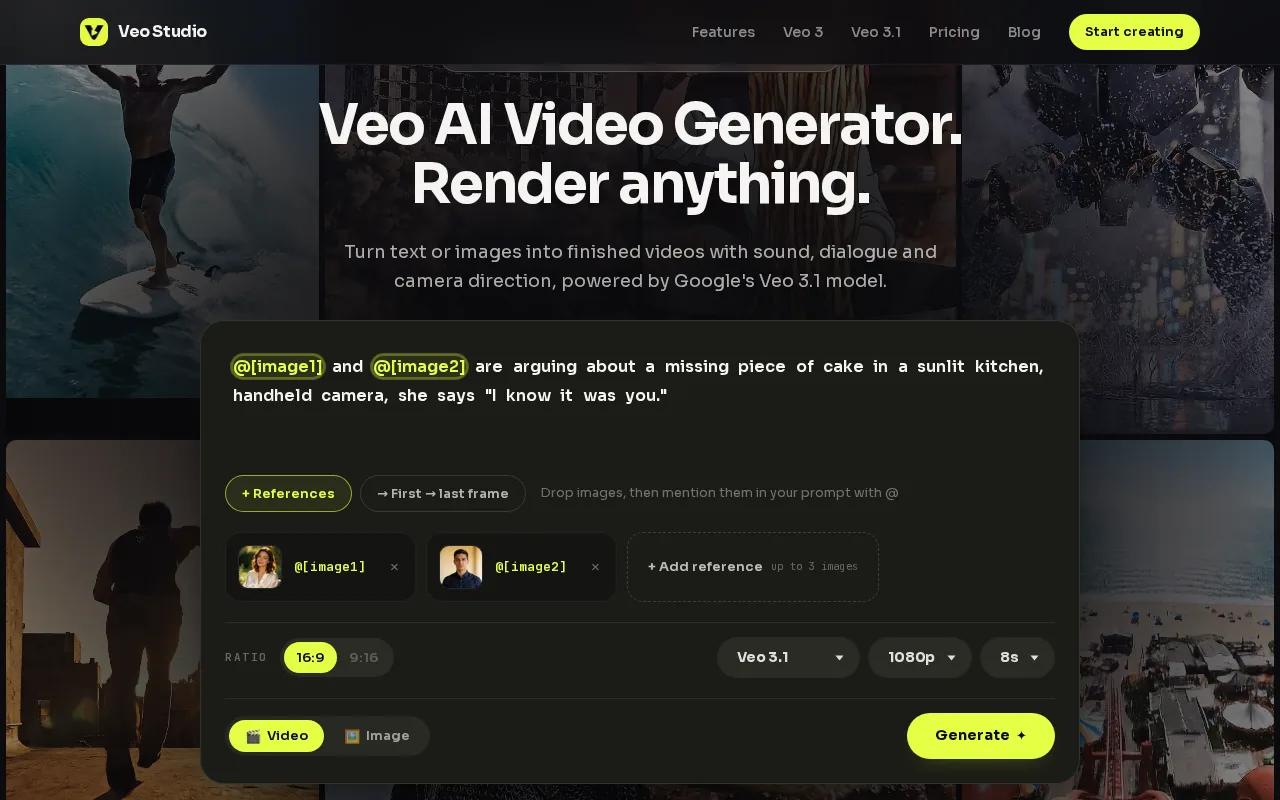
It fits creators who want more than motion on a still. For a product ad, upload a product photo, describe the camera move, then add a spoken line in quotes if the scene needs dialogue. The generated video includes sound and lip-synced speech. Reference images can help guide a character or product across a clip, while first-and-last-frame control sets the visual start and finish.
Clips can run for 4, 6, or 8 seconds. For supported 720p clips, scene extension adds 7 seconds at a time, up to roughly 148 seconds. 4K output is available on Veo 3.1 for 8-second clips. That gives you a way to move from a quick social post toward a longer scene without stitching every shot by hand.
The free plan includes a couple of 720p videos a month and doesn't require a card. Paid plans start at $14 per month and include a commercial licence. If you’re starting from a product photo or another still, these tips for creating video from product photos and still images can help you plan the source image and motion prompt.
Veo Studio works well when the shot needs sound, a steady character, or room to grow. Keep in mind that the free plan is limited to 720p, and clip length depends on the generation and extension workflow.
For a short clip, describe one clear action and one camera move. For example: “The ceramic cup turns slowly on a wooden counter; the camera moves in close; soft kitchen sounds.” A focused prompt gives the model a clear job without crowding the frame with competing instructions.
2. Hailuo AI by MiniMax: fluid motion for animated images
Hailuo AI by MiniMax is a video generator noted for fluid motion. It can suit a creator who wants to animate a still and cares most about how movement looks within the shot.
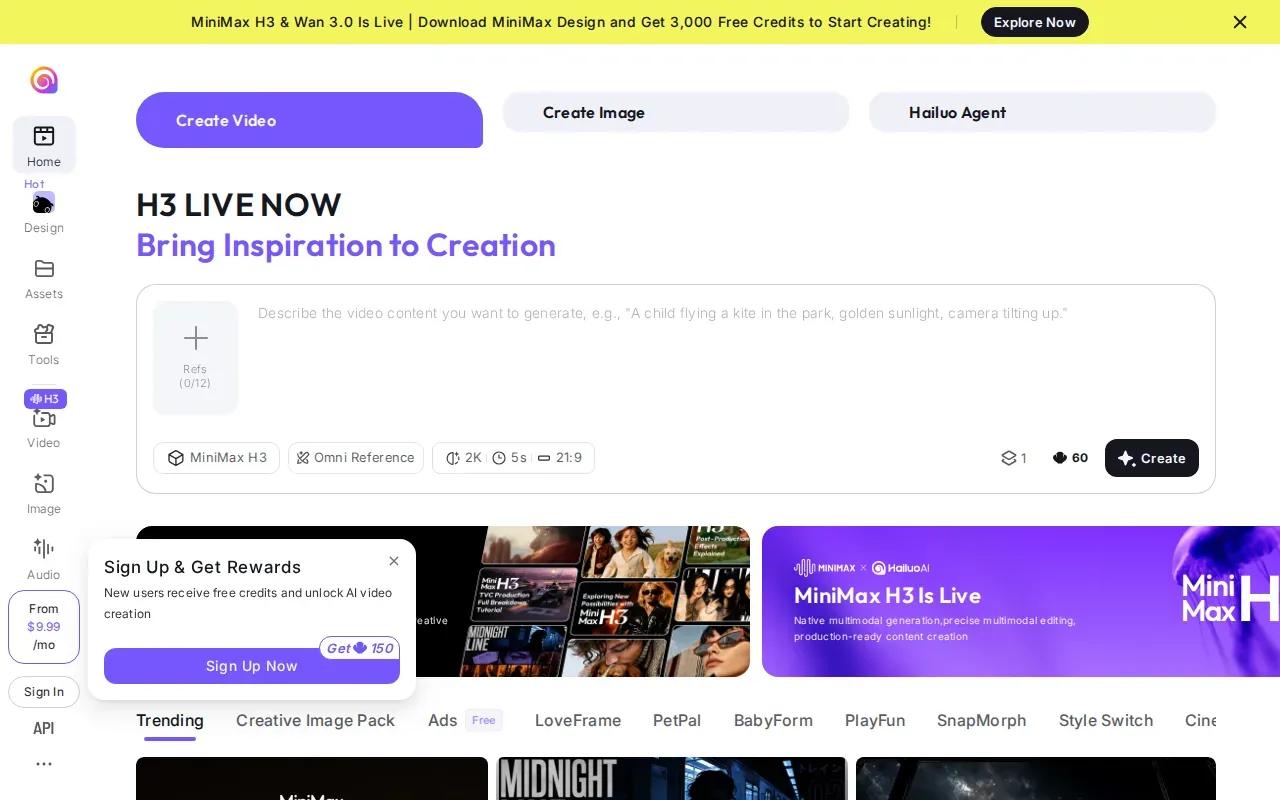
Motion is the key reason to consider it. A prompt can describe a subject’s movement or the camera’s path, then the image-to-video workflow uses the still as its visual starting point. For example, a product photo could become a short clip with a slow turn or a gentle camera push. Keep the requested action clear so the main subject stays easy to read.
Check the target platform’s dimensions before you generate. A vertical crop and a wide crop can call for different framing, even when they start from the same photo.
Choose Hailuo AI by MiniMax when fluid movement matters more than built-in spoken sound. If your brief needs dialogue in sync with a character’s mouth, compare it with a tool that generates sound alongside the video.
3. OpenArt: multi-scene image animation with voices and music
OpenArt is a creative platform for making video, images, voice, and audio. Its multi-scene video workflow is a fit for creators who want to shape a short story rather than animate one image in isolation.
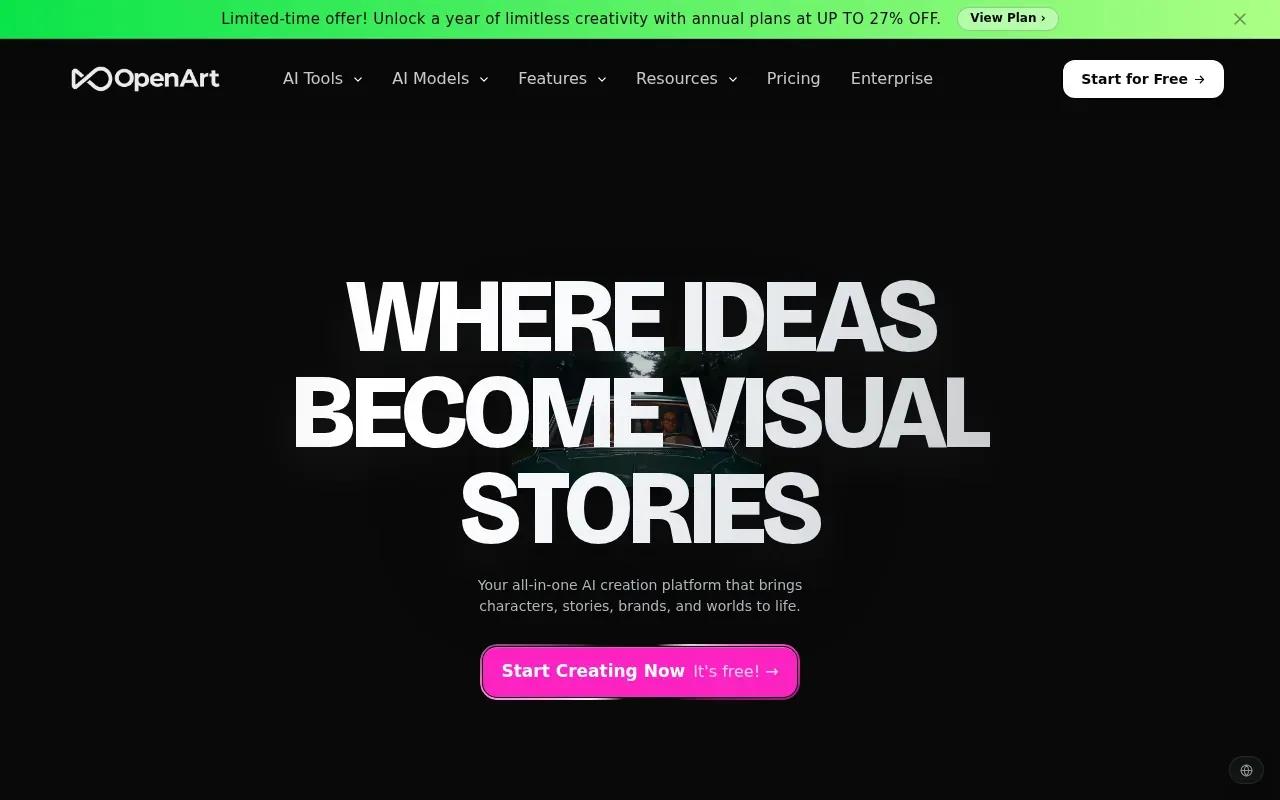
OpenArt can include voices and music in a multi-scene video. It also lets you save characters and reuse them across shots, which can help keep a recurring character recognizable as the scene changes. Imagine a short product story with an opening close-up, a use shot, and a final reveal. A saved character or visual reference can guide continuity between those moments.
OpenArt's AI video generator suits creators who want a finished story. The multi-scene workflow brings voices, music, and consistent characters into the same project.
Because the tool covers several kinds of media work, take time to check the generation controls for the specific video job you have in mind.
Pick OpenArt when you want a sequence with reused characters and sound in the same project. If all you need is a small movement on one photo, a focused image animator may be a simpler match.
4. EaseMate AI Image Animator: a focused option for animating still images
EaseMate AI Image Animator is an online tool built around turning still photos into video. It’s aimed at people who want to upload an image, describe the motion, and make a clip without drawing each frame by hand.
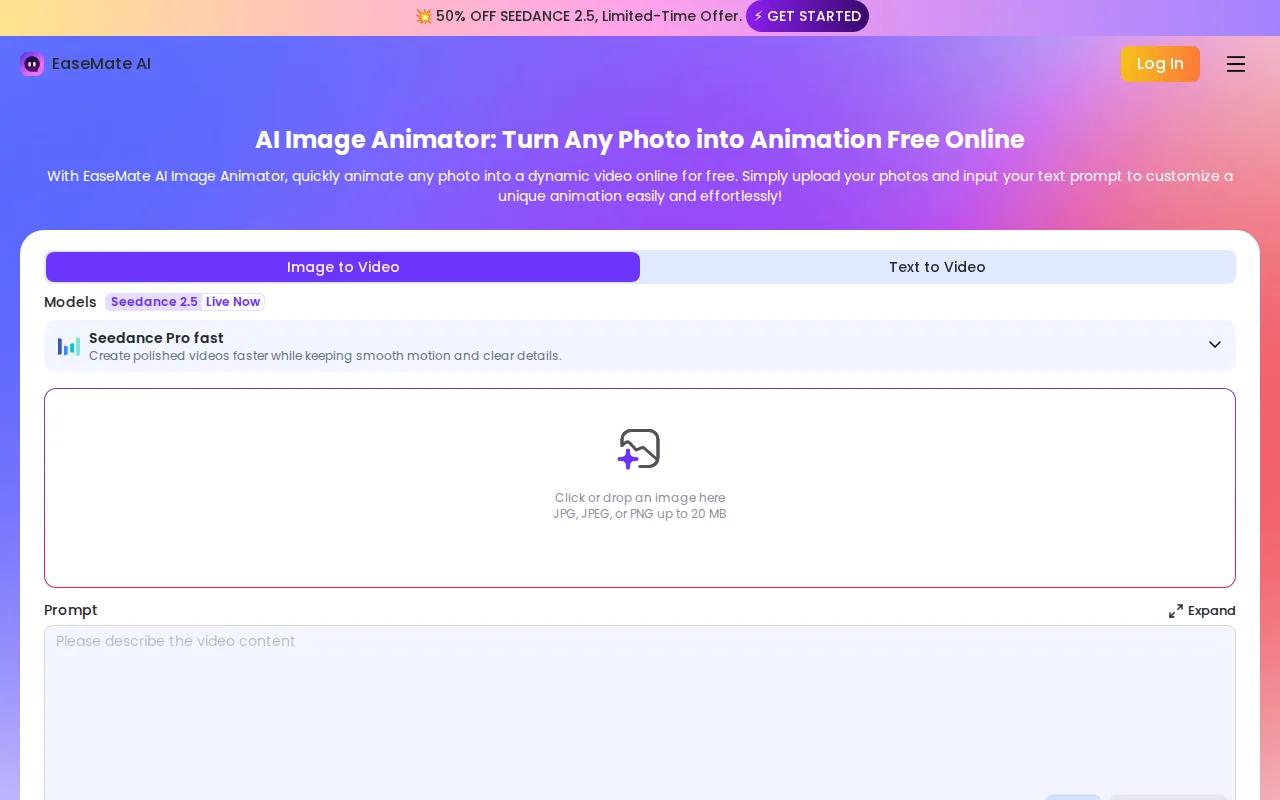
The workflow is direct: upload a JPG, JPEG, or PNG image, then write a prompt that describes the movement, style, or camera motion. Images can be up to 20 MB. After generation, you can preview and download the video.
Prompts can guide details such as a pan, zoom, character action, or scene transition. If you’re animating a portrait, ask for a small movement, such as a slow head turn, rather than several large actions at once. For a product photo, name what should move and what should stay still. That makes it easier to judge whether the result kept the part of the image you care about.
EaseMate offers a free option, plus 30 free credits when you download its app. Model choice can affect the look and motion of the result, so test the same image and prompt before settling on a style for repeated work.
This is a useful fit for quick photo animation, classroom visuals, or a first social draft. For scene extension or synchronized dialogue, check that the tool you choose has the controls your finished project needs.
5. Animaker
Animaker sits in a different part of the animation category: it focuses on 2D styles and has a free tier. It’s worth considering when you want a designed animation look rather than a still photo rendered as realistic video.
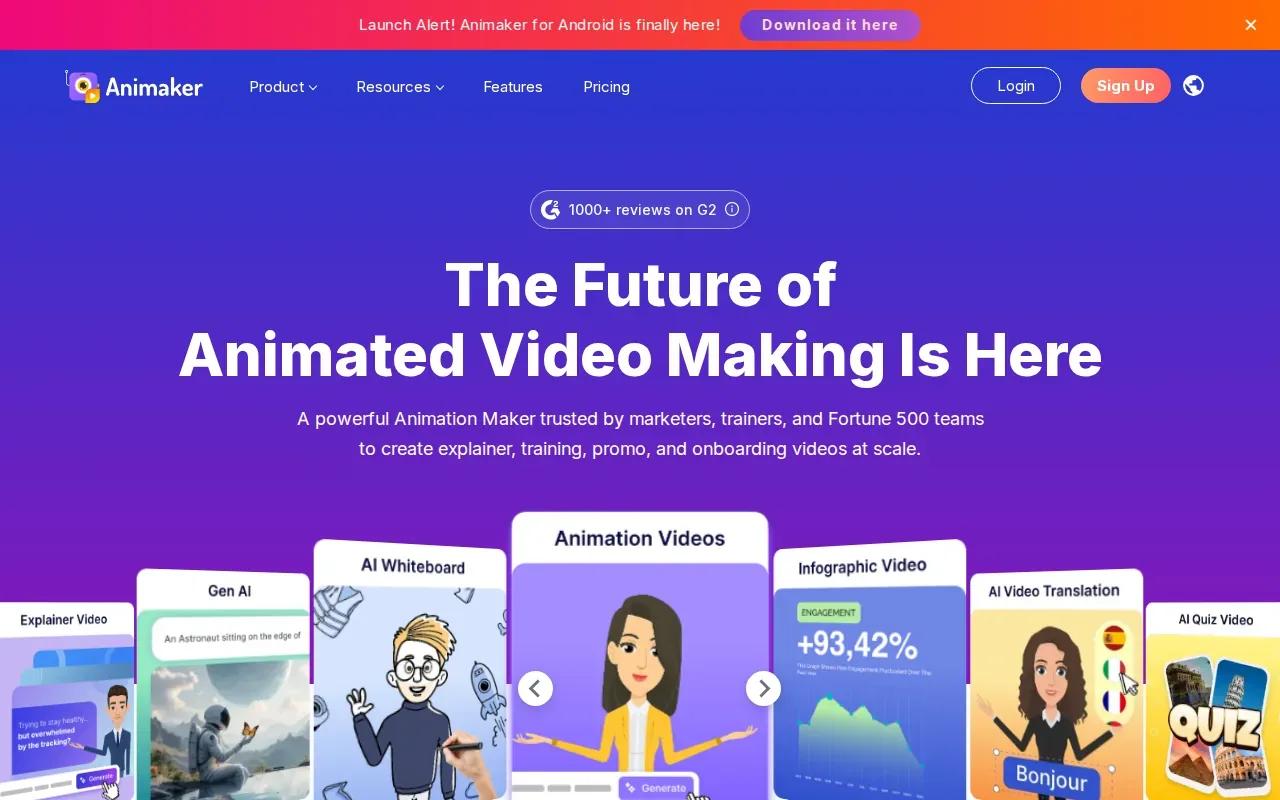
Its range of 2D styles makes it relevant for explainers, lesson visuals, or promotional clips that need an illustrated feel. If you’re making a short lesson, for example, a 2D scene can show a character or visual idea without relying on live-action footage. The key choice is the look: stylized animation and photo-based motion solve different creative problems.
Animaker supports lip-sync to voiceover. That can help when a character needs to speak as part of an explainer or social video. Record or prepare the voiceover first, then check how the mouth movement fits the spoken line in the finished draft.
Check the current account options and export settings before using it for a campaign with set technical requirements.
Choose Animaker when an illustrated 2D treatment and voiceover lip-sync are central to the brief. For realistic motion from a still photo, compare it with the image-focused tools above.
Compare the five AI image animation generators
Start with the finished asset, not the tool’s feature list. A single animated photo has different needs than a dialogue scene or a 2D explainer. Use this table to narrow the shortlist, then test with the image and prompt you expect to use.
| Tool | Useful fit | Sound and character control | Output detail |
|---|---|---|---|
| Veo Studio | Image-led clips, ads, and dialogue scenes | Synchronized sound and dialogue; character consistency; first/last-frame control | Up to 4K; scene extension for supported 720p clips |
| Hailuo AI by MiniMax | Clips where fluid motion matters | Prompt-led motion from a still | See website |
| OpenArt | Multi-scene stories with voices and music | Voices and music; saved characters reused across shots | Multi-scene video workflow |
| EaseMate AI Image Animator | Animating a still photo into a short video | Prompt-led motion instructions | Images up to 20 MB; free option |
| Animaker | Illustrated 2D videos and explainers | Lip-sync to voiceover | 2D style range |
For an image-to-video workflow, run a small test with your own source file. Review whether the subject stays recognizable and whether the motion fits the brief. Then check the clip’s shape and resolution against the place you plan to publish it.
Veo Studio is the straightforward recommendation when the job calls for synchronized dialogue, character guidance, scene extension, or 4K output in one browser-based workflow. Its free plan lets you try a couple of 720p videos a month, so test Veo Studio before committing a full campaign to a new process.
Frequently asked questions
What does an AI image animation generator do?
An AI image animation generator turns a still image into a moving video clip based on a prompt or other controls. You upload a photo or illustration, describe the action, then generate and review the result. Depending on the tool, you may also get sound, character controls, scene extension, or a stylized 2D look.
How do I animate a photo with AI?
Upload a clear photo, then describe one main movement and any camera motion you want. Generate a draft and check that the subject still looks like the source image. Adjust the prompt if the movement is too strong or changes the wrong part. When it looks right, download the video in a format supported by your publishing workflow.
Can AI animate a picture with dialogue and sound?
Yes, some tools can generate sound with the video. Veo Studio supports synchronized sound and dialogue, while OpenArt’s multi-scene workflow can include voices and music. Animaker supports lip-sync to a voiceover. If speech matters, check whether the tool generates it with the video or needs an audio track prepared separately.
Which option is suited to a 2D animated video?
Animaker is the clearest fit in this shortlist when you want a 2D style. It has a range of 2D looks, a free tier, and lip-sync to voiceover. That makes it distinct from tools focused on adding realistic or cinematic motion to a still photo. Review the current export settings before planning a delivery format.
Can I use these tools for social media videos?
Yes. A short animated photo can work as a social post, product teaser, or lesson clip, as long as its shape and length suit the platform. Veo Studio supports vertical video for platforms such as TikTok, Reels, and YouTube Shorts. Preview the final crop before posting.
Conclusion
If your still image needs synced dialogue, character guidance, scene extension, or 4K output, start with Veo Studio. Create a free account and test one image with a clear motion prompt; if you need step-by-step production help, use this guide to creating AI videos to plan the next draft.


