
An AI advertising video maker can turn a product photo, script, or prompt into an ad draft. The right tool depends on what you want to control: the scene, the speaker, or the final edit. Here are five named options, starting with Veo Studio, an independent browser-based tool. Veo Studio supports synchronized sound and dialogue, character consistency, first/last-frame control, scene extension, and up to 4K output.
We analyzed 47 comments and questions from Reddit and Quora about AI advertising video makers and found that 34% mentioned the robotic quality of AI-generated ads.
1. Veo Studio: Prompt-to-video ads with synchronized sound
Veo Studio is an independent, browser-based AI video tool powered by Google's Veo 3.1 models. It suits marketers who want to direct a product scene or make a short social ad from a prompt or reference image.
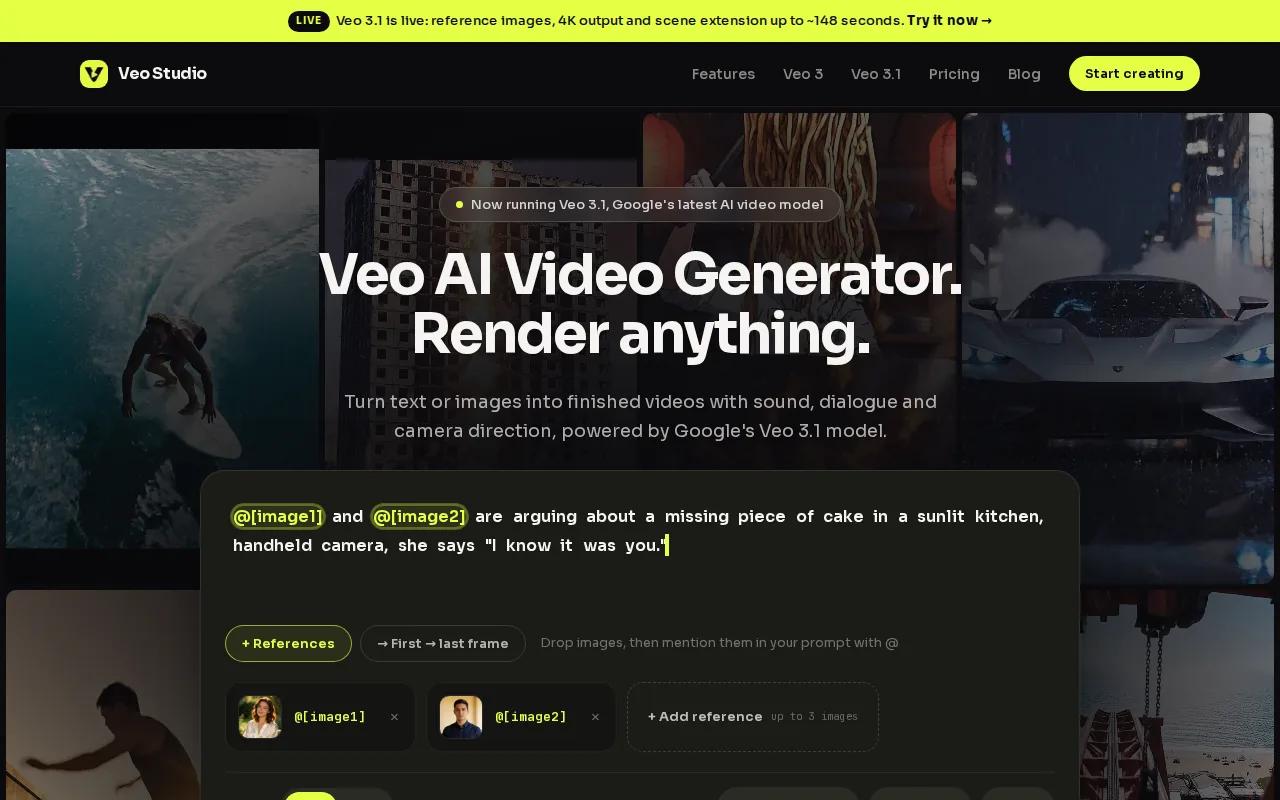
Describe the shot, action, and camera move in plain language. You can attach up to three reference images to guide a product, character, or visual style. That’s useful when you need a product to stay recognizable through a generated scene, rather than appear as a loose visual match.
Sound is generated with the video. Add a spoken line in quotation marks when you want lip-synced dialogue, or describe music and sound effects for the scene. First- and last-frame control can shape a transition between two stills. Finished clips can also be extended by seven seconds at a time, up to roughly 148 seconds.
Supported settings reach 4K. The free plan includes a couple of 720p videos each month, with no card required. Paid plans start at $14 per month and include a commercial licence. For a shot-by-shot ad workflow, see AI video ad creator tools.
2. HeyGen: Avatar and voice-led advertising videos
HeyGen makes presenter-led video ads with AI avatars and voice generation. It suits a campaign where the message needs a person speaking to camera, such as a product explainer or a direct offer.
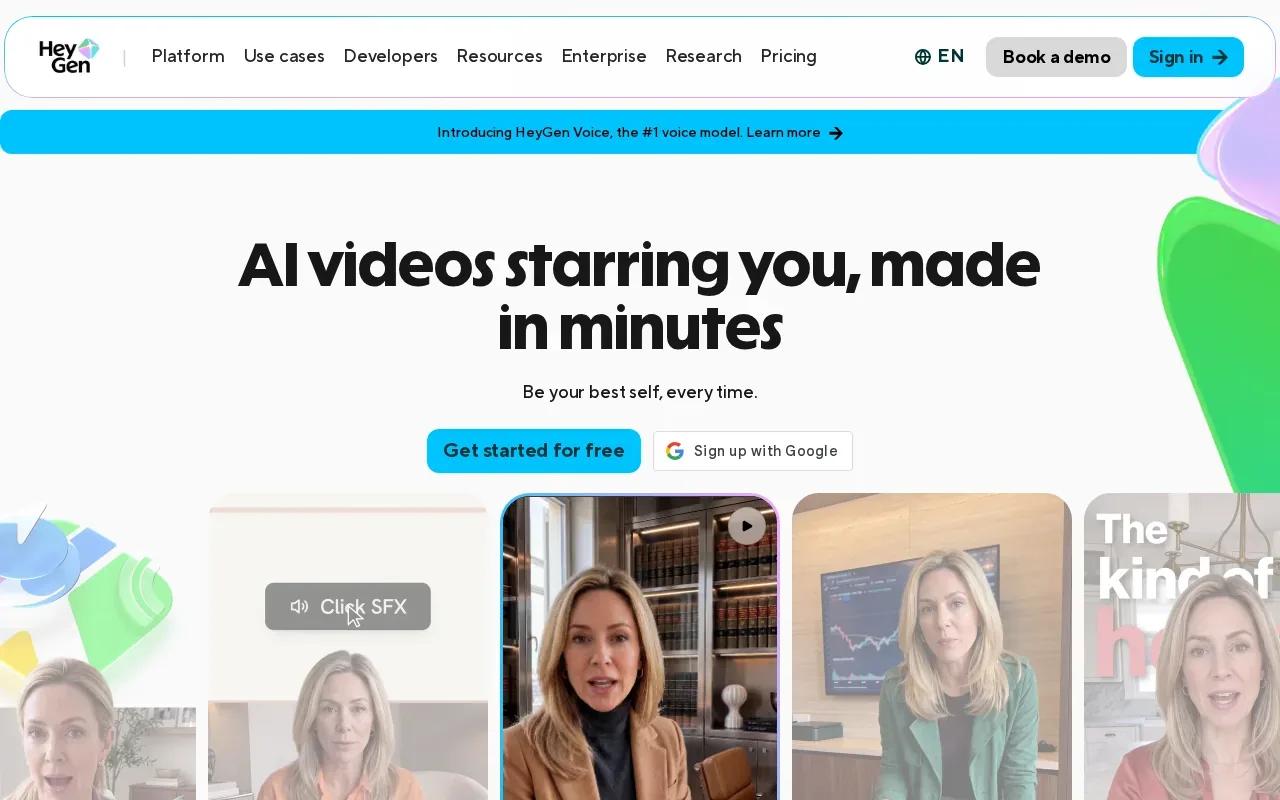
Start with a script and choose an avatar to deliver it. HeyGen’s free tier allows three watermarked videos a month, up to one minute each. Its Creator plan is $29 per month. Those limits make the free tier useful for a small test, while Creator provides a paid route for more regular production.
Multilingual voice support can help when the same core message needs versions for different audiences. That workflow differs from a generated scene: the presenter carries the message, so the script and delivery need to be clear before you render. Review the wording, names, and offer details in each output before using it in a campaign.
HeyGen is a fit when a talking presenter is the main creative element. If you’d rather build a scene around a product photo or direct the camera action, a scene generator fits better. The AI video ad generator options page also compares prompt-led and presenter-led workflows.
3. Arcads: UGC-style ads featuring AI actors
Arcads makes UGC-style ads read by AI actors. It suits teams testing different hooks for short-form campaigns, especially when they want an actor on screen without building each concept around a filmed creator.
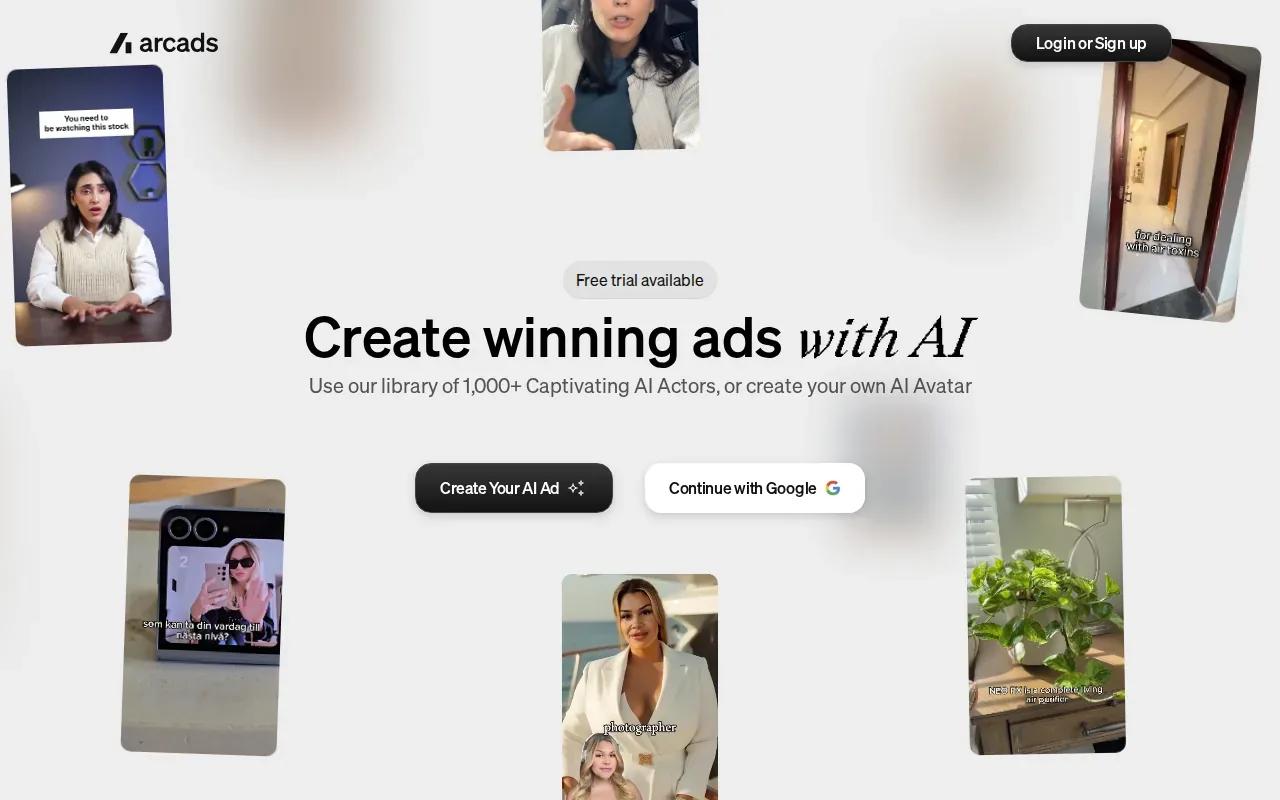
Arcads has a library of more than 1,000 AI actors. The library is sorted by traits such as age, style, and setting, giving you different casting directions for the same script. You can also use product photos in ads where an actor holds, unboxes, or shows the product.
For concept testing, the key workflow is to vary the hook, actor, or script while keeping the product message steady. Arcads supports generating multiple ad variations from one brief. That gives a team several creative directions to review before deciding which concept merits more work.
Arcads also offers lip syncing for scripts or audio, plus translation into more than 30 languages. A free trial is available. Plan time to check that the actor’s words and the product shown match the approved claim; a convincing delivery still needs a human review.
If your goal is a short, actor-led test rather than a directed product scene, Arcads fits that brief. For a broader view of prompt and image-based ad creation, compare the AI video generator options for ads.
4. CapCut: Mobile-first ad creation with 4K exports
CapCut is a mobile-first video editor with a free tier and 4K export on smartphone. It suits advertisers who want to assemble or polish a social ad on a phone, rather than build every shot from a text prompt.
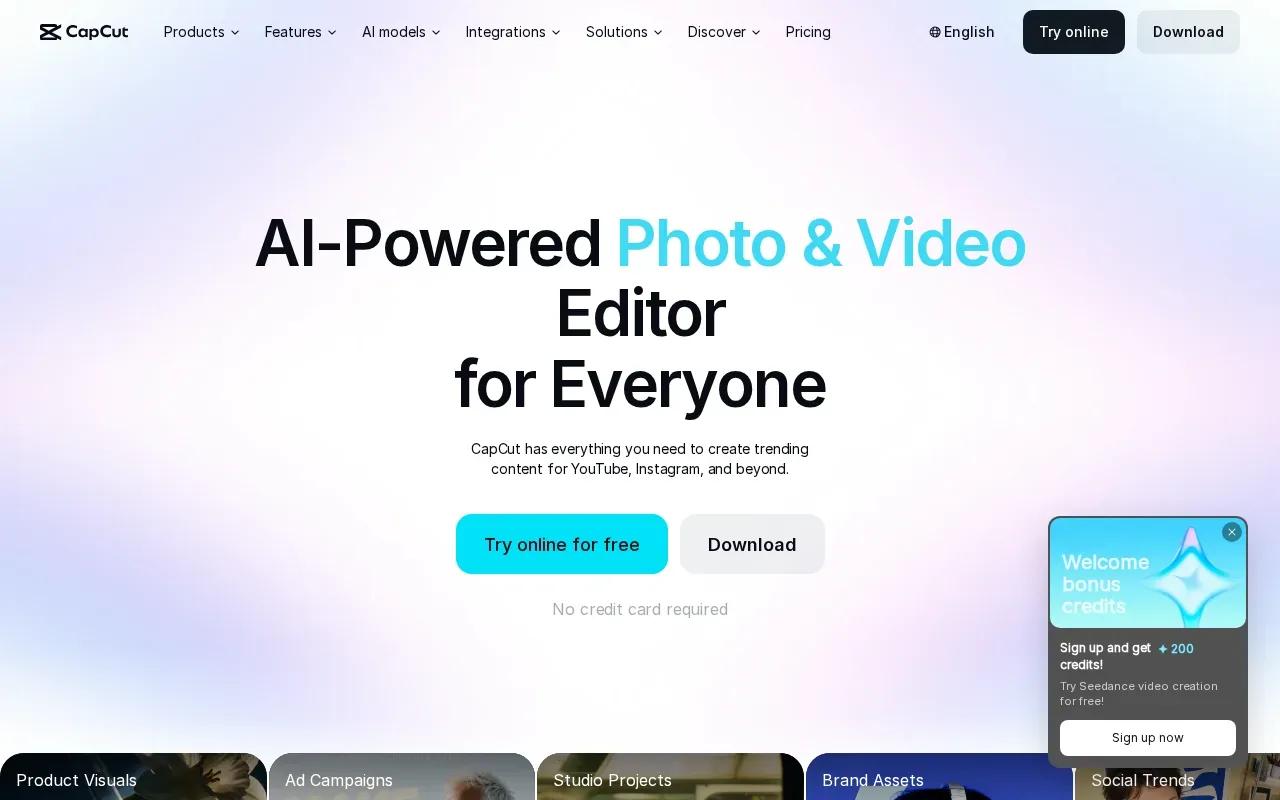
You can edit on mobile, web, or desktop. The editing tools include trimming, cropping, text, music, effects, and aspect-ratio changes. Auto captions and text-to-speech can help when you’re preparing a version for viewers who watch without sound, or when a voiceover is part of the edit.
CapCut also integrates with TikTok Ads Manager. That makes CapCut a natural fit when your day-to-day work already centers on TikTok placements.
Here’s the trade-off in workflow: CapCut gives you an editor for arranging and refining clips. Veo Studio generates a scene with synchronized sound from a prompt or reference image. Pick CapCut when hands-on editing is the main job, especially if you’re making final changes on mobile.
5. Higgsfield AI: Rapid product-ad creative variations
Higgsfield AI is aimed at teams turning product-ad and social concepts into testable creative. It suits short-form concept testing when you want to generate many variations while keeping creative control.
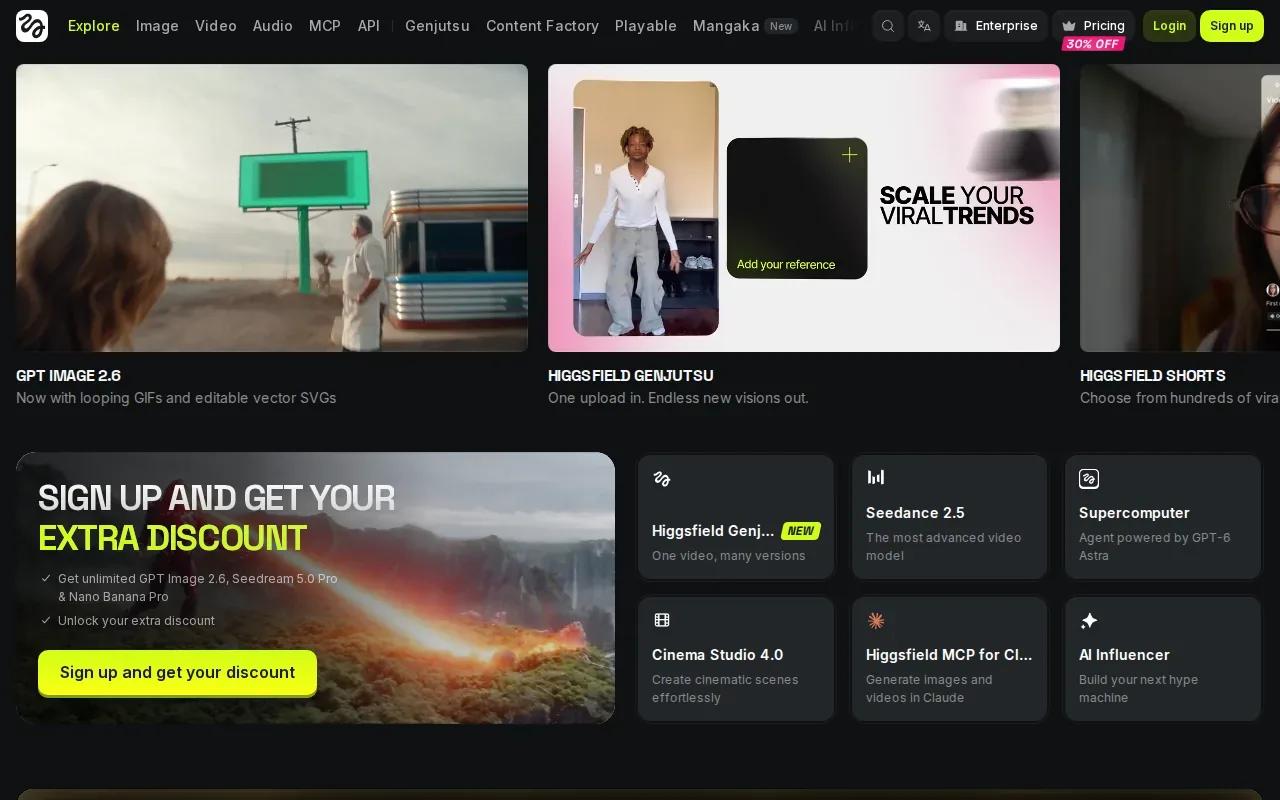
Its focus is rapid generation of product-ad variants. It can also make new viral shorts or recreating trending ones with your character, voice, and style. That can suit a team looking to test more than one creative direction before committing to a larger campaign shoot.
Use the tool’s variant workflow when the brief is still in the idea stage. For example, a team could set a product message, then assess different short-form concepts before choosing which one to refine. The point is to compare creative options, not to treat every generated version as ready to publish.
| Decision point | Higgsfield AI fit | What to check |
|---|---|---|
| Campaign stage | Early concept testing | Are you testing a creative idea or polishing a finished ad? |
| Creative volume | Many product-ad and social variants | Can your team review each version against the same brief? |
| Creative direction | Variant generation with creative control | Keep the product claim and key message consistent across concepts. |
Higgsfield AI fits when you need multiple short-form directions to review. If the ad calls for synchronized dialogue or a product’s exact movement through a directed scene, compare that need with Veo Studio’s sound and frame controls instead.
FAQ
What is an AI advertising video maker?
An AI advertising video maker helps you produce or edit video ads from inputs such as prompts, scripts, product photos, or existing clips. Depending on the tool, it may generate a scene, add a presenter, or help you edit a social video. You still need to check the final ad for accurate product details and a clear message.
Which tool is best for AI video ads with dialogue?
Veo Studio suits ads that need generated dialogue synced with the scene. You can describe the setting and add spoken words in quotation marks for lip-synced delivery. HeyGen is another option when you want an AI avatar to present a script directly to camera, so the choice depends on whether the ad needs a directed scene or a presenter.
Can I make video ads for free?
Yes, some tools have free access, but the limits differ. Veo Studio’s free plan includes a couple of 720p videos per month without a card. HeyGen’s free tier allows three watermarked videos per month. CapCut has a free tier. Check the current plan details before relying on free access for ongoing campaigns.
Which tool should I use for UGC-style ads?
Arcads is designed for UGC-style ads featuring AI actors. Its actor library and variation workflow suit teams testing different hooks or scripts for short-form creative. If you need a human presenter to deliver a polished script instead, HeyGen may fit better. In either case, review the final ad to confirm the actor’s words match your approved claims.
Conclusion
Choose Veo Studio when you need a directed ad scene with synchronized sound, dialogue, frame control, or output up to 4K. Start with one product photo and a clear shot description, then review the generated clip before you build out more versions.


