
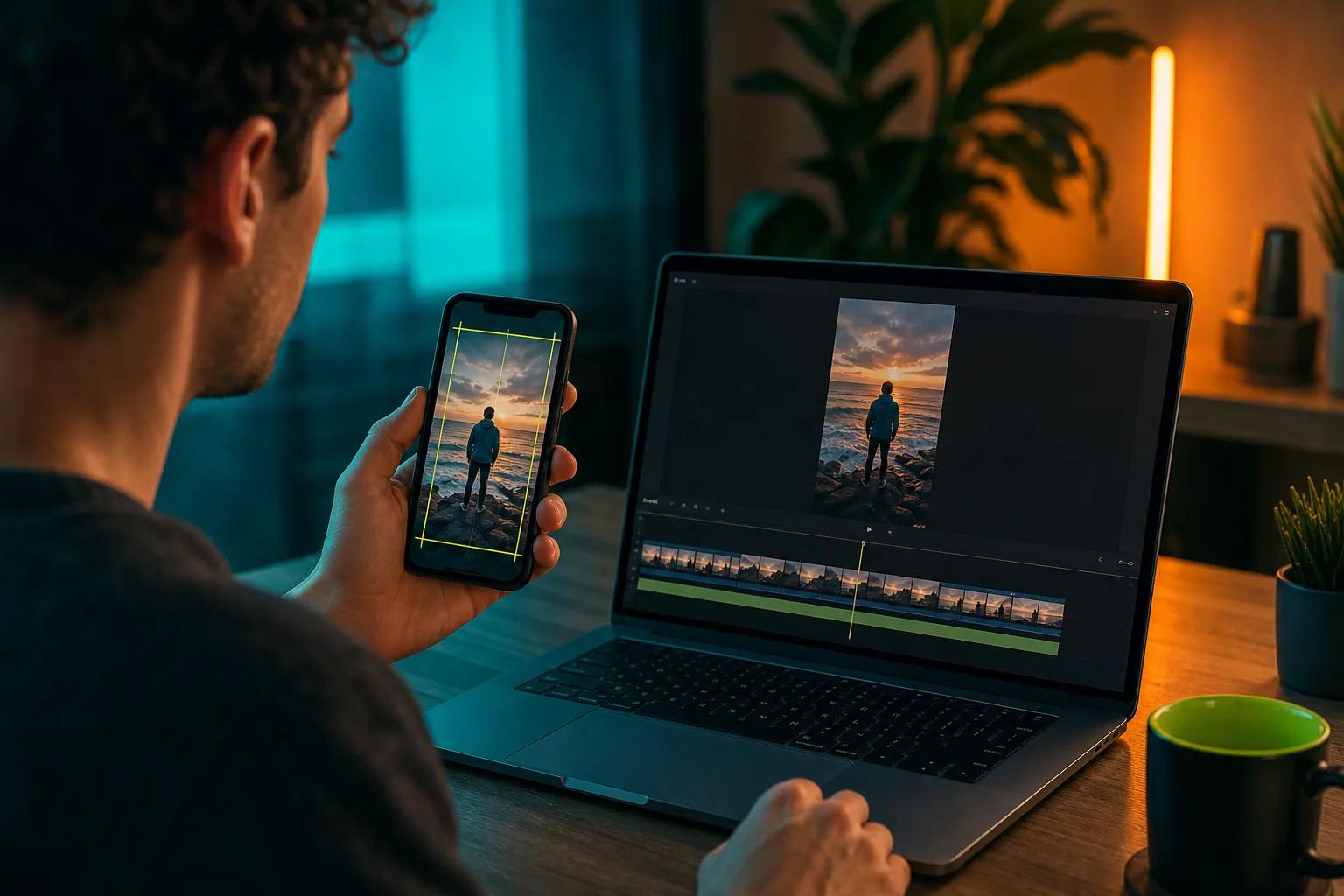
Getting the frame wrong can leave a Short cropped, soft, or partly hidden by YouTube’s controls. The standard YouTube Shorts video dimensions are 1080 × 1920 pixels at a vertical 9:16 ratio.
We analyzed 30 comments and questions from YouTube and Quora about YouTube shorts video dimensions and found that 20% mentioned issues with scaling and export sizes.
Use the specs below to set your project, check text placement, and export a file that fits the Shorts feed.
The Recommended YouTube Shorts Aspect Ratio and Video Size
For a full-screen vertical Short, set your canvas to 1080 pixels wide by 1920 pixels tall. That creates a 9:16 frame, the familiar portrait shape of a phone screen. Keep width first: 1080 × 1920 is vertical, while 1920 × 1080 is landscape.
Square (1:1) is also an option for Shorts. A square frame can help preserve a scene that would lose important details in a tall crop, but it won’t fill as much of the phone screen.
| Canvas | Shape | Use it when |
|---|---|---|
| 1080 × 1920 | 9:16 vertical | You’re making a full-screen Short or filming for portrait viewing. |
| 1080 × 1080 | 1:1 square | A vertical crop would cut off a key person or object. |
| 1920 × 1080 | 16:9 landscape | You’re making a regular widescreen video, not a Shorts-first export. |
A 9:16 export is a strong default for a talking head, a product demo, or a text-led clip. Before you crop, check the whole scene. A tight portrait crop might remove a second speaker, a hand demonstrating a step, or a product placed near the edge.
Veo Studio is an independent, browser-based video tool powered by Google’s Veo 3.1 models. It can generate vertical 9:16 or landscape 16:9 video, with synchronized sound and dialogue. For an AI-assisted workflow, see how to make YouTube Shorts with AI.
Resolution, Export Size, and the Difference Between Video and Thumbnail Specs
Resolution is the pixel count in the finished frame. For a standard portrait Short, 1080 × 1920 gives you a clean 9:16 export without asking an editor to stretch the footage. Start with the best source you have, then scale it proportionally. Stretching makes faces and products look unnaturally narrow.
A 4K source can give you more room to reframe or crop during editing. But exporting a small or blurry source at a larger size won’t restore lost detail. Check the finished file on a phone before you post, especially if the video includes small labels or fine text.
The video and its thumbnail are separate assets. Design the thumbnail around the same vertical frame, and don't export the video itself at a larger size just to sharpen the preview.
Shorts thumbnails can appear differently across YouTube surfaces. A frame that works in a full-screen feed may be harder to read as a small preview. Use one clear subject and keep any short title away from the edges. Before preparing a separate image, check the thumbnail options available in your upload flow.
Veo Studio can generate 9:16 clips at up to 4K on supported Veo 3.1 models. Its free plan includes a couple of 720p videos each month, while paid plans include higher resolutions. That can help when you want a vertical master with extra room for a later crop, though 1080 × 1920 remains a sensible delivery size for a typical Short.
Shorts Safe Areas: Keep Captions and Important Details Visible
A safe area is the part of the frame where text and key details are less likely to sit under YouTube’s on-screen controls. The interface can cover the bottom and right side of a Short. A caption may look fine in your editor, then disappear behind the description or engagement buttons on a phone.
Use a conservative working rule: leave at least 400 pixels clear at the bottom of a 1080 × 1920 frame. For a clip you’ll also post on other platforms, leaving about 450 pixels gives you more room for interface differences. These are planning margins, not a universal official pixel template.
Keep a speaker’s face, a product label, or the main action near the center. Put captions in the lower-middle area, above the bottom margin. Keep short text lines narrow enough to avoid the controls on the right. Background details can extend closer to the edges because they don’t carry the message.
Check the entire clip, not only the first frame. A moving subject can drift behind a button, and animated captions can slide into a covered area. Play the export on a phone with the Shorts interface visible. If the last line gets crowded, move it up or split it into shorter lines.
When you generate a clip in Veo Studio, reference images can help keep a character or product consistent across a shot. Veo 3.1 also supports first- and last-frame control, which can help you plan where a subject starts and ends. Leave caption room in your prompt or edit plan so the action doesn’t fill every part of the frame.
Choosing Dimensions for Your Shorts Workflow and Cross-Platform Content
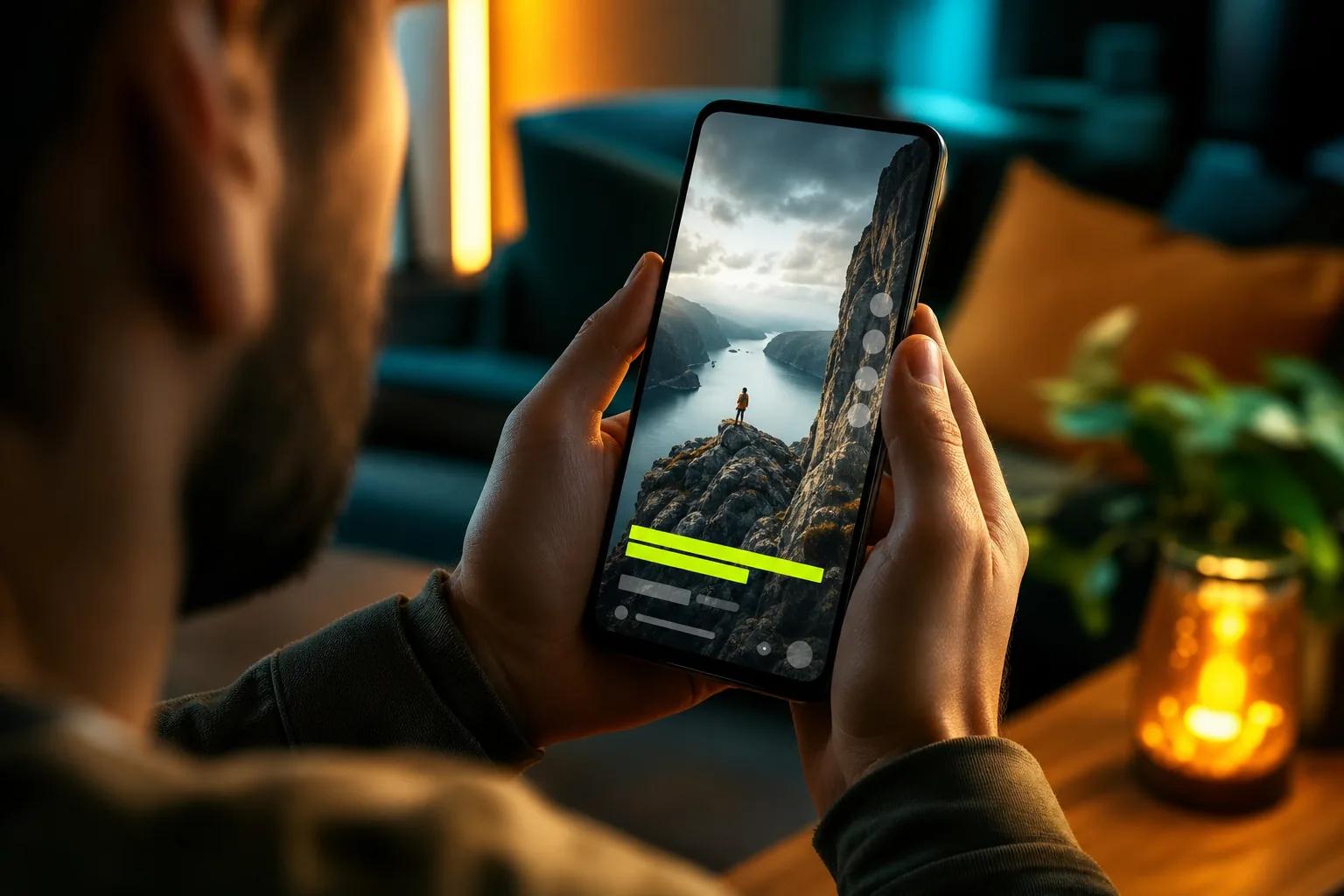
If you’re making a new clip for Shorts, start the project at 9:16. That way, you can compose the shot around a phone screen before you add captions or graphics. YouTube lets creators upload Shorts through the mobile app or its creator dashboard.
A 16:9 landscape video needs more thought. You can crop the sides to fill a portrait frame, or fit the whole scene inside a vertical layout. Cropping uses more of the screen but may cut off people or objects. Fitting keeps the whole shot but leaves unused space above and below. Don’t stretch the source to fill the canvas.
When you repurpose a landscape interview, make a test crop before editing the full clip. Keep the active speaker centered, then review each cut for faces, hands, and any text near the edge. If two people need to stay visible, a square version or a designed split layout may work better than a tight vertical crop.
TikTok and Instagram Reels also use vertical 9:16 as a common full-screen format, so one portrait master can be a useful starting point for all three. Still, interface controls don’t sit in exactly the same places. Review each platform’s version and shift captions or calls to action where needed.
For a batch of Shorts, use the same project canvas and caption guide each time. Keep a clean master, then export a platform copy from that file. This avoids repeatedly resizing an already compressed video. Veo Studio, an independent browser-based tool powered by Google's Veo 3.1 models, supports vertical 9:16 output and rendering up to 4K; check the final frame and sound before upload.
Before publishing, confirm the frame is square or vertical. Export a common MP4 file, watch it from start to finish, and make sure captions remain readable. If an upload is rejected, check the message in the upload interface and adjust the export rather than changing the aspect ratio blindly.
Frequently Asked Questions
What size should a YouTube Short be?
Use 1080 × 1920 pixels for a full-screen vertical Short. That gives you a 9:16 frame, with the width first and height second. YouTube also accepts square Shorts when they meet the platform’s eligibility rules, but square video won’t fill a portrait phone screen in the same way.
Can YouTube Shorts be 16:9?
A 16:9 landscape video isn’t a suitable Shorts-first frame. Make a vertical or square version instead. You can crop the sides of a landscape source, or fit the full image inside a portrait layout. Check the result for cut-off faces, hands, and captions before uploading.
What is the best resolution for Shorts?
For a standard vertical export, use 1080 × 1920. A higher-resolution source can give you more room to reframe, but it won’t add detail that wasn’t in the original footage. Keep the frame proportional and inspect the final file on a phone before publishing.
How much space should I leave for captions?
As a cautious working guide, leave at least 400 pixels clear at the bottom of a 1080 × 1920 frame. About 450 pixels is a safer margin for cross-platform posts. Keep captions away from the right edge too, where Shorts controls may cover them, then preview the full clip on a phone.
How long can a YouTube Short be?
Eligible YouTube Shorts can be up to three minutes long. The shape and duration both matter, so a landscape video doesn’t become a Short just because it’s brief. If your clip runs longer than one minute, also check YouTube’s music and copyright rules before publishing.
Conclusion
Start with 1080 × 1920 at 9:16, keep important text clear of the bottom and right-side controls, and review the export on a phone. If you want to build a clip from a prompt or reference image, try Veo Studio’s browser-based workflow, which supports up to 4K output, then check the final dimensions before upload. For a broader look at tools, see the YouTube Shorts AI generator comparison.


