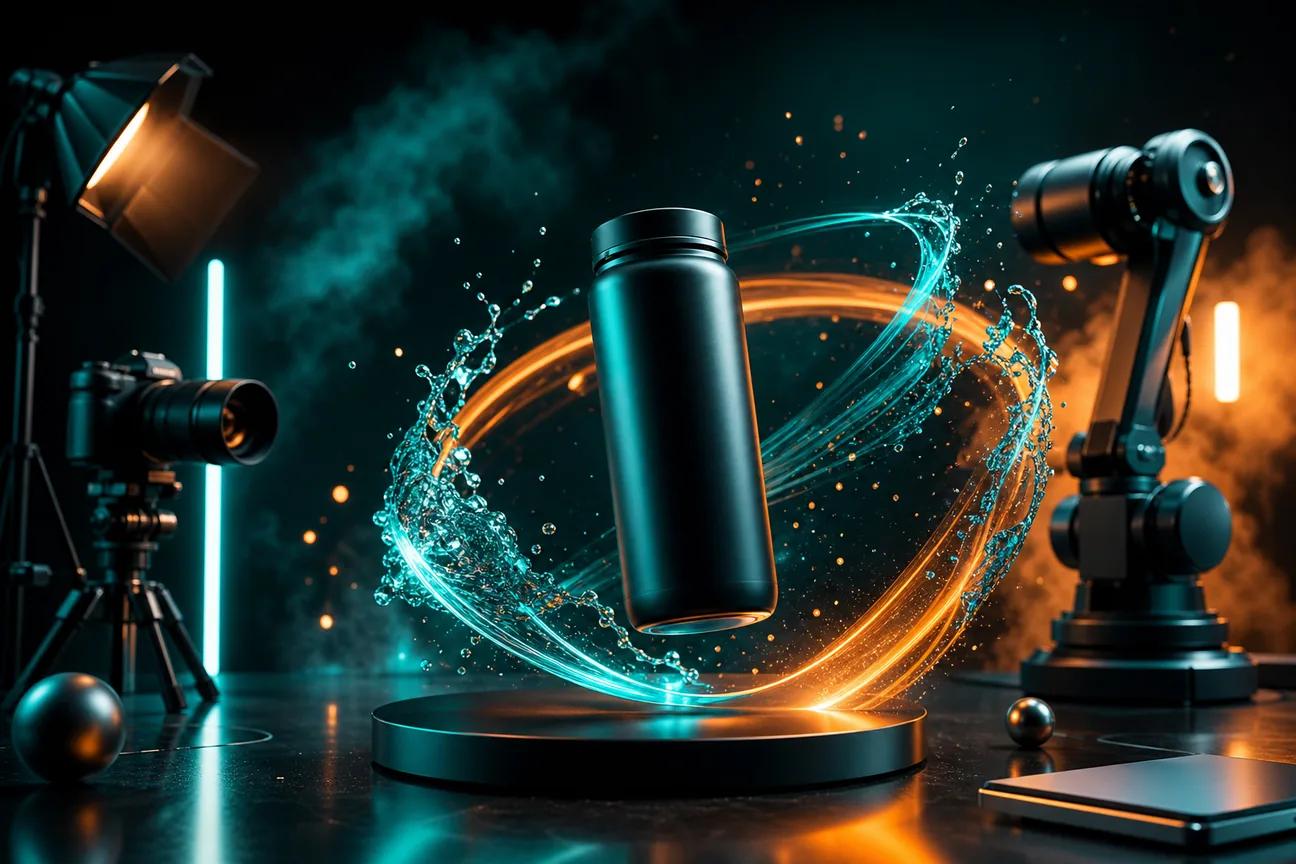
Good video ads need more than a sharp image. The product should look right, the sound should fit, and the final clip should suit its placement. Here are six video advertising software options, starting with Veo Studio, and the kind of ad work each supports.
We analyzed 41 YouTube comments about video advertising software and found that 15% mentioned required ad length and structure.
1. Veo Studio
Veo Studio is an independent, browser-based AI video creation tool powered by Google’s Veo 3.1 models. It turns text prompts and reference images into video with synchronized sound and dialogue, character consistency, frame control, scene extension, and output up to 4K on paid plans.
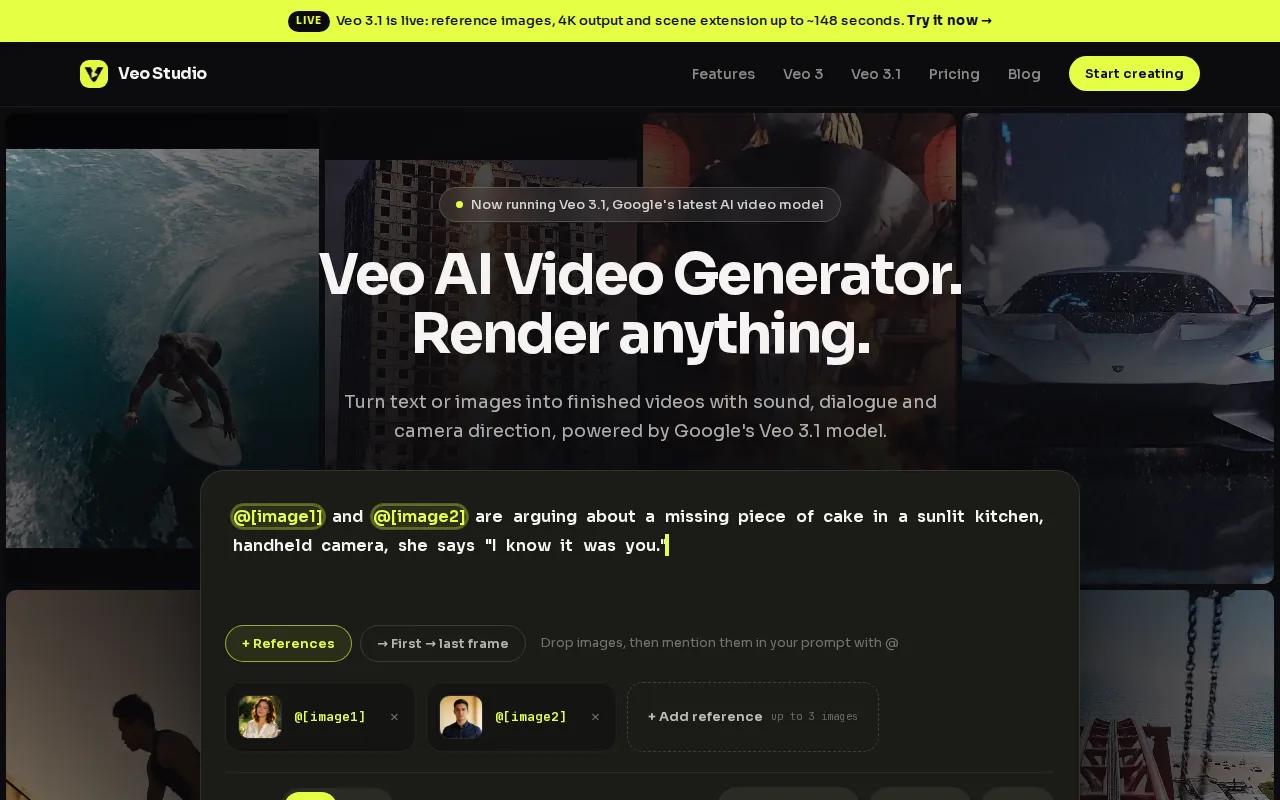
Use it when your ad needs a directed scene rather than a template edit. For example, attach a product photo, describe a slow camera move, and set the first and last frames to guide the shot. Quoted dialogue can be generated with matching lip movement, while scene extension can add length to a finished clip.
Veo Studio gives creators a browser-based way to work with these model features. It’s independent of Google, and it isn’t a Google-owned service.
There’s a free plan with a couple of 720p videos per month and no card required. Paid plans start at $14 per month and include a commercial licence. The product’s AI video workflow for marketing is a useful fit when your brief starts with a scene, product image, or spoken line.
Choose Veo Studio when continuity and sound matter as much as the shot itself. Check the generated product details before publishing, especially for packaging or small text.
2. Creatify: For E-Commerce Product Ads
Creatify is an AI video tool for performance marketing and ads. Its URL-to-Video feature turns a product page into a personalized video ad. If you don’t have a product link, you can upload assets and enter product details instead.
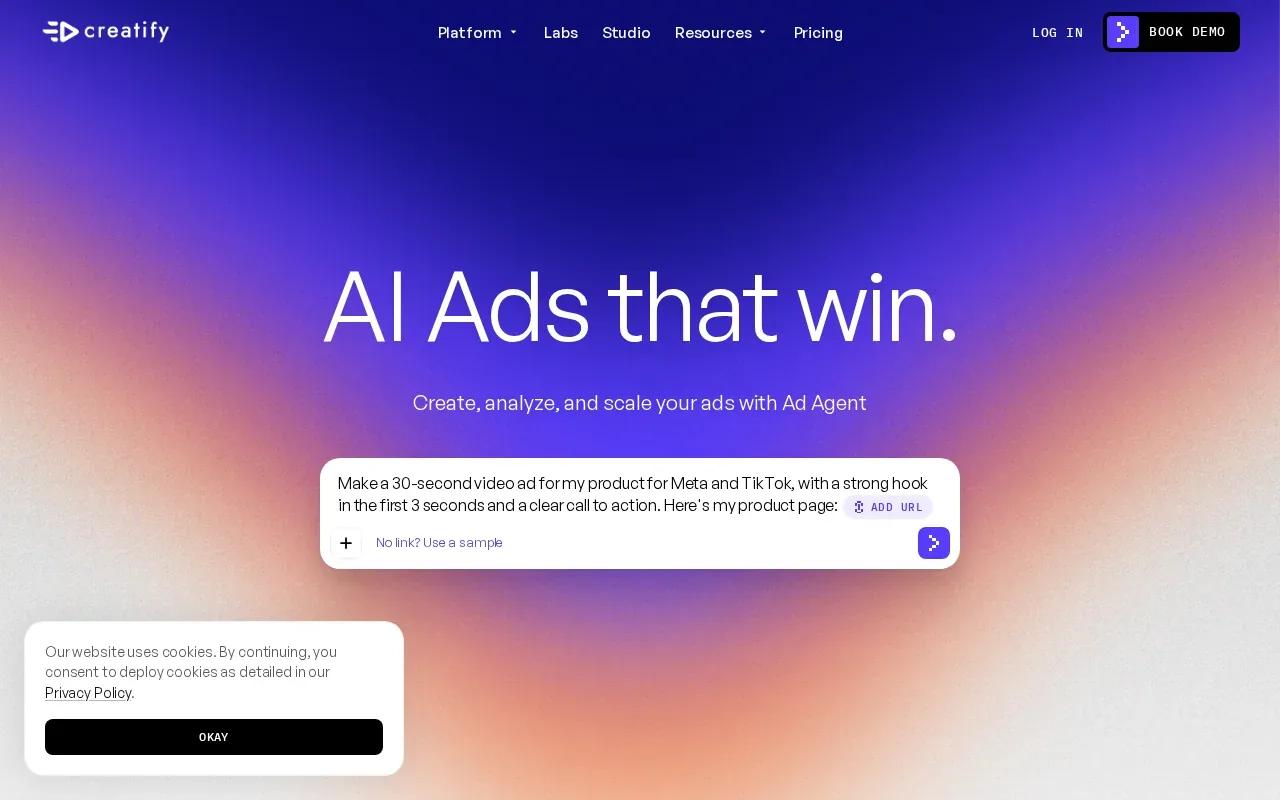
That starting point can save setup time when your product listing already has the copy and images you want to use. Paste the URL to build a draft, then review the result against the actual item before using it in a campaign. A generated angle or detail may differ from the product, so visual checks still matter.
For more on choosing a workflow around product images and campaign scenes, see these AI product video generator options. Creatify is the closer fit when the product page is your starting brief; Veo Studio is a stronger match when you want to direct a scene from a prompt or reference image.
A URL-led workflow can help a small shop test a few creative angles without writing every scene from scratch. Still, don’t treat an automated draft as a final product record. Compare the packaging, color, shape, and stated product details with your listing before launch.
Pick Creatify when you have a product URL ready and want the ad draft to begin with that page. It’s a distinct approach from scene-first video generation.
3. CapCut: For Social-First Video Editing
CapCut is a social-first video editor for creators making TikTok, Reels, and Shorts content. Its free editor combines standard editing tools with AI features, so you can shape existing footage or start with a template.
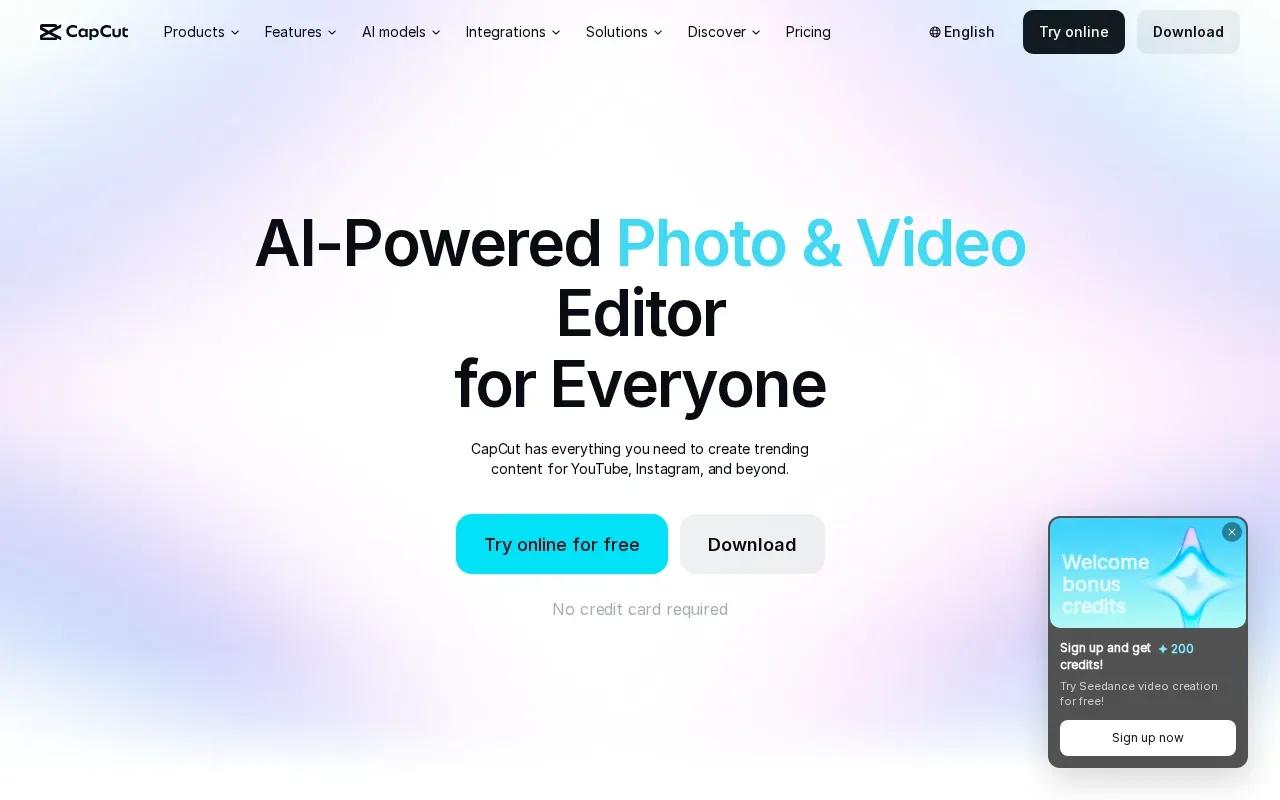
Use it when you already have clips and need to trim them, add captions, change the aspect ratio, or add text and effects. A small business could turn a product demo into a vertical cut, then use captions to keep the message clear when viewers watch without sound.
CapCut is useful when the task is editing and formatting. Veo Studio focuses on generating the scene itself, including synchronized sound and dialogue. Some teams may use a generator for a first clip, then edit the finished footage for a channel placement.
Choose CapCut for hands-on social edits, especially if you’re working on a phone or starting with footage you already shot.
4. Higgsfield AI: For Dramatic, Viral-Style Ads
Higgsfield AI creates images, videos, and voice content from text prompts or references. Its product video workflow can start with a product photo, a store link, or a prompt, then add motion and a camera move.

This makes it a fit for bold, short-form creative: describe a hero close-up or an orbit around the product, then generate a dramatic scene. Reference images can guide the look. The tool also includes video editing and upscaling, with output up to 4K available through its upscale feature.
For a product ad, decide which details must stay accurate before generating. A striking camera move won’t help if the package shape or label changes. Review each shot closely, and use your real product images as references where the workflow allows.
Higgsfield AI is worth considering when the creative brief calls for motion-heavy product visuals or viral-style shorts. Veo Studio may suit you better when generated dialogue, sound sync, or first-and-last-frame control is central to the scene.
5. OpenArt: For Access to Multiple Video Models
OpenArt puts several video models behind one interface. Its video generator can start from a prompt or reference image.
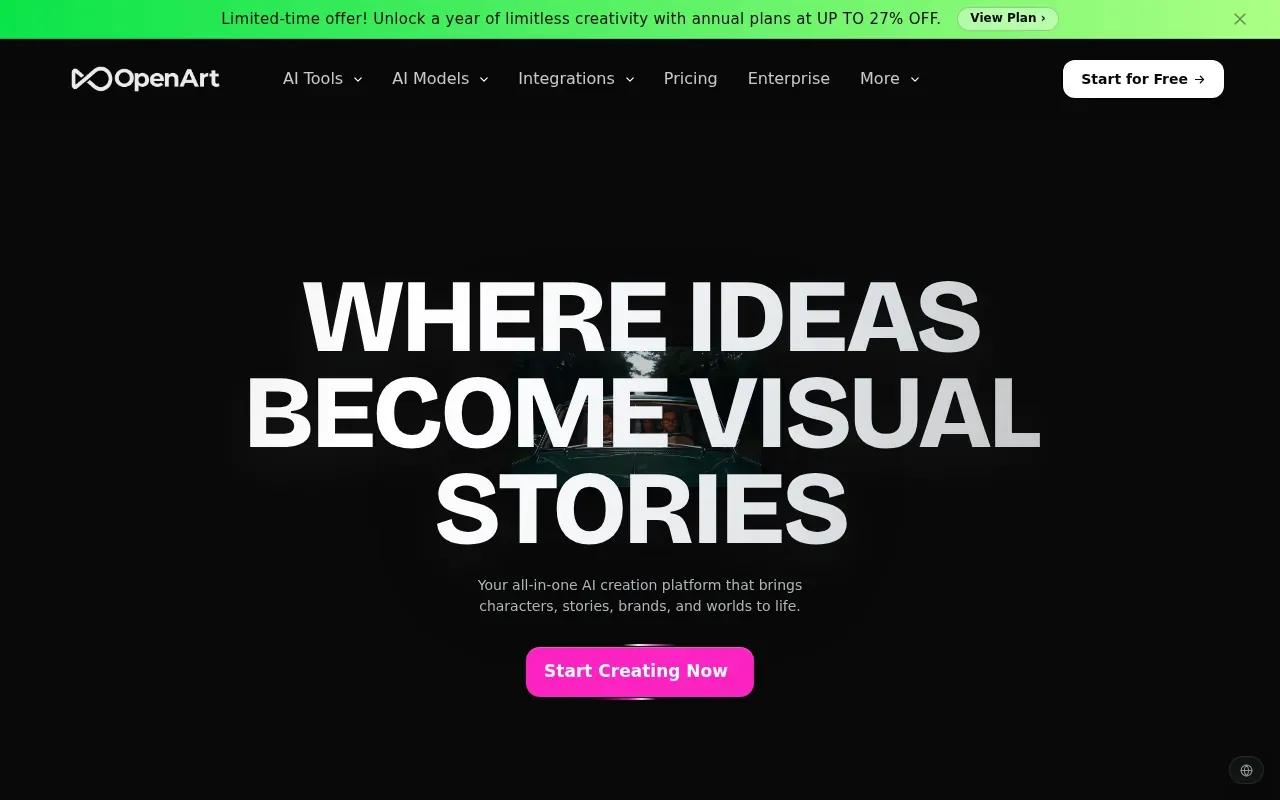
That model choice can help when the same brief needs different visual treatments. OpenArt also supports character consistency and scene extension. Its scene-editing tools can swap a background while preserving the subject’s lighting, edges, and motion continuity.
For a campaign with a recurring character, save the character and reuse it across generations. For a product scene, compare outputs before settling on a look. The added choice can help with exploration, though it also means you’ll need to judge which model and result fit the brand brief.
Choose OpenArt when you want several generation models and editing tools in one workspace. For a direct scene-generation workflow with Veo 3.1, Veo Studio keeps the focus on prompts, reference images, sound, and continuity controls.
6. Kapwing: For Collaborative Marketing Teams
Kapwing is a browser-based video editor with AI generation and collaboration tools. It can build a video project from a prompt, then let a team refine the result in an editing workspace.
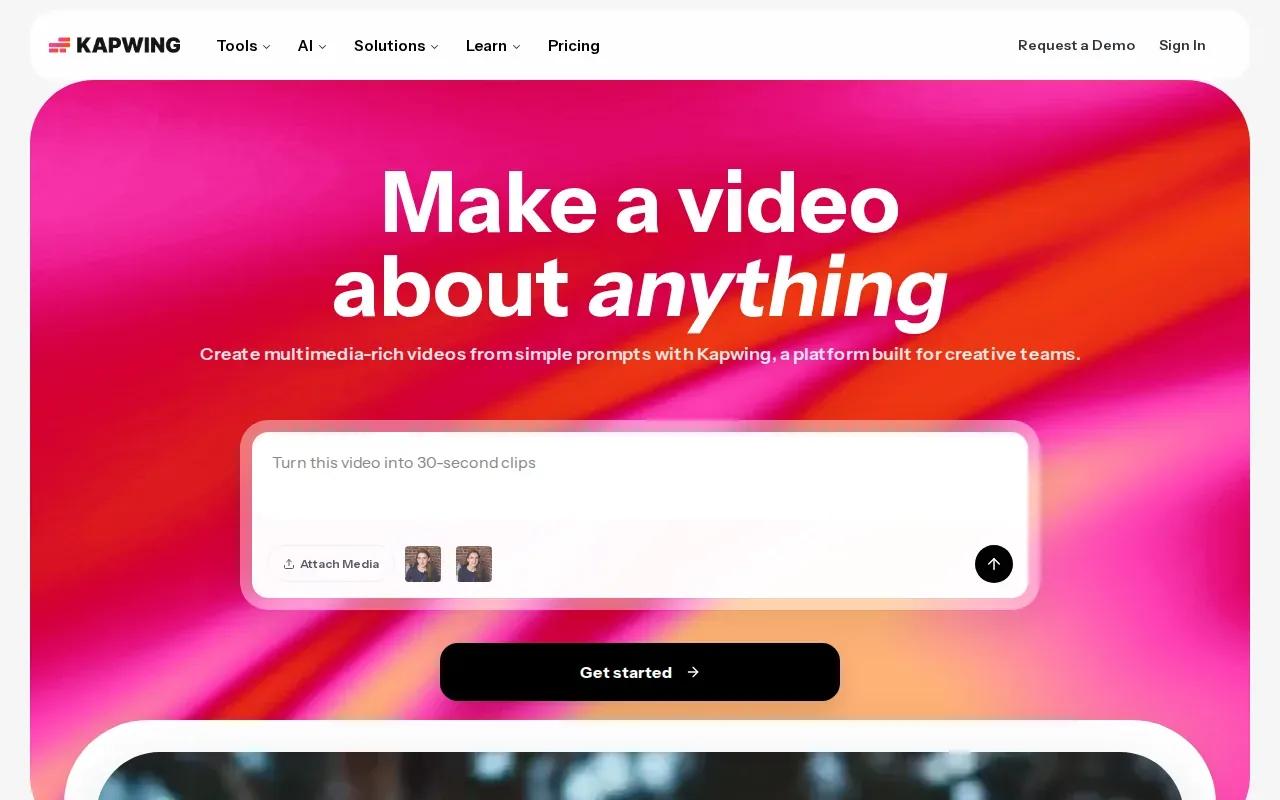
Use it when a marketing team needs to review and revise videos together. Team members can leave feedback on a project, while a shared workspace and brand kit help keep assets together. The editing tools can also support work such as subtitles, resizing, and trimming existing footage.
Kapwing can start a project from text, images, scripts, or existing footage.
For a team that needs a shared editing space, collaboration may matter more than having one specific video model. If the ad depends on synchronized generated dialogue or consistent characters, compare that need with Veo Studio’s scene-generation controls before choosing a workflow.
A useful way to keep campaign work moving is to agree on the final aspect ratio and approval owner before the first draft. Then feedback can focus on the ad, not a string of competing edits.
Video Advertising Software Comparison Table
These tools cover different stages of ad production. Use the table to match your main task with the tool’s focus, then check the final export against the needs of your campaign.
| Tool | Strong fit | Workflow starting point | Detail to review |
|---|---|---|---|
| Veo Studio | Directed scenes with synchronized sound | Prompt or reference images | Product accuracy and scene continuity |
| Creatify | E-commerce product ads | Product URL or uploaded assets | Generated product details |
| CapCut | Social-first editing | Existing footage or template | Captions and export format |
| Higgsfield AI | Dramatic product videos | Product photo, store link, or prompt | Shape and packaging in each shot |
| OpenArt | Trying multiple video models | Prompt or reference image | Character and visual consistency |
| Kapwing | Collaborative marketing edits | Prompt, images, script, or footage | Team feedback and final export |
To judge campaign performance, compare each version using the same placement and audience setup. Track views or watch time for attention, click-through rate for response, and conversions or cost per conversion for business results. A strong-looking clip is a starting point; campaign data tells you whether the message worked.
Frequently Asked Questions About Video Advertising Software
What does video advertising software do?
Video advertising software helps you create or edit video ads for a campaign. Some tools generate scenes from prompts or product inputs; others focus on editing, captions, formatting, or team review. Pick the workflow that matches your starting point, then check the output for brand accuracy and the placement’s format.
Which tool should I use to make an ad from a product page?
Creatify is designed to turn a product URL into a personalized video ad. You can also upload assets and enter product details if you don’t have a product link. Review the resulting video against the live product listing before publishing, since visual details need to match what customers will receive.
Can AI video tools generate sound and dialogue?
Yes, some tools generate sound as part of the video workflow. Veo Studio supports synchronized sound and dialogue, including lip-synced spoken lines. Other options in this list focus more on editing or product motion, so check each tool’s specific audio features against your ad brief.
How do I measure whether a video ad worked?
Measure the result against the campaign goal. Watch time or completion can show whether viewers stayed; clicks can show whether the ad prompted action. For a sales campaign, compare conversions and cost per conversion. Use the same audience, placement, and test window when you compare creative versions.
Can I use AI-generated video for a paid ad?
That depends on the tool’s terms and the content you create. Veo Studio says every plan includes a commercial licence. Before running any AI-generated ad, check the applicable terms and inspect the video for accurate product details, rights concerns, and platform requirements.
Conclusion
For ads that need a directed scene with synced sound, consistent characters, or frame control, start with Veo Studio.