An AI video generator for marketing can turn a script or prompt into a campaign draft without a full shoot. The eight tools below suit different jobs, from dialogue-led product scenes to social edits and talking presenters. Veo Studio is an independent browser-based tool powered by Google’s Veo 3.1 models.
1. Veo Studio
Veo Studio turns text prompts and reference images into video with synchronized sound and dialogue. It’s built for marketers who want product visuals or short campaign scenes with a consistent look.
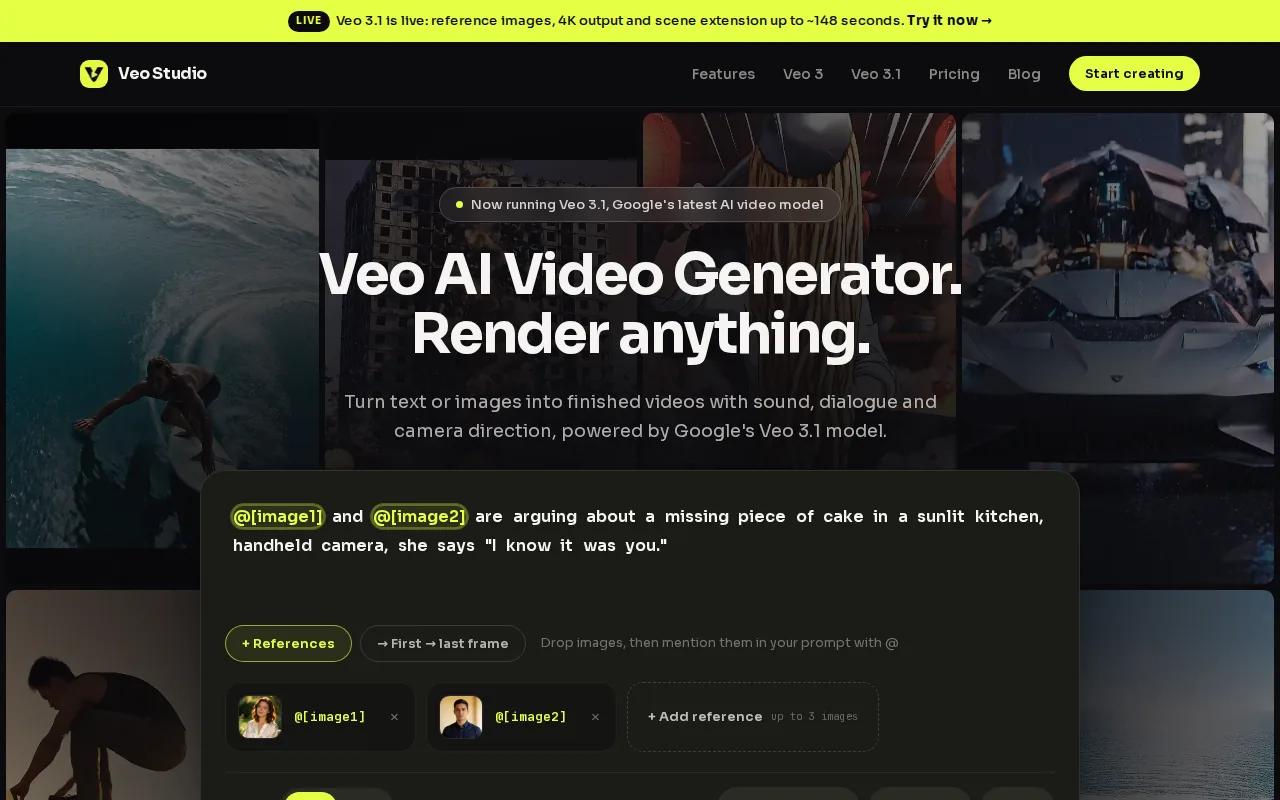
Attach up to three reference images to guide a character, product, or visual style. You can also set first and last frames, then generate the motion between them. For a launch spot, that gives you a way to start with an approved product image and guide where the shot ends. Scene extension adds seven seconds at a time to supported 720p clips, so you can continue a scene instead of rebuilding it from scratch.
Veo Studio supports up to 4K output on paid plans. The free plan includes a couple of 720p videos per month with no card required; paid plans start at $14 per month and include a commercial licence. For details on reference images, frame control, and scene extension, see the Veo 3.1 feature overview.
2. Veo3 AI: For realistic visuals and native audio
Veo3 AI generates video from text prompts, with realistic physics and native audio. It may suit a marketer who wants a short, cinematic visual with sound generated as part of the clip.
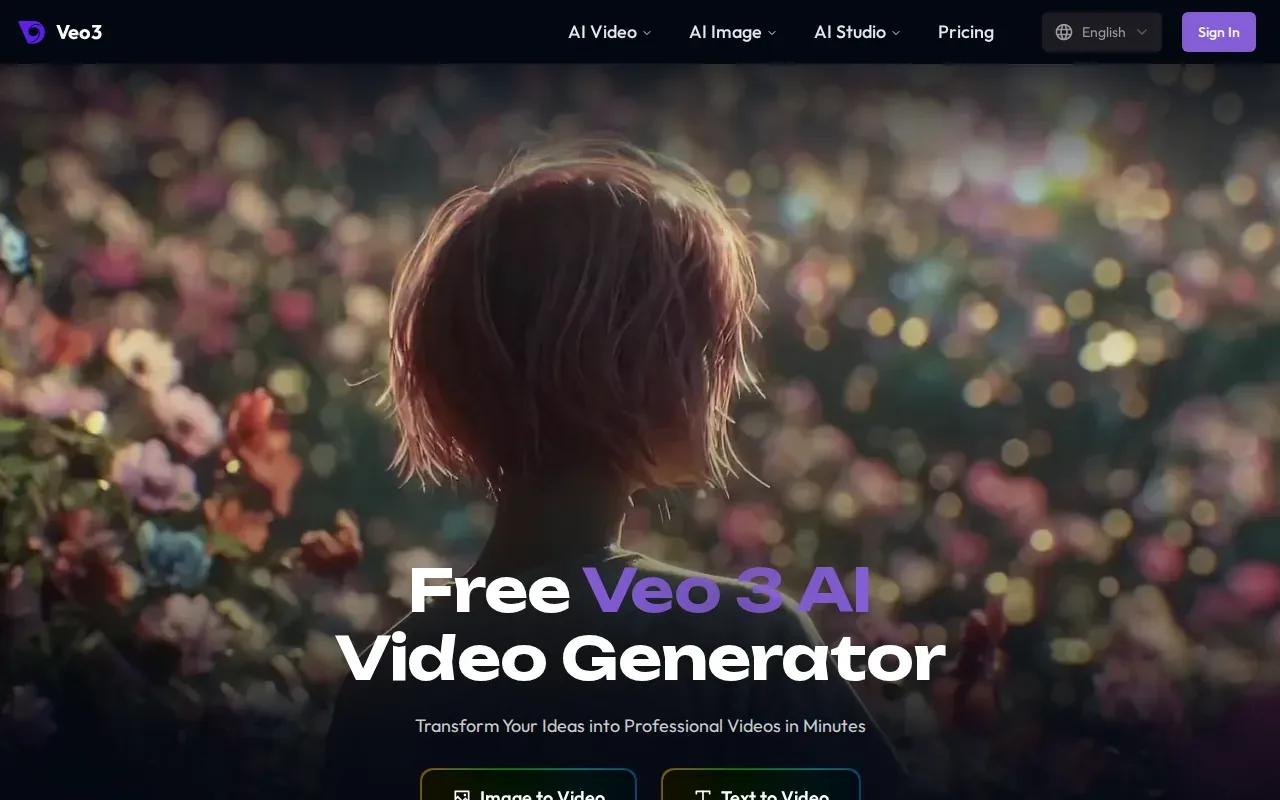
That native audio can help when a scene needs more than a silent product shot. A brief might describe a product in use, the room around it, and the sound that should accompany the action. Keep the prompt focused on what viewers should see and hear; then judge the result against the campaign’s approved message and tone.
Veo3 AI says it can generate 4K video and lets users start free.
3. HeyGen: For localized, personalized talking-avatar videos
HeyGen makes talking-avatar videos for marketing and sales teams. It fits campaigns where a presenter needs to deliver a script, especially when the message must be localized for different markets.
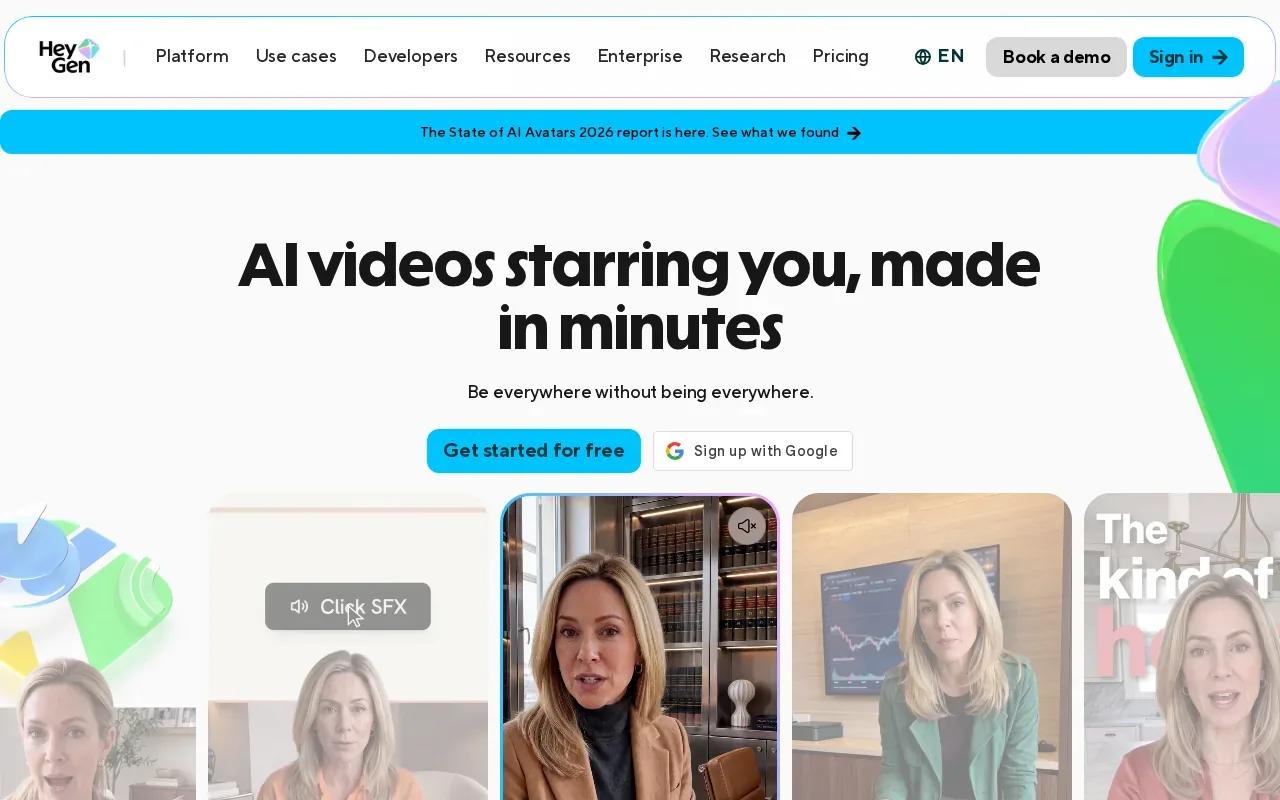
Its capabilities include voice cloning and lip-sync translation. That can help a team adapt a spokesperson-style video without asking the speaker to record each language separately. Before publishing, review names, product terms, and the timing of translated speech. A fluent-sounding line still needs to match the offer and claims in the campaign.
HeyGen has a free tier, and its starting price is $29 per month. If your project is mainly a product scene rather than a presenter, compare it with the AI video ad generator options for product and social campaigns before picking a workflow.
4. AKOOL: For high-resolution, longer-form video projects
AKOOL is a generative AI platform for visual marketing and advertising. Its listed video options support resolutions up to 16K and clips up to 60 minutes, which makes it relevant for teams planning longer or high-resolution projects.
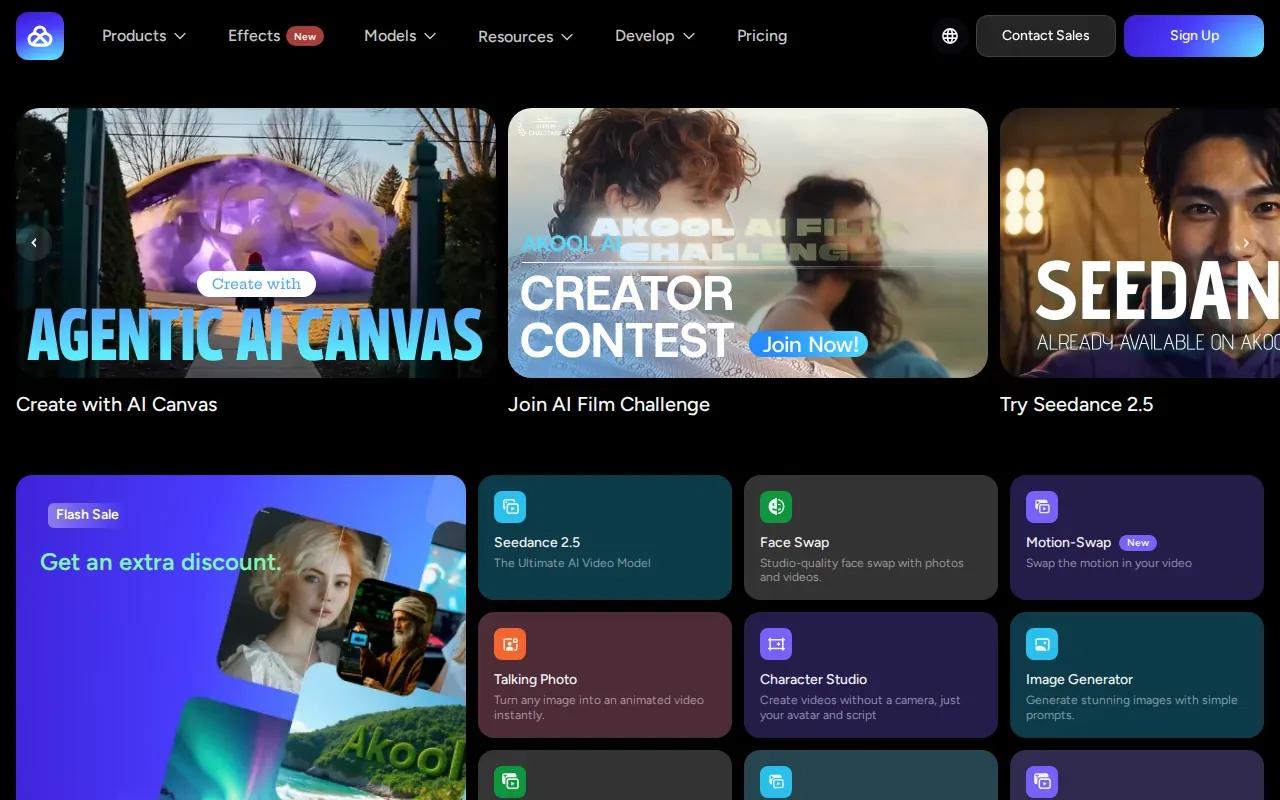
Its image-to-video workflow starts with an uploaded image and a prompt. That may suit a campaign that has a still visual already approved and needs movement added. AKOOL also lists character identity consistency across frames, which is useful when a person appears throughout a scene.
AKOOL starts at $12 per seat per month. The listed maximum resolution and clip length are upper limits, so check that the specific model and workflow you plan to use support the output you need.
5. CapCut AI Video Editor: For editing social-first campaign videos
CapCut AI Video Editor is a fit for teams focused on editing short videos for social channels. Its online tools include text-to-video, image-to-video, text-to-speech, and ready-to-use templates.
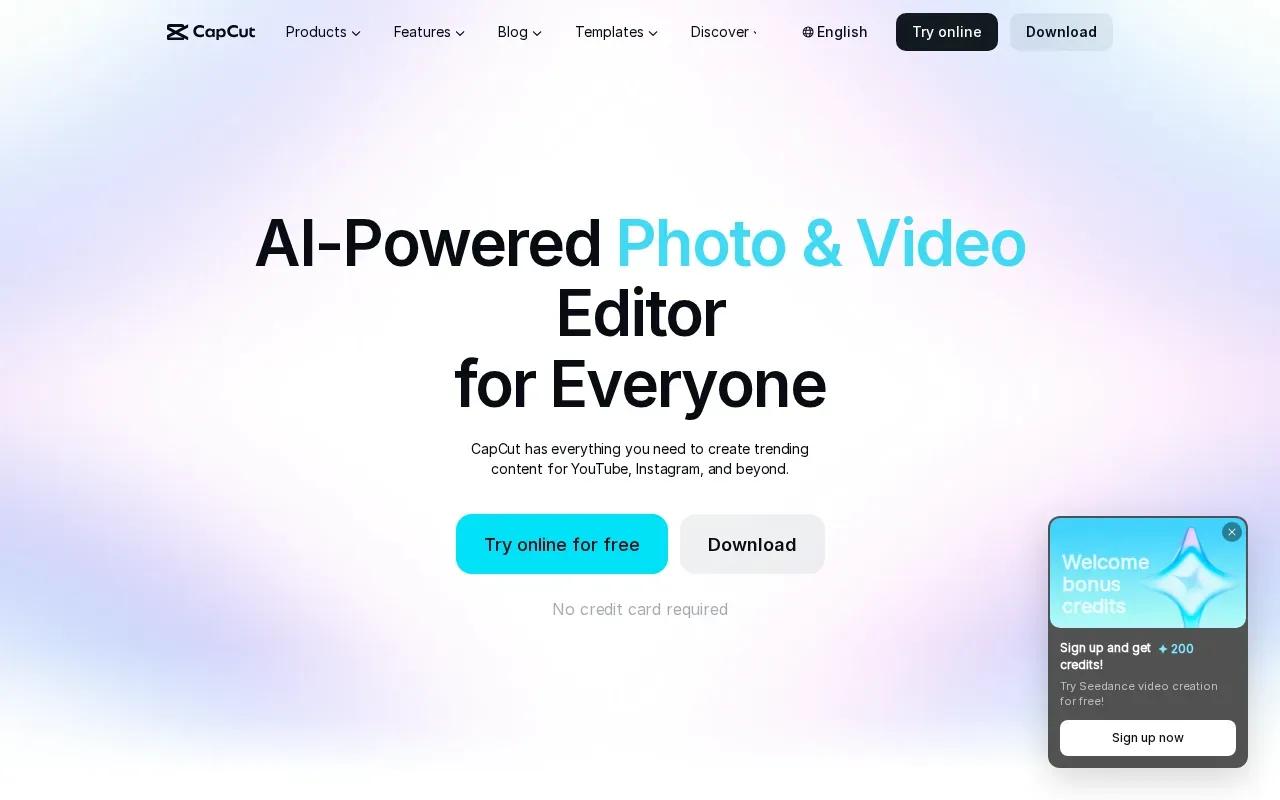
For a social promotion, you could start with a product photo or script, then adjust the cut and add captions. CapCut also lists automatic subtitles and tools to resize content for social formats. That gives a marketer a route to prepare different placements, though each export still needs a check for cropped text and key details.
Use it when you need to assemble or edit social-first content; use a prompt-driven generator when the campaign needs a newly rendered scene rather than an edit of existing material.
6. Fliki: For short-form videos with a broad AI voice library
Fliki turns an idea, script, or blog post into a narrated video. It’s aimed at short-form social content such as TikToks, Reels, and YouTube videos.
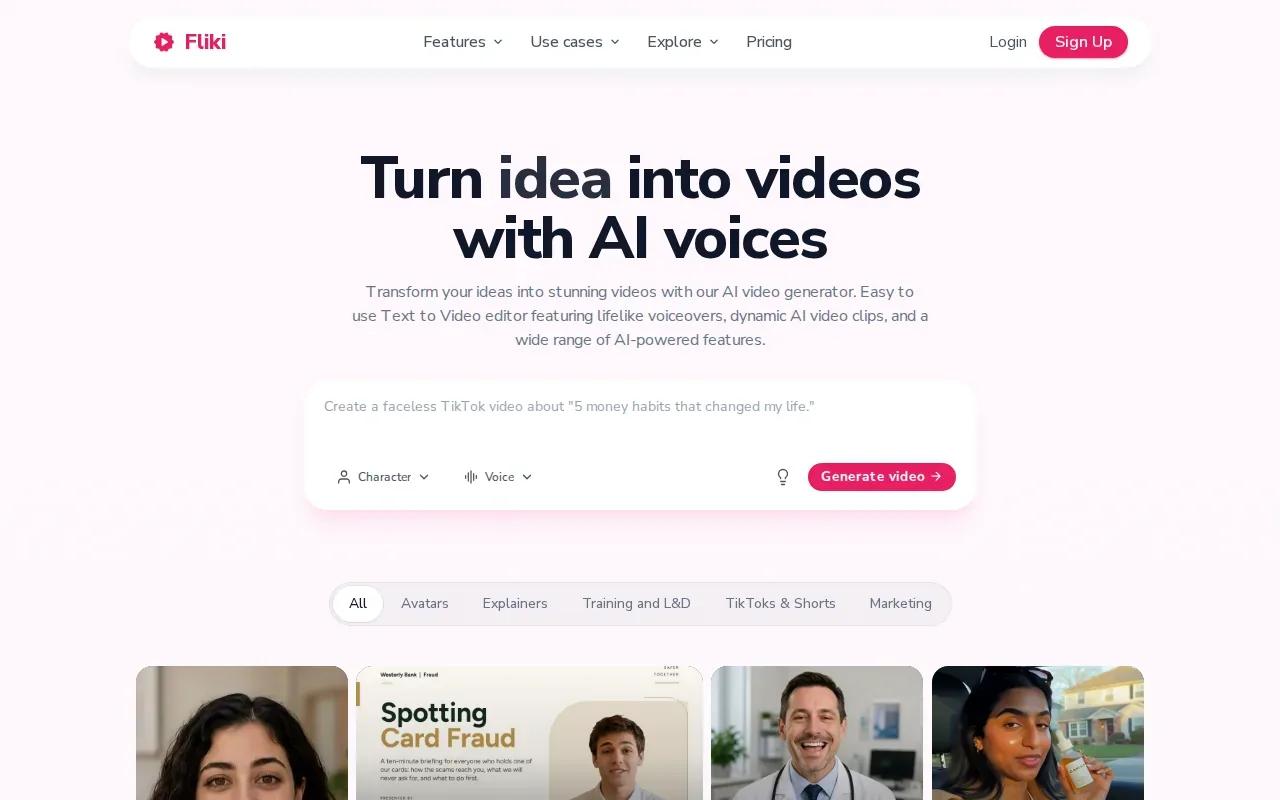
The listed voice library has more than 2,000 AI voices, and Fliki says the same face and voice can stay consistent across scenes. That can help when a recurring presenter needs to appear in a series of short clips. You can also use a script or an existing article as the starting point, then review the generated scenes and narration before export.
Fliki has a free tier. Its workflow includes voiceover, visuals, music, and captions, so it may help when one written idea needs to become several social assets. Check the plan terms for the usage rights and export limits that apply to your campaign.
7. InVideo: For structured storyboards and scene planning
InVideo combines AI generation with storyboards, character sheets, and scene structures. It suits creative teams that want to plan a commercial or film-style ad before turning each part into video.
A character sheet can preserve details such as styling, jewelry, and tattoos across scenes. That gives a team a place to define the look before it builds the sequence. For a short product story, lay out the opening image, the action, and the final message first. Then check that each scene supports the same campaign idea.
InVideo’s planning features can be useful when the work needs a clear shot sequence, not just a one-off visual. Review the storyboard before rendering so you can catch a scene that misses the brief early in the process.
8. Kapwing: For editable workflows and recurring characters
Kapwing combines prompt-based video creation with an editable timeline. It fits teams that need to refine a generated clip or keep recurring characters across several scenes.
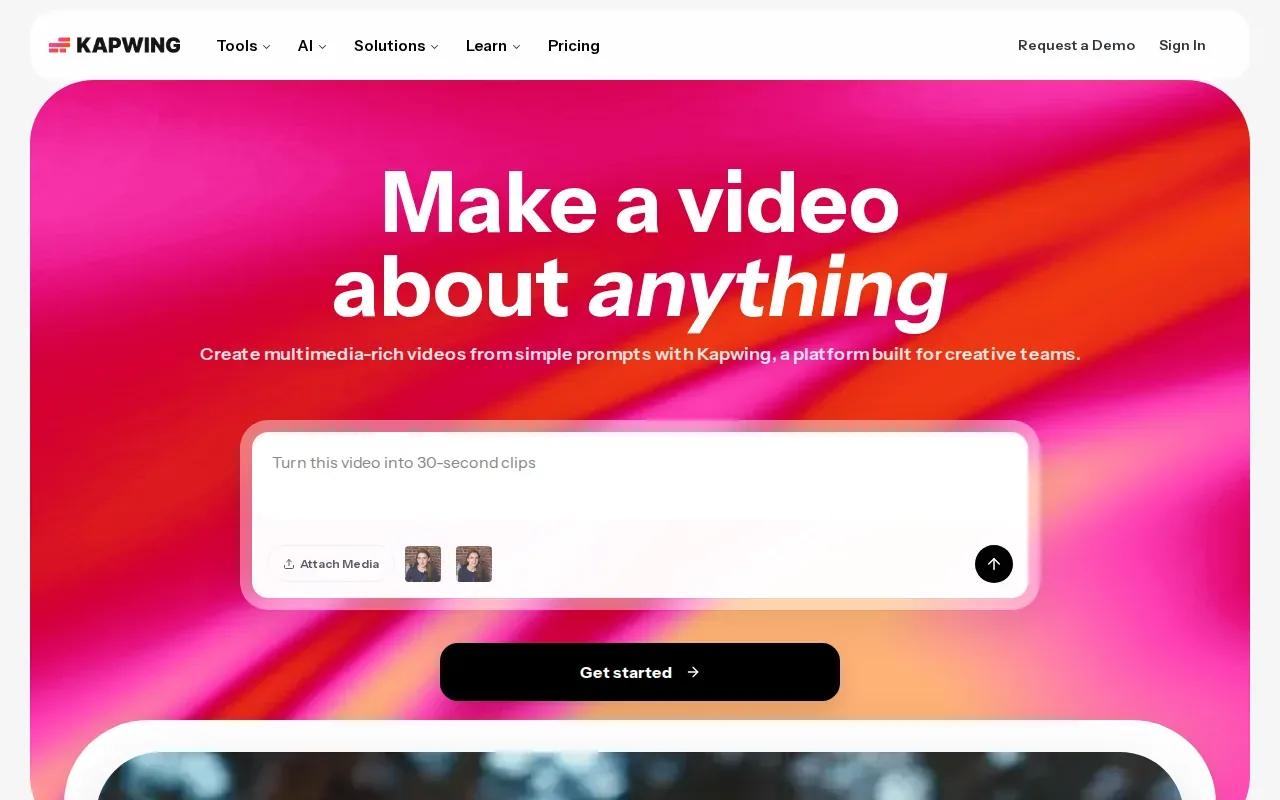
Its capabilities include reusable AI characters that can persist across prompts, scenes, images, and videos. Kapwing also supports lip-synced dialogue and AI voice generation. Once a draft is ready, its timeline can be used to trim clips, add overlays, and arrange the edit. That gives reviewers a way to refine the asset instead of treating the first generation as final.
Kapwing can also support shared editing and comments, which helps when a marketer needs feedback before export. If your workflow includes several versions, keep the approved script and visual references close to the project so edits stay aligned.
AI video generator comparison table and buyer checklist
These tools don’t all solve the same production task. Use the table to narrow the shortlist by the work you need to finish, then test your actual brief before committing a campaign to one workflow.
| Tool | Useful fit | Workflow focus |
|---|---|---|
| Veo Studio | Product scenes and campaign clips | Prompt or reference image, synced sound, scene extension |
| Veo3 AI | Cinematic clips with audio | Text prompt, realistic physics, native audio |
| HeyGen | Localized presenter videos | Talking avatars, voice cloning, lip-sync translation |
| AKOOL | Longer or high-resolution projects | Image-to-video, up to 16K, clips up to 60 minutes |
| CapCut AI Video Editor | Social video edits | Templates, subtitles, text-to-speech, resizing |
| Fliki | Narrated short-form content | Text-to-video and a large AI voice library |
| InVideo | Scene planning for ads | Storyboards, character sheets, scene structures |
| Kapwing | Editable videos with recurring characters | Timeline editing, reusable AI characters, synced dialogue |
What to check before you choose
- Start with the hero of the video. If the product itself needs to carry the message, test reference images and product fidelity. If a person delivers the message, test avatar quality and language options.
- Check the full workflow cost. Veo Studio has a free plan and paid plans from $14 per month. HeyGen starts at $29 per month, while AKOOL starts at $12 per seat per month. Fliki also has a free tier. Compare plan limits with the number of usable exports you need.
- Make variations that test a real idea. Change the opening hook, proof point, or call to action. Then compare results in your ad platform instead of assuming a tool includes campaign analytics or built-in testing.
- Review the final file. Check captions, product details, brand colors, music rights, and permissions for any real person’s face or voice before publishing.
Ready to make campaign clips with synced sound?
A simple production loop works for most campaigns: start with a script or prompt, generate the visual and audio, edit the draft, then export for the target channel. Use vertical framing for a short social placement and make a separate version when the message or opening needs to change.
Veo Studio may be a good first test if you want reference-led scenes, dialogue, and scene extension within one browser-based workflow. You can check current plans on the Veo Studio pricing page before you map out a batch of campaign videos.
FAQ
What is an AI video generator for marketing?
An AI video generator for marketing uses a prompt, script, image, or other input to help produce video content. The workflow can include generated visuals, voice, music, or captions, depending on the tool. A marketer reviews and edits the draft, then exports versions for placements such as social posts, product ads, explainers, webinar promos, or email campaigns.
Can AI video tools help test ad variations?
Yes, they can help you make creative variations faster, but you should confirm how each tool handles batch creation. A useful test changes one campaign idea, such as the hook or proof point, rather than making only a color swap. Export each version and compare its performance in the ad platform you already use.
Which tool is suited to localized talking-avatar videos?
HeyGen is listed for fast, localized talking-avatar video, with voice cloning and lip-sync translation. Fliki also lists AI voices and consistent faces across scenes. Test a short script in the languages you need, then review product names and spoken claims before the team approves a larger batch.
Can Veo Studio make longer videos?
Yes. Veo Studio can extend supported Veo 3.1 clips at 720p by seven seconds per step, up to roughly 148 seconds of continuous video. Each extension continues from the finished clip, which can help when a campaign scene needs more time than a single short generation.
Conclusion
For marketing teams that want product visuals with synchronized sound, character consistency, frame control, and scene extension, start by testing Veo Studio against one approved campaign brief. Create a free account, try a 720p clip, and review the result before choosing a paid plan.