

A blank screen can stall an ad before you’ve even picked a hook. A video advertisement maker can start with a prompt, product photo, or script, then help you shape a clip for social feeds. Here are five tools, each suited to a different way of making an ad.
We analyzed 32 comments and questions from YouTube and Quora about video advertisement makers and found that 25% mentioned assignment help and resources.
1. Veo Studio
Veo Studio is an independent, browser-based AI video creation tool powered by Google’s Veo 3.1 models. Type a prompt or add reference images, then describe the scene, camera move, and sound you want. It suits social creators and marketers who want to direct a short ad instead of assembling every shot from templates.
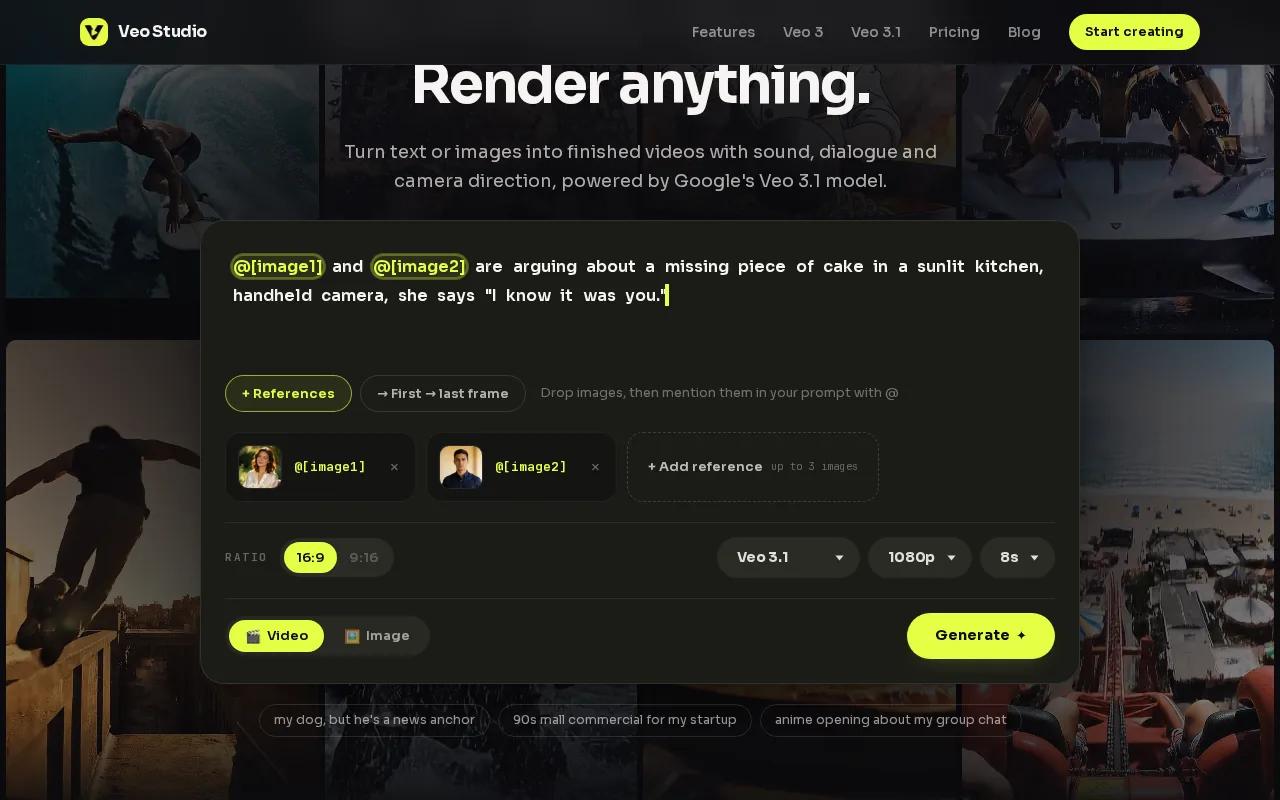
For a product spot, attach a reference photo and ask for a close-up, a slow camera push, and a short spoken line. Veo Studio can generate synchronized sound and dialogue with the video. You can also use character consistency to keep a character’s look steady, or provide first and last frames to guide a transition. Supported settings reach 4K output.
Scene extension can add time to a finished clip in seven-second increments, up to roughly 148 seconds. That gives you a way to build a longer sequence from a short starting shot. Veo Studio’s free plan includes a couple of 720p videos per month without a card, while paid plans start at $14 a month. See Veo Studio’s plan and credit details before planning a large batch.
If you’re deciding whether to start with a prompt or a product image, this overview of AI video ad creator workflows lays out the different starting points. For a first test, keep the prompt focused: one audience, one product benefit, and one action you want viewers to take.
Veo Studio runs in a browser, so there’s nothing to install. It handles prompt- and image-led video creation, with sound and dialogue generated alongside the picture. The free plan is useful for testing a short concept before you decide whether you need more output or higher resolution.
2. Arcads: UGC-style ads with AI actors
Arcads makes UGC-style ads read by AI actors. It suits advertisers who want a person on screen to deliver a review, testimonial, demo, or unboxing without filming a presenter for each draft.
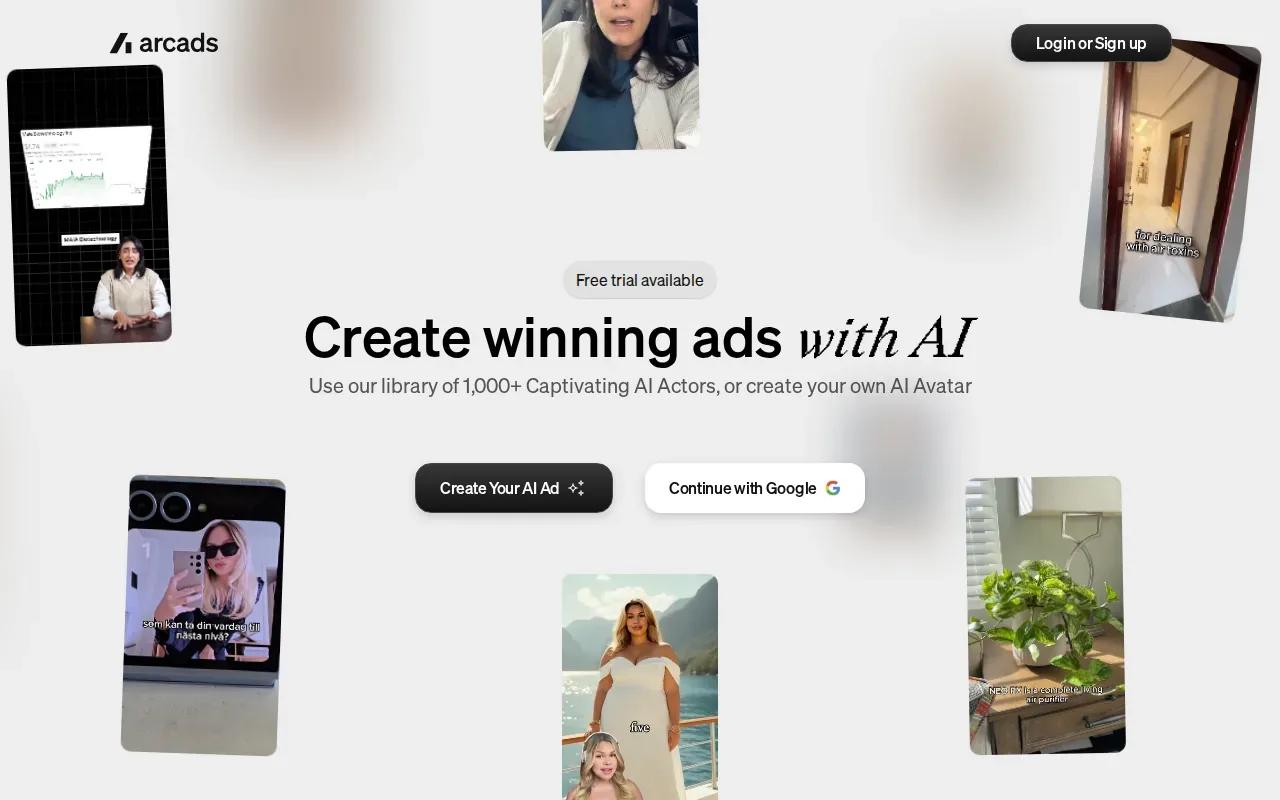
Arcads has a library of more than 1,000 AI actors. You can pick a presenter for the tone you have in mind, then build an ad around a product explanation or a customer-style reaction. That format works best when the script sounds like something a person would say out loud, not a list of product specs.
For example, a small shop could write a short line about the problem its item solves, then show the actor demonstrating the product. A clear benefit gives the scene a point. A simple call to action at the end tells viewers what to do next.
Arcads has a free trial. Its UGC-style ads are intended for TikTok, Instagram, and Meta, so plan the crop and message for the placement you’ll use. Check any generated claims against your product details before you publish, especially when the ad includes a testimonial-style line.
Choose Arcads when the speaking presenter is the main part of the ad. If the story depends more on a directed scene, product motion, or sound design, a prompt-led video tool may fit that brief better.
3. Topview: Product-focused marketing videos
Topview makes product marketing videos and suits teams that want to start with a product page or product images. Its URL to Video workflow begins with a product page. Product Photography and Virtual Try-On can make product shots from images you provide.
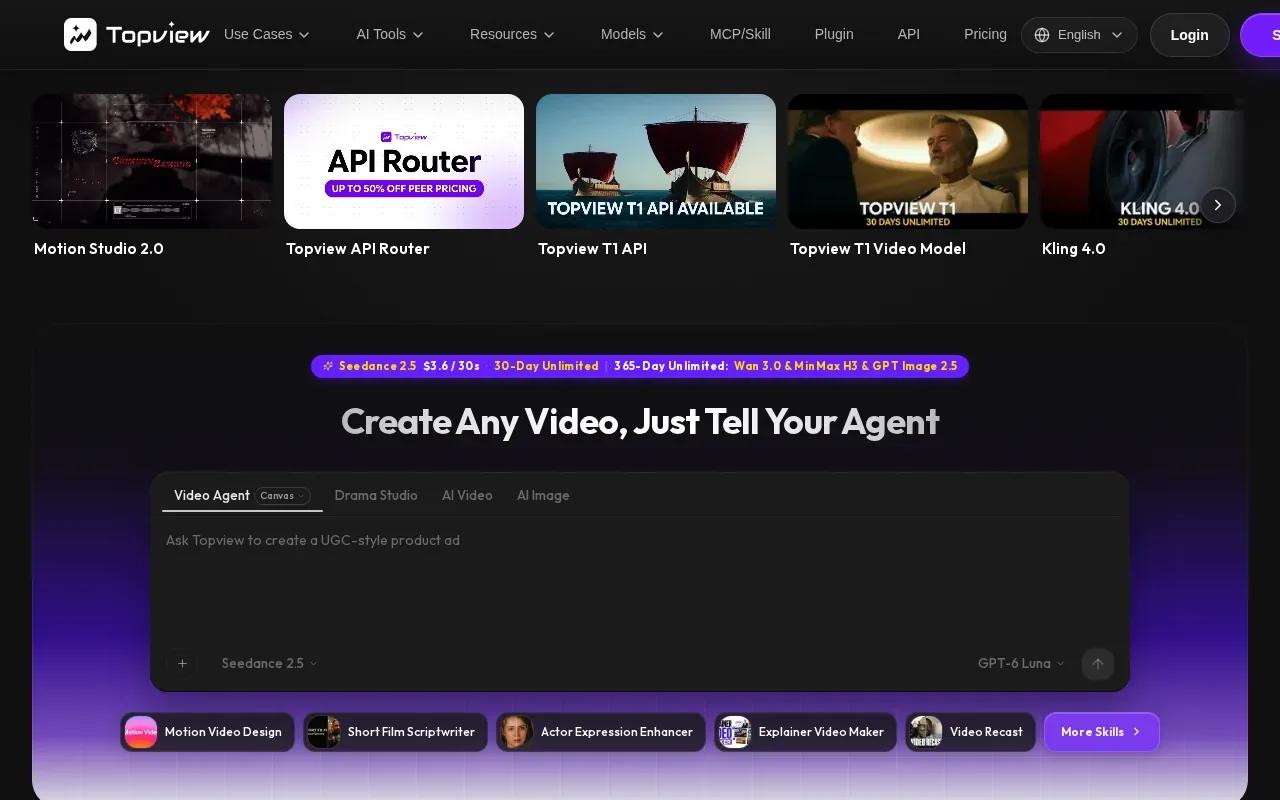
That product-led start can help when your shop already has clear photos and descriptions. Use the page as a source for the ad idea, then review the scenes and make sure the video matches the actual item. A visual that looks polished still needs to show the right product and support the claim in your copy.
Topview offers scene extension, several video models with output up to 1080p or higher, and API and Model Context Protocol integrations. Factor those details into your choice if your campaign has a specific output standard or needs a connection to another workflow.
For a quick draft, use a product page with accurate images and concise copy. Then inspect each scene for visual errors before export. If the source page has vague benefits or old details, the generated ad may need more human review.
Topview is a sensible fit when the product listing is already the main campaign asset. For a story built around a custom scene or spoken dialogue, compare how much control you want over the frame and soundtrack before committing to a workflow.
4. Kapwing: Prompt-to-video ads with editing tools
Kapwing turns a prompt into a video project, then lets you work in a drag-and-drop editor. It suits marketers who want AI to draft a video but still need to trim shots, change overlays, add subtitles, or adjust timing by hand.
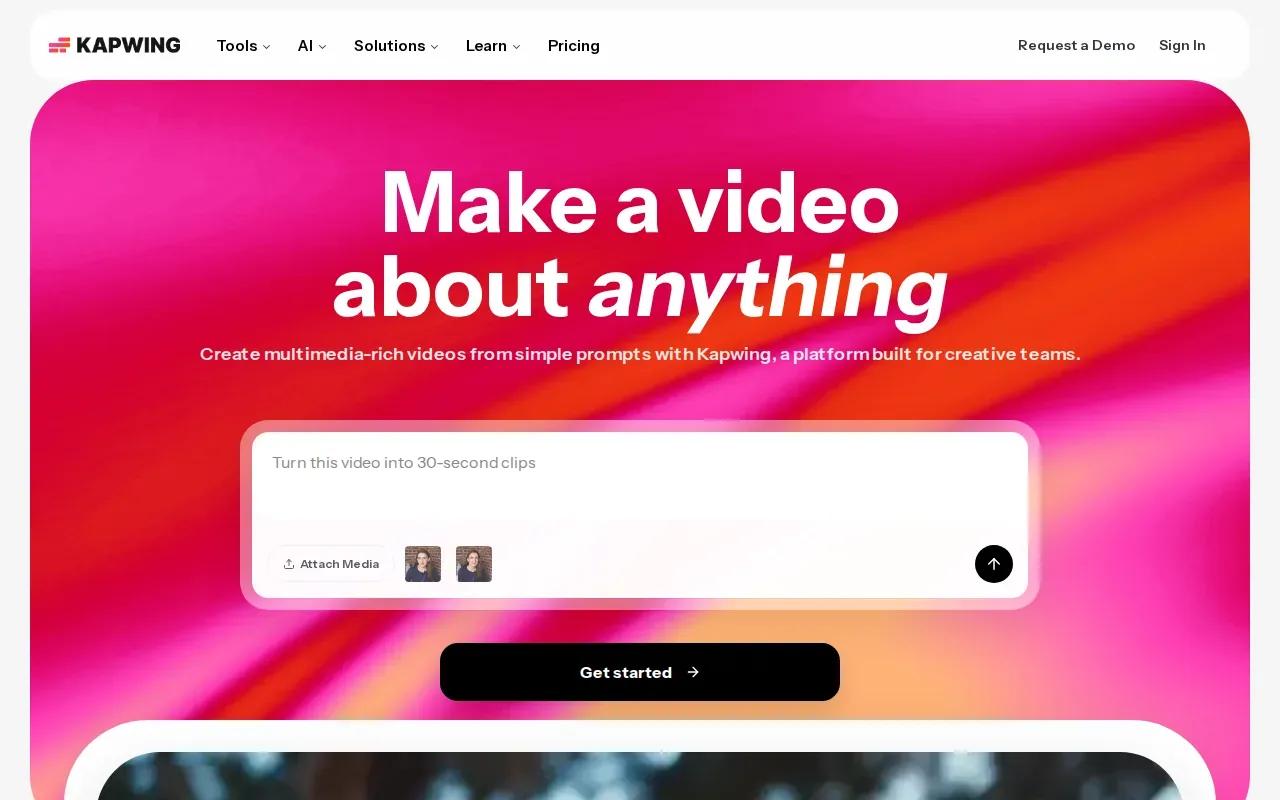
You can start with a prompt, footage, images, or brand assets. Kapwing’s tools include templates, voiceover, subtitles, and overlays. Its ad workflow supports aspect ratios such as 16:9, 1:1, and 9:16, which can help when a campaign needs versions for different placements.
Templates make a useful starting frame, not a finished strategy. Replace the sample message with one audience-specific benefit. Then make the opening clear in the first few seconds and end with one direct CTA, such as “Shop now” or “Learn more.” If the ad will play without sound, captions help carry the message.
Kapwing’s free account can create and export video ads, with a watermark on free exports. Its Pro plan removes the watermark and includes 4K exports. The shared editor also supports team collaboration, which can help when a reviewer needs to leave feedback on a specific point in the timeline.
For more ideas on choosing a tool by workflow, this comparison of video ad maker tools covers different ways to begin an ad. Use Kapwing when the edit itself matters as much as the first generated draft.
5. Canva: Ads for teams already using its brand kit
Canva suits teams whose brand kit already lives in Canva. Its video ad workflow uses templates, a drag-and-drop editor, and brand elements such as colors, fonts, and logos. That can help a team keep a familiar look while making short social ads.
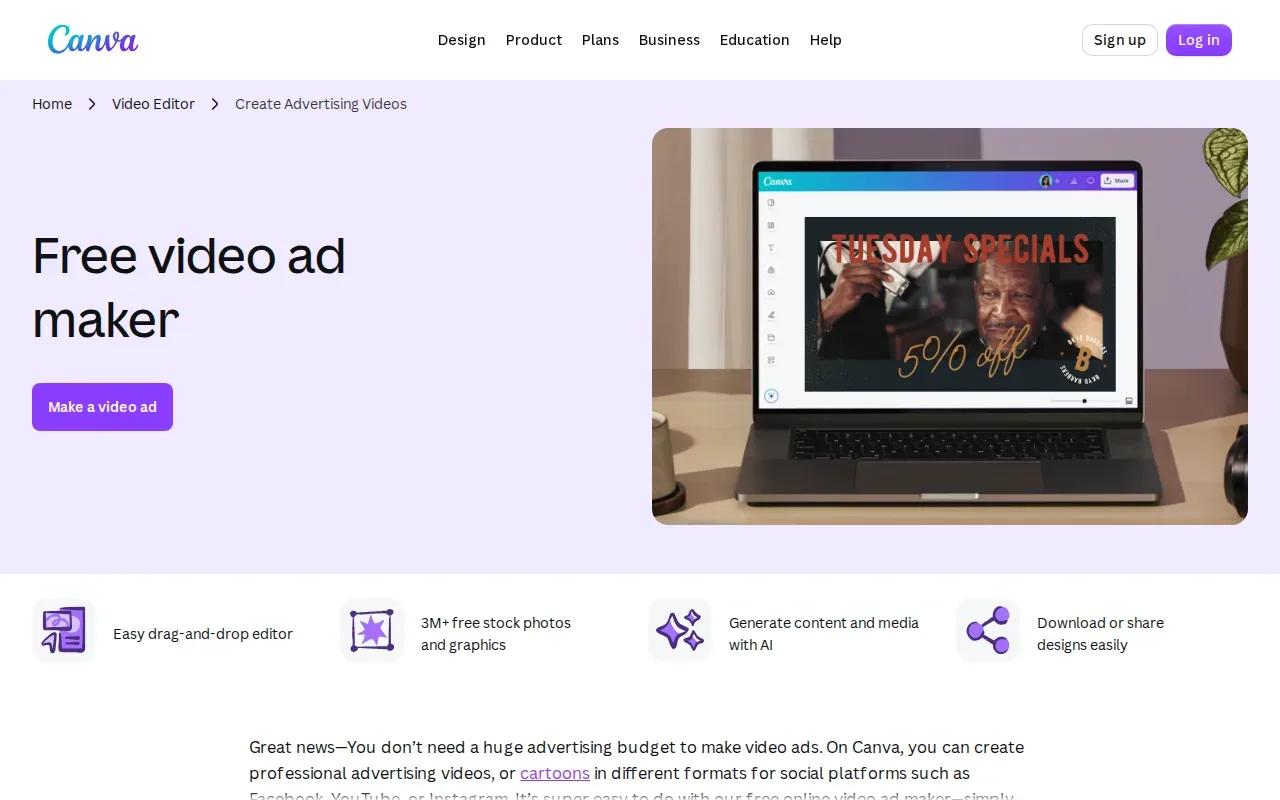
Start with a template that fits the placement, then swap in your footage and message. Keep the message short and clear. A useful draft has a hook, a product benefit, and a final CTA, without trying to explain every feature in one clip.
The platform supports ads for social channels such as Facebook, YouTube, and Instagram. Before editing, choose the format that suits the placement. A vertical version may fit a full-screen mobile feed, while a widescreen layout may make more sense for a YouTube-style placement. If you need both, check the crop and text position in each version.
Canva also lets you add music from its free media library, then polishing the edit with animation or stickers. Keep the motion in service of the message. A moving title should make the offer easier to notice, not compete with the product shot.
Canva is a natural choice when your team already uses its brand kit and wants to customize a template. For a shot that needs generated dialogue or close control over how a scene starts and ends, consider a tool built around prompt-led video generation.
Compare These Video Advertisement Makers
The right tool depends on what you have in hand. A product photo, a presenter script, and a partly edited clip each point to a different workflow.
| Tool | Useful starting point | Good fit when you need | Detail to weigh |
|---|---|---|---|
| Veo Studio | Prompt or reference images | Generated scenes with synchronized sound and dialogue | Free plan includes a couple of 720p videos per month |
| Arcads | UGC-style presenter concept | AI actors for reviews, demos, or unboxings | Free trial available |
| Topview | Product page or images | Product-focused marketing video drafts | Starts from a product page URL |
| Kapwing | Prompt, footage, or images | Editing, captions, and format changes | Free exports include a watermark |
| Canva | Template and brand kit | On-brand edits using existing design assets | Pick a template that suits the ad placement |
A simple production pass
- Name the audience and the problem your offer solves.
- Write one benefit-led hook, then add one proof point and a clear CTA.
- Choose the placement before you make the final crop. Use the aspect ratio that fits that feed.
- Generate or edit a draft. Check product details, captions, sound, and text placement.
- Export the finished file, then upload it to the ad platform you use. Track views and clicks, and test a changed hook or CTA in a separate version.
Keep a copy of the final export and the source assets. Before publishing, check that you have permission to use any music or footage in a paid ad.
FAQ
What is a video advertisement maker?
A video advertisement maker is a tool for creating or editing promotional videos. Some start with a text prompt or product image, while others use templates, footage, or a presenter script. Choose based on the work you need: generating a scene, building a UGC-style ad, or editing an existing clip for a social placement.
How do I make a video ad for TikTok or Instagram?
Start with the audience and the main benefit, then write a short hook and one CTA. Pick a vertical format if that matches your placement. Use a tool that supports the input you have, such as a prompt or product photo. Review the crop and captions on a phone-sized preview before exporting.
Can I make a video ad for free?
Yes. Veo Studio has a free plan with a couple of 720p videos per month and no card requirement. Arcads has a free trial. Canva has free video ad templates, and Kapwing lets free users export ads with a watermark. Check the current limits before making a batch for a campaign.
What should a short social video ad include?
A short social ad should make its point quickly. Open with a hook tied to the viewer’s need, show how the product helps, then end with a clear action. Keep the copy focused on one benefit. Add captions if viewers may watch without sound, and check that any product claims match the facts.
How should I measure whether a video ad is working?
Set a goal before publishing, such as clicks or completed views, then use the reporting available in your ad platform to check that goal. Compare versions that change one element, such as the opening hook or CTA. That makes it easier to see which edit may have affected the result.
Conclusion
Choose the tool that matches your starting asset: Veo Studio for directed scenes with synchronized sound, Arcads for AI-presenter ads, Topview for product-page-led videos, Kapwing for hands-on editing, or Canva for brand-kit templates. If you want to test a prompt-led concept, try a short draft in Veo Studio.


