

A video ad maker can start with a prompt, a product page, or footage you already have. The right tool depends on the work you need it to do. Here are four options, plus Veo Studio, with a clear look at each workflow and its limits.
1. Veo Studio: AI video ads with synchronized sound and scene control
Veo Studio is an independent, browser-based AI video creation tool powered by Google's Veo 3.1 models. It turns a prompt or reference images into a video with synchronized sound and dialogue. It suits creators who want to direct a scene, as well as marketers building product spots from photos.
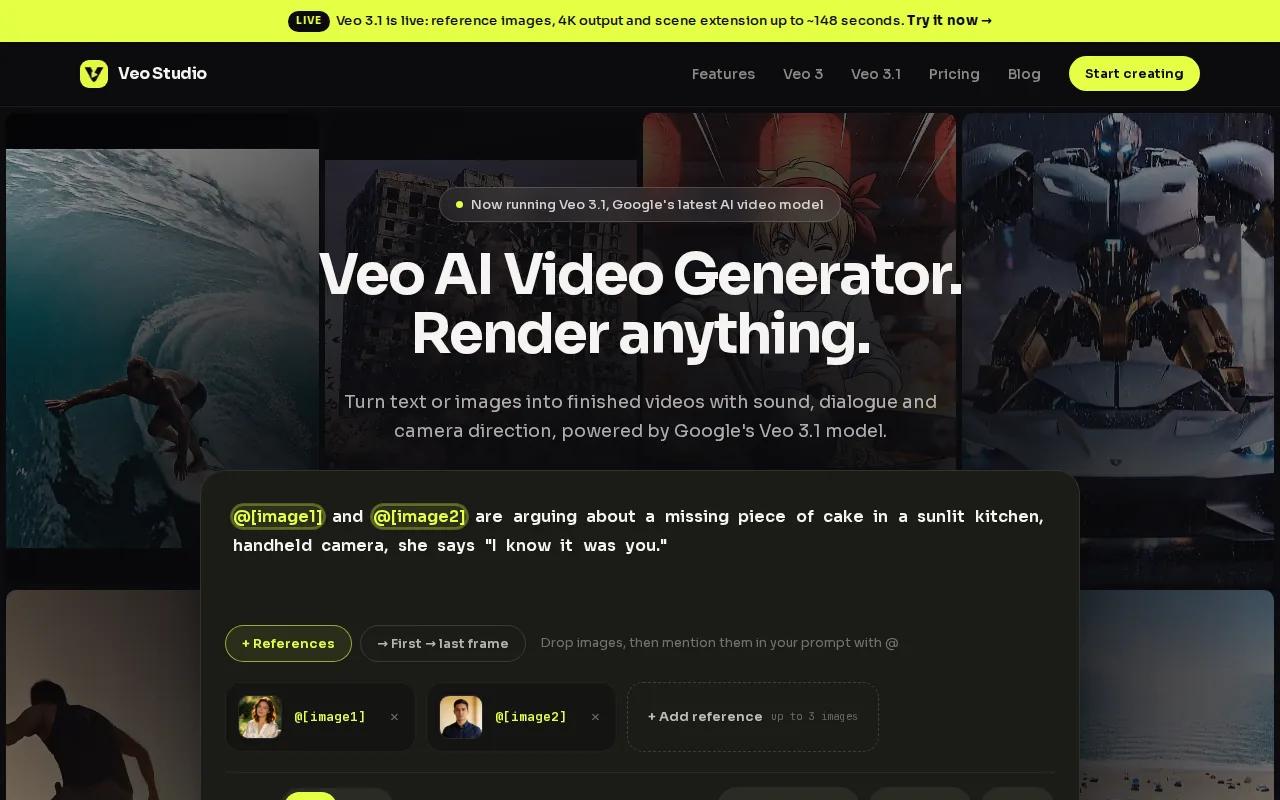
Describe the shot in plain terms. You can guide the camera move, attach reference images to help keep a character or product consistent, or use first- and last-frame control to shape a transition. For spoken dialogue, put the line in quotation marks. Veo Studio can generate the speech with matching lip movement. Supported clips can also be extended, and output goes up to 4K on paid plans.
That mix is useful when a short ad needs more than a sharp image. A shop could start with a product photo, then prompt a close camera move and a short spoken line. Veo Studio is independent, not a Google-owned service.
A free plan includes a couple of 720p videos each month with no card required. Paid plans start at $14 per month and include higher resolutions, more video volume, and a commercial licence. You can check the tool in your browser, then see whether its scene controls fit your production needs on the Veo Studio video creation page.
2. Creatify: Turn a product page into an e-commerce video ad
Creatify turns a product URL into a video ad by pulling images and descriptions from the page. It fits e-commerce sellers who have a product listing ready and want to start there, rather than write a video brief from scratch.
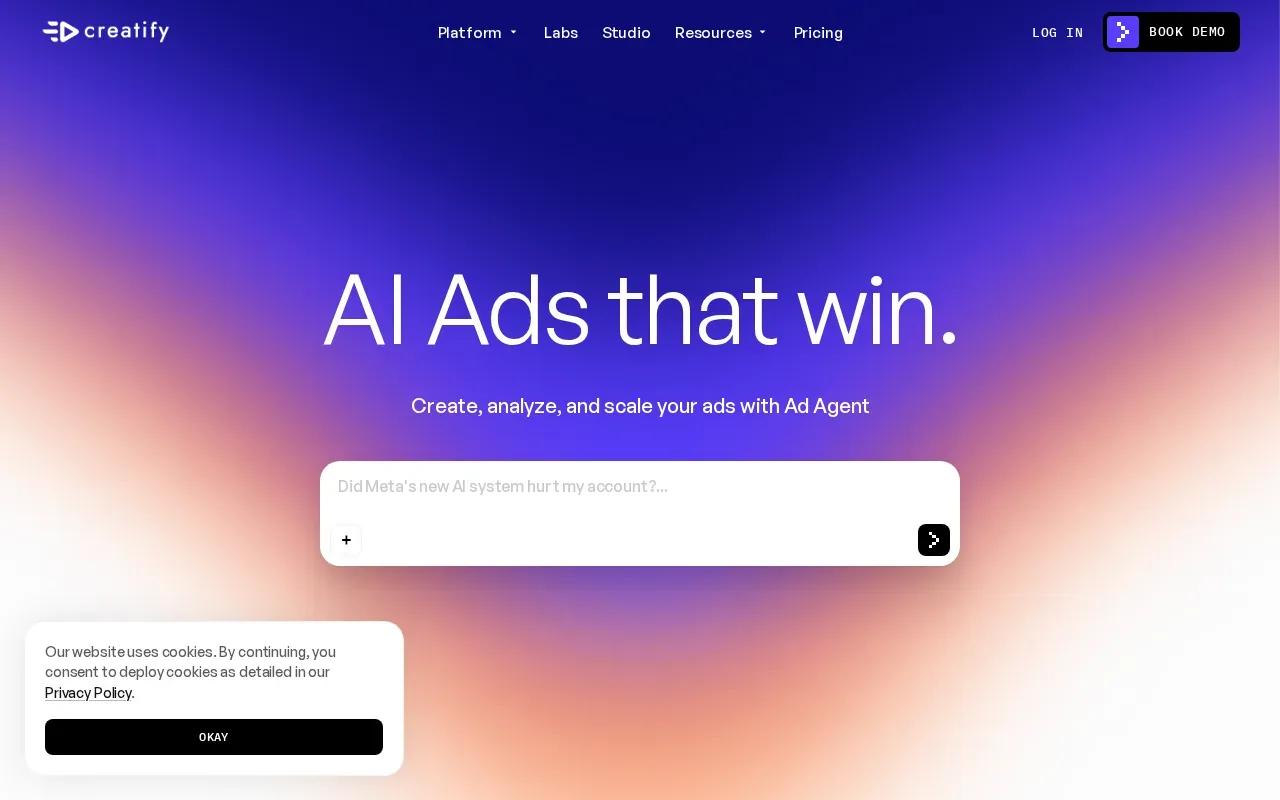
That input changes the first step. Paste a product page and Creatify uses its content to build an ad draft. If you manage several items, the URL-based workflow gives you a direct starting point for each product. It may help when your product pages already have clear images and copy, but it won't replace a review of the final script and visuals.
Creatify’s product-page-to-video focus makes it distinct from a prompt-led scene tool. A seller could start with a listing for a new item, check that the key details made it into the ad, then refine the message for a campaign. The final creative still needs a human check for product accuracy and brand fit.
If you’re planning the wider ad workflow, the guide to product ads and promotional videos covers ways to shape a campaign around its audience and message. Creatify is a sensible option when your product catalog is the main source material and speed to a first draft matters.
3. Pencil: Generate ads and predict creative performance
Pencil generates ad creatives and scores predicted performance before you spend on media. It suits marketers who need to review creative ideas before deciding which ones to put behind a paid campaign.
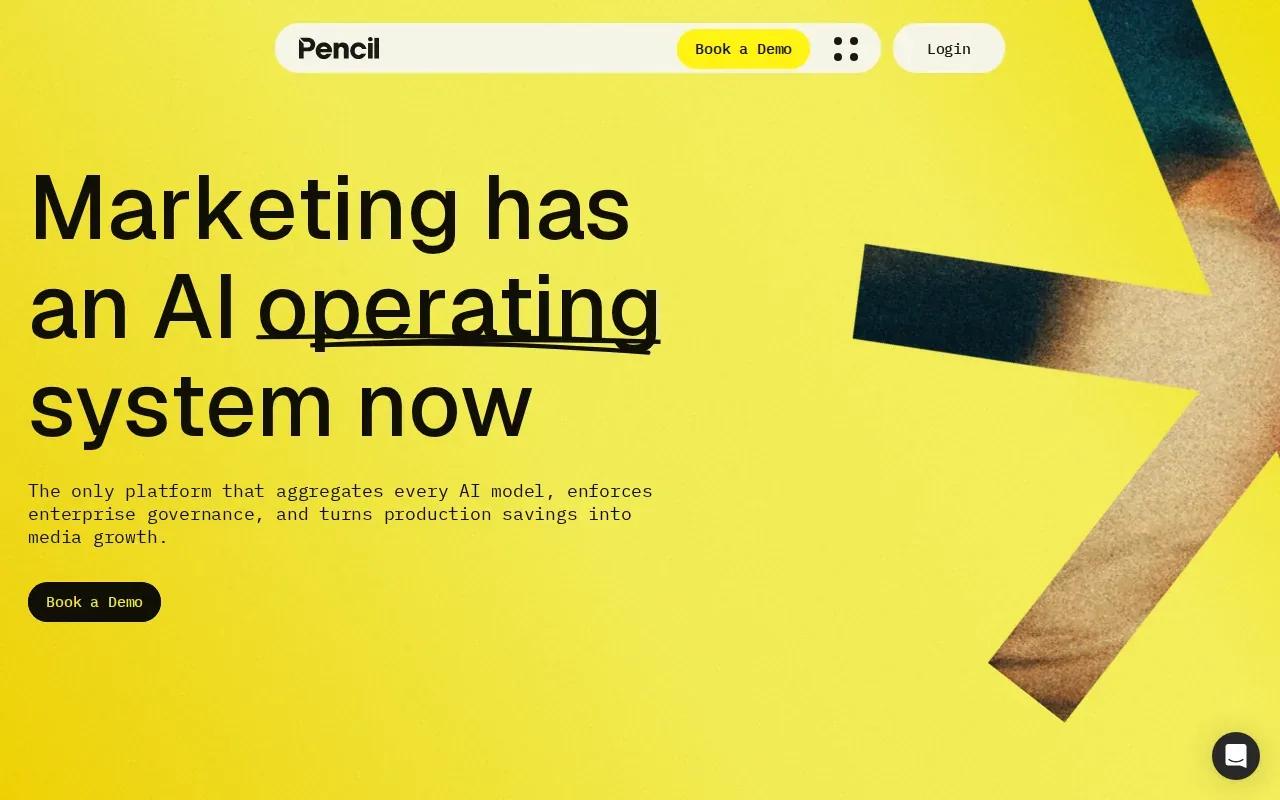
Its scoring is the key distinction. Pencil’s performance predictions draw on more than $1 billion in historical ad spend data. That can give a team another input when it weighs a set of generated ads. A score is still a prediction, not a promise that a particular creative will work for your audience.
Use that distinction in the review process. First, create options for a campaign. Then treat Pencil’s scores as one way to sort the candidates, alongside the message, offer, and brand rules. The team still needs to decide which version to test and measure the results in its own campaign.
Pencil makes the most sense when performance review is part of the creative workflow. If you mainly need a finished scene with generated dialogue or controlled frames, a video generation tool may be a closer fit. If you need a signal before media spend, Pencil’s predictive scoring is the specific feature to assess.
4. InVideo AI: Combine multiple AI models with a large stock library
InVideo AI combines access to multiple AI models, including Sora 2 and VEO 3.1, with a 16-million-asset stock library. It suits marketers who want to build a prompt-led video and have stock footage available as part of the process.
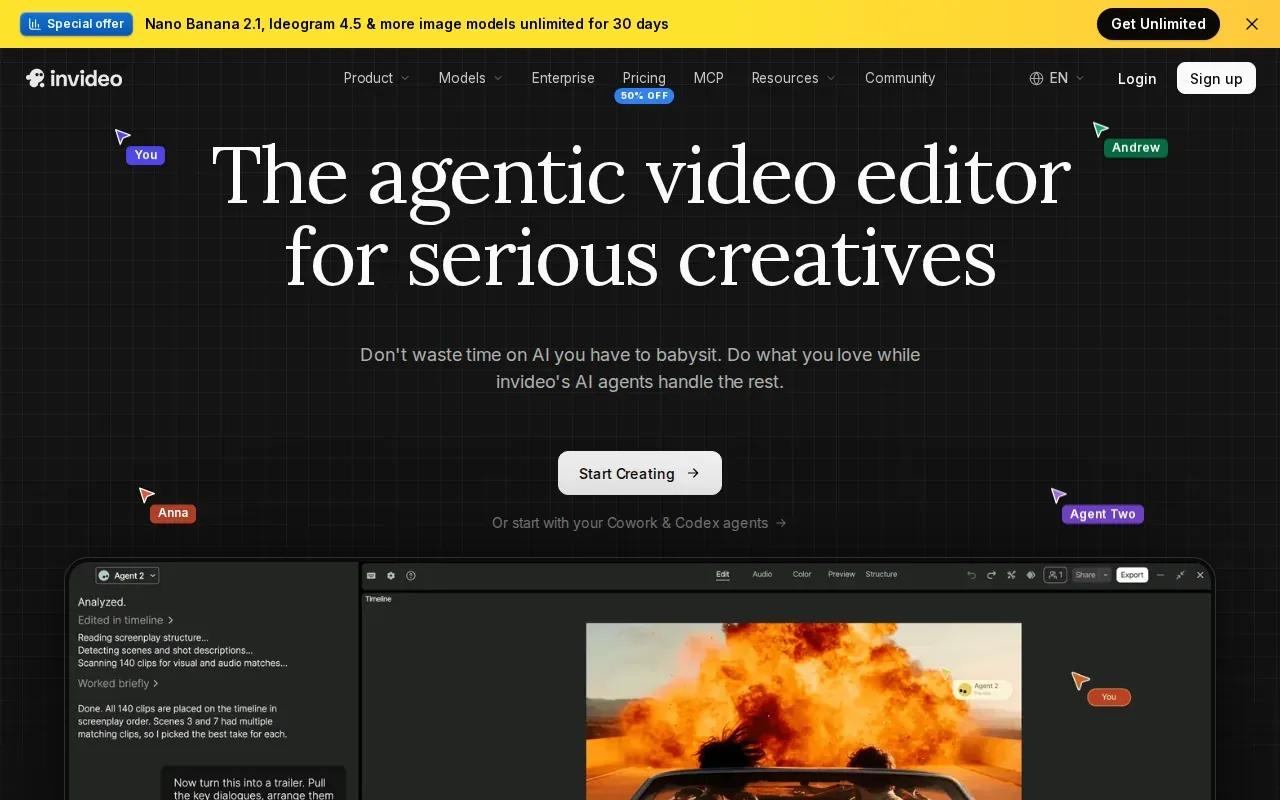
Start with a written idea or campaign prompt. InVideo AI can help shape the video, while its stock library gives you a large pool of visual assets to work with. The option also has an 800-plus template library. That can be useful when you want a structured draft instead of starting with a blank timeline.
For a product ad, describe the audience and the main point the viewer should remember. Then review the generated scenes and stock selections to make sure they support that point. A large library gives you more material to choose from, but it doesn’t remove the need to check whether each shot fits the product and brand.
InVideo AI is a fit for teams that want prompt-based generation with broad access to models and stock media. Veo Studio takes a different route when you want to guide a particular scene with reference images, synchronized dialogue, or frame control. Pick based on whether your starting point is a multi-scene brief or a carefully directed shot.
5. CapCut: A free mobile editor for short-form ad production
CapCut is a free mobile editor from ByteDance for making and editing short-form ads. It suits creators who want to work on a phone, or marketers who already have footage and need to shape it for social placements.
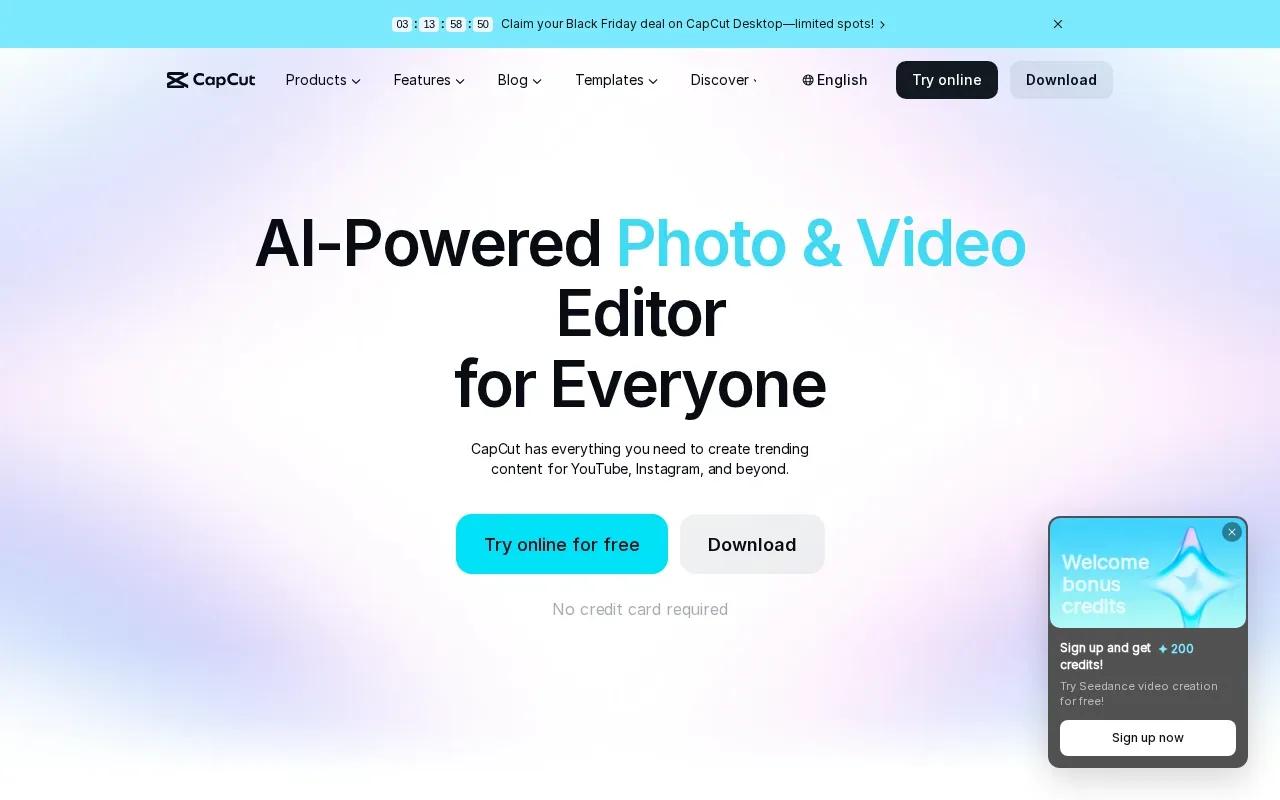
Its editing workflow includes templates, text, captions, music, transitions, and effects. CapCut includes 4K export and TikTok Ads Manager integration.
Think of CapCut as an editor for assembling or refining a spot. You can cut existing footage, add captions, and adjust the format for a social feed. That differs from generating a scene with synchronized dialogue from a text prompt.
CapCut can also work after a generative tool has made the footage. Use it when you want hands-on edits, then check the final export on the device and placement where people will see the ad.
Video ad maker comparison: which tool fits your workflow?
These tools start in different places. One begins with a prompt and scene direction. Another starts from a product page. Pencil adds a way to score creative before media spend, while CapCut is built around editing. Use the table to match the tool to the job you need done first.
| Tool | Best starting point | Useful workflow detail | Consider it when |
|---|---|---|---|
| Veo Studio | Prompt or reference image | Synced sound and dialogue, character consistency, frame control, scene extension, up to 4K | You need to direct a generated scene |
| Creatify | Product URL | Builds an ad draft from product-page images and descriptions | Your catalog page is ready to use |
| Pencil | Ad creative | Predictive performance scoring before media spend | You want a performance signal before media spend |
| InVideo AI | Prompt or campaign idea | Multiple AI models and a 16-million-asset stock library | You want help shaping a multi-scene draft |
| CapCut | Footage or template | Mobile editing, 4K export, and TikTok Ads Manager integration | You want to edit and format short social ads |
For a dialogue-led scene, Veo Studio has a useful combination: synchronized sound and dialogue are generated with the video, and supported clips can be extended.
Ready to test a prompt or reference image? Visit the Veo Studio video creation page.
FAQ
What is a video ad maker?
A video ad maker is a tool for producing or editing video advertisements. Some tools build a scene from a prompt, while others start with a product page or existing footage. Before choosing one, decide whether you need generated visuals, editing controls, performance scoring, or a mix of those tasks.
Which video ad maker is best for product pages?
Creatify is the option here built around product-page-to-video automation. It uses a product URL to pull images and descriptions for an ad draft. That makes it worth considering when your store page is ready and you want to begin with those details instead of writing a full brief.
Can AI video ads include synchronized dialogue?
Yes. Veo Studio can generate synchronized sound and dialogue with a video, including lip-synced speech when you include a line in the prompt. This suits a scene where a character needs to speak. Review the result before publishing, especially when the exact wording matters to the ad.
Can I make an ad on my phone?
Yes. CapCut is a free mobile editor for short-form ad production. You can use it to edit footage and add elements such as text or captions. It may fit better than a prompt-based generator when you already have clips and want to shape them on a phone.
Which tool can help assess ad creative before spending on media?
Pencil is the option in this shortlist with predictive performance scoring for generated ads. Its scores draw on historical ad spend data. Treat a prediction as one input for review, not a guarantee; campaign results still depend on your audience, offer, and placement.
Conclusion
Choose Veo Studio if you want to direct AI-generated scenes with synchronized dialogue, reference images, or scene extension. Start with its free plan, enter one prompt or upload a reference image, and check whether the first result fits your ad.


