

A video ad creator should fit the ad you need to make, not force every idea into the same template. Here are six named tools, starting with Veo Studio for prompt-led scenes with synced sound and dialogue.
We analyzed 43 comments and questions from YouTube and Quora about video ad creation tools and found that 21% mentioned lack of control over AI ad authenticity.
1. Veo Studio
Veo Studio is an independent, browser-based AI video creation tool powered by Google's Veo 3.1 models. Type a prompt or add reference images to generate video with synchronized sound and dialogue. It’s a fit for social creators, brand marketers, small-business advertisers, and independent filmmakers.
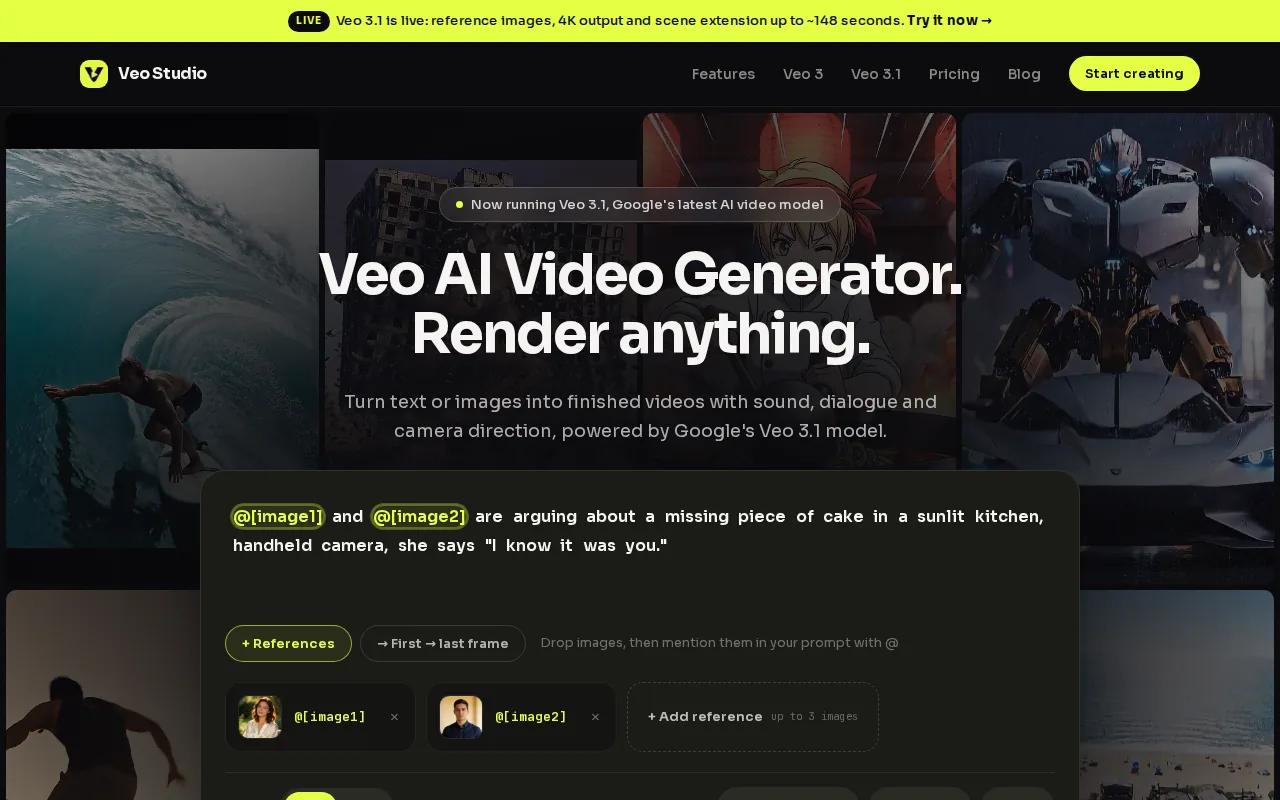
For an ad, describe the shot, camera move, and sound you want. You can attach up to three reference images to guide a product or character. First- and last-frame control can shape a transition between two stills, while scene extension adds seven seconds at a time to supported 720p clips. Output can reach 4K on supported settings.
That control helps when a short spot needs a spoken line or a familiar character to carry through the scene. Write dialogue in quotation marks in your prompt when you want a character to speak with matching lip movement. For a visual-only product spot, focus the prompt on the camera move and what the viewer should notice first.
Veo Studio has a free plan with a couple of 720p videos each month and no card required. Paid plans start at $14 per month; every plan includes a commercial licence. If you’re planning a product-focused workflow, this guide to AI video ad generators can help you shape the brief before generating.
2. Creatify: product URL-to-video ads
Creatify turns a product page URL into a video ad. Paste the link, and it pulls product images, descriptions, and key features to build a draft. This suits a marketer who already has a live product page and wants to start ad production from its existing information.
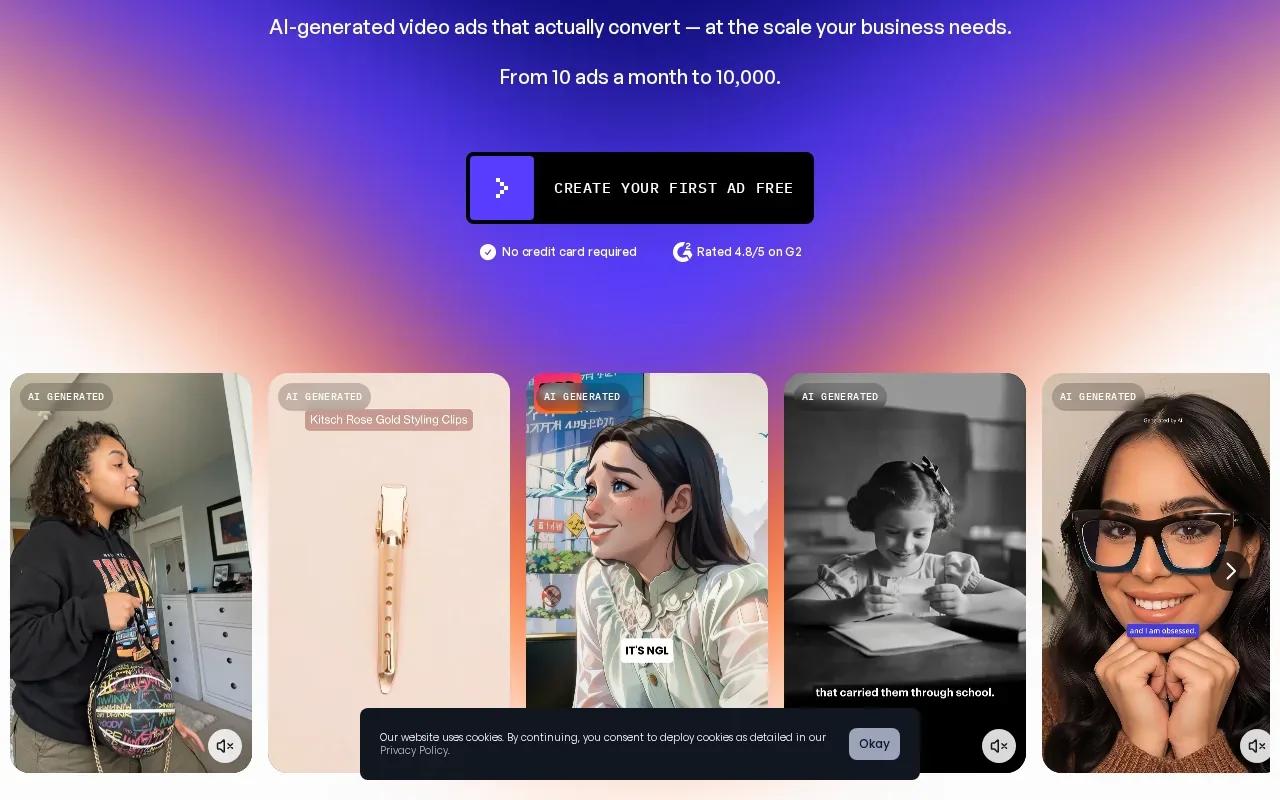
That URL-first approach changes the first step. Instead of writing a full scene brief, you begin with the page that already describes the item. Review the generated ad before using it: check that the visuals match the product and that the copy keeps the offer and product details accurate.
Creatify’s free plan includes 10 credits per month, or about two videos, with watermarks. Paid plans start at $15 a month, or $12 a month billed annually (Standard). That makes the free tier a way to test the URL-based workflow, while the paid starting point is relevant if you expect to make ads regularly.
Before you paste a product link, make sure the page has the images and product details you want the ad to draw from. A well-kept page gives the tool more useful source material. Then judge the draft against the actual campaign brief, not just whether it looks finished.
3. InVideo AI: multiple AI models and a large stock library
InVideo AI combines access to multiple AI models, including Sora 2 and Veo 3.1, with a premium stock footage allowance on every plan. Starter costs $20 a month, or $10 a month billed annually, and Plus is $60 a month, or $30 billed annually. It may suit teams that want to try different model-led approaches and draw on stock visuals within the same production workflow.
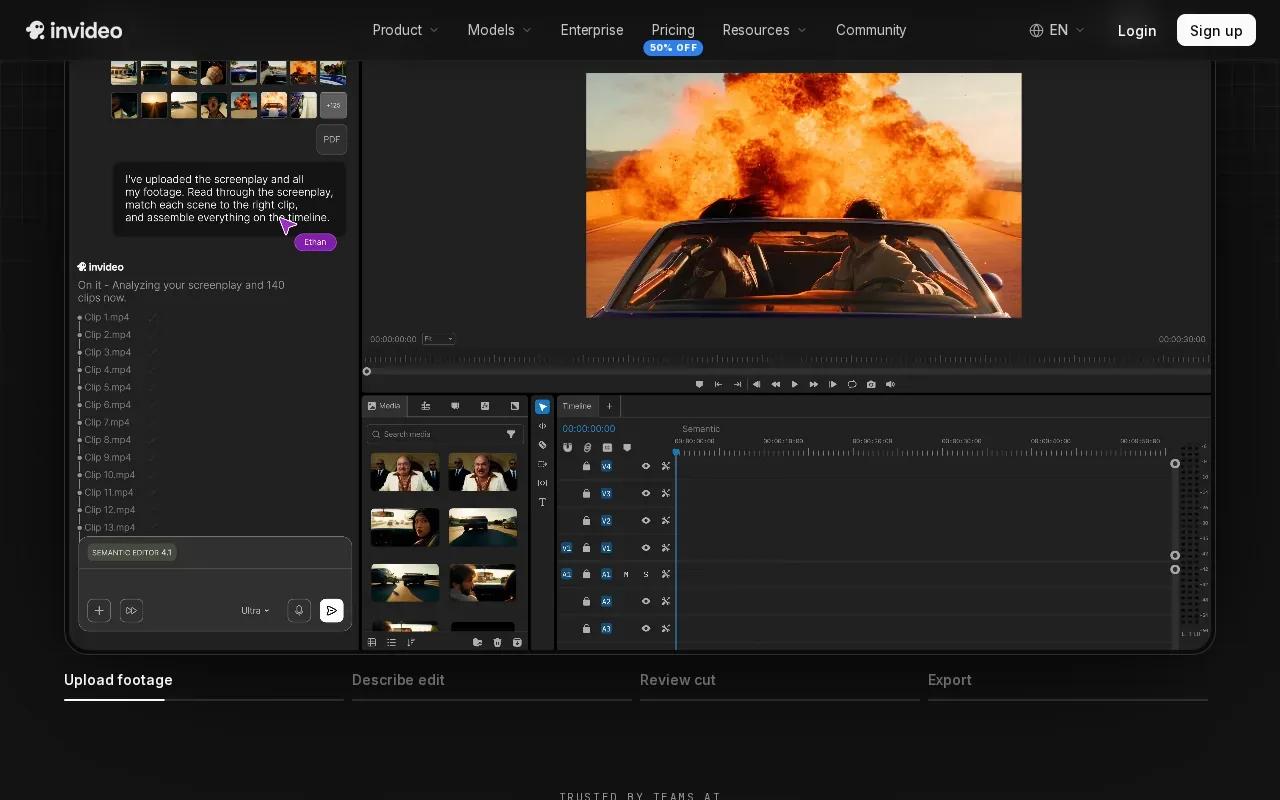
For an ad concept, start with a prompt that names the audience, the product, and the action you want viewers to take. Then review the resulting scenes and script before treating the draft as ready to publish. The large stock library gives you another source of visuals to consider alongside generated content.
That choice is useful when the brief calls for supporting footage rather than one continuous generated scene. For example, a campaign might need an opening product shot followed by broader context. Keep the product and the main message clear as you review each scene. If the visual sequence wanders from the offer, revise the brief before spending time polishing it.
InVideo AI is worth considering if model access and a broad stock collection matter to your team. Compare the workflow with your actual output needs: a campaign based on a specific product photo may call for a different starting point than a prompt-led explainer.
For a closer look at photo-led ad planning, see this comparison of AI product video generator tools.
4. Kapwing: prompt-led video projects for creators
Kapwing can generate a full video project from a single prompt. Its AI ad workflow can also start with product images or a full script, then bring the result into a drag-and-drop timeline. It fits creators who want an AI-built first draft but still want to adjust scenes and pacing.
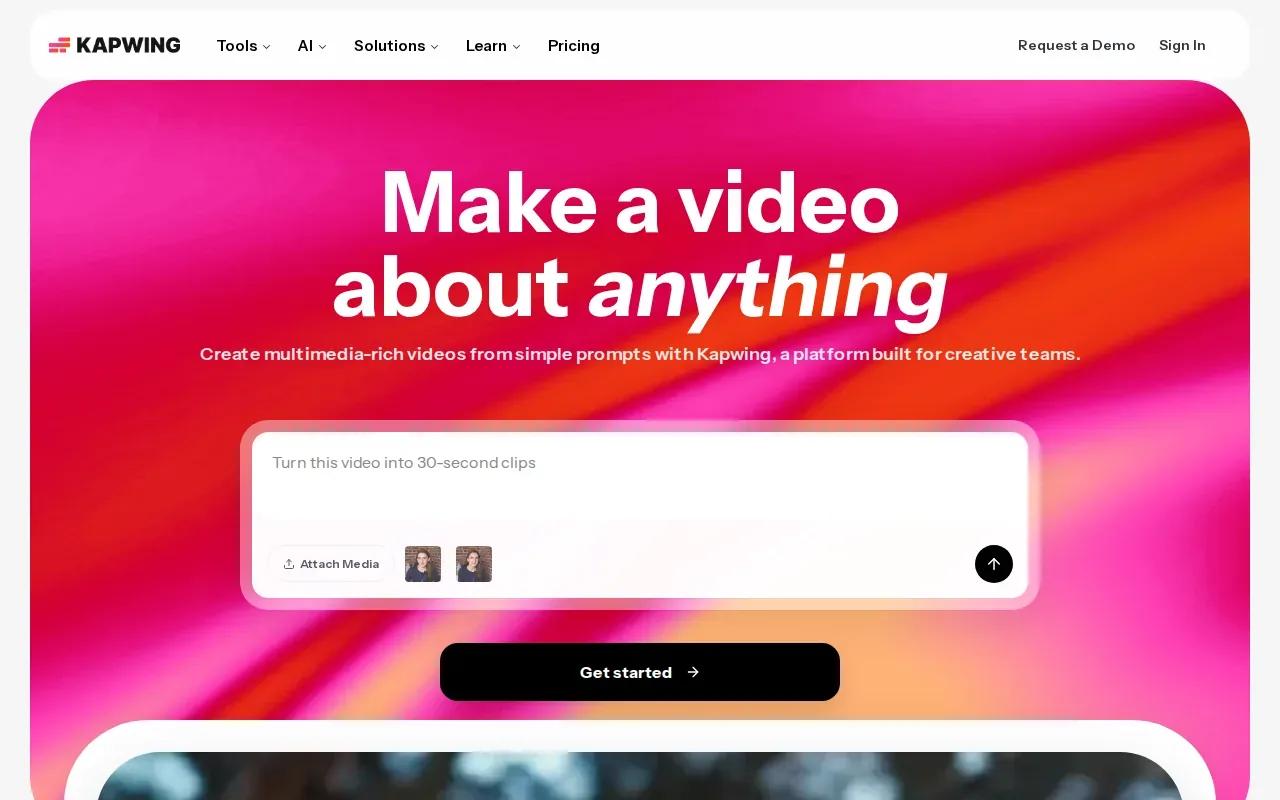
That editing step matters when the first draft gets the idea mostly right but misses a detail. You can review the scene order, swap visuals, and refine the message in the timeline instead of starting the whole project again. Kapwing also offers reusable templates and Brand Kits for teams working with consistent visual elements.
For a social campaign, plan the hook and call to action before you generate. Then use the edit to check whether the opening image earns attention and whether the final beat makes the next action clear. Kapwing’s ad workflow supports resizing for vertical, square, or widescreen formats, which helps when you need versions for different placements.
Creators can start with a prompt, a product photo, or a script. It’s a flexible choice when your source material varies across campaigns. A template can help structure a familiar format, while a prompt may make more sense when the team is exploring a new angle.
5. AKOOL: personalized visual marketing
AKOOL is a generative AI platform for personalized visual marketing and advertising. Its focus is helping marketing creators and innovators build custom experiences that draw people into a brand. It may be relevant when the campaign idea depends on tailoring visual content to its audience.
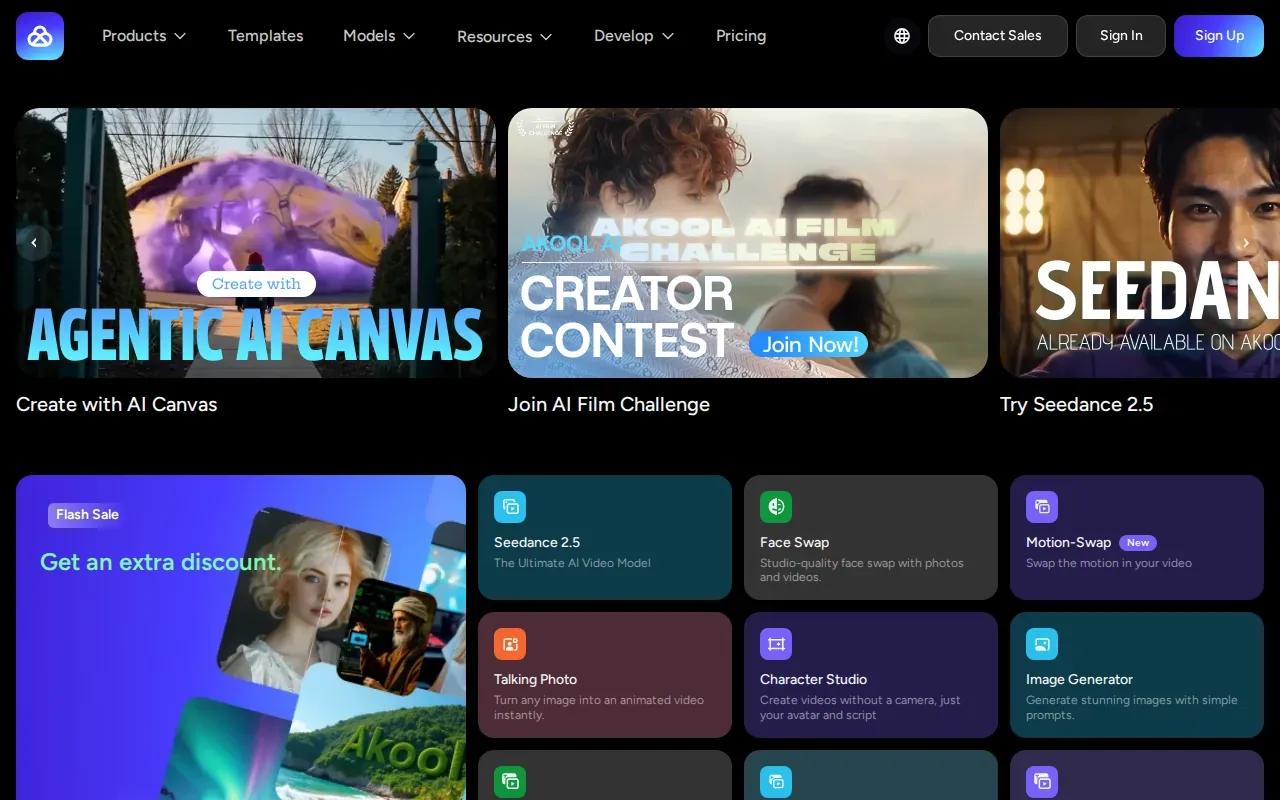
Start by defining what “personalized” needs to mean for your campaign. Is the goal to make the viewer feel addressed by the message, or to present a custom visual experience? A clear brief gives your team a way to assess whether the resulting creative supports the brand and the ad’s purpose.
Keep the core promise easy to understand. Even a tailored ad needs one main message and a clear next step. When reviewing a generated piece, check that the personalized element strengthens that message rather than distracting from the product or offer.
AKOOL belongs on a shortlist when personalized visual marketing is the priority. For a straightforward product showcase, compare that approach with a tool whose workflow starts from a prompt, a reference image, or a product URL.
6. Higgsfield AI: multimodal creation and workflow tools
Higgsfield AI can create images, videos, and voice content from text prompts or references. It also includes media editing and upscaling, plus an AI agent for automating creative workflows. Content can be generated on web and mobile.
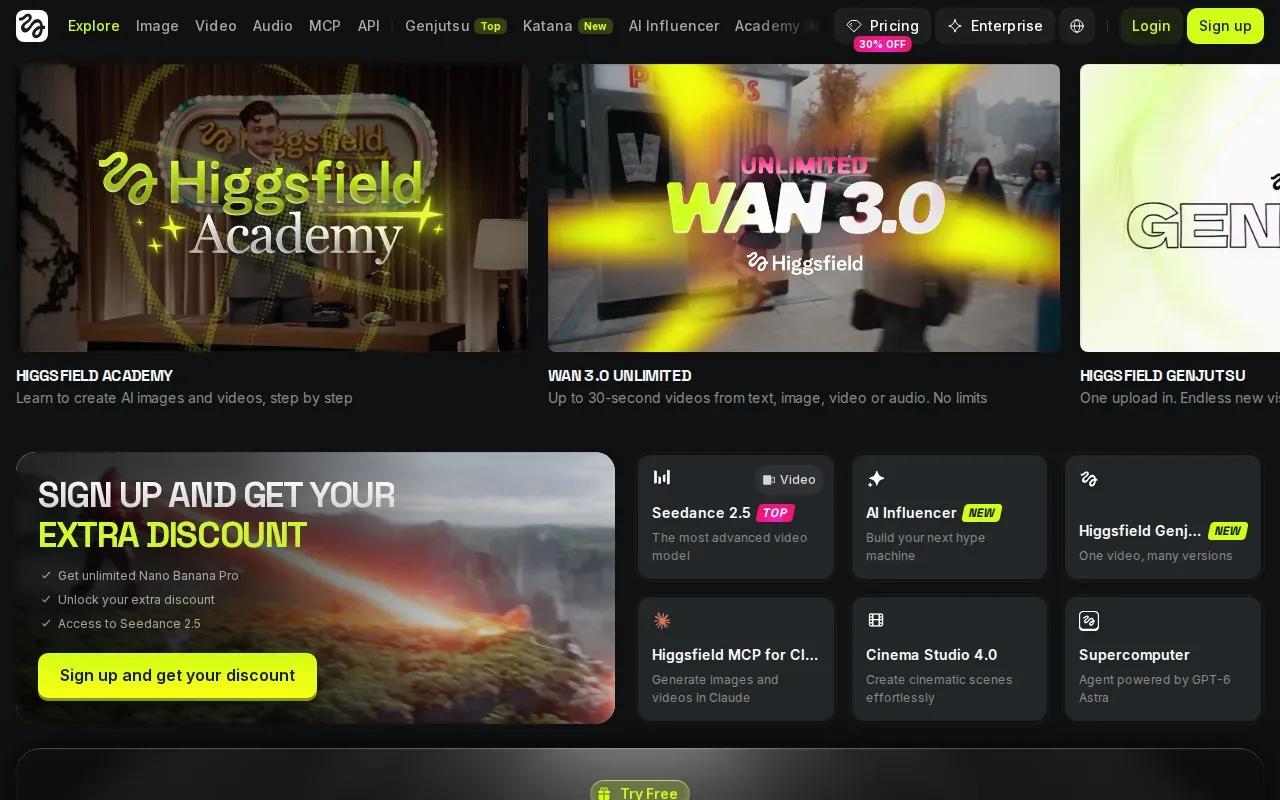
That mix may suit a team that needs more than video generation in its creative process. You might start from a prompt or reference, make an image or video draft, then edit or upscale the media. The AI agent can help automate parts of a workflow, while the web and mobile options give you more than one way to work.
Use this shortlist to match the tool to the main job your ad requires. The table compares each option by its starting input or focus, not by an overall rating.
| Tool | Starting point or focus | Useful decision cue |
|---|---|---|
| Veo Studio | Prompts and reference images | Consider it for synced sound, dialogue, frame control, scene extension, or supported 4K output. |
| Creatify | Product URL | Consider it when the product page is the source for the ad draft. |
| InVideo AI | Multiple AI models and a large stock library | Consider it when model choice and stock assets are part of the brief. |
| Kapwing | Prompt, product image, or script | Consider it when you want to refine a generated project in a timeline. |
| AKOOL | Personalized visual marketing | Consider it when tailored brand experiences are central to the campaign. |
| Higgsfield AI | Text prompts or references | Consider it when image, video, voice, and workflow tools need to sit together. |
If synced dialogue and scene control are key to the brief, Veo Studio is worth testing first. Try a short prompt and a reference image, then check the finished clip against the ad’s message and format.
Ready to make a prompt-led ad with synced sound?Veo Studio →
Frequently Asked Questions About Video Ad Creators
What is a video ad creator?
A video ad creator is a tool for making video ads from inputs such as prompts, scripts, product pages, or images. The exact workflow varies: some tools build a draft from a product URL, while others generate scenes or assemble a project you can edit. Check what you need to provide and how much review the finished ad needs.
Can I make a video ad without editing experience?
Yes, several tools here start with a prompt, a product link, or an image rather than a manual editing timeline. You’ll still need to check the draft. Confirm the product looks right, the message is accurate, and the final action is clear before sharing the ad.
What should I check before posting an AI video ad?
Check the product visuals and claims first. Then watch the full ad with sound to catch awkward dialogue or timing. Confirm that the format suits the placement, and make sure the closing message gives viewers a clear next step. If you plan to test versions, change one element at a time so you can compare the result.
Which tool should I use for a product-page ad?
Creatify is designed to turn product URLs into video ads, so it’s a natural option when the product page is your starting point. If you’d rather direct a scene using a prompt and reference images, consider Veo Studio. Your choice depends on whether you want the workflow to begin with page content or a visual brief.
Can one ad work on every social platform?
It’s better to prepare the ad for each placement. A vertical clip may fit a short-form feed, while a widescreen version may suit another use. Check the destination’s current format rules before export, then review the crop and text placement in each version so the main message stays easy to see.
Conclusion
For prompt-led ads that need synchronized sound, dialogue, reference images, or scene extension, start by testing Veo Studio’s free plan. Write one focused ad prompt, generate a short clip, and review it before deciding whether to move to a paid plan.


