
A promotional video maker can turn a brief, a prompt, or a product photo into a campaign-ready draft. The catch is that tools differ: some focus on templates and edits, while others generate scenes with sound. Here are six options, starting with Veo Studio, and the kind of work each fits.
We analyzed 35 YouTube comments about promo video creation tools and found that 20% mentioned missing or broken functionality.
1. Veo Studio
Veo Studio is an independent, browser-based AI video creation tool powered by Google’s Veo 3.1 models. It turns prompts and reference images into videos with synchronized sound and dialogue, character consistency, first- and last-frame control, scene extension, and output up to 4K.
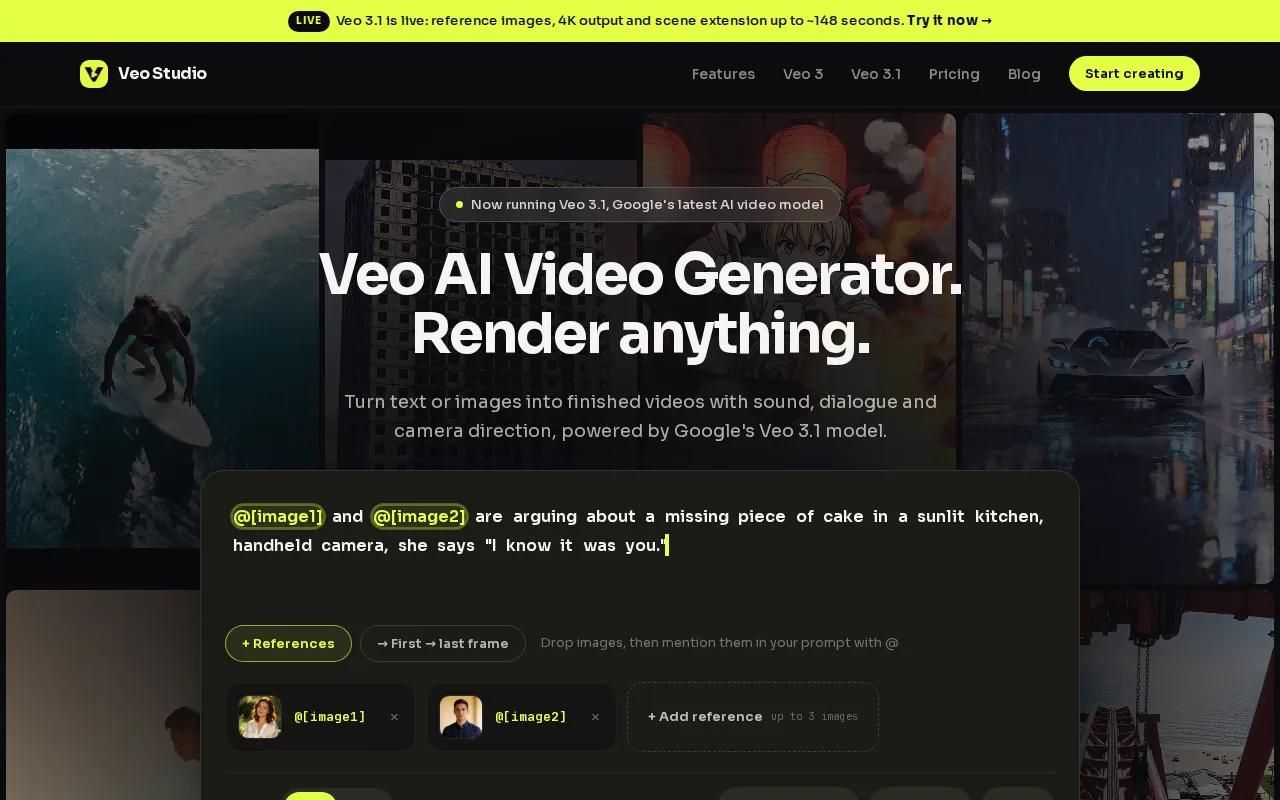
It fits social creators making vertical clips, small businesses turning product photos into ads, and marketers who need a specific camera move or spoken line. Attach up to three reference images to guide a product, character, or visual style. Or give the model a first and last frame, then describe the motion between them.
For a product spot, describe the item, the action, and the shot. Add the line you want spoken in quotes, then include the sound you want around it. Veo 3.1 can generate the picture and synchronized audio together, including lip-synced dialogue. When a clip needs more room, supported 720p generations can be extended in seven-second steps, up to roughly 148 seconds.
The workflow is simple: define one campaign goal, make a short draft, then watch the full clip before export. Check the product’s appearance and the dialogue first. Next, confirm the frame shape fits the planned placement, such as portrait for short-form social posts or landscape for a wider video.
A free plan includes a couple of 720p videos a month without a card. Paid plans start at $14 a month and include a commercial licence; higher tiers add more monthly video volume. For other ways to shape a campaign around generated video, see these ideas for product ads and promotional videos.
2. Kapwing
Kapwing combines AI video generation with collaborative editing in a browser. It fits social teams that need prompt-generated promo drafts, repeatable edits, and versions for multiple channels.
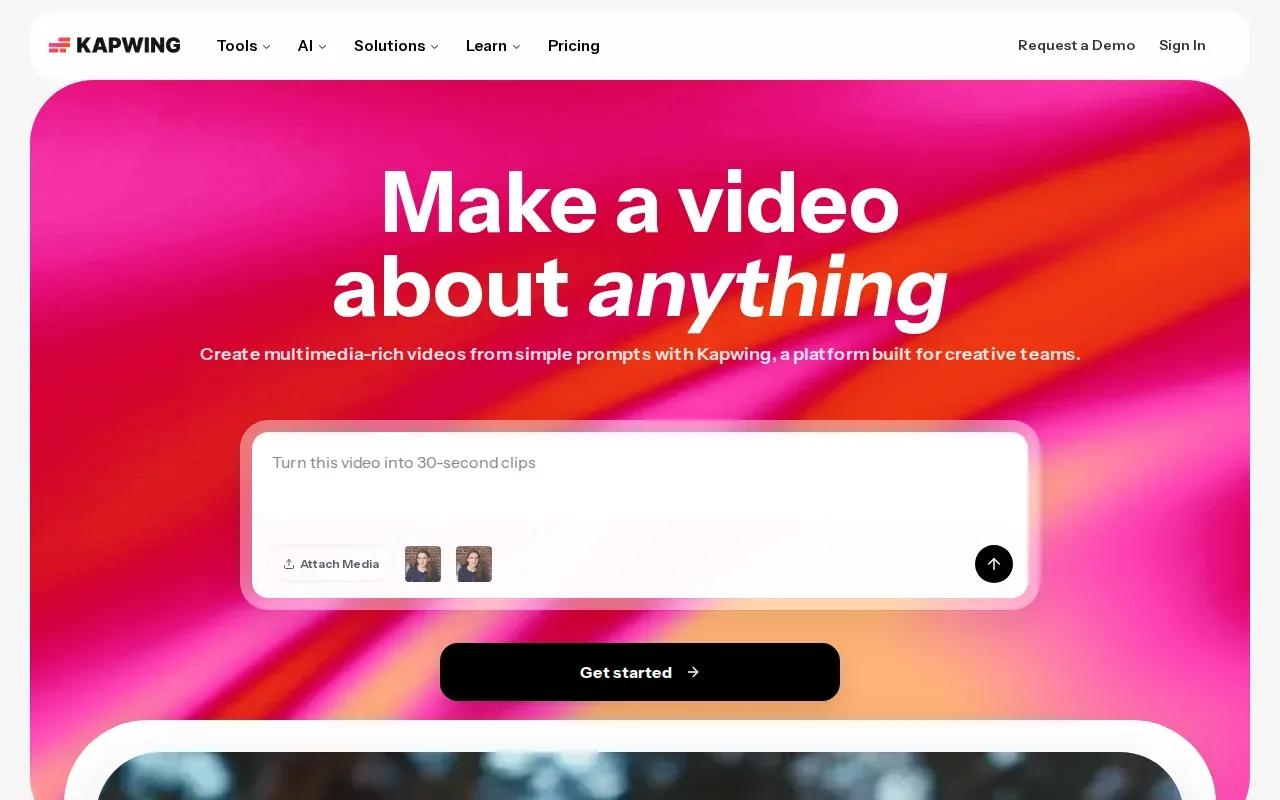
You can start with a prompt, script, image, or existing footage. Its workspace can help build a first draft, then lets you revise it with editing tools. Subtitles, resizing, and brand controls support the next stage, especially when one campaign needs several aspect ratios or a shared team review.
Think of a launch video that needs a square feed cut and a vertical version. The team can work in a shared workspace, leave feedback on the video, and apply brand assets across edits. That can keep review comments closer to the creative than a long email thread.
Kapwing supports short generated scenes and can also build longer video projects. The useful distinction is the job: use generation to draft scenes, then use editing and collaboration tools to refine pacing, captions, and format. A human review still matters when the product needs to look exact or the message must match approved campaign copy.
Choose it when your team’s bottleneck is editing and adapting social content, rather than generating a single tightly directed scene with synchronized dialogue.
3. Promo
Promo makes short marketing videos using templates, stock media, and AI-assisted editing. It suits small marketing teams that want a quick website-derived ad draft, then plan to adjust the copy and visuals in a template.
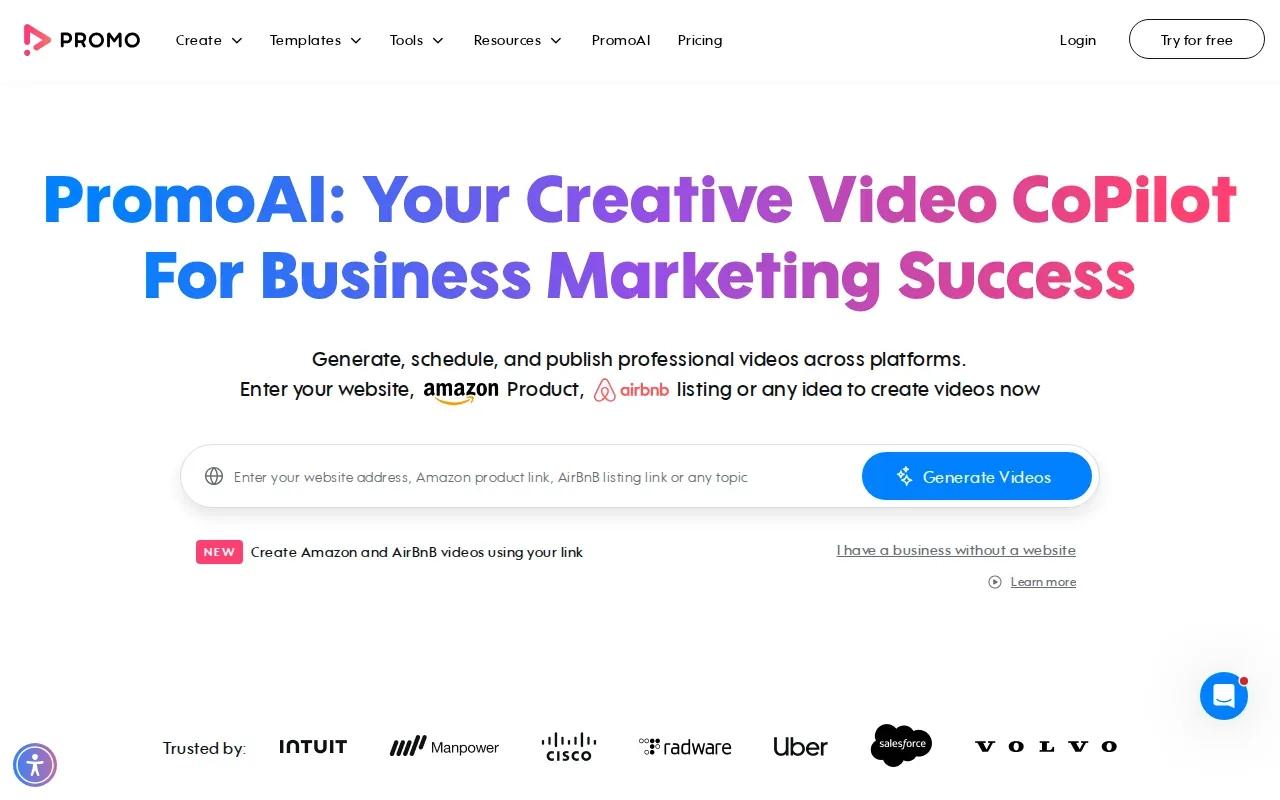
A website can give a campaign a starting point, while stock clips and editable layouts help fill out the draft. That can be useful when a team has a clear offer but few original video assets. The editor’s template-led approach gives you a way to shape the ad without planning each generated shot from scratch.
Before you generate, write down the one action the viewer should take. Keep the opening focused on that offer, then use the middle to show a benefit or key detail. Close with one clear call to action. If the ad is for a sale or event, check dates and terms in the final edit so the video doesn’t keep circulating after the offer ends.
Promo is built for social and ad campaigns, but a stock-led draft may need hands-on changes to match a product’s exact look. Review the footage, brand assets, and text before exporting. Don’t assume a generated scene will show a real item accurately just because the website describes it.
Promo is a sensible fit when speed and editable templates matter more than custom scene direction.
4. Renderforest
Renderforest suits teams that regularly make promotional videos, social content, presentations, and branded videos. It exports up to 4K, which may suit a workflow where one branded video needs a high-resolution export.
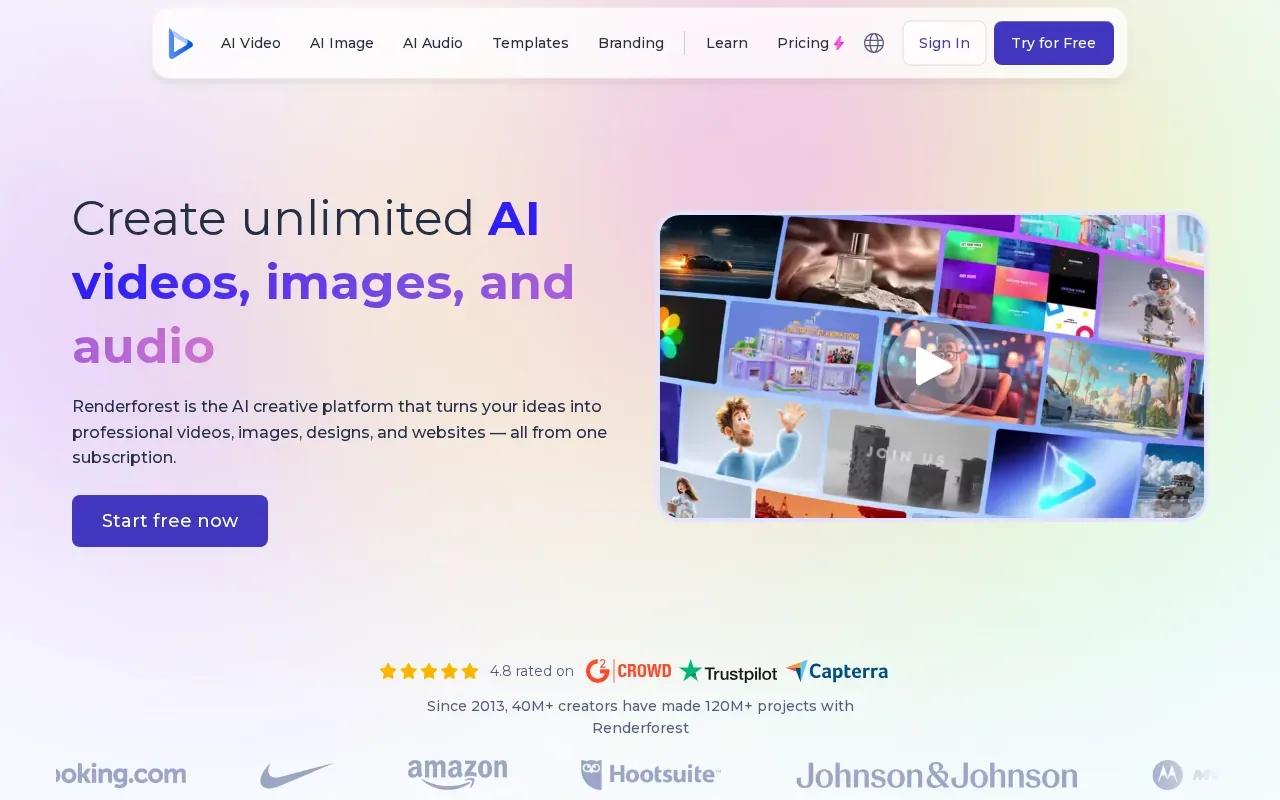
Use it when your team makes similar types of branded content on a recurring basis. A marketing team might need a presentation-style video for one campaign and a social promo for another. Keeping those jobs in a familiar template-led workflow can help teams reuse a visual approach rather than start with a blank canvas every time.
Resolution is only one part of the choice. Confirm that the template structure suits the story, then review each scene for timing and brand fit. A 4K export won’t fix a weak opening or an unclear offer. Write the call to action before editing so it has a clear place in the final sequence.
Veo Studio is a different fit when you want generated dialogue and sound to match the action, or need to extend a scene. Renderforest is built around recurring promotional and branded video work rather than those generation controls.
5. VEED
VEED combines AI video generation with captions, avatars, templates, and browser-based editing. It fits marketing teams that want editable promo drafts with product demos, narrated messaging, or localized versions.
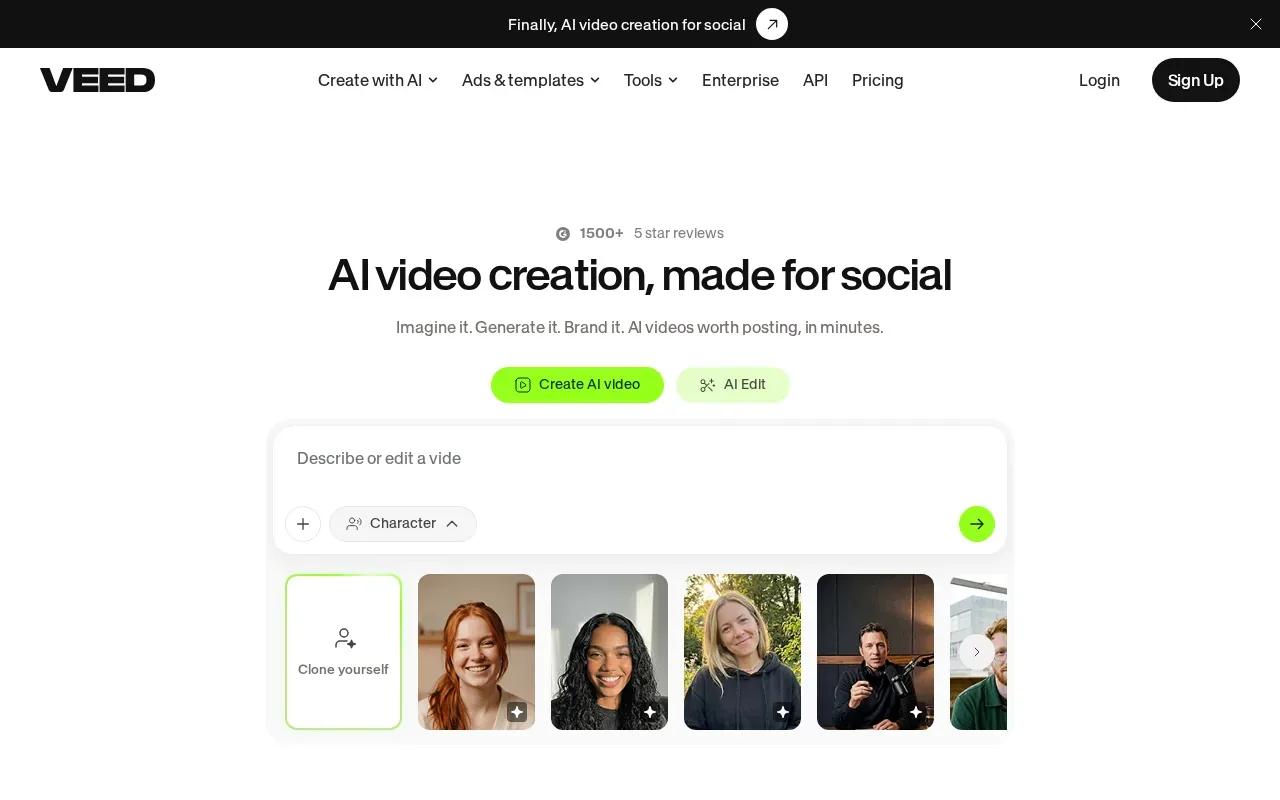
You can upload footage, photos, and music, then edit the draft in the browser. Its tool set includes AI avatars, text-to-voiceover, subtitle generation, and translation. Captions can help viewers follow a message when their sound is off; check each line before publishing, since an incorrect product name or offer can change the meaning.
Brand controls support logos, colors, and fonts. Teams can save custom templates for repeat campaigns, then adapt a video to social formats. That makes VEED a useful choice when a team already has demo footage and needs to add narration, captions, or a presenter without leaving the editing workflow.
For a product demo aimed at more than one language group, start with the same core visuals and revise the spoken message and captions for each audience. Then review the translated version in context. A literal translation may not fit the timing or tone of the original clip.
VEED’s strength here is the mix of editable drafts and post-production tools. If your main requirement is generated dialogue synchronized with the visual action, compare that need carefully against a tool built around that capability.
6. InVideo AI
InVideo AI turns written prompts into scripted videos with visuals, voiceovers, subtitles, and sound effects. It’s a fit for high-volume social content teams, especially when speed matters more than precise control over every generated scene.
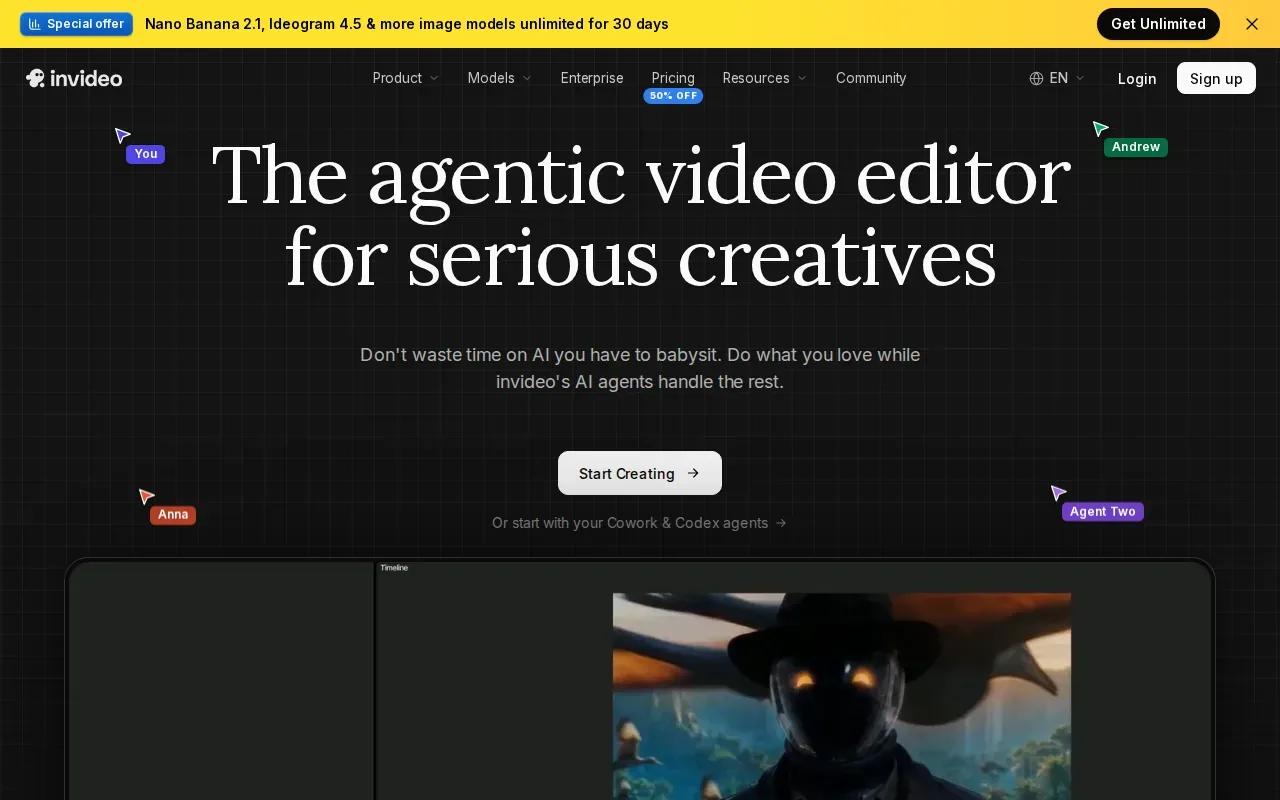
Give it a brief, select an audience and platform, then generate a draft. A team can review the draft before deciding whether to revise or regenerate it.
Before generating a batch, set a clear format for each campaign: the audience, the main message, and the action you want viewers to take. Review the first draft for the script and visual fit, then make edits before using the same brief as a pattern for more videos. More output does not help if each version misses the campaign point.
InVideo AI also offers workflows for a range of promo styles and supports translation. For high-volume teams, those tools can support repeat production. Still, review captions, voiceover, and scene choices before publishing. An AI assembler can save setup time, but the final check belongs to the team responsible for the ad.
If your need is a focused product scene with consistent characters, synchronized dialogue, or scene extension, Veo Studio gives you controls aimed at those parts of creation. For product-focused workflows across several tools, this comparison of AI product video tools gives another way to frame the decision.
Promotional Video Maker Comparison Table
Compare tools by the work you need to do after the first draft. A template-led editor, a collaborative workspace, and a scene generator solve different production problems. Use this table to narrow the shortlist before testing a real campaign brief.
| Tool | Good fit for | Useful production details | Check before you commit |
|---|---|---|---|
| Veo Studio | Prompt- or image-led scenes | Synchronized sound and dialogue, reference images, first/last-frame control, scene extension, up to 4K | Free plan is 720p; paid plans start at $14/month |
| Kapwing | Social teams editing together | AI generation, subtitles, resizing, brand controls, shared editing | Review generated scenes and final brand alignment |
| Promo | Quick, template-led marketing ads | Website-derived drafts, stock media, AI-assisted editing | Check stock visuals against the real product |
| Renderforest | Recurring branded video work | Promotional videos, social content, presentations, 4K output | Make sure the template fits your story |
| VEED | Editable, narrated promo drafts | Captions, avatars, templates, browser editing | Proofread subtitles and translations |
| InVideo AI | High-volume social video assembly | Prompt-led scripts, visuals, voiceovers, subtitles, text-command edits | Review every version before publishing |
For an inclusive promo, keep captions legible and check contrast between text and the background. Make sure the key message still makes sense with the sound off. For video SEO, use a clear title and description that match the clip, then choose a thumbnail that shows the subject. These checks help viewers understand the video before they press play.
Veo Studio is a fit for promos that need synchronized sound and dialogue.
FAQ
What is a promotional video maker?
A promotional video maker is a tool for making marketing videos from inputs such as prompts, footage, product photos, templates, or scripts. Some tools focus on editing and captions, while others generate scenes or voiceovers. Pick one based on the work you need to do: create a scene, adapt a campaign for social channels, or edit existing footage.
Can I make a promo video for free?
Yes, some tools provide a free way to start. Veo Studio’s free plan includes a couple of 720p videos a month without a card. Its paid plans start at $14 per month and add more video volume and higher resolutions. Check the current plan details before you choose, especially if the campaign needs 4K output or a commercial licence.
How long should a promotional video be?
Keep the video only as long as it takes to make the offer clear. For a social ad, lead with the main point instead of saving it for the end. A product demo may need more time to show how something works. Watch the edit without sound too, so the story and call to action remain easy to follow.
How do I make a promo video for social media?
Start with one audience and one goal, then choose a frame shape that fits the planned placement. Draft the hook and call to action before you edit. Make a version, check the visuals and captions, then export and review the finished file on a phone. Adapt the format for each channel rather than assuming one cut will suit every placement.
What should I check before publishing a promo video?
Check that the product looks right, the spoken message matches the approved copy, and captions are accurate. Confirm the offer details and call to action. Then watch the full export with sound and once without it. If the clip includes generated dialogue or translated text, review those closely before sharing it with customers.
Conclusion
Choose based on the hard part of your workflow. For generated scenes with synchronized dialogue, character consistency, and scene extension, start with Veo Studio. Its free plan lets you test a couple of 720p videos without a card, so start a free Veo Studio account and try a real campaign prompt.


