
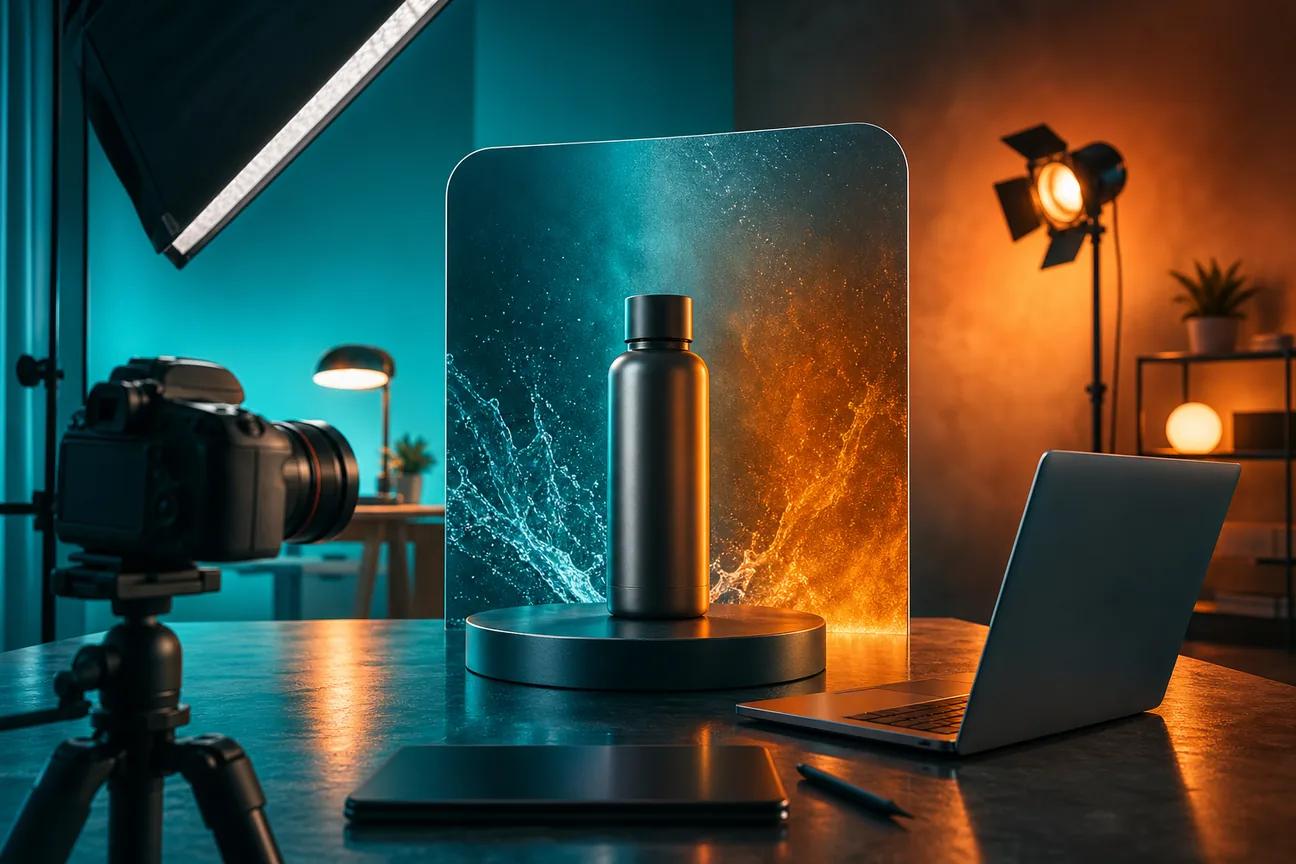
A product ad maker can turn a product photo, page link, or short idea into an ad draft. The tools below take different routes, from generated scenes to edited social clips, so you can choose based on the work you need done.
We analyzed 57 YouTube comments about AI product ad generators and found that 19% asked about applicability to different business types.
1. Veo Studio
Veo Studio is an independent, browser-based AI video creation tool powered by Google's Veo 3.1 models. You can start with a prompt or reference images, then describe the product scene and camera move in plain language.
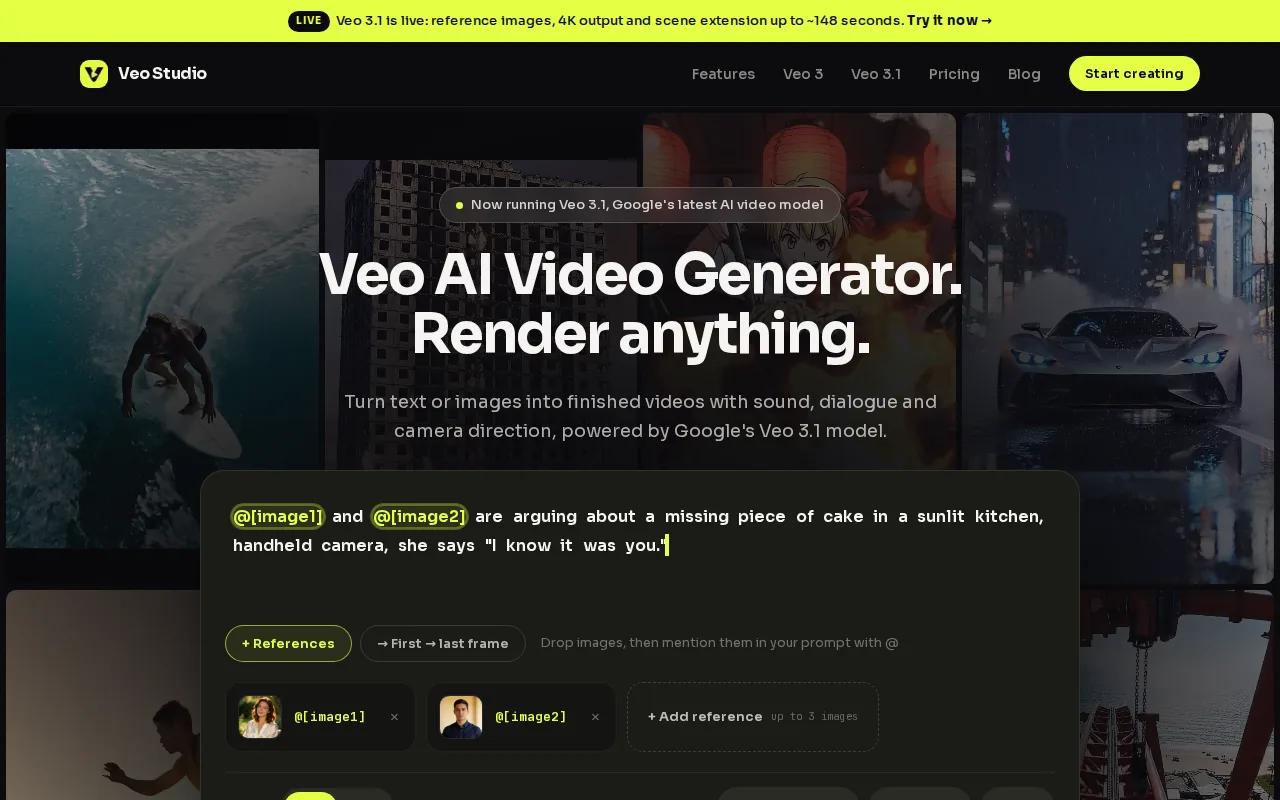
It fits creators and brand marketers who want to direct the scene instead of starting with a fixed ad template. Attach a product photo, then ask for a slow push-in, soft window light, or another clear action. Reference images can help keep a product or character consistent within a clip.
Veo Studio can generate synchronized sound and dialogue with the video. You can also set first and last frames, extend a scene, and make output up to 4K on supported plans and settings. Those controls are useful when an ad needs a spoken line or a longer visual beat, rather than a silent moving image.
The free plan includes a couple of 720p videos each month, with no card required. Paid plans start at $14 per month and include higher resolutions, more video capacity, and a commercial licence. See the Veo Studio video creation features before you draft a prompt.
For a product scene, keep the prompt focused: name the setting, the action, and one camera move. A short brief is easier to adjust than a paragraph packed with competing instructions.
If you're weighing scene generation against product-photo animation, this comparison of AI product video workflows can help you think through the starting asset and desired output.
2. Creatify: Turn a product page into a video ad
Creatify turns a product page into a video ad. Paste a URL, and it can pull images and copy from the page to help shape the ad draft.
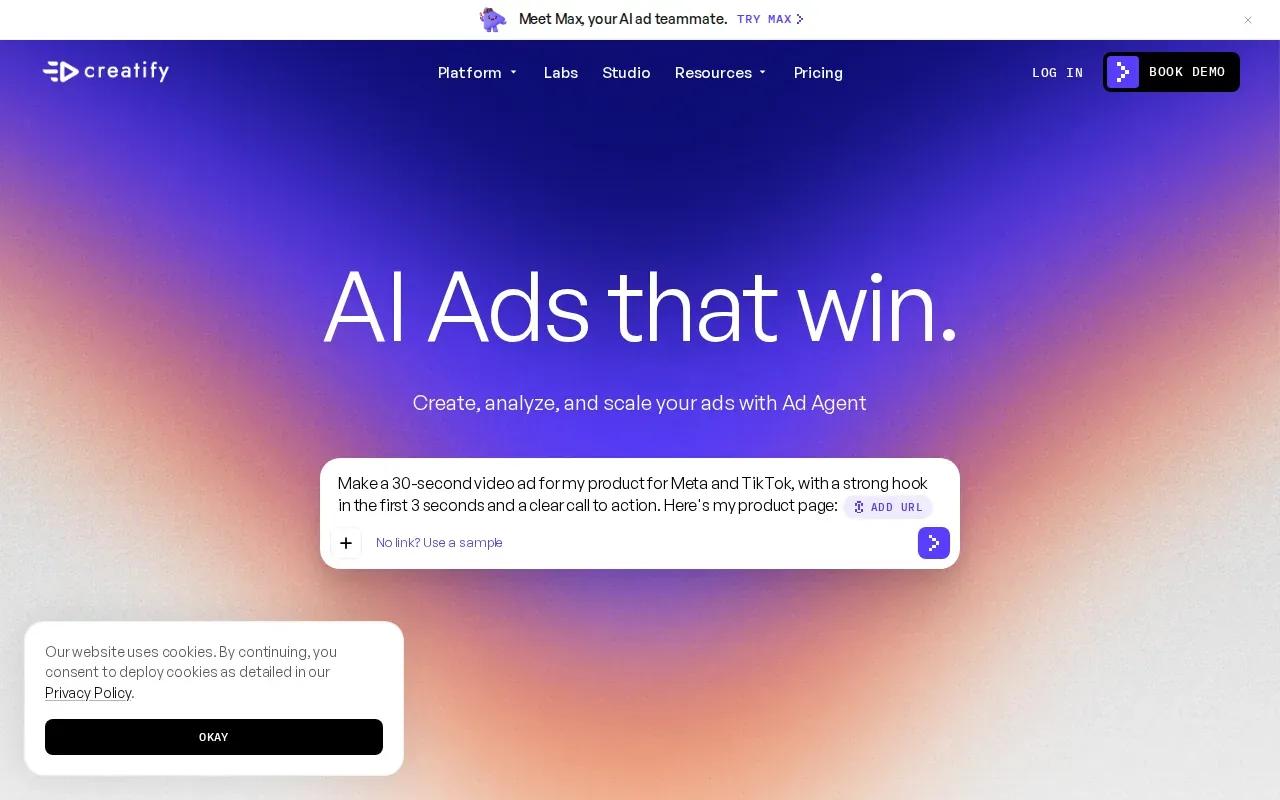
This workflow suits a seller who already has a product listing and wants to move from page content to a video concept. The source page gives the tool product details to work from, so you don't have to begin with a blank script. Review the result against your actual product page before using it.
Creatify's ad maker can also build a script around an avatar, voice, and background track. The available formats include vertical, square, and landscape layouts, which can help when the same campaign needs versions for different social placements.
For teams testing openings, Creatify describes an A/B test dashboard for reviewing hooks, avatars, and scripts. That makes it more focused on ad variations than on directing a single cinematic product shot. Treat each generated version as a draft, then check the claims and offer details before launch.
The free plan includes 10 credits per month, enough for two watermarked video ads. That's a small way to test the URL-led workflow before deciding whether it fits a recurring campaign.
3. AdCreative.ai: Generate ad creatives and copy for campaigns
AdCreative.ai uses AI to generate ad creatives, images, videos, and copy. Its product-ad workflow starts with a product image, then makes visual variations for marketing campaigns.
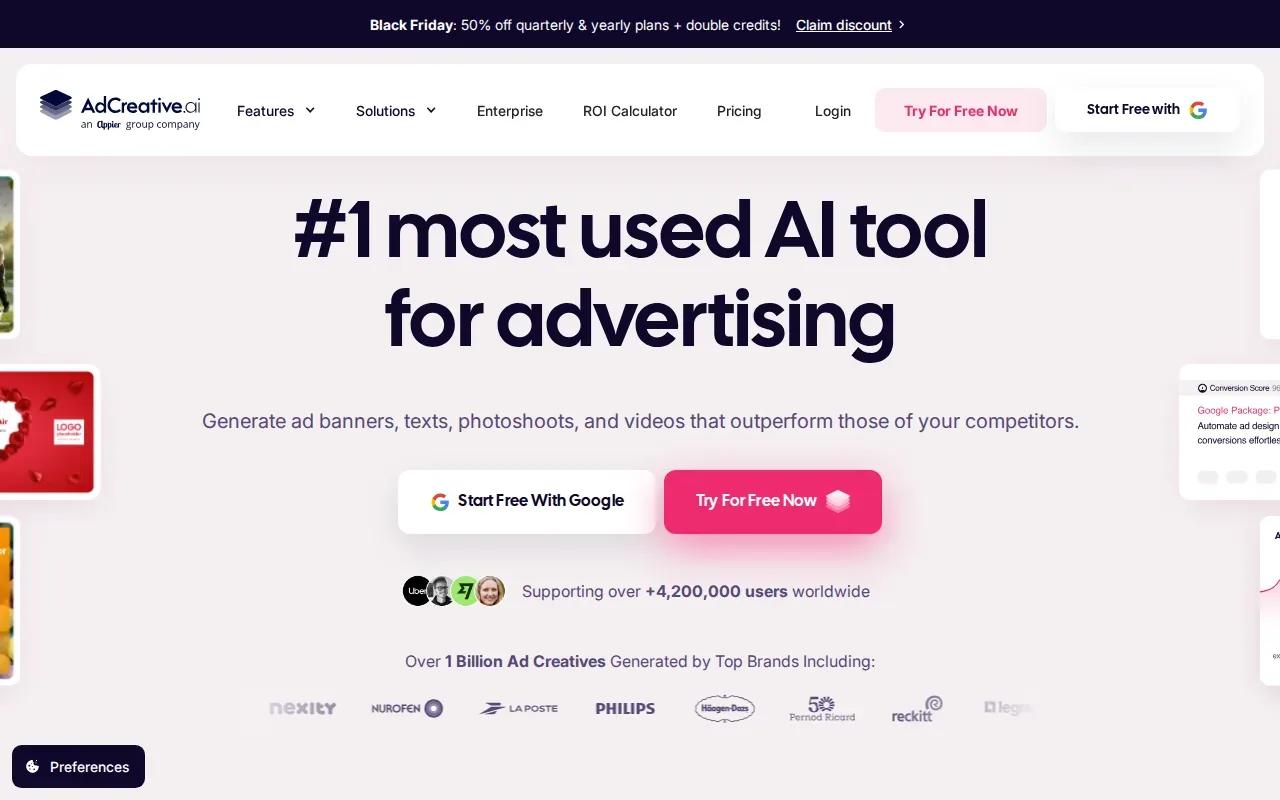
It may fit a marketer whose main need is a larger set of creative directions from an existing product photo. You can describe a scene or pick a visual style, then generate options for product visuals and video. That gives a team more concepts to review without arranging a separate photo shoot for each one.
Creative testing is central to the product's stated use. AdCreative.ai says teams can make variations from one image and test them in campaigns to see which creative performs better. The tool helps produce the assets; your campaign setup and results still determine which version earns more spend.
Its advertised 7-day free trial includes 10 credits. That gives you a short window to try the image-led process and see whether the outputs fit your campaign needs. Before publishing, check that product details and any claims match your approved copy.
For a product-led campaign, begin with a clean source photo and a clear visual brief. Then judge each variation against the actual item, not just the background or overall look.
If the work is mainly short-form video editing after generation, these product video maker workflows for creators cover how different tools handle generated scenes and social edits.
4. CapCut: Make product clips in a familiar editing workspace
CapCut has an Image to video tool inside its desktop editor, alongside auto captions and music. It suits creators who want to animate an image and keep working in an editing workspace.
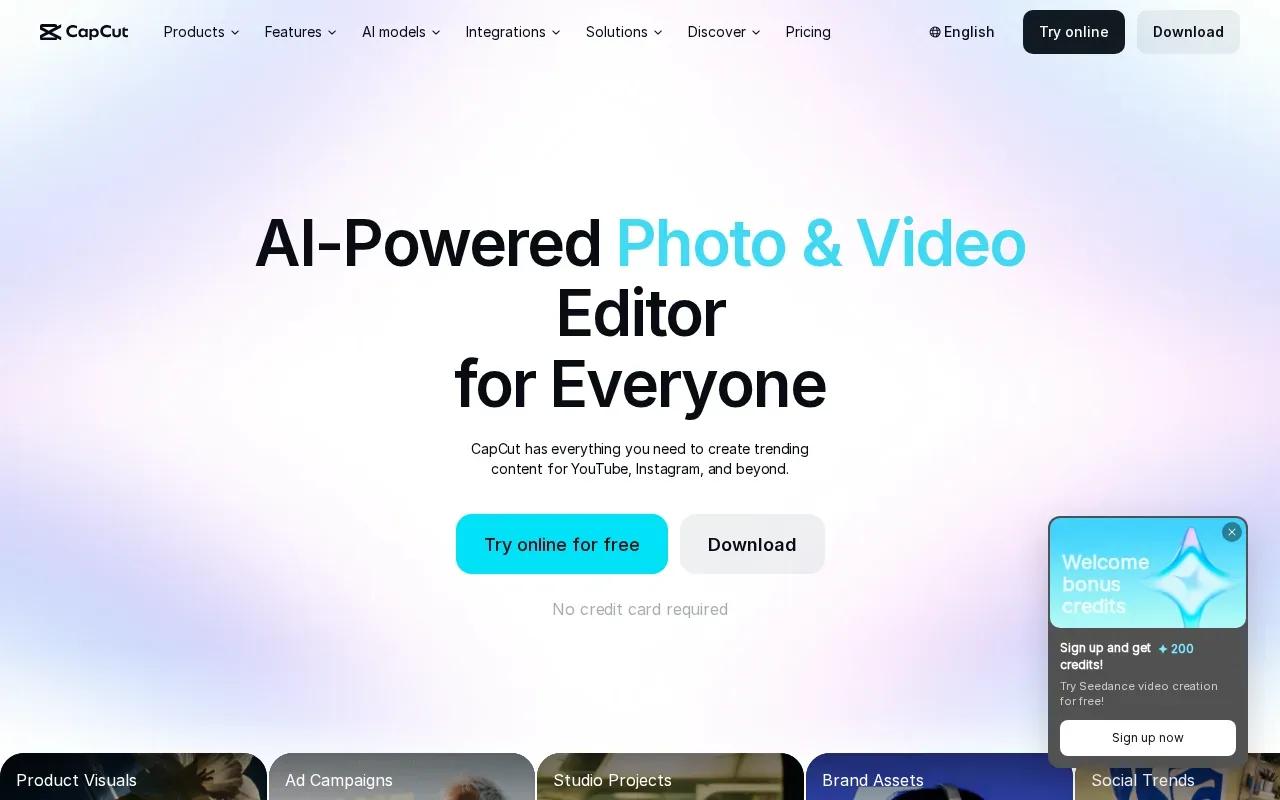
A product photo can be the starting point. CapCut's product-ad workflow also describes adding a script, voiceover, captions, music, and scene edits before export. This lets you build a short ad around an approved image, then shape timing and supporting media in the same general editing process.
That editing control matters when the first draft needs changes. You can review the product's visibility, the opening seconds, and the pacing, then adjust scenes or captions. Generated copy should be checked against your approved claims and offer before it goes live.
CapCut has a generous free tier with tools such as auto captions, background removal, effects, and templates. Pro plans start at roughly $8 per month for premium templates and assets. Its Image to video feature is a fit when you want to move from a still image toward an edited clip, rather than generate a whole scene from a written prompt.
When the product shot is already approved, this kind of workflow gives you room to add the message and polish the cut around it.
5. Pippit AI: Create marketing-focused product promotions
Pippit AI focuses on marketing-oriented content. It can help make product promotions and marketing videos, with a free plan that includes daily credits.
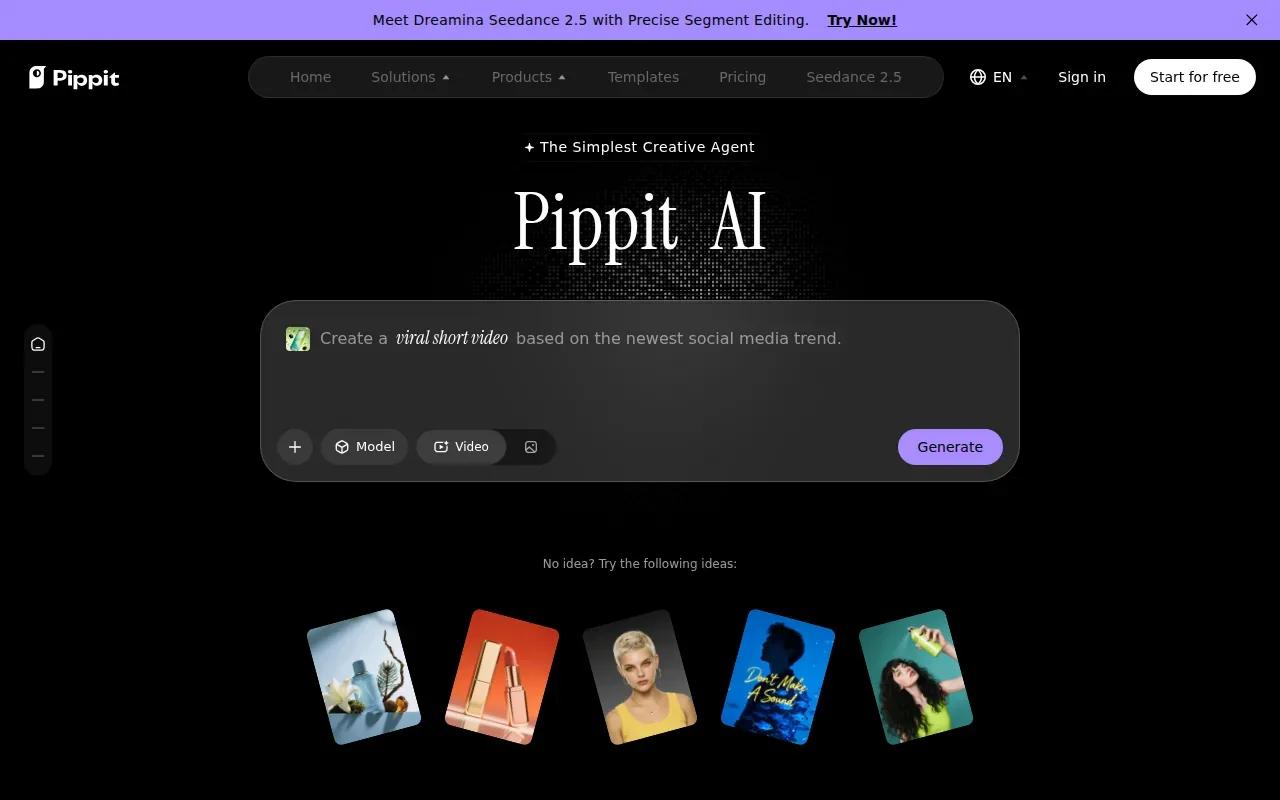
Daily credits make the free tier useful for trying Pippit's marketing-oriented content creation. Before using a generated promotion, check it for accurate product details and brand wording.
Pick Pippit when you want marketing content built around product promotion.
Product ad maker comparison: which tool fits your workflow?
The right fit depends on what you already have and what part of production slows you down. Use this table to match the workflow to your starting point, then test a small draft before building a full campaign around it.
| Tool | Good starting point | Workflow focus | Free access |
|---|---|---|---|
| Veo Studio | Prompt or reference images | Directed video scenes with synchronized sound, dialogue, frame control, and scene extension | A couple of 720p videos per month; no card required |
| Creatify | Product page URL | Video ad drafts with scripts, avatars, voices, and creative testing | 10 credits per month, enough for two watermarked video ads |
| AdCreative.ai | Product image | AI-generated ad creatives, product visuals, videos, and copy | 7-day trial with 10 credits |
| CapCut | Product image or video draft | Image-to-video plus editing, captions, and music | Generous free tier |
| Pippit AI | Product link or image | Marketing-oriented video and promotional content | Free plan with daily credits |
For a prompt-led product scene, Veo Studio gives you control over the shot and sound. For a listing-led ad draft, Creatify starts from the page. AdCreative.ai begins with a product image and focuses on campaign creative variations.
CapCut makes sense when you want to animate a still and then edit the clip. Pippit AI fits a wider promotional workflow that can include social content planning. The Veo Studio plan details explain its free allowance and paid options if video volume or resolution is part of your decision.
Before you settle on a tool, define the deliverable: a short scene, a narrated product pitch, a set of image variations, or a polished social edit. Then check whether the free access gives you enough room to test that exact job.
FAQ
What is a product ad maker?
A product ad maker is software that helps you produce promotional content for an item. Depending on the tool, you may start with a product page, photo, prompt, or existing clip. It can generate video or image drafts, help with copy, or provide editing tools. You still need to check the final ad for accurate product details and claims.
Can I make a product video ad from one photo?
Yes, some tools can turn a product photo into a video draft. AdCreative.ai generates product visuals and videos from a product image, while CapCut has an Image to video tool in its desktop editor. Review the result closely, especially the product shape, packaging details, and any text shown in the frame.
Which tool starts with a product page URL?
Creatify and Pippit AI both describe workflows that can start with a product link. Creatify can pull images and copy from a product page to help build a video ad draft. Pippit AI also describes generating marketing videos from product links. Check the generated copy against the live listing before publishing.
Can a free product ad maker make usable videos?
Some free plans include video creation, but the limits differ. Veo Studio's free plan includes a couple of 720p videos each month without a card. Creatify's free plan includes two watermarked video ads through 10 monthly credits. Check the plan details against the number and type of drafts you need.
Conclusion
Veo Studio supports directed product scenes with synchronized sound and dialogue. If your workflow starts from a product page or depends on editing an existing clip, compare that starting point with the other tools before committing.


