

A good ad earns a few seconds of attention by making its message clear right away. If you're learning how to create an ad video, start with one audience, one offer, and one action you want viewers to take.
We analyzed 52 comments and questions from Reddit, YouTube and Quora about creating video ads and found that 33% asked about different video creation tools.
Then build a short story around that action. These steps take you from the first idea to a reviewed, platform-ready ad, whether you’re filming, editing existing footage, or generating scenes with AI.
Step 1: Set the Ad Goal, Audience, and Offer
Goal: Give the video one job. A clear goal helps you choose what to show and what to leave out.
Write down the result you want: a sale, a lead, a site visit, or a video view. Then name the audience in plain terms. “People looking for a quick weeknight meal” gives you more to work with than “everyone.”
Next, choose one offer or benefit to feature. A short ad can’t explain every detail about your business. Pick the point that best answers the audience’s need, and make sure you can support every claim with approved product facts.
Set a small budget for the first test before you make the video. Decide what result would make you keep testing the idea. For a sales campaign, that could be purchases or cost per purchase. For a lead campaign, track completed forms rather than views alone.
Use this short brief to keep the work focused:
- Audience: Who should stop and watch?
- Need: What question or problem does the ad address?
- Offer: What product, service, or action are you presenting?
- Proof: What can viewers see or hear that backs up the claim?
- Next step: What should they do after watching?
A useful offer might be a product demo, a time-limited deal, or a free consultation, if your business actually provides one. Keep the call to action (CTA) simple. Asking viewers to shop, sign up, and follow you in the same clip splits their attention.
For inspiration on matching a message to an ad format, explore these video advertising examples and the ideas behind them.
Step 2: Write a Short Script With a Strong Hook
Goal: Make the value of the ad clear before a viewer scrolls past.
Write the first line around a question, a familiar problem, or a result the audience wants. Skip a greeting. “Still wiping spills off your desk?” gives a home office product a visible problem to address. “Meet our new cleaner” takes longer to explain why anyone should care.
Build the rest of the script in a simple order: hook, problem, product, proof, CTA. You don’t need to name every feature. Show one use case, then say what the viewer can do next.
For example, a small business selling a reusable travel cup might open with a messy bag after a leak. The next scene shows the cup closed inside the bag. A short line can explain the product’s leak-resistant design, but only if that claim matches its approved facts. The final frame can invite viewers to see the available colors.
Keep spoken lines short enough to say at a natural pace. Read the script aloud and cut words that don’t add meaning. If a line sounds stiff in conversation, it will likely sound stiff in the ad too.
Give each spoken line a visual job. If the voice says, “Fits on a crowded desk,” show the product beside common desk items. If the viewer needs to see a feature, don’t make the voiceover carry the whole explanation.
For a generated scene, Veo Studio can create synchronized sound and dialogue. Add the exact spoken line in quotation marks in your prompt, then review the voice and lip movement in the result. Keep a person’s line brief enough to fit the scene.
Plan captions as part of the script, not as an afterthought. Many viewers watch with sound off. Use readable wording that carries the main point, and check that each caption matches what is said.
A template can help you map each line to a shot. Use the video ad template ideas for social and product ads to plan a hook, product moment, and CTA before you make the scenes.
Write two or three opening lines if you plan to test hooks. Keep the product proof and ending the same at first. That way, you can judge whether the opening changes how people respond.
Step 3: Plan the Shots and Gather Your Visual Assets
Goal: Decide what viewers will see before you film, generate, or edit.
Turn your script into a shot list. For each shot, note the subject, action, camera view, and the words or sound that belong there. A simple product ad might use a close view of the item, a shot of it in use, and a final view that leaves space for the CTA.
Give every shot a reason to exist. One frame might introduce the product. The next could show a useful detail. A later shot might show the product in an everyday setting. If two shots make the same point, remove one or use it to show something new.
Choose the format before you build the visuals. Vertical 9:16 is a common starting point for TikTok, Reels, and Shorts. Square 1:1 can suit some feed placements, while horizontal 16:9 fits many YouTube or website placements. Check the current ad specifications for the exact placement you plan to use.
Don’t rely on cropping one finished video into every shape. A vertical crop can cut off a product, a person’s hands, or a caption. Frame the main action with safe space around it, then preview each version on a phone-sized screen.
Gather approved product photos and brand assets before production. Pick images that show the details viewers need to recognize. If a package label, color, or shape must stay true, keep the approved source image close during review.
For a recurring character or product, reuse the same visual reference across scenes. Veo Studio is an independent, browser-based AI video creation tool powered by Google's Veo 3.1 models. It can take prompts and reference images, with character consistency controls that help keep a repeated subject closer to the same look.
First- and last-frame control can also guide the opening and closing image of a scene. That’s useful when the ad needs to begin on a specific product view or end in a composition that leaves room for text.
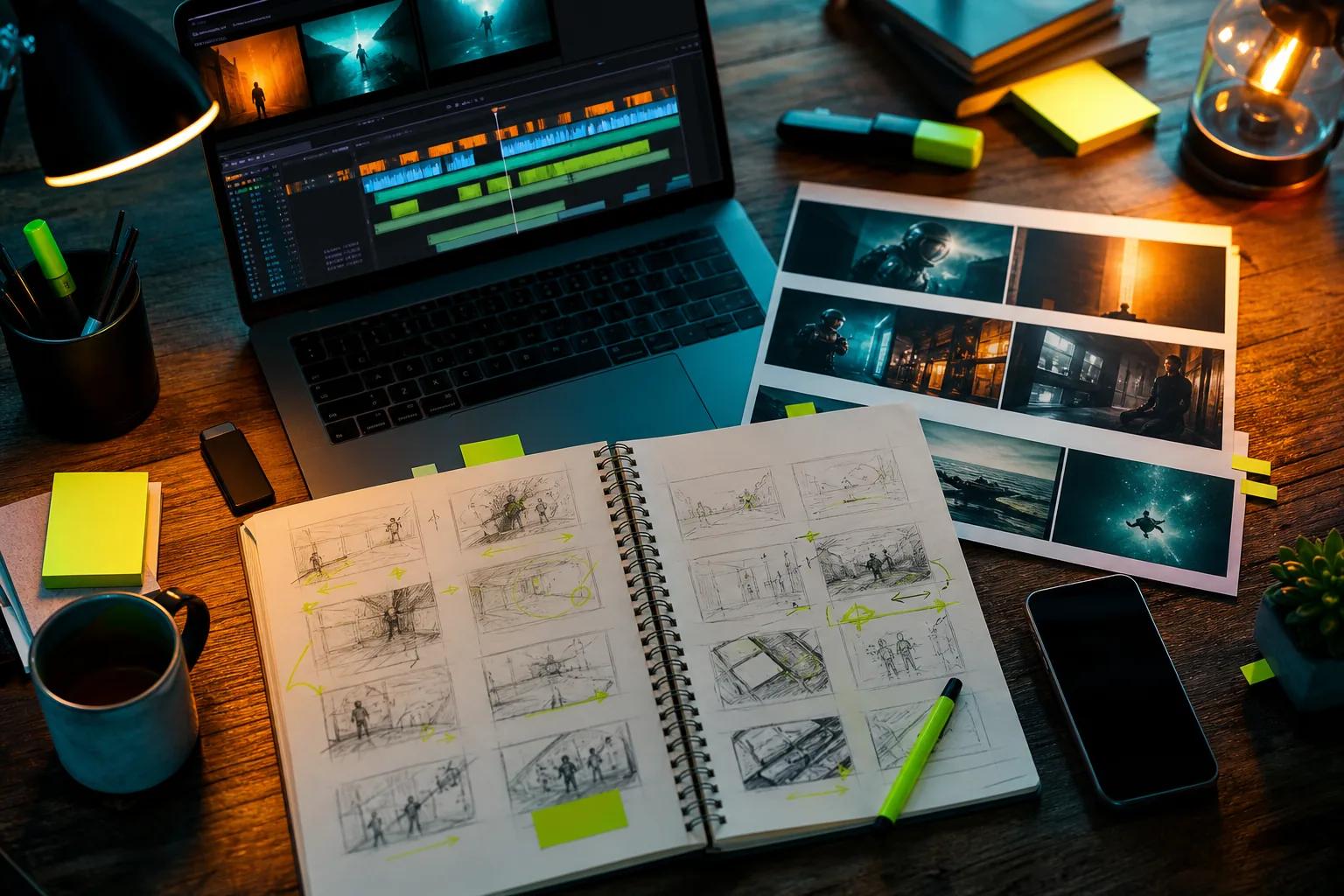
Keep your shot list easy to review. Label each shot and note any detail that must remain accurate. A team can then give specific feedback, such as “keep the blue trim in view,” instead of asking for a vague change like “make it feel more on-brand.”
Step 4: Create the Video Scenes and Add Sound
Goal: Make scenes that show the message clearly and sound right for the audience.
If you’re filming, set up the space and record each planned shot. Use a steady camera for product details, then capture a few extra seconds before and after the main action. Those handles give you room to trim the edit without cutting off a movement.
If you’re using an AI video tool, start with one scene rather than asking it to make a full campaign at once. Describe the subject, action, setting, camera move, and mood in plain words. For example: “A ceramic mug on a sunny kitchen counter. A hand lifts it into frame as the camera slowly moves closer.” Add a reference image when the product or character needs visual guidance.
Veo Studio can generate video from prompts or reference images and create synchronized sound with the scene. You can describe music or sound effects, or put a short spoken line in quotation marks for lip-synced dialogue. Its Veo 3.1 video creation tool also supports up to 4K output on eligible plans, along with scene extension for some clips.
Generate a draft in the aspect ratio you expect to publish. Veo Studio supports portrait and landscape video, while the model’s settings and output options depend on the selected configuration. Its free plan includes a couple of 720p videos per month with no card required; paid plans start at $14 per month for more videos and higher resolutions.
Listen to the sound as part of the scene. A product clink or room tone can make an action easier to read. If you add music, choose a track you have the right to use in paid ads. Keep it low enough that speech stays clear, and check that the music fits the mood rather than competing with the message.
Review every generated or filmed scene before you build the full ad. Compare the product shape, color, and use with the approved reference. Check faces and hands when a person interacts with an item. If an action is wrong or a product detail changes, replace that scene instead of trying to hide the issue with a caption.
Captions and text overlays are often easier to place during editing, where you can control spelling, size, and position. Add a brand color or logo as an edit layer when exact placement matters. Keep important text away from the edges, where platform buttons may cover it.
Step 5: Edit, Format, and Test the Ad Before Publishing
Goal: Make the cut easy to follow, fit the placement, and check the exported file.
Put the shots in story order, then trim pauses that don’t help the message. Keep the clearest view of the product near the start. Add text where it helps viewers understand a claim or action, not over every moment.
Use a browser-based editor or a desktop app to assemble existing footage. Upload the clips, trim them, add captions, and place music or voiceover on separate tracks if the editor allows it. A template can speed up layout, but change its colors, text, and pacing to match your campaign.
Make a separate cut for each placement when the framing changes the story. A vertical version may need closer framing and larger captions. A wide version can give the product more room. Check the current platform rules for accepted aspect ratios, file types, duration, and resolution before export.
Export the final cut in the format the ad platform requests. Then watch that exact file from beginning to end. Check the first frame, CTA, caption timing, sound level, and product details. Make sure the video doesn’t rely on a caption that appears too briefly to read.
Test one change at a time. You might compare two hooks while keeping the offer and ending steady. Later, test a different CTA or product demonstration. If you change everything at once, you won’t know which change affected the result.
Judge results against the goal you set. For a sales ad, track purchases and cost per purchase. For a lead ad, look at completed leads and their cost. Views can help you see whether the opening holds attention, but they don’t prove that the ad met a sales goal.
Compare each platform with its own recent results. A TikTok view and an Instagram share describe different actions, so a single measure can miss what each version did well. If one cut gets views but few clicks, try a clearer offer or CTA. If viewers leave early, test a different opening.
Keep the approved export and source files together. Use a file name that shows the campaign, aspect ratio, and revision. That simple habit helps you avoid uploading an old cut after the team has approved a new one.
For a fuller workflow that covers prompts, references, sound, and publishing, see how to create AI videos.
FAQ: Creating an Ad Video
How long should an ad video be?
An ad video should be only as long as it needs to make one clear point. For a short social ad, use a brief hook, one product moment, and a CTA. Check the placement’s current length rules, then cut anything that doesn’t help viewers understand the offer or take the next step.
What should an ad video script include?
A useful ad script includes a hook, a problem or need, a product benefit, proof, and one CTA. Keep the words short enough to say naturally. Match each spoken line to a visual, so the viewer can see the point rather than relying on voiceover alone.
What video format should I use for TikTok or Reels?
Start with a vertical 9:16 version for TikTok or Reels, then confirm the current requirements for the specific ad placement. Keep the product and text within the safe area. Preview the export on a phone, since platform controls and captions can cover material near the edges.
Can I make an ad video with AI?
Yes. AI tools can generate video scenes from a text prompt or reference image. You still need to check that the product looks right and that the actions support the claims. Veo Studio can generate scenes with synchronized sound and dialogue, plus reference-image and frame controls for shaping the visuals.
How do I know if my ad video is working?
Measure the result that matches your campaign goal. Track purchases or cost per purchase for a sales ad, and completed leads for a lead ad. Views and watch time can show how people respond to the opening, but compare those signals with the action you wanted viewers to take.
Conclusion
Start with one audience, one offer, and one action, then build only the scenes needed to make that message clear. Make a short draft in the format you plan to run, review it with sound and on mute, and test one change at a time. If you want to generate a scene from a prompt or reference image, try Veo Studio in your browser and review the result before publishing.


