

Want to turn a product idea into an ad people understand before they scroll past? How to create a video advertisement starts with one clear goal, then moves through a short script, production, and a final check for each channel.
We analyzed 59 comments and questions from Reddit, YouTube and Quora about creating video advertisements and found that 22% mentioned authentic storytelling and vertical formats.
You can film, edit, or generate the footage. The method may change, but the ad still needs to show one useful reason to care and one next step.
Step 1: Set the Goal, Audience, and Offer
Pick one result for the ad to drive. That might be a sale, a lead, a site visit, or more views. Then name the audience in terms that can guide the creative: who they are, what they need, and what they should do after watching.
Campaign creators often choose an objective such as sales, leads, website traffic, or reach and engagement. Campaign settings should match the selected goal. Use that same logic for the ad itself: a sales ad should make the offer and purchase path clear.
Write the offer in one line. Be precise about what the viewer gets and any terms that affect the choice. If you're sending people to a store, make sure the landing page repeats the same offer. For an ecommerce launch, a tool for preparing an ecommerce destination may help you prepare the destination before the ad sends visitors there.
Choose one measure that matches the goal. Track clicks for traffic or purchases for sales. Views can show whether people watched, but they don't tell you by themselves whether the ad helped the business.
For example, a small shop promoting a new desk lamp might aim for product-page visits. Its audience could be people setting up a home office. The offer might be a launch discount, if the business has approved that claim and set its terms.
Milestone: You should have one audience, one goal, one offer, and one measure to check after launch.
Step 2: Write a Short Script and Storyboard
Give each second a job. Start with a hook that names a problem, shows a useful action, or makes the product visible right away. Then show what the product does. Finish with one clear call to action, or CTA.
A simple 15-second ad can use three beats: hook, product proof, next step. For a longer spot, add another shot only if it helps the viewer understand the offer. A short script shouldn't try to fit every feature into the same clip.
Write the spoken line and on-screen text as people talk. “Our innovative solution improves productivity” sounds like a brochure. “Finish the weekly report before lunch” gives the viewer a clearer picture, if that claim is accurate for the product.
Turn the script into a shot list or storyboard. For each shot, note what appears, what changes, and what the audience should understand. A product ad might open on the item, show one use, then end with the offer and CTA. For sequence ideas, see these product video ad formats.
Read the script aloud while timing it. Leave room for the viewer to take in the image and read any captions. If you have to rush the CTA, cut a line or remove a beat. Make the final frame hold long enough for the next step to register.
For dialogue-led ads, write the exact line you want the speaker to say. Veo Studio is an independent, browser-based video creation tool powered by Google's Veo 3.1 models. It can generate synchronized sound and dialogue, with lip-synced speech when you put the spoken line in quotes in the prompt.
Milestone: You should have a timed script and a shot plan that fits the chosen ad length.
Step 3: Gather Product Assets and Choose a Production Method
Get your source material ready before you film or generate footage. For a physical product, take clear photos in soft light. Capture the front and side, plus any detail the ad needs to show. Keep the background simple enough that the item stands out.
Use approved brand assets. That may include a logo file, colors, product photos, a font, or a voice recording you have permission to use. Keep a copy of the exact product claims and offer terms beside the script. That gives anyone editing the ad a reference when a line or image needs review.
Choose the production route based on what the idea needs. Film live footage when the ad depends on a real demonstration or a person speaking on camera. Use a template when you already have footage and want a set layout for text, captions, or transitions. Templates can save setup time, but replace the sample copy and visuals with your own approved material.
For generated footage, a reference image can guide how a product or character looks. Veo Studio lets you prompt with text or attach images, and supports up to three reference images for Veo 3.1. You can also set the first and last frames to guide the transition between them. A video ad maker workflow with prompts and reference images can help you decide what to prepare before generating a scene.
Check the cost and output settings before you generate. Veo Studio's free plan includes a couple of 720p videos a month without a card. Paid plans start at $14 per month and include higher resolution options, including up to 4K output on supported settings, plus a commercial license. If you need several short clips, plan the shots first so you don't spend credits testing details you could have decided in advance.
Milestone: You should have approved assets, a production method, and a short list of shots to make.
Step 4: Produce and Edit the Advertisement
Build the first draft from the shot plan. For live footage, record each planned action in a few clean takes. Keep the product visible when the script names it. If a person speaks, record in a quiet space and check the voice before you move on.
For an AI-generated scene, write a prompt like a brief to a camera operator. Name the subject, its action, the setting, and the camera move. For example: “A ceramic mug sits beside an open notebook. Steam rises as the camera slowly pushes in. Warm morning light falls across the table.” Keep the product description steady across shots so details don't drift.
Veo Studio can generate video with sound in the same pass. That helps when a scene needs ambient sound or a spoken line. It also supports character consistency and scene extension, so you can keep a character's look aligned or add length to a finished clip. Treat each result as a draft: check the product shape, label, action, and words against the approved source material.
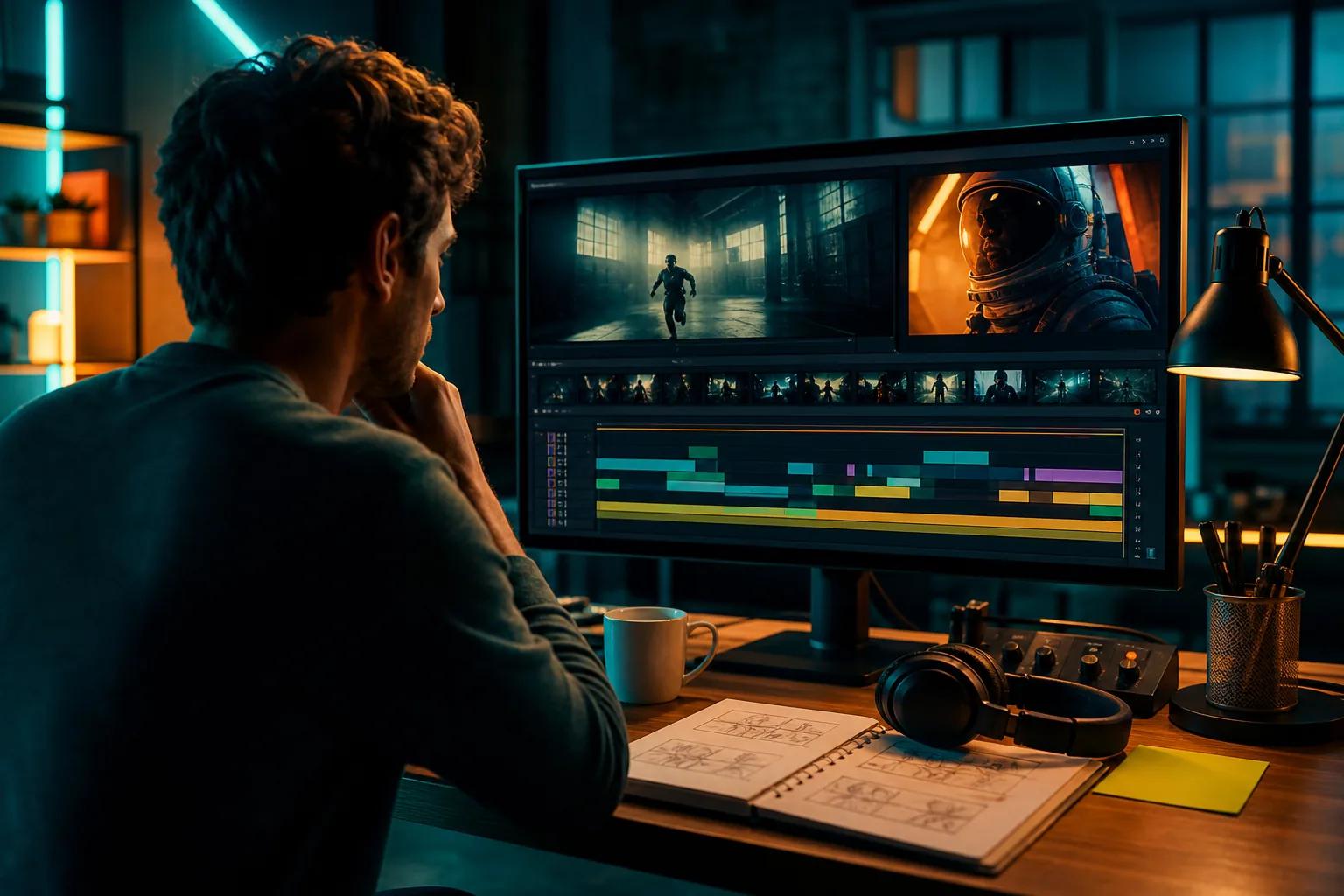
Trim pauses that don't add meaning. Keep the strongest opening shot, then cut away anything that repeats the same point. Add the brand mark and CTA during editing, where you can check spelling and placement. If viewers may watch with sound off, use captions for the spoken message.
Check rights before publishing. Use music, footage, voices, and likenesses you own or have permission to use. Review claims too, especially prices, comparisons, and promises about what the product can do. Keep the final copy aligned with the offer shown on the landing page.
Milestone: You should have a complete draft with a clear hook, accurate product details, and a CTA that can be read.
Step 5: Export, Test, and Improve Each Version
Make a separate export for each placement instead of relying on one crop everywhere. Vertical 9:16 suits placements such as TikTok, Reels, and YouTube Shorts. A horizontal 16:9 version may fit other video placements. Check the current requirements for the ad platform before export.
Keep key details away from the edges. Platform buttons and overlays can cover parts of the video. Preview the file in the placement when you can, and make sure the product and CTA stay visible.
Some ads with AI-created or AI-edited assets may need a disclosure, depending on the rules that apply. Check the rules for your market and platform before launch.
Export at a resolution the placement supports. Watch the finished file on a phone at full size. Check the first few seconds, the captions, the audio, and the final CTA. Then review it once more with sound off. That catches text that moves too quickly or gets hidden by the interface.
Test one meaningful change at a time. Keep the audience, offer, and placement steady, then change the opening hook or spoken line. Compare the measure tied to your goal, such as clicks for traffic or purchases for sales. If a version gets attention but few people take the next step, check whether the offer and landing page match what the ad promises.
Export the approved file with a clear name that identifies the platform and version. Save the final script and source assets with it, so you can tell which creative produced which result when you review the campaign later.
Frequently Asked Questions
How long should a video advertisement be?
Make the ad only as long as the message needs. A short social spot can focus on one hook, one product point, and one CTA. If you need more time to show how something works, add a shot that proves the point. Read the script aloud and leave room for captions and visuals to register.
Can I make a video ad from product photos?
Yes, you can use product photos as references for generated footage. Choose clear images that show the product's shape and key details. Then describe the action and camera move you want. Review the generated result against the real item before publishing, since generated footage can change small details.
What should a video ad script include?
A short script should have a hook, one main message, and a clear next step. Add a product action or proof point when the viewer needs to see how it works. Keep the spoken line natural, and make sure every claim matches approved product facts and the offer on the landing page.
How do I make a video ad work without sound?
Put the main message in readable captions or on-screen text, and make the visuals clear without narration. Keep each text line short enough to read before the shot changes. You can still use music or dialogue for viewers with sound on, but don't make sound the only way to understand the offer.
Do AI-generated video ads need a disclosure?
Sometimes. Rules vary by market, platform, and the type of AI-created or edited content. Check the current ad policies and local rules before launch. If a platform provides an AI label setting, follow its instructions and make sure the disclosure appears on the right asset.
Conclusion
Start with one audience and one action, then make each shot earn its place. If generated footage fits your concept, try a short draft in Veo Studio using a clear product reference and a simple camera direction. Review the result against your approved claims before exporting the version for your first placement.


