

A Facebook video ad maker can help you turn a product image, a script, or a short prompt into a campaign draft. The right fit depends on what you already have and how much control you need over the final video.
We analyzed 29 YouTube comments about Facebook video ad creation and found that 48% asked about creating the actual video content.
Here are six named tools with different ways to build ad creative, including a browser-based option with generated sound and dialogue.
1. Veo Studio
Veo Studio is an independent, browser-based AI video creation tool powered by Google's Veo 3.1 models. It turns text prompts and reference images into video with synchronized sound and dialogue.
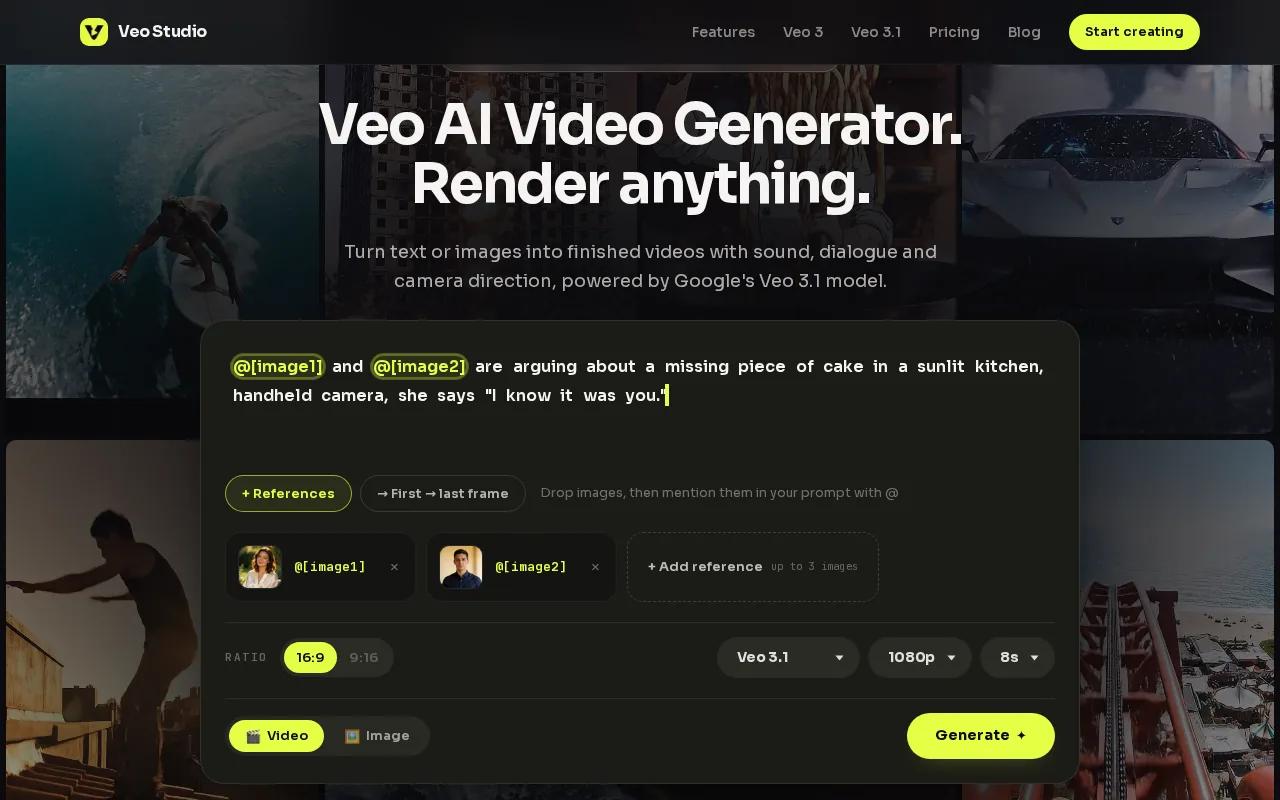
It suits marketers who want to start with a product photo or a written scene idea, then guide the camera action and sound in the prompt. You can attach up to three reference images for character, product, or style consistency. First-and-last-frame control can guide a transition, while scene extension can add time to a clip.
For ad work, those controls help shape a short product moment. You might use a reference image to keep an item recognizable, describe a close camera move, and add a spoken line in quotes for lip-synced dialogue. Veo Studio supports 9:16 vertical output and up to 4K, which gives you options for different placements and final delivery needs.
Finished generations appear in a media gallery, where you can review and download them. The free plan includes a couple of 720p videos per month without a card. Paid plans start at $14 per month and include a commercial licence.
If you want more detail on prompts and product-shot workflows, this guide to AI-generated product spots and promotional assets explores related use cases.
A useful starting point is one clear action, such as a product turning toward the camera. Keep the prompt focused, then review the clip before using it in a paid campaign.
2. Creatify: product-URL UGC-style ads
Creatify turns a product URL or text prompt into UGC-style video ads. It fits shops and marketers who have a product page ready but don't want to begin with an empty edit.
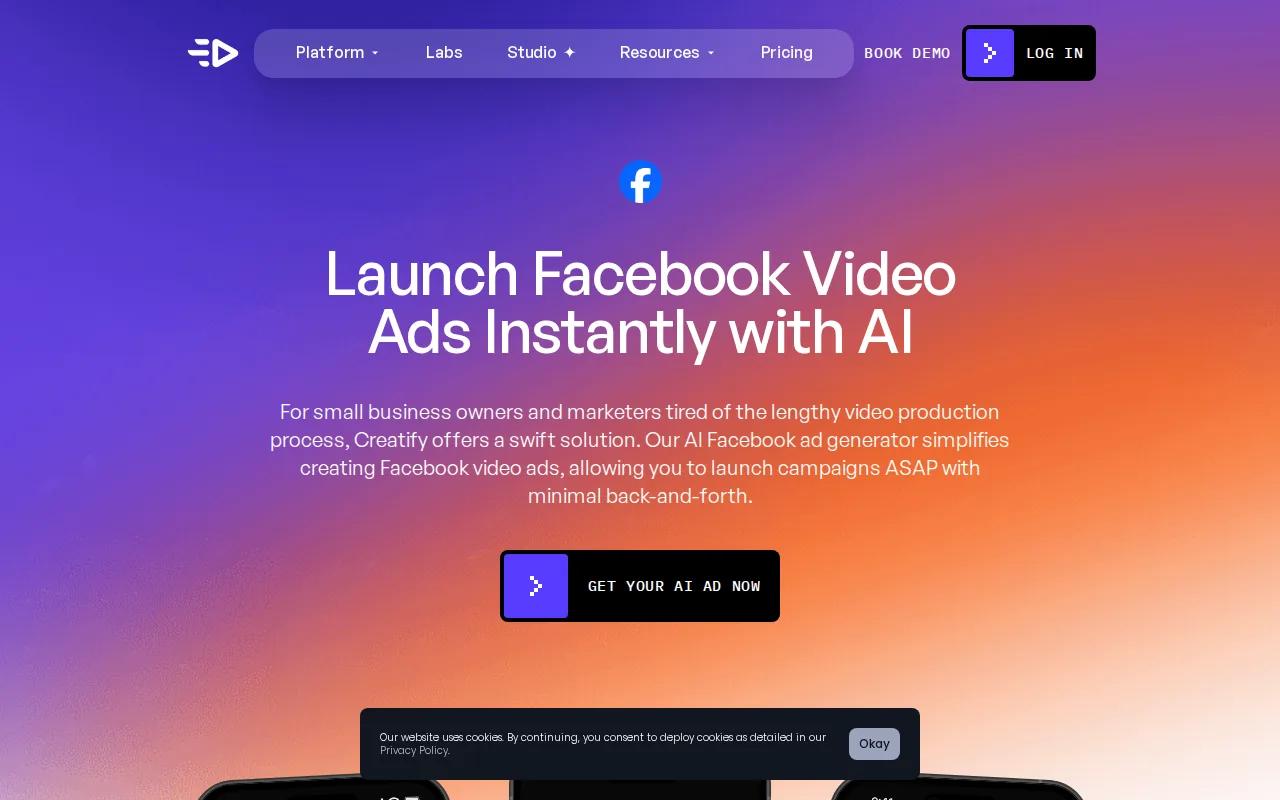
The URL workflow analyzes page media and details, then drafts script variations. You can refine the script to match your brand voice and campaign goal. After that, preview the ad and try different avatars or voices before rendering.
A product page can supply core details, but your ad still needs a specific hook or offer that the page may not explain well.
Creatify also offers AI voices in multiple languages, which may suit teams preparing localized versions. Check each generated script against approved product claims before export. A product-page detail can sound too broad when shortened into a spoken line.
Use it when your source is a product listing and the ad should feel like a presenter-led recommendation. If you already have a tightly written script and need more control over the whole scene, a prompt-first or edit-heavy workflow may fit better.
3. InVideo AI: turning scripts and existing content into ads
InVideo AI can turn a prompt into a draft ad with a script, scenes, voiceover, music, and visuals. It suits content teams that already have blog posts, scripts, or longer videos to adapt.
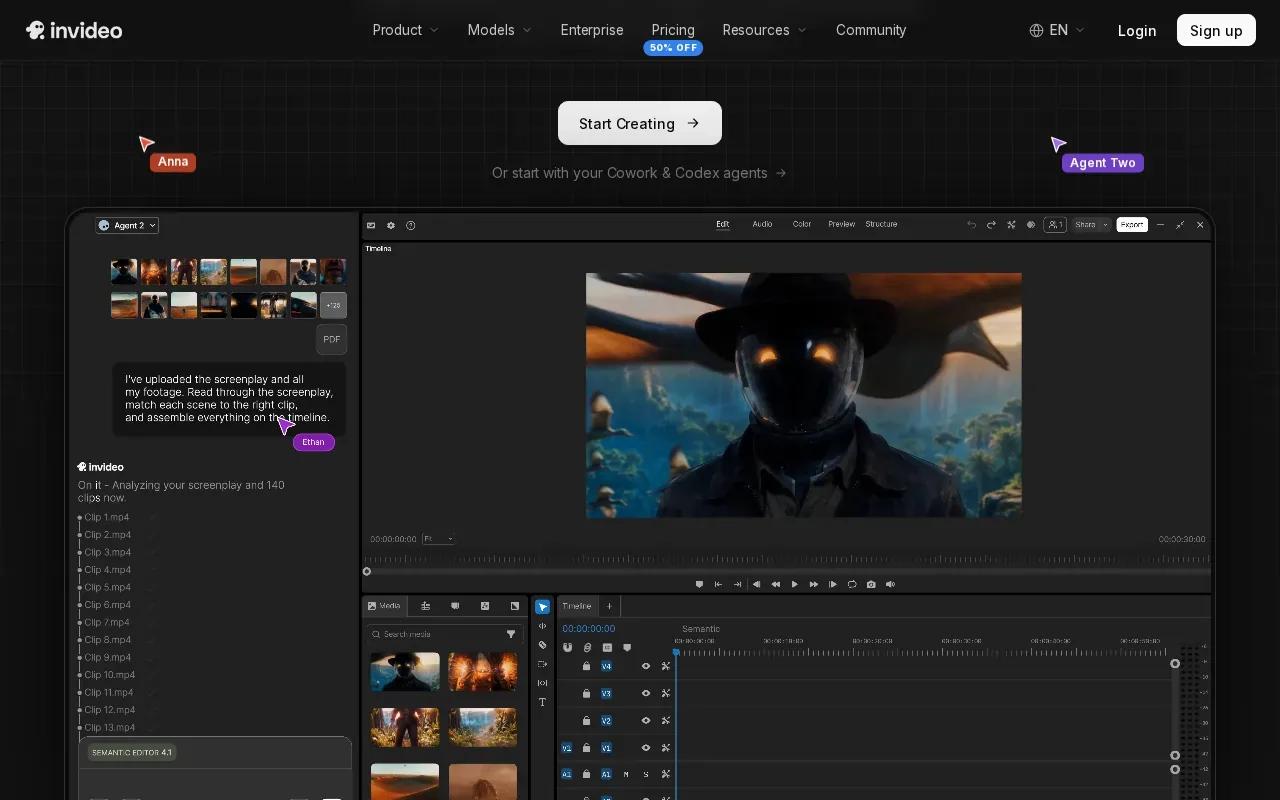
Its Facebook ad workflow starts with a prompt and lets you choose an audience, platform, and visual direction before generation. You can then make prompt-based edits, such as changing a scene or voiceover, before exporting the video. That gives a team a way to move from a written campaign idea to a first cut without building every shot by hand.
Each placement still needs a review for framing and text visibility.
InVideo AI is a sensible fit when the task is to assemble a fuller draft from existing content. Give it a brief with the audience, offer, and approved claims. Then check that each scene supports the message instead of adding stock visuals that distract from the product.
4. HeyGen: presenter-led ads with multilingual lip sync
HeyGen makes presenter-led video ads with AI avatars and lip-synced speech. It fits brands that want a person speaking to camera without filming a new presenter for each version.
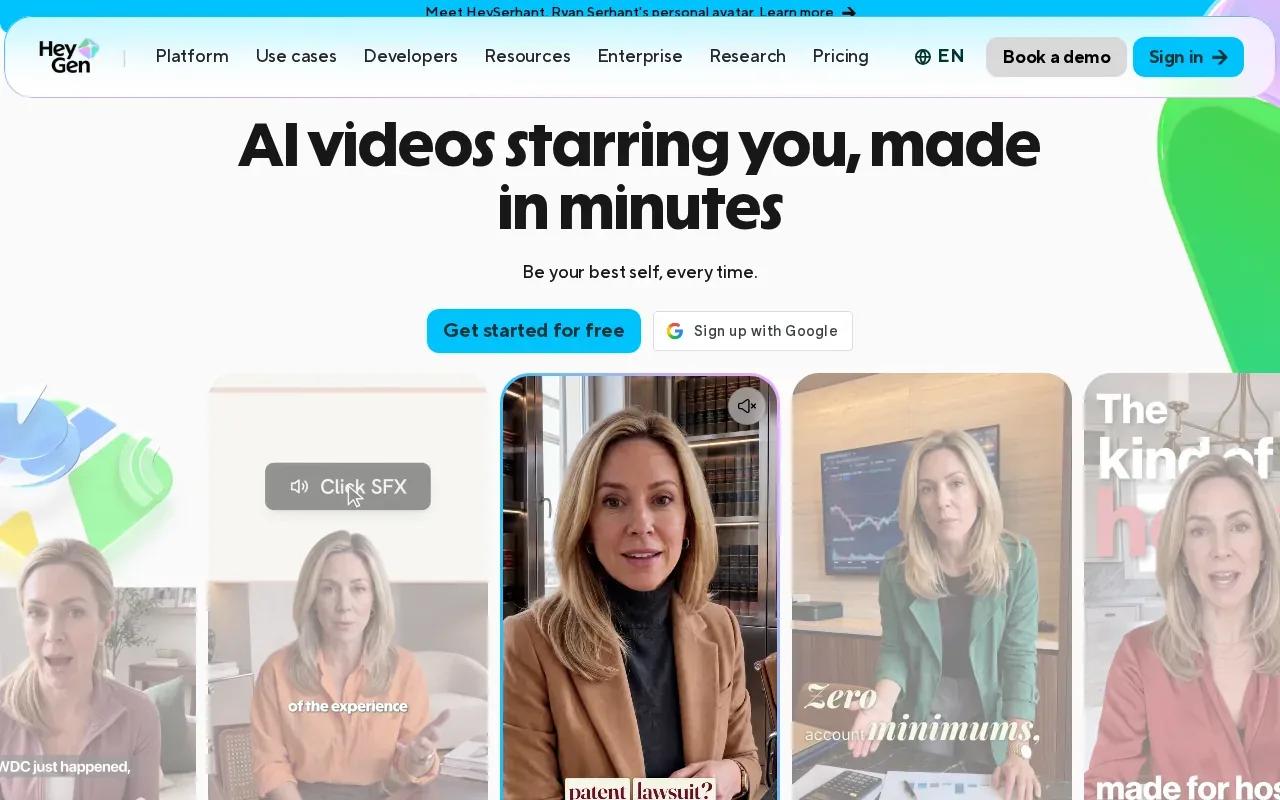
HeyGen also supports multilingual lip sync. That can help a team adapt one presenter-led concept for different language audiences. Local reviewers should still check the wording, especially when an ad includes a price, product limit, or other claim that needs to stay exact.
Choose HeyGen when the person delivering the message is central to the idea. A founder explanation or short product pitch may benefit from a consistent presenter. If the ad depends more on a product action than spoken delivery, a product-focused visual workflow may be a closer match.
5. Kapwing: prompt-based video projects for channel content
Kapwing can generate video projects from a prompt, product images, or a full script, then lets you edit the result in a timeline. It suits teams that want AI to draft the scenes but still need hands-on control.
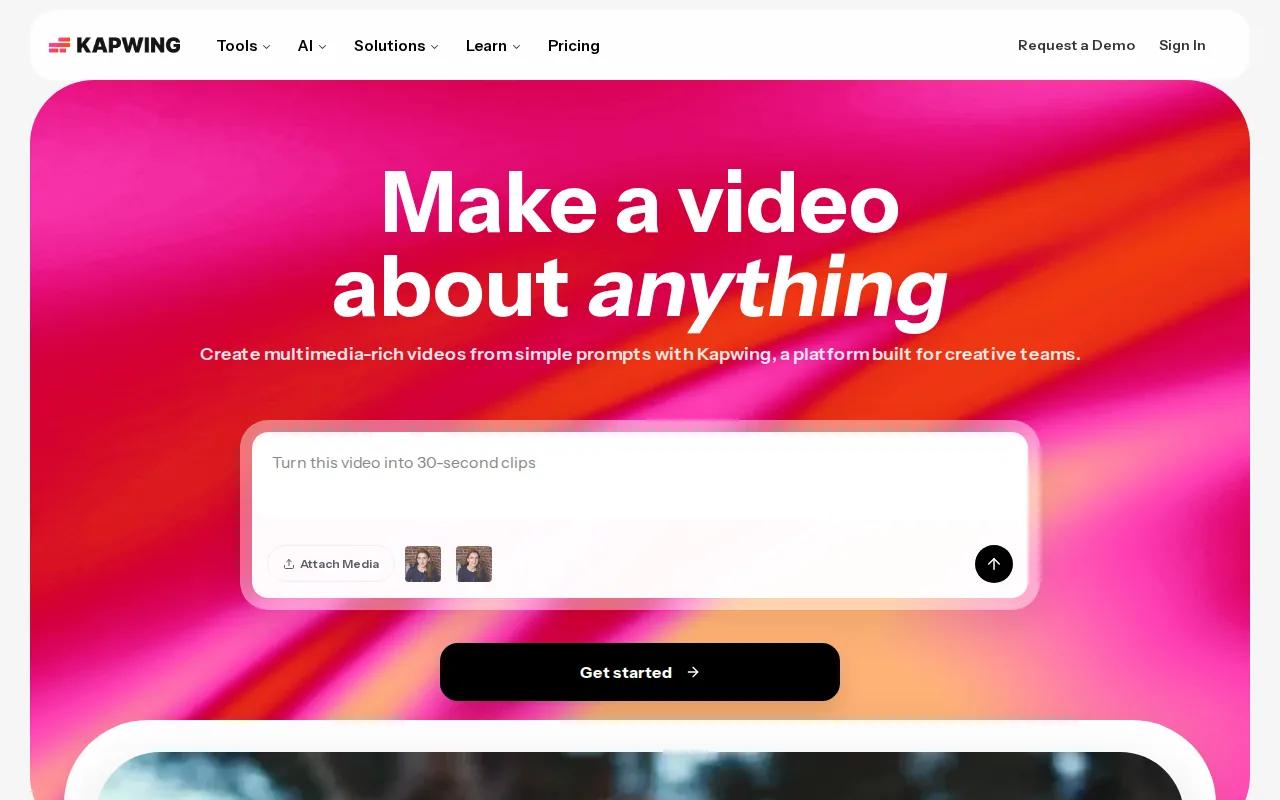
The ad workflow includes a chatbot for creative direction and shot planning. Once the draft is ready, a drag-and-drop timeline lets you adjust pacing, swap visuals, and refine the message. Brand Kits and reusable templates can help keep colors and other brand elements consistent across projects.
Kapwing also offers subtitles, translation, resizing, and exports for different aspect ratios. For a Facebook campaign, you could make a vertical version for a full-screen placement and a square or landscape version for another use. Review each crop by hand so the product, captions, and call to action remain in view.
The main draw is the handoff from prompt generation to detailed editing. If the first draft gets the story mostly right, you can work on the timeline rather than start again. For a wider look at commercial ad workflows, compare the approaches in commercial video maker tools for ads.
6. Veo3 AI
Veo3 AI generates videos from text prompts, with support for up to 4K video and native audio. It may suit advertisers who want to begin with a written scene rather than a product-page URL or a presenter script.
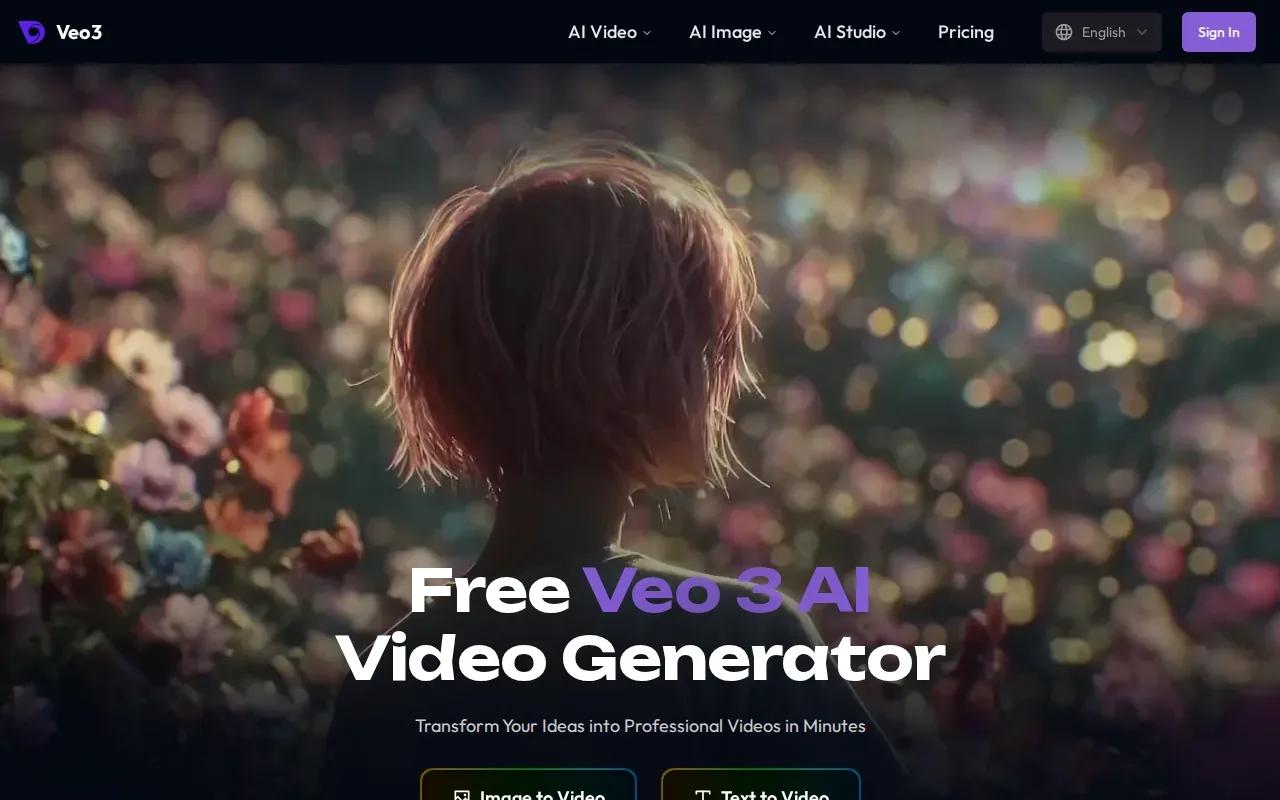
A prompt-led start can work for a simple visual concept: describe the setting, the action, and the sound that should accompany it. For a paid ad, keep the brief close to what the product can actually do. A generated scene should not imply a feature, result, or product interaction that your brand cannot support.
Native audio can help when a concept calls for sound as part of the scene. But an ad still needs a clear message and a placement-ready frame. Decide what viewers should notice first, then check that the generated visuals make that point quickly.
Use Veo3 AI as a prompt-based option to consider when visual generation is the main need. If you need specific control over a recurring character or the start and end frames, compare those requirements with the documented capabilities of the other tools on this list before choosing.
Facebook Video Ad Maker Comparison Table
This comparison is about workflow fit, not a claim that one first draft will perform better. Match the tool to the asset you already have and the kind of creative you need to review.
| Tool | Useful starting point | Ad workflow to consider |
|---|---|---|
| Veo Studio | Text prompt or reference image | Generated sound, dialogue, frame control, and scene extension |
| Creatify | Product URL or text prompt | AI-generated UGC ad |
| InVideo AI | Prompt or existing content | Create and edit AI videos |
| HeyGen | Message for a presenter | Avatar-led talking-head video with multilingual lip sync |
| Kapwing | Single prompt | Generate a full video project |
| Veo3 AI | Text prompt | Prompt-based video with native audio |
Before you export, check the aspect ratio for the planned placement, keep key text away from edges, and confirm that captions remain readable. A generated clip is a draft until someone checks the message and framing.
If you want to test Veo Studio's prompt and reference-image workflow, start with its free plan. It includes a couple of 720p videos each month without a card.
FAQ
What should I look for in a Facebook video ad maker?
Look for a workflow that fits your starting material and gives you enough control to review the final ad. A product URL may suit URL-based generation, while a script may suit prompt-led scene building. Check export shape, captions, audio, and how easily you can revise a scene before using the video in a campaign.
Can I make a Facebook video ad from a product photo?
Yes, some tools in this list accept product images as a starting point. Veo Studio supports synchronized sound and dialogue, while Kapwing can build ads from product images. Review the result closely to make sure the product stays recognizable and the scene doesn't suggest unsupported features.
Which tool can make an ad with an AI presenter?
Creatify and HeyGen both offer AI avatar or presenter workflows. Creatify is built for AI-generated UGC ads from a product URL, while HeyGen creates avatar-led talking-head videos and supports multilingual lip sync. Choose based on the role of the speaker in your concept, then review the script and any claims before publishing.
What video format should I use for Facebook ads?
Choose the frame shape for the placement you plan to use, then check the current requirements in the ad setup process before export. These tools offer vertical, square, and landscape options, but one crop may not suit every placement. Keep the product and key text visible in the version you plan to run.
Can I publish ads directly from these tools?
Don't assume direct publishing is part of every workflow. The details covered here focus on creating, editing, and exporting ad videos. Check the tool's current publishing options before you build a process around direct posting, and leave time for a final review in your campaign setup.
Conclusion
For a prompt- or image-led ad where sound, dialogue, frame control, and scene extension matter, Veo Studio is a strong place to start.


