
AI video tools change fast, and a clip that looks good can still miss the mark if its dialogue is out of sync or its subject changes between shots. These seven options suit different TikTok workflows, from generated scenes with sound to avatar-led videos and prompt-based projects.
We analyzed 49 comments from Reddit and YouTube about AI video generators for TikTok and found that 16% mentioned quick and easy video creation.
Compare them by the job you need done: scene control, repeatable characters, speed, or a full video project. Then check portrait framing, output quality, and the cost of making enough clips for your posting pace.
1. Veo Studio
Veo Studio is an independent, browser-based AI video creation tool powered by Google's Veo 3.1 models. It turns text prompts or reference images into video with synchronized sound and dialogue, with controls for consistent characters, first and last frames, and scene extension.
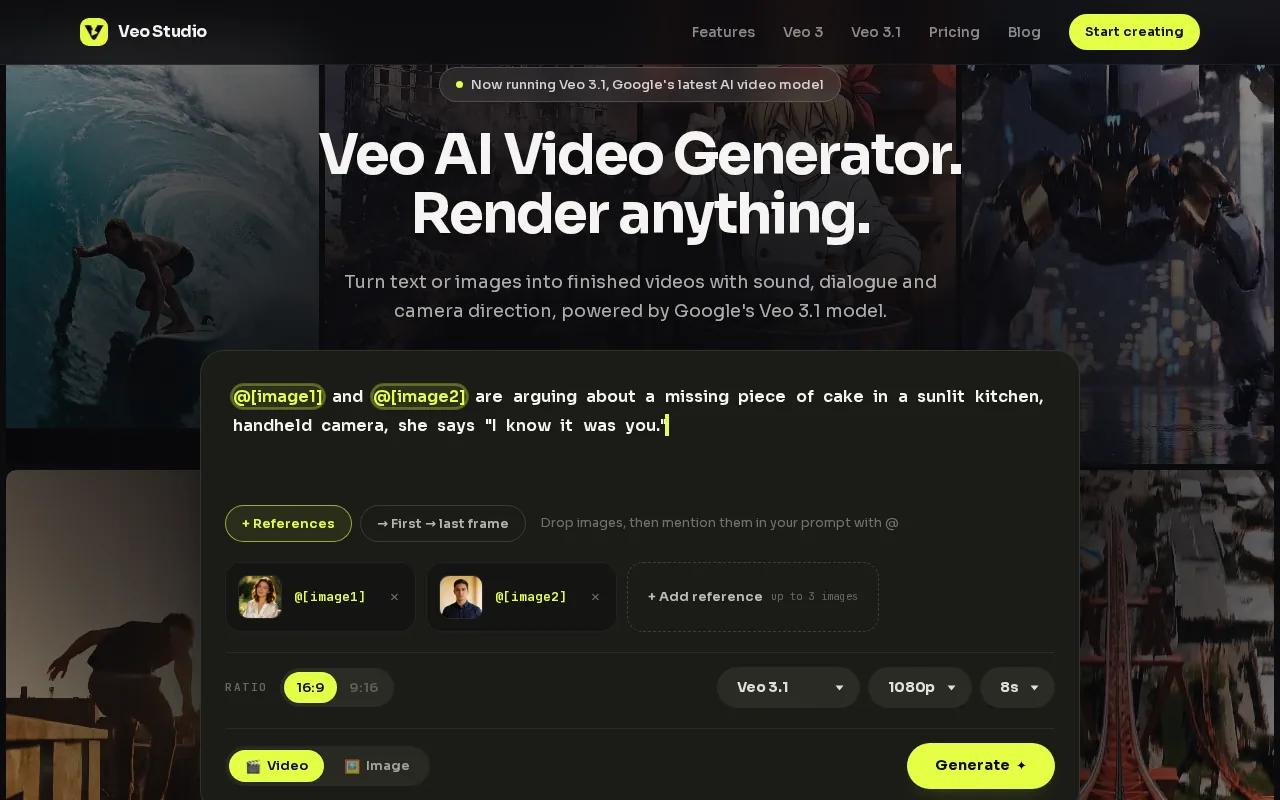
For TikTok, set the frame to 9:16 before generating. Add reference images when you want a person, product, or visual style to stay consistent. You can also write dialogue in the prompt, guide the shot with a camera move, or extend a finished scene instead of planning a reshoot. Output can reach 4K on supported settings.
The free plan includes a couple of 720p videos each month, with no card required. Paid plans start at $14 per month and include a commercial licence. If you’re making product clips, a short story, or dialogue-led scenes, those controls can keep several generations pointed in the same direction. See the social short-form video workflow for related ideas.
2. Pika 2.5: Native audio and playful visual effects
Pika 2.5 is a fit for short clips built around a visual gag or a strong effect. Its Pikaffects include actions such as explode, melt, and crush.
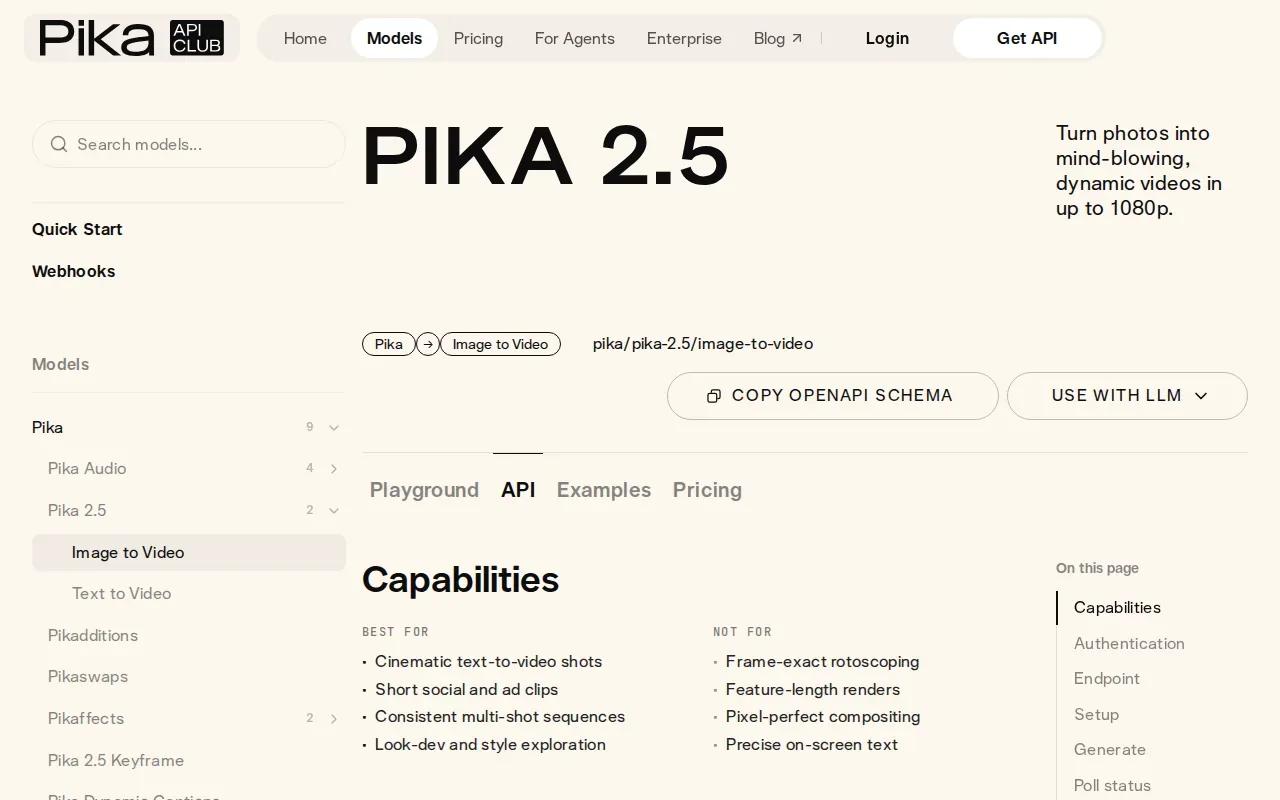
Audio support varies by mode, so check whether the mode or effect you pick generates sound, and plan to add sound separately if it doesn’t.
Dialogue is a weaker fit than a scene where the main appeal is a visual effect. A simple prompt could describe a familiar object melting into a bright, liquid shape, then use the clip as a fast visual hook. Keep the ask focused: one clear action is easier to judge in a short feed clip than several scene changes competing for attention.
Use Pika when the effect itself carries the post. If spoken lines need to match a character’s mouth, test that requirement before building a batch around it.
3. HeyGen: Consistent avatar videos at speed
HeyGen is built for speed and consistency. If you're using your own avatar or one from its library, videos generate fast and stay consistent across batches.
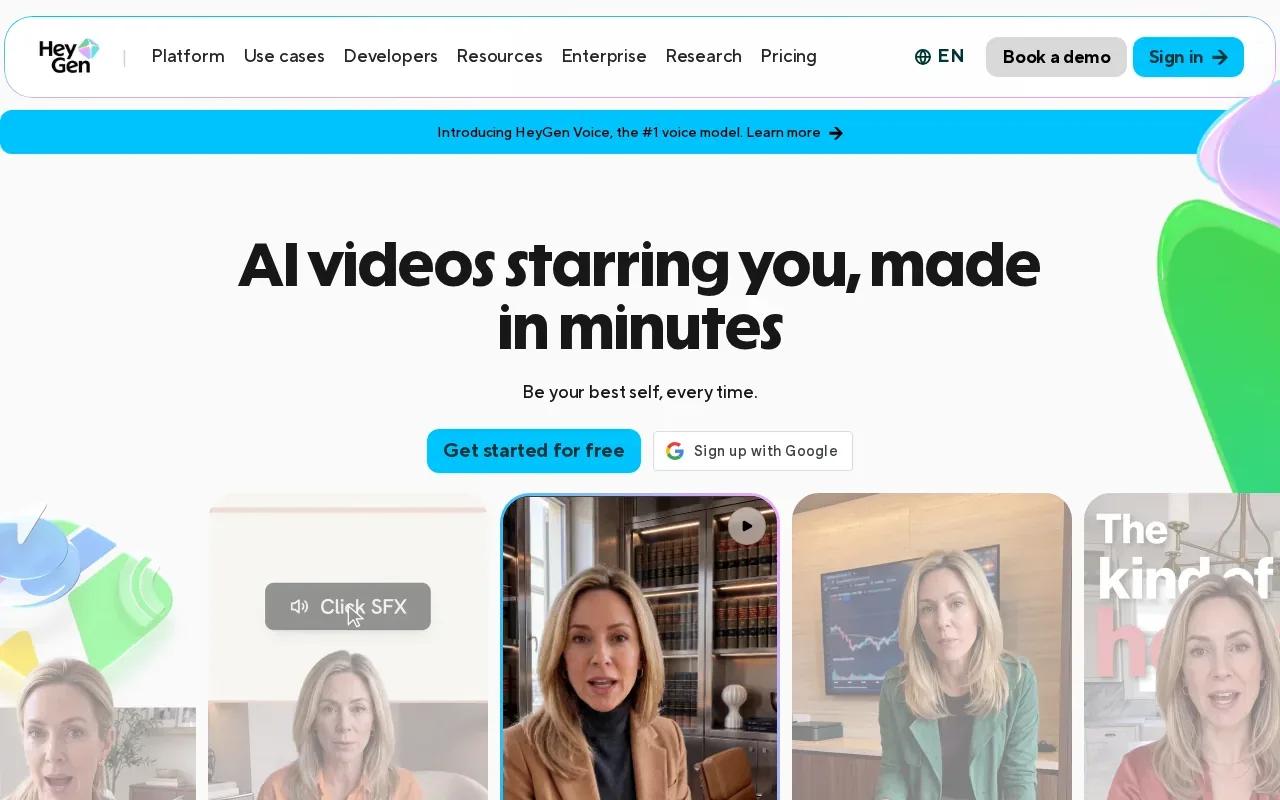
That makes it worth considering when you want an avatar-led TikTok format. Before preparing a batch, decide what subject, tone, and script style you want to repeat. Draft each short script and consider whether an avatar-led presentation fits the account and the message you want to share.
For a recurring series, think through what should stay consistent from post to post and what can change. A simple checklist, such as the subject, opening line, and closing prompt, can help you review each draft before making a batch. Consider whether this format suits the specific post and the tone of your account.
4. Higgsfield AI: A creative suite for high-volume social ads
Higgsfield AI is a creative suite built for high-volume social and ad production. Its LipSync Studio handles spoken video in more than 18 languages with automatic lip sync.
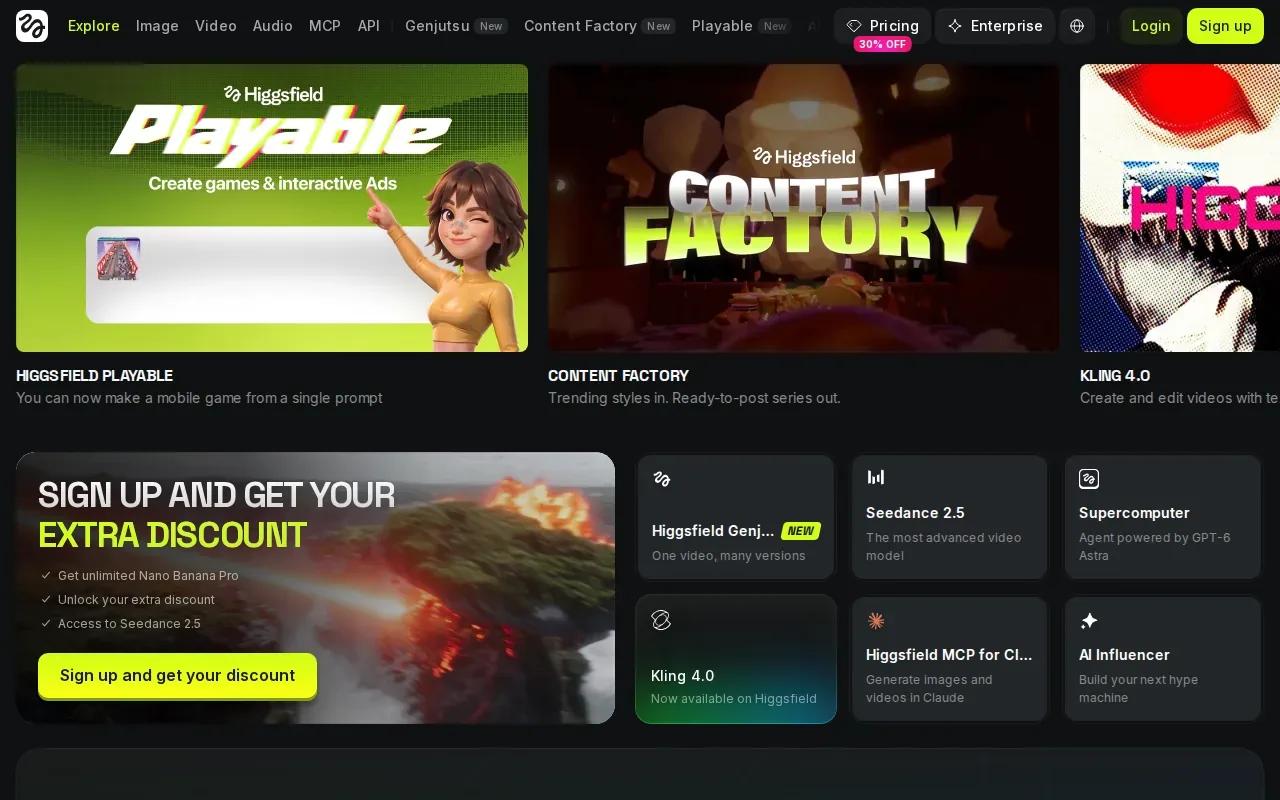
For a brand team producing frequent variations, the suite’s focus on social and ad work can fit a repeatable production queue. Higgsfield AI also aims to keep a face recognizable across generated assets. That can help when the same character appears in several campaign clips.
Use LipSync Studio when a spoken line is part of the concept, and judge the result with the exact script you plan to publish. A short test clip can show whether the tool’s output fits your visual style before you scale the work.
It’s a focused candidate for teams that need social ad volume. For a single creator posting occasional clips, the production suite may be more than the task calls for.
5. OpenArt: Recurring characters for serialized TikTok content
OpenArt is an all-in-one platform for AI images and videos, including TikTok reels. Its Character Builder lets creators set up recurring social personalities for serialized content.
That use case is specific: you want a recognizable character to return across episodes, rather than a fresh face in every post. OpenArt also supports videos where characters speak with synced lip movements. You can start from a prompt or reference image, then build a sequence around the same character.
For a recurring story, keep a short character description and a few visual references consistent between prompts. Then change the setting or action while holding onto the traits viewers should recognize.
Character continuity is the reason to consider OpenArt here. If your TikTok idea depends on a single one-off scene instead, the character-building tools may not be central to your workflow.
6. AKOOL: Personalized visual marketing for brand campaigns
AKOOL is a generative AI platform for personalized visual marketing and advertising. Its focus is helping marketing creators build custom visual experiences for a brand.
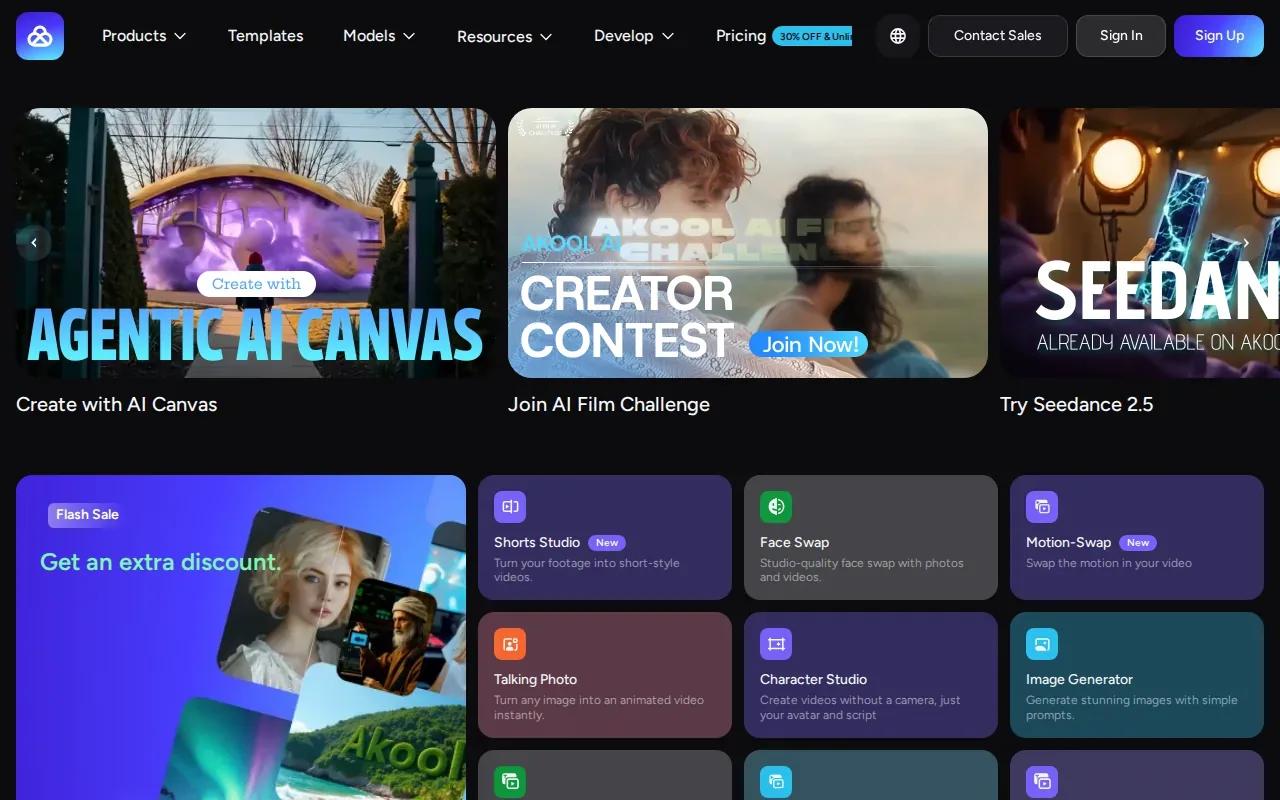
That positioning makes it worth considering when a campaign needs tailored visual content rather than a general-purpose creator clip. A brand team could assess it for campaign concepts where the audience or message changes across versions. Keep the creative brief clear about what should stay fixed and what should vary.
AKOOL focuses on marketing and advertising. Check those points against your planned workflow before you commit to a production run. In particular, confirm portrait output and the handling of any spoken content if those are requirements for the campaign.
AKOOL belongs on a shortlist for personalized brand marketing. For a creator choosing a tool around a specific feature such as synchronized dialogue or recurring characters, compare those needs directly with the tools above.
7. Kapwing: Prompt-to-project creation for marketing teams
Kapwing’s AI can turn a simple prompt into a full video project. It’s aimed at marketers, educators, HR professionals, and teams that need content across channels.
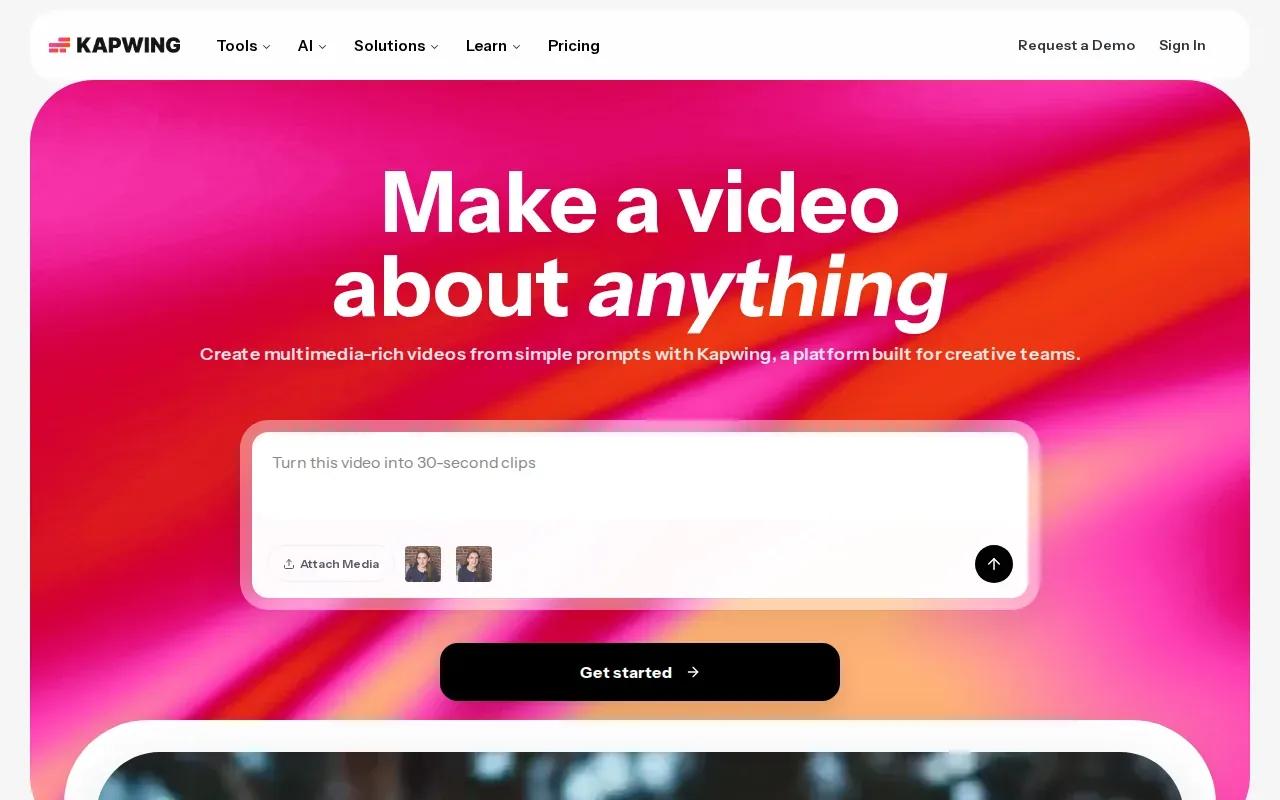
A prompt-to-project workflow can suit a team starting with an idea rather than finished footage. Describe the video you want, then use the resulting project as the basis for the next stage of production. That’s a different starting point from generating one tightly directed scene with a specific character or spoken line.
Use the comparison below to match the tool to the job, not to treat every option as interchangeable. Kapwing offers prompt-based project creation. Check the output settings before you schedule a post.
| Your main need | Option to assess | What to confirm |
|---|---|---|
| Generated scenes with sound and scene extension | Veo Studio | Set 9:16 and choose the output resolution. |
| Short visual-effect clips | Pika 2.5 | Audio availability varies by mode. |
| Repeatable presenter videos | HeyGen | Match the export plan to your resolution needs. |
| Recurring characters or prompt-led team projects | OpenArt or Kapwing | Check character continuity or project export settings. |
If synchronized dialogue or scene extension is central to your next clip, visit Veo Studio with a short prompt first. A small test is easier to assess than a finished campaign.
FAQ: AI Video Generators for TikTok
Which AI video generator works for TikTok dialogue?
Veo Studio is one option for generating video with synchronized sound and dialogue. You can write a line in the prompt and use reference images to guide the character. HeyGen is another fit when you want a consistent avatar to present a script. Test the exact line and portrait framing before you produce several clips.
Can I make vertical TikTok videos with AI?
Yes, choose a portrait layout when the tool supports it. Veo Studio supports 9:16 output. Preview the result on a phone-sized screen before posting, since a subject placed near the edge may be hard to see in a vertical frame.
Which tool fits a TikTok series with the same character?
OpenArt is suited to recurring characters through its Character Builder, which supports serialized social personalities. Veo Studio also supports character consistency using reference images. Keep the character’s key visual details steady in each prompt, then change the action or location for the next episode.
Can I try an AI video generator without paying first?
Veo Studio has a free plan with a couple of 720p videos each month and no card required. That gives you a way to test a prompt before paying for more output. Free access and limits vary by tool, so review the current plan details for any service you’re considering.
Conclusion
For TikTok clips that need generated dialogue, consistent characters, frame control, or scene extension, start with Veo Studio. Its free plan lets you try a short 720p clip without a card. Write one focused prompt, choose 9:16, and see whether the result fits your next post. For a closer look at the workflow, read the AI video generator for TikTok guide.


