

Need fresh video ads without filming every version by hand? AI ad generators can turn a prompt, product image, or written copy into a first draft, though each tool takes a different route.
We analyzed 26 YouTube comments about AI ad generators and found that 46% asked about the specific AI tool used.
Here are ten options for distinct ad workflows, starting with Veo Studio, an independent browser-based tool powered by Google’s Veo 3.1 models, with synchronized sound and dialogue. For a wider look at AI video ad generator workflows, match the tool to the kind of footage you need.
1. Veo Studio
Veo Studio is an independent browser-based AI video creation tool powered by Google’s Veo 3.1 models. Type a prompt or add reference images to make a video with synchronized sound and dialogue, character consistency, frame control, scene extension, and supported output up to 4K.
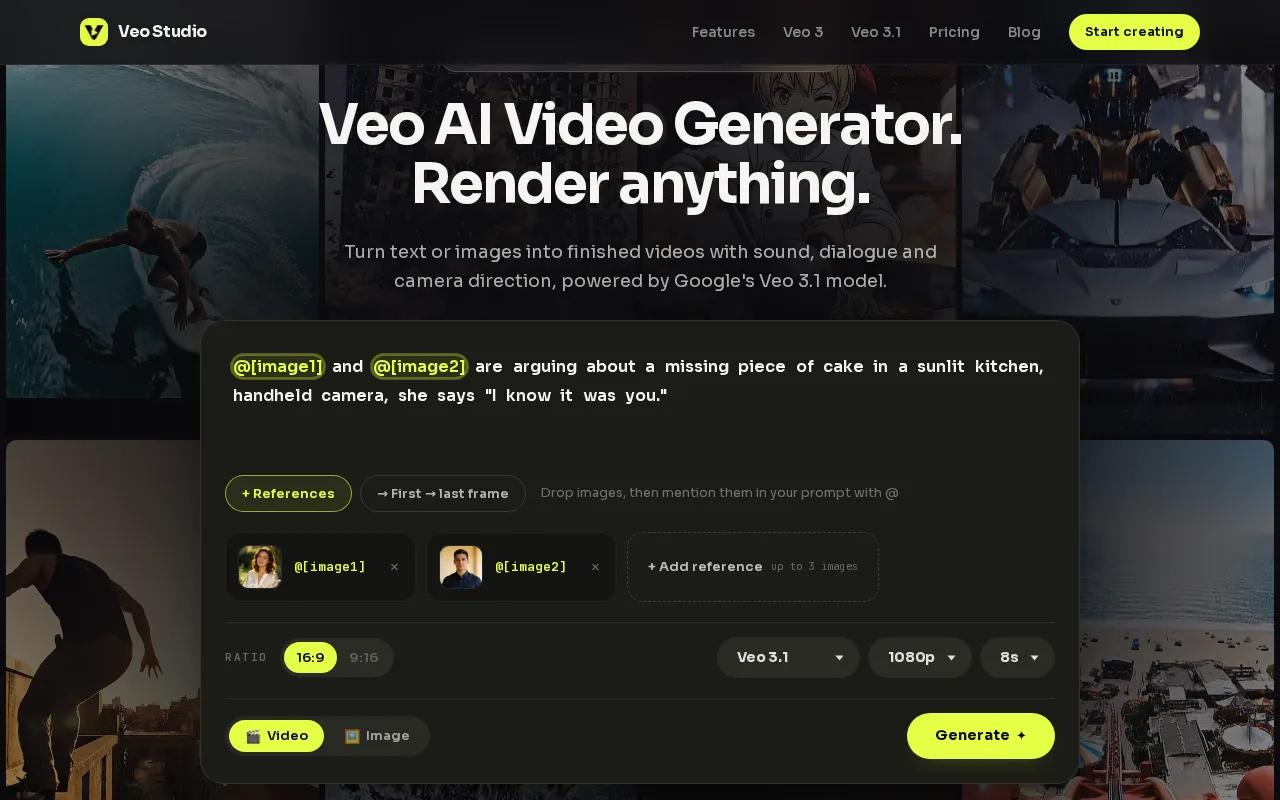
That mix suits product scenes where the shot needs to feel directed, not assembled from generic clips. Attach up to three reference images to guide a product or character. You can set the first and last frames to shape a transition, then describe the camera move in plain language. Add dialogue in quotes when you want a character to speak with matching lip movement.
Videos can run for four, six, or eight seconds. Scene extension can continue a finished clip seven seconds at a time, up to roughly 148 seconds. Paid plans start at $14 a month for more videos and higher resolutions. The free plan includes a couple of 720p videos each month, with no card required.
For a shot that needs sound and a consistent subject in the same generated clip, start with Veo Studio and test a short version before building a longer sequence.
2. Zeely: mobile-first creative for ecommerce brands
Zeely is an all-in-one ad platform for ecommerce, with a video ad generator as one part of its broader toolset. It’s aimed at fashion, beauty, and lifestyle direct-to-consumer brands that want mobile-first video ads.
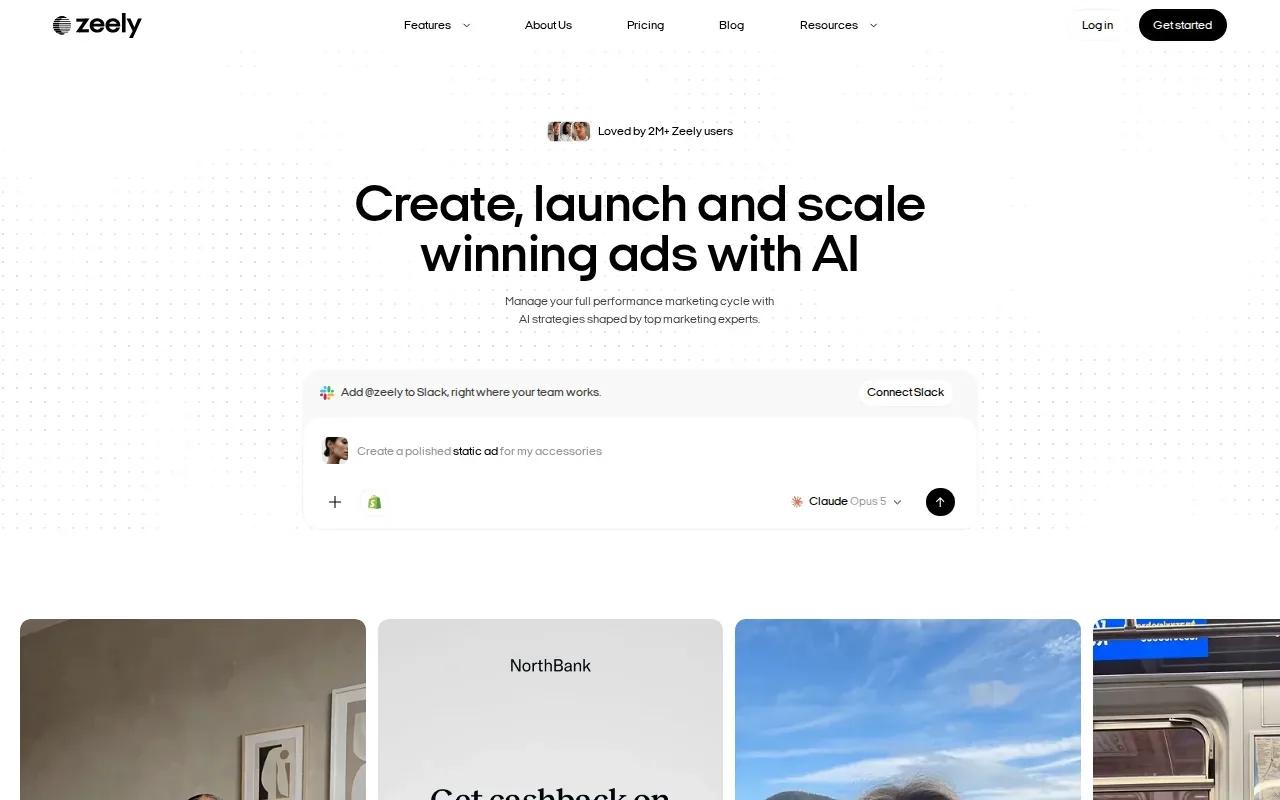
Its built-in ad performance tracking makes it relevant when you want to review creative alongside campaign results. That can help your team keep the ad-making task close to its performance review, rather than treating video as a separate production job.
Use Zeely when you want an ecommerce ad platform, not only a video maker. Before committing to a workflow, check that the output fits the placement you plan to use and that your team can review the campaign data it tracks.
3. Topview: product-page videos and reference-led clips
Topview makes product marketing videos, and its workflow starts with a product page. It’s suited to product videos and clips that follow a reference video.
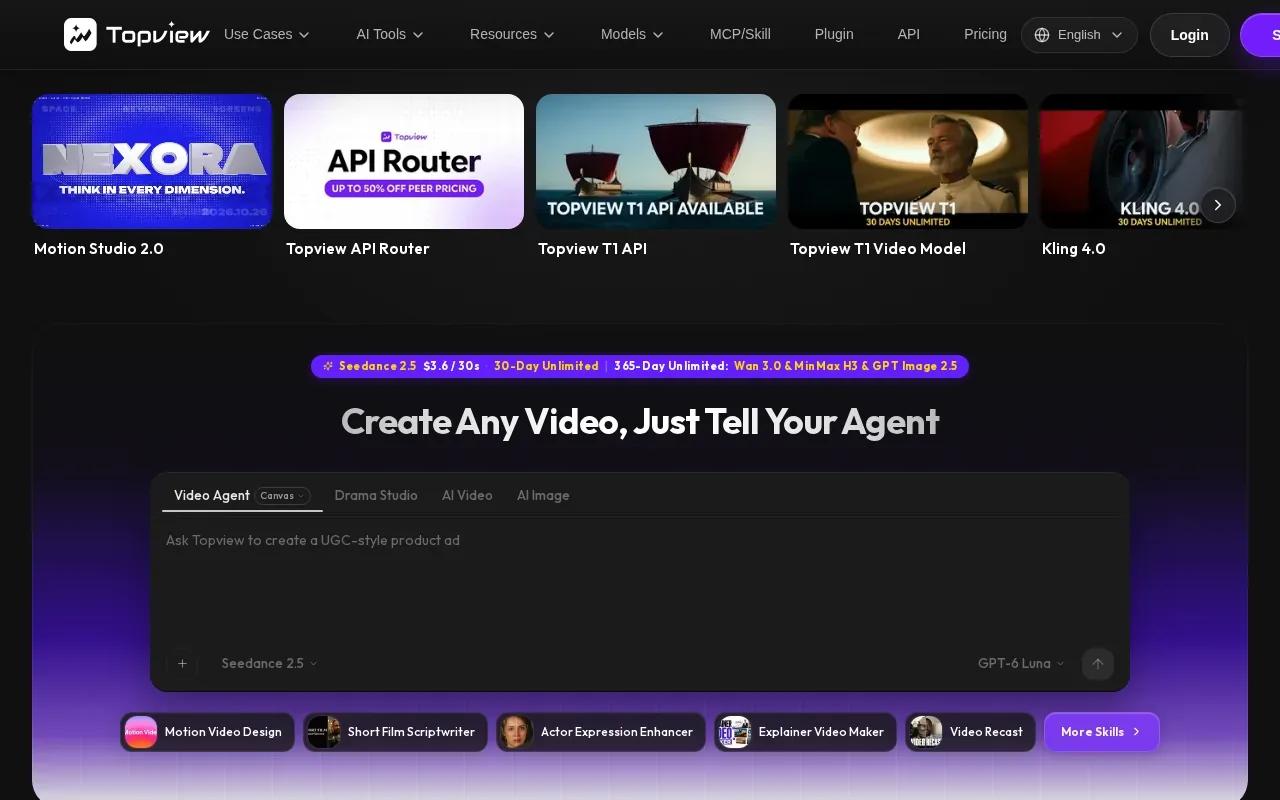
Starting with a product page can give you a direct route from a listing to a draft. A reference video gives the brief another anchor: you can point to a style or structure you want the new clip to follow. Check that the output resolution suits the placements and image quality your campaign needs.
Topview may fit when the product page is ready and you want a reference-led starting point. Compare the resolution each placement needs before you build a batch.
4. AdCreative.ai: ad-platform-oriented creative generation
AdCreative.ai creates ad creatives from a brand and product for multiple platforms. It’s built around ad work, with tools for generating creative assets and copy.
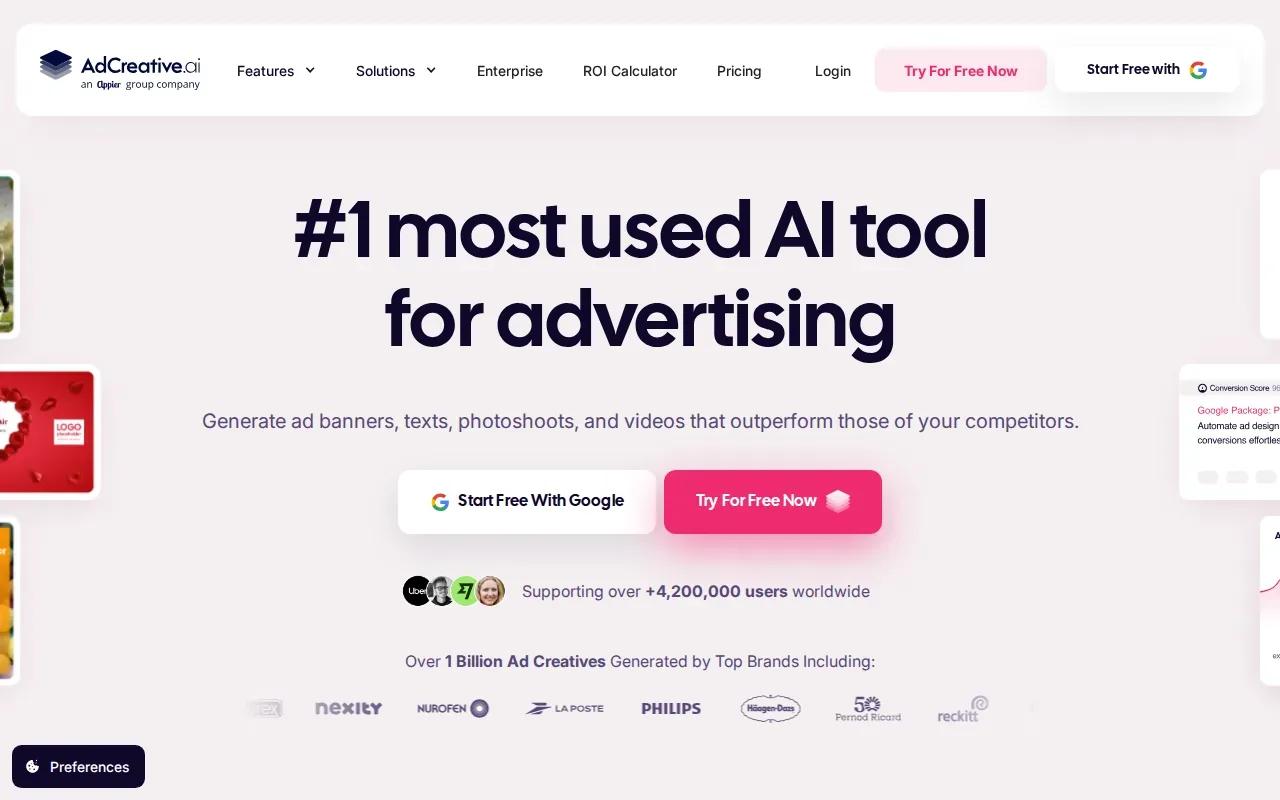
Its suite also includes creative scoring and competitor insights. That makes it a fit for marketers who want creative generation to sit beside ad review and planning.
Use it when your team needs a range of ad assets and wants a scoring step before download. Treat any predicted performance as a signal to review, not a promise of campaign results. You’ll still need to check each visual and claim against the product and the ad brief.
5. InVideo AI: prompt-to-script video ads
InVideo AI writes a script from a text prompt, then adds visuals, voiceover, subtitles, and music. It suits service businesses that sell with words more than with a product shot.
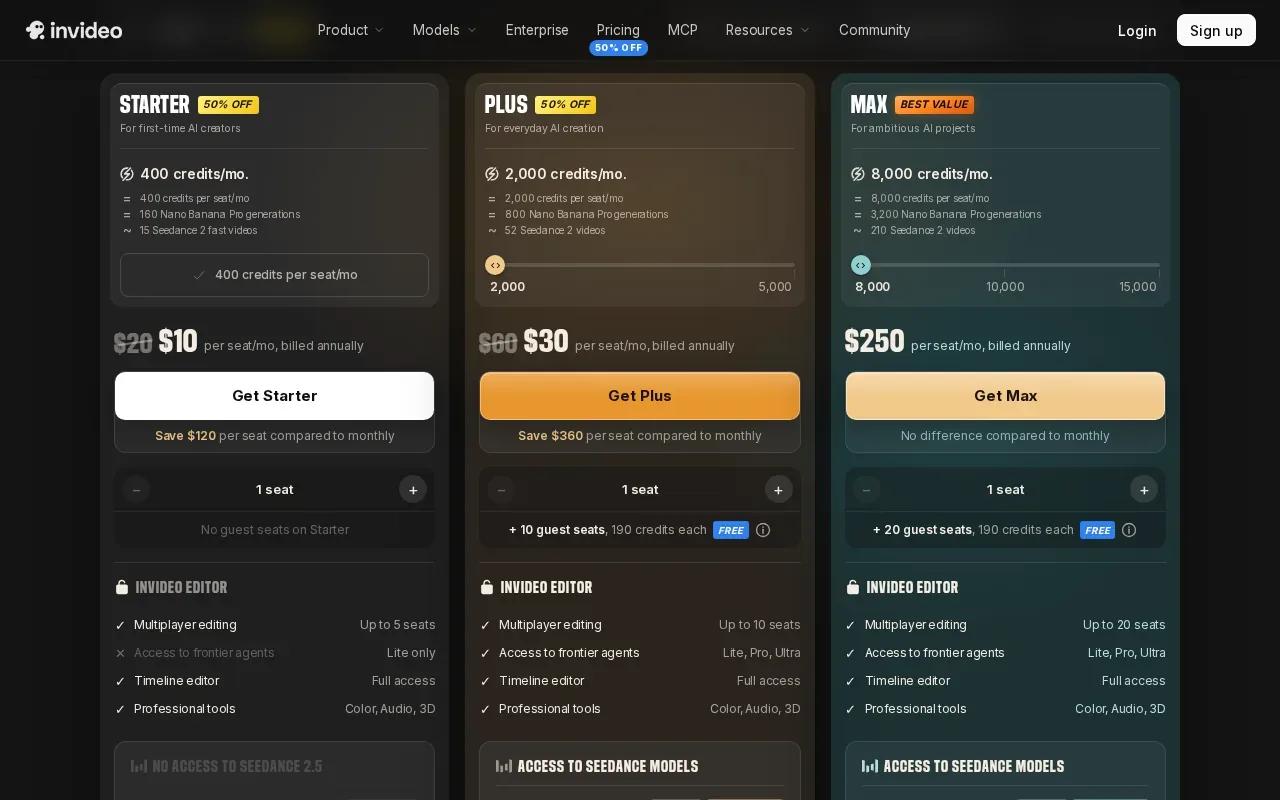
Describe the service, audience, offer, and tone to get a draft that explains the value in a sequence. You can then revise the script or scenes on the timeline.
This format is useful when a viewer needs an explanation before they understand the offer. For a service ad, read the script aloud and check that its claims match what you provide. InVideo AI’s workflow can also make it easier to test a new opening line without rewriting the whole brief.
6. CapCut: quick ads from copy and phone footage
CapCut has an AI ad tool that turns written copy into video ads with voiceover, captions, and music. It’s a fit for brands that shoot their own phone footage for short-form platforms.
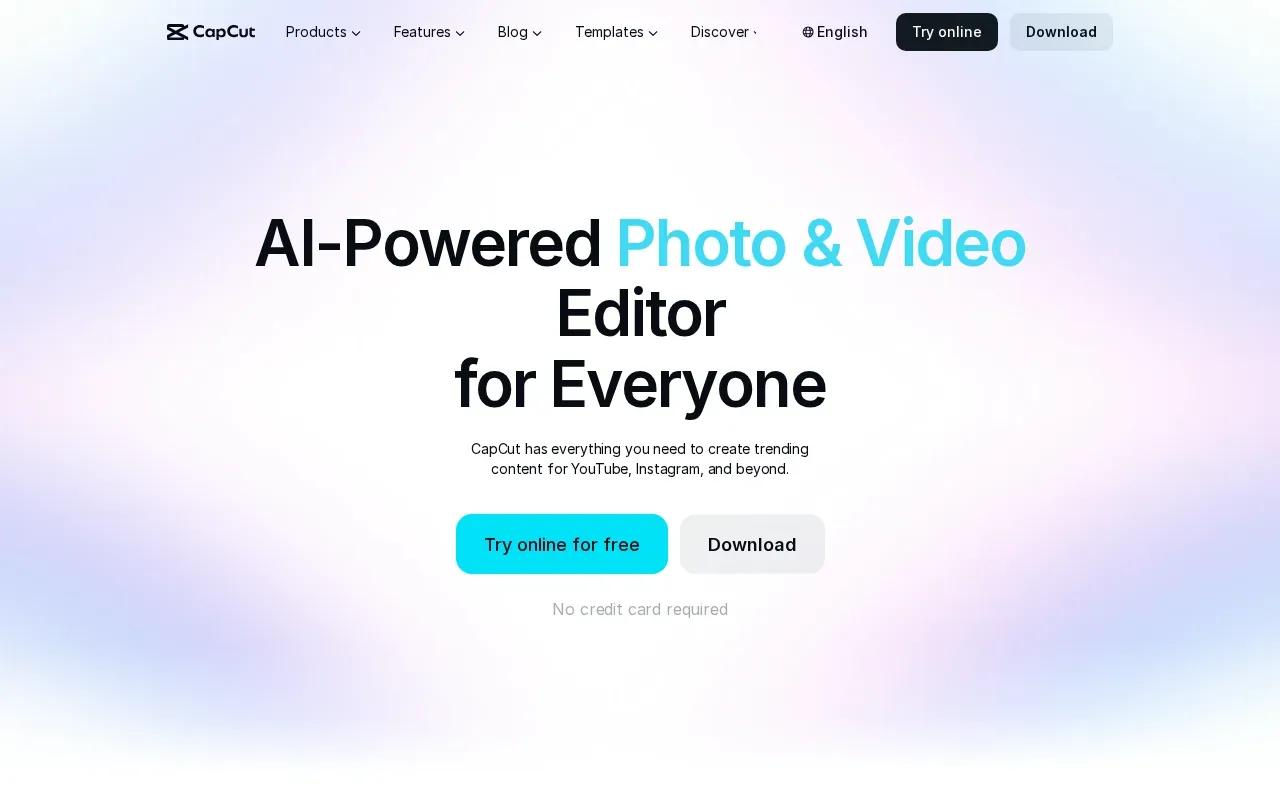
Bring in your own clips when you want the ad to show your shop, staff, or product as it looks in real life. The AI tool can build around the copy, while your footage keeps the final ad tied to the actual business. That division is useful: let the generator handle the first assembly, then review the cut and edit any shot that doesn’t match the message.
Choose CapCut when you already have footage and want help turning written ad copy into a short video. It’s a different workflow from generating a fully new scene from a prompt.
7. Canva: AI video inside a broader design platform
Canva’s AI video tools sit inside its wider design platform. It may suit solo founders and small teams that already use Canva and want video creation alongside their other design work.
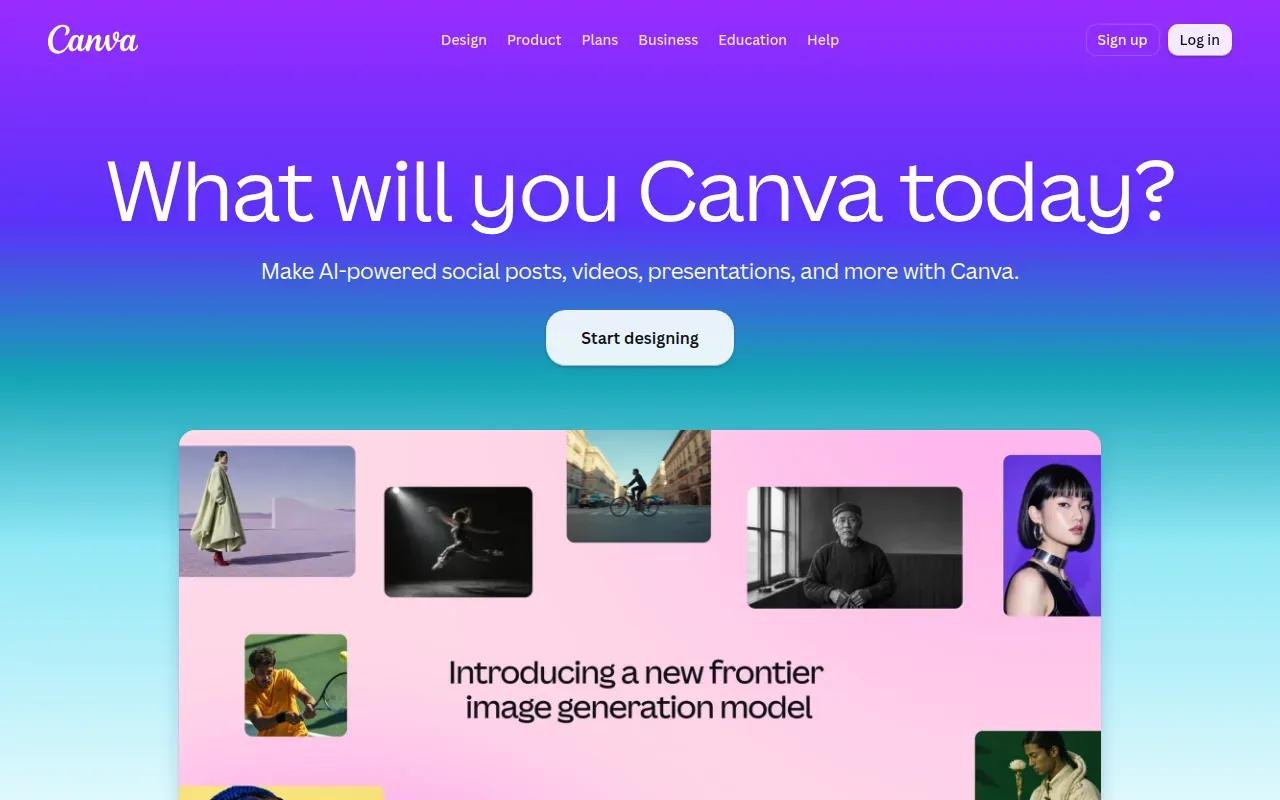
Canva adds video templates and AI video generation to a design tool many small businesses already use. That can be handy when your ad needs to sit with other campaign materials in the same work routine. Start with a template or AI-generated clip, then check that the finished video matches your brand assets and the placement you intend to use.
Pick Canva when a broad design workspace matters more than a dedicated ad-generation workflow. If your main need is a product scene with synced dialogue or detailed frame control, compare that specific requirement before choosing.
8. AKOOL: avatar-led and business-style video creation
AKOOL makes avatar-led videos and business-style content. Its Business plan includes business templates, output up to 16K and videos up to 60 minutes, while Pro Max goes up to 8K and 45 minutes.
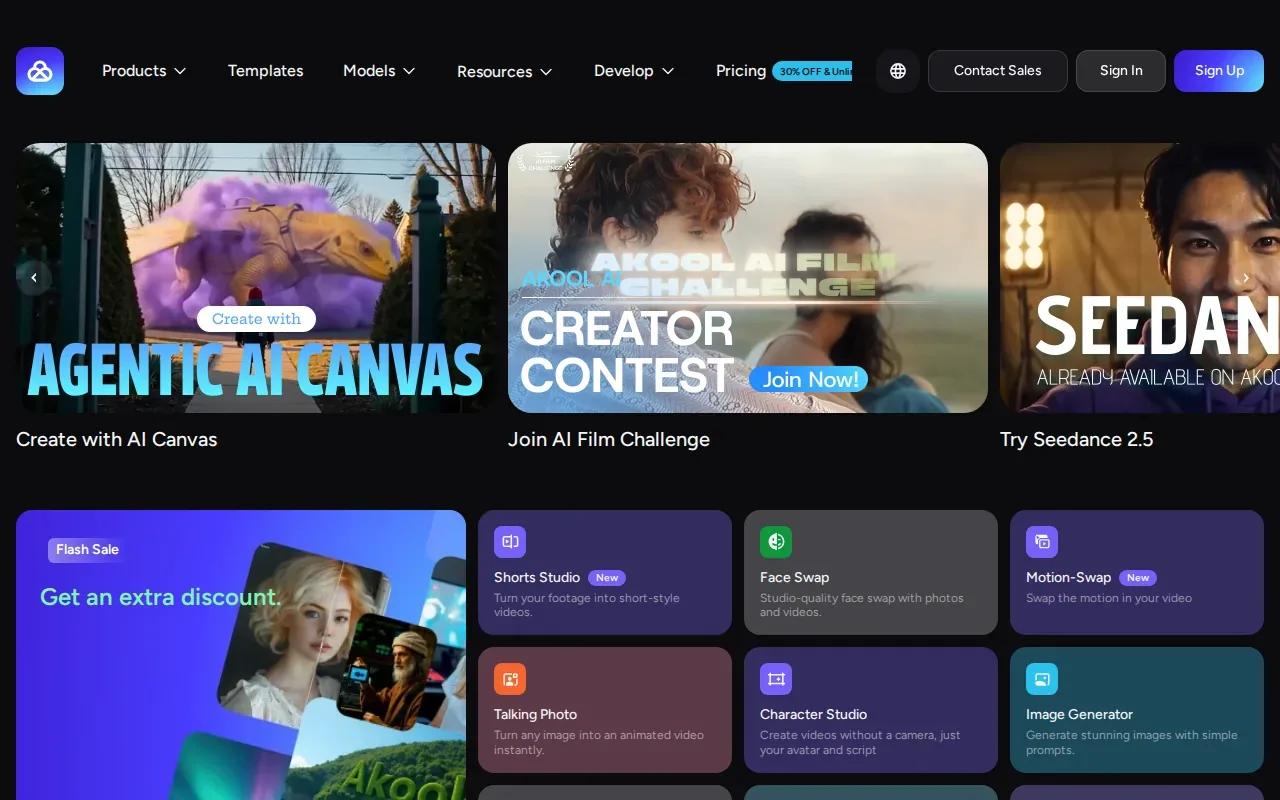
Check which plan covers the length and resolution your campaign needs before choosing a workflow.
AKOOL is worth considering when a synthetic presenter needs to explain a product or service. Review the finished video and on-screen wording, especially when the script includes prices, features, or other claims.
9. Runway: a browser-based creative studio
Runway is a whole studio in a browser tab. It may suit teams looking for a browser-based creative workspace for ad projects. Consider whether that kind of studio fits your team’s workflow and the ad you want to make.
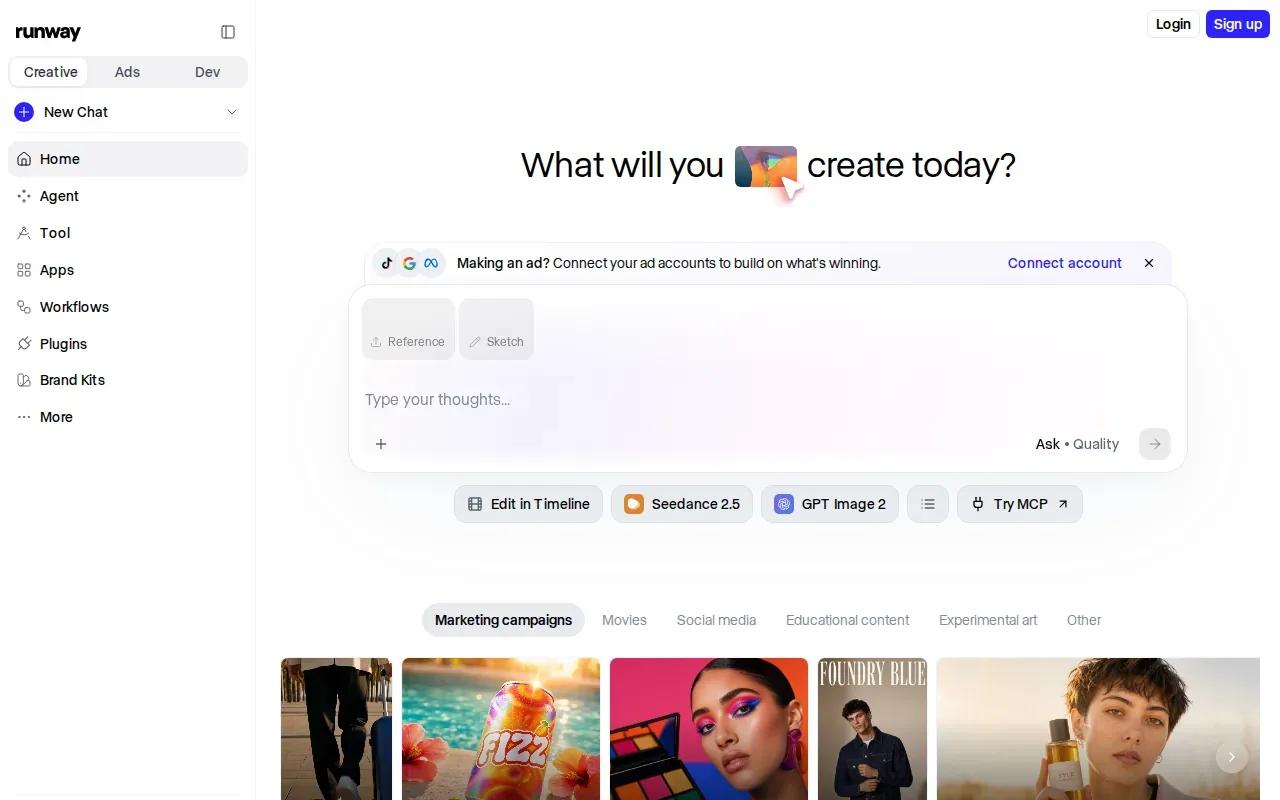
Runway’s Standard plan is $15 per month for 625 credits. When comparing options, consider the plan’s cost and credits alongside your creative needs.
Before publishing an ad, check that any product view in the finished creative still reflects the item customers will receive.
10. Wondercraft: voiced ads from a product description
Wondercraft starts with a product description and tone. It writes and voices an ad, which suits a team that needs a spoken message but doesn’t have a studio or voice talent ready for each draft.
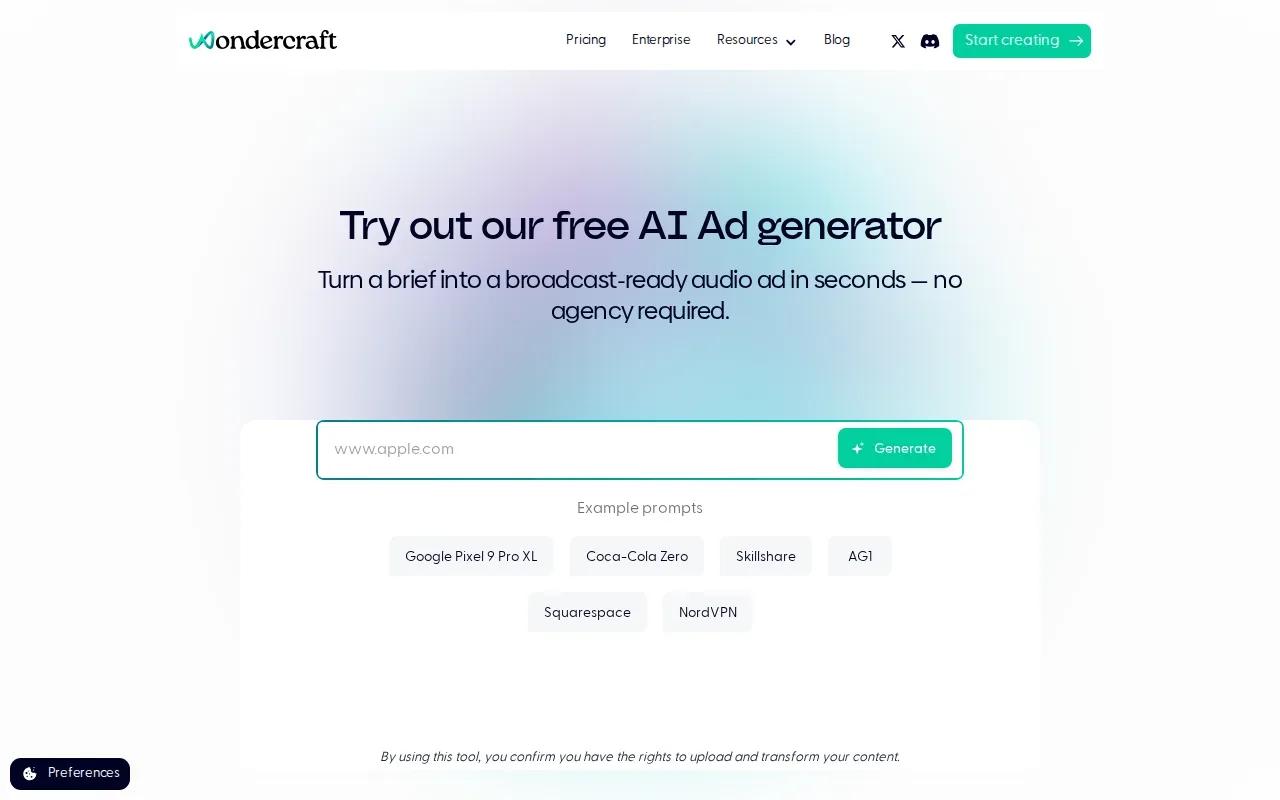
That input-first workflow can help you turn a product brief into a voice-led ad concept. It is especially relevant when the core selling point is easier to explain in words than to show in a quick product shot. Review the written script before you use the voice version, because a fluent read can still contain a claim that needs correction.
| Ad job | Option to consider | What to check before publishing |
|---|---|---|
| Generate a directed scene with sound | Veo Studio | Reference fit, dialogue, and output resolution |
| Start from an ecommerce product page | Topview | Output resolution and reference-video fit |
| Build a spoken service explainer | InVideo AI or Wondercraft | Script accuracy and voice delivery |
| Use an avatar as the presenter | AKOOL | Lip sync, script, and brand fit |
| Turn existing phone footage into an ad | CapCut | Copy, captions, and footage match |
Wondercraft is a fit when the product description carries the pitch. If the ad depends on a specific visual scene, pair the script with footage that shows the product accurately.
An AI ad generator can draft a script, visuals, or a voice track from a prompt or product assets. Some tools begin with a product page; others work from copy, footage, or a reference image. That changes how quickly you can make variations. For testing, change one thing at a time, such as the opening line, while keeping the offer and audience steady. A stack of near-identical ads won’t tell you much.
Before launch, check that the video fits the ad placement on Meta, TikTok, Instagram, or YouTube. The options here vary in workflow, so confirm export size and upload steps in the tool you choose. For new prompt- and image-led ad scenes, Veo Studio offers synchronized sound and dialogue plus first/last-frame control; its AI video options for ads page covers other starting points.
Give every generated ad a human review. Check the product shown, the words spoken, and any claim about results or performance. Advertising claims should be truthful and supported. Keep that review in the workflow, even when the first draft arrives quickly.
FAQ
What does an AI ad generator do?
An AI ad generator turns an input such as a prompt, product page, image, or written copy into an ad draft. Depending on the tool, that draft may include a script, visuals, voiceover, captions, or music. You still need to check the product details and claims, then make sure the finished file fits the placement where you plan to run it.
Can AI tools make several versions of one video ad?
Some tools can help you generate or revise multiple creative versions, but the exact workflow differs. For a useful test, vary one part of the ad at a time, such as its hook or visual direction. Keep the offer consistent so you can tell which change may have affected the response.
Do these tools publish ads directly to Meta or TikTok?
Don’t assume every tool publishes directly to an ad platform. The tools in this shortlist have different workflows. Check the product’s current export and campaign setup steps, then confirm the final file’s aspect ratio and other placement needs before upload.
Which AI ad generator is right for an ecommerce brand?
The right fit depends on where your ad starts. Zeely positions itself as an all-in-one ad platform for ecommerce. Topview makes product marketing videos. Veo Studio starts with a prompt or reference images when you want to direct a scene with synchronized sound. Match the input to the assets you already have.
Should I review AI-generated ad copy before publishing?
Yes. Review every script and voice track before publishing. Check product names, features, prices, and performance claims against approved information. Also watch the video to confirm that the visuals show the product accurately. A polished voiceover doesn’t make an incorrect claim safe to use.
Conclusion
Choose the tool that starts with the asset you have: a prompt, a product page, written copy, or phone footage.


