

An AI video storyboard generator can turn a script or rough scene idea into a visual plan. Some tools focus on storyboard panels, while others help you test those shots as moving video. Veo Studio is an independent, browser-based AI video creation tool powered by Google's Veo 3.1 models. Here are six options and the workflows each one suits.
1. AI Storyboard Generator by Magic Hour
AI Storyboard Generator by Magic Hour turns a prompt or script concept into visual storyboard frames. It suits creators who want a quick visual draft before they commit more time to a scene or campaign idea.
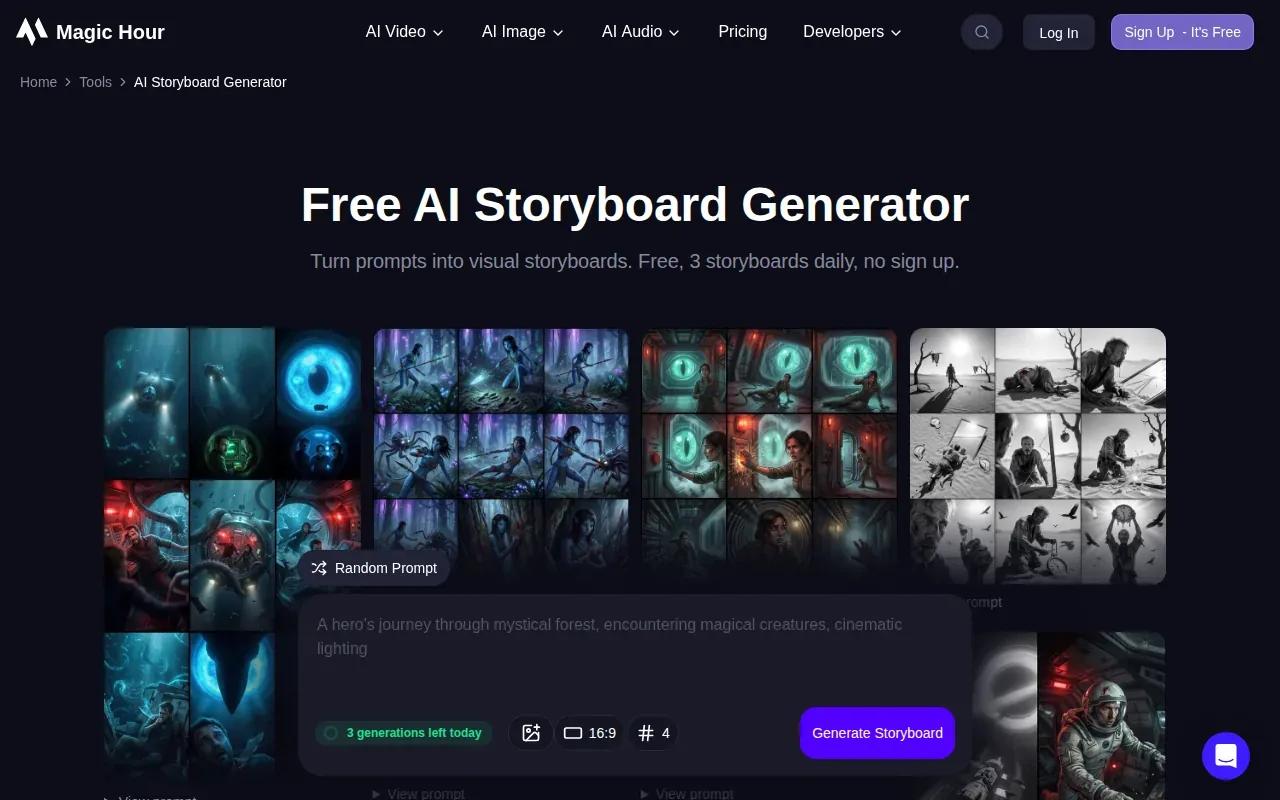
The storyboard workflow is built around generating visual frames from written direction. That gives you a way to see how an idea might look before you sketch panels yourself. A short prompt can describe the subject, the setting, and the action, then the generated frames can help you decide whether the sequence reads clearly.
Magic Hour also has a public starting point that supports three storyboard generations per day without signup. That version creates a four-panel board in a 16:9 layout, with no watermark. It’s a useful way to test whether a short sequence works as a visual idea before you set up a larger project.
Keep the brief focused. If the prompt asks for too many changes at once, it becomes harder to judge which visual choice helped or hurt the result. Try a simple scene first, then revise the subject or camera framing after you’ve seen the panels.
These panels are best treated as a visual draft. If your next step is a moving clip, you’ll still need to decide how each shot should change over time and check the result against your original idea.
2. IdeaBoard by MockFlow
IdeaBoard by MockFlow combines AI storyboard creation with collaborative ideation. It suits teams that need to shape a visual concept together, especially when several people need to add ideas or organize the scene flow.
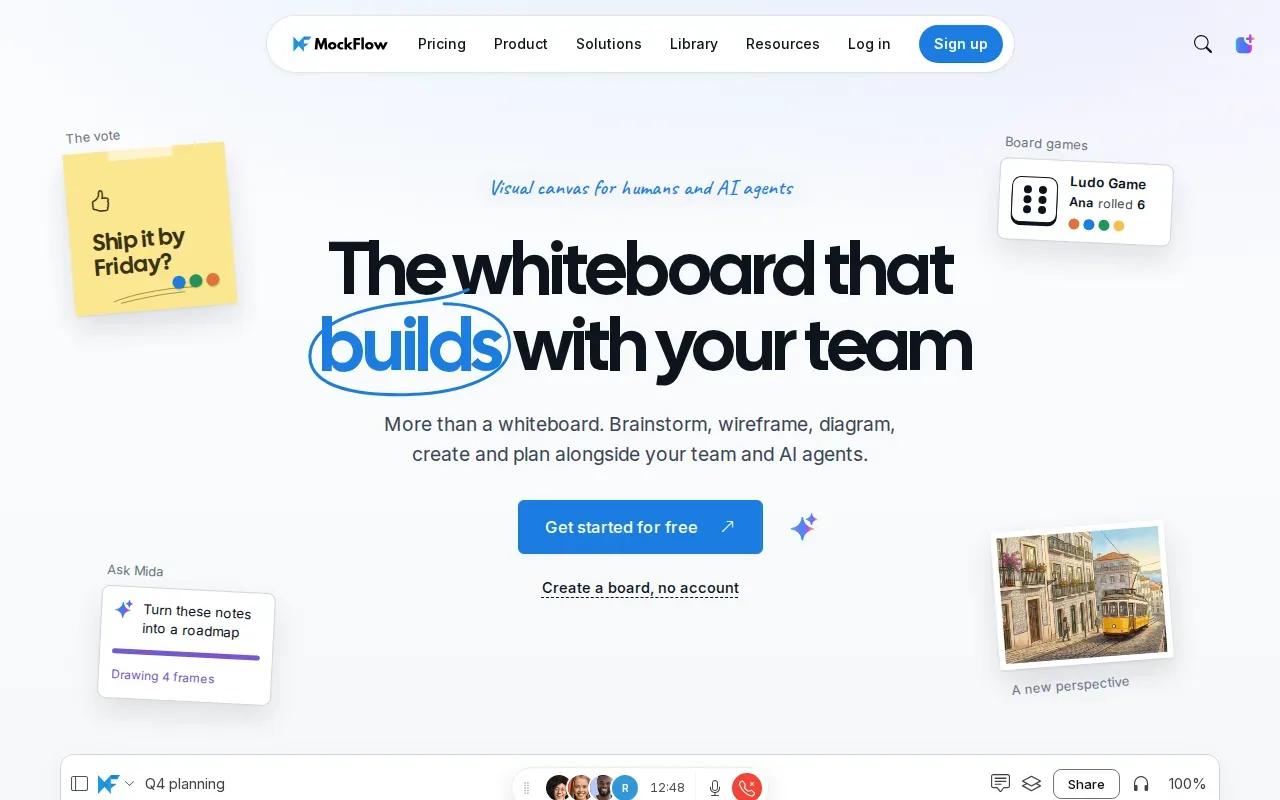
You can start with a text prompt and use AI-assisted brainstorming to explore visual directions. Visual clustering helps arrange related ideas, while templates give the team a starting structure. That can help when a campaign has several possible story angles and the group needs to sort them before anyone builds a finished video.
Think of a team planning a short product explainer. One person might suggest a customer problem, another might propose a product reveal, and a third might want a clear closing scene. A shared visual space gives the group a place to organize those ideas into a sequence instead of passing separate notes back and forth.
IdeaBoard’s strength is the group planning stage. It brings storyboard concepts, brainstorming, and visual organization into one place. That’s a different job from generating a polished video clip, so it fits best when the team needs to agree on the idea before production moves on.
If you’re starting with written narration or a campaign script, break it into visual beats first. The AI video script tools for creators page covers the script side of that planning work.
3. Ciaro
Ciaro connects storyboard work with production planning. It suits teams that want to keep scenes, shot plans, and review status tied together as they move toward video generation.
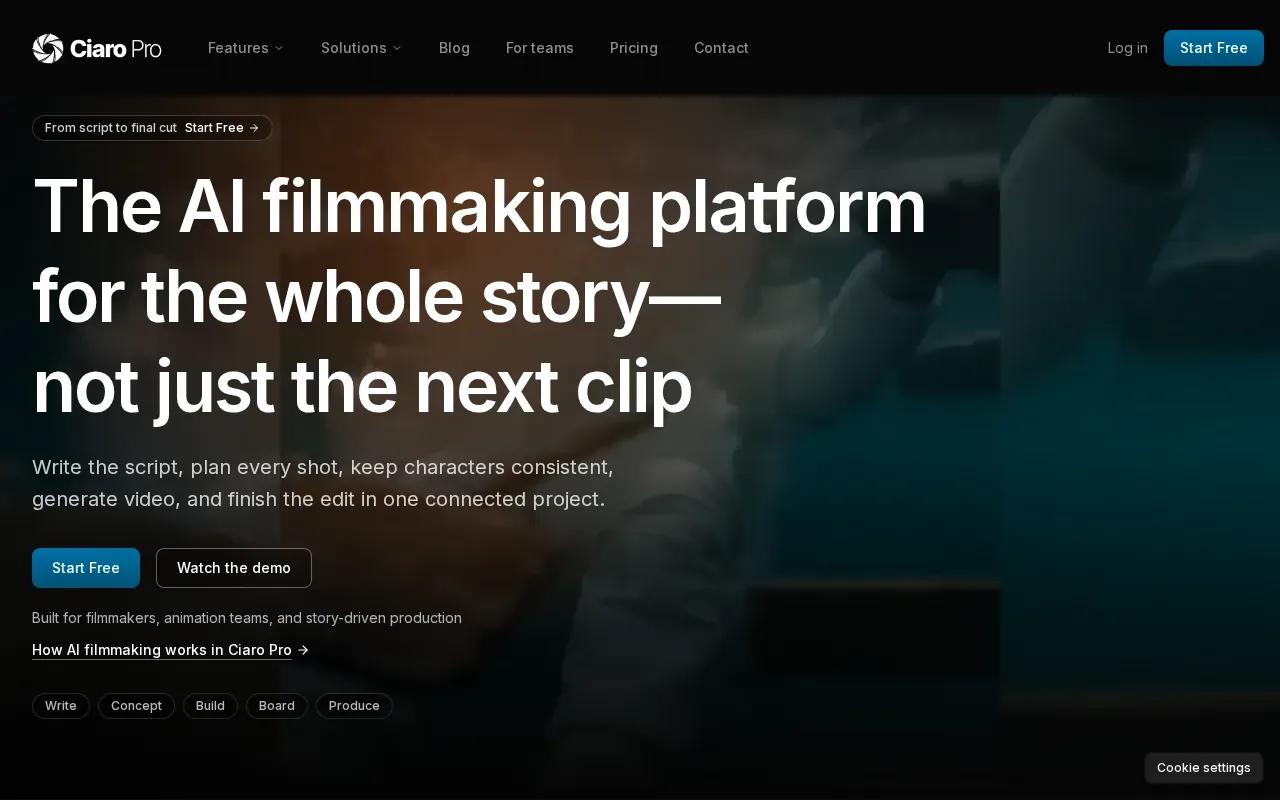
Its workspace links screenplay scenes with shot cards, AI-generated boards, continuity notes, and approval status. That structure helps a team check whether a sequence communicates the intended beat, whether coverage is clear, and whether a frame is ready for review. Rather than treating each panel as a separate image, the workflow keeps it connected to its scene context.
Ciaro also supports video generation by credits and includes script AI. Its credit cost is shown before generation, which lets you see the cost of a planned generation before you start. That can help a production lead decide which shots are worth testing now and which still need clearer direction.
For instance, a director can review a shot card and its frame together, then check the approval state before moving the shot into generation. That is useful when several people need to sign off on a sequence. It also gives the team a clearer handoff than a folder of disconnected stills.
Choose Ciaro when the storyboard needs to stay connected to the script and shot plan. It’s a production workflow, not simply a prompt-to-image tool.
4. Runway
Runway is an AI creative platform for image, video, audio, editing, and language models. It suits creators who want to develop visual ideas and continue into video work within a broader creative toolset.

Runway describes workflows that use text, images, video, or audio to generate video. Its tools can also generate multiple shots from a prompt, edit a frame and apply the change across a video, or extend footage inside editing software. Those options can help you explore how a storyboard direction might work in motion.
The Runway app also supports image generation for storyboards, animatics, and character design. Its features include keeping characters, objects, and locations consistent across generations. That can help when you need a character to look like the same person in several planned shots.
For visual development, try one scene before expanding the board. Write down what must remain the same, such as the character or location, then vary one shot detail at a time. That makes it easier to judge whether a new frame still belongs in the same sequence.
Runway’s broader scope is useful if your work moves between still images and video. For a storyboard-only task, check that the exact output and review steps you need fit the project before building the full sequence.
5. InVideo AI
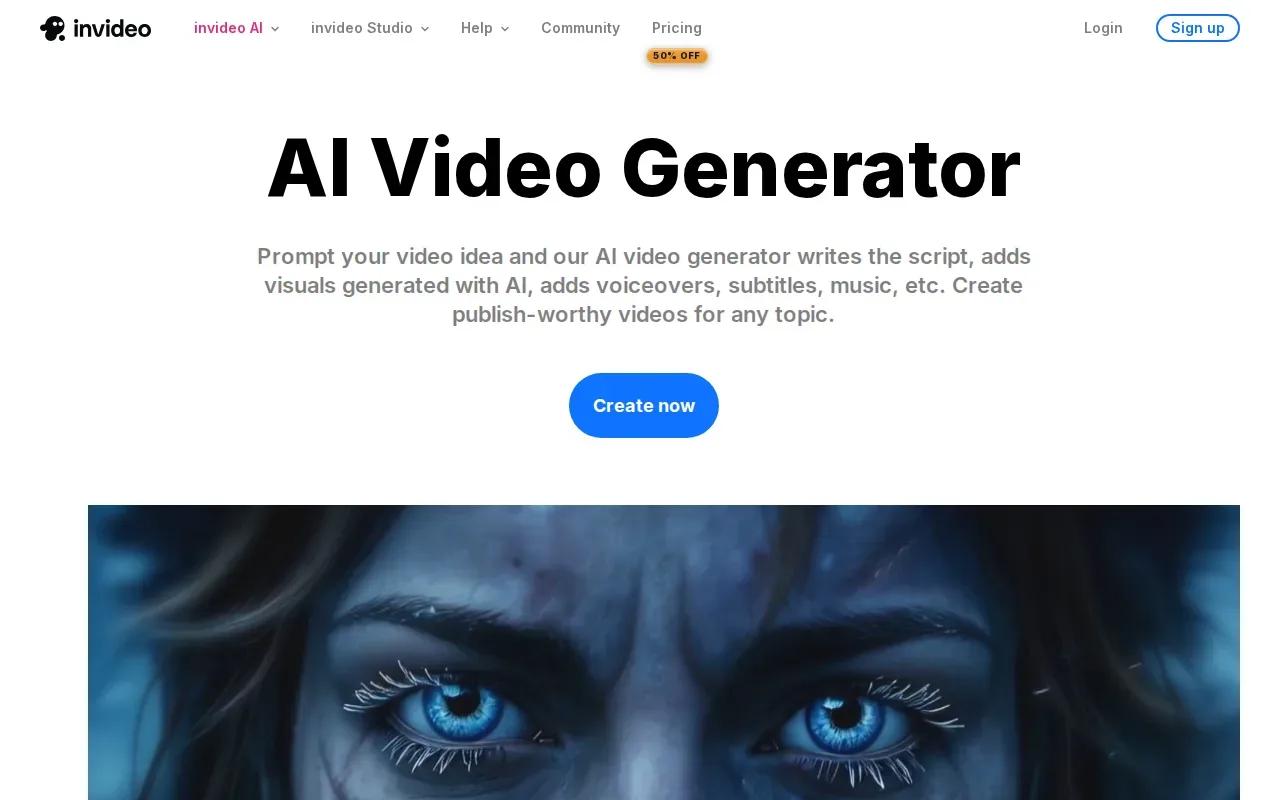
InVideo AI generates videos from simple text prompts, including scripts, clips, subtitles, music, and transitions. If you want to plan a visual sequence before generating a video, you can map out the key beats first and then use InVideo AI to build the video.
For a short film pitch, a social reel, or an explainer, sketch the opening beat, the main action, and the final shot. For a product walkthrough, planning the sequence can help you see whether it has a clear visual progression before you generate the video.
Before you start, decide what each beat should show and how the shots connect. After generating the video, review it for story order and continuity. A consistent style helps, but you still need to check that each scene shows the right action and camera angle.
For the next stage, the AI video creation workflow covers prompt, reference image, and draft review choices.
Compare the AI Video Storyboard Generators at a Glance
The key difference is where each tool places the work: Veo Studio helps test moving shots, while several other options focus on storyboard frames or production planning. Use this table to match the workflow to your next handoff.
| Tool | Useful when you need | Workflow focus | Check before starting |
|---|---|---|---|
| AI Storyboard Generator by Magic Hour | A quick visual draft | Prompt or concept to storyboard frames | Keep prompts focused on a short sequence |
| IdeaBoard by MockFlow | Team ideation and visual planning | Collaborative brainstorming and storyboard concepts | Use it for planning before video production |
| Ciaro | Script-linked shot planning | Scenes, shot cards, boards, and approvals | Review the shot plan before generation |
| Runway | Visual development across media | Image and video generation with editing tools | Confirm the output fits your storyboard handoff |
| InVideo AI | Prompt-based video creation | Generates scripts and adds clips, subtitles, music, and transitions | Review the generated video before sharing |
FAQ: AI Video Storyboard Generators
What does an AI video storyboard generator do?
An AI video storyboard generator turns a written prompt, script, or scene idea into visual planning material. Depending on the tool, that may mean a set of storyboard frames, a shared planning board, or a video draft based on a prompt. Review the output against your intended shot order, because generated visuals may need edits before they’re ready for production.
Can AI tools make a storyboard from a script?
Yes, some tools can turn script text or a scene description into storyboard frames. The exact workflow varies. Some focus on visual panels, while others link scenes to shot cards or let you move selected frames into video generation. Start with a short section of your script so you can check whether the scene breaks match the story.
How do I get more consistent storyboard frames?
Keep the character, setting, and visual style clear in your prompt. Add reference images when the tool supports them, and describe each shot’s main action and camera view. Then review the panels in sequence. If one frame changes the character or location without a story reason, revise that frame before you use it as a reference for video.
Can I use storyboard frames to make a video?
Yes, some tools let you send a selected frame into video generation, while others generate clips from text or reference images. A storyboard frame can guide the look of a shot, but it doesn’t define every movement or sound. Describe the action you want, then watch the generated clip and check it against the planned scene.
Is Veo Studio a storyboard tool?
Veo Studio is an independent, browser-based AI video creation tool powered by Google's Veo 3.1 models. It generates video from prompts and reference images, with synchronized sound and dialogue, character consistency, first- and last-frame control, scene extension, and output up to 4K. Use it to test planned shots as video, rather than to create a storyboard grid.
Conclusion
Choose the tool that matches your next step: shared planning, script-linked shot review, storyboard frames, or moving scene tests. If you want to see how a planned shot works with sound and dialogue, start with Veo Studio’s free plan and test one focused prompt or reference image.


