

An AI video generator for YouTube Shorts can save time, but the right tool depends on what you need the finished clip to do. Some focus on editing and captions; others build scenes from prompts or put a presenter on screen. Here are 10 options, starting with Veo Studio.
We analyzed 42 comments from YouTube and Reddit about AI video generators for YouTube Shorts and found that 31% mentioned automated end-to-end video creation.
1. Veo Studio
Veo Studio is an independent, browser-based AI video creation tool powered by Google’s Veo 3.1 models. It turns prompts or reference images into video with synchronized sound and dialogue, character consistency, frame control, scene extension, and output up to 4K on supported settings.
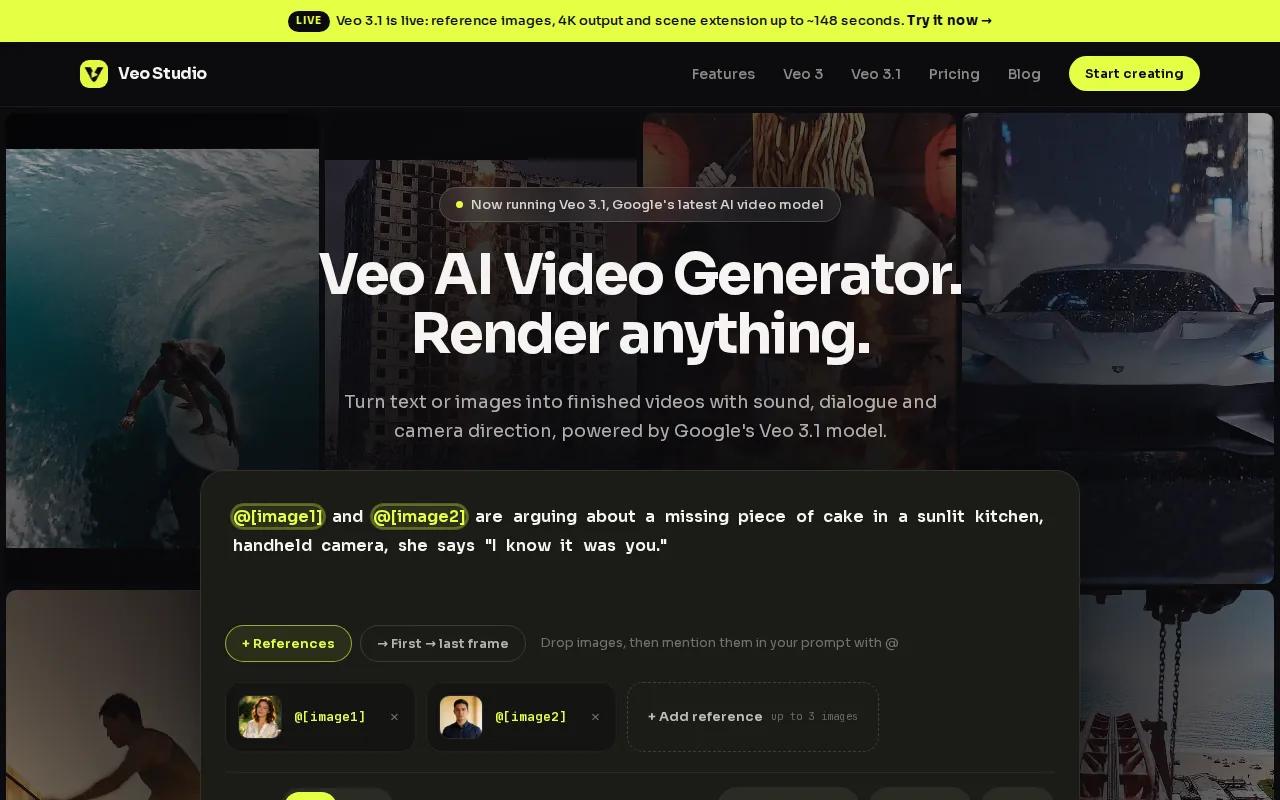
It suits Shorts built around a recurring character, a product photo, or a spoken line. Choose a 9:16 frame for vertical video. You can also set first and last frames to guide the shot’s motion, or extend supported 720p clips in seven-second steps. The free plan includes a couple of 720p videos each month with no card required; paid plans start at $14 per month.
If your content also goes to Instagram, the same vertical-scene planning can support an AI Reels generator workflow.
2. CapCut: Fast social-first finishing
CapCut is a social-first editing tool for creators who want to finish short videos quickly. Its features include effects, fast finishing, conversational video creation, AI avatars, auto-captions, and AI visual styles.
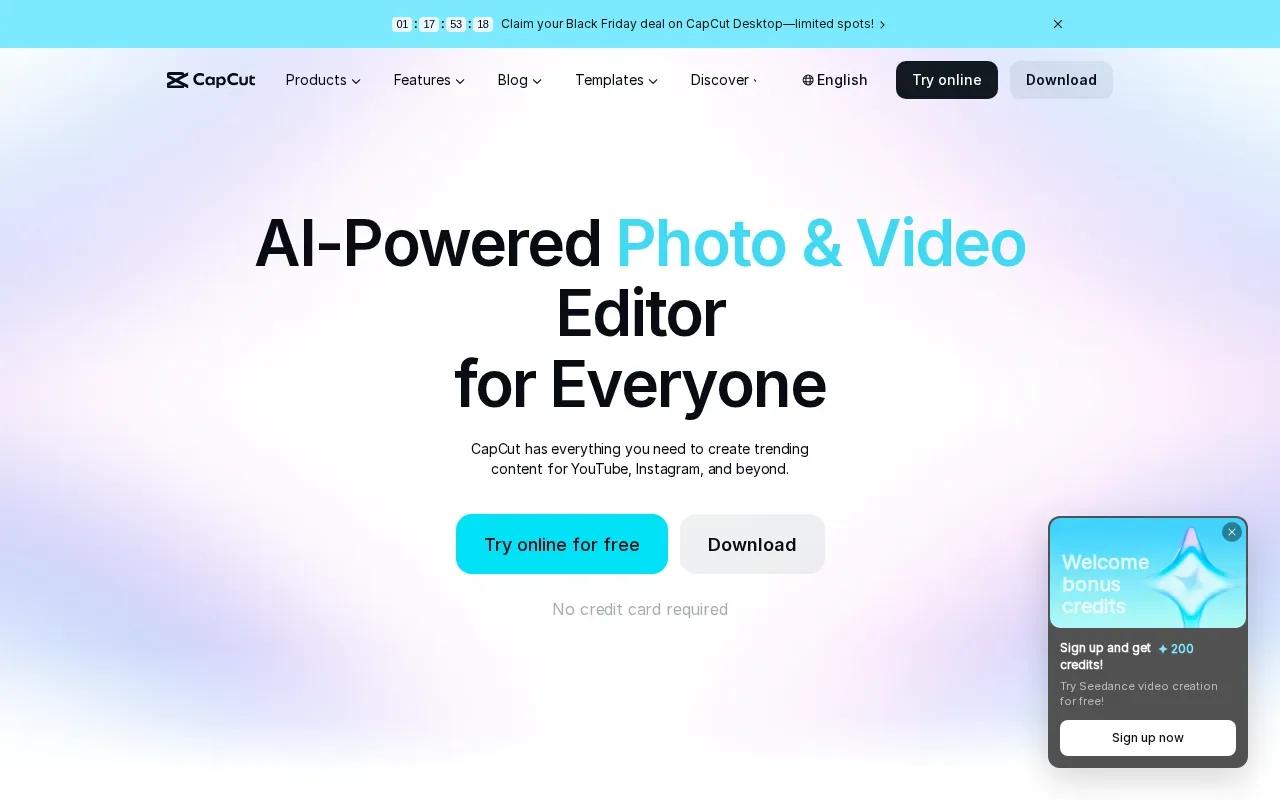
That mix makes it a fit when your Short needs a familiar social edit, a caption pass, or a visual style rather than a scene built around a reference image. Review the captions before export, especially names and short phrases that viewers need to understand.
3. Higgsfield: A multi-model creation workspace
Higgsfield brings several video models into one workspace, alongside its own Genjutsu model.

It may suit creators who want to compare several generation models without switching workspaces. Higgsfield also includes UGC Builder, Marketing Studio, and Cinema Studio with camera controls. Those tools point to different jobs: ad-style content, marketing assets, or shots where camera direction matters.
If you’re choosing it for a series, check that the results meet your character and sound needs before building a repeatable format around it.
4. InVideo AI: Turn written ideas into narrated videos
InVideo AI turns written ideas into videos with stock footage, AI voiceover, captions, and transitions. It’s a useful fit when you already have a script or topic and want a narrated draft to shape into a Short.
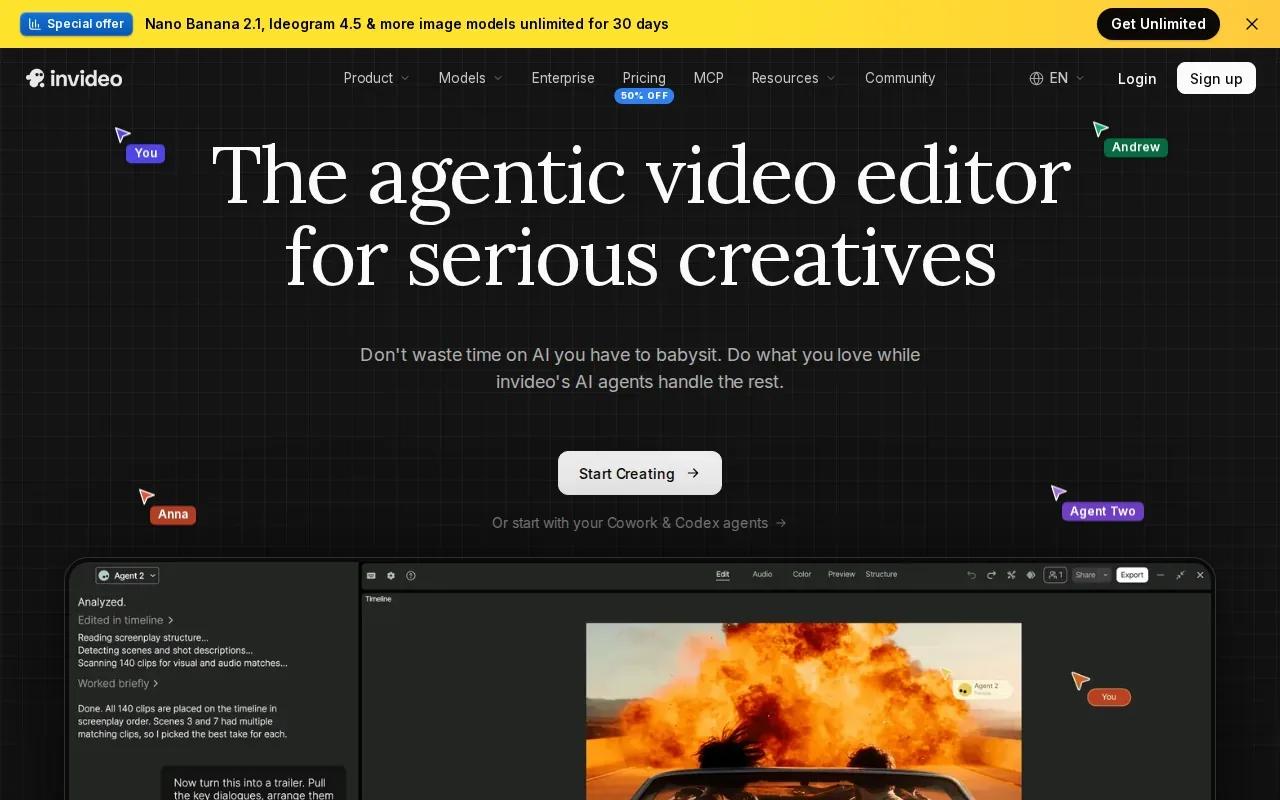
Start with one clear point, then ask for a brief script that supports that point. After generation, check whether each visual matches the words being spoken. Stock footage can help explain a topic, but an unrelated shot can make a simple message feel muddled.
InVideo AI has a free plan with a watermark. That can work for testing a draft, while creators preparing a public post should check the export against their needs before settling on a workflow.
5. HeyGen: Presenter-led business Shorts
HeyGen makes avatar-led business videos. Type a script and it can produce a video with a lifelike presenter, lip-sync, and gestures. That makes it a strong fit for product explainers where a person needs to deliver the message on screen.
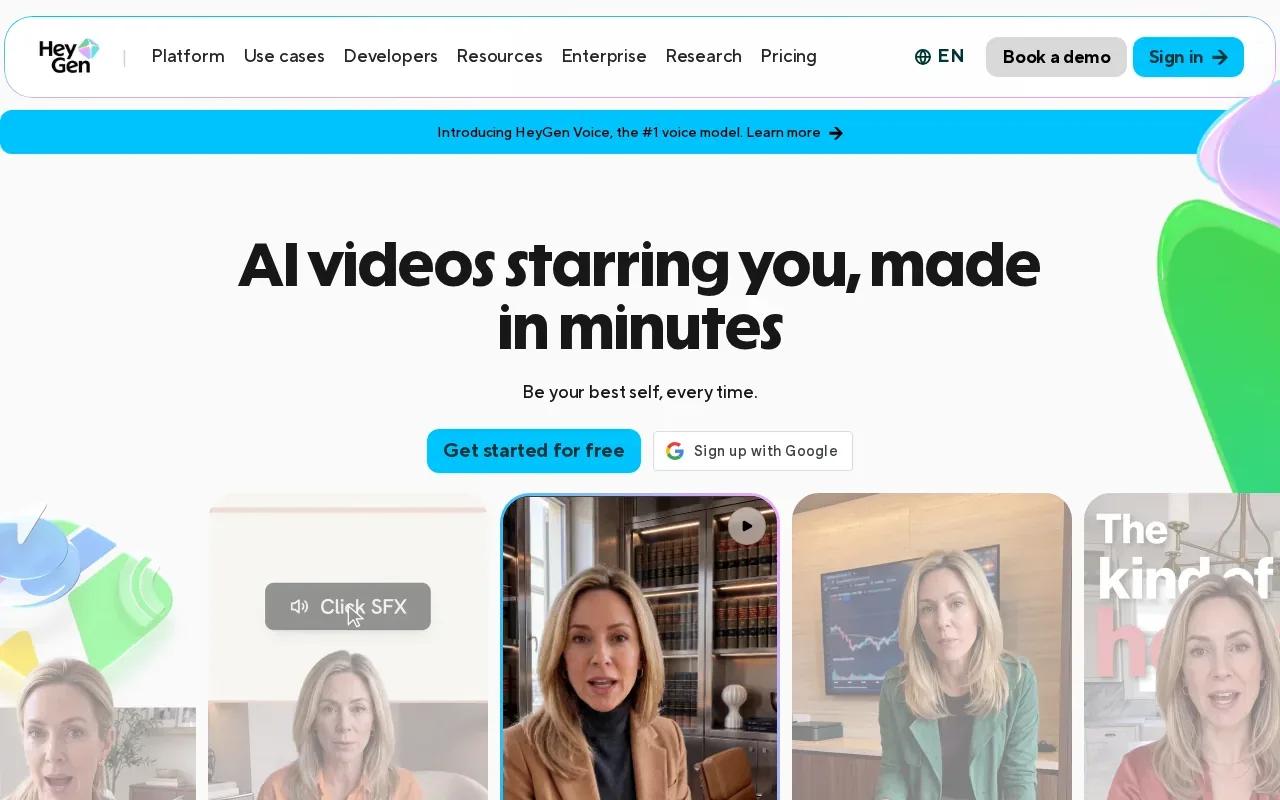
It also supports video translation into 175 languages. For a short product update, you could prepare a concise script, choose a presenter style, then review the spoken delivery and translated version before publishing. A presenter-led format works best when the speaker has something specific to explain, not when a generated face is only filling space.
Choose this kind of tool when a visible spokesperson is central to the Short. For a scene-first concept, a prompt-to-video tool may fit better.
6. OpenArt: Multi-scene stories with consistent characters
OpenArt supports multi-scene videos with consistent characters, voices, and music. It fits a short story that needs the same character to appear in more than one shot, rather than a single standalone visual.
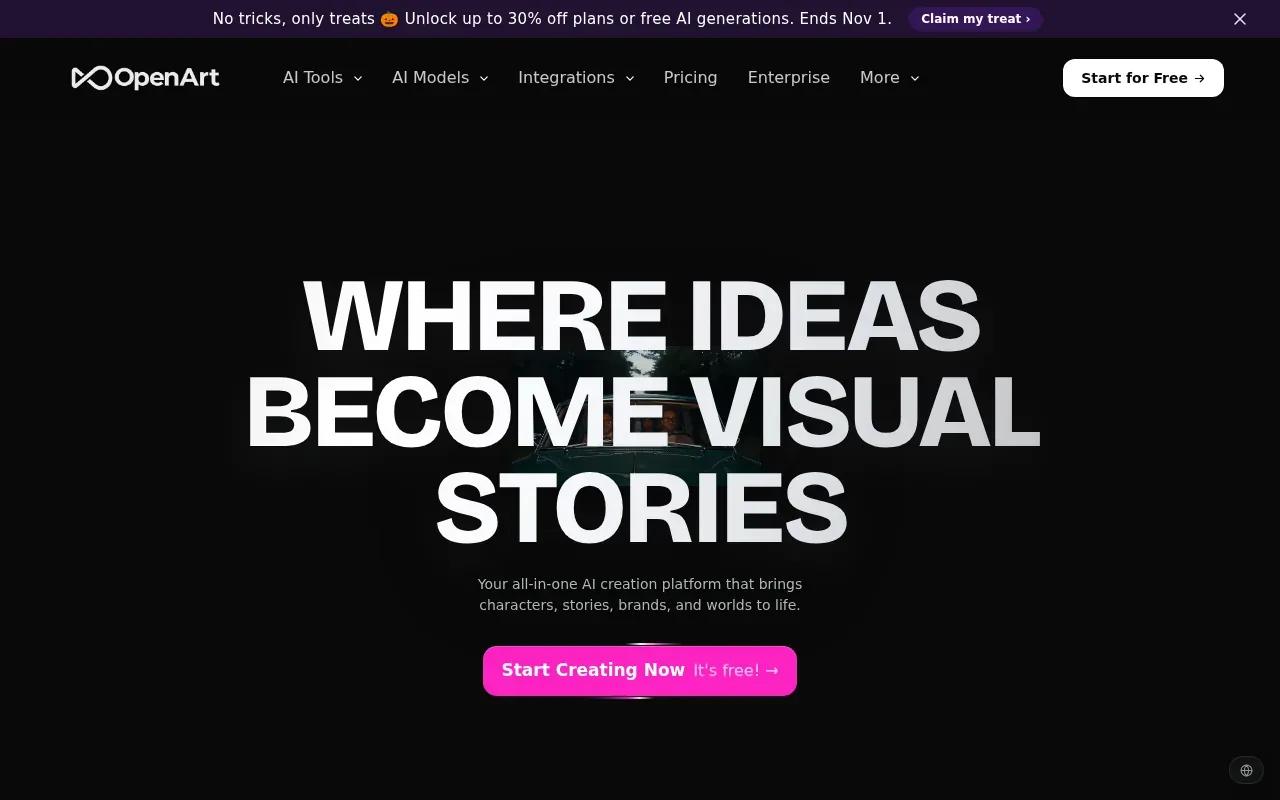
You can build a character from reference images or a text brief, then reuse that character in later generations. The platform also supports vertical exports for Shorts, which helps when the final piece needs a phone-first frame.
OpenArt’s starting price is $14 a month. OpenArt is a sensible option when your Short depends on a sequence of scenes and a recurring character.
7. Kapwing: Prompt-to-video with captions and sound
Kapwing can turn a text prompt into a video project with voiceover, visuals, subtitles, music, and characters. It also has a collaborative drag-and-drop timeline for editing the project.
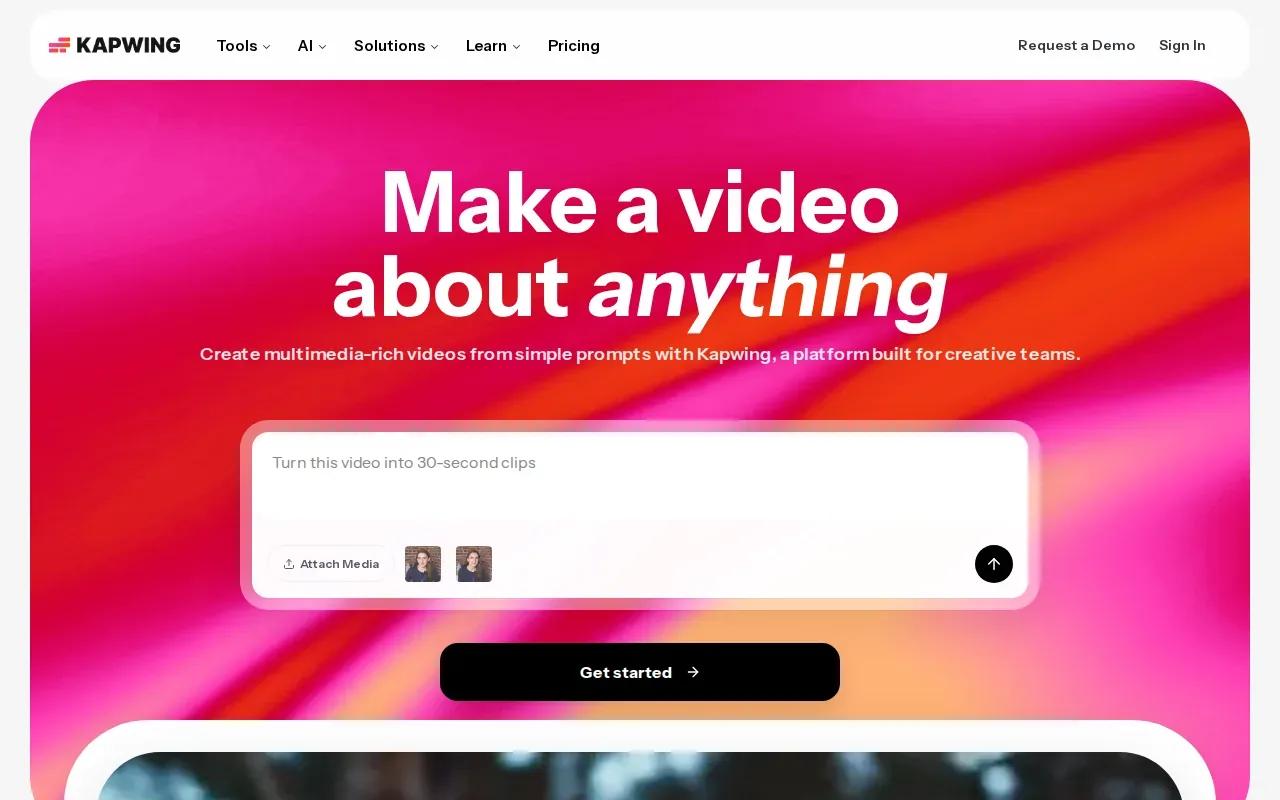
This suits a creator or small team that wants a generated first draft, then plans to adjust the order and timing in an editor. For a Short with a spoken hook, keep the first line direct and check that the subtitles match the voiceover. A good caption track should make the point clear, not compete with it.
Use Kapwing when the editable project matters as much as the initial prompt. The timeline gives you a place to shape the generated material into a tighter story.
8. Fliki: Text-to-video with a broad AI voice selection
Fliki turns text into video with AI voiceover, visuals, music, and captions. It offers more than 2,000 AI voices and a free plan.
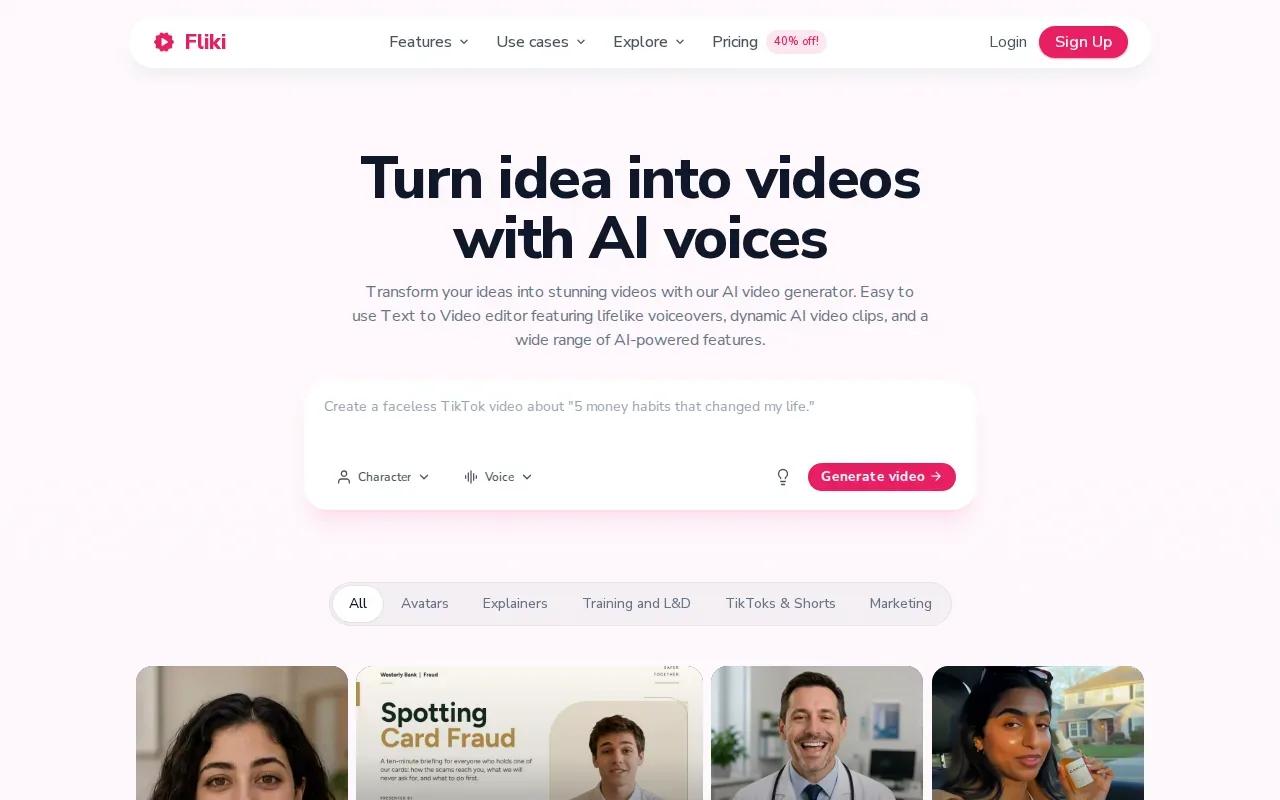
That makes it worth considering for narrated Shorts, especially when the script carries the story and the visuals support it. Fliki also offers character consistency, including the same face and voice across scenes. That can help a channel keep a repeatable narrator or character as the scenes change.
Before you publish, listen to the whole narration at the pace of the finished video. If the voice sounds rushed, cut words from the script rather than cramming in more captions.
9. AKOOL: Cinematic short videos with advanced controls
AKOOL supports cinematic 4K video creation with region editing. Its Shorts Studio is for short-style videos, offering a short-form option alongside cinematic video creation.
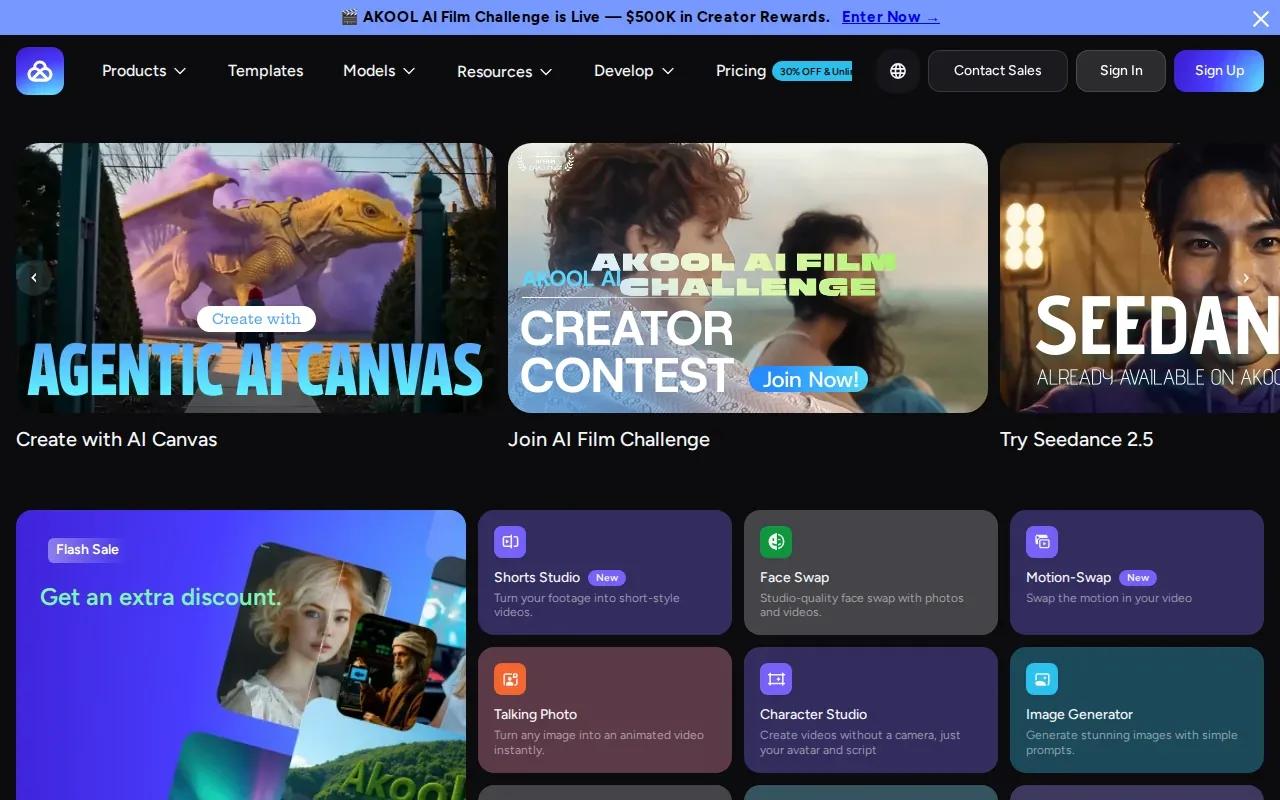
Region editing gives you a way to focus changes on part of an image or scene. That can be useful when you need a specific visual adjustment without changing the whole shot. Shorts Studio points to a short-style workflow, while region editing is another supported capability for creating videos.
Choose AKOOL when 4K output, region editing, or short-style video creation matches the job. For any generated scene, review the final frame and audio before publishing.
10. Google Veo 3.1: Prompt- and image-led video with sound
Google Veo 3.1 is a video model that follows text prompts and image references, and generates sound with the picture. It can output 1080p and 4K.
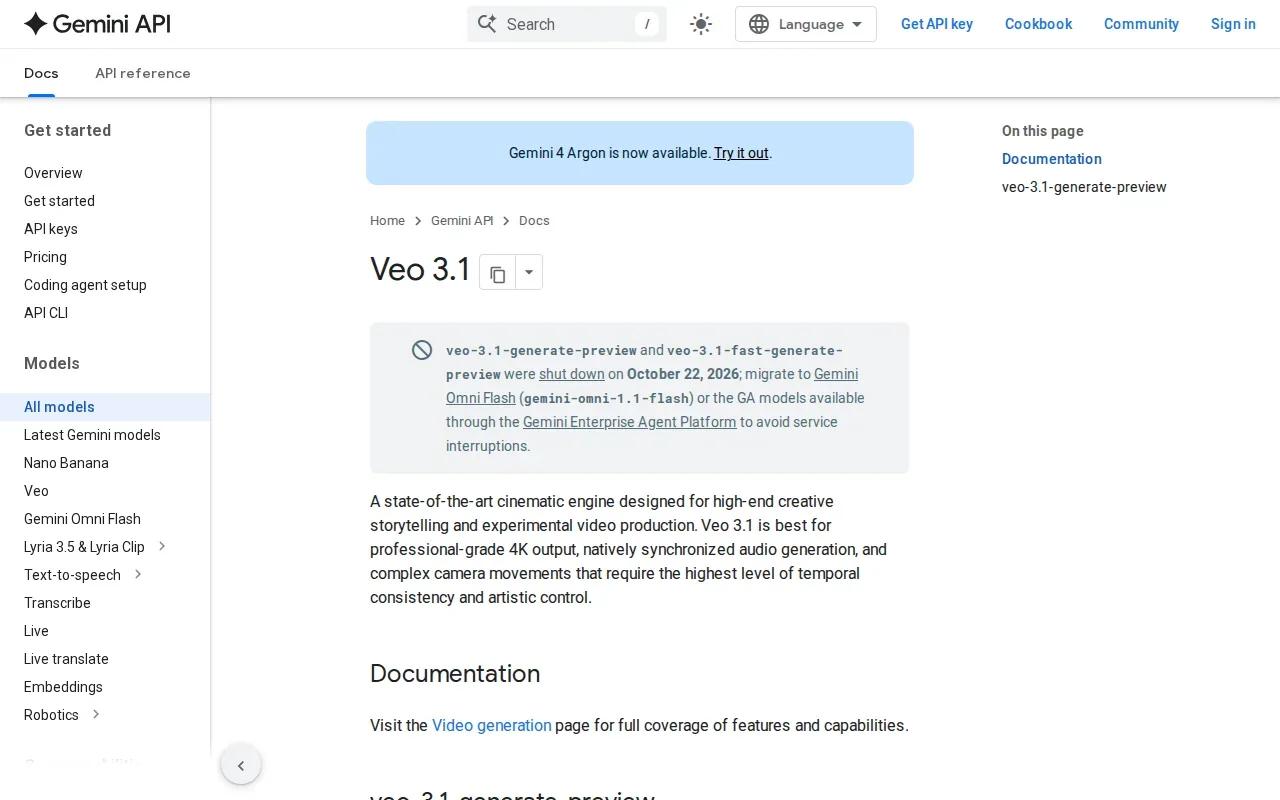
It’s useful to distinguish the model from Veo Studio. Veo Studio is an independent browser-based tool powered by Google’s Veo 3.1 models, with its own way to create, guide, and extend video. The table below compares the two.
| Decision point | Google Veo 3.1 | Veo Studio |
|---|---|---|
| Starting point | Text prompts or image references | Prompts or reference images |
| Sound with video | Generated together | Synchronized sound and dialogue |
| Resolution | 1080p and 4K | Up to 4K on supported settings |
| Access and price detail | Through Google's own apps and plans | Free plan includes a couple of 720p videos monthly; paid plans start at $14 a month |
If your main question is how to turn an idea into a finished vertical clip, the separate YouTube Shorts AI generator overview can help you think through the production choices.
Match the tool to your Shorts workflow
For a steady Shorts process, choose the tool around the part of production that takes you longest. A scene-led story needs visuals and continuity. A tutorial may need a clear narrator and captions. A product update may work better with a presenter.
- Start with the idea: write one viewer takeaway and a short opening line.
- Pick the visual approach: prompt a new scene, use a reference image, or make a presenter-led clip.
- Review voice and captions: check names, timing, and any key claim against the script.
- Frame for a phone: use vertical output when available, and keep important details clear of the edges.
- Learn from each post: test one change at a time, such as the opening image or script length. Set a posting pace you can maintain.
For a batch based on a longer transcript, split it into separate points first. Each Short should make sense on its own, rather than relying on context from the full source.
Ready to make Shorts with synchronized sound and consistent characters? Veo Studio lets you test a prompt or reference image in your browser.
FAQ
Which AI video generator is good for YouTube Shorts?
The right AI video generator depends on the kind of Short you’re making. Veo Studio is a fit for prompt- or image-led scenes with synchronized sound and character consistency. CapCut focuses on social editing and captions, while HeyGen makes presenter-led clips. Start with your needed format, then check voice, captions, and export quality.
Can I make YouTube Shorts with AI for free?
Yes, some options include free access. Veo Studio’s free plan includes a couple of 720p videos each month, with no card required. InVideo AI has a free plan with a watermark, and Fliki has a free plan. Check the terms of the plan you choose before relying on it for finished exports.
Can AI video tools make vertical Shorts?
Some tools support vertical video, but you should confirm the output format before building a project around one. Veo Studio supports a 9:16 frame, and OpenArt supports vertical exports for Shorts. If a tool doesn’t fit the phone frame directly, cropping later can cut off a face, product, or caption area.
Which tools can add AI voices and captions?
InVideo AI includes AI voiceover and captions, while Kapwing can generate a project with voiceover and subtitles. Fliki combines AI voiceover with captions, visuals, and music. CapCut offers auto-captions. Treat these as a first pass: listen to the voice track and correct the captions before posting.
How do I make an AI Short more engaging?
Give the clip one clear point and show something relevant early. Keep the script tight, add captions that match the spoken words, and cut any shot that doesn’t help the viewer follow the idea. Try a consistent posting pace, then review how viewers respond before changing several parts of your format at once.
Conclusion
If your Shorts need generated scenes with synchronized dialogue and recurring characters, start with Veo Studio. Create a free account, try one prompt or reference image, and see whether the result fits your next video before choosing a paid plan.


