An AI UGC creator can turn a product brief or reference image into a casual, creator-style video. The tools below take different routes: Veo Studio gives you prompt and shot control, while others focus on custom creators, ad batches, or complete videos from one prompt.
We analyzed 61 comments and questions from Reddit, YouTube and Quora about AI UGC creators and found that 23% mentioned lack of realistic detail.
1. Veo Studio: Prompt-to-video control with synchronized sound
Veo Studio is an independent, browser-based video tool powered by Google's Veo 3.1 models. It suits creators and marketers who want to guide a scene with a prompt or reference images, rather than start with a fixed talking-head format.
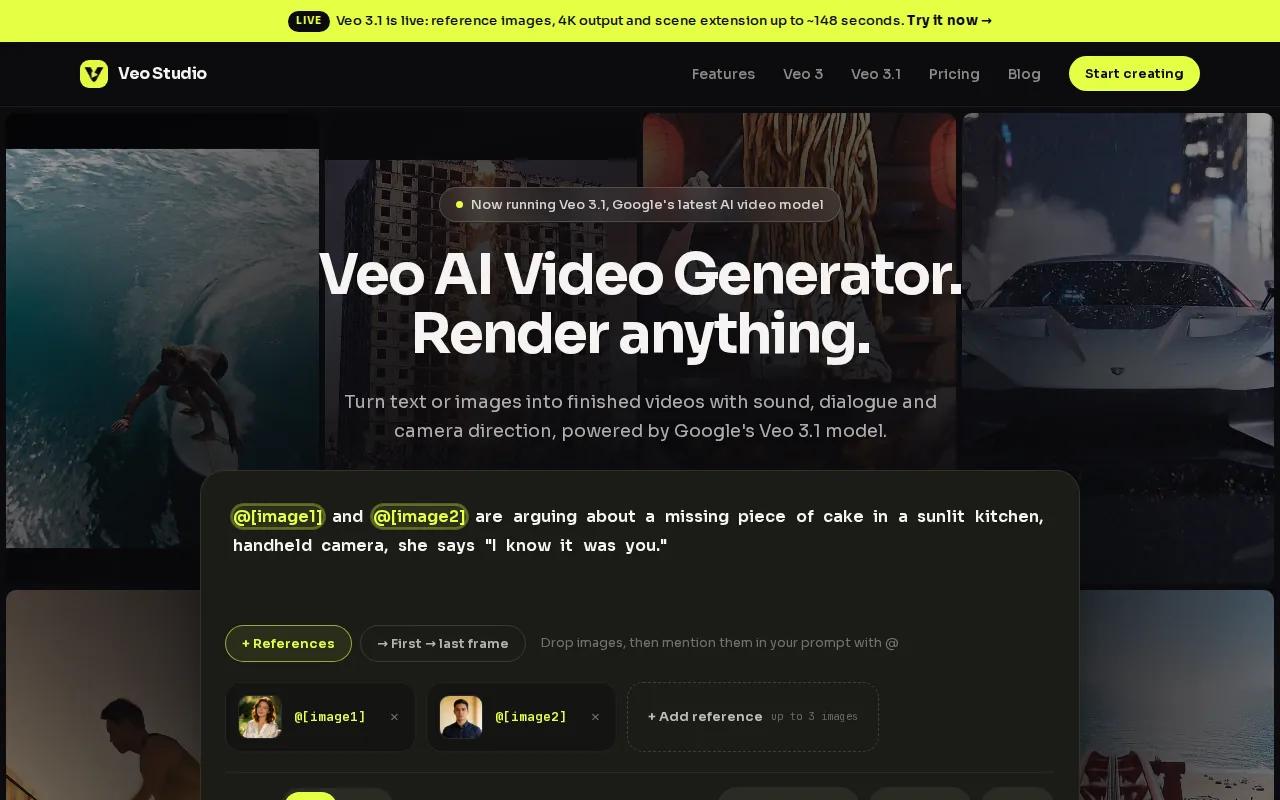
Describe the setting, action, camera move, and spoken line. Or upload reference images to guide the character or product. Veo Studio generates video with synchronized sound and dialogue. It also supports first- and last-frame control, character consistency, scene extension, and output up to 4K.
Those controls help when a short ad needs a clear visual beat. You might set a product photo as a reference, describe a close-up of its key detail, then add a spoken line in quotation marks. First- and last-frame control can guide how the clip begins and ends. Scene extension can carry a finished scene forward when the first segment feels too short.
Veo Studio’s free plan includes a couple of 720p videos a month with no card required. Paid plans start at $14 per month and add more video volume, higher resolutions, and a commercial licence. For examples of how creators structure short ads, browse these UGC ad formats. Review each generated clip before publishing, especially its product details and claims.
2. AI UGC Generator by Kapwing: Online videos with custom AI creators
AI UGC Generator by Kapwing makes browser-based creator-style videos for brands. It suits marketers who want to shape a custom on-screen person, then reuse that creator across product demos, social ads, or explainers.
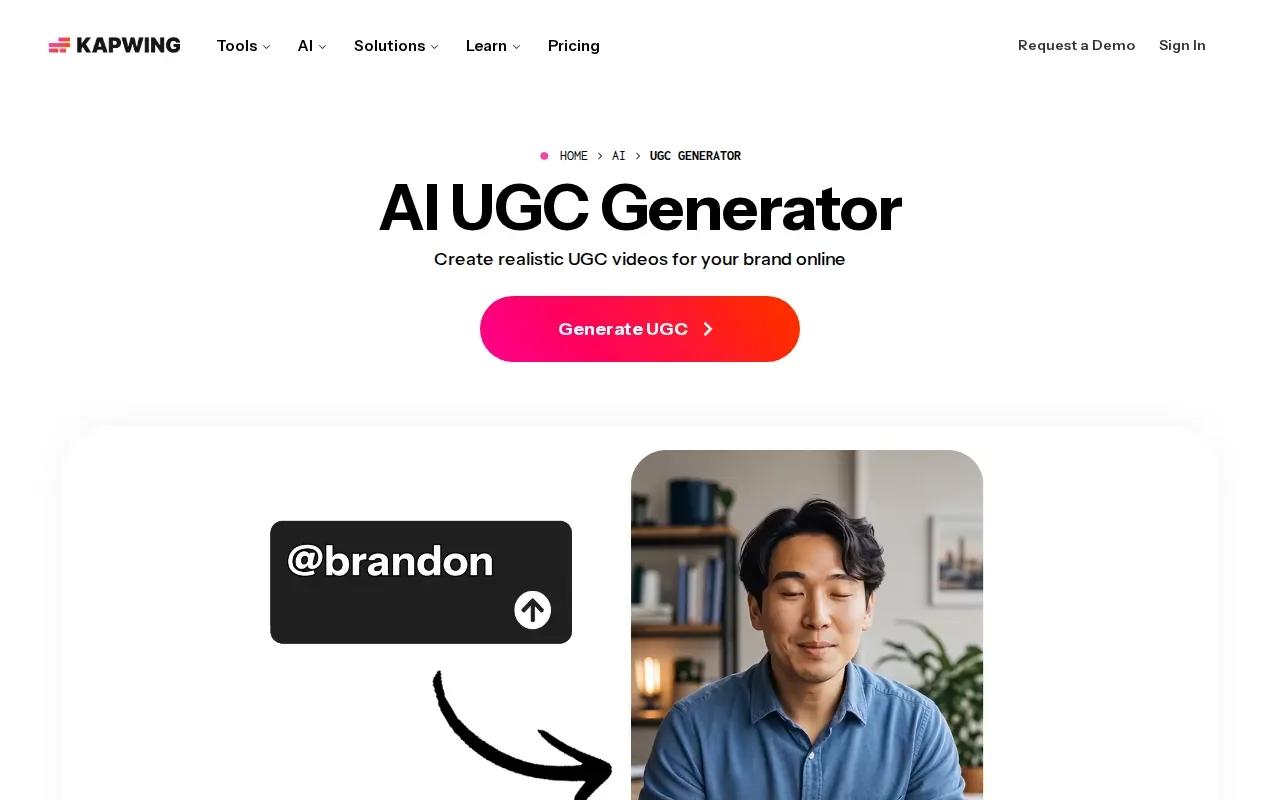
Start with a prompt describing the person, setting, and dialogue. You can add a product reference image and describe how the creator should hold or use it.
Here, UGC means content made in the style of photos, videos, or posts from users. An AI-made testimonial is still synthetic, not a real customer’s account.
Kapwing’s online workflow includes editing after generation. You can add subtitles, logos, stickers, or B-roll, then adjust a clip for TikTok, YouTube, or Instagram. Its editor also supports resizing for platform-safe areas. That matters when one script needs a vertical version for a short-form feed and a square cut for another placement.
Use it when a saved character and in-browser finishing tools are central to your workflow. Keep the script honest: a simulated recommendation should not be presented as a real buyer’s experience.
3. EzUGC: Consistent AI actors for batches of ads
EzUGC is an AI ad generator for creator-style product videos. It suits marketers who need several ad variations with a familiar actor-led format, especially for TikTok and Meta campaigns.
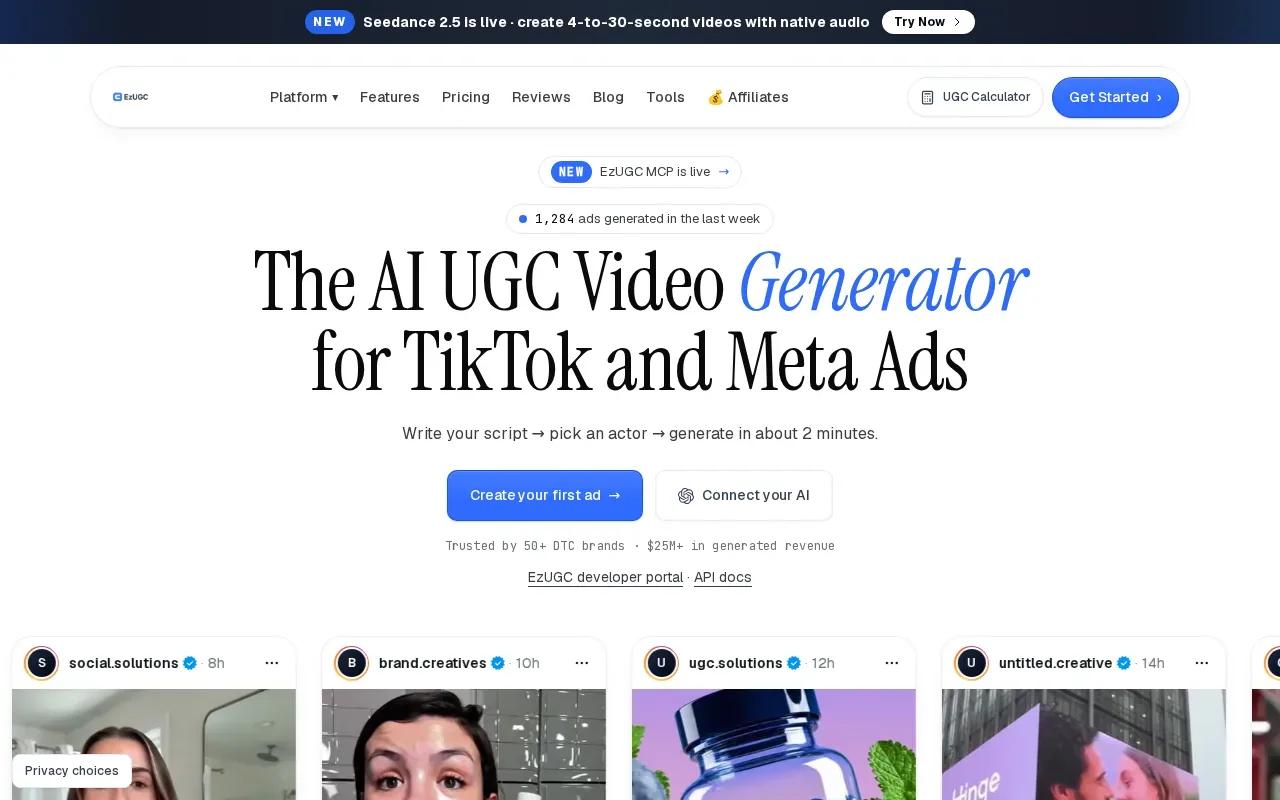
AI actors can make it easier to keep the ad format consistent across a batch. That can help when you want to compare different hooks for the same item before committing to a larger campaign.
Keep the test narrow. Make a small batch where each version changes one main element, such as the opening line or the product angle. Then compare the drafts against the same brief. AI actors can help keep the format consistent across a batch, but that consistency doesn’t make a scripted claim true.
Advertising rules on endorsements and testimonials apply to AI-generated scenes too: don’t frame invented use or praise as a genuine customer story.
EzUGC is worth considering when the job is a set of actor-led ad variations. Check each script and render before launch. A fast batch still needs a human review for product accuracy and claims.
4. OmniRender: AI videos with synchronized dialogue and sound
OmniRender is a browser-based tool for generating short AI videos from text prompts and image references. It suits creators whose scenes need spoken dialogue or sound generated alongside the visuals.
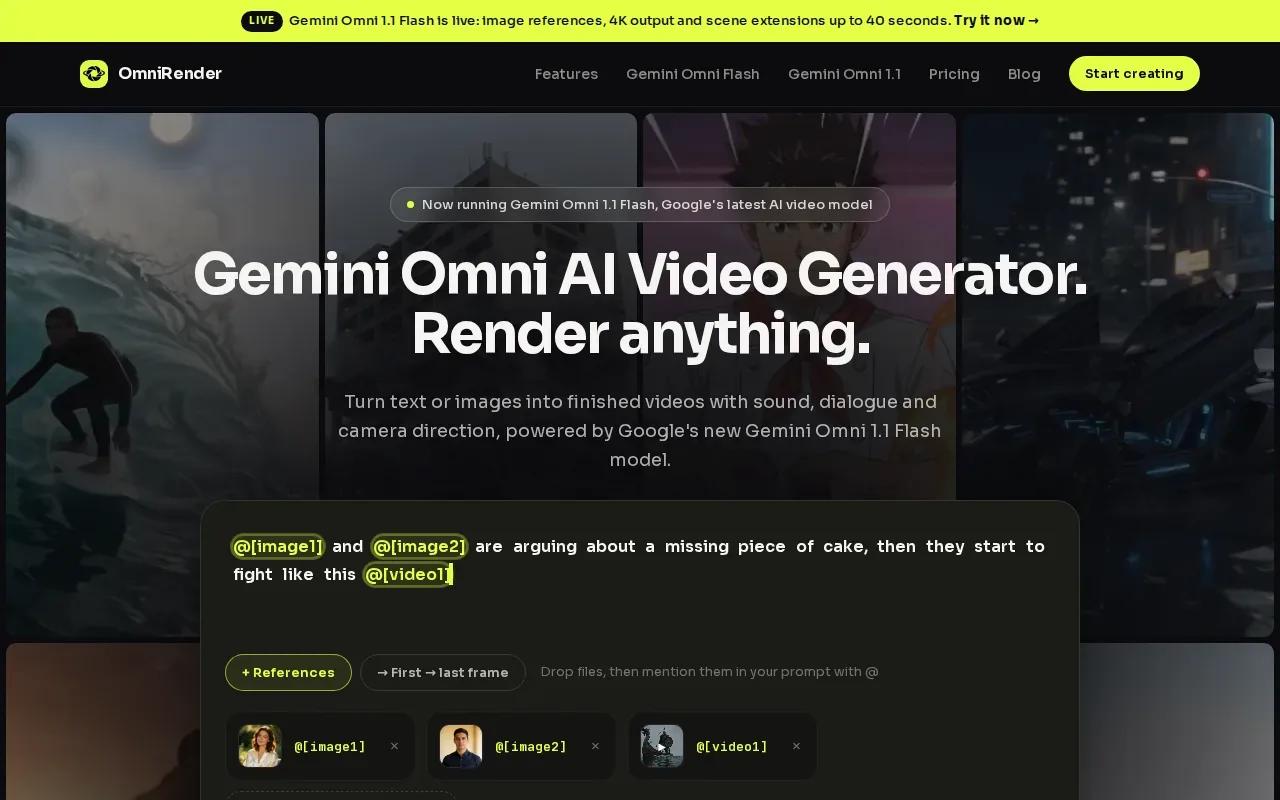
Describe the shot and put the words you want spoken in quotation marks. OmniRender can generate synchronized music, sound effects, and lip-synced dialogue. For a product ad, you could add a product image as a visual reference, then describe a short vertical scene around it.
A useful detail is scene extension. You can extend a generated scene in steps, up to 40 seconds total. That gives you a way to lengthen a clip when the first render has the right look but not enough time for the full beat.
OmniRender’s free plan gives you a few 360p videos a month with no card required. That can work for an early test, but check whether the output resolution fits your placement before planning a campaign around it.
Choose OmniRender when synced sound and dialogue matter more than high-resolution output on the free plan. Review the audio and lip sync with the picture before posting; even a small mismatch can make a creator-style clip feel off.
5. Fliki: A complete video from one prompt
Fliki’s AI video generator builds a complete video from one prompt. It suits teams that want a narrated draft with visuals, voiceover, music, and captions, rather than a scene they direct shot by shot.
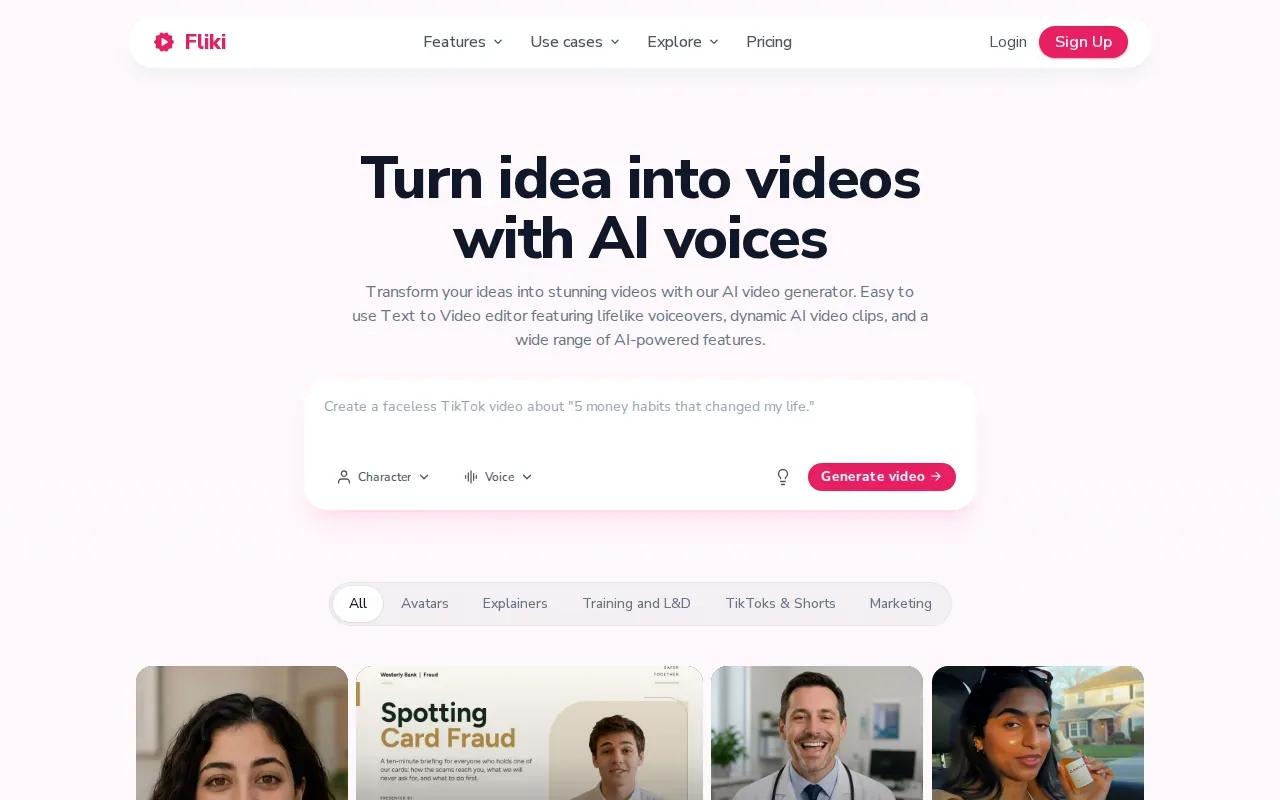
The prompt-led workflow can help when you have a product idea but not a finished script or edit. Give the tool the core message, then review the assembled video for tone and accuracy. For an explainer, the generated narration and captions can provide a first pass that your team can shape before publishing.
Fliki generates synced voiceover, music, and captions automatically.
A free plan is available with no credit card required. Before you make a batch, test one short prompt and check whether the pacing, voice, and visuals fit your intended placement. A complete first draft can save setup time, but it still needs review.
Fliki is a straightforward fit when the brief starts as a prompt and needs to become a narrated video. If the scene relies on exact camera direction or a product detail staying visible, write that into the prompt and inspect the result closely.
6. ImagineArt: Consistent AI creators for UGC at scale
ImagineArt helps generate consistent, natural-looking AI creators and UGC-style videos at scale, without casting, filming, or reshoots.
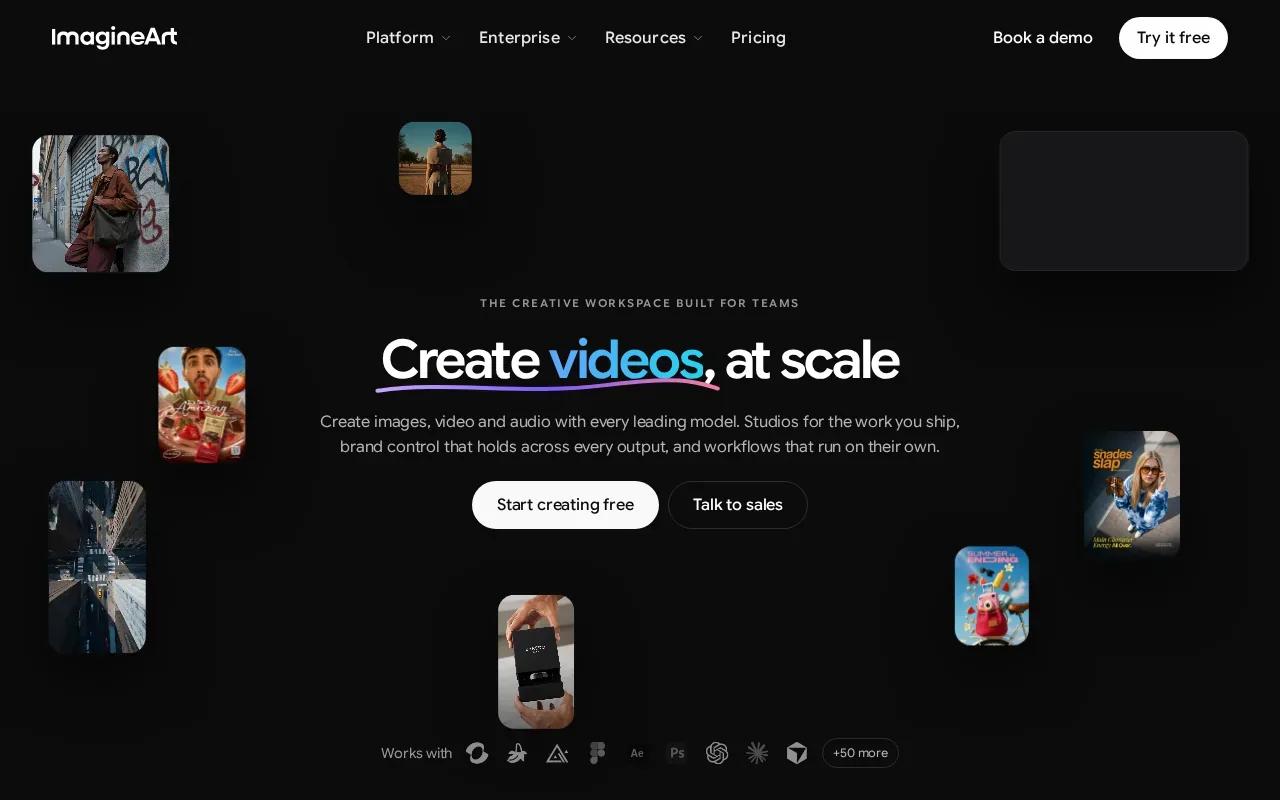
Character consistency is its central fit: the creator can stay consistent from the first concept to the final frame. Try a short brief first, then review the creator’s consistency and the product depiction before building out more variations.
Use this decision grid to match the workflow to the job, rather than choosing on the word “scale” alone.
| Your production need | ImagineArt detail | What to check in a test |
|---|---|---|
| Reuse the same creator | Character consistency from first concept to final frame | Does the face remain recognizable across the versions? |
| Make social ad variations | UGC videos at scale | Does each version keep the product and claim clear? |
| Review a short-form video | UGC videos at scale | Is the important action visible in the selected frame? |
| Review the finished clip | Consistent, natural-looking AI creators | Does the creator remain recognizable throughout? |
If you’re planning a paid social campaign, this AI video ad workflow overview can help you think through the brief and placement.
Frequently Asked Questions
What is an AI UGC creator?
An AI UGC creator is a tool or virtual character used to make videos in a user-generated-content style. You may start with a prompt, script, or product image. The output can look like a casual product demo or creator-led ad, but it isn’t proof that a real customer used or recommended the product.
What should I give an AI UGC video tool?
Start with a clear brief: the product, the main point, the setting, and what the person should say or do. Add a product or character reference image when the tool supports it. A focused prompt helps you review the important details, such as whether the product stays visible and whether the dialogue matches your claim.
Can AI UGC tools make videos for TikTok and Reels?
Check whether the tool supports vertical formats for TikTok and Reels. Check the final framing and captions on each export so key content doesn’t sit outside the visible area.
Can an AI avatar give a real customer testimonial?
An AI avatar can deliver a script, but that doesn’t make the speaker a real customer. Don’t invent a customer’s experience or present a generated person as someone who bought or used the product. Keep claims accurate, and disclose synthetic content where the platform or applicable rules require it.
How do I keep AI video costs under control?
Test one short clip before building a large batch. Change one creative detail at a time, then keep only the versions that meet your brief. Check how the tool’s free allowance, resolution, and generation limits fit your actual workflow. For Veo Studio, the free plan includes a couple of 720p videos a month; paid plans start at $14 per month.
Conclusion
Choose by the work your next ad needs: Veo Studio for prompt-led scenes with synchronized sound, dialogue, frame control, and scene extension; another option may fit better when you need a ready-made creator workflow or a full narrated draft. Start with one product image and one short concept, then review the result before making a batch.