A still character can do more than sit in a frame. An AI talking character generator can turn an image or prompt into a speaking video, but tools differ in how they handle dialogue, identity, and scene control.
We analyzed 28 YouTube comments about AI talking character generators and found that 29% mentioned specific prompt details.
Here are five options for different workflows, starting with Veo Studio for creators who want a character inside a generated scene.
1. Veo Studio
Veo Studio is an independent, browser-based AI video creation tool powered by Google’s Veo 3.1 models. It turns prompts and reference images into video with synchronized sound and dialogue.
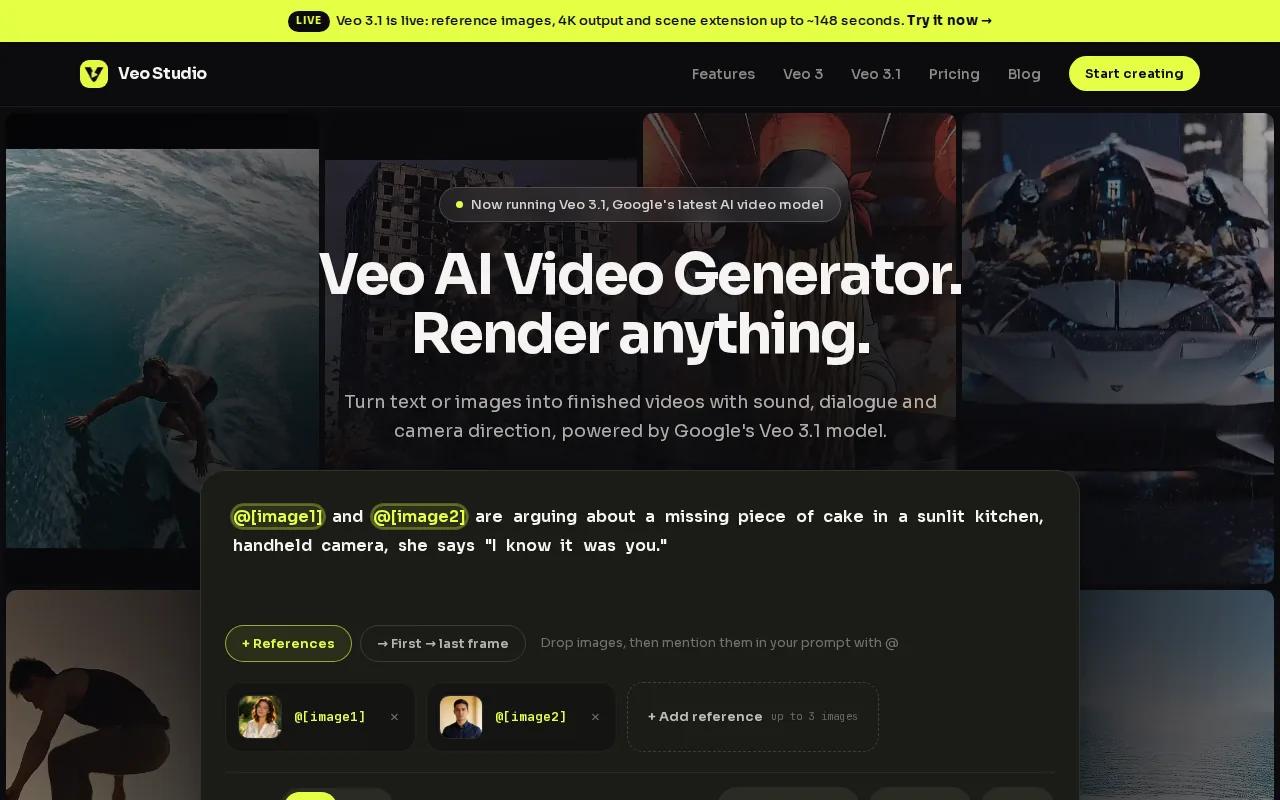
It suits social creators, brand marketers, small-business advertisers, and filmmakers who want to direct a short scene rather than place a fixed presenter in front of a script. Describe the character, action, and camera move. Add a line in quotation marks when you want the character to speak.
Reference images can help keep a character or visual style consistent in a clip. First- and last-frame controls let you provide two stills and generate the movement between them. That gives you a way to set up a product reveal or guide how a character enters and exits a shot.
Veo Studio also supports scene extension, which adds time to a finished clip, and output up to 4K on supported settings. The free plan includes a couple of 720p videos a month with no card required. Paid plans start at $14 a month and include higher resolutions, more videos, and a commercial licence.
That distinction matters if you’re comparing free plans. Free access lets you try the workflow, while 4K output requires a paid plan. For a closer look at scene-led dialogue workflows, see these AI talking video generator tools.
2. HeyGen: polished talking-head avatars
HeyGen is an avatar video tool for turning a script into a presenter-led video. It suits marketing teams, course makers, and creators who need a consistent person speaking to camera without filming each version.
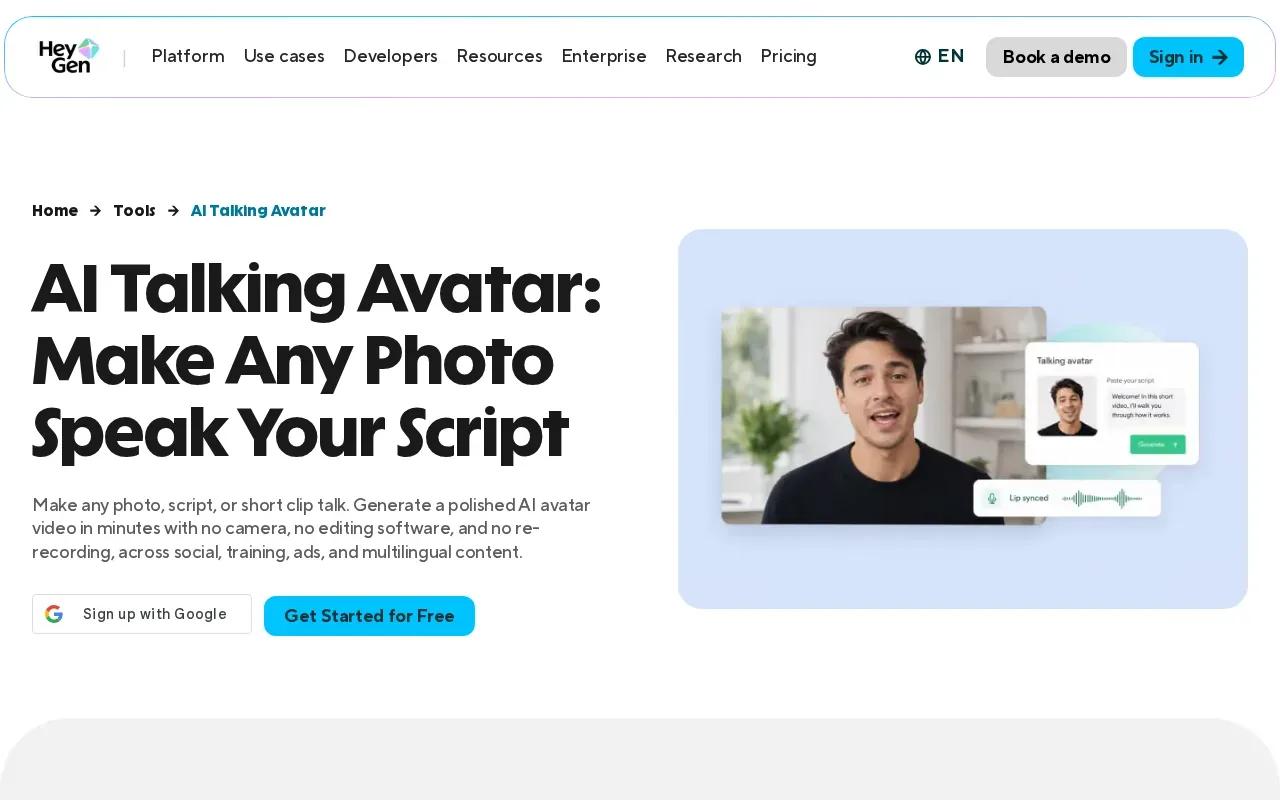
You can choose a stock avatar or make a personal avatar from a photo or recorded footage. HeyGen’s built-in lip sync matches the avatar’s mouth to speech. For a recurring spokesperson, that can keep a series of explainers or lessons centered on the same on-screen face.
Language support is a useful part of its workflow. HeyGen says it can publish a video in more than 177 languages and dialects, with lip movement matched to the translated speech. That can help when you need to adapt one presenter-led message for more than one audience.
The free tier allows three videos a month, each under three minutes. The annual Creator plan is listed at $24 per month, billed as $288 for the year. Check that the length and volume fit your actual script needs before making a plan choice.
HeyGen is the more direct fit for a scripted presenter. If your idea needs a character to move through a broader setting, a scene-generation workflow may be a better match. You can compare presenter-first use cases in this overview of AI talking-head video tools.
3. D-ID: animate a still photo into a talking avatar
D-ID turns a photo into a talking avatar and also has personal avatar options. It suits people who already have a portrait and want to make it deliver a script or recorded audio.
The basic workflow is straightforward: provide an image, then add text or an audio file. D-ID generates a video of the pictured person speaking. That can work for a short training message, an internal update, or a product explainer where the face is the main visual focus.
D-ID’s Pro plan is listed at $191 a year. D-ID offers a 14-day unlimited trial.
Photo animation has a clear boundary: the source image is the starting point, and the output centers on a speaking face. If you need a character to act within a wider scene, consider whether a scene-based generator gives you the control you need.
4. AI Studios by DeepBrain AI: a broad avatar and voice library
AI Studios by DeepBrain AI is a video creation tool with a large avatar and voice selection. It suits teams making presenter-led videos across several topics or languages.
The platform says its library includes more than 2,000 AI avatars and more than 1,200 voices in over 50 languages. It can also dub videos into more than 70 languages with voice cloning. That range can help a team choose different presenters for lessons, product explainers, or regional versions of a message.
Its Photo Avatar workflow animates a still image with a chosen voice. You can also make an interactive avatar from a character image for real-time conversations. In that setup, you upload an image, choose a voice, and confirm that you own the image or have rights to use it.
The interactive option may suit a character for a live chat experience, while a standard generated video is a better fit for a clip you plan to publish. AI Studios says you can start free, which gives you a way to check its avatar and voice workflow before settling on a larger production process.
For a mascot or illustrated character, the rights check is part of setup, not an afterthought. Use artwork you made or have permission to use, especially if the character will represent a business.
5. Kling AI: repeatable character identity with built-in lip sync
Kling AI combines character video generation with built-in lip sync. It suits creators who want a recurring character to speak in a generated scene and need the face to stay recognizable across repeated runs.
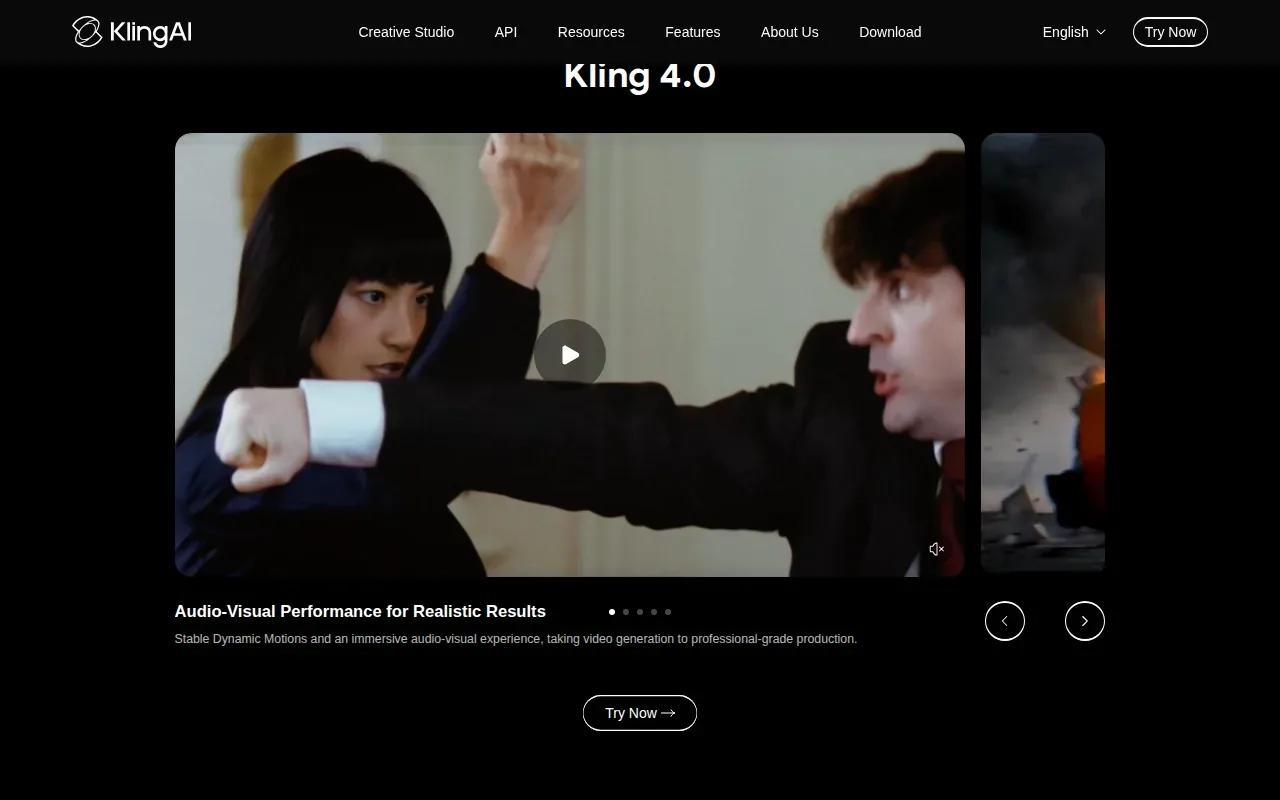
Its Native Audio workflow generates dialogue as part of the video, rather than treating speech as a separate track added later. You can describe the line and give directions for language, accent, tone, or delivery. The voice, facial performance, mouth movement, visuals, and scene sound are made in the same workflow.
Kling AI’s supplied character-consistency detail says the face returned identical across repeat runs. That can be useful for a series of short clips where the same character appears again. Built-in lip sync also makes it a candidate for dialogue-led social videos or a short story scene.
The stated maximum resolution is 1080p. If your project needs 4K output, compare that limit with the export needs of your publishing channel before you build a workflow around it.
Recurring characters need more than a familiar face. The voice and line delivery also shape how the character feels, so test a short sample with the tone you plan to use.
Compare the AI talking character generators
A talking character tool can mean a photo that speaks, a reusable presenter, or a character acting in a scene. Pick based on the source material you have and the result you need to publish.
| Tool | Good fit for | Dialogue and identity | Access or output detail |
|---|---|---|---|
| Veo Studio | Prompt-led scenes and short stories | Synchronized dialogue; reference and frame controls | Free plan includes a couple of 720p videos monthly; paid plans start at $14/month |
| HeyGen | Scripted presenter videos | Built-in lip sync; multilingual video support | Free tier allows three videos monthly under three minutes |
| D-ID | Animating a portrait | Photo-based talking avatar; text or audio input | Pro is listed at $191/year; free trial lasts 14 days |
| AI Studios by DeepBrain AI | Avatar and voice choice across languages | Photo Avatar; interactive avatar option | Start free; 2,000+ avatars and 1,200+ voices stated |
| Kling AI | Dialogue-led scenes with a recurring character | Native Audio and built-in lip sync | Maximum stated resolution: 1080p |
For a still portrait, start with D-ID or a photo-avatar workflow. For a presenter reading a script, compare HeyGen with AI Studios. If your idea depends on a moving scene, dialogue, or a recurring character, look at Veo Studio and Kling AI.
Before you settle on one, test the same short line and image where the tools allow it. Watch the mouth movement with sound on. Then check whether the output has the framing and resolution your channel needs.
FAQ
What is an AI talking character generator?
An AI talking character generator makes a video of a person or character speaking. Depending on the tool, you can start with a photo, a preset avatar, or a text prompt. The software pairs the visual with speech and generates mouth movement. Some tools focus on a presenter close-up, while others build a wider scene around the character.
How do AI talking avatars work?
AI talking avatars pair a visual character with spoken words. You may upload a portrait and add a script, choose a ready-made avatar, or describe a scene in a prompt. The tool generates speech or uses supplied audio, then animates the character’s face to match. The exact controls differ, so test a short sample before making a full video.
Can I use an AI character for real-time interaction?
Yes, some tools support interactive avatars for live conversations. AI Studios by DeepBrain AI describes a workflow for turning a character image into an interactive avatar with a selected voice. That differs from making a finished clip: an interactive avatar is set up to respond in real time, while a generated video plays a recorded performance.
Can I use a copyrighted character or someone’s photo?
Use an image you own or have permission to use. AI Studios’ setup asks users to confirm they own the character image or have rights to it, and advises against uploading characters that may infringe intellectual property rights. For a real person’s likeness, get their permission before making or sharing an avatar.
Which tool is suitable for a free test?
Veo Studio has a free plan with a couple of 720p videos per month and no card required. HeyGen’s free tier allows three videos a month under three minutes, while D-ID provides a 14-day unlimited trial. AI Studios says you can start free. Check the current plan terms and output limits before building a project around free access.
Conclusion
Choose the tool that matches your source and final format. For character-led scenes, Veo Studio supports synchronized dialogue, character consistency, scene extension, and output up to 4K. Then test a short prompt and check whether its framing, sound, and character movement fit your intended video.