
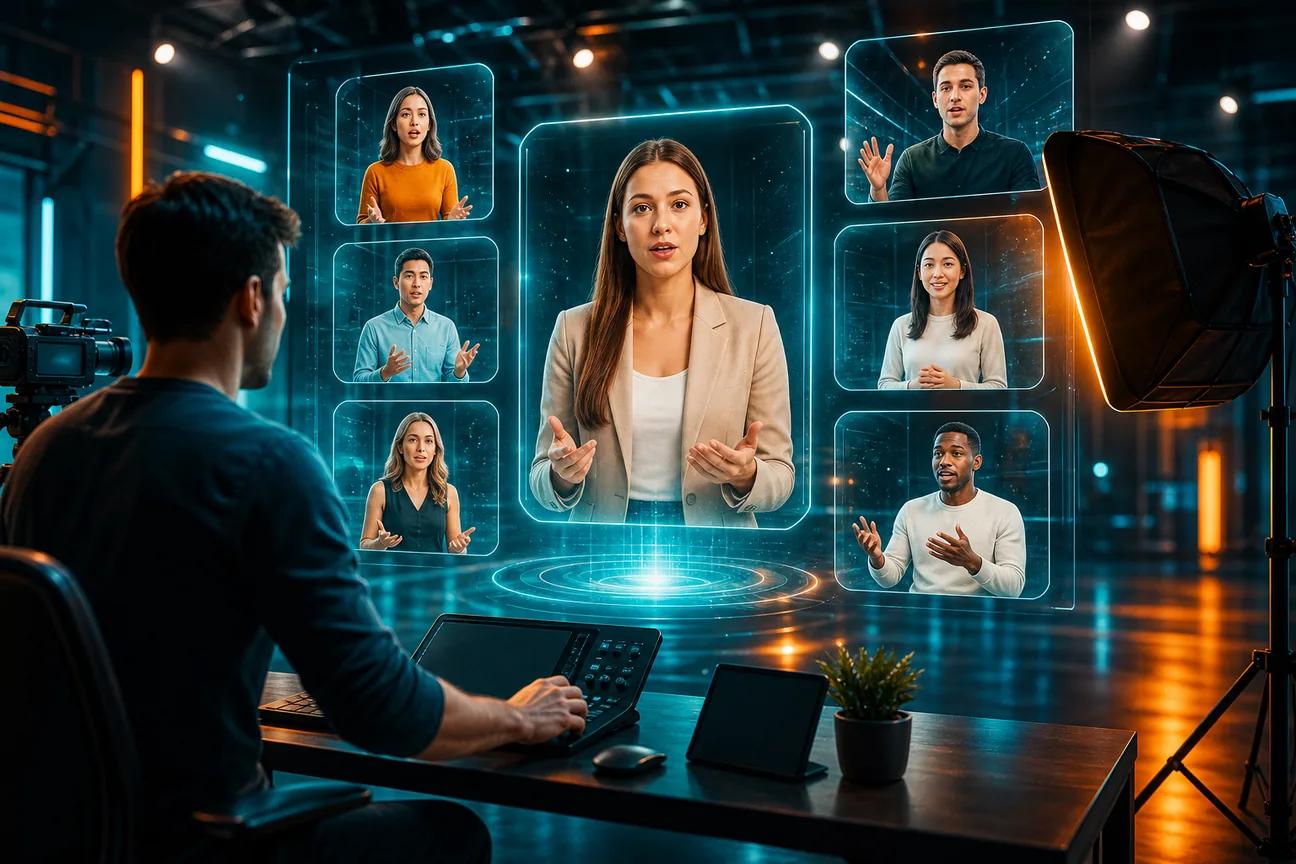
An AI talking avatar generator can make a character speak without a camera crew, but the tools don’t all make the same kind of video. Veo Studio is an independent, browser-based tool powered by Google’s Veo 3.1 models; here are five options for different jobs, from live conversation to scripted ads. For more on prompt-led clips, see this AI talking video generator overview.
We analyzed 54 comments and questions from YouTube and Quora about AI talking avatar generators and found that 15% asked about plan limits and feature questions.
1. LiveAvatar by HeyGen: Real-time conversations with expressive delivery
LiveAvatar by HeyGen is for interactive sessions where an avatar listens and replies in real time. It’s a fit for developers, educators, and teams building a live host or support experience, not just a video that plays from start to finish.
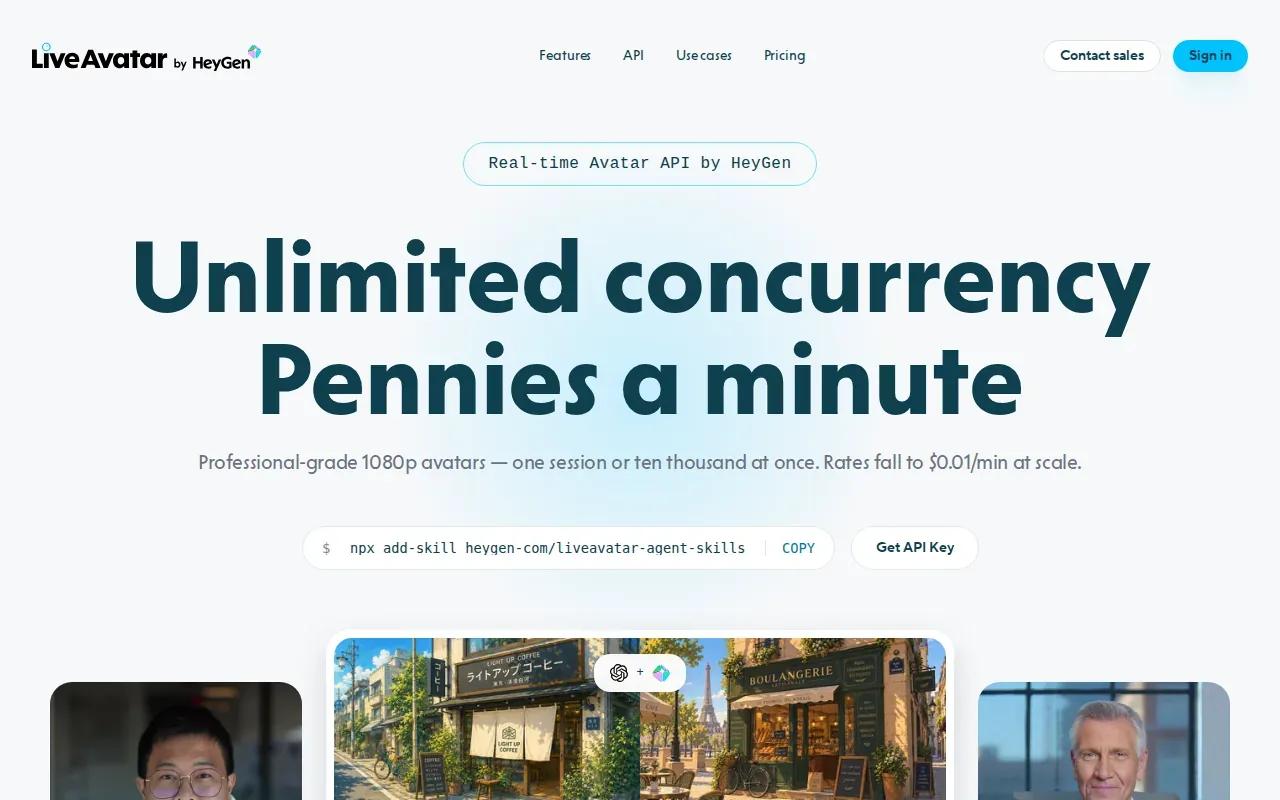
The avatar speaks with synchronized lip movement, expressions, and gestures as a conversation moves along. Its FULL mode can manage the main conversation pipeline. LITE mode focuses on the avatar video layer, which lets a team connect its own speech, language, and voice systems.
That split gives teams a clear choice. A group without an existing conversation system can use FULL mode; a team with its own AI stack can use LITE mode. LiveAvatar also supports stock and custom avatars. Custom video avatars use recorded footage, while image avatars can be made from a single photo.
LiveAvatar credits depend on mode and session use. Its free tier includes 10 credits a month, enough for a five-minute FULL-mode pilot. Before building a customer-facing experience, check how the chosen mode handles session limits and the conversation logic your use case needs.
LiveAvatar supports two-way interaction in real time. A short pilot can show whether the avatar’s response flow feels right before you connect it to a larger service.
2. D-ID: Conversational avatars with low-latency responses
D-ID combines talking-head video with conversational avatar use. It’s worth considering for teams that need an avatar to respond live, especially when latency or control over deployment is part of the project.
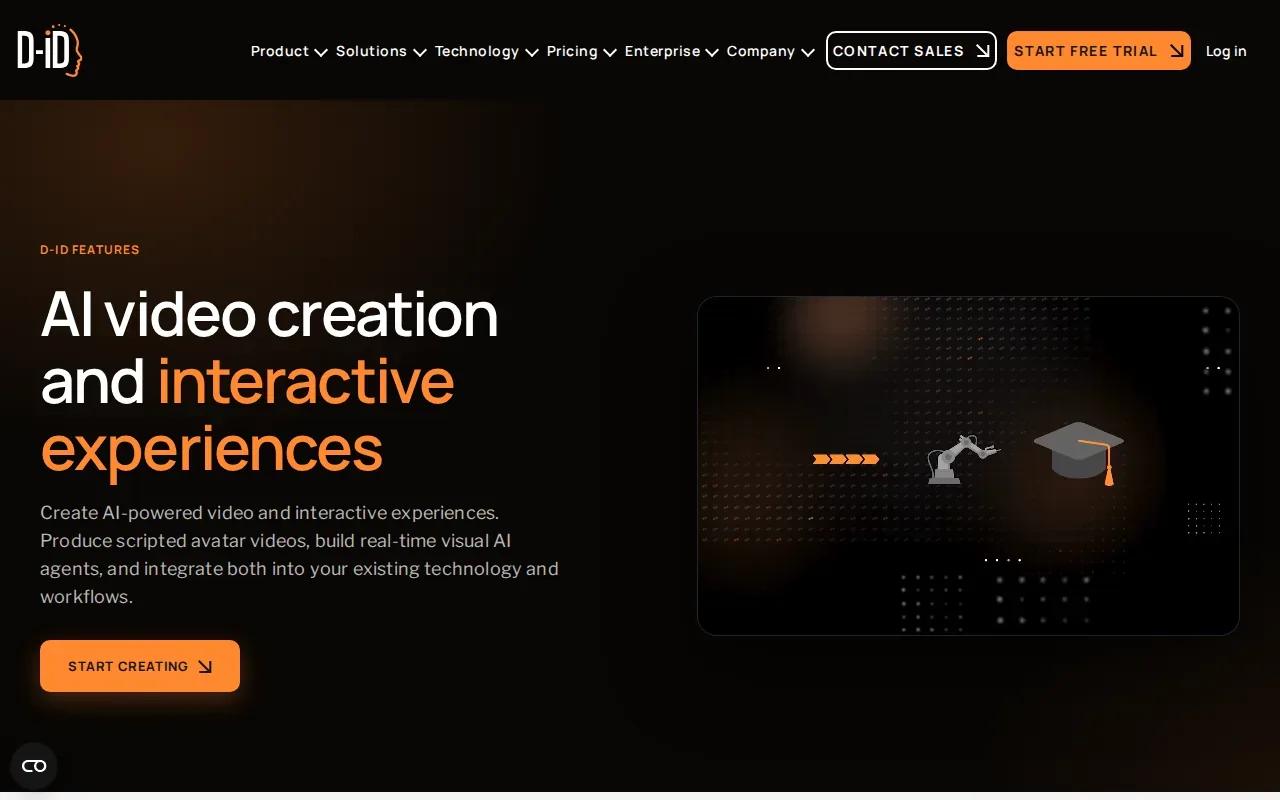
D-ID advertises sub-500ms conversational latency and rendering up to 4K. Its built-in text-to-speech pairs spoken output with lip sync. The product can also be used for pre-rendered avatar videos, so a team can make scripted content as well as plan a live experience.
For organizations with strict data needs, D-ID offers a self-hosted setup where avatar assets and conversations stay within the organization’s own network. The team can choose speech, language, and voice services for that deployment. That is a different kind of project from pasting a script into a simple video editor, so confirm the infrastructure needs before selecting it.
D-ID’s free tier is a signup trial with credits that expire. That can work for a focused test, but it’s different from a recurring monthly allowance. If you’re deciding between a live avatar and a pre-rendered portrait, a talking photo AI workflow can help clarify what a still-image animation task involves.
Choose D-ID when you need a conversational avatar or want to explore deployment within your own infrastructure. For a trial, use the credits to test the exact script and response flow you expect to put in front of users.
3. Synthesia: Presenter videos with multilingual voice options
Synthesia is geared toward presenter-led videos made from a script. It suits teams that need repeatable explainers or training videos, particularly when the same message must reach viewers in different languages.
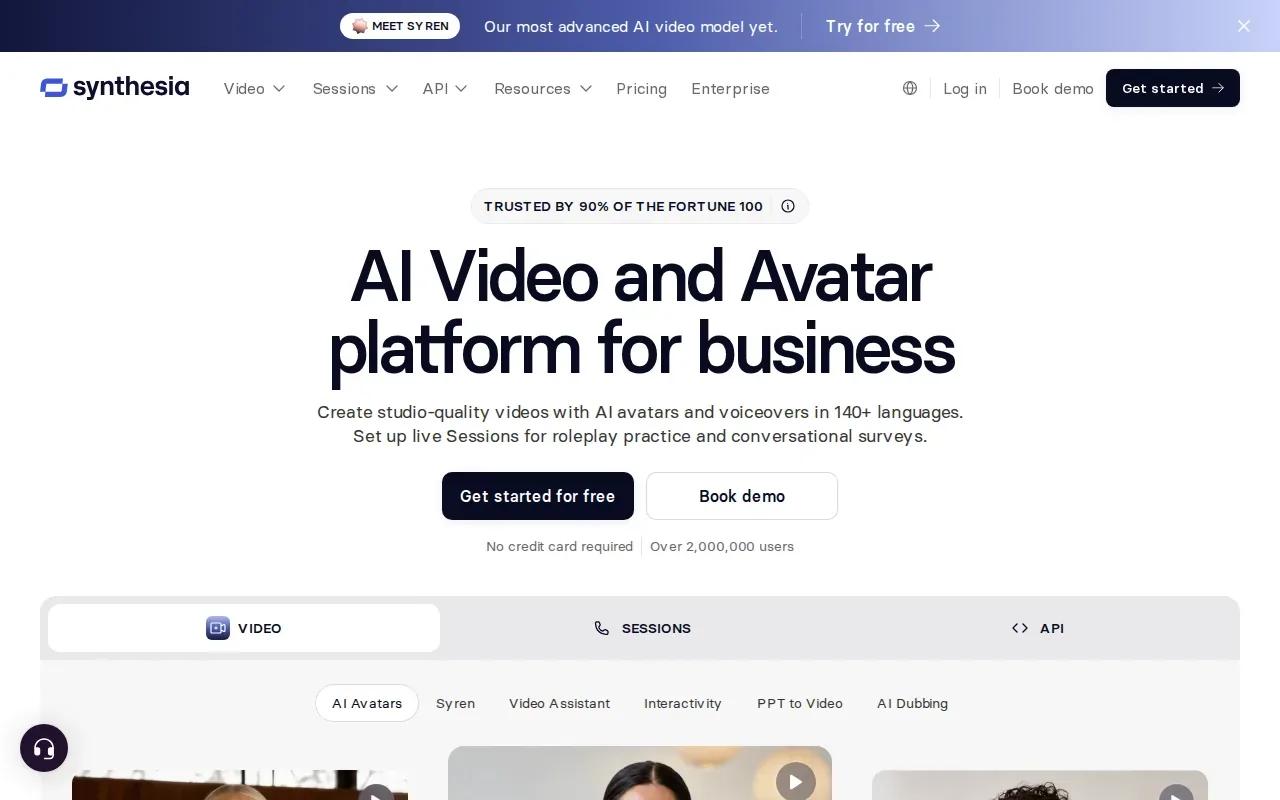
Synthesia includes voice cloning on all tiers and dubbing in more than 130 languages, with lip movement adapted to the new language. Synthesia also maintains an avatar’s look across clips, which helps when you’re making a series rather than a one-off video.
A typical workflow starts with a presenter and script. You can use a personal avatar or a ready-made one, then make separate versions for different language audiences. That can be useful when a course changes or a product message needs a localized version without filming every presenter again.
The free plan caps creation time at 600 seconds, adds a watermark, and doesn’t allow downloads. That makes it a way to test the editor, but it may not cover a publish-ready workflow. Check the export terms before you build a batch of videos around the free plan.
Synthesia makes more sense for a structured presenter format than for an improvised, live conversation. If localization is central to your work, test a short sample in the language you plan to publish, then review both the voice and the mouth movement.
4. Creatify: Talking-avatar product ads for marketers
Creatify focuses on talking-head ads for marketers. It’s a fit when the brief starts with a product page or product assets and ends with a short video for a campaign.
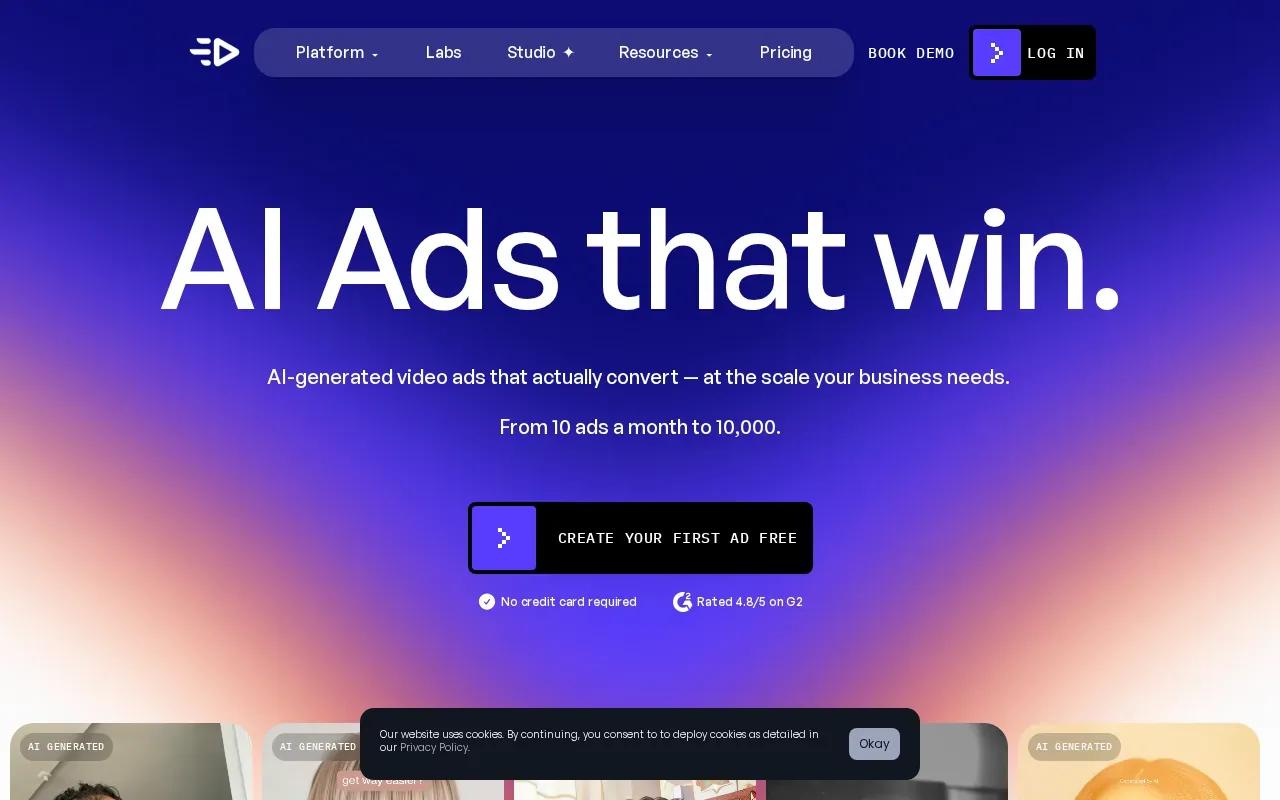
You can provide a product URL or upload assets. The tool can use those inputs to shape a storyboard and script, then pair the script with an avatar and voice. You can edit the copy before making the video, which is useful when a generated hook needs to sound more like your brand.
Creatify’s lip sync is a core strength, and its talking head reads the script cleanly. It supports built-in text-to-speech with lip sync and keeps an avatar consistent across clips. Its maximum resolution is 720p, a detail to weigh if the video will be viewed on a large display.
For a small ad test, create two script versions around different product benefits, then compare the opening lines before producing a larger batch. That keeps the work focused on the message instead of making several near-identical clips without a clear reason.
Creatify is the more direct fit when ad production begins with product details and needs a spoken presenter. Keep the 720p ceiling in mind when choosing where to publish the finished clip.
5. AI Studios by DeepBrain AI: Polished presenter and news-anchor videos
AI Studios by DeepBrain AI is aimed at polished presenter content, including news-anchor-style videos. It suits teams that want a scripted avatar presentation with a formal, on-camera feel.
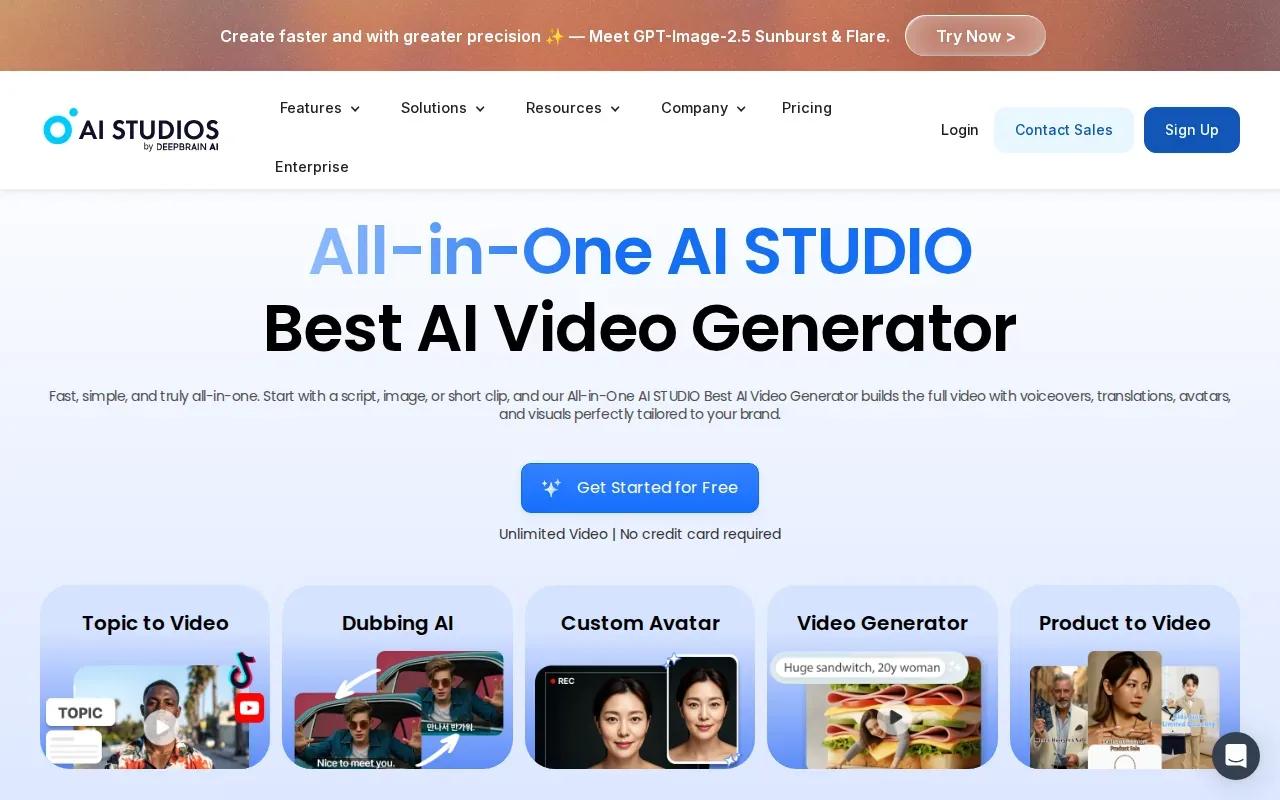
The platform lets you choose a ready-made avatar or make a personal one, then enter text or upload audio. Its avatar delivers the material with expressions, gestures, and lip sync. AI Studios offers options to make an avatar from webcam video, a single photo, or a professional studio shoot.
That can help with recurring updates. A team could use the same presenter style for an internal announcement or a training clip, then change the script as the message changes. AI Studios also supports more than 150 languages and accents, which may suit teams preparing presenter content for audiences in several regions.
The free plan allows up to three avatar-based videos a month. Paid plans add features such as premium avatars, custom avatar creation, longer videos, and advanced editing. Check the current plan details against your planned video length and editing needs.
AI Studios is a more natural match for a planned presentation than for a back-and-forth conversation. It’s also worth getting permission before using a real person’s likeness; AI Studios requires users to have that permission.
Compare these AI talking avatar generators at a glance
Start with the output you need. A real-time avatar session has different demands from a scripted product ad, and a scene generator works differently from a presenter editor. This table highlights those workflow differences rather than treating every tool as a direct substitute.
| Tool | Best-fit workflow | Dialogue or speech | Useful limit or detail |
|---|---|---|---|
| LiveAvatar by HeyGen | Live, two-way avatar sessions | Real-time spoken replies | Free tier has 10 monthly credits |
| D-ID | Conversational avatars and scripted portraits | Built-in text-to-speech with lip sync | Sub-500ms conversational latency and up to 4K |
| Synthesia | Presenter videos and multilingual dubbing | Built-in text-to-speech with lip sync | Free plan has 600 seconds, watermarks output, and blocks downloads |
| Creatify | Product-led talking-head ads | Built-in text-to-speech with lip sync | 720p maximum resolution |
| AI Studios by DeepBrain AI | News-style and formal presenter videos | Script or audio with lip sync | Free plan allows up to three avatar videos monthly |
For a live customer interaction, narrow the list to LiveAvatar by HeyGen or D-ID. For a script that needs a presenter, compare Synthesia, Creatify, and AI Studios by the voice style and export limits you need. For a character inside a generated scene, Veo Studio gives you prompt-led video with synchronized sound and scene extension.
Price structure is another filter. Veo Studio has a free plan and paid subscriptions starting at $14 per month. D-ID trial credits expire, while Synthesia’s free tier has a time cap and export restrictions. Compare the amount of finished video you need with the actual plan limits before committing.
Frequently asked questions
What is an AI talking avatar generator?
An AI talking avatar generator makes a digital character speak using a script, audio, or live conversation input. Some tools focus on pre-rendered presenter videos; others make avatars that reply in real time. Veo Studio creates prompt-led scenes with synchronized dialogue, while products such as LiveAvatar by HeyGen focus on live interaction.
Can AI avatars talk in real time?
Yes, some AI avatars can listen and respond during a live session. LiveAvatar by HeyGen is designed for real-time conversations, and D-ID also offers conversational avatars. A live product needs a different setup from a pre-rendered video, so check whether it manages the conversation itself or expects you to connect your own systems.
Which tools support multiple languages?
Synthesia supports dubbing in more than 130 languages, with lip movement adapted to the new language. AI Studios supports more than 150 languages and accents. Before publishing, test the exact language and voice you need, since the sound and lip movement both shape the finished result.
Can I make a talking avatar video for free?
Yes. Veo Studio’s free plan includes a couple of 720p videos per month without a card. LiveAvatar by HeyGen includes 10 credits monthly, and AI Studios allows up to three avatar videos a month. Synthesia has a free plan with a 600-second cap, a watermark, and no downloads. Read each limit before planning a full production.
How do I choose between a live avatar and a video?
Choose a live avatar when viewers need to speak or type and get a response during the session. Choose a pre-rendered video when you want to share the same planned message with many people. If the brief is a character speaking inside a generated scene, look at prompt-led video creation instead of a presenter-only workflow.
Conclusion
Pick the format first: live conversation, a scripted presenter, a product ad, or a generated scene. For dialogue-led scenes with synchronized sound, character consistency, and scene extension, start with Veo Studio. Veo Studio supports dialogue with synchronized sound, character consistency, scene extension, and up to 4K output.


