

An AI short film generator can turn one clear idea into a scene, but a film needs more than moving pictures. Dialogue, recurring characters, and scene length all shape which tool fits your project. Here are six options, starting with Veo Studio, an independent browser-based tool powered by Google's Veo 3.1 models.
We analyzed 45 YouTube comments about AI short film generators and found that 36% mentioned output inconsistencies and bugs.
1. Veo Studio
Veo Studio turns text prompts and reference images into video with synchronized sound and dialogue. It suits creators who want to direct a scene in a browser, whether they're making a vertical social clip, a product ad, or a short story with spoken lines.
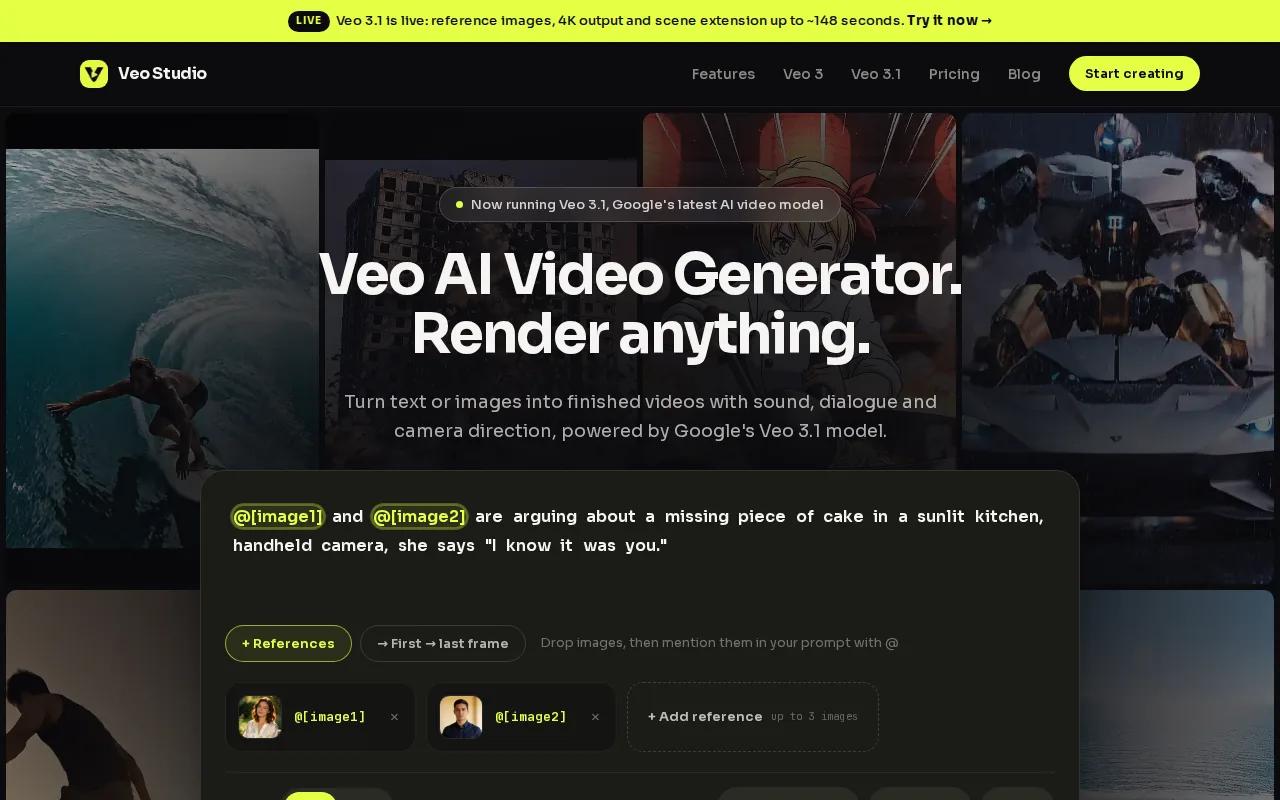
Write what happens, describe the camera move, and put spoken words in quotes. Add up to three reference images when a character or product needs to look consistent. You can also set a first and last frame to guide the shot's start and finish. Veo Studio supports 16:9 and 9:16 output, with resolution options up to 4K on supported models.
One generation runs for 4, 6, or 8 seconds. When a shot needs more time, eligible Veo 3.1 clips at 720p can be extended in 7-second steps, up to roughly 148 seconds. That can help you hold a character's action or a dialogue beat without treating every short clip as a new scene. For more on making dialogue feel connected to the scene, see dialogue, sound and scene continuity.
Veo Studio has a free plan with a couple of 720p videos each month and no card required. Paid plans start at $14 per month and add higher resolutions and more video capacity. Paid plans include a commercial licence. For a first test, create one scene with a single character, one camera move, and one line of dialogue, then check whether the sound and lip movement fit.
2. LongStories.ai: built for consistent characters and dialogue
LongStories.ai turns a script into a sequence of AI-generated scenes with voiceover and cinematic transitions. It suits writers who already have a story on the page and want the tool to shape that script into a longer video.
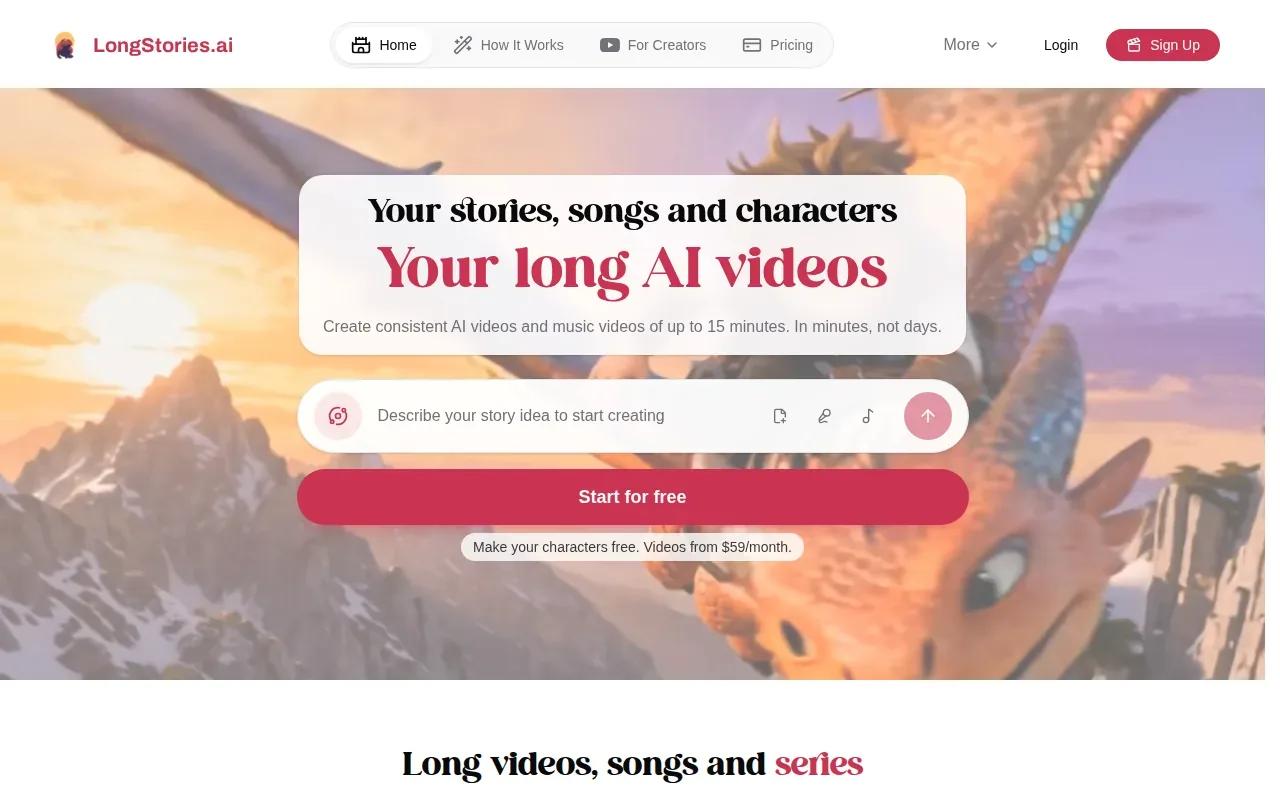
Its script-to-video workflow treats each paragraph as a scene. You can add notes in brackets to guide what a scene should show, then choose a narrator style such as Cinematic, Documentary, Casual, Dramatic, or ASMR. The tool generates original visuals for each scene rather than relying on a shared stock-footage library.
LongStories.ai focuses on keeping characters consistent across scenes, and its higher plans make videos up to 15 minutes long. That gives it a different shape from tools built around short clips that need to be edited together.
It can also turn a single idea into a story when you don't have a finished script. Once the draft is generated, review the scene order and voiceover before export. A paragraph-by-paragraph structure is useful for lessons or narrated stories, though a director who wants to shape every camera beat may prefer a prompt-driven scene workflow. If your project centers on an on-screen speaker, the AI talking head video generator topic may also help you plan the format.
The free allowance includes credits for characters and scripts. Generating a video requires a paid plan starting at $59 per month.
3. Runway: visual generation with Gen-4 and Gen-4.5
Runway focuses on generating and editing visuals with its Gen-4 and Gen-4.5 models. It suits creators who want to build a scene from a text prompt, animate a still, or revise footage with text-based tools.
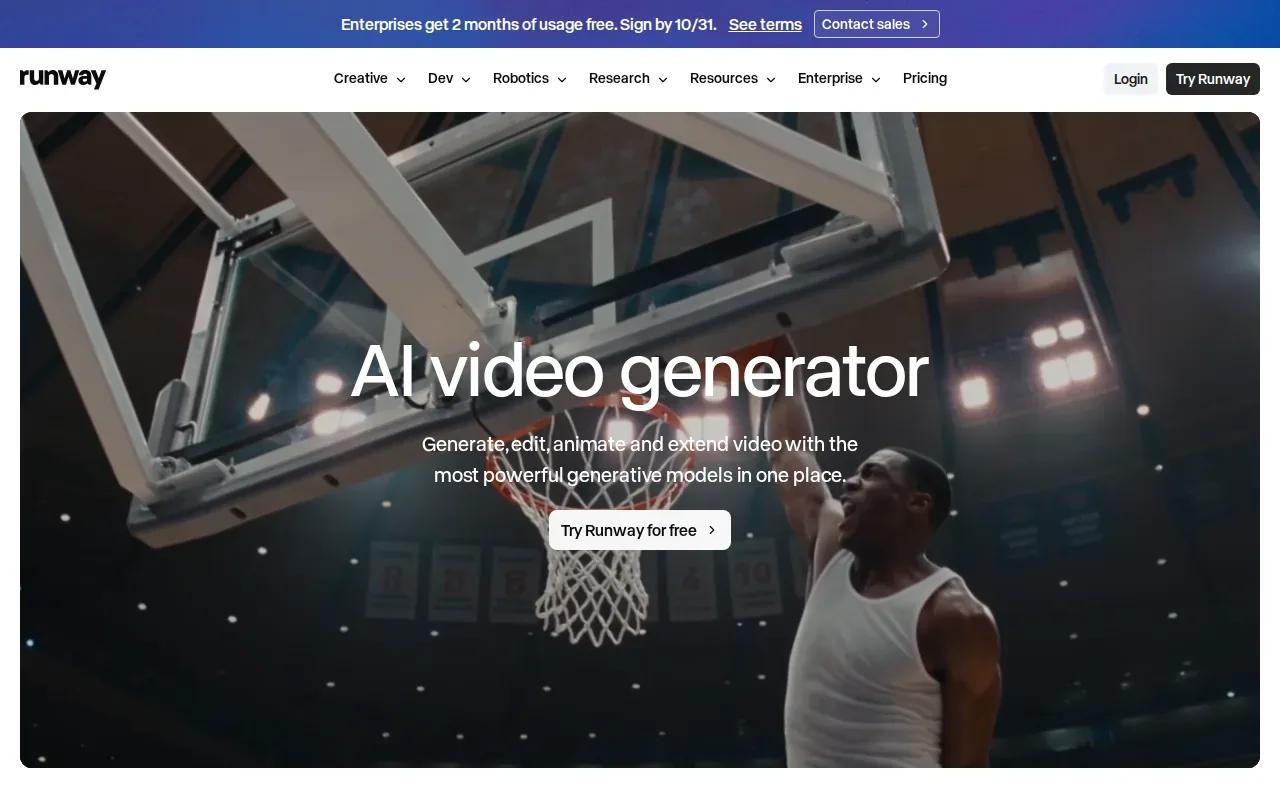
You can start with a written shot description or provide an image or existing video. That makes it useful for testing different looks before committing to a full sequence. Runway also has tools for changing lighting, replacing a backdrop, or removing an object from footage. If a character reference is part of the workflow, the system can use it to help keep that character's look across generated shots.
For a short film, the distinction is between a strong visual shot and a connected scene. Runway offers character consistency. If your film needs spoken dialogue, check what its current models support, or plan to build scenes as separate pieces, then handle spoken audio and the final continuity in your editing workflow.
Runway can also extend video and upscale output for a project's needs. Those controls can help when a generated shot is close but needs a longer finish or a targeted visual change. Yet if the heart of your film is dialogue that must match a character's mouth, check that part of the workflow early rather than assuming the visual model will handle it.
4. InVideo AI: turns prompts into complete videos
InVideo AI turns a prompt into a complete video draft, generating scenes, visuals, voiceovers, and captions. It suits creators who want a prompt-made video assembled for them, especially for marketing, educational content, or social posts.
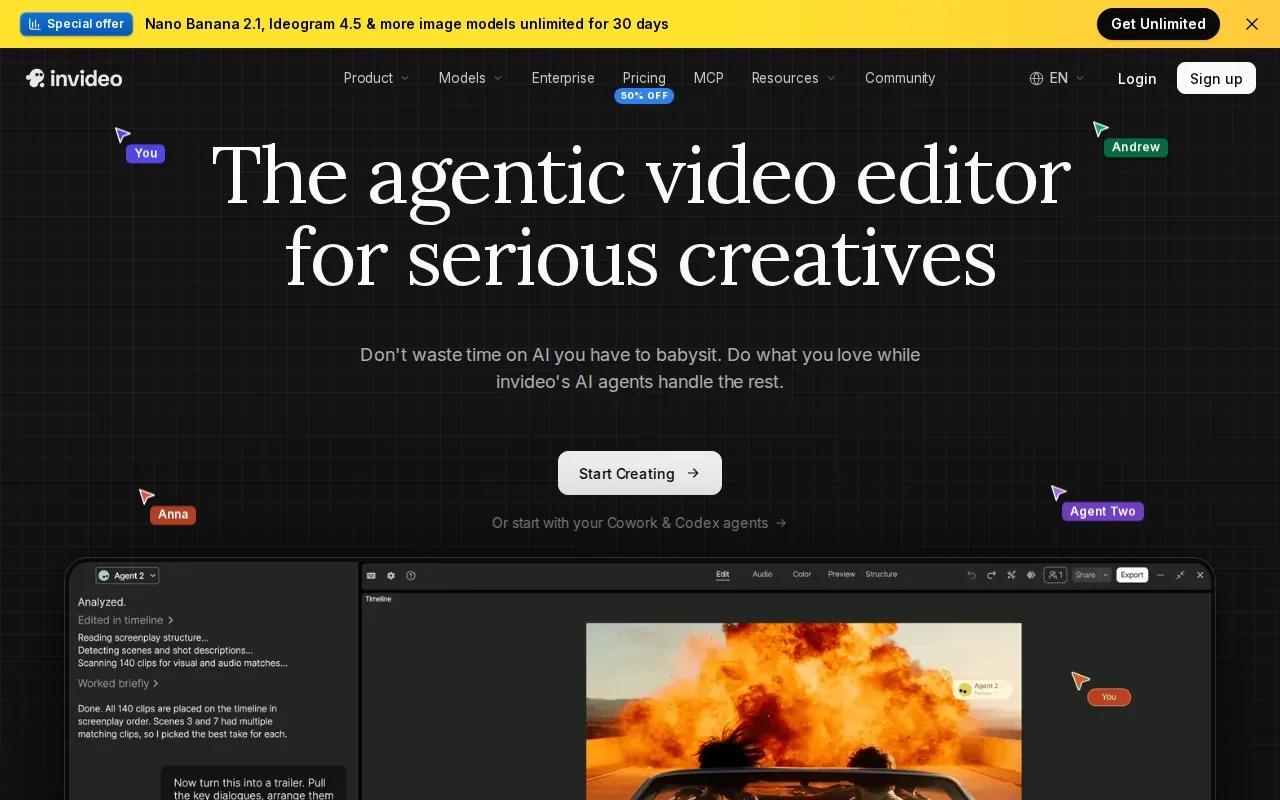
That all-in-one approach can save setup time. Give it a topic or a story idea, then review the draft as a whole before you refine it. Voiceover and captions can carry a clear message when the video is built around narration, such as a product explainer or a short lesson. For a character-led film, look closely at whether the generated scenes keep the same person and visual tone from shot to shot.
A more directed workflow starts with decisions you can reuse: who the lead is, what recurring props look like, and whether the final video is wide or vertical. Then write a prompt that explains the action and setting. If the first draft misses a key beat, revise the scene instructions rather than polishing captions on footage that doesn't tell the story.
InVideo AI also offers an agent-based editor called Agent Two. For creators who want a ready-made draft quickly, this can be a useful starting point. A short film with a specific look may still need a careful pass on the story structure, shot choices, and transitions before it feels like one piece.
Think of prompt-to-video generation as a first cut, not a final edit. Keep the shots that serve the script, adjust the order when the pacing feels off, and check every caption against the spoken words.
5. Kapwing: collaborative short-video creation and editing
Kapwing is an AI-powered short-video tool with collaboration features, subtitles, and smart cuts. It suits teams that need to draft and edit social videos together, or creators who want a prompt to become an editable project.
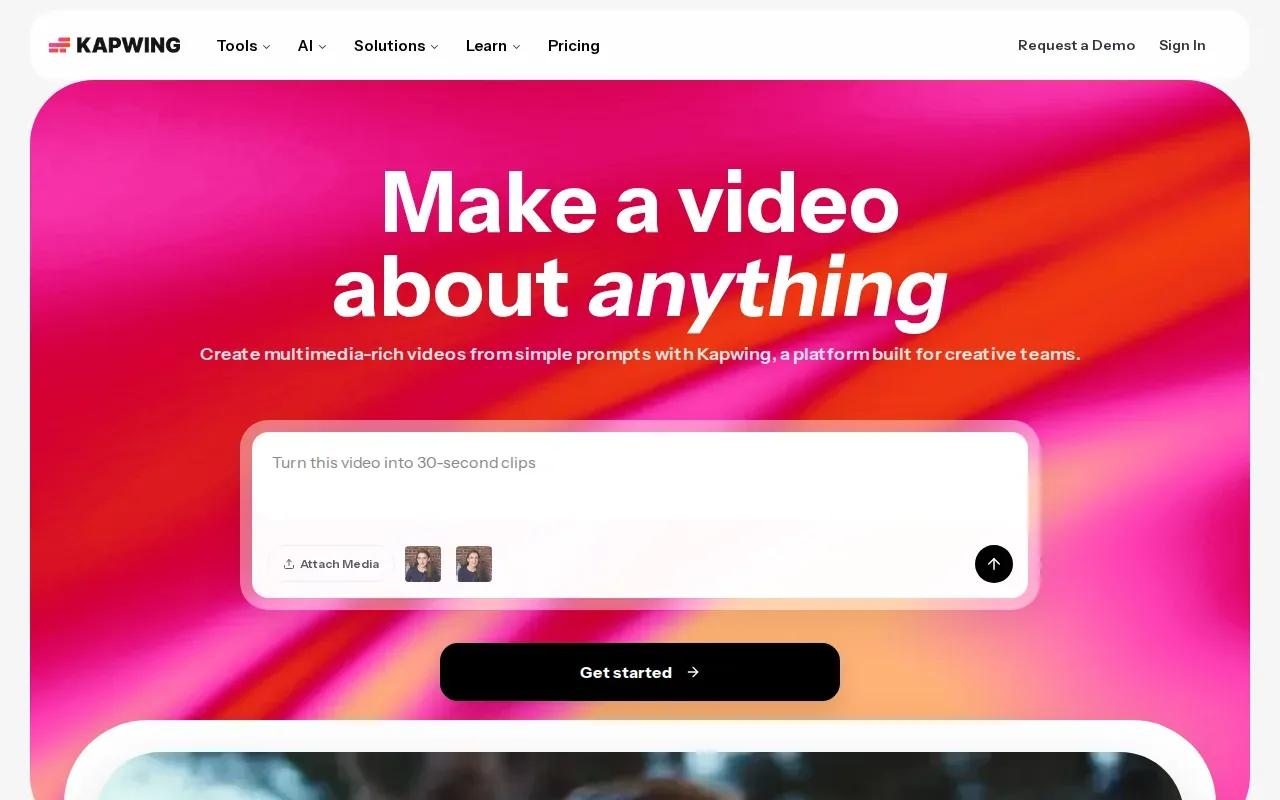
Its AI can turn a simple prompt into a project. Kapwing's script tool can also draft hooks, narration, dialogue, and scene directions, then help you revise the wording for a different audience or tone. That can get a short explainer or promotional script out of a blank page before anyone starts editing.
For video, Kapwing generates scenes up to 12 seconds and offers a drag-and-drop timeline. Another prompt-led flow can create videos up to five minutes, with voiceover, subtitles, and B-roll added automatically. This puts Kapwing closer to a collaborative editing workspace than a single-shot film model. The team can review the draft, make edits, and refine the finished video in the same browser-based workflow.
That setup is a good match for explainers, announcements, or short campaign clips where clear text and team review matter. For a fictional short with recurring characters, plan to check visual continuity yourself. And always read through automatic subtitles before publishing, since a small caption error can change the meaning of a line.
6. CapCut: a short-form editing option for social creators
CapCut is a short-form editing option for creators making content for YouTube, Instagram, and other social channels. Its AI movie maker can turn a script or concept into scenes, while its editing tools help shape a draft for social viewing.
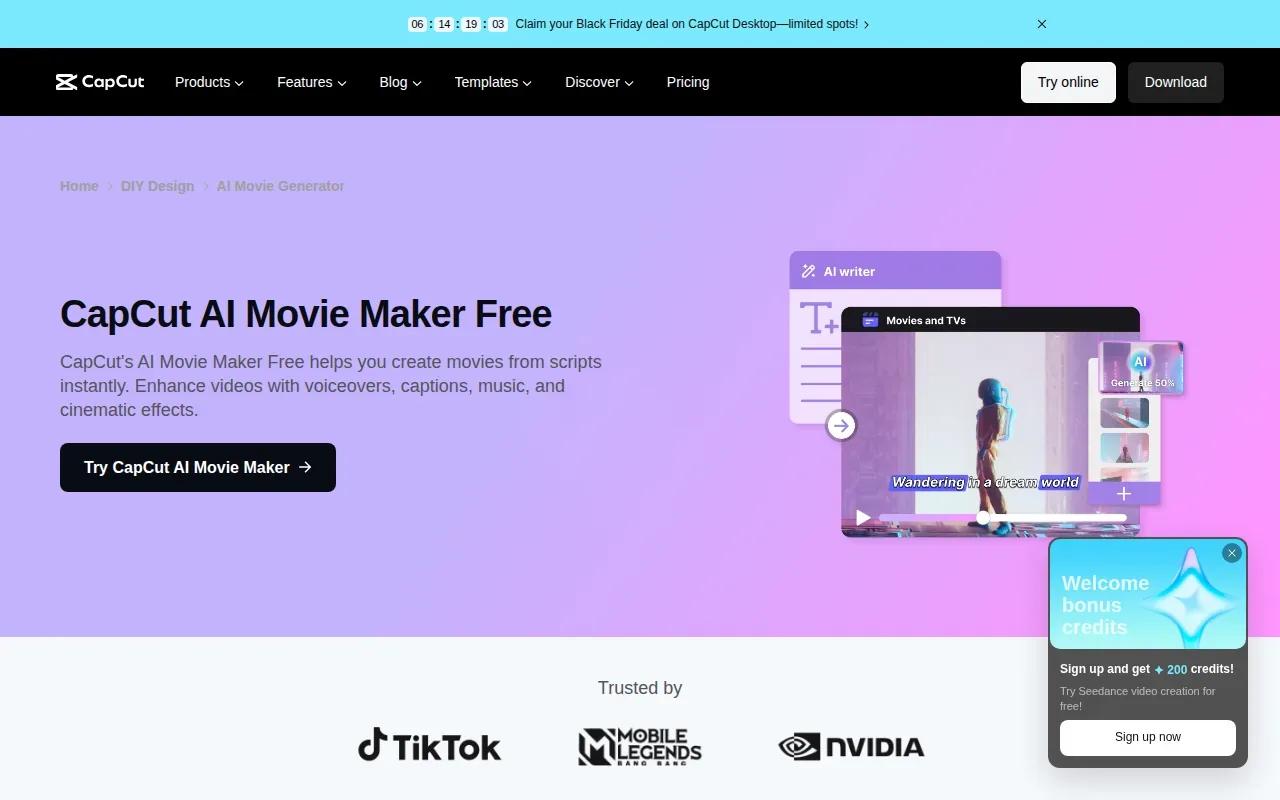
The workflow starts with a script or prompt. CapCut can draft scenes and add a voiceover, then you can review the result and adjust captions, music, lighting, color, or sound. If you already have a longer video, its clip-making tools can find highlights and adapt a wide clip to a vertical frame. That makes it useful for both a new short video and cutdowns from existing footage.
For a dialogue-heavy film, captions can help viewers follow the line, but you should check their wording and timing. For a recurring character, inspect each clip before joining them. Check the export resolution against your intended delivery format before you start editing.
| What you're making | CapCut workflow fit | Check before export |
|---|---|---|
| A social clip from a script | Generate scenes, then edit captions and sound | Confirm the crop and caption timing |
| A cutdown from a longer video | Find highlights and adapt the frame for vertical viewing | Make sure each clip has a clear start and finish |
| A short narrative with recurring characters | Build and review scenes in the editor | Check character continuity and export settings |
CapCut works best here as a social editing choice. If the project depends on a continuous scene or synced character dialogue, compare that requirement against the other tools before you commit to the edit.
FAQ
Can AI make a short film from one prompt?
Yes, some tools can turn one prompt into a video draft or a sequence of scenes. The result still needs review. A short prompt may leave character details, scene order, or spoken lines open to interpretation. For a more directed result, describe the subject, action, setting, camera move, and sound, then revise the generated scenes before editing the final cut.
Which AI video tools can generate dialogue?
Veo Studio generates sound with the video and supports lip-synced dialogue. LongStories.ai adds voiceover narration in its script-to-video workflow. Other tools in this shortlist can add voiceover or captions, which is different from a character speaking in sync on screen.
How do I keep a character consistent across scenes?
Use the same reference image or character description for each scene, and keep key details stable in your prompts. Check face, clothing, hair, and any recurring prop before you assemble the edit. Veo Studio supports reference images for character consistency. LongStories.ai also keeps characters consistent across scenes in its script-led workflow.
Can these tools make a full short film?
They can help make a short film, but the process depends on the tool. LongStories.ai supports a continuous project up to 15 minutes, while Veo Studio can extend eligible 720p scenes to roughly 148 seconds. Other workflows may generate shorter scenes or complete video drafts. Plan the story, review each shot, and edit the final sequence for pacing and continuity.
How much does Veo Studio cost?
Veo Studio has a free plan with a couple of 720p videos per month and no card required. Paid plans start at $14 per month and include more video capacity, higher resolutions, and a commercial licence. The right plan depends on how often you generate and which output settings you need. You can also use one-time credit packs instead of a subscription.
Conclusion
For a story built around synced dialogue, consistent characters, and longer scenes, start with Veo Studio. Make one test scene with a reference image and a line of dialogue, then decide whether the result fits your film. Start with the free plan before paying for higher resolution or more video capacity.


