
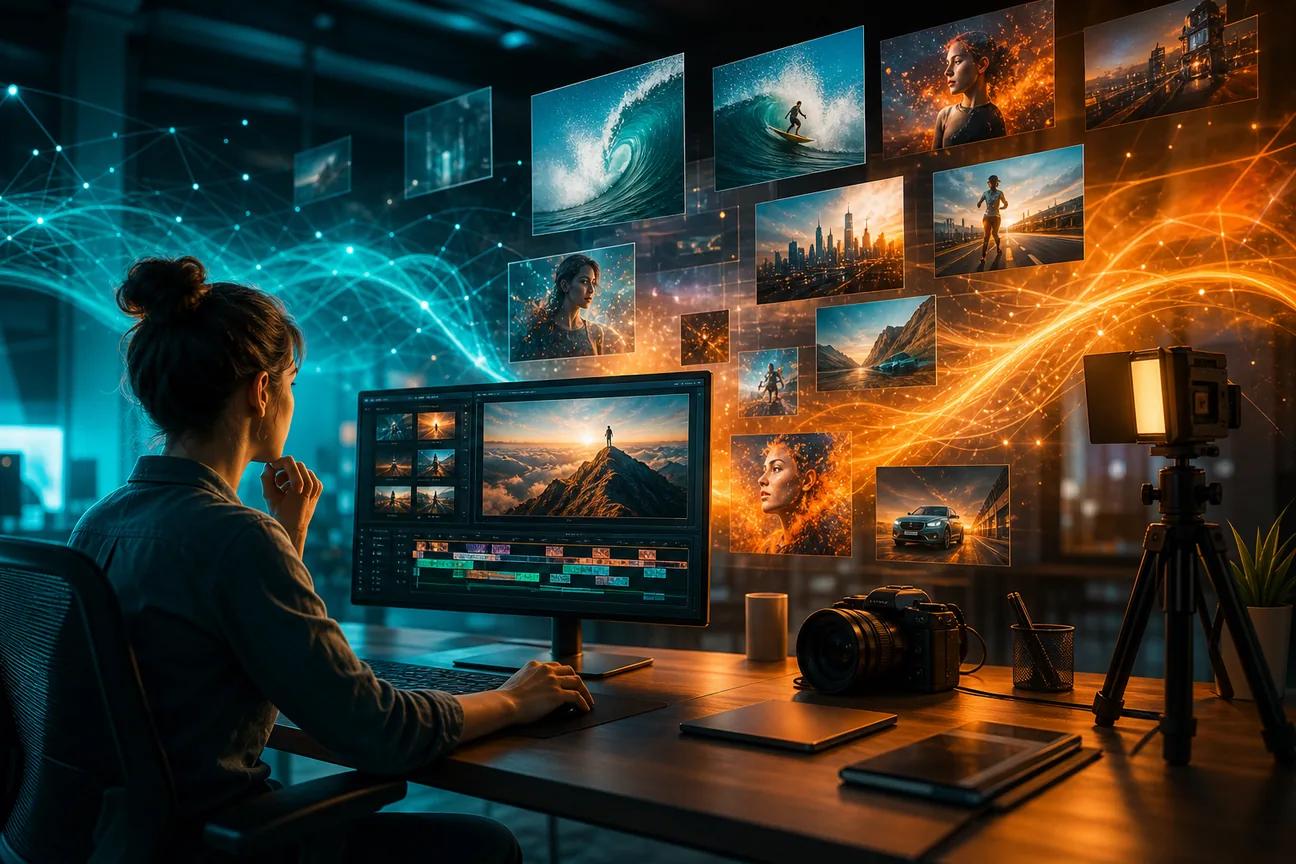
An AI promo video maker can turn a scene idea, product photo, or script into a video draft. The tools below take different routes: Veo Studio generates scenes with synced sound, while other picks focus on ad workflows, presenters, or social edits.
1. Veo Studio
Veo Studio is an independent, browser-based AI video creation tool powered by Google’s Veo 3.1 models. It suits social creators, brand marketers, small businesses, and filmmakers who want to direct a scene without downloading software.
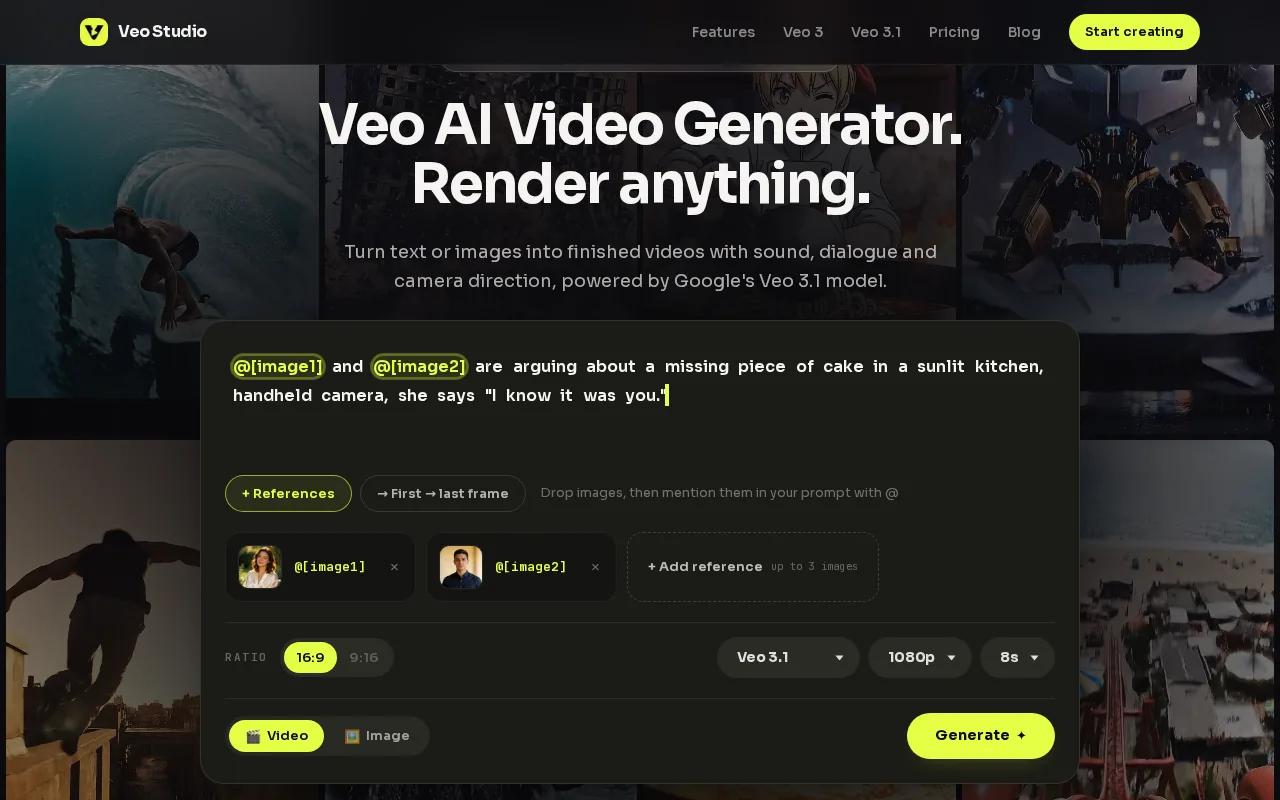
Start with a text prompt or upload reference images. Veo Studio can generate video with synchronized sound and dialogue, so a character can speak a quoted line with matching lip movement. Attach up to three reference images to guide a character, product, or visual style.
For a product ad, you might attach a photo, describe a slow camera push, then add one short spoken line. First- and last-frame control lets you set the opening and ending images. Scene extension can add seven seconds at a time to supported 720p clips, up to roughly 148 seconds. Supported Veo 3.1 settings can output up to 4K.
The free plan includes a couple of 720p videos each month with no card required. Paid plans start at $14 per month and include a commercial licence. If you’re planning a campaign, the AI-generated product spots and promotional assets page has related ideas for shaping ad scenes.
2. Higgsfield: a multi-model workspace
Higgsfield is an AI-native creative suite that brings many video models into one workspace. It fits performance marketers and social studios that need to make ad variations at volume.
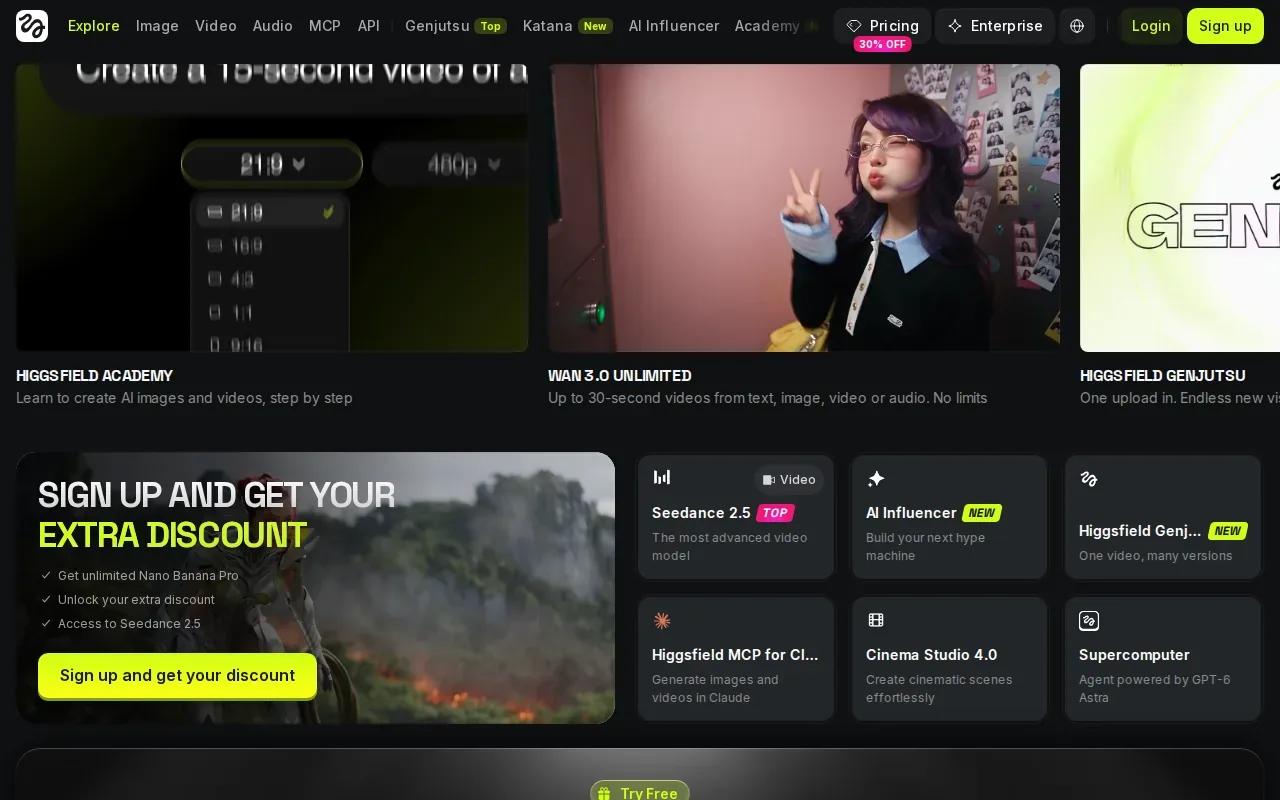
The workspace includes access to more than 50 models, such as Seedance 2.5, Seedance 2.0, Kling 3.0, Wan 2.7, Gemini Omni Flash, and Higgsfield’s own Genjutsu model. That broad selection can help when one campaign needs several visual approaches. Instead of starting with one model for every job, you can choose among the models available in the workspace.
Higgsfield also has UGC Builder for phone-style clips and Marketing Studio for product videos. Its video tools span different production needs, including native audio, multi-shot scenes, reference inputs, and camera controls on supported models. The exact controls depend on the model you select, so check the settings for your chosen workflow before building a full batch.
That choice is useful when an ad team tests several creative directions. One version might use a product-led scene; another may call for a phone-style clip. Higgsfield’s multi-model setup gives teams a place to explore those approaches.
3. HeyGen: presenter-led promotional videos
HeyGen is built for videos led by a digital presenter. It fits teams that need a spokesperson to deliver a script, especially when they want translated versions of the same message.
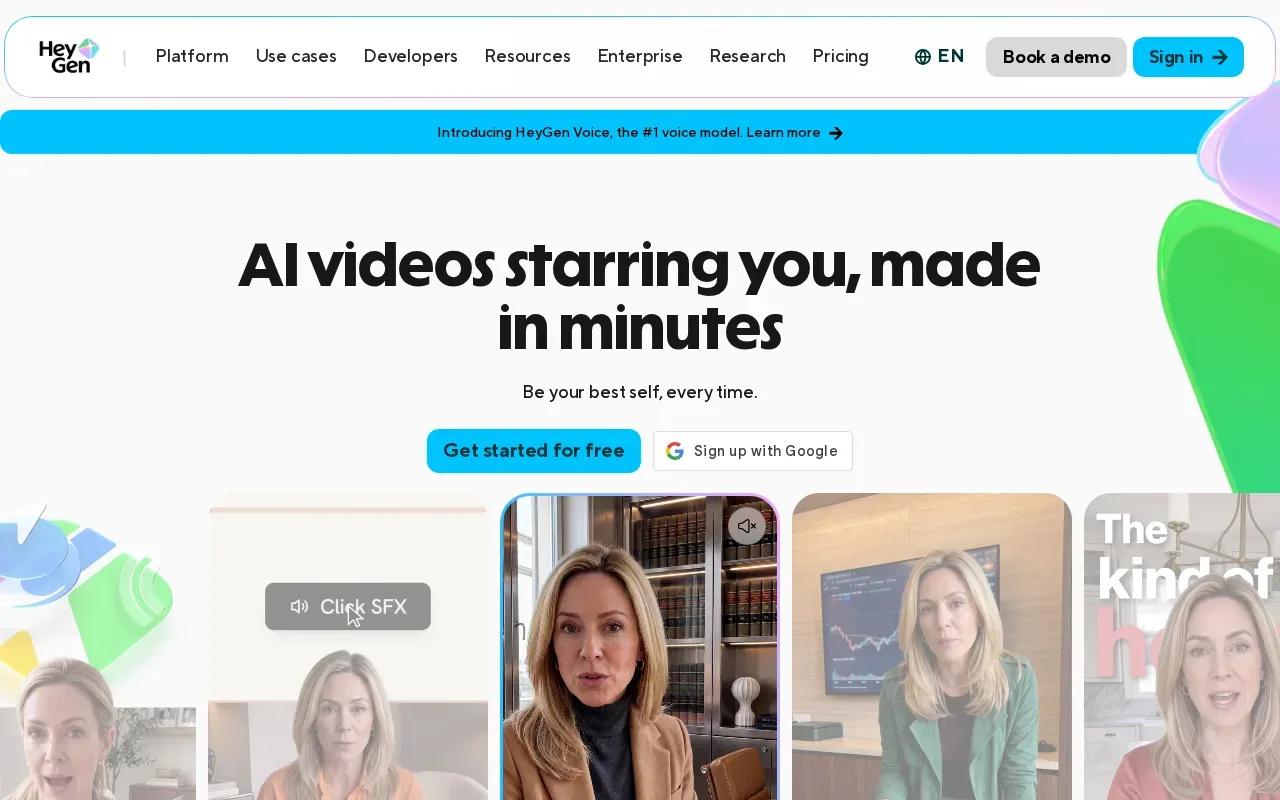
Its translation tools support more than 175 languages with AI lip sync. That makes the product relevant for a brand that has approved a presenter script and needs to adapt the spoken message for different markets.
Video Agent automates parts of video production. HeyGen starts with a free tier that allows three watermarked videos per month. Its Creator plan is $29 per month, billed monthly.
The core format is a presenter speaking to camera. If your promo needs a character to move through a changing scene, a product reveal driven by camera motion, or an extended visual sequence, compare that workflow with a scene-generation tool. But for a clear spokesperson message, especially one that needs localization, HeyGen’s strengths line up with the job.
4. InVideo AI: prompt-to-social-video production
InVideo AI turns a single text prompt into a complete edited social video. It’s a fit when you want a narrated draft with scenes and captions, rather than a single generated shot.
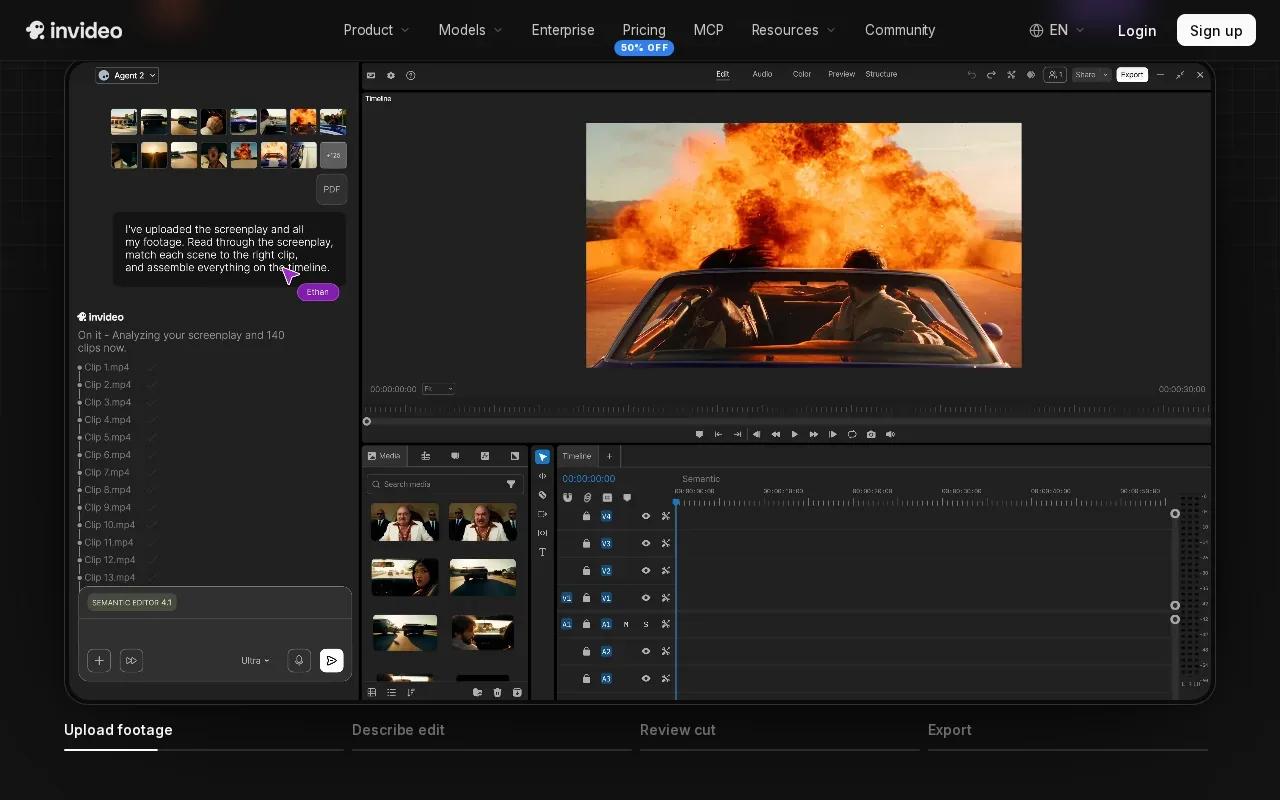
Give it a prompt describing the video, and InVideo AI can produce a script, voiceover, and captions alongside the edited video. That can help when you have a campaign message but haven’t yet mapped it to a sequence of visuals. For example, a small business could describe a short product announcement and review the assembled draft before publishing.
The main appeal is the prompt-to-ready-post workflow. It starts with the idea and supplies several parts of the video draft in one pass. A team can then judge whether the script says the right thing and whether the scenes support the message. This is a different starting point from a tool where you direct one scene at a time.
It may suit social teams producing narrated explainers or promo posts on a regular schedule. If your brief depends on a specific product image staying recognizable across a cinematic shot, use reference-led generation and inspect the result closely before the ad goes live.
5. OpenArt: multi-scene videos with recurring characters
OpenArt’s video tool turns a prompt, reference photo, or uploaded song into a multi-scene video up to five minutes long. It may suit creators and marketing teams planning a story that uses the same characters, voices, and music across scenes.
Using recurring characters can help when a campaign follows the same person or mascot through several scenes. The tool can keep the same characters, voices, and music in every scene, rather than treating each one as separate. This can be useful when planning a short brand story with a beginning, middle, and end.
You can start with a reference photo, a prompt, or an uploaded song, then review the resulting scenes for consistency. Check that the characters, voices, and music fit the story you have in mind. Review the finished video before publishing, especially when a product’s shape or visual identity needs to match approved brand assets.
For an ad campaign, take time to check the full sequence rather than only reviewing individual scenes. Confirm that the story works from beginning to end and that the characters and audio remain consistent throughout.
6. CapCut: social-first creation for TikTok and Instagram
CapCut is a social-first option for TikTok and Instagram creators, including social media managers working with no budget for a paid tool. It combines AI features with a workflow for editing promotional clips.
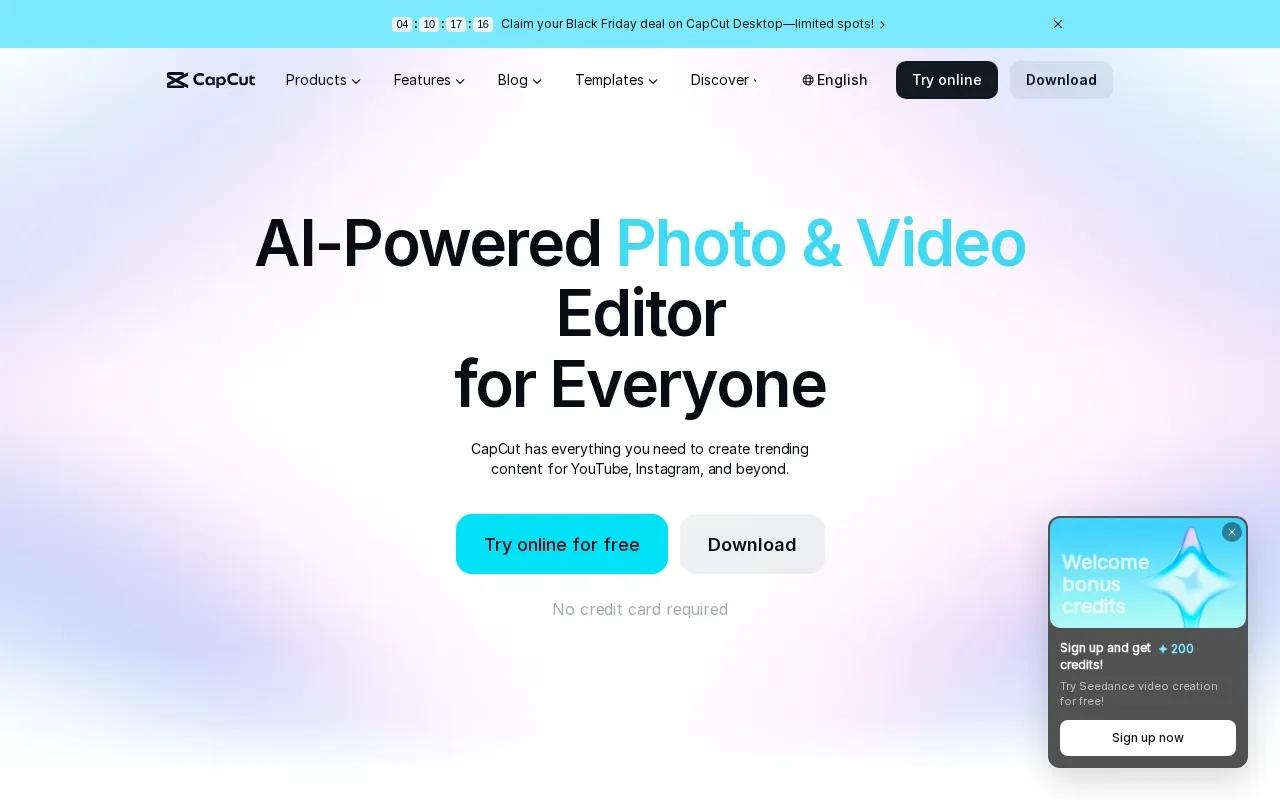
AI Dialogue Scenes can create talking characters with synced lip movements. CapCut also integrates Sora 2 and Veo 3.1. These features can help when a social post needs an AI-generated scene or a speaking character.
CapCut has a free tier. Its online promo video workflow also supports editing tasks such as adding music, effects, and text overlays. That makes it a useful fit when you already have footage or a draft and want to shape it for a social feed.
Think about the handoff. If you need to generate the scene, keep a character consistent, and extend its action, check whether the selected workflow supports those exact needs. If your task is to polish a short post and export it for social, CapCut’s free starting point may be enough.
AI Promo Video Makers Compared
Use this quick view to match each tool to the part of production you need help with. The right fit depends on your starting material and how much control the finished video needs.
| Tool | Good starting point | Useful for | Detail to weigh |
|---|---|---|---|
| Veo Studio | Prompt or reference images | Directed scenes with synced sound, dialogue, and frame control | Free plan includes a couple of 720p videos monthly; paid plans start at $14/month |
| Higgsfield | Multiple model choices | Performance ad variations and product videos | More than 50 models in one workspace |
| HeyGen | Presenter script | Avatar-led videos and translated speech | Free tier has three videos per month |
| InVideo AI | Single text prompt | Edited social videos with script, voiceover, and captions | Paid plans from $20/month |
| OpenArt | Prompt, reference photo, or song | Multi-scene videos with recurring characters and voices | See website |
| CapCut | Social clip or footage to edit | TikTok and Instagram videos | Has a free tier |
For a campaign built around dialogue and a controlled visual sequence, try Veo Studio first. To explore its plans and start with the free allowance, open Veo Studio.
Frequently Asked Questions
What is an AI promo video maker?
An AI promo video maker is a tool that helps turn a prompt, script, image, or footage into promotional video content. Some tools assemble a complete narrated social video, while others focus on generated scenes or digital presenters. Pick based on the asset you have and the work you need the tool to handle.
Which AI video maker can generate dialogue with a scene?
Veo Studio can generate synchronized sound and dialogue with a video scene. Add a line in quotation marks to your prompt when you want a character to speak. You can also use reference images to guide character or product continuity. Check the generated speech and visuals before using the clip in a paid campaign.
Can I make promotional videos for free?
Yes. Veo Studio includes a free plan with a couple of 720p videos per month and no card requirement. HeyGen allows three videos per month on its free tier, and CapCut has a free tier. Free access and output rules vary by tool.
Which tool is suited to presenter-led ads?
HeyGen is suited to presenter-led promotional videos, with Avatar IV and AI translation that includes lip sync across more than 175 languages. It can fit a campaign where one spokesperson delivers a script in several markets. If the ad relies on a changing story scene rather than a talking presenter, compare a scene-generation workflow instead.
Can AI tools make a longer promo video?
Yes, though the available length depends on the tool and mode. Some tools can make a multi-scene video up to five minutes long. Veo Studio can extend supported 720p clips in seven-second steps, up to roughly 148 seconds. For a longer piece, check how the tool handles continuity before planning the full edit.
Conclusion
For a promo that needs synced dialogue, a guided opening and ending, or scene extension, start with Veo Studio’s free plan and test one short shot. If your next campaign is a Facebook ad, use this facebook video ad maker guide to shape the creative brief.


