
A single product photo can become a moving ad, but the right tool depends on the kind of video you need. An AI product video maker may generate a scene, build a narrated script, or put a presenter on screen. Here are five options and the jobs each one fits.
We analyzed 53 comments and questions from YouTube, Quora and Reddit about AI product video makers and found that 36% mentioned unrealistic product-video appearances.
1. Veo Studio
Veo Studio is an independent, browser-based video creation tool powered by Google’s Veo 3.1 models. It turns text prompts and reference images into video with synchronized sound and dialogue, character consistency, frame control, scene extension, and output up to 4K.
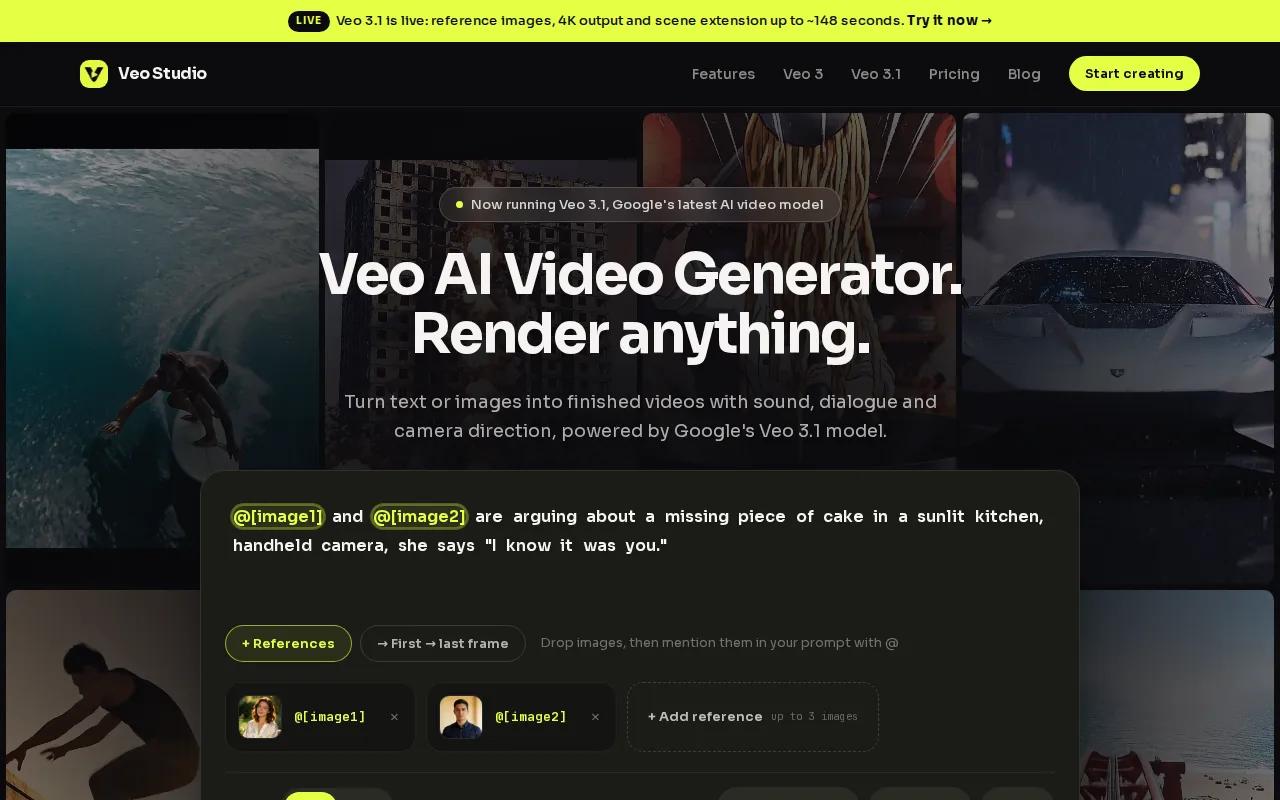
It suits small-business advertisers starting with product photos, brand marketers shaping short promotional scenes, and social creators making vertical clips. Upload a product reference and describe the shot in plain language. For example, ask for a slow camera push toward a coffee maker, with steam rising and a short line of dialogue. The reference image guides the visual; the prompt sets the action.
First- and last-frame control helps when the opening and final image need to match a campaign plan. Scene extension can add time to a supported clip, while synchronized audio lets dialogue and sound come with the video. Those controls are useful when an ad needs more than a silent animation of an object.
The free plan gives you up to two 720p videos a month with no card and no watermark. Paid plans start at $14 a month and include a commercial licence. You can see the output and plan details on Veo Studio’s video generator. For a broader workflow around a product video maker, keep the source photo and product details close at hand while you prompt.
One useful test: check the logo, package shape, color, and other visible details against the real item before publishing. AI-generated footage is a draft, not product verification.
2. Fliki: script-led videos with AI presenters
Fliki turns scripts, text, and blog posts into videos with AI voices. It can also make a talking-head video with a lifelike avatar or a digital twin that keeps the same face and voice across scenes.
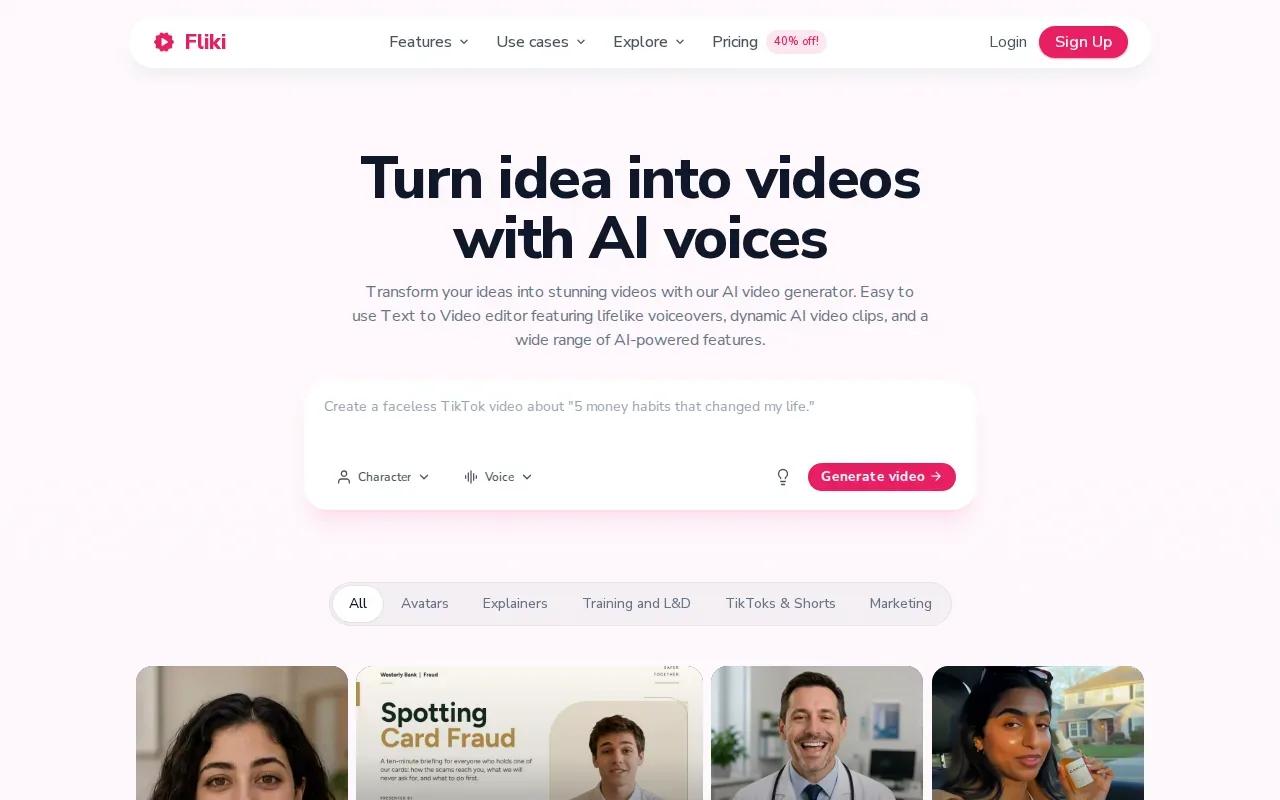
Choose Fliki when the message matters more than a cinematic product shot. A seller could write a short explanation of what a product does, then use an AI presenter to speak the script. Fliki offers more than 2,000 AI voices in over 80 languages, which can help teams prepare narrated versions for different audiences.
The platform’s script-led workflow is a fit for explainers and short social content. You can start with a blog post or a script, then use generated visuals and voiceover to shape a draft. Its avatar workflow also supports a presenter-led format when customers need someone to explain how a product works. For campaign planning beyond a single clip, this kind of narrated content can sit alongside other product ads and promotional videos.
Fliki’s main strength in this shortlist is the script and voice path. If your concept depends on a specific product appearing accurately in a custom scene, make sure the tool’s workflow suits that visual need before you build a campaign around it. For a narrated feature overview, though, a clear script gives the video a strong starting point.
3. ImagineArt: a broad model library for creative teams
ImagineArt brings image and video models into one creative platform. Its library includes more than 50 AI image and video models, with workflows built for teams producing creative assets at scale.
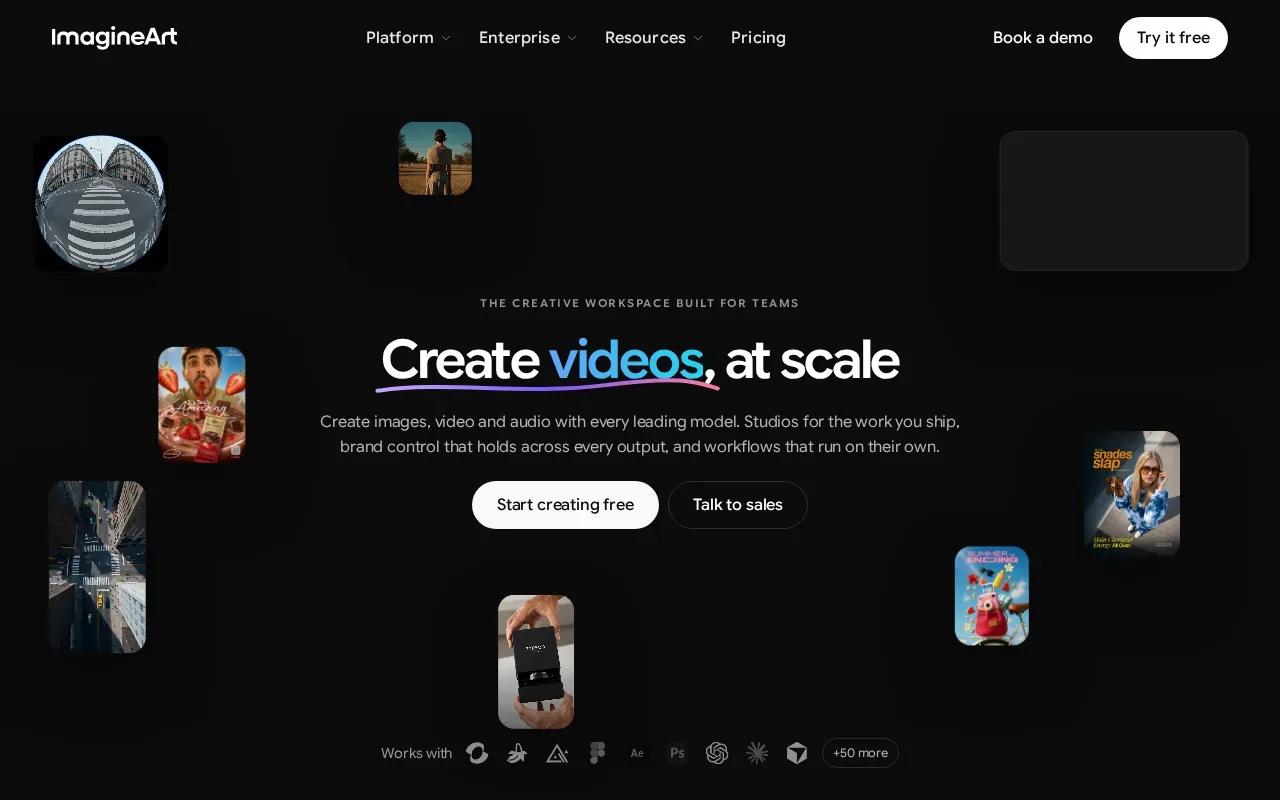
It may suit a team that needs to test different visual approaches without moving every project between tools. A product marketer could use a reference image to guide a concept, then explore how different models interpret the same brief. The platform also offers reference tools for consistent visual assets, which can help a campaign hold onto a shared look across outputs.
ImagineArt’s broader model library is the point. It gives teams a way to compare creative directions within one platform rather than treating every model as a separate starting point. If your workflow includes several people reviewing ideas, that range can be useful before a team settles on a style for an ad or product launch.
The tradeoff is that a broad toolkit can take more direction from the team. Bring a short brief that names the audience, the product benefit, and the desired mood. That gives collaborators a shared measure for judging generated versions, instead of choosing a clip just because it looks striking.
4. Kapwing: prompt-to-project creation with voiceover
Kapwing can turn a prompt into a video project, then let you keep editing in the same browser workspace. It can also start from images, scripts, articles, or other reference media.
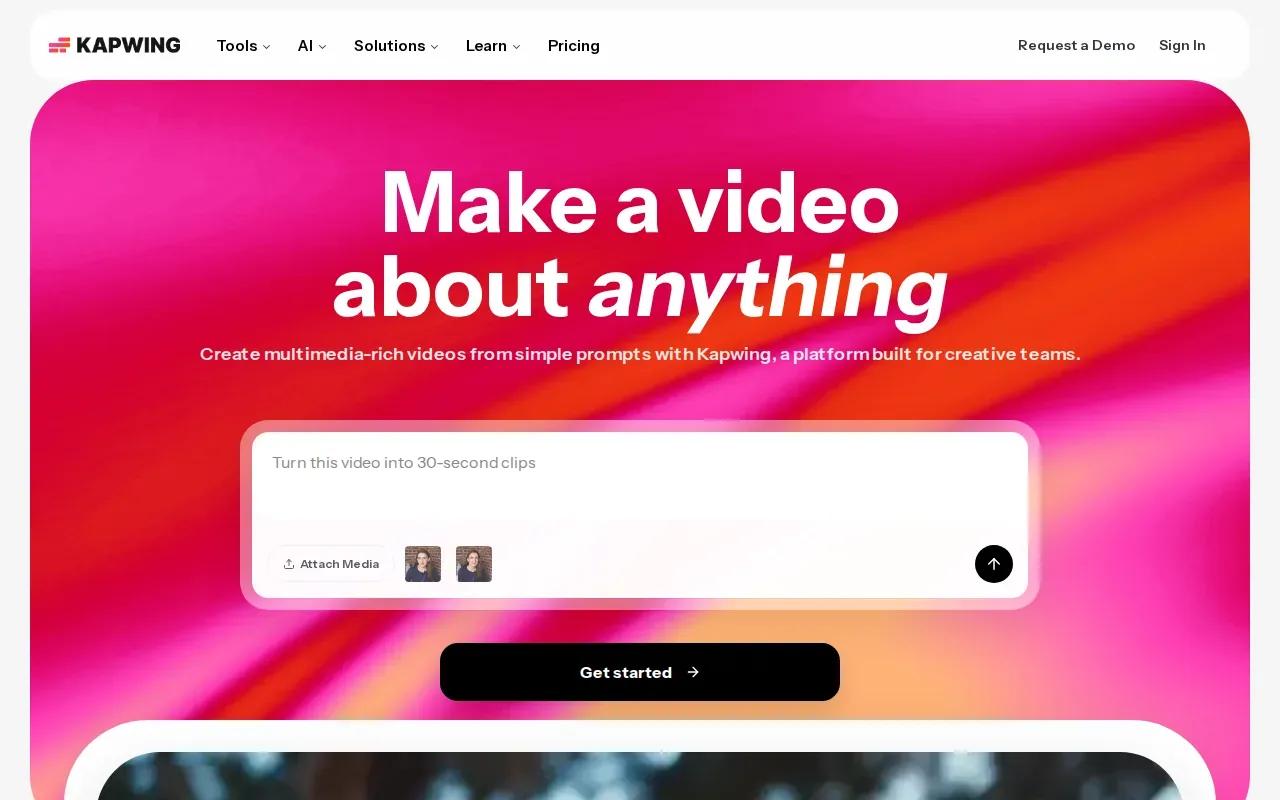
That makes it a fit for marketers who want an initial project rather than one isolated generated shot. Describe the product and scene, add a reference image when you have one, and review the generated project. Kapwing’s AI can help build a storyboard with scenes and camera angles before generation, so you can adjust the plan rather than react only to the finished video.
After generation, its editing workflow can add voiceover, subtitles, and brand assets. It supports aspect ratios such as 9:16 for TikTok, 16:9 for YouTube, and 1:1 for Instagram. That helps when the same campaign needs a vertical cut for Reels plus a landscape version for a product page or YouTube.
Kapwing supports voiceover. If the ad needs a character to speak on screen, check that requirement early. If you mainly need a prompt-led project that you can refine and resize, the workflow is a closer match.
5. Synthesia: presenter-led product explainers
Synthesia is built for script-led videos with a synthetic presenter. It suits product explainers where a person on screen should walk viewers through a feature or product update.
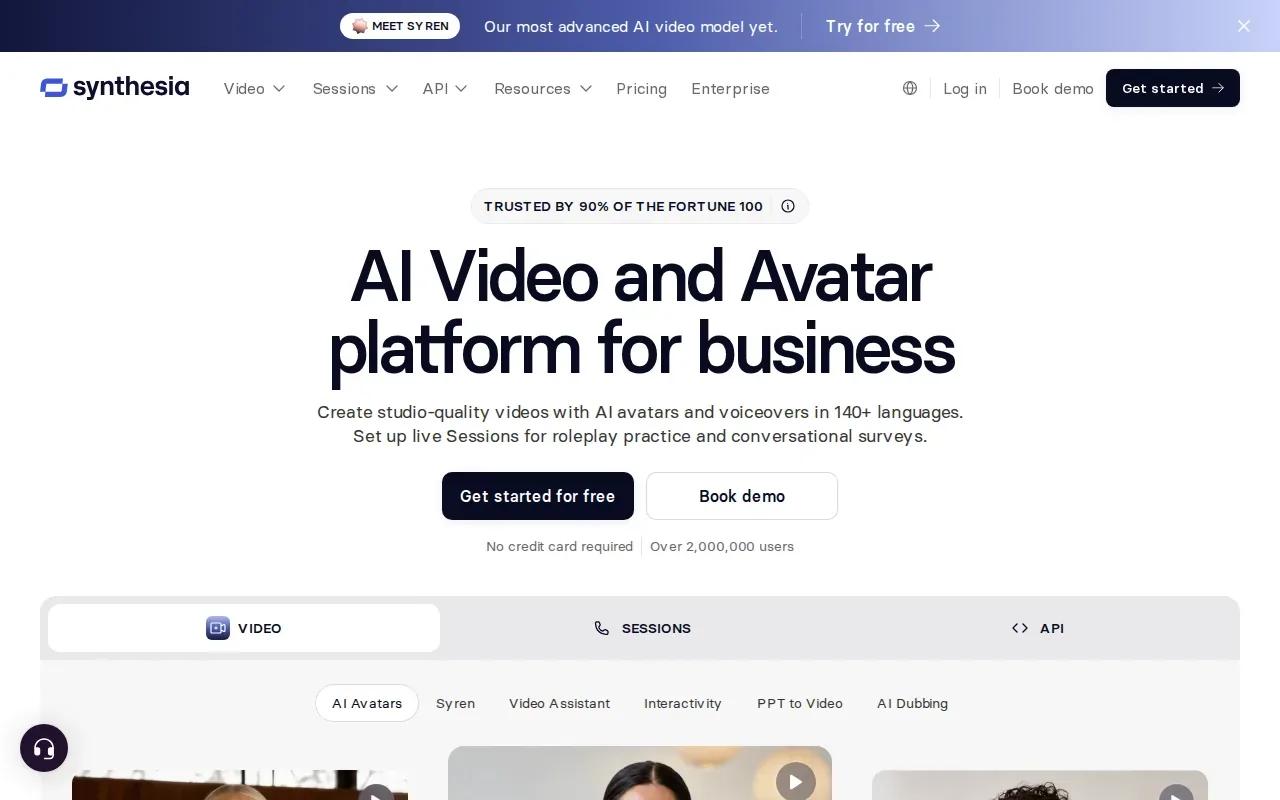
Start with a script, then use a presenter to deliver it. For a software launch, the video could pair an on-screen host with a screen recording that shows the change. For a physical product, a presenter can introduce the item and explain its main use while supporting visuals show the details.
The same host can appear across multiple clips, which helps a series feel consistent. Synthesia also supports AI dubbing, so teams can adapt presenter-led content for other languages. That can be useful for help videos or launch updates that need the same message in more than one market.
This format works best when a spoken explanation is central to the video. It’s a different job from generating a custom product scene with synced environmental sound. Choose it when clear narration and a repeatable presenter matter more than directing a cinematic shot.
AI Product Video Maker Comparison: Which Tool Fits Your Use Case?
Pick based on the work you need the video to do. A generated product scene, a narrated script, and a presenter-led demo are different formats, even when they promote the same item.
| Tool | Good fit for | Starting point | Useful distinction |
|---|---|---|---|
| Veo Studio | Product scenes and short ads | Prompt or reference image | Synced sound, frame control, scene extension, and up to 4K output |
| Fliki | Narrated social videos | Script, text, or blog post | AI presenters and voices in 80+ languages |
| ImagineArt | Creative teams testing visual directions | Brief and reference assets | 50+ image and video models |
| Kapwing | Prompt-led projects that need editing | Prompt, image, or script | Storyboard support and browser-based editing |
| Synthesia | Presenter-led product explainers | Script or product recording | Consistent synthetic presenter and AI dubbing |
Think about what needs to stay consistent. If the product itself must remain recognizable in a generated scene, begin with a clear reference photo and inspect the result closely. If the message needs spoken explanation, start with a script and choose a narration or presenter workflow. Then make a platform-specific cut: vertical for TikTok or Reels, landscape for YouTube, or a format suited to your product page.
A short campaign brief can keep those versions aligned. Note the product benefit, audience, tone, and call to action once. Use the same details when you make alternate openings or platform cuts, and review each version for product accuracy before it goes live.
Frequently Asked Questions
Can AI make a video from a product photo?
Yes, some AI video tools can use a product photo as visual guidance for a generated clip. Start with a clear image, then describe the camera movement and what should happen around the product. Review the result against the real item before publishing, since generated footage can alter visible details such as color, shape, or packaging.
What should I include in a product video prompt?
Include the product, the main benefit, the setting, and the camera action. Say what the viewer should notice first, such as a close-up of a key feature. Add the mood or lighting if it matters to your brand. Keep the spoken line short, and check whether your selected tool generates synced dialogue or adds voiceover afterward.
Which tool is best for a presenter-led product video?
Synthesia and Fliki both support presenter-led video. Synthesia is built around a synthetic presenter reading a script, while Fliki can turn a script into a talking-head video with an AI avatar. Choose based on whether you need a product explainer with a recurring host or a script-led video with voice and visuals.
Can I use AI product videos on TikTok and Instagram?
Yes. Choose a vertical format for TikTok or Instagram Reels, then check that the product is visible in the first moments. Keep captions readable on a phone screen and make the main benefit clear without sound. Before posting, review the platform’s current rules and make sure the video accurately represents the product and its claims.
Conclusion
For product scenes that need reference images, synchronized sound, frame control, or scene extension, Veo Studio is a strong place to start. Choose one product photo, write a focused prompt, and test a short clip. The free plan includes a couple of 720p videos per month, so you can try the workflow before moving to a paid plan.


