
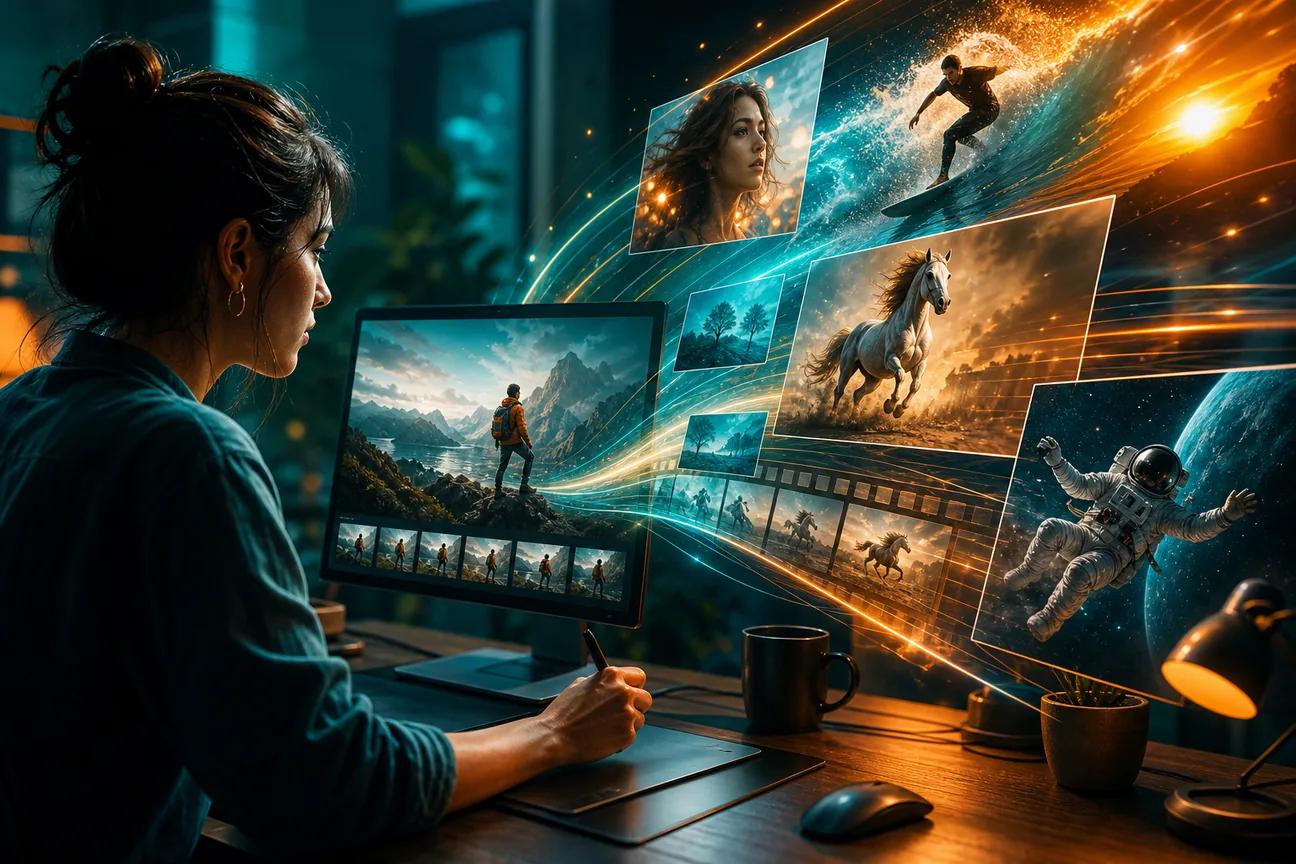
A still photo can become a moving scene, but the right tool depends on what you need it to do. AI picture animation turns a still image into video frames guided by a prompt or reference. Here are five options for creators, marketers, and families, with clear notes on each tool’s workflow.
We analyzed 41 comments and questions from YouTube and Quora about AI picture animation and found that 24% mentioned prompt engineering.
1. Veo Studio
Veo Studio is an independent, browser-based AI video creation tool powered by Google’s Veo 3.1 models. It turns prompts and reference images into video with synchronized sound and dialogue. It also supports character consistency, first- and last-frame control, scene extension, and output up to 4K.
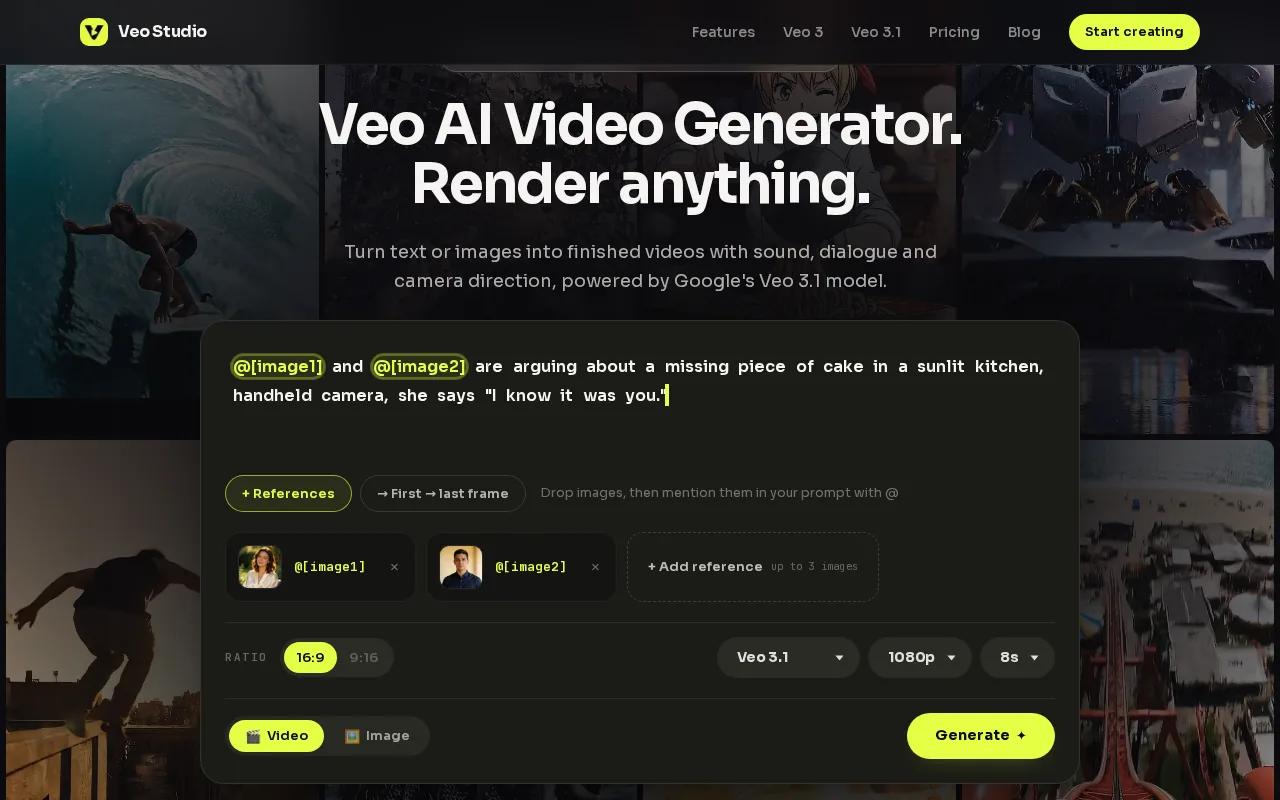
It fits creators who want to direct a full shot from a still. For a product clip, upload the product image and describe one camera move. For a short story, add reference images to help keep a character consistent, then put spoken words in quotation marks when you want dialogue.
The basic workflow is simple: upload a reference image, describe the action, then review the generated clip. A prompt such as “the model turns toward the window as the camera slowly pushes in” gives the model a clear action and camera cue. Keep the first attempt focused. If the motion feels too busy, simplify the prompt and render again.
For a wider look at this workflow, see the image to video AI generator guide. Veo Studio’s free plan includes a couple of 720p videos each month, with no card required. Paid plans start at $14 per month and add more video volume and higher resolution options.
First- and last-frame control helps when a shot needs a planned change. Supply two stills and Veo Studio generates the transition between them. Scene extension can add seven seconds at a time to supported 720p clips, up to roughly 148 seconds of continuous video.
Use those controls when a short clip needs a clear beginning and end, such as a product reveal or a character entering a scene. For higher-resolution work, Veo Studio supports output up to 4K on supported models and plans.
2. Runway Gen-4: directed motion for professional projects
Runway Gen-4 is a video-generation option for creators who want more control over how a still moves. Its Motion Brush lets you direct animation in selected parts of an image. That can help when a shot needs movement in one area while the rest of the frame stays more settled.
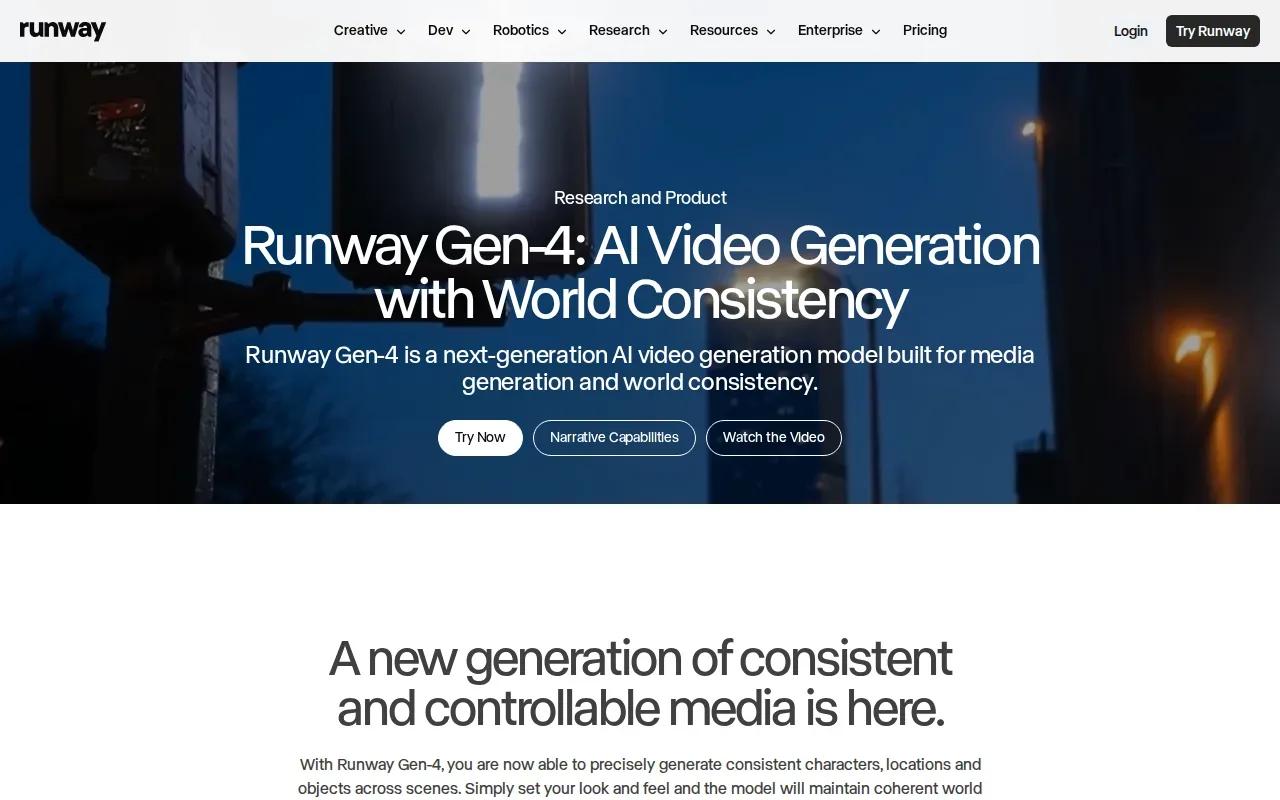
It may suit marketers or production teams building a specific shot for a larger edit. Imagine a product photo where you want the fabric to ripple while the item stays in place. A directed brush-based workflow gives you a way to describe movement by area, rather than relying only on a broad prompt.
Runway Gen-4 can keep characters, objects, and locations consistent across scenes from a single reference image, without fine-tuning or extra training. That can help when a campaign needs several shots featuring the same subject or setting. A free tier lets you test the workflow before paying.
The Standard plan is $15 per month for 625 credits. Because the plan uses credits, consider how many drafts and finished clips you expect to make before choosing it. A controlled shot can still take a few tries to get right.
Choose this option when localized motion control is central to your shot. For a quick social post, a simpler prompt-led workflow may be enough. For a planned sequence, test the reference image and brush direction early, before building out the rest of the edit.
3. DomoAI: stylized animation for social content
DomoAI is aimed at social-media-native animation with more than 30 artistic styles, including anime. It fits creators who want a visibly stylized result rather than a photo that moves in a realistic way.
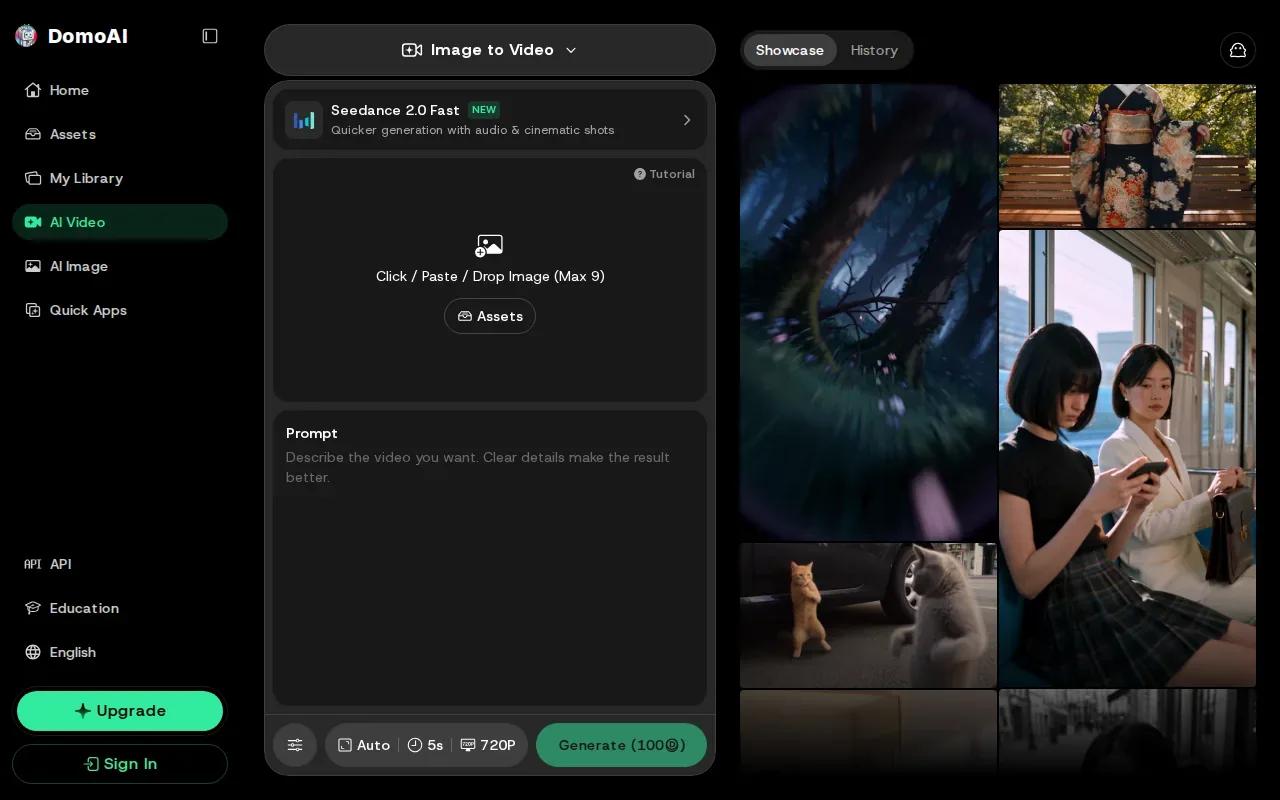
That makes it a possible match for an illustrated character, a fan-style visual, or a short post with a distinct look. Start with the image you want to animate, then pick a style that suits the channel and the idea. A strong style can carry a short clip, but it can also change the feel of the original image, so review the result before publishing.
The annual plan is $19.59 per month for 1,500 credits. If you expect to make several short clips for social feeds, the credit allowance gives you a basis for judging whether the plan matches your volume.
For a simple prompt, focus on one action and one camera move. “The illustrated character raises one hand as the camera slowly moves closer” is easier to assess than a prompt with several actions competing at once. A clear direction also makes it easier to compare styles across drafts.
Creators weighing different image-led workflows can also use this AI image animation generator overview to think through the kind of motion they need. DomoAI fits when a distinct art style matters more than a naturalistic photo effect.
4. OnReplay: batch family photos into cinematic films
OnReplay is built around turning batches of family photos into short cinematic films. It suits people making a birthday tribute, anniversary film, or memorial piece, especially when the source material is a folder of old photos rather than one image for a social clip.
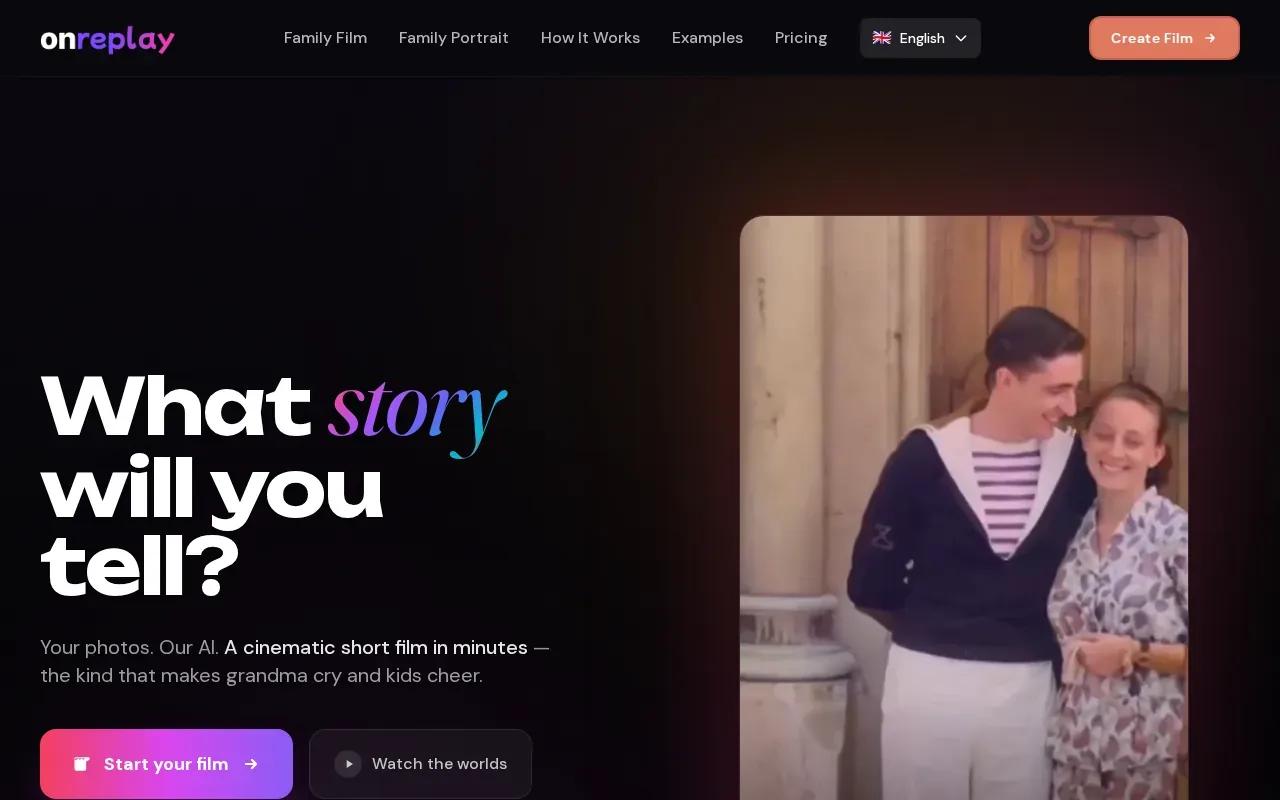
Its workflow is designed to make a film from a group of pictures. Upload a selection, choose a mood, then let the tool arrange the result with music. It supports old, new, color, and black-and-white photos, with automatic restoration and colorization for black-and-white images.
That batch approach changes the task. Instead of directing movement in one shot at a time, you’re selecting images that tell a story together. For a family gathering, you might mix a few portraits with photos from different stages of someone’s life, then review how the film moves between them.
OnReplay’s one-time purchases range from A$12.90 to A$99.90. That payment model may suit a single family project better than a recurring subscription. It’s a different use case from tools aimed at creating individual ad shots or stylized social clips.
Pick this option when the finished film matters more than hands-on control of each animated shot. Before uploading, choose photos you have permission to use, particularly if you plan to share the finished film beyond your family.
5. Higgsfield AI: a broader image, video, and voice workflow
Higgsfield AI supports image, video, and voice content from text prompts or references. It also supports editing and upscaling media, workflow automation with an AI agent, and content generation on web and mobile.
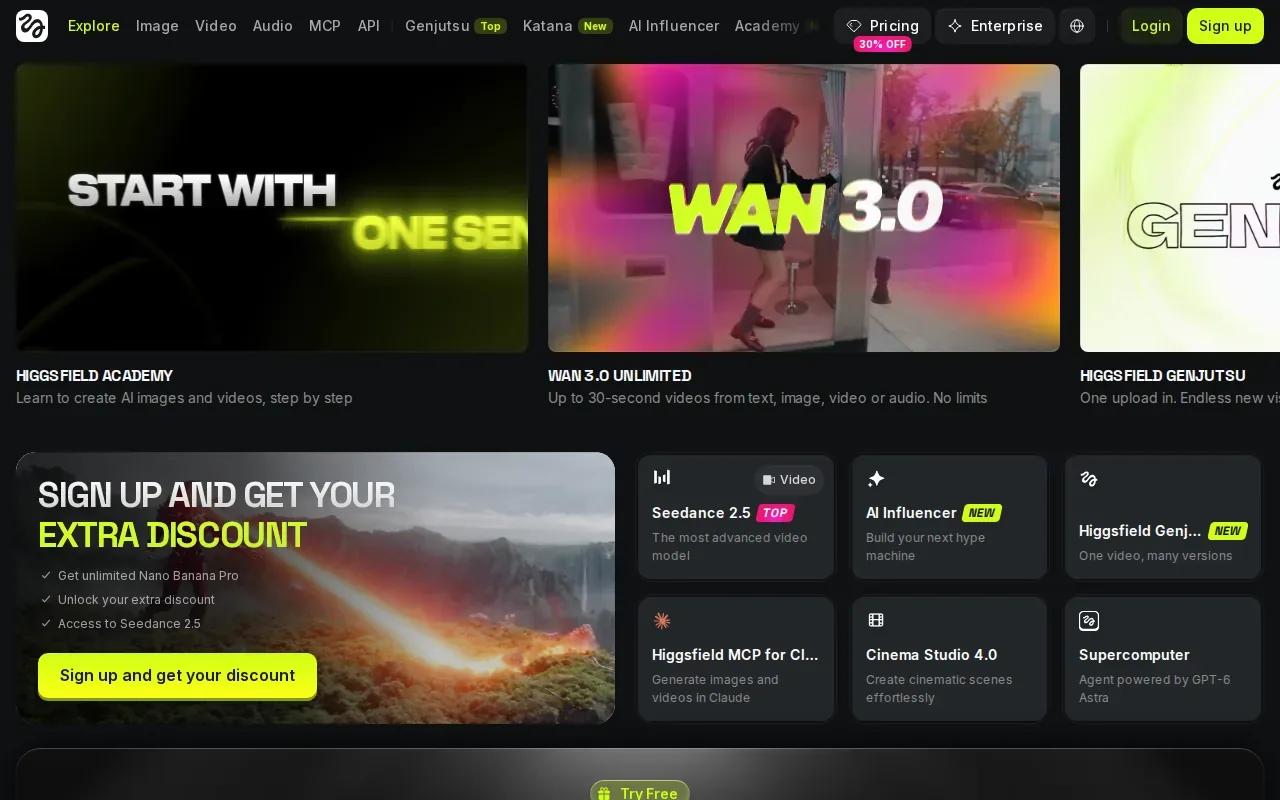
It may suit a creator who wants to work across several kinds of assets rather than focus only on animating a still photo. For example, you could begin with a reference image, make video content, then use editing or upscaling tools as part of the same broad workflow.
Higgsfield AI also offers tools for character performance, lip sync, voice, and reframing a finished animation for different aspect ratios. Those features can matter when one creative idea needs versions for more than one channel. Check the specific workflow you plan to use, since features vary across tools and models within the service.
Choose it when you want a wider creative workspace for images, animation, and voice. If your main need is to bring one photo to life with frame control or a longer scene, compare those specific controls before committing to a workflow.
AI Picture Animation Tools Compared
The right pick depends on the output you need. A family film built from many photos is a different job from a controlled product shot. Use the table to narrow the field by workflow, then test the part of the process that matters most to your project.
| Tool | Fits best when you need | Useful detail | Pricing detail |
|---|---|---|---|
| Veo Studio | Directed scenes from prompts or reference images | Synced sound, frame control, scene extension, up to 4K | Free plan; paid plans from $14/month |
| Runway Gen-4 | Directed movement in a production shot | Motion Brush and consistency from a reference image | $15/month for 625 credits; free tier |
| DomoAI | Art-led social clips | 30+ styles, including anime | $19.59/month annual plan for 1,500 credits |
| OnReplay | A film made from a batch of family photos | Film workflow with music and photo animation | One-time purchase, A$12.90 to A$99.90 |
| Higgsfield AI | Work across image, video, and voice content | Prompt or reference input, editing, upscaling, and workflow automation | See website |
For product work, check how well the subject stays recognizable across motion. For social content, see whether the style reads clearly at the size and aspect ratio you plan to post. For a family film, judge the pacing across the full set of photos, not only the first animated image.
Frequently Asked Questions
What is AI picture animation?
AI picture animation turns a still image into a video with generated motion. You give the tool an image and may add a prompt that describes what should move. Depending on the tool, the result might be a subtle camera move, a stylized scene, or a longer film made from several photos.
How do I animate a picture with AI?
Upload a clear image, describe one action, then generate a draft and watch it closely. Keep the first prompt short. If the subject changes too much or the motion feels wrong, adjust one instruction and try again. Download the clip when it fits your intended use and review it before posting.
Can AI animate a photo and add sound?
Yes, some tools generate sound with the video. Veo Studio supports synchronized sound and dialogue with its Veo 3.1 models. You can describe a scene and include quoted dialogue when a character should speak. Other tools in this shortlist focus on different workflows, so check the sound controls that match your project.
Which tool works for a batch of old family photos?
OnReplay is built to turn batches of family photos into short cinematic films. Its workflow includes music, automatic restoration, and colorization for black-and-white images. It’s a fit for a family tribute or milestone film, rather than a project that needs detailed control over one generated shot.
Can I use an animated photo in a business ad?
You can make promotional content with an AI animation tool, but check the tool’s license and the rights for the source image before publishing. Every paid Veo Studio plan includes a commercial license. If the image includes another person, make sure you have permission to use their likeness in the ad.
Conclusion
For a creator who needs a directed shot with synchronized sound, character consistency, and options for frame control or scene extension, start with Veo Studio.


