
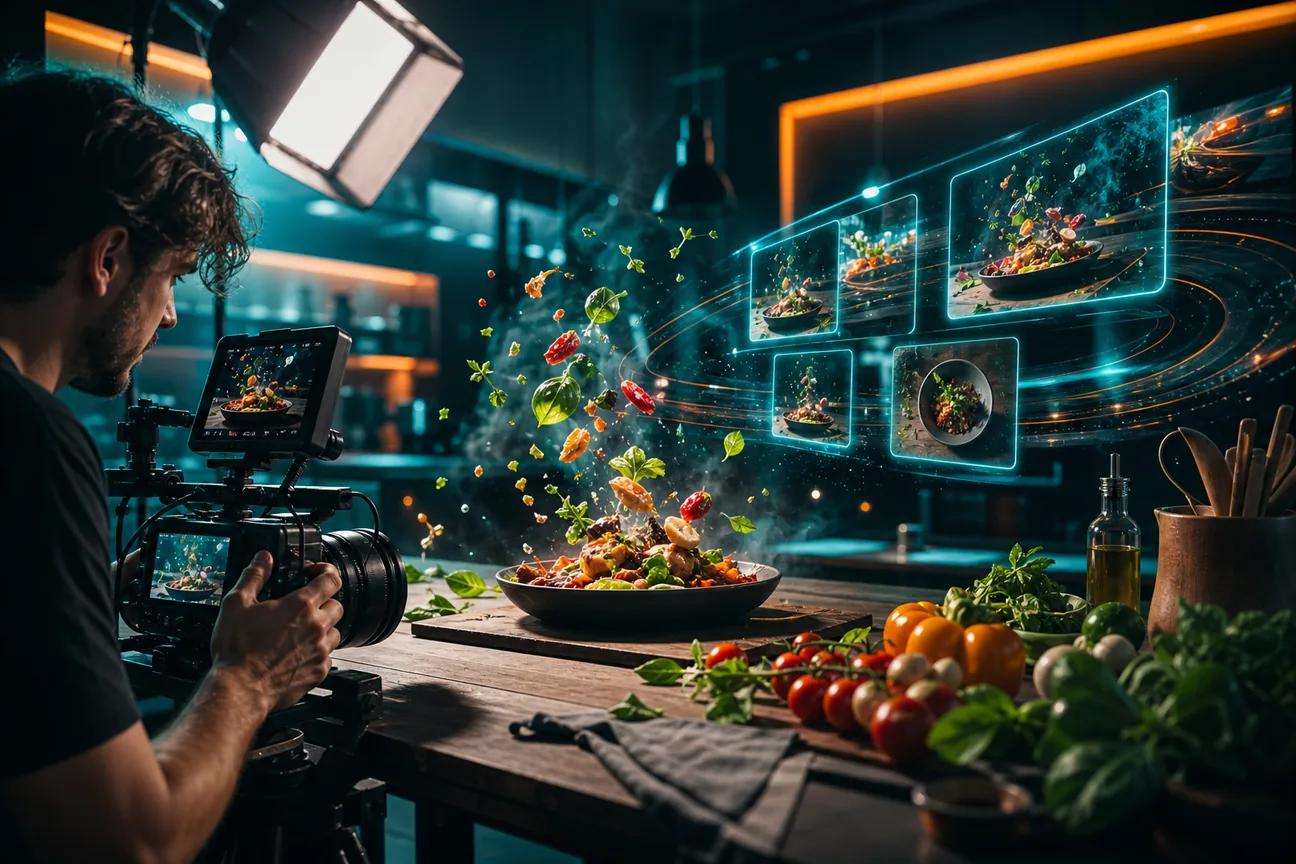
A close-up pour or a curl of steam can make a dish feel vivid on screen. An AI food video generator turns a prompt or image into a video draft, so you can test an idea before planning a shoot. Here are four tools for different food-content workflows, plus Veo Studio, an independent browser-based tool.
We analyzed 39 YouTube comments about AI-generated cooking videos and found that 26% mentioned platform functionality issues.
1. Veo Studio
Veo Studio turns text prompts or reference images into short videos with synchronized sound and dialogue. It suits food brands and social creators who want to direct the scene, not only assemble existing clips.
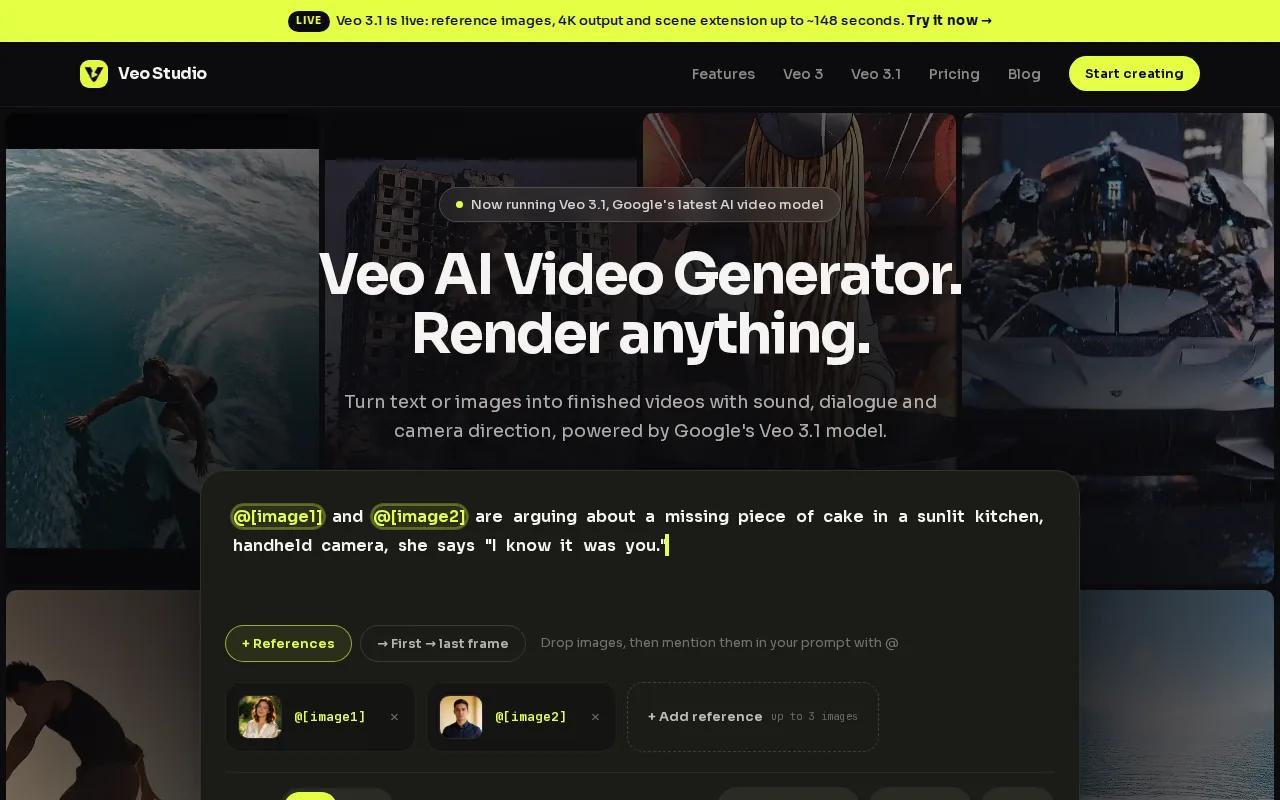
Start with a dish photo, then describe one action: steam rising from ramen, a spoon breaking a crisp crust, or sauce pouring over a plated dish. Reference images can help keep a product or character consistent. First- and last-frame control lets you guide how a shot begins and ends, while scene extension can add to a finished clip. Output can reach 4K on supported paid plans.
Sound is part of the generation. A prompt can call for a pan sizzle or a short spoken line, with dialogue synced to the character. This can help when a food ad needs a voice moment alongside its visuals. For a menu clip, though, use the actual dish as your reference and check that the result still matches what customers will receive.
Veo Studio has a free plan with a couple of 720p videos per month and no card required. Paid plans start at $14 per month and include higher limits and resolutions, including 4K. The free Veo video plan is a low-friction way to test a food scene before deciding whether you need more output.
For a better first result, name the dish, the one motion you want, the camera move, and the sound. Keep the prompt focused. A close-up of a croissant breaking open needs less direction than a full recipe sequence.
2. InVideo: Restaurant and food-promotion templates
InVideo is a template-led option for restaurant promotions and recipe videos. It suits marketers who want a structured first cut from a recipe, menu detail, or story outline.
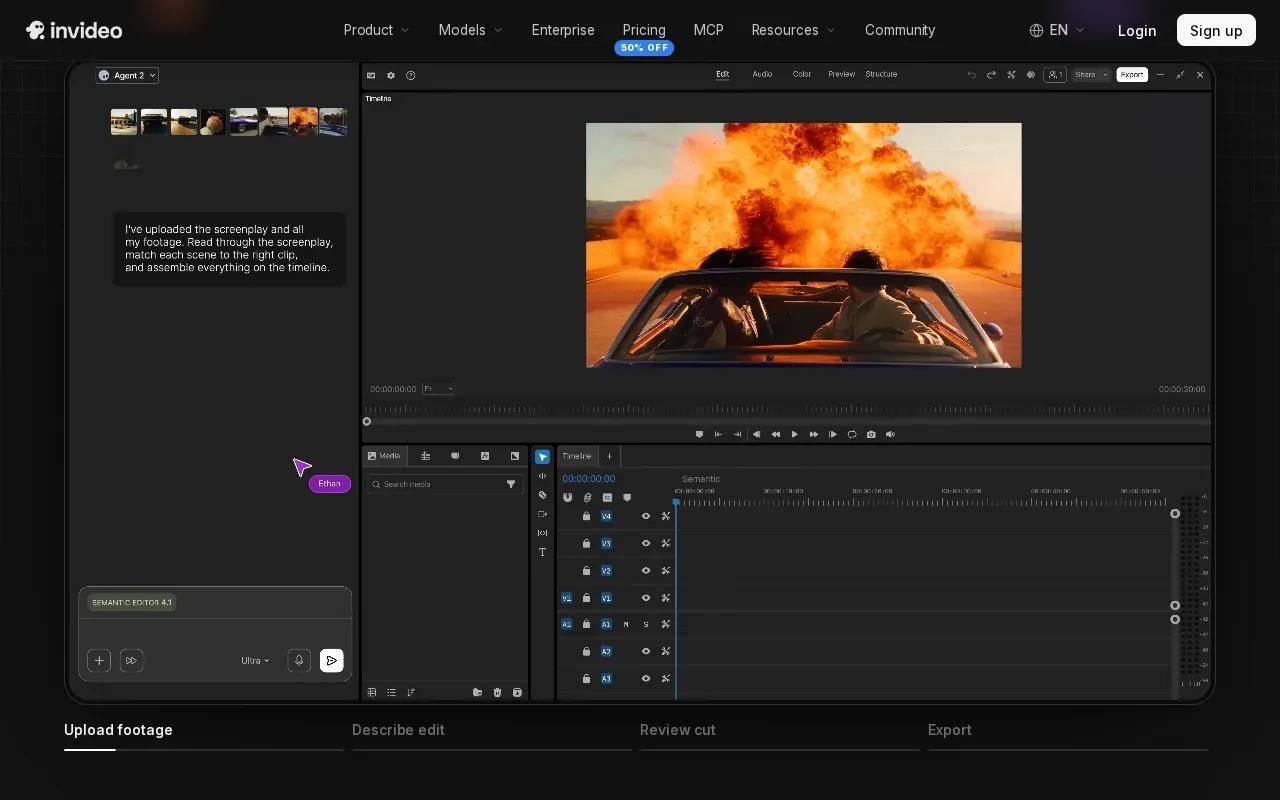
Its food workflow can arrange ingredients, preparation, and the finished dish in an order viewers can follow. You can add text beside the step it explains, then adjust the timing. For a short recipe, that means a viewer sees the ingredient or action while the matching instruction is on screen.
InVideo also supports an editable timeline. A marketer can build a draft, swap in kitchen footage or close-ups, then adjust narration and music around the key moments. The service describes options for adding recipe text, menu details, or a story outline, and for turning a script or idea into a shot-by-shot plan. That structure can help when several people need to review the same promotion.
Use your own footage when the exact dish or cooking method matters. Generated scenes can support the story, but a restaurant should check quantities, cooking steps, and the final plate before publishing. A menu video that looks polished still needs to match the meal guests can order.
For a promotion, build a short sequence around one offer: show the dish, add a line with the key detail, then end on the finished plate. InVideo is a fit when templates and an editable timeline matter more than detailed control over generated motion.
3. CapCut: Social-first food videos and scripts
CapCut is built for social content across YouTube, Instagram, and other channels. It suits creators who want to turn a script into scenes, then tune the pacing and captions for a feed.
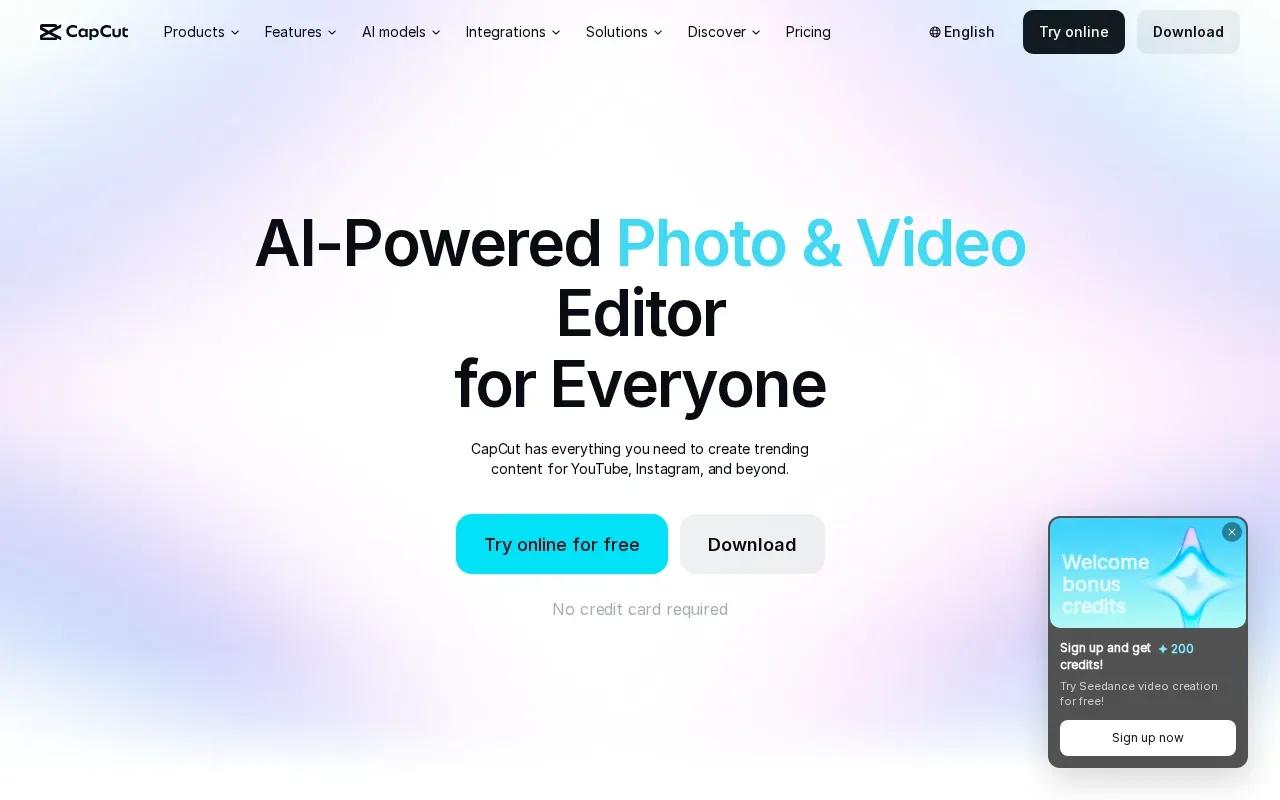
Its AI video workflow can shape a topic or script into timed scenes with captions. You can pair those scenes with stock media or uploaded footage, then adjust the timing and transitions. For food content, that might mean a quick recipe rundown with a close-up of the dish between short instruction cards.
CapCut can give a script a natural voice in more than 40 languages. It also has a free tier, so you can test the workflow before paying for extra assets or features. Its template and editing tools can help when a team wants the same brand look across repeated posts.
Food clips often need tight visual checks. Make sure a generated image shows the intended ingredient, and confirm the captions do not cover the dish. If the video explains a real recipe, verify the step order and wording against your recipe before export.
Keep the first shot clear and easy to read on a phone. A close crop of a knife cutting into a crisp pastry can work as a visual opener; put the recipe name or offer where it does not block the action. For more platform-focused options, see these AI video generators for TikTok.
4. Kling: High-volume day-to-day food content
Kling is a video tool that can support frequent food content. It suits restaurants and creators who need new short clips for regular social posts.
For a general hero shot, describe the food and the action in text. For a dish that needs to match a menu listing, start with a photo of the actual plate and describe only the movement. A prompt might ask for a curl of steam above a burger while the rest of the dish stays still.
Food footage often works best when one movement carries the shot. A slow cheese pull or a drizzle can draw the eye without making the scene feel busy. Warm light and a close camera view help show texture. These are prompt choices, not a special food mode.
Before generating a batch, settle on a repeatable format: one dish, one action, one camera direction. Then change the dish or the motion for each post. That gives you variations to review without changing every part of the prompt at once.
Use generated visuals for mood or a broad food idea. If the clip represents a specific meal, compare it with the real menu item before publishing. A visually appealing result can still add a garnish or change a portion in a way that confuses customers.
5. Kapwing: Prompt-led videos with voiceover and subtitles
Kapwing can turn a text prompt into an original video with voiceover, visuals, subtitles, music, and characters. It suits marketing teams and creators who want a prompt-led draft they can keep editing.
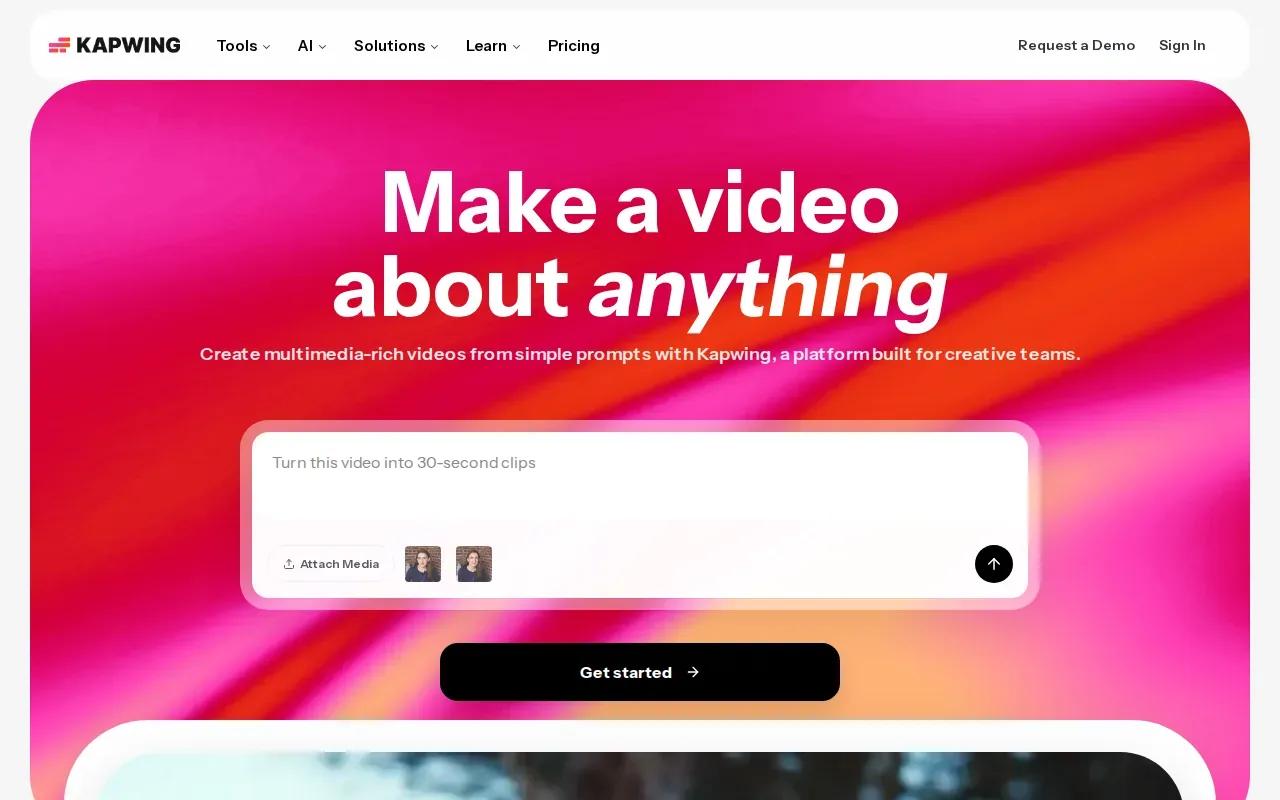
For food ads, Kapwing has a cinematic food-ad generator. Describe a dish and it can produce a commercial-style scene with quick camera effects and ASMR-style sound. This can suit a concept clip or a social teaser where energy matters more than a step-by-step recipe.
Kapwing's wider video workflow also supports editing after generation. That matters when the first version gets the mood right but needs a new line of copy, different pacing, or clearer subtitles. Use the prompt to define the dish, setting, and main action; then review the rendered result before sharing it.
Keep a close eye on accuracy. A generated ad is not proof of what a dish looks or tastes like. If a customer expects the exact item shown, use approved food photos or footage as a guide and have someone familiar with the menu check the final video.
Kapwing is worth considering when narration and subtitles are central to the piece. For a simple close-up that depends on sound tied to a particular action, compare that need with a tool built around synchronized audio generation.
Food video generator comparison: which tool fits your workflow?
The right choice depends on what must stay true in the final clip. A restaurant menu post may need to match a real plate. A recipe explainer needs clear step order. A social teaser may need only one striking motion and a short caption.
| Tool | Useful fit | What to check before posting |
|---|---|---|
| Veo Studio | Prompt- or image-led scenes with synchronized sound, frame control, and scene extension | Confirm the generated dish matches your reference; free videos are 720p |
| InVideo | Template-based recipe or restaurant promotion with an editable timeline | Review cooking steps, quantities, and text timing |
| CapCut | Script-led social posts with voice and captions | Check caption placement and scene pacing on a phone |
| Kling | Repeated short food clips from text prompts or dish photos | Check that the generated food still resembles the menu item |
| Kapwing | Prompt-led food ads with voiceover or subtitles | Review the dish details and ad copy for accuracy |
Think of the workflow in stages. First, choose a source: prompt, recipe text, menu detail, or a photo. Then decide whether the tool should generate a whole scene or help shape footage you already have. Once you have a draft, check the food, timing, sound, and text before exporting.
For a small restaurant, a useful pipeline might start with a photo of the daily special. Generate a short visual test, review it with someone who knows the dish, then adapt the approved clip for a vertical social post or a wider landing-page placement. Keep the source image and final copy together so future edits do not start from scratch.
Measure the video against its job. For a social teaser, track views and saves in the platform's own analytics. For a promotion, use a distinct link or offer code where your systems support it, then compare clicks or orders with the campaign goal. Views alone won't tell you whether a menu video helped customers act.
If you're testing a dish concept, start with a short clip and a clear prompt. If you're showing a recipe or menu item, favor accuracy over extra visual effects. For broader product-promotion workflows, this AI product video generator comparison covers how image-led clips can fit ads and social content.
FAQ
How does an AI food video generator work?
It uses a prompt, an image, or both to generate video frames that follow the requested scene. Depending on the tool, it may also add sound, narration, captions, or an editable sequence. Give it a clear subject and action, then review the result for food details that need to match a real dish.
Can I make a video from a menu photo?
Yes, some tools accept a photo as a reference or starting point. Describe the movement you want, such as steam rising or a slow camera push, and avoid asking the model to change the dish. Check the finished clip against the menu photo before using it for ordering or promotion.
Can these tools make recipe videos?
Yes. A recipe draft can become a scene plan or a sequence with instructions and captions. Verify every ingredient and step against the original recipe, since generated text or visuals may not show the right amounts or method. Use your own footage when viewers need to see the exact cooking technique.
Can I use AI-generated food videos in ads?
That depends on the tool's terms and the assets you use. Veo Studio says every plan includes a commercial licence. Check the terms for your chosen tool, and make sure you have rights to any uploaded photos, music, or other material in the video.
How do I make an AI food video look more realistic?
Keep the prompt focused on one dish and one main action. Name the camera view and lighting, then use a reference photo when the exact food matters. Review the result closely for changed ingredients, odd textures, or text errors. A real photo or short footage clip can help anchor a menu-specific scene.
Conclusion
Choose based on the part of production you need help with: structured recipe edits, social captions, frequent short clips, or directed video with sound. Veo Studio is a useful place to test an image-led food scene, especially when sound or frame control matters. Start with one dish photo and one focused prompt, then review the clip before you publish. For campaign-style work, see the AI video ad tool comparison.


