
AI film making software can help you turn a shot idea into moving footage, then shape it for a finished project. The right tool depends on whether you need generated scenes, a tighter edit, or both. Here are six options, starting with Veo Studio for browser-based generation with synced sound and scene controls.
1. Veo Studio
Veo Studio is an independent, browser-based AI video creation tool powered by Google's Veo 3.1 models. It turns text prompts or reference images into video, with synchronized sound and dialogue, character consistency, first- and last-frame control, scene extension, and output up to 4K on supported settings.
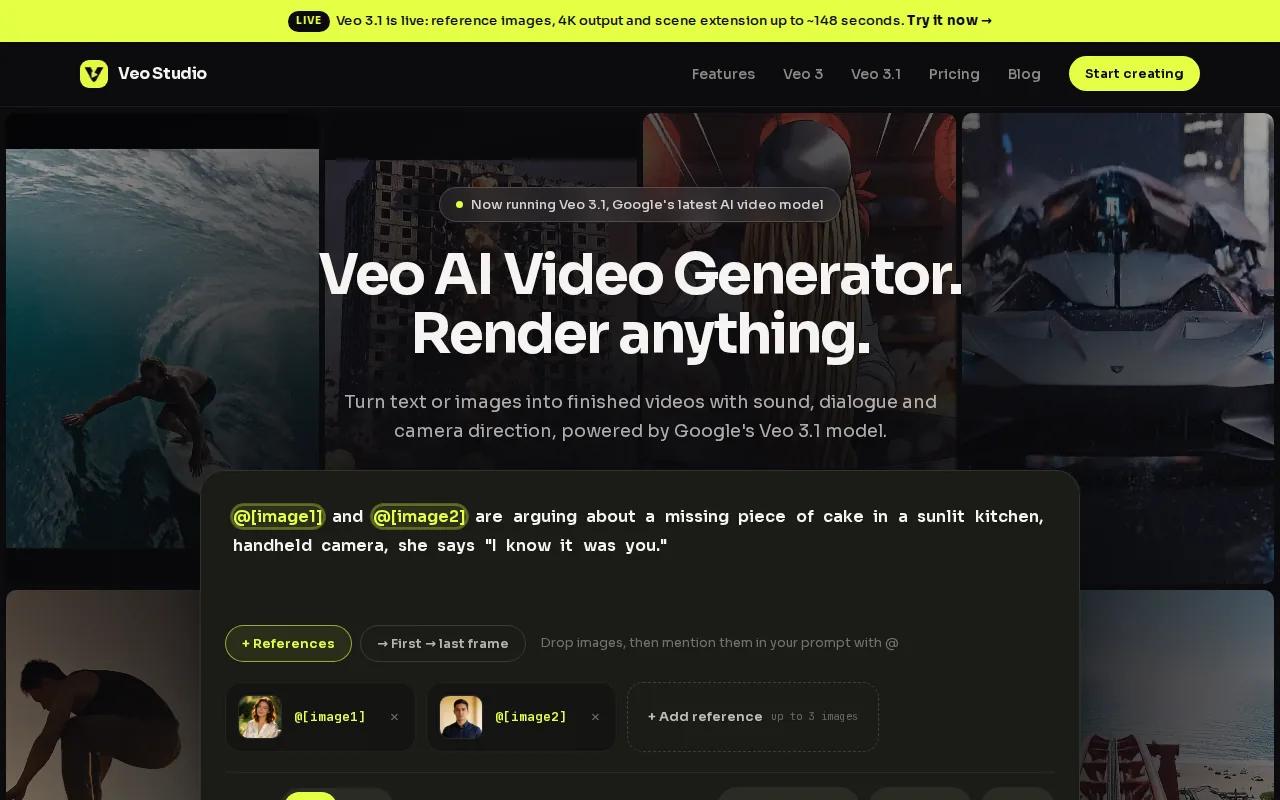
For a short film scene, you can describe the action and camera move, attach reference images, then generate a clip with dialogue or sound matched to the picture. First- and last-frame control can guide the transition between two stills. Scene extension adds seven seconds at a time to supported 720p clips, up to roughly 148 seconds.
That mix is useful when you want to build a scene rather than only animate one image. It also makes Veo Studio relevant to social clips and product spots, where a prompt or product reference can set the starting point. For a scene-focused rundown, see these AI short film generator tools.
The free plan includes a couple of 720p videos each month and needs no card. Paid plans start at $14 per month and include a commercial licence. One-time credit packs are also available, and their credits don't expire. Choose Veo Studio when sound, character reference, and control over a clip's start or end matter to the scene.
2. Runway Gen-4: Reference-driven 4K video generation
Runway Gen-4 is a video-generation option built around reference-guided visual consistency. It suits creators who want to keep a character, object, place, or visual style recognizable across separate shots.
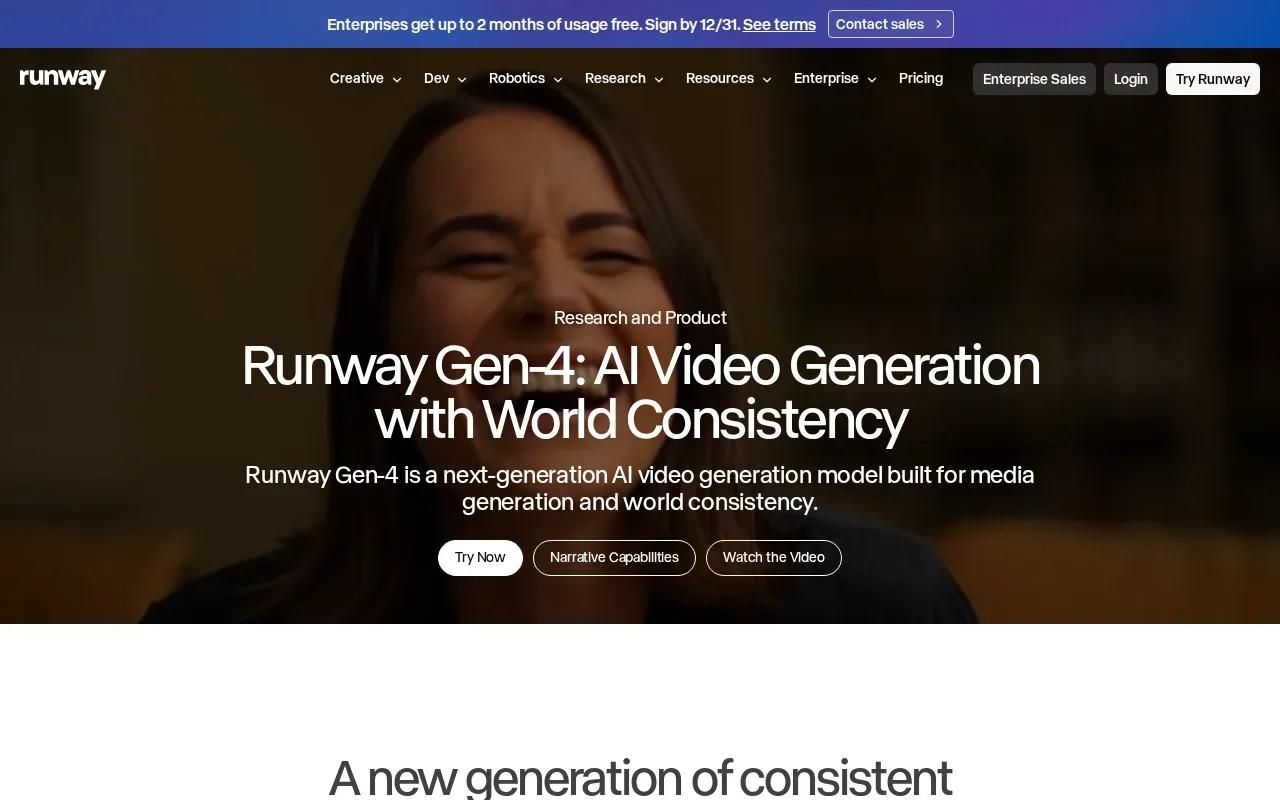
You can provide reference images, then describe a new action or framing. That gives you a way to carry approved visual material into another shot instead of starting from text alone. Runway Gen-4 offers frame control and a maximum resolution of 4K.
For a short scene, first settle on the subject's look. Generate a few shot options, review them, and reuse the reference material for the next angle. This is a shot-by-shot workflow, not an automatic full-film maker. A familiar face doesn't guarantee that every prop, action, or room detail will match across a cut.
Sound is another planning point. Runway Gen-4 supports reference-driven visual consistency for keeping visual elements aligned across shots. Plan to handle dialogue and sound separately if your scene needs them. Runway Gen-4 can fit a project where visual references and frame control matter more than getting picture and sound in one generation.
3. Kling AI: Consistent characters for longer stories
Kling AI is a video-generation tool known for character consistency and 4K output. It may suit filmmakers building a story around recurring characters and connected scenes.
Character consistency helps when the same person needs to appear in more than one shot. Still, review each generated clip as part of the scene. A character can look familiar while the performance, room layout, or action changes in ways that make the edit hard to use.
That distinction matters in narrative work. A strong shot on its own doesn't guarantee a scene will cut together. Keep a clear shot list and judge each take against the story beat it needs to serve. Kling AI offers consistent characters and up to 4K resolution.
Use Kling AI when recurring character appearance is a main need. If your scenes rely on spoken lines or exact continuity between shots, test those parts early before building a longer sequence. A brief visual test can show whether the character and setting hold together for your edit.
4. DaVinci Resolve by Blackmagic Design: AI-assisted post-production
DaVinci Resolve by Blackmagic Design is a post-production application for editing, color correction, visual effects, and audio work. It's a fit for creators who already have footage, including AI-generated clips, and need to assemble and finish them.
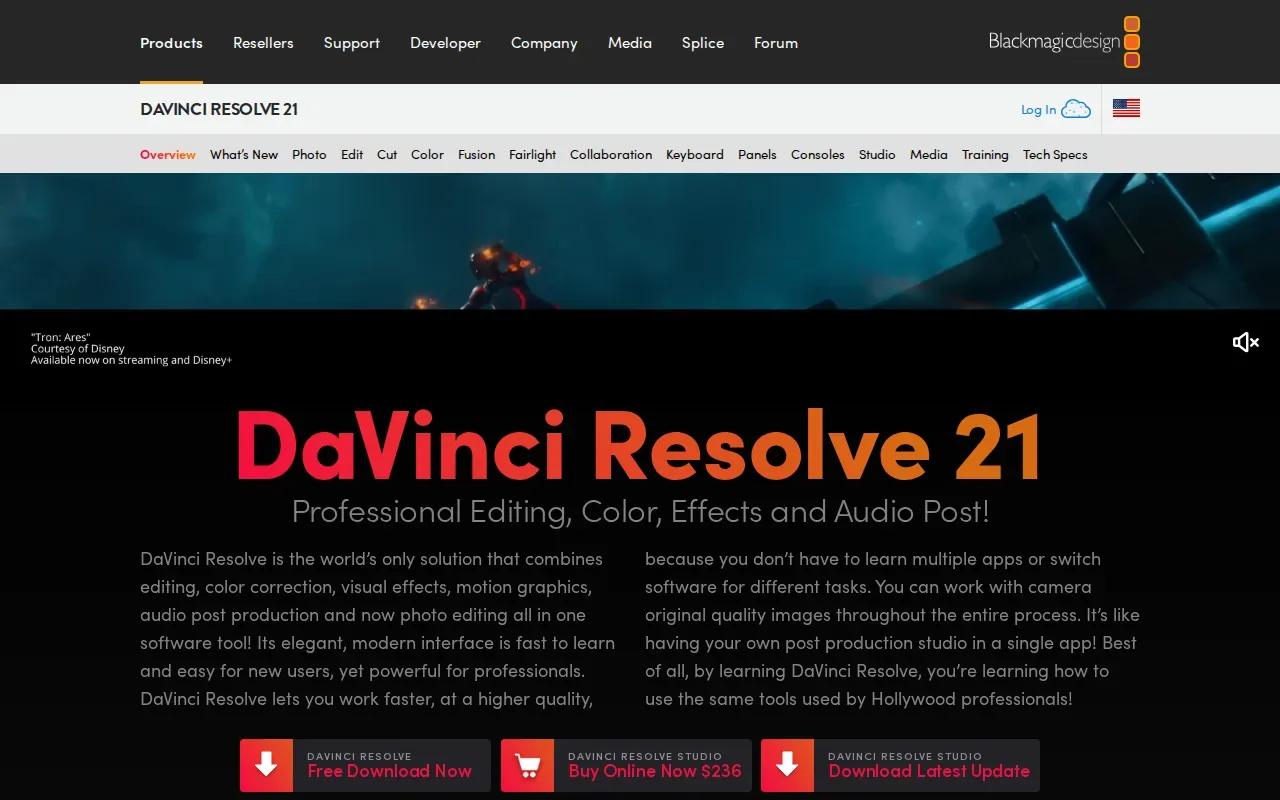
Magic Mask is one of its AI-assisted tools. It can help isolate a person or object as part of a visual-effects task, such as preparing a subject for a change in the shot. The application brings editing, color work, visual effects, and audio post-production into one workspace.
In a typical AI-assisted workflow, generate shots using a step-by-step AI video creation guide first. Then bring selected takes into Resolve, arrange them on a timeline, and finish the look and sound. This separation is useful because a generation tool and a post-production editor solve different problems. Resolve doesn't replace the work of prompting and reviewing each generated take.
DaVinci Resolve has free and paid versions for Mac, Windows, and Linux. Its wide post-production scope can suit a film project, though a creator who only needs a quick social edit may prefer a simpler editing workflow. Pick it when you want hands-on control after generation.
5. CapCut AI Video Editor: Social-first creation and editing
CapCut AI Video Editor is a social-first editing option for creators making content for YouTube, Instagram, TikTok, and other channels. It suits people who want to shape a video draft and prepare it for social viewing.
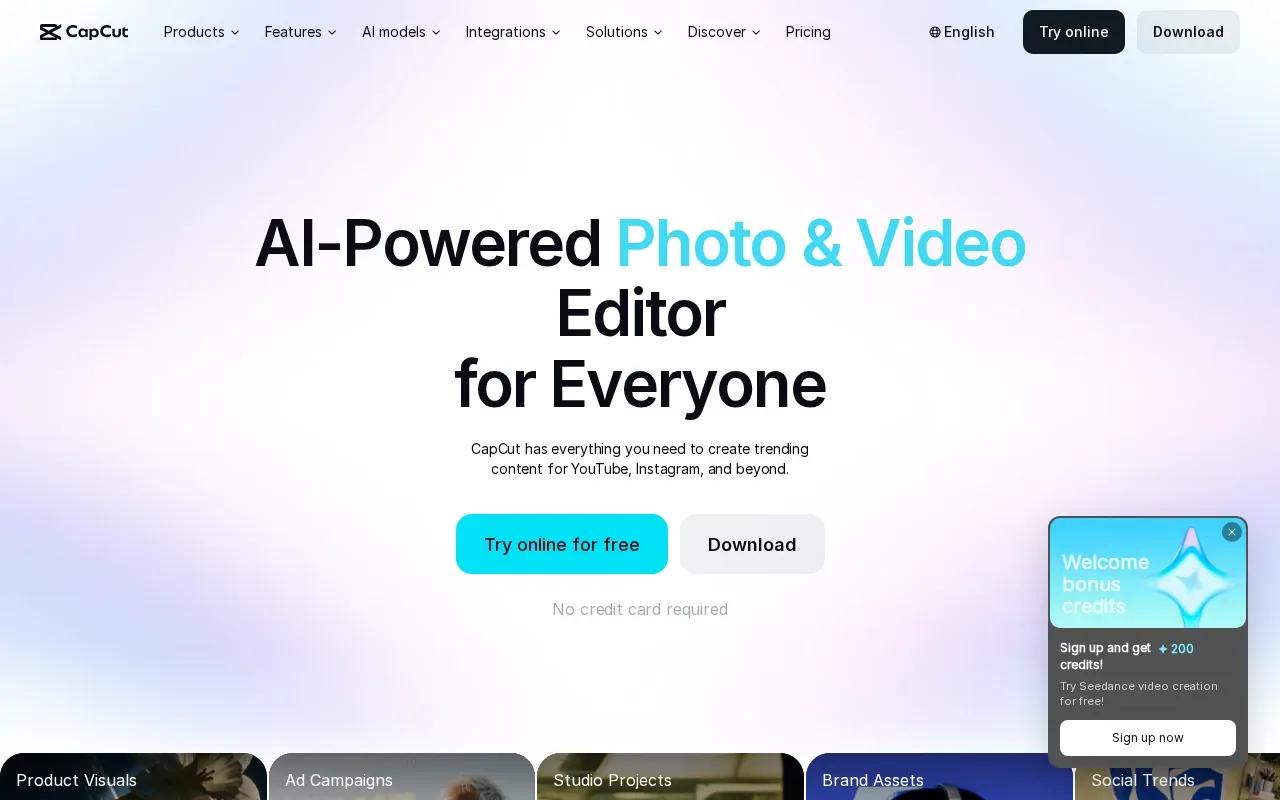
Its tools include templates, filters, transitions, transcription, color correction, and background removal. CapCut also describes AI features for making videos from text, adding voiceovers, and generating subtitles. For a social clip, that can put the draft and its finishing edits in the same editing flow.
For example, start with a short concept, build or import the video, then check captions and timing before export.
CapCut's strength in this shortlist is the edit and social workflow, rather than a film-specific focus on connected narrative scenes. If you're starting with generated footage, review the cut, captions, and sound before posting. A quick template can speed up a draft, but it still needs your eye for pacing.
6. Higgsfield AI: Camera and lighting control for generated video
Higgsfield AI creates images, videos, and voice content from text prompts or references. It also supports editing and upscaling media, with an AI agent for creative workflow automation. It may suit creators who want to direct camera and lighting choices in generated video.

Its cinematic video tools let you specify camera moves such as a pan, zoom, or handheld shot. Camera moves can be entered in a prompt or selected from a library. Higgsfield also describes controls for lighting and color, which can help you set the mood before generating a shot.
For a sequence, set the intended movement and lighting for each shot, then check whether the cut still feels coherent. Higgsfield AI offers a maximum resolution of 4K. That can matter when you expect to crop or refine footage later, but resolution alone won't make a scene work. Performance and continuity still need review.
Higgsfield's tools can support more directed generation than a simple text prompt. The feature set may take more planning if you only need one fast social clip. Use it when camera or lighting direction is central to your visual idea, and test a short shot before committing to a larger sequence.
AI Film Making Software Compared
These tools fit different parts of a production. Use the table to match your main task to a starting point. It compares workflow focus, not overall quality.
| Option | Strong fit | Useful detail | Watch for |
|---|---|---|---|
| Veo Studio | Prompt-led scenes with sound | Synced dialogue, frame control, scene extension, up to 4K | Long extensions apply to supported 720p clips |
| Runway Gen-4 | Reference-led shots | Character consistency, frame control, up to 4K | Check continuity across cuts |
| Kling AI | Stories with recurring characters | Character consistency, up to 4K | Test scene continuity early |
| DaVinci Resolve by Blackmagic Design | Editing and post-production | Editing, color, effects, audio | It's a finishing tool, not a prompt-led generator |
| CapCut AI Video Editor | Social editing | Templates, captions, AI video tools | Review the cut before publishing |
| Higgsfield AI | Directed camera and lighting | Camera controls, editing, up to 4K | Plan movement shot by shot |
Many creators will use a generator first, then an editor. Veo Studio can handle prompt-led scenes with sound; Resolve or CapCut can shape selected footage for the final cut. Before publishing, check the tool's terms and the rights for any reference material you upload.
FAQs About AI Film Making Software
Can AI make a whole film?
AI tools can generate clips and help with parts of a film workflow, but you still need to plan and review the result. Build a scene from shots, then check character appearance, action, sound, and continuity at each cut. Some tools focus on generation; others focus on editing and post-production. A finished film usually needs both creative choices and human review.
Which AI video tool can generate dialogue with the video?
Veo Studio supports synchronized sound and dialogue with generated video. It is an independent browser-based tool powered by Google's Veo 3.1 models. You can describe the scene and dialogue in a prompt, then review whether the performance and lip movement work for your intended cut.
Can AI-generated video be edited in DaVinci Resolve?
Yes. DaVinci Resolve by Blackmagic Design is a video editing and post-production application, so you can use it to assemble selected footage and work on color, visual effects, and audio. Treat generation and editing as separate stages: choose usable takes first, then refine the sequence on the timeline.
How much does AI film making software cost?
Pricing depends on the tool and how you use it. Veo Studio has a free plan with a couple of 720p videos each month; paid plans start at $14 per month. DaVinci Resolve has free and paid versions. Check each vendor's current plan details before you budget.
Conclusion
For prompt-led scenes with synchronized dialogue and control over frames, start with Veo Studio's free plan and test one short shot. If your main need is editing or social finishing, choose the tool that matches that stage of your workflow.


